What is TinaMind?
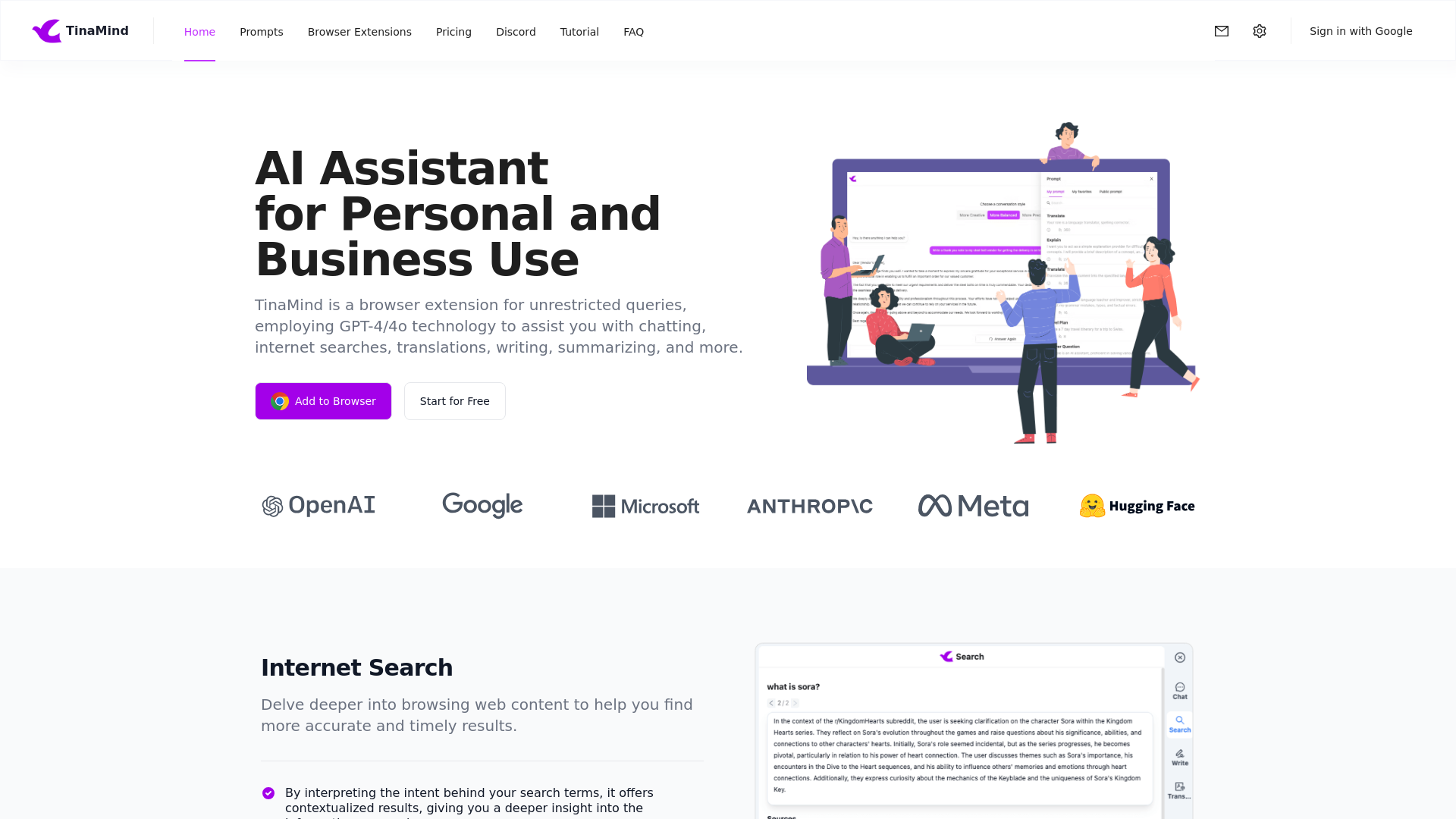
TinaMind is an AI-powered browser extension designed to enhance your browsing experience by utilizing advanced GPT-4/4o technology. It empowers users to perform unrestricted queries for chatting, internet searches, translations, writing, summarizing, and much more. With TinaMind, you can streamline various tasks seamlessly, making it an essential assistant for personal and business use.
What are the main features of TinaMind?
-
Intelligent Internet Search: Explore web content more deeply with contextualized results that interpret the intent behind your search terms, providing accurate and timely information.
-
Shortcuts Management: Create, modify, and sort custom shortcuts based on your usage habits, allowing for quick processing of selected text from any webpage.
-
Chat Docs: Summarize lengthy documents, explain complex topics, and extract key information quickly across multiple formats including .pdf, .docx, .pptx, and more.
-
Content Writing: Develop high-quality content easily, with AI suggestions to enhance your writing style, alongside instant paraphrasing capabilities for emails, articles, and messages.
-
YouTube Summarizer: Generate concise summaries for YouTube videos, extract key information, and translate subtitles seamlessly.
-
Translation Tools: Access to high-quality translation results supporting numerous languages and correcting grammar intelligently to enhance communication effectiveness.
-
Personal Prompt Manager: Organize and manage prompts for easy access and reuse, catering to both personal and team needs.
How to use TinaMind?
Getting started with TinaMind is straightforward. Simply install the browser extension and create an account. Users can explore various features like chat, search, summarization, and translation without any limitations. For Best results, be sure to explore the settings to customize shortcuts and integrate them with popular platforms like ChatGPT, Bard, Bing, and Claude.
What is the pricing of TinaMind?
TinaMind offers a free trial for users to explore its features without needing a credit card. After the trial, users can choose affordable subscription plans based on their needs, enabling them to unlock even more advanced features and higher usage limits.
Helpful tips for using TinaMind:
-
Experiment with Prompts: Take advantage of the 800+ high-quality public prompts and develop your private prompts to maximize productivity.
-
Utilize Document Summarization: Use the Chat Docs feature to quickly comprehend lengthy documents, freeing up time for other tasks.
-
Save Frequently Used Shortcuts: Keep your frequently used shortcuts organized for quick access, which can significantly speed up your workflow.
-
Explore the Usage Guide: Familiarize yourself with the entire feature set by exploring the usage guide available within the extension.
Frequently Asked Questions
Can I trust TinaMind with my information?
Yes, TinaMind prioritizes user privacy and security. Your information is handled safely and will not be used for training purposes.
How many users currently utilize TinaMind?
TinaMind is trusted by over 100,000 users across 30+ countries, processing over 5 million tasks daily.
Is there a limit on translations or summaries?
No, there is no limit on the number of translations or summarizations you can perform using TinaMind.
How do I unsubscribe from TinaMind?
Users can easily manage their subscription preferences within their account settings.
What can I gain from using TinaMind in my daily tasks?
TinaMind enhances efficiency in work and study by providing quick access to information, content creation, and effective communication tools.