IT Incident Management Made Easy
Resolve incidents faster. Real-time alerting. Mobile apps for iOS and Android. On-call scheduling and escalation policies for tech teams.
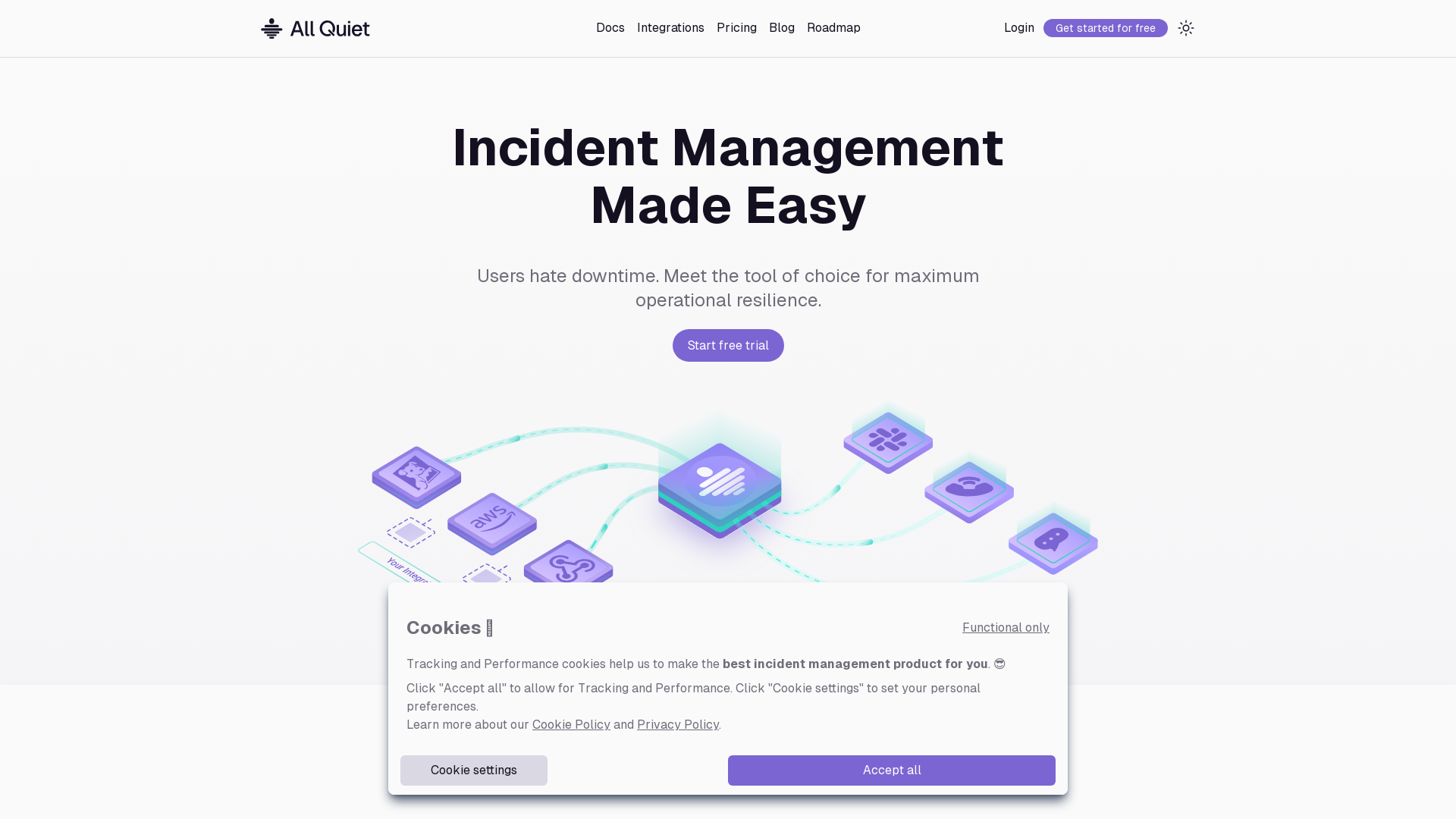
What is All Quiet?
All Quiet is an intuitive incident management platform designed to help tech teams maximize operational resilience by minimizing downtime. This tool allows users to manage incidents efficiently with streamlined alerts, integrations, and escalation policies. Built with simplicity in mind, All Quiet facilitates quick setup and offers powerful features to keep systems running smoothly.
Main Features of All Quiet
- Quick Setup
- Users can set up their incident management system within 15 minutes using over 20 built-in integrations or custom webhooks.
- On-Call Scheduling
- All Quiet allows teams to create flexible on-call escalation schedules to ensure the right people are notified at the right time.
- Real-Time Alerts
- The platform supports push notifications, SMS, and email alerts to ensure that incidents are reported and resolved promptly.
- Custom Mapping Engine
- Create incidents from any data source with customized incident mapping using a simple API.
How to Use All Quiet
Getting started with All Quiet involves:
- Setting Up Integrations: Choose from a variety of built-in integrations or create your custom integration using webhooks.
- Configuring On-Call Escalations: Set up your on-call schedules that can cater to different rotations and tiers.
- Monitoring Incidents: Use mobile apps or integrations to receive real-time alerts and notifications, enabling your team to act swiftly.
- Manage via Terraform: Developers can set up and manage resources directly via Terraform for increased control.
Pricing
All Quiet offers transparent pricing plans starting from $4.99 per user per month. The pricing structure offers:
- Pro and Enterprise Plans
- With more complex and customized solutions available.
- No User Limits
- Unlimited escalation policies, notification policies, and routing rules across all plans, providing maximum value without artificial restrictions.
Helpful Tips
- Utilize Webhooks Efficiently
- To fully leverage the capabilities of All Quiet, set up webhooks for your alert systems to automatically create incidents.
- Optimize On-Call Schedules
- Regularly review and adjust on-call escalations to align with your team’s workflows and incident response times.
- Explore Integrations
- Take advantage of All Quiet’s extensive integration library to connect various tools your team uses for a cohesive incident management experience.
Frequently Asked Questions
Can I customize my incident management setup in All Quiet?
Yes, All Quiet provides several options for customization, including custom integrations via webhooks and flexible on-call schedules.
What types of notifications can I send?
You can send alerts via mobile app notifications, SMS, emails, and even phone calls to ensure your team is always informed.
Is there a trial available for All Quiet?
Yes, All Quiet offers a free trial to let you explore its features and functionality before committing to a subscription.
What support options are available?
All Quiet provides responsive customer support, allowing you to get help with setup questions, integrations, or any other inquiries you may have.
How does All Quiet ensure data privacy?
All Quiet takes user privacy seriously and adheres to stringent protocols to protect your data. You can delete your account anytime, ensuring all your data is permanently removed.
IT Incident Management Made Easy
Resolve incidents faster. Real-time alerting. Mobile apps for iOS and Android. On-call scheduling and escalation policies for tech teams.
 Google Analytics
Free AI anime and manga generator. Turn text into anime episodes, manga, comics, webtoons and comic shorts in any art style — no drawing or animation skills needed.
Translate image text across 70+ languages with our advanced AI Image Translator to help you better expand your products globally to various countries
Advertised Here
Reach thousands of visitors daily. Get your spot now!
Tools similar to IT Incident Management Made Easy
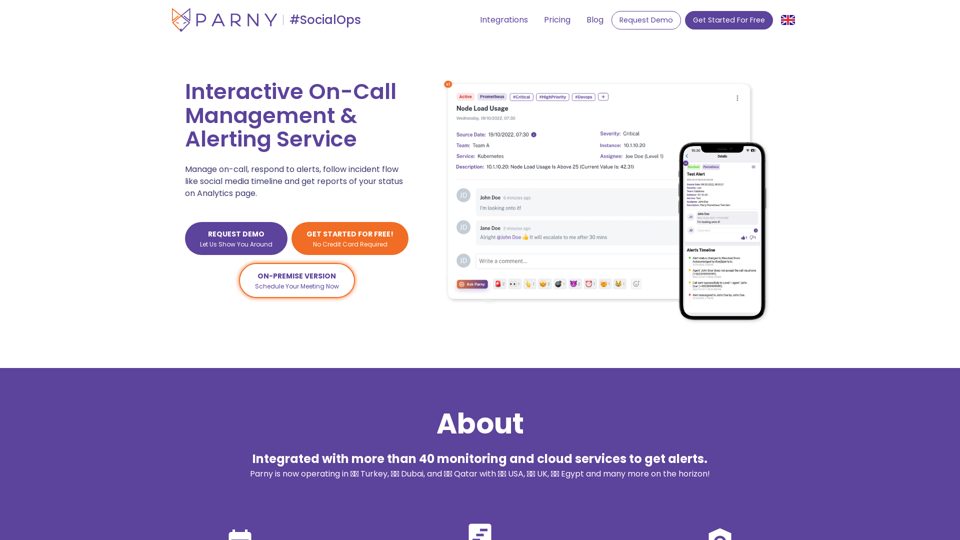
Interactive On-Call Management & Alerting Service. Get notified at the right time and enjoy the alert management process as a team.
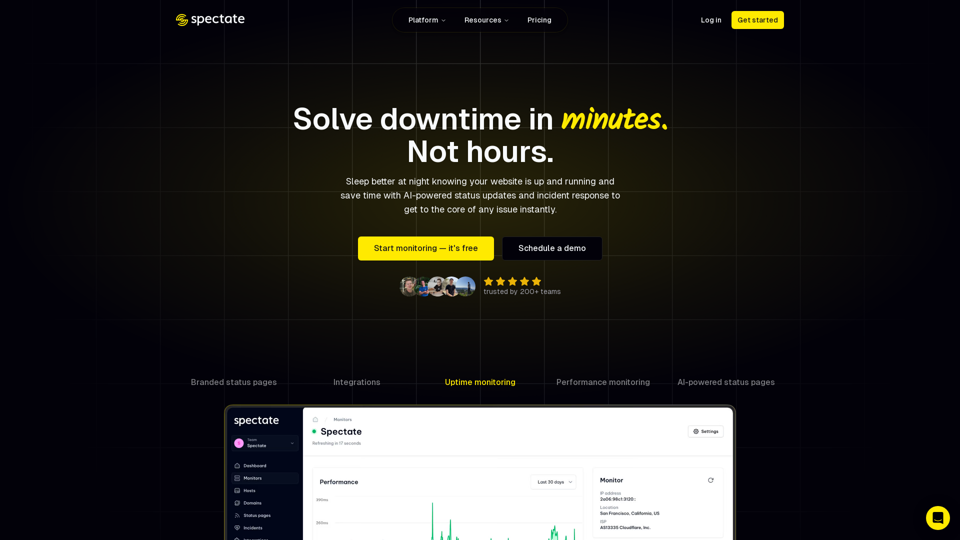
Simplify website & server monitoring and incident management with AI-driven status updates and fast resolutions. Try for free today.
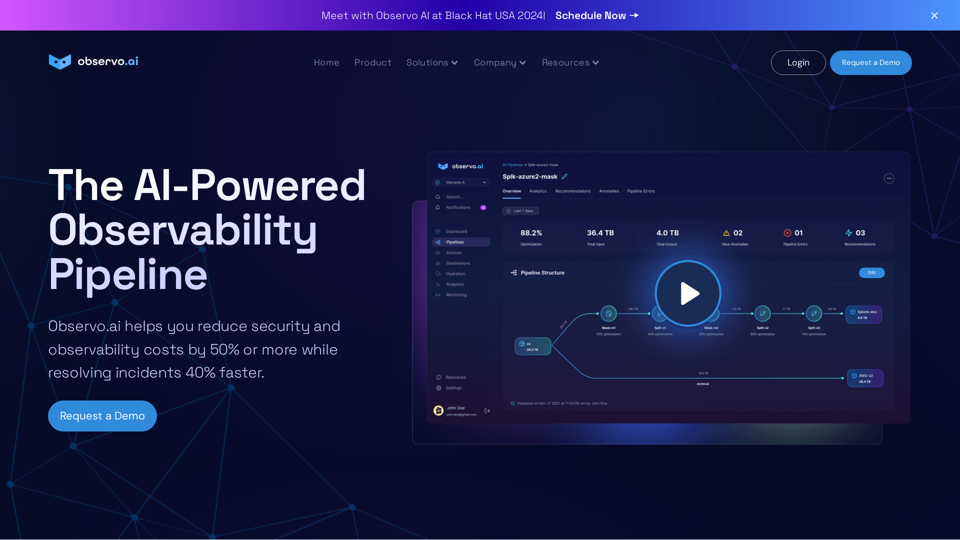
Using AI/ML, Observo.ai elevates observability and helps you reduce security and observability costs by 50% or more while resolving incidents 40% faster
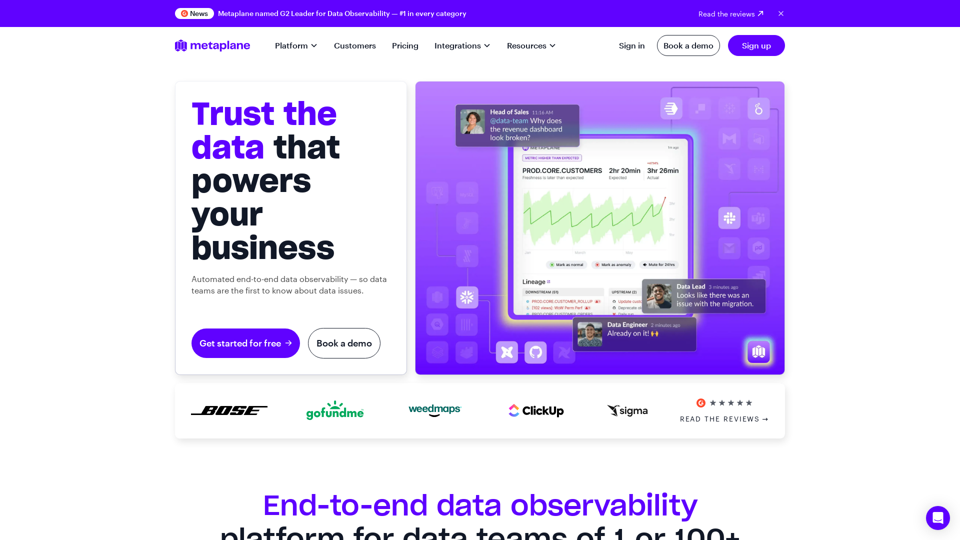
Metaplane is a data observability platform that helps data teams know when things break, what went wrong, and how to fix it.

Discover GeniePM 2024, the cutting-edge project management tool designed to enhance team efficiency. With GeniePM, streamline your user story creation, bug tracking, and task management processes, all in one intuitive platform. Perfect for startups and agile teams looking to optimize their project workflows and achieve better outcomes.
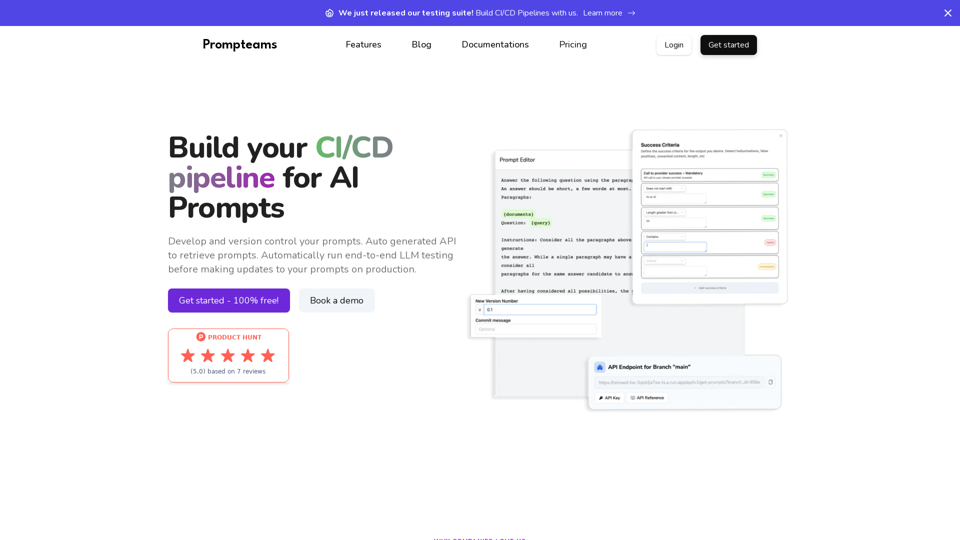
Manage your AI Prompts, playground, testing LLM, version control, and auto-generated APIs for smooth integration with working in teams
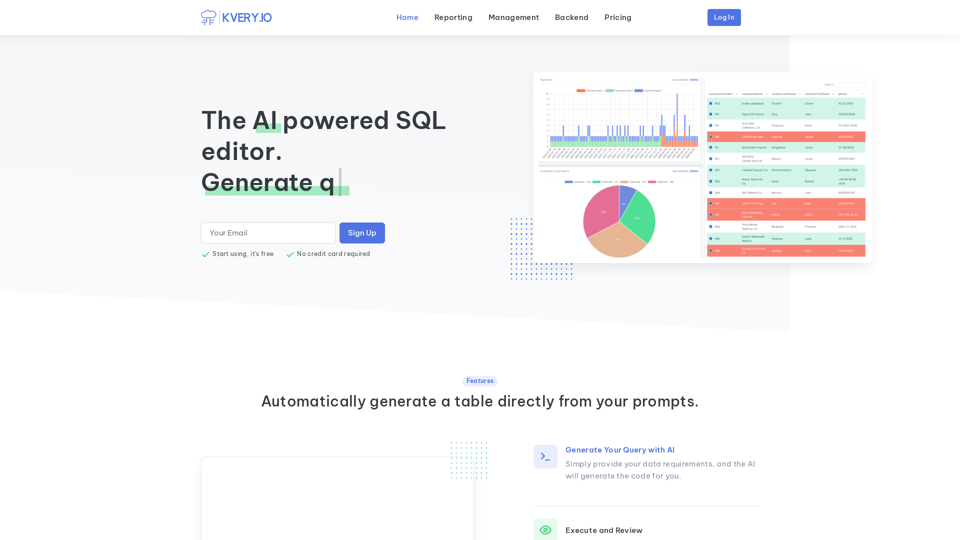
Transform your database management experience with an admin interface built in a few clicks. Simplify API-driven database control and effortlessly generate BI reports. Accelerate software development with APIs and admin interfaces developed 10 times faster. Easily schedule SQL jobs for seamless automation.
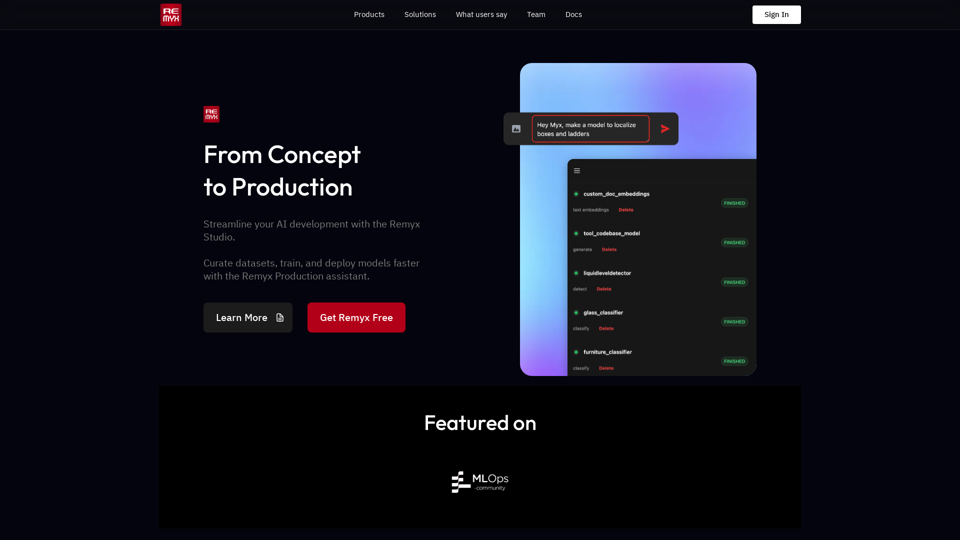
Remyx AI is a platform to quickly customize vision models with ease.