Home
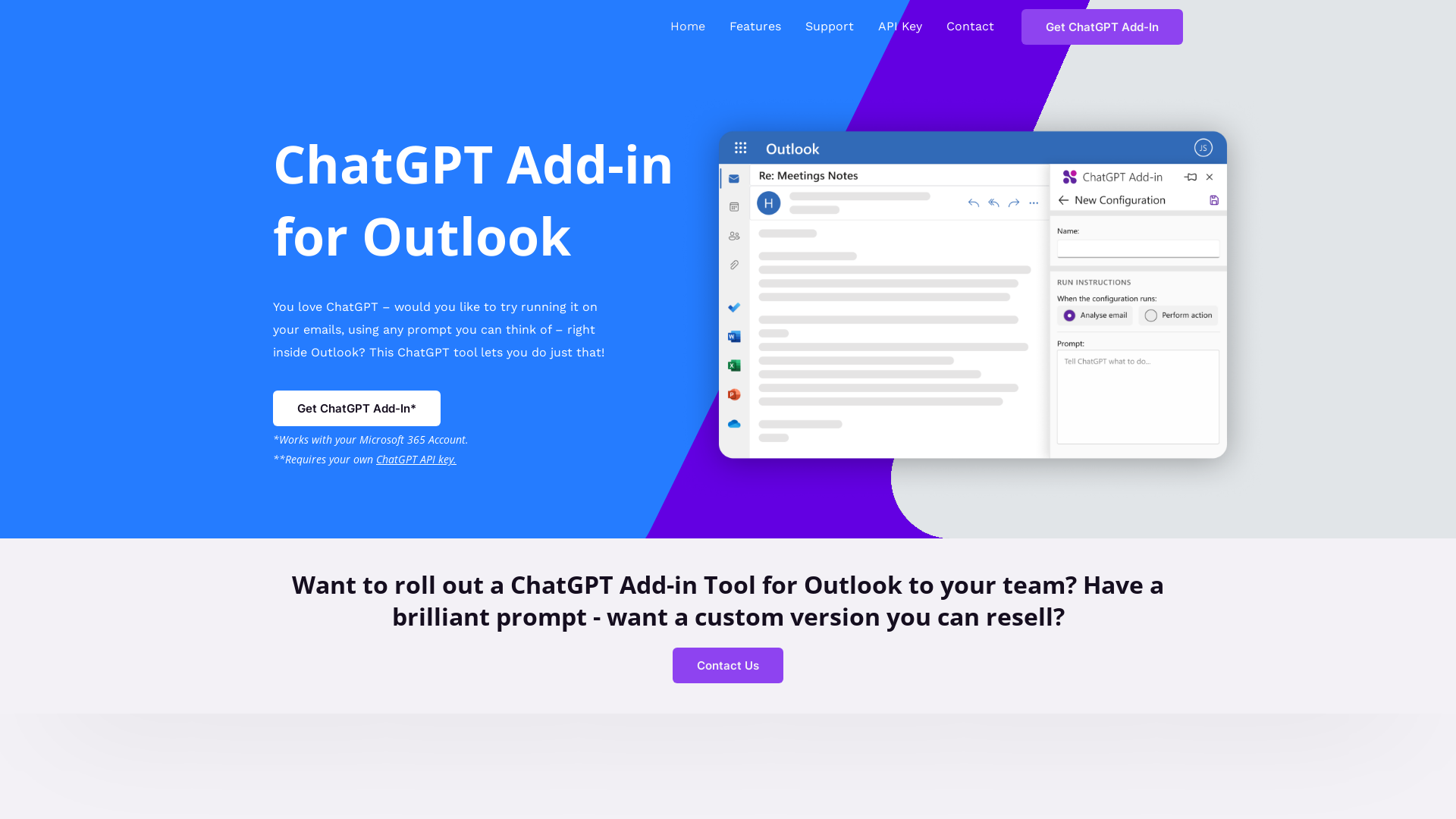
Love ChatGPT? Run it on messages in your Inbox, or while composing a new email using our free ChatGPT Add-in for Outlook!
What is the ChatGPT Add-in for Outlook?
The ChatGPT Add-in for Outlook is a powerful tool that integrates the capabilities of ChatGPT directly into your email experience. By using this add-in, you can interact with ChatGPT on your emails and harness AI to enhance your productivity, streamline communication, and improve email management.
What are the main features of the ChatGPT Add-in for Outlook?
- Custom Prompt Creation
- Users can create personalized prompts to instruct ChatGPT in generating relevant content such as summaries or key highlights from emails.
- Selective Email Processing
- The add-in allows users to process entire emails or focus on specific sections, like the body, subject, or attachments, enabling targeted information retrieval.
- Comparative Output Display
- Results generated by ChatGPT can be displayed in a separate window, allowing users to easily compare with the original email before making any changes.
- Automatic Importance Updates
- The add-in can automatically flag emails based on generated outputs, ensuring that important messages are prioritized.
- Multiple Configuration Management
- Users can set up various configurations tailored to different emails or scenarios, including specific conditions and prompts for diverse needs.
How to use the ChatGPT Add-in for Outlook?
To leverage the ChatGPT Add-in for Outlook, first, make sure you have a Microsoft 365 account and your own ChatGPT API key. Once these requirements are met, you can install the add-in and begin crafting custom prompts to run ChatGPT directly within your Outlook interface, whether on existing emails or while composing new messages.
What is the price of the ChatGPT Add-in for Outlook?
The price for a custom version of the ChatGPT Outlook Add-in starts at a fixed rate of £4,000. This includes the development of a tailored add-in featuring your unique prompts, which can then be resold to unlimited users or used to enhance your own business operations.
Helpful Tips for Using the ChatGPT Add-in for Outlook
- Experiment with Prompts
- Try different prompts to see how ChatGPT responds. Fine-tuning your input can lead to more relevant and tailored outputs.
- Integrate with Other Tools
- Combine the add-in with other Outlook features to maximize its utility, such as using calendar appointments for follow-ups based on email discussions.
- Train Your Team
- If using this tool for a group, offer training sessions to help your team understand how to best utilize the add-in for their tasks.
Frequently Asked Questions
Can I use the add-in without a ChatGPT API key?
No, having your own ChatGPT API key is a requirement to utilize the ChatGPT Add-in for Outlook.
Is there a limit to how many times I can use the add-in?
While there is no specific limit imposed on the use of the add-in, bear in mind that usage may be impacted by your subscription agreements with Microsoft and OpenAI.
What if I want a custom add-in for my business?
Blueberry Consultants offers a service to create a bespoke version of the ChatGPT Outlook Add-in featuring your specific prompts, which you can then resell or use internally.
How do I get support for the ChatGPT Add-in?
For support, you can reach out to Blueberry Consultants directly. They provide assistance for users needing help with the add-in's features or integration issues.
Home
Love ChatGPT? Run it on messages in your Inbox, or while composing a new email using our free ChatGPT Add-in for Outlook!
 Elementor:3.35.5
 MySQL
MySQL Nginx:1.18.0
 PHP
PHP Ubuntu
 WP Rocket
 WordPress
 jQuery
Free AI anime and manga generator. Turn text into anime episodes, manga, comics, webtoons and comic shorts in any art style — no drawing or animation skills needed.
Translate image text across 70+ languages with our advanced AI Image Translator to help you better expand your products globally to various countries
Advertised Here
Reach thousands of visitors daily. Get your spot now!
Tools similar to Home
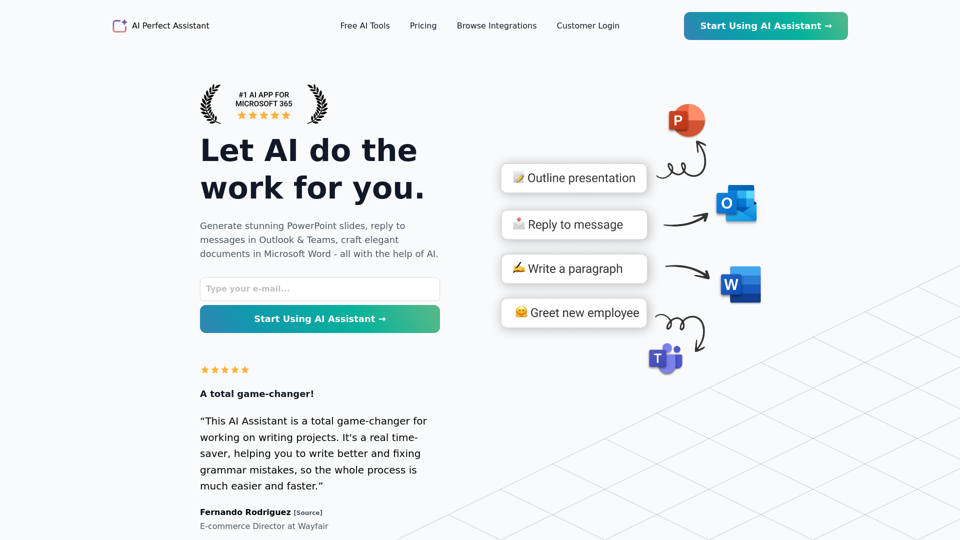
Generate stunning PowerPoint slides, reply to messages in Outlook & Teams, craft elegant documents in Microsoft Word - all with the help of AI.
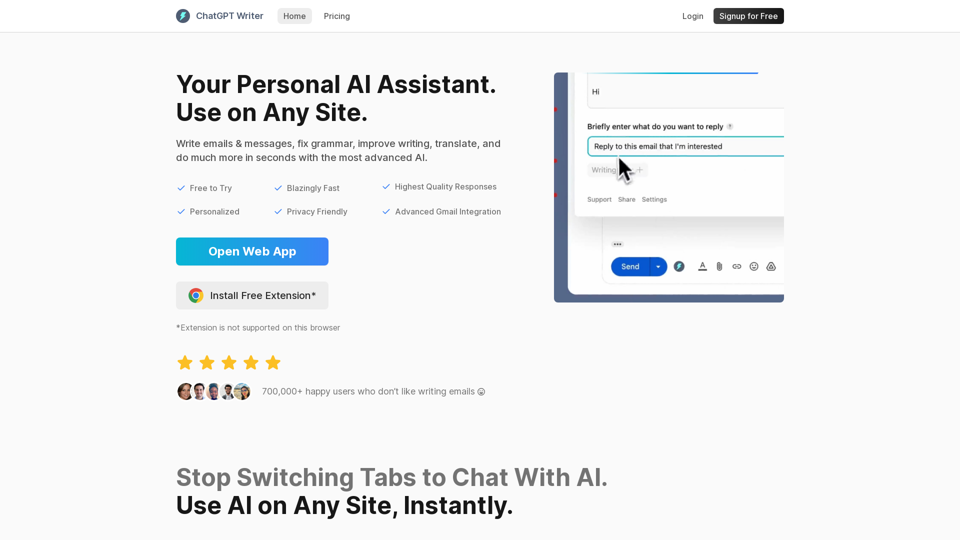
Write emails & messages, fix grammar mistakes, rephrase text, change writing tone, summarize text, and much more using ChatGPT AI. Works on all sites. Free to use.
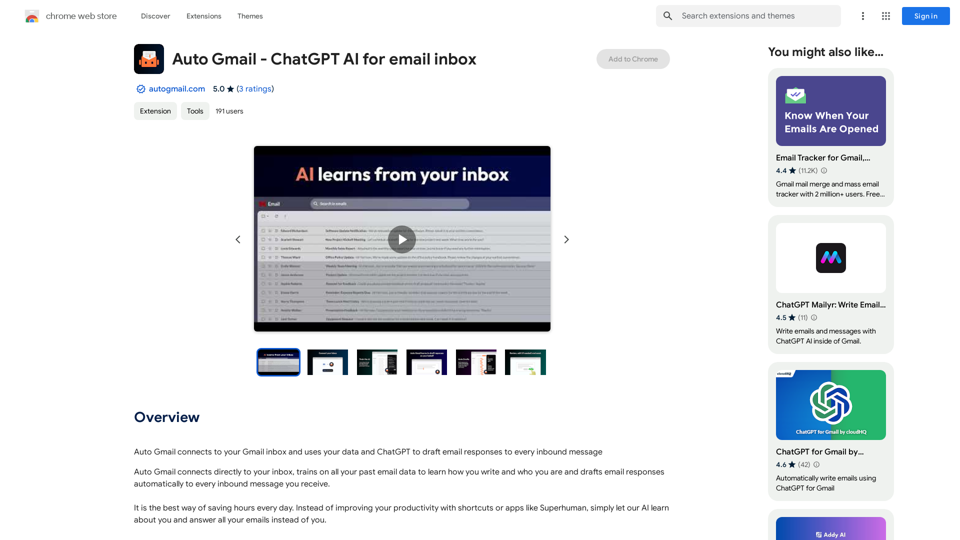
Auto Gmail connects to your Gmail inbox and uses your data and ChatGPT to draft email responses to every inbound message