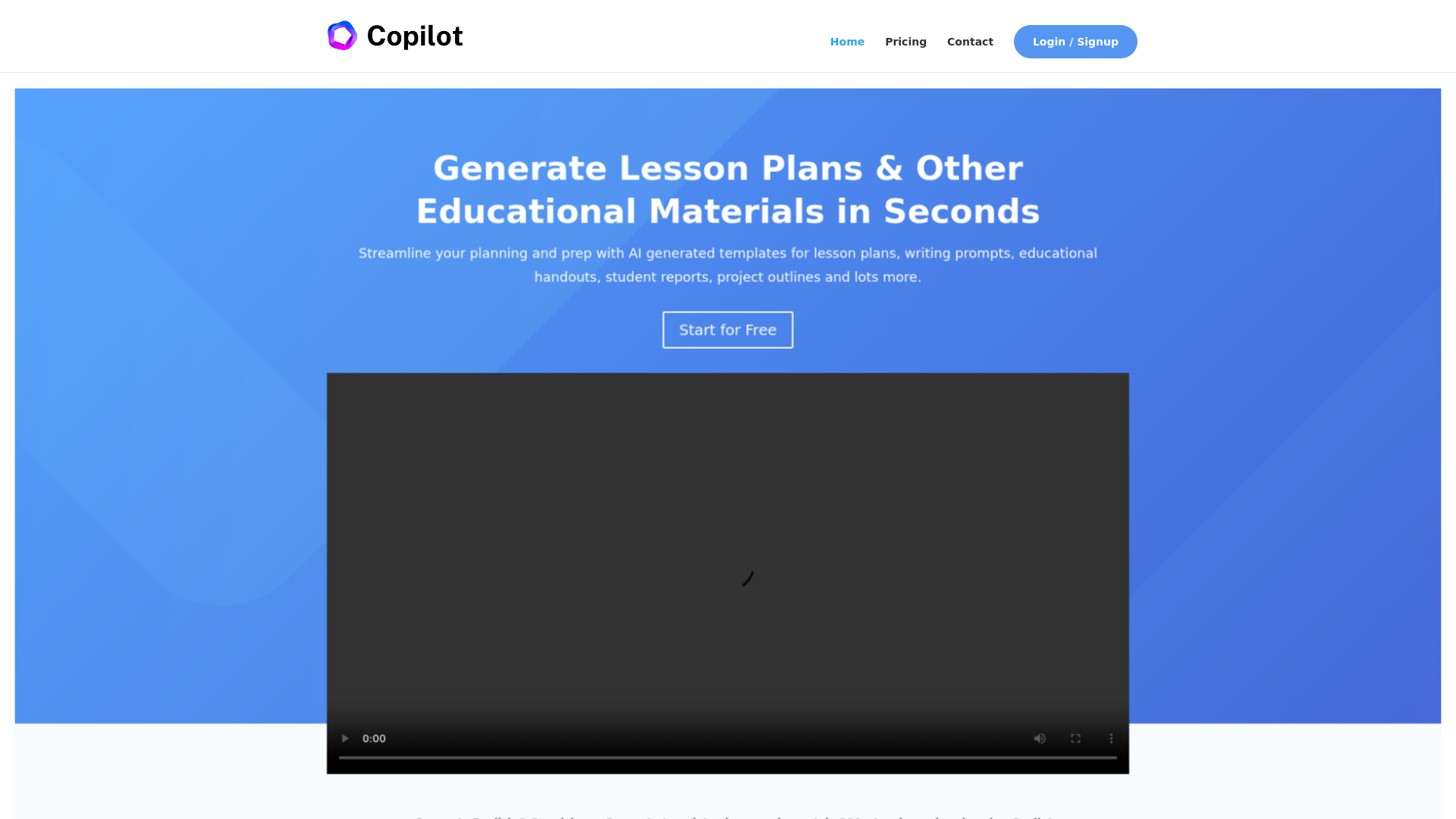
What is AI Lesson Planner - Education Copilot?
AI Lesson Planner, also known as Education Copilot, is an innovative platform powered by artificial intelligence designed to assist educators in creating lesson plans and educational materials swiftly. With this tool, users can generate a variety of resources such as lesson plans, writing prompts, educational handouts, student reports, and project outlines— all within seconds.
What are the main features of AI Lesson Planner?
- AI-Driven Lesson Planning
- Generates quality, structured lesson plans suitable for any subject or concept instantly.
- Education Handouts
- Quickly create handouts that encompass essential information for specific topics or subject areas.
- Multiple Tool Offerings
- Offers over 10 different tools to help streamline educators' planning processes, with more tools continuously added based on user feedback.
- Bilingual Support
- Supports both English and Spanish, catering to a wider range of educators and students.
- Community Engagement
- Connect with over 200 fellow teachers already utilizing the platform to share ideas and resources.
How to use AI Lesson Planner?
Using the Education Copilot is straightforward:
- Sign up for a free account on the platform.
- Navigate to the lesson planning tool or any other feature of your choice.
- Input the necessary details such as subject, grade level, or specific topics.
- Generate the required educational materials with just a click and customize them to better fit your classroom needs.
What is the pricing structure for AI Lesson Planner?
Education Copilot offers a free trial allowing educators to explore its features without initial commitment. For those seeking extended use or additional resources, affordable subscription plans are available to meet various needs and budgets.
Helpful Tips for Using AI Lesson Planner
- Experiment with Templates
- Take advantage of the various templates available to understand how AI generates content relevant to your teaching style.
- Engage with the Community
- Connect with other users to share insights and get ideas on utilizing the platform more effectively.
- Feedback Loop
- Provide feedback to the development team about what features you’d like to see next—your input helps improve the platform for all educators.
- Regular Use
- Make it a habit to use the tool for all lesson planning; consistency can help you fully integrate it into your teaching strategy.
Frequently Asked Questions
Can I generate lesson plans in different languages using Education Copilot?
Yes, the platform supports both English and Spanish, allowing for bilingual lesson planning.
How quickly can I generate documents with AI Lesson Planner?
Most documents can be created in a matter of seconds, significantly reducing the time spent on lesson planning.
Are there any limits to the free trial?
While the free trial offers access to core features, subscription plans provide enhanced benefits and additional tools.
Is my data secure on Education Copilot?
Education Copilot prioritizes user privacy and employs measures to protect your personal information.
What types of materials can I create with AI Lesson Planner?
You can create lesson plans, educational handouts, writing prompts, student reports, project outlines, and much more with this AI-driven tool.
AI Lesson Planner
Generate AI lesson plans, PowerPoints, and more with Copilot! Use Copilot to breeze through your unit planning and material creation!
Free AI anime and manga generator. Turn text into anime episodes, manga, comics, webtoons and comic shorts in any art style — no drawing or animation skills needed.
Translate image text across 70+ languages with our advanced AI Image Translator to help you better expand your products globally to various countries
Advertised Here
Reach thousands of visitors daily. Get your spot now!
Tools similar to AI Lesson Planner
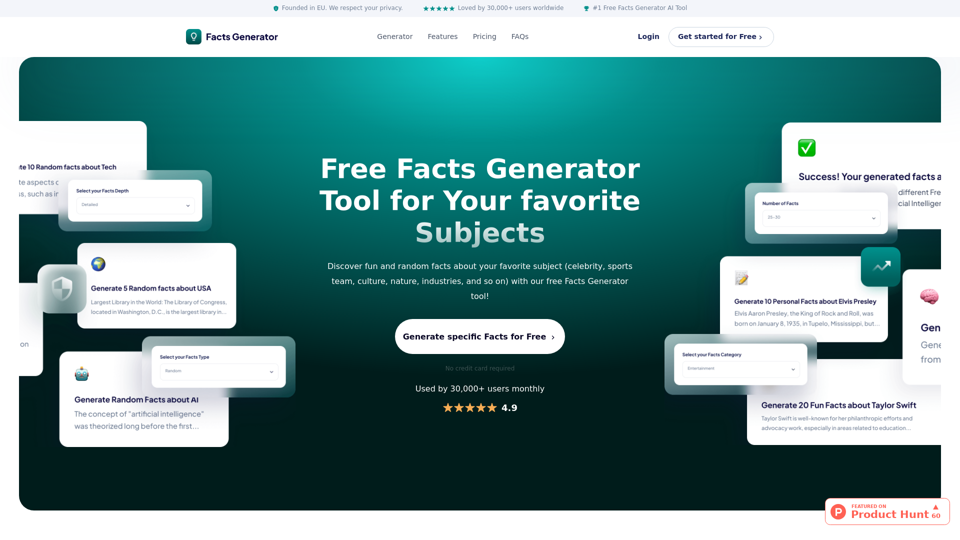
Discover fun and random facts about your favorite subject (celebrity, sports team, culture, nature, industries, and so on) with our free Facts Generator tool! Add your specific subject, click “Generate Facts” and discover awesome facts about your subject!
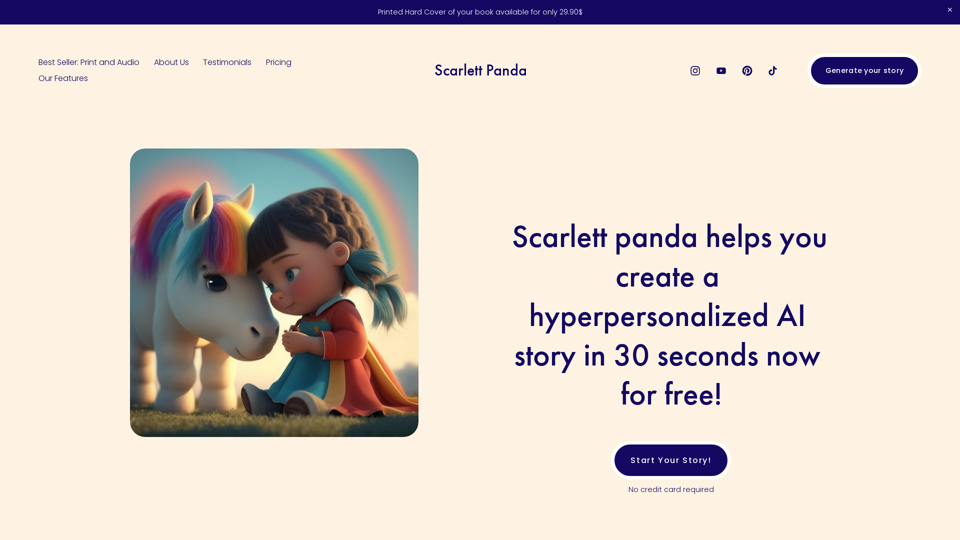
Scarlett Panda - use our magic to generate customized stories and educational content featuring your friends and family.
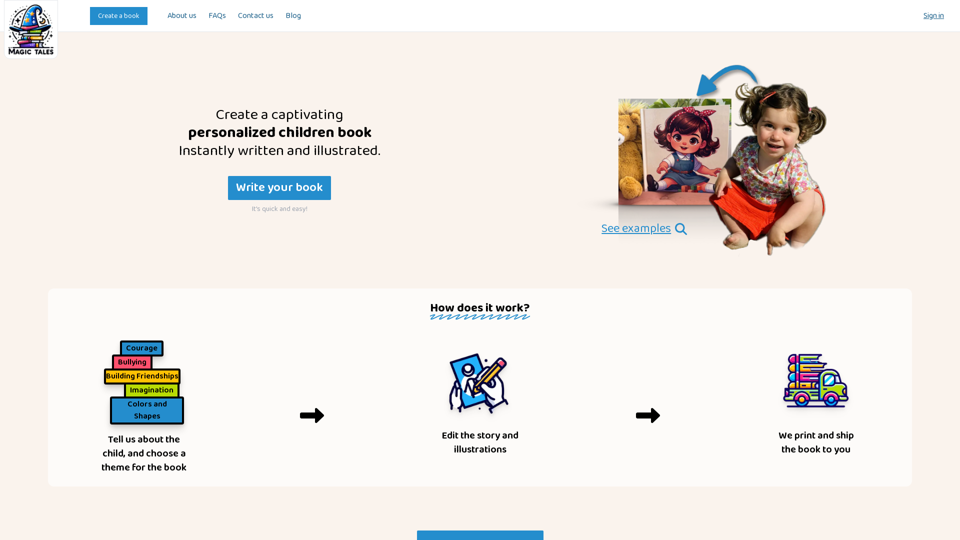
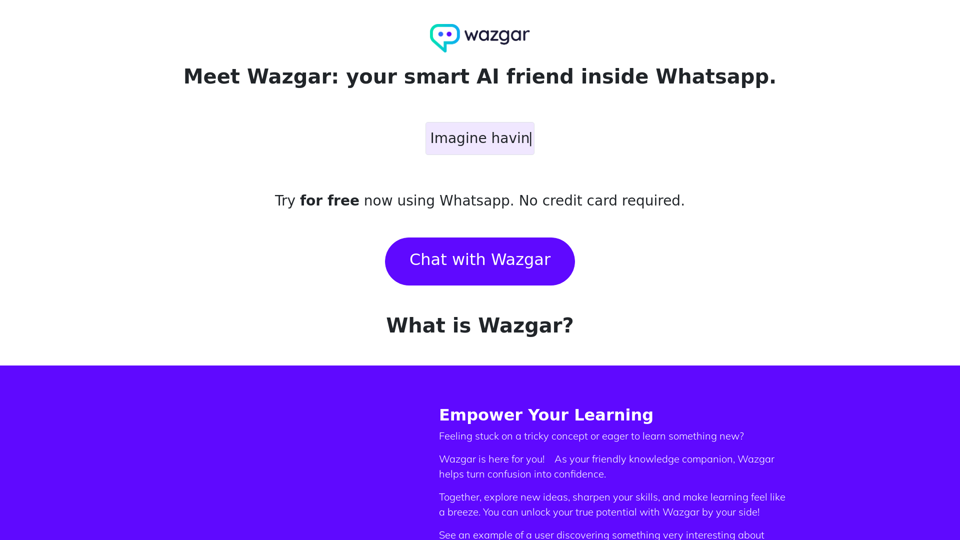
Wazgar is a AI assistant inside Whatsapp that can assist you at any time.
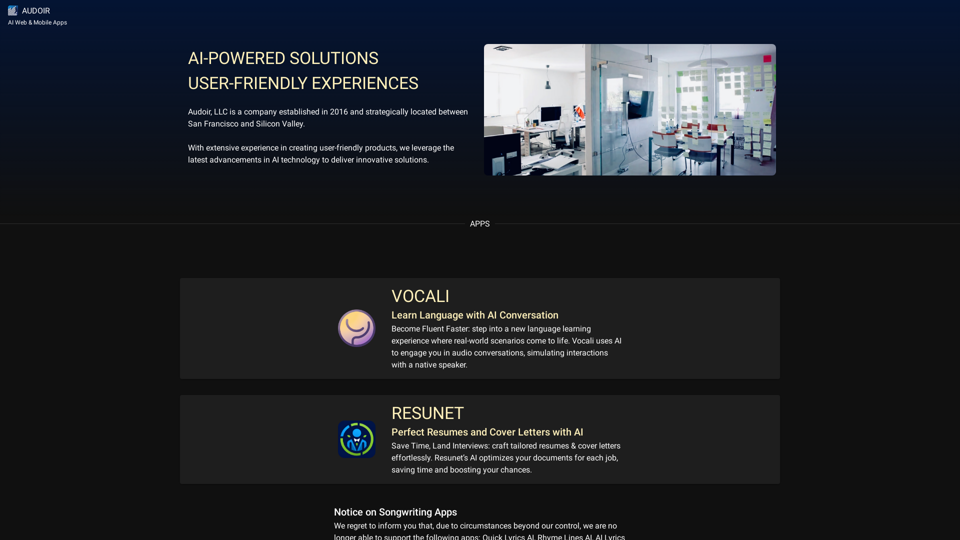
With extensive experience in creating user-friendly products, we leverage the latest advancements in AI technology to deliver innovative solutions.
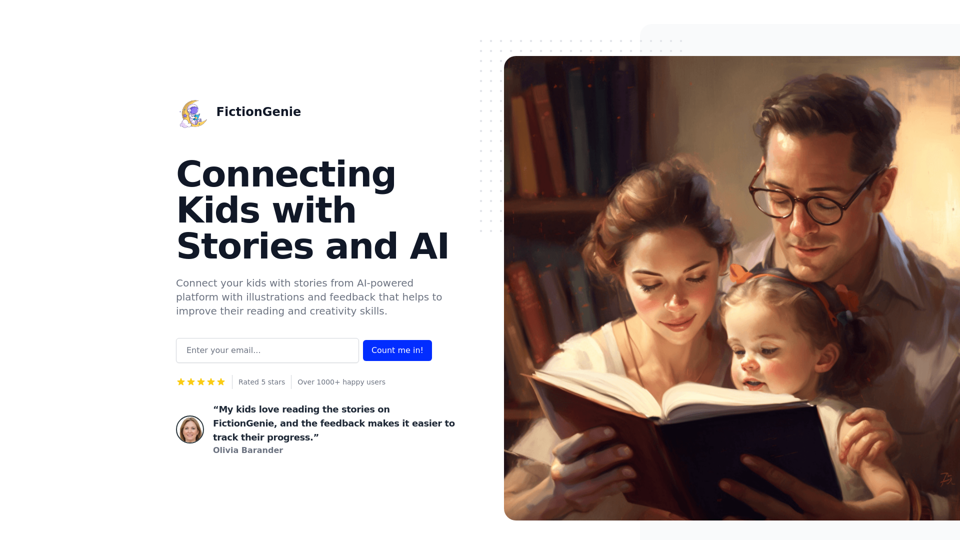
Textero AI Writer: Your ultimate copilot for flawless writing. Our AI-driven platform offers intelligent writing assistance, grammar correction, and style refinement for polished results.