SlideNotes
Transform your .pptx or .pdf presentations into easy-to-read notes with SlideNotes. Ideal for students and professionals seeking to boost productivity and efficiency!

What is SlideNotes?
SlideNotes is an innovative tool designed to effortlessly convert presentations and PDF documents into readable notes. By simply uploading your .pptx or .pdf files, you can obtain summarized notes that are easy to review and share, making studying and information retention more manageable.
Features of SlideNotes
- Automatic Conversion
- SlideNotes automatically identifies key words and phrases in your presentations and PDFs, summarizing them into concise bulleted notes.
- Supported Formats
- Currently, SlideNotes supports PowerPoint (.pptx) and PDF files, making it versatile for various document types.
- User-Friendly Interface
- The platform is easy to navigate, ensuring a smooth user experience for students and professionals alike.
- Application Across Sectors
- Whether for academic purposes or professional use, SlideNotes adapts to various needs, helping to make learning and note-taking more efficient.
How to Use SlideNotes
Using SlideNotes is simple and intuitive. Just upload your presentation or PDF file, and let the platform do the work. The notes generated can be accessed instantly, facilitating immediate review and study. This tool is particularly beneficial for students preparing for exams or for professionals who need to transform meeting slides into actionable notes quickly.
Pricing
SlideNotes offers flexible pricing plans to cater to both students and professionals. While basic services might be free, premium features or additional functionalities may require a subscription. Pricing information can typically be found on the SlideNotes website or by contacting their support team for inquiries.
Helpful Tips
- Optimize Your Documents
- Before uploading, ensure that your slides or PDFs are well-organized and clearly formatted, as this can enhance the note-taking process.
- Regular Use
- Make it a habit to use SlideNotes regularly for all your presentation needs to streamline your study and work efficiency.
- Share with Peers
- Use SlideNotes’ note-sharing feature to collaborate with classmates or colleagues, enhancing collective learning and productivity.
Frequently Asked Questions
What file formats does SlideNotes support?
SlideNotes currently supports PowerPoint (.pptx) and PDF file formats. Suggestions for additional formats can be made through customer support.
Is SlideNotes beneficial for students?
Absolutely! Designed with students in mind, SlideNotes simplifies the note-taking process, making it easier to prepare for tests and manage study materials efficiently.
Can SlideNotes help professionals?
Yes! SlideNotes is a practical tool for professionals, streamlining the process of converting detailed presentations into accessible notes, thereby enhancing productivity in the workplace.
How does SlideNotes ensure the quality of notes?
By focusing on identifying key points and summarizing information, SlideNotes guarantees that the notes produced are relevant and useful for both studying and professional contexts.
Is there customer support available?
Yes, SlideNotes provides customer support for users who have questions or need assistance navigating the platform.
SlideNotes
Transform your .pptx or .pdf presentations into easy-to-read notes with SlideNotes. Ideal for students and professionals seeking to boost productivity and efficiency!
 Amazon CloudFront
 Amazon S3
 Amazon Web Services
 HTTP/3
Free AI anime and manga generator. Turn text into anime episodes, manga, comics, webtoons and comic shorts in any art style — no drawing or animation skills needed.
Translate image text across 70+ languages with our advanced AI Image Translator to help you better expand your products globally to various countries
Advertised Here
Reach thousands of visitors daily. Get your spot now!
Tools similar to SlideNotes
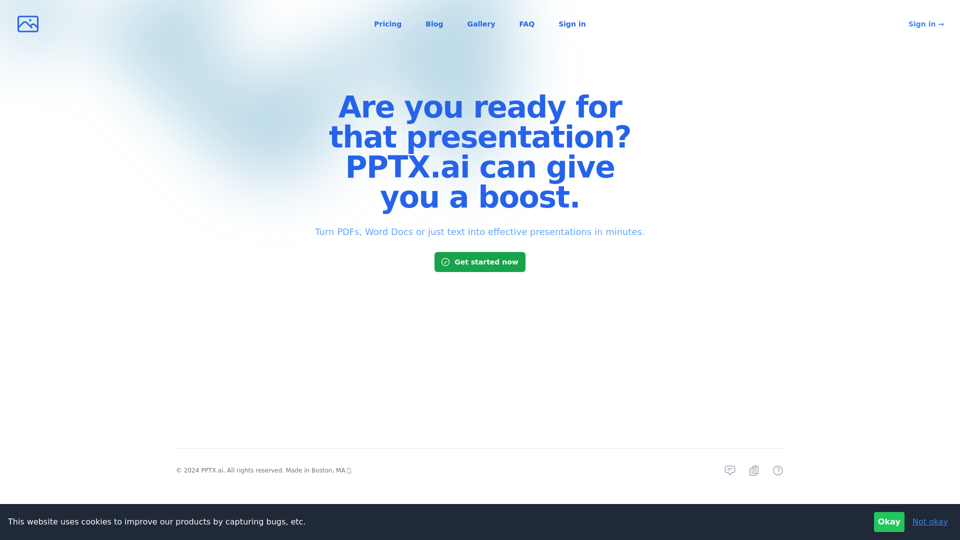
Get a running headstart with AI-powered presentations
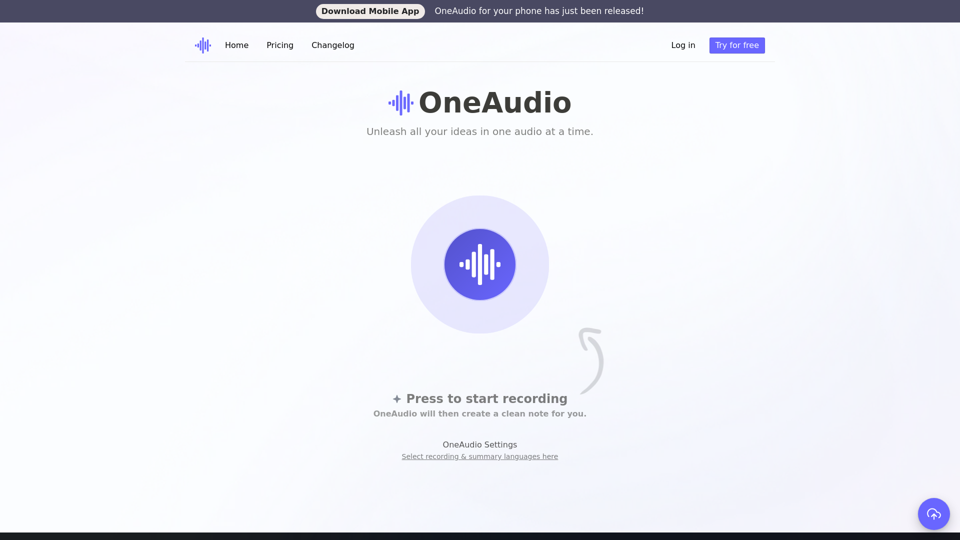
OneAudio converts your ideas into clean, easy to read & well-structured notes. You just have to think out loud, or upload a recording and we will assist you in creating a ready to share note.
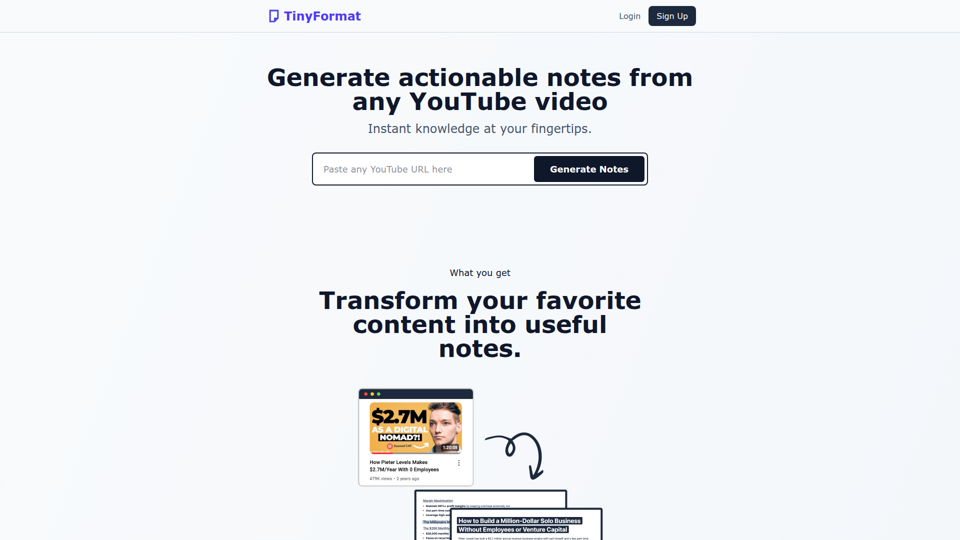
Transform hours of YouTube content into organized and actionable notes. Perfect for those who need information fast.
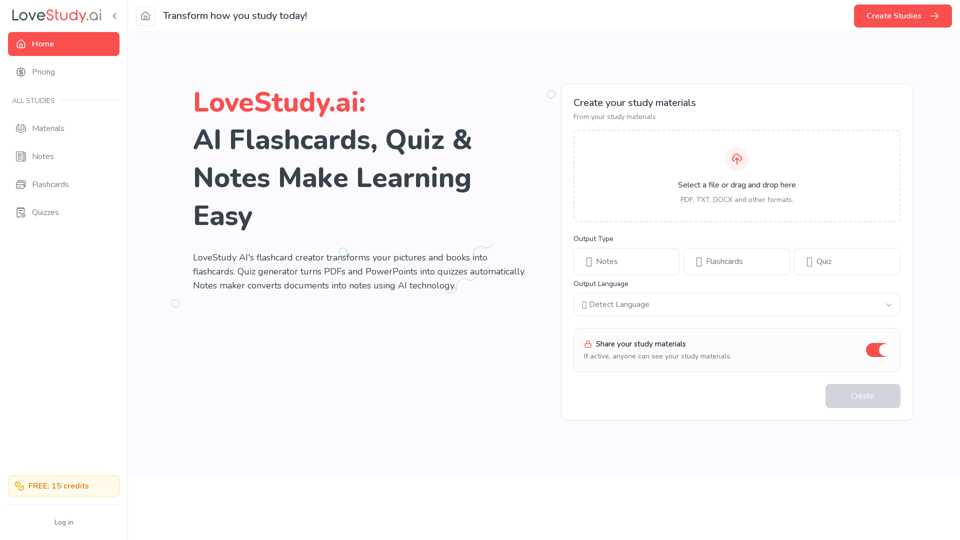
Create online flashcards, study quizzes and explore our notes taker with LoveStudy.ai! Boost learning efficiency quickly now. LoveStudy AI is your go-to.

NoteAI: Provides AI summary for YouTube videos/documents/websites/PDFs/DOCs/text/images, supports 3-second generation of multilingual knowledge cards, powered by top AI engines like ChatGPT, DeepSeek, and Gemini
Voxpad: The Best AI Notetaker for Converting Video and Audio into Detailed, Customizable Notes


Supercharge your lectures with AI With Meetingly, you can record, transcribe, summarize, and get the most out of your lectures on a single platform Get Started https://meetingly.co/wp-content/uploads/2024/02/Untitled-video-Made-with-Clipchamp.mp4 Do in 3 minutes what others do in 3 hours A smarter way to study. From recording lectures to transcription, summarization, and note taking. Everything you need to