Create Presentation Slides With AI in seconds with SlidesAI
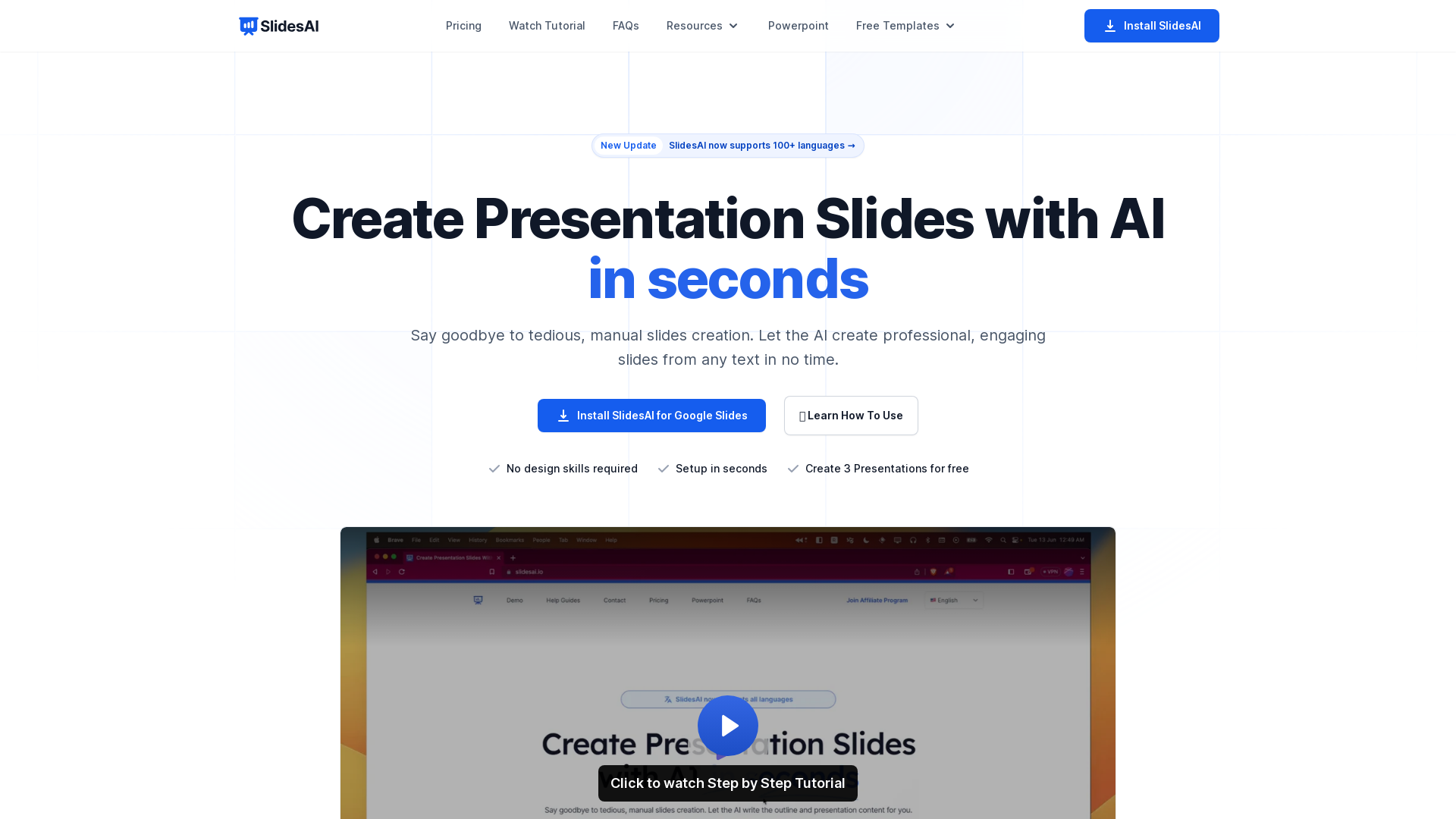
SlidesAI is an AI-Powered Text To Presentation Tool that summarizes and creates presentation slides from any piece of text.
What is SlidesAI?
SlidesAI is an innovative AI-powered tool designed to create presentation slides effortlessly and quickly. With just a few clicks, users can convert text or topics into professional, visually engaging presentations without any design skills. It takes the hassle out of manual slide creation, allowing you to focus on your content while the AI handles the format.
Features of SlidesAI
- Text to Presentation
- Simply paste your text, and SlidesAI will generate a complete presentation instantly.
- Topic to Presentation
- Provide a topic, and the AI generates slides for it, currently available to select users.
- Supports 100+ Languages
- This tool is accessible for users worldwide, providing translations in major languages, making it versatile for global use.
- Customization Options
- Users can tailor their presentations with various pre-designed color presets or create their custom look.
- AI-Enhanced Content
- Automatically generate subtitles, customize icons, and access a library of premium stock images.
- Export Slides as Video
- Transform your presentations into videos effortlessly (coming soon).
- Paraphrasing Capability
- Refine your sentences to produce unique and captivating content.
How to Use SlidesAI?
Using SlidesAI is simple and efficient:
- Add Your Text: Input your desired text directly or paste it into the tool.
- Customize Your Presentation: Choose from pre-designed layouts or create a custom design to fit your style.
- Generate Your Slides: Sit back as the AI works its magic to create a full presentation in under 2 minutes.
- Preview and Adjust: Review your presentation, make final tweaks, and you are ready to present!
Pricing
SlidesAI offers flexible pricing plans to cater to various user needs:
- Basic Plan
- Free for beginners with 3 presentations/month, 2500 character input/presentation, and 10 AI credits/month.
- Pro Plan
- Ideal for students and educators at $10/month, allowing 10 presentations/month, 6000 character input, and 50 AI credits.
- Premium Plan
- For professionals at $20/month with unlimited presentations, 12000 character input, and 100 AI credits.
Helpful Tips
- Use Keywords for Better Results
- When providing topics, use keywords to help the AI better understand and generate relevant presentations.
- Leverage Tutorials
- Watch tutorials to familiarize yourself with all features and maximize the benefits of the tool.
- Customer Support
- Don’t hesitate to reach out through the chat feature if you have questions or need assistance.
Frequently Asked Questions
Do I need a Google Workspace Account to use SlidesAI?
No, you can use a regular Gmail account to access SlidesAI. Just install it from the Google Workspace Marketplace.
How do I generate slides from Google Slides?
After installation, navigate to Extensions > SlidesAI.io > Generate Slides to start creating your presentations.
How can I cancel my subscription?
You can cancel your subscription anytime by visiting the 'Your Account' tab and following the provided instructions.
Is it possible to use SlidesAI without Google Slides?
Currently, SlidesAI works exclusively with Google Slides, but integration with Microsoft PowerPoint is under development.
How can I contact support if I have further questions?
You can send a message through the chat button located on the bottom right corner of the page for quick assistance.
Create stunning presentations in seconds with SlidesAI and simplify your presentation process significantly!
Create Presentation Slides With AI in seconds with SlidesAI
SlidesAI is an AI-Powered Text To Presentation Tool that summarizes and creates presentation slides from any piece of text.
 Cloudflare
 Google Tag Manager
 HTTP/3
Free AI anime and manga generator. Turn text into anime episodes, manga, comics, webtoons and comic shorts in any art style — no drawing or animation skills needed.
Translate image text across 70+ languages with our advanced AI Image Translator to help you better expand your products globally to various countries
Advertised Here
Reach thousands of visitors daily. Get your spot now!
Tools similar to Create Presentation Slides With AI in seconds with SlidesAI
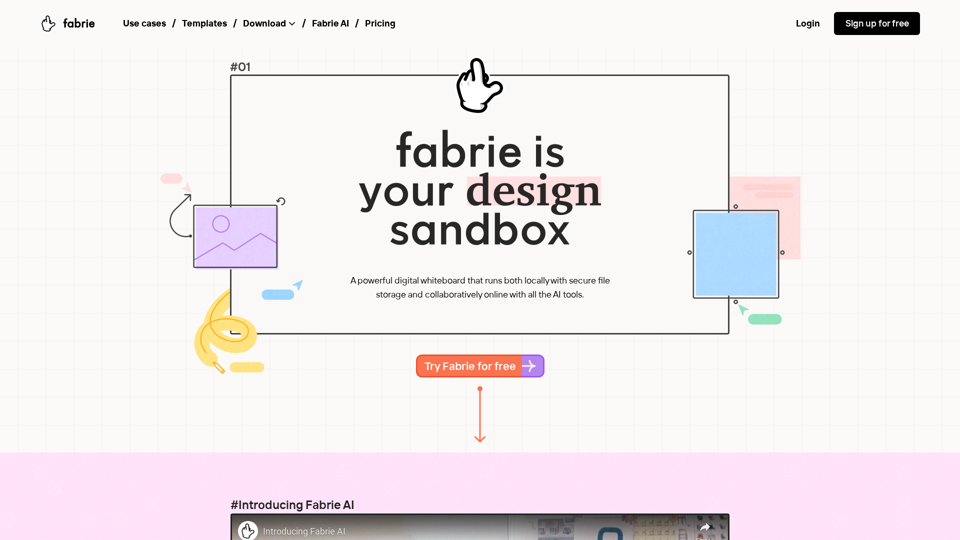
Fabrie: Designer's ultimate hub. Whiteboard, notes, mind maps, tables - collaborate effortlessly. AI-backed, from concept to archive.
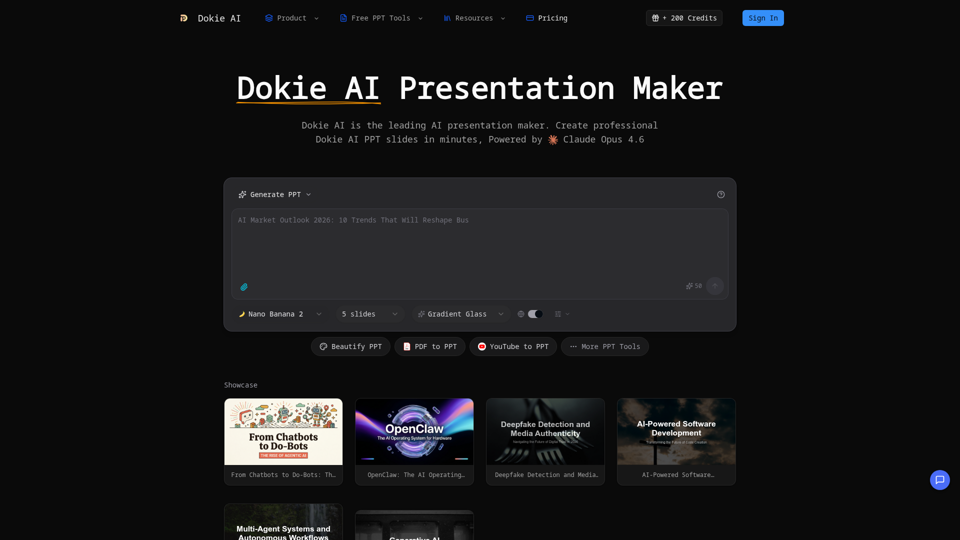
Create professional Dokie AI presentations in minutes. Dokie AI PPT generator transforms your ideas into polished slides with intelligent automation.
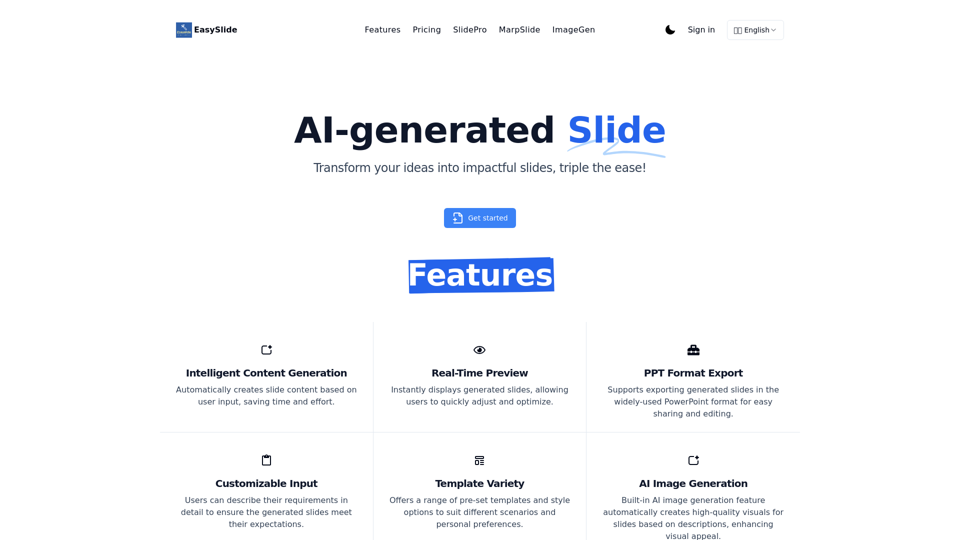
EasySlide: AI-powered tool that automatically generates professional slides from your requirements. Real-time preview and PPT export support.
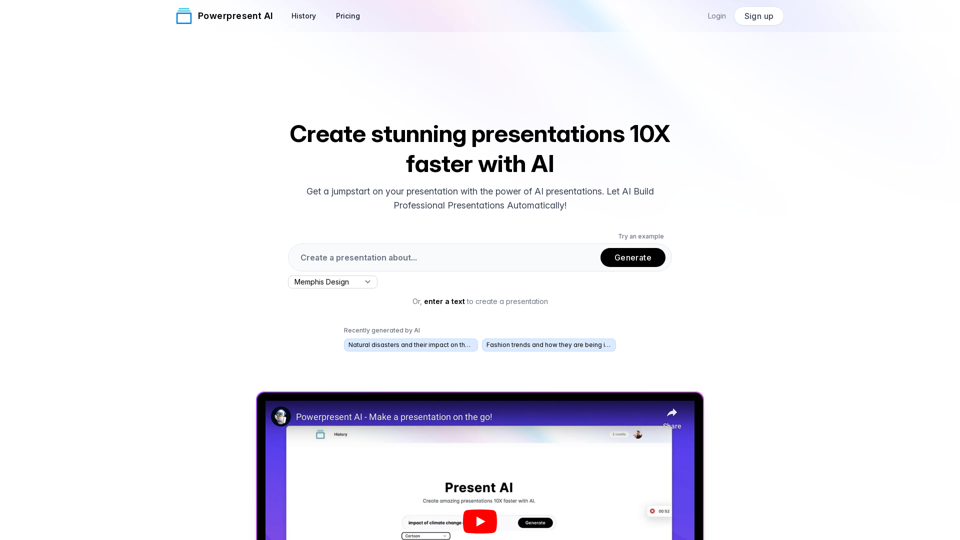
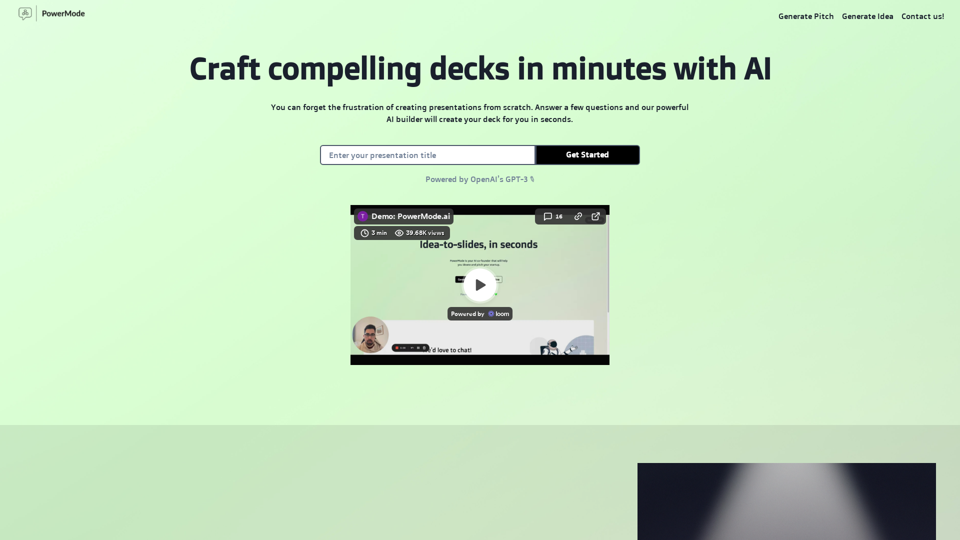
Create amazing presentations 10x faster with AI. Just enter a topic or some text and let Present AI do the rest.
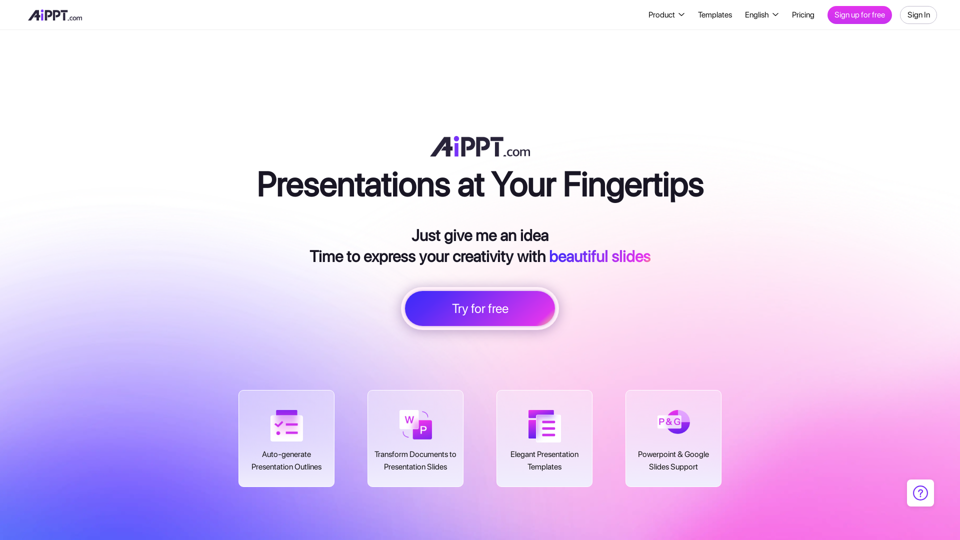
With our Design AI , every one of your PowerPoint & Slides will look professionally designed instantly. Start Your Free Trial !
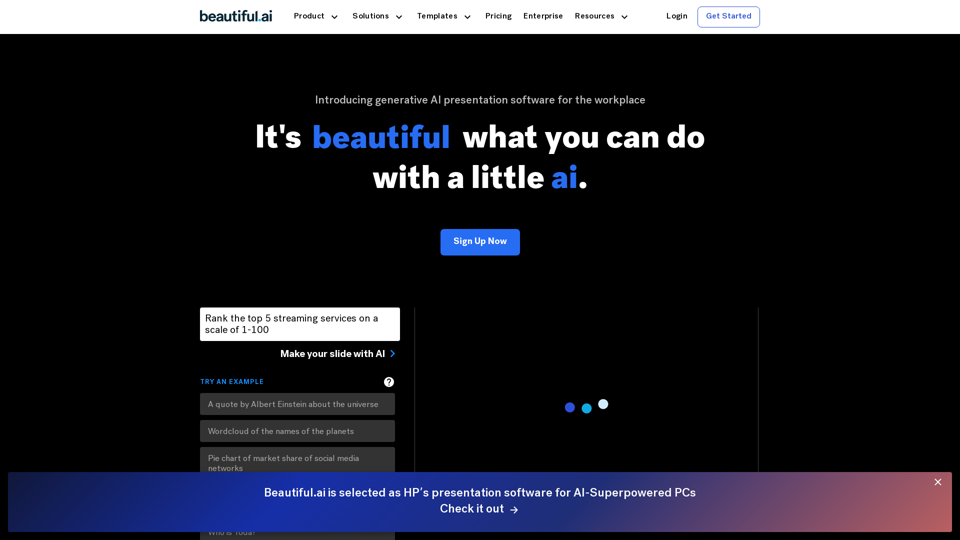
Beautiful.ai is the best AI-powered presentation software for teams. Stay on brand, level up and automate presentation design, and collaborate from anywhere.
Get a running headstart with AI-powered presentations