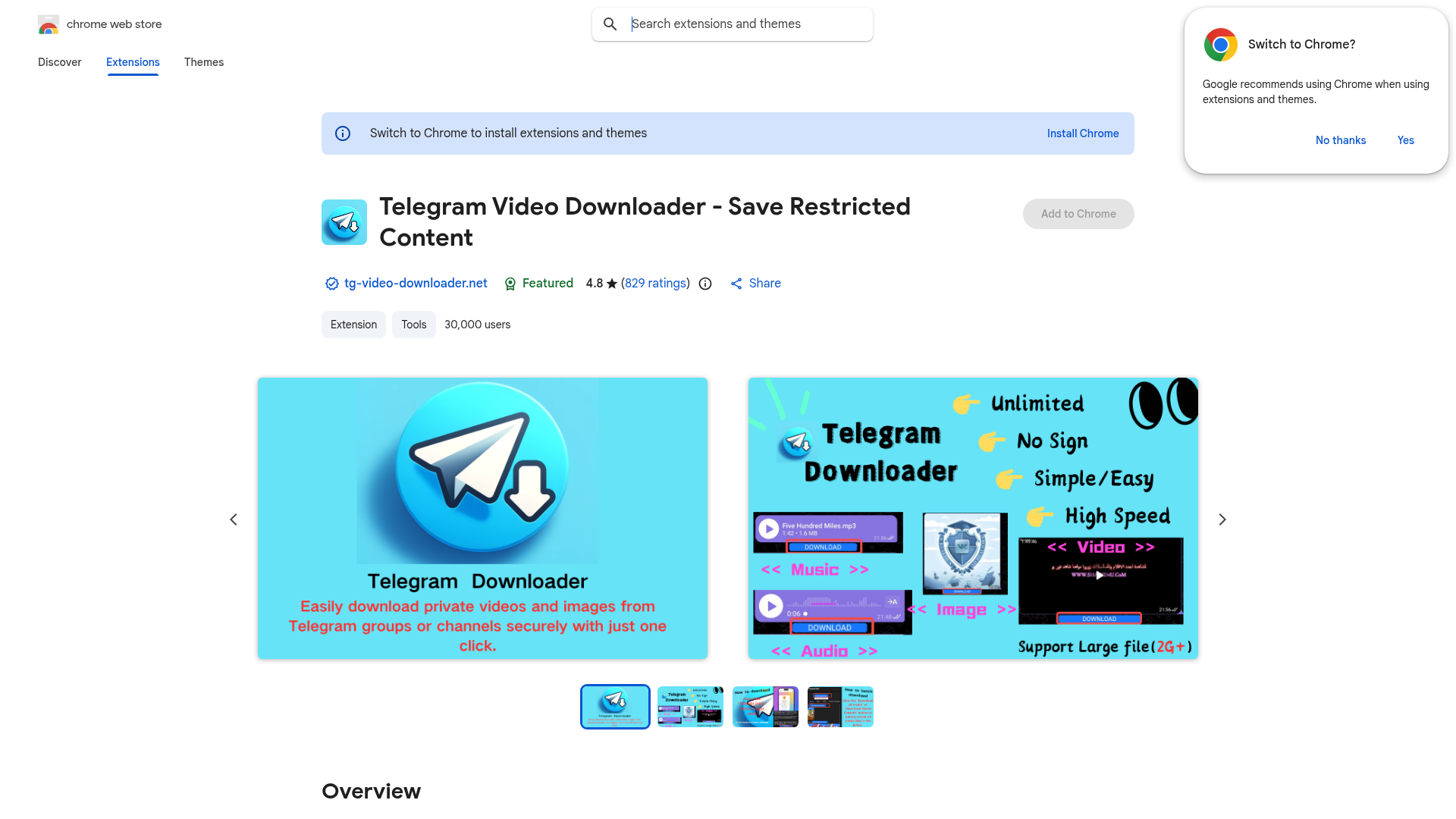
What is Telegram Video Downloader - Save Restricted Content?
Telegram Video Downloader - Save Restricted Content is a specialized Chrome extension designed to empower users to download videos directly from the Telegram web platform. Its primary function is to bypass Telegram's built-in restrictions that typically prevent the saving of certain content, such as videos from private channels, groups, or those marked as "restricted" by senders. This tool is particularly valuable for users who wish to archive educational materials, preserve memorable moments from chats, or access content offline, effectively removing the platform's limitations on video preservation.
What are the main features of Telegram Video Downloader - Save Restricted Content?
- Download Restricted Content
- The core feature is its ability to download videos that are otherwise restricted or not available for direct saving through Telegram's standard interface. This includes content from channels where saving is disabled.
- Simple One-Click Operation
- Once installed, the extension adds a clear download button directly on the Telegram web interface next to videos, making the process intuitive and fast.
- High-Quality Video Saving
- It allows users to save videos in their original quality as they appear on Telegram.
- User Privacy and Security
- The extension is created by the owner of the listed website, follows Chrome's recommended practices, and the publisher has a good record with no history of violations, ensuring a safe user experience.
- Free to Use
- The extension is completely free to add to Chrome and use.
How to use Telegram Video Downloader - Save Restricted Content?
- Install the Extension: Visit the Chrome Web Store page for "Telegram Video Downloader - Save Restricted Content" and click the "Add to Chrome" button to install it.
- Navigate to Telegram Web: Open web.telegram.org in your Chrome browser and log in to your account.
- Locate the Video: Go to any chat, group, or channel that contains a video you want to download.
- Click to Download: A download button will appear on or near the video player. Simply click it, and the video file will be saved to your computer.
Price
The Telegram Video Downloader - Save Restricted Content extension is ### free. There is no subscription fee or one-time purchase cost associated with downloading and using this tool.
Helpful Tips
- Ensure you are using the official Telegram web client (web.telegram.org) for the extension to work properly.
- Switch to Chrome to install extensions and themes
Install Chrome

Telegram Video Downloader - Save Restricted Content
Created by the owner of the listed website. The publisher has a good record with no history of violations. Learn more.
Follows recommended practices for Chrome extensions. Learn more.
Follows recommended practices for Chrome extensions. Learn more.
Featured
4.8( 829 ratings)
Ratings are updated daily and may not reflect the most recent reviews.
Share
Add to Chrome


Telegram ビデオダウンローダー
Telegramの非公開チャンネルや制限付きグループから動画をダウンロード。動画、写真、音楽の一括ダウンロードとチャットの即時エクスポート。
 Google Analytics
 HTTP/3
無料のAIアニメ・マンガジェネレーター。テキストをアニメエピソード、マンガ、コミック、ウェブトゥーン、ショートコミックに、どんなアートスタイルでも変換 — 絵を描くスキルやアニメーションの知識は不要です。
広告掲載中
毎日数千人の訪問者にリーチ。今すぐ枠を確保!
Telegram ビデオダウンローダー に似たツール
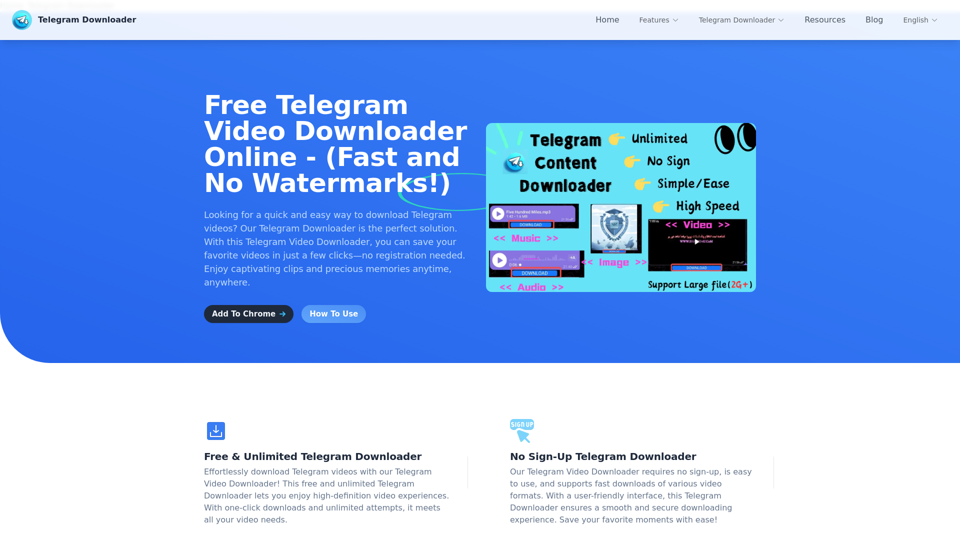
最高品質のTelegramビデオダウンローダー。Telegramチャンネルやグループから高画質の動画をダウンロード可能—透かしなし、サインアップ不要、制限なし。シームレスでユーザーフレンドリーなダウンロードを当社のTelegramダウンローダーでお楽しみください。今すぐ入手しましょう!
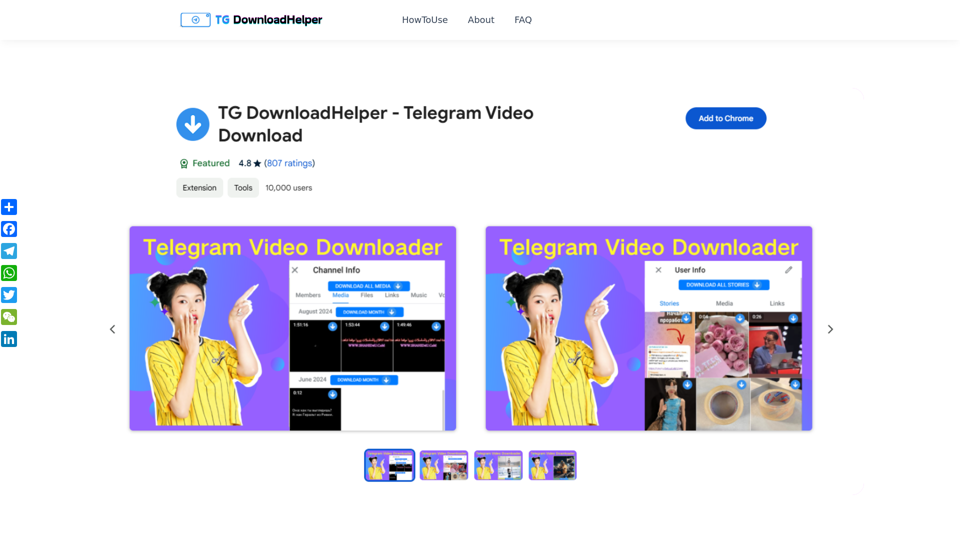
TG DownloadHelperは、Telegramグループやチャンネル、個人ストーリーからプライベートな動画や画像を簡単にダウンロードできます。操作はシンプルで、メディアコンテンツを容易に取得できます。

無料のオンラインYouTube動画ダウンローダーでYouTube動画を簡単にダウンロードできます。高速、安全、高品質のダウンロードを複数のフォーマットでお楽しみください。登録は不要です。お好きな動画を数秒で変換して保存しましょう!
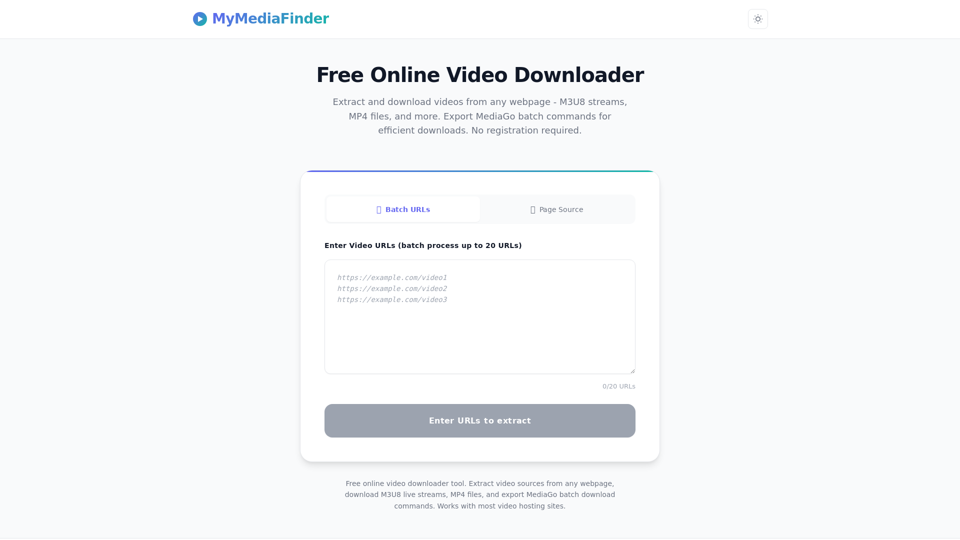
無料オンライン動画ダウンロード・抽出ツール。ウェブページから動画ソースを抽出、M3U8ストリームをダウンロード、複数URLを一括処理、MediaGoバッチコマンドを出力できます。登録不要です。
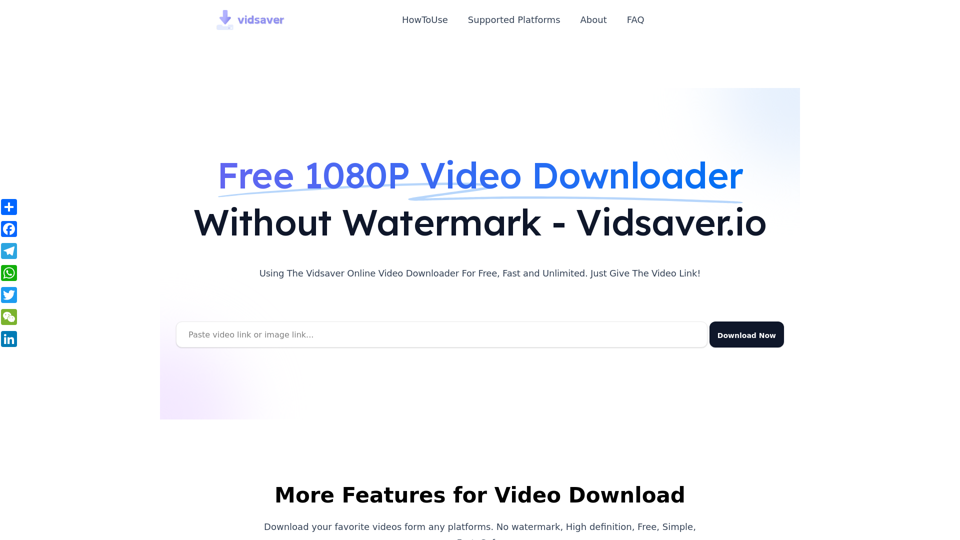
無料1080P動画ダウンローダー(透かしなし) – Vidsaver.ioで人気プラットフォームから8K、4K、HD動画を高画質で簡単にダウンロード。高速&透かしなし!
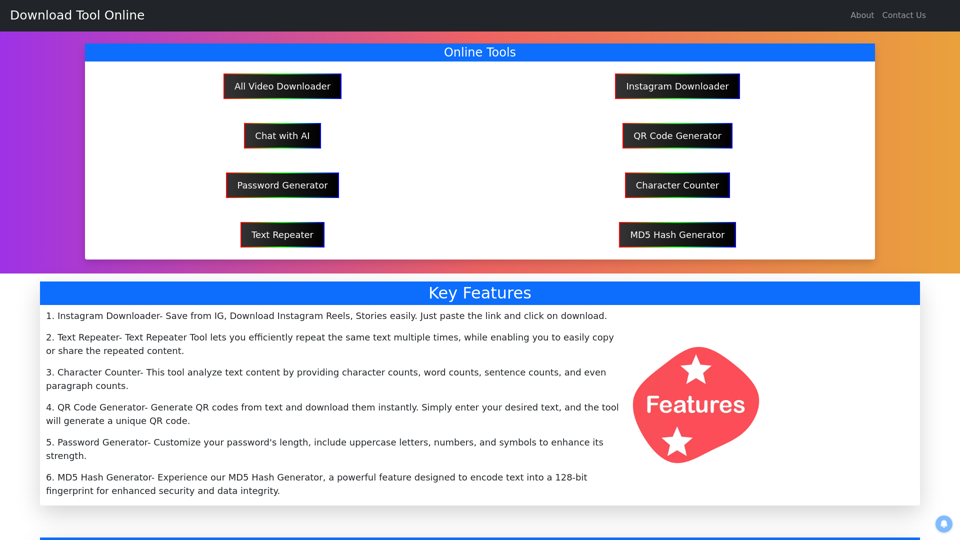
instagram downloader - Instagramの動画、リール、ストーリー、写真、IGTVをオンラインでダウンロード - snapinsta、save from ig、savefrom net ig story、Instagramダウンローダー、リールダウンローダー、テキストリピーター、文字数カウンター、QRコードジェネレーター、パスワードジェネレーター、MD5ハッシュジェネレーター。
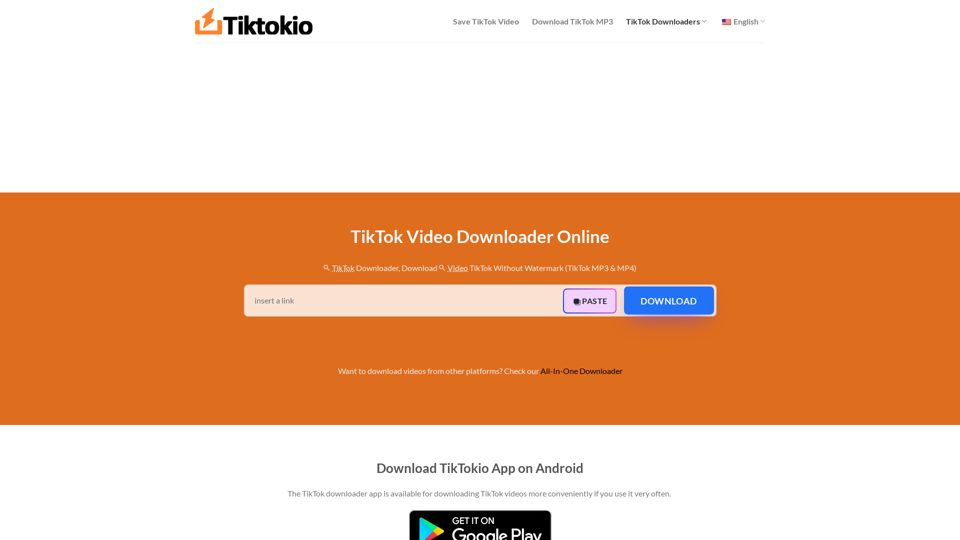
TikTokioは、最も高速な無料TikTokダウンローダーです。ウォーターマークなしでTikTok動画(MP3/MP4)をダウンロードできます。ダウンロード回数無制限。HD画質。
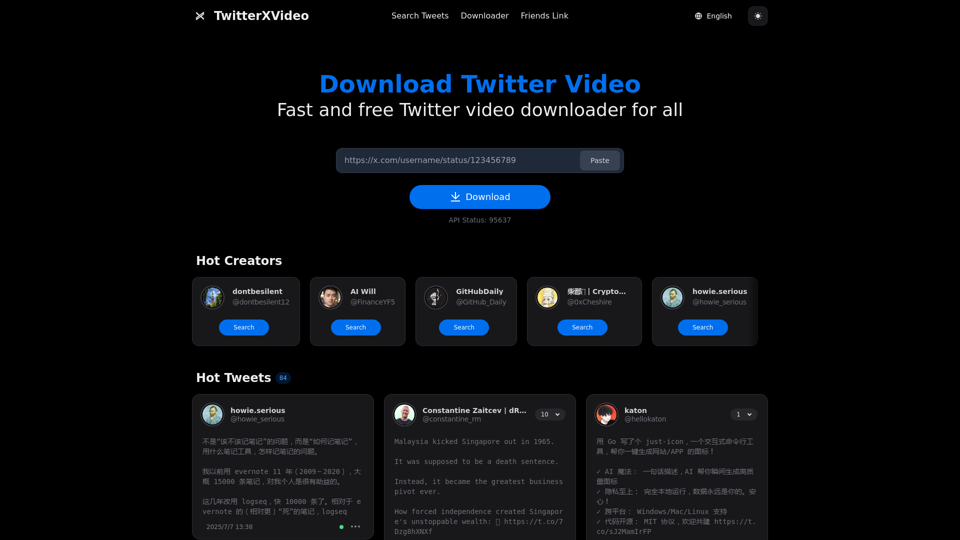
TwitterXVideoでTwitterの動画・メディアを無料ダウンロード。サインアップ不要、iPhoneとAndroid向けMP4/HD対応。高速で簡単なTwitter動画ダウンローダー。