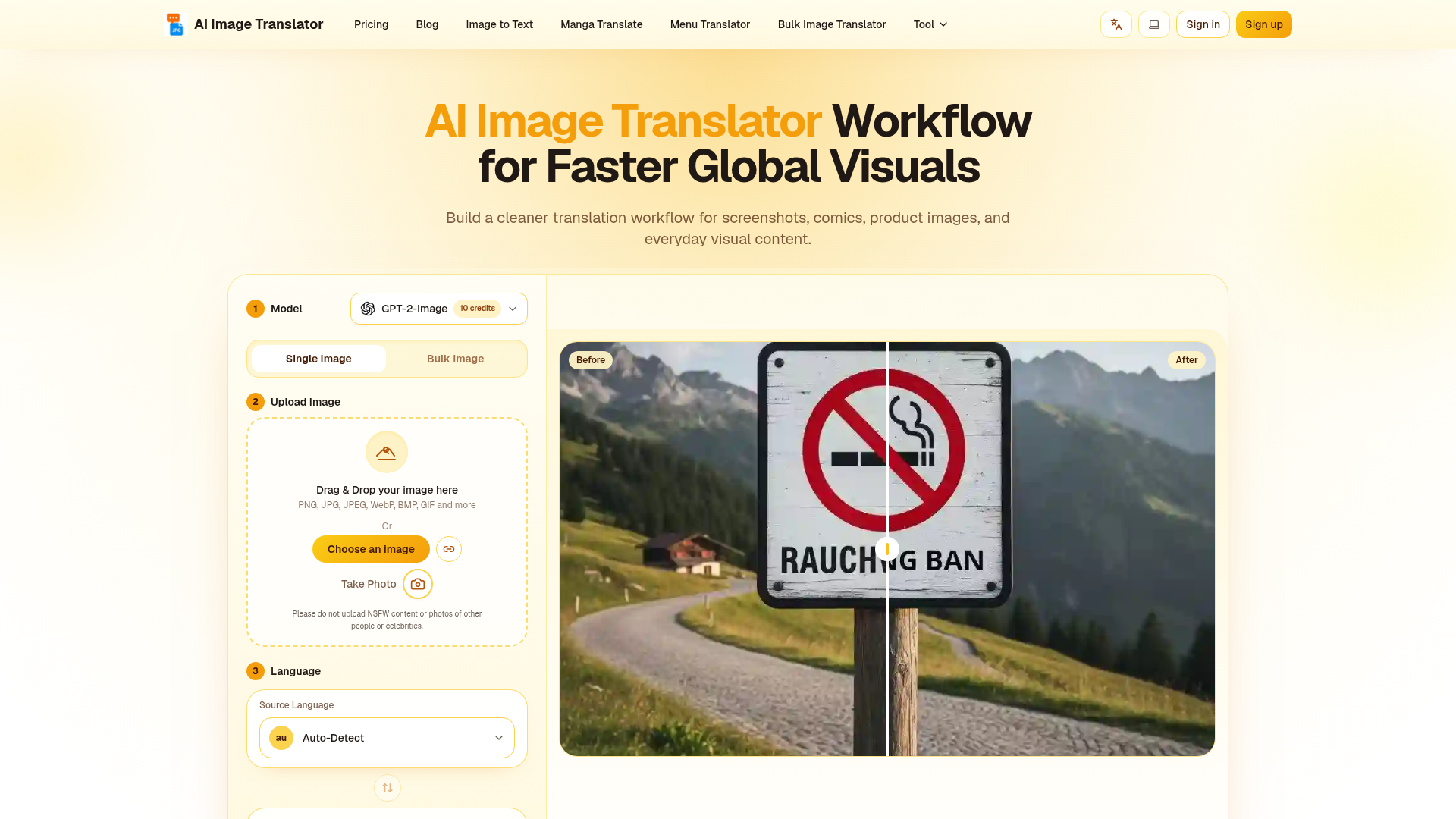
What is AI Image Translator?
AI Image Translator is a revolutionary AI-driven tool designed to instantly translate text embedded within images from one language to another. It goes far beyond simple Optical Character Recognition (OCR). This powerful tool not only extracts and translates the text but also intelligently erases the original text, seamlessly reconstructs the background, and meticulously preserves the original layout, font styles, and overall design of the image. It serves as an essential solution for anyone needing to localize visual content—such as product images, marketing materials, screenshots, comics, documents, or diagrams—for a global audience without the painstaking effort of manual editing or redesigning from scratch. The platform supports over 130 languages and various image formats, offering both single-image and bulk processing modes to fit different workflow needs.
What are the key features of AI Image Translator?
- Instant Translation
- The AI engine processes images rapidly, delivering high-quality, translated visuals in just moments, dramatically speeding up project turnaround times compared to manual methods.
- Global Language Support
- Break down language barriers by localizing content into more than 130 languages, allowing marketers, e-commerce managers, and creators to effortlessly expand their brand's reach worldwide.
- Seamless Inpainting & Layout Preservation
- The tool's advanced AI doesn't just replace text; it perfectly reconstructs the background and ensures the translated text matches the original font, size, color, and layout. This guarantees professional, flawless visuals that maintain brand identity.
- Batch Processing
- Save hours of work by uploading and translating entire catalogs of product images or document sets simultaneously. This feature is invaluable for e-commerce, research, and content teams managing large volumes of visuals.
- Multi-Language Fusion
- Capable of handling complex images containing text in multiple languages, the tool can unify and translate them all into a single target language, simplifying projects with mixed-language sources.
- Model Choice
- Users can select between models optimized for different priorities, such as maximum translation accuracy (Aimslate model) or perfect visual layout preservation, allowing customization based on the specific task.
How to use AI Image Translator?
Using the tool is a straightforward, three-step process accessible to everyone, regardless of technical skill:
- Choose Model and Mode: Select your preferred AI translation model (e.g., Aimslate for accuracy, or another for layout) and choose whether you want to translate a single image or process multiple files in batch mode.
- Upload Your Image: Drag and drop or select the image file you wish to translate. The platform supports formats like PNG, JPG, WebP, BMP, and GIF. The system will then prepare the image layout for processing.
- Select Language and Translate: Choose the source language (or use Auto-Detect) and your target language. With a final click on "Translate," the AI goes to work. In seconds, you can download your professionally localized image, ready for use.
What are the pricing plans for AI Image Translator?
The platform offers flexible and transparent pricing to suit users from casual to professional:
- Free Plan ($0)
- Perfect for trying out the service. Includes 20 daily free credits (each standard image translation costs 10 credits), with no watermarks on the output.
- One-Time Purchase ($3.99, regularly $9.99)
- Get 150 credits for use across all features with no expiration date. Ideal for occasional users with specific projects.
- Pro Plan ($9.99/month)
- Designed for regular users needing more processing power. Provides 5,000 translation credits per month with no watermarks.
- Premium Plan ($19.99/month)
- Tailored for professionals and businesses with high-volume needs, offering 12,000 translation credits per month and watermark-free results.
Helpful Tips for Using AI Image Translator
- For Best Accuracy
- Use high-resolution images with clear, legible text. The AI performs best when the source text is easy to detect.
- Choosing the Right Model
- If your priority is perfect translation of complex or professional terminology (e.g., legal, academic documents), choose the ### Aimslate model. If maintaining the exact visual design and layout is paramount (e.g., marketing graphics, logos), select a model optimized for ### layout preservation.
- Maximize Free Tier
- Utilize the 20 free daily credits for smaller, urgent tasks or to test the tool's effectiveness on your specific types of images before committing to a subscription.
- Batch for Efficiency
- When working with a series of similar images (like a product catalog), always use the ### Batch Processing mode. It is exponentially faster than translating files one by one.
- Check Complex Images
- For images with very dense text, artistic fonts, or cluttered backgrounds, the processing might take slightly longer (up to a minute). The results, however, will maintain the high standard of quality.
Frequently Asked Questions (FAQ)
What exactly is AI Image Translator?
AI Image Translator is an advanced artificial intelligence tool that translates text found inside images. It extracts the text, translates it into your chosen language, and then seamlessly places the new text back into the image, erasing the original and reconstructing the background to preserve the visual design. It's a comprehensive solution for localizing any visual content.
How do I get started?
Simply visit the website, click the upload button, and select your image. Then, choose the target language and click 'Translate'. No software installation or technical skills are required. The interface is designed for immediate, intuitive use.
How fast and accurate are the translations?
A standard image translation is typically completed in about 30 seconds. The platform uses a leading neural translation engine, ensuring translations are not only accurate but also contextually appropriate and natural-sounding. It focuses on delivering professional-grade output quality.
Are there limits or costs?
Yes, there are flexible pricing plans. A free tier offers limited daily credits. For higher volume or premium features, affordable subscription plans (Pro and Premium) or one-time credit packages are available. All costs are transparently listed on the pricing page.
Is my image data secure?
Absolutely. User privacy and data security are top priorities. All file uploads are encrypted. Crucially, the service operates on a strict "no-trace" policy—your images and translation results are not permanently stored and are securely deleted after your session or upon starting a new task.
What if I encounter a problem or am unsatisfied?
A dedicated support team is ready to assist via the website's support form. For subscribers, there is a refund policy: within 10 days of purchase, if usage is under 5%, you can request a full refund. The team aims to respond to and resolve any issues promptly.
How do I choose the right model?
If your top priority is translation accuracy (e.g., for documents, contracts), choose the ### Aimslate model. If maintaining the exact visual layout and design is more critical (e.g., for marketing graphics, posters), choose a model optimized for ### layout preservation. You can test different models with the free credits to see which works best for your needs.
The Powerful Ultimate AI Image Translator Online
AI Image Translator is a AI image translator that keeps your layout perfectly intact. Instantly ai translate image files for business, comics, or social media.
 Cloudflare
 HTTP/3
 Next.js
 Node.js
 React
React Webpack
Free AI anime and manga generator. Turn text into anime episodes, manga, comics, webtoons and comic shorts in any art style — no drawing or animation skills needed.
Translate image text across 70+ languages with our advanced AI Image Translator to help you better expand your products globally to various countries
Advertised Here
Reach thousands of visitors daily. Get your spot now!
Tools similar to The Powerful Ultimate AI Image Translator Online
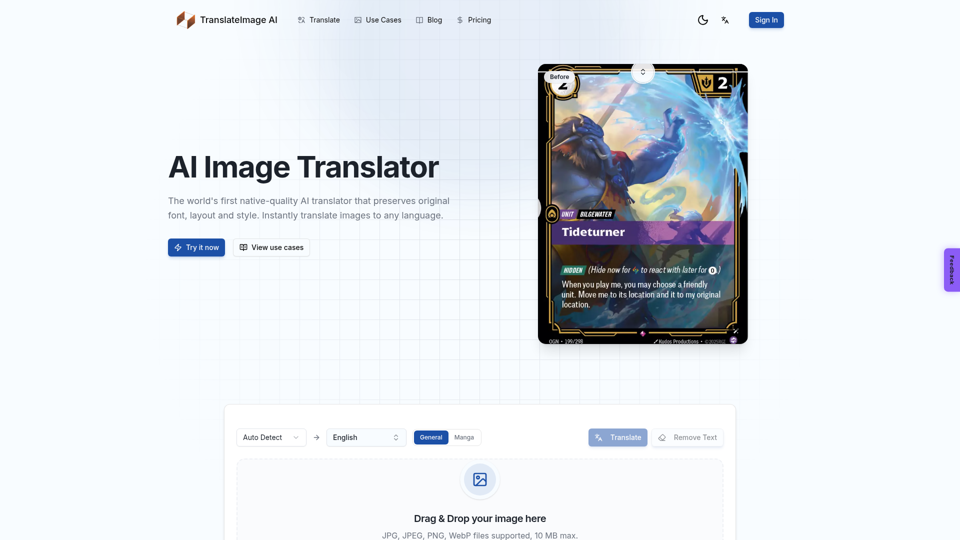
Translate image text online with AI. Upload a photo, screenshot, or picture and keep the original layout, font, and style.
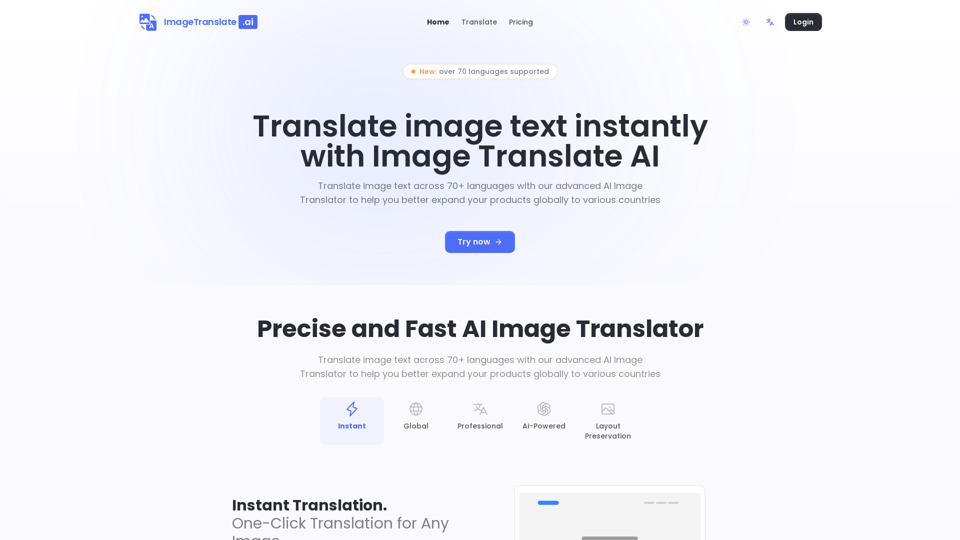
Translate image text across 70+ languages with our advanced AI Image Translator to help you better expand your products globally to various countries
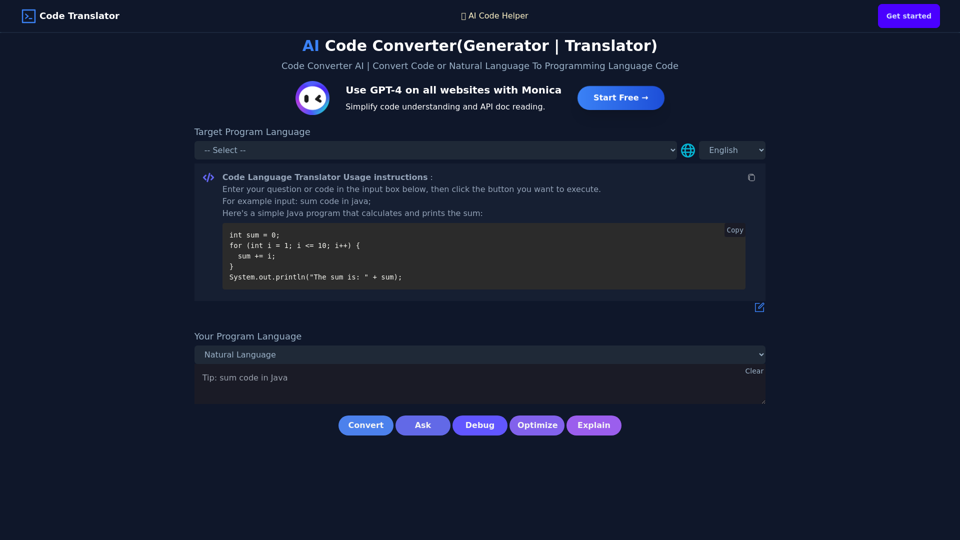
Use AI To Convert Code Or Generate Code From One Language To Another. AI Code Translator. Translate Code From Any Language To Another With A Click.
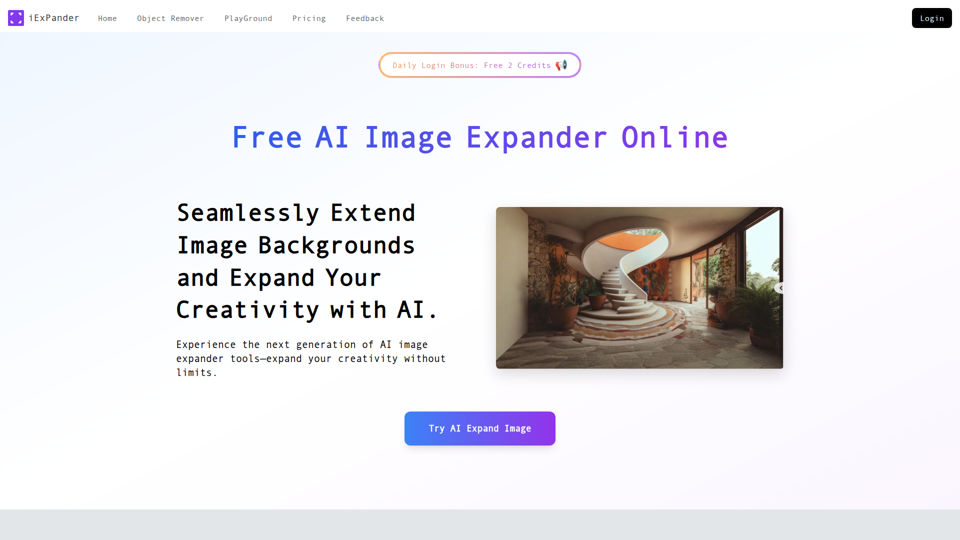
Expand images online with iExPander, the leading AI image expander and photo extender. Instantly expand images seamlessly and in high quality for social media, e-commerce, and creative projects. Try our free AI image expander now!
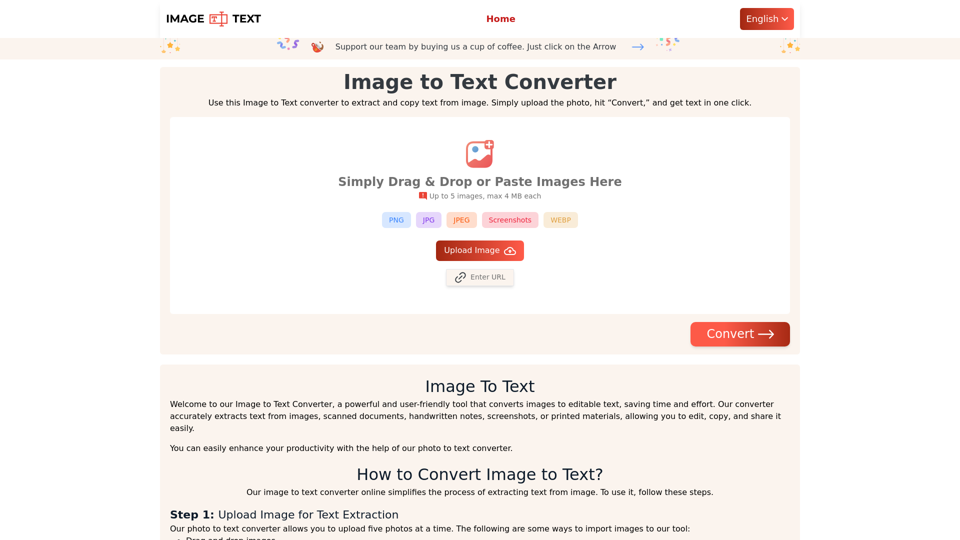
Use our Image to Text converter to quickly extract text from images. Our online tool accurately converts pictures to editable text. Try it now for free!
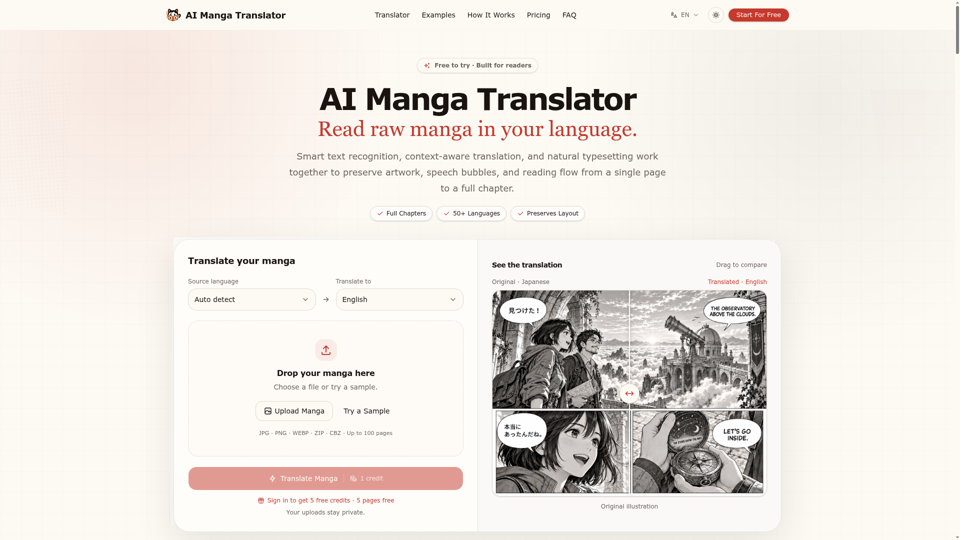
Translate manga online with AI, from one page to a full chapter. Supports 50+ languages, including Japanese, Korean and Chinese, while preserving artwork, speech bubbles and layout.
OLOCR provides a free and unlimited online image OCR and PDF OCR service, featuring batch processing and support for multiple languages. Easily upload your images or PDFs for seamless text extraction.