Batch Photo Editor Online, Portrait Retouch
Batch photo editing in your browser: culling, automatic portrait retouch, presets matched to each photo, Lightroom-style tools. Free plan available.
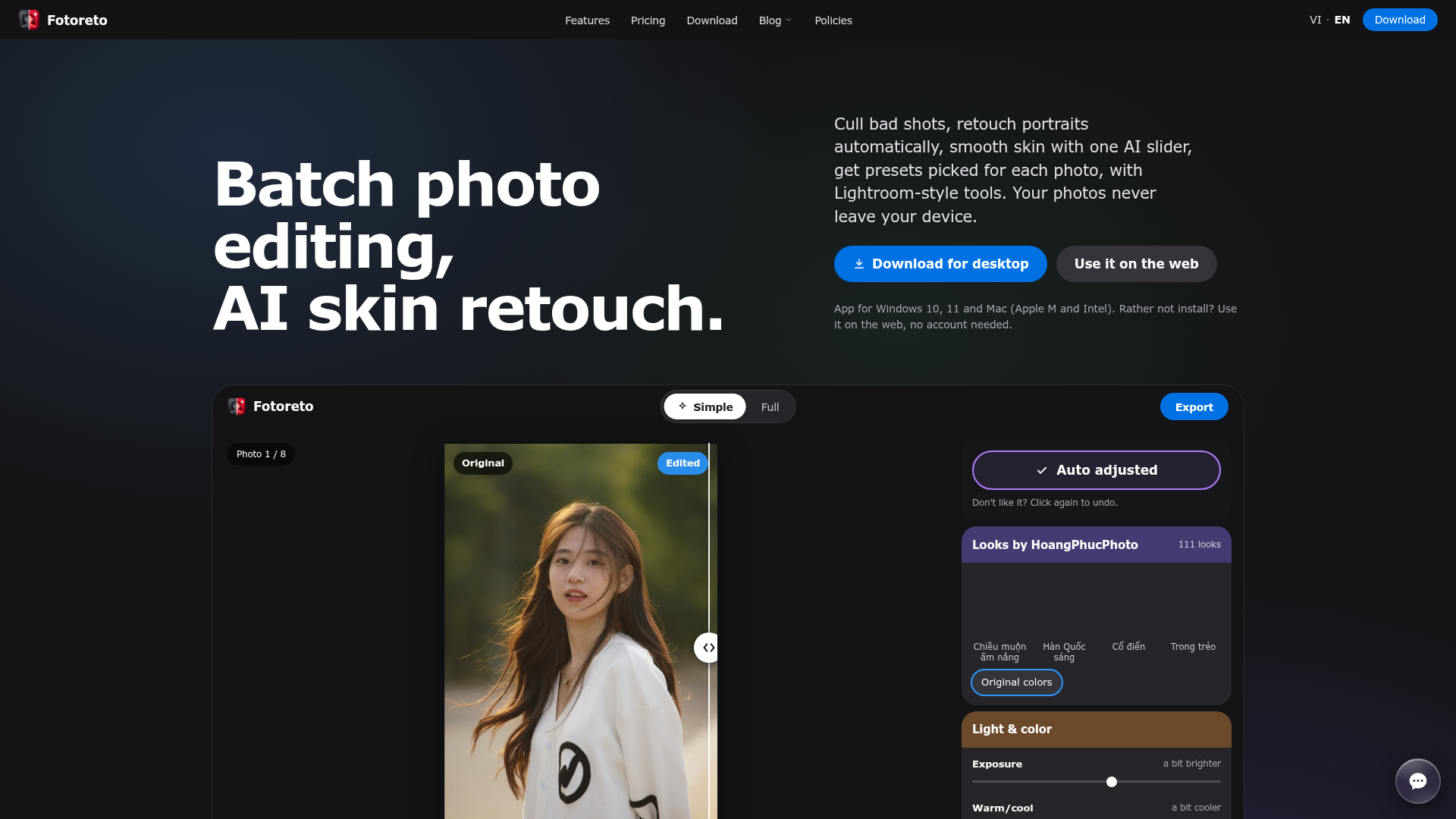
What is Fotoreto?
Fotoreto is a batch photo editor that runs in the browser or as a desktop app for Windows and Mac, combining shoot culling, automatic portrait retouch and Lightroom-style color tools in one place. It is built for photographers and retouchers who need to edit and deliver a whole shoot quickly, and it also suits beginners because every slider explains what it does and a short guide walks new users through the first launch. All editing, AI included, runs on the device, so photos are never uploaded.
Key features
- Batch culling
- flags duplicates in a burst, blur, camera shake, focus that missed the face or subject, over- and underexposed frames and closed eyes, so only doubtful frames need review.
- AI face and body skin retouch
- two separate sliders from 0 to 100, powered by Fotoreto's own on-device AI models, one for face skin and one for the neck, shoulders, arms and legs.
- Automatic portrait retouch
- finds faces, circles every blemish for review before anything is removed, smooths skin while keeping pores, and brightens faces in backlit shots.
- Smart presets
- reads the light, skin tone and time of day of the open photo, tries every style on it and ranks the best matches first, with 10 styles on the free plan and all 111 by HoangPhucPhoto on Premium.
- Sync across a shoot
- applies one look to the whole shoot while each frame is still exposed and color-balanced on its own, so backlit and shaded frames match.
- Lightroom-style tools
- exposure, contrast, highlights, shadows, whites, blacks, Kelvin white balance, tone curve, HSL by color band, three-way color grading, calibration, texture, clarity, sharpening, noise reduction, lens corrections, crop and vignette.
- 16-bit RAW support
- opens RAW from Sony, Canon, Nikon, Fujifilm, Olympus, Panasonic and DNG, and edits the 16-bit RAW data on every plan, free included, on computers.
How to use Fotoreto
- Drop in one photo or a whole folder, RAW included. The first photo shows up at once and the rest load behind it.
- Edit one photo by tapping Auto adjust or picking a color style. Beginners can stay in Simple mode, where every slider explains itself; Full mode has the complete tool column.
- Sync the edit to the whole shoot, so every frame follows the same look while keeping its own exposure and white balance.
- Pick what the photos are for, add your studio logo if you like, and choose the export settings.
- Save. Files go straight into a folder on your computer.
Use cases
- Photographers who need to edit a whole shoot and send it out quickly.
- Retouchers who want culling and portrait retouch in the same tool.
- People working on a machine where software cannot be installed, or editing on a phone or tablet in the browser.
- Photographers who need their photos to stay private, since nothing is uploaded or stored online.
- Wedding, graduation, studio, outdoor, product, food, landscape, street, newborn, kids and family shoots, which have one-tap edits by photo type.
Pricing
Fotoreto has a free plan with no account needed: up to 10 photos per session, 10 color styles, your own .cube LUTs, Auto adjust, edits by photo type, remove blemishes, skin smoothing, face brightening, tone curve, HSL, color grading, masks, sync and saving with your logo. 16-bit RAW editing is included in the free plan as well.
Premium is a paid plan. The official website does not list Premium prices on the site; it states that prices are shown in the app. Premium adds unlimited photos, batch culling, all 111 color styles, Lightroom preset import, AI face and body skin retouch, full retouch (skin, eyes, teeth, face shape, body), object removal, background blur, sky replacement, group face swap, frames without the credit line, export presets and styles synced to your account. A Master plan unlocks God mode for retouchers.
Payment is by PayPal or a Visa / Mastercard card in US dollars, or by VietQR bank transfer in Vietnam. For a company invoice, choose company bank transfer.
FAQ
Is Fotoreto free?
There is a free plan that needs no account, covering up to 10 photos per session, 10 color styles, Auto adjust, blemish removal, skin smoothing, tone curve, HSL and masks, and 16-bit RAW editing. Premium is a paid upgrade that unlocks unlimited photos, culling, full retouch, object removal, background blur, sky replacement and every color style.
Are my photos uploaded when I use Fotoreto?
No. Photos are read and edited on your device, whether in the desktop app or in the browser, and after the first visit the browser version keeps working offline. If you sign in, the server only knows your account and plan.
Which file types and cameras does Fotoreto support?
It opens JPEG, PNG, HEIC, WebP, TIFF and RAW from Sony, Canon, Nikon, Fujifilm, Olympus, Panasonic and DNG. On computers, every plan including the free one edits the 16-bit RAW data, while phones edit the embedded JPEG.
Can Fotoreto replace Lightroom?
For editing a whole shoot quickly, culling and portrait retouch, Fotoreto covers it, with tone curve, HSL, color grading, masks, sync and star ratings imported from Lightroom and Bridge. Lightroom remains the better fit if you manage years of photos in catalogs and keywords, shoot tethered over a cable, or rely on plugins and advanced print workflows.
Can I use my Lightroom presets in Fotoreto?
Premium imports .xmp and .lrtemplate files, including embedded color profiles. .cube LUTs exported from Photoshop, Lightroom or DaVinci work on the free plan too.
Which browser should I use for Fotoreto?
Chrome or Edge on a computer gives the full experience, with saving straight into a folder and resuming unfinished edits. Other browsers still work, but photos download one by one or as a ZIP. On a Mac, use Chrome or Edge rather than Safari, because Safari limits memory and opening many RAW files at once can close the page.
Batch Photo Editor Online, Portrait Retouch
Batch photo editing in your browser: culling, automatic portrait retouch, presets matched to each photo, Lightroom-style tools. Free plan available.
Free AI anime and manga generator. Turn text into anime episodes, manga, comics, webtoons and comic shorts in any art style — no drawing or animation skills needed.
Translate image text across 70+ languages with our advanced AI Image Translator to help you better expand your products globally to various countries
Advertised Here
Reach thousands of visitors daily. Get your spot now!
Tools similar to Batch Photo Editor Online, Portrait Retouch


Get an instant AI Attractiveness Test for your photos Online. Our advanced AI analyzes facial features for Free, providing an attractiveness Face Rating, FaceAnalyzer, and BeautyScore.
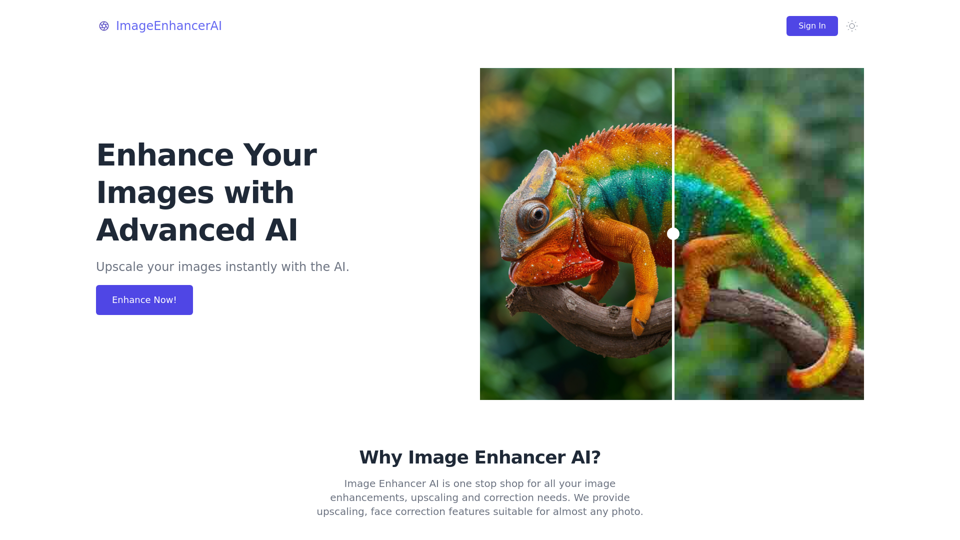
Enhance and upscale your images with Image Enhancer AI. Sharpen blurry photos, increase resolution, and bring your images to life


Welcome to Starving Robots, the home of custom AI art printing. Create one-of-a-kind, personalized AI art prints from your own AI art generations today.

Discover the best AI avatar generator online, offering a customizable avatar creation experience. Whether you need an avatar for gaming, social media, or marketing, our AI avatar maker provides high-quality, tailored virtual identities. Access dozens of styles, from fantasy to photorealistic, and edit every detail with our smart AI avatar app. Create, customize, and share your unique AI avatar with ease. Free and responsive on all devices
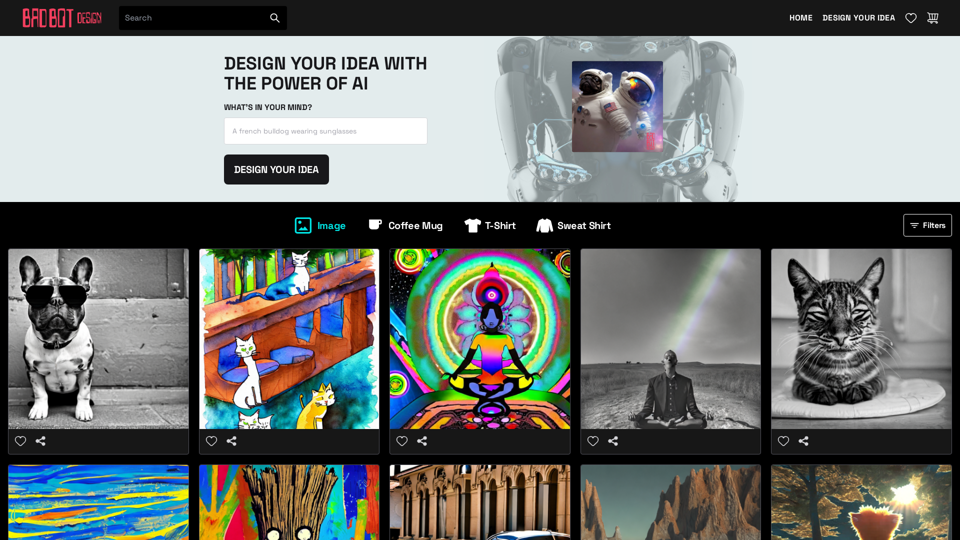
Shirts, Sweatshirts and Coffee mugs generated by robots. Find exclusive products or ask our AI Bots to design your idea.
