What is InkCraft?
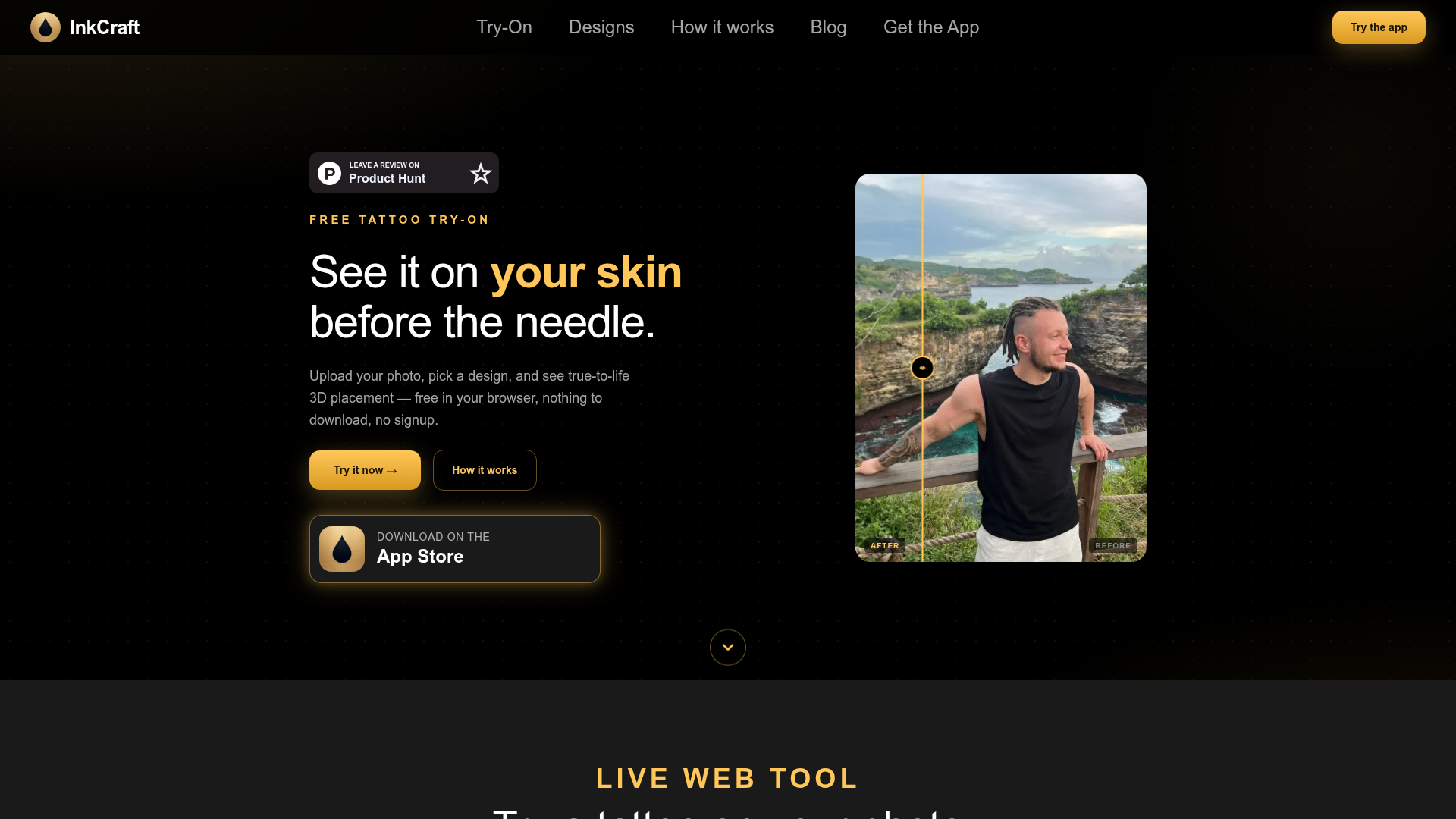
InkCraft is an AI-powered, web-based platform designed for free virtual tattoo try-ons. It allows users to upload a photo of themselves and visualize how thousands of different tattoo designs would look placed realistically on their skin in 3D. The tool operates directly in your web browser, requiring no downloads, installations, or account sign-ups to get started.
What is the main feature of InkCraft?
The core feature of InkCraft is its true-to-life, AI-driven 3D tattoo visualization.
- Realistic 3D Reconstruction
- The platform uses advanced AI to create a 3D model of your skin from a 2D photo. This allows tattoo designs to wrap convincingly around body contours, curves, and folds, avoiding a simple "flat sticker" appearance.
- Extensive Design Library
- Users have access to a vast and constantly updated library of thousands of free tattoo designs, spanning styles like fine line, blackwork, traditional, geometric, neo-traditional, and watercolour.
- Instant & Free Try-On
- The entire process—from uploading a photo to seeing a tattoo design placed—is instantaneous and completely free. It's a live web tool designed to help users make confident decisions before committing to permanent ink.
How to use InkCraft?
Using InkCraft is a straightforward, three-step process conducted entirely online:
- Upload Your Photo: Navigate to the InkCraft website and use the "Try it now" feature. Upload a clear photo of the body area where you are considering a tattoo.
- Browse & Select a Design: Explore the extensive, categorized library of tattoo designs. The collection is updated daily with new artwork.
- Adjust & Visualize: Once you select a design, the AI instantly places it onto the 3D reconstruction of your skin in the photo. You can adjust the placement, rotate, and scale the design to see exactly how it would look from different angles.
Price
InkCraft's core tattoo try-on service is ### completely free. There are no usage limits, subscription fees, or hidden costs for accessing the design library and using the AI visualization tool on the web. A mobile app version is also available for download on the App Store.
Helpful Tips
To get the best results from your InkCraft virtual tattoo try-on:
- Use a Clear, Well-Lit Photo
- Upload a high-quality photo with good lighting. This helps the AI accurately map the contours of your skin for the most realistic 3D placement.
- Experiment Freely
- Don't hesitate to try many different designs and placements. The tool is designed for unlimited experimentation to help you find your perfect match.
- Share with Your Artist
- Once you've created a preview you love, save the image. You can share it directly with your tattoo artist to provide a clear visual reference for your consultation, streamlining the design process.
- Explore the Gallery
- Look through the "Real results" gallery on the site to see examples of how different designs look on real people, which can inspire your own choices.
Frequently Asked Questions
Is InkCraft really free to use?
Yes, the InkCraft web tool is 100% free. You can upload photos, browse thousands of designs, and use the AI try-on feature without any cost or sign-up.
Do I need to download any software?
No. InkCraft runs directly in your web browser. There is nothing to download or install on your computer to use the core try-on feature. A companion mobile app is optional.
Can I use my own tattoo design?
Currently, InkCraft focuses on its extensive internal library of pre-made designs. Users select from these designs to place on their photos.
How accurate is the 3D tattoo placement?
The AI-powered 3D reconstruction is designed to be highly realistic, accounting for skin curves and perspective to give a true-to-life preview far superior to a simple photo overlay. However, it is a simulation meant to aid decision-making.
Is my photo data safe?
InkCraft processes your photo in real-time to create the 3D visualization. The platform is built as a web tool with privacy in mind, requiring no account creation, which helps protect user anonymity.
What if I want a tattoo in a different style not shown?
The design library is vast and covers most major tattoo styles, and it is updated daily with new additions. It's worth checking back regularly as new artwork is continuously added.
InkCraft
See any tattoo on your own skin before the needle. Free, no signup, realistic 3D placement.
 Cloudflare
 HTTP/3
Free AI anime and manga generator. Turn text into anime episodes, manga, comics, webtoons and comic shorts in any art style — no drawing or animation skills needed.
Translate image text across 70+ languages with our advanced AI Image Translator to help you better expand your products globally to various countries
Advertised Here
Reach thousands of visitors daily. Get your spot now!
Tools similar to InkCraft
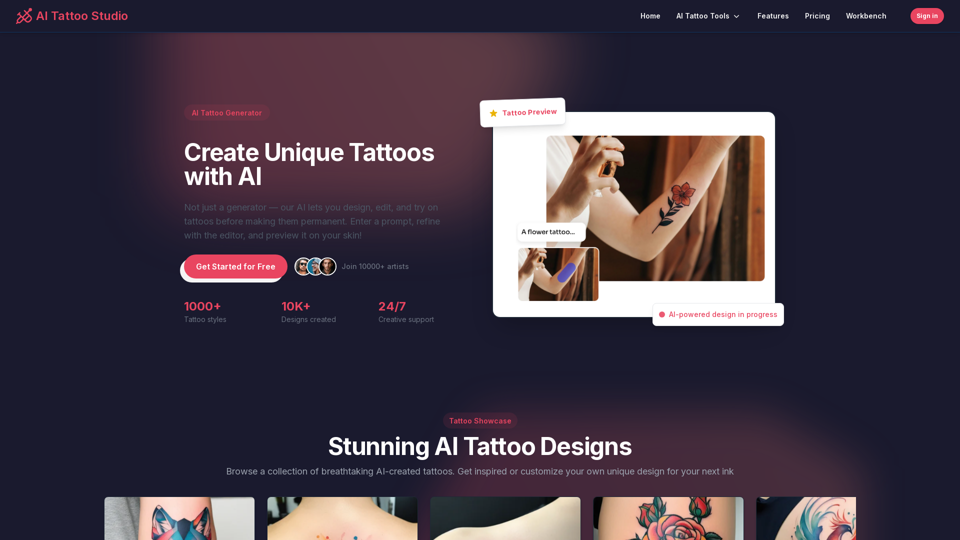
Not just a tattoo generator! Design, edit, and preview tattoos on your skin with AI. Enter a prompt, refine with AI editor, and create perfect tattoo.
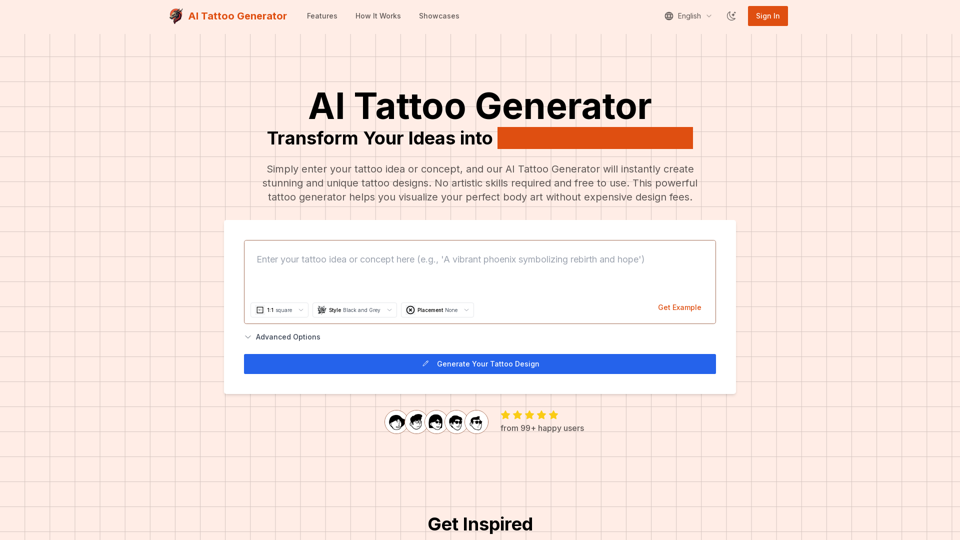
Transform your ideas into stunning tattoo designs with our AI Tattoo Generator. No artistic skills required, free to use. Enter your concept, select style and placement, and get professional tattoo designs in seconds.
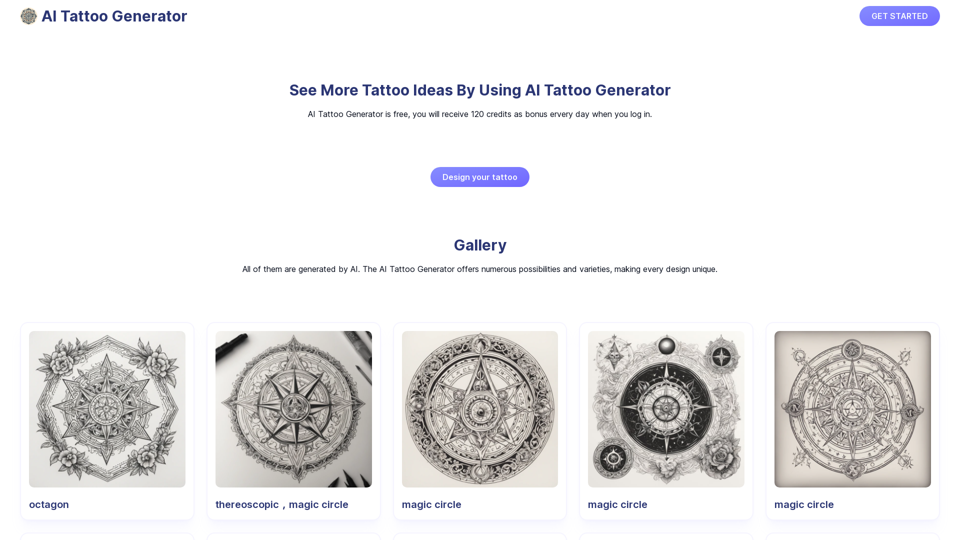
AI Tattoo Generator can help users generate tattoo images with AI based on text description and style. You can see your tattoo ideas just a minute.
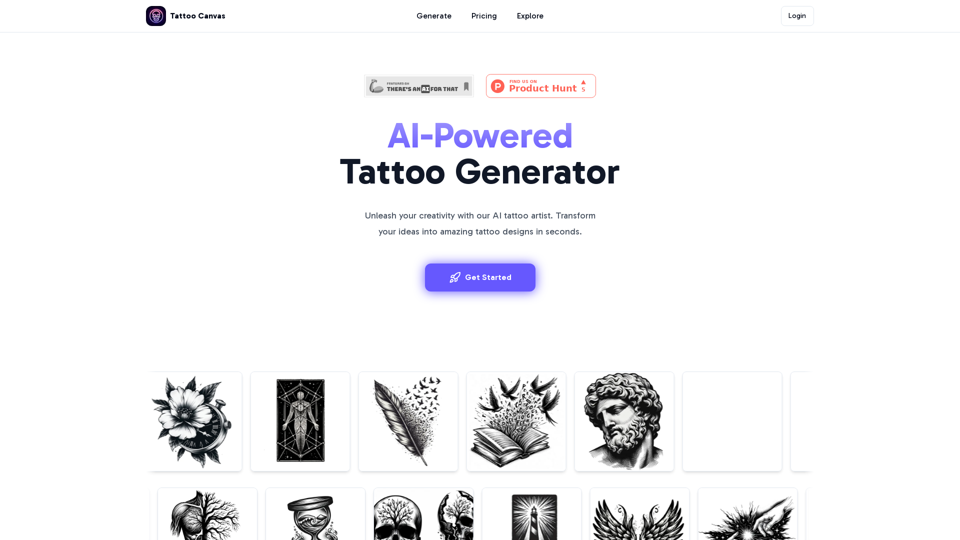
Create your custom tattoo with our AI-powered design tool. Design your perfect ink effortlessly!
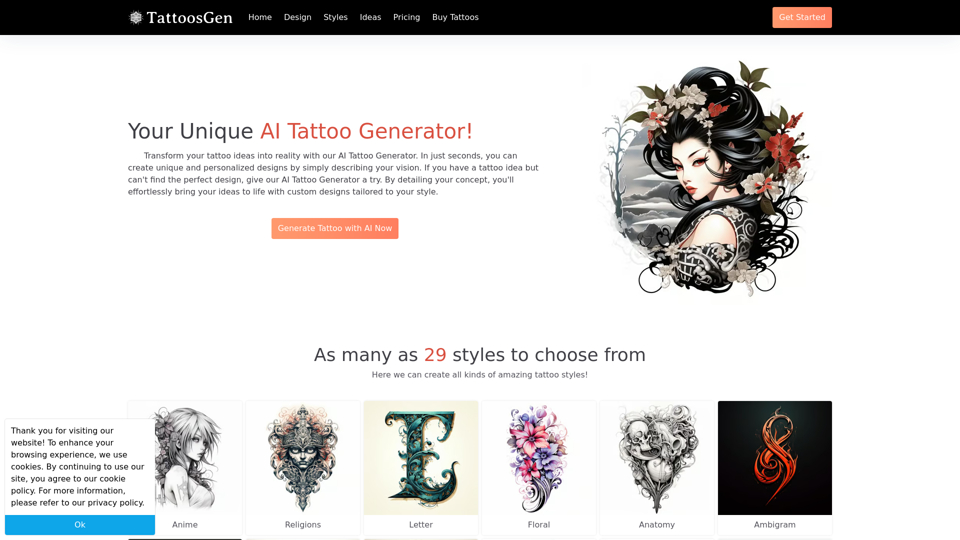
Transform your tattoo ideas into reality with our AI Tattoo Generator. Create unique, personalized designs in seconds by simply describing your vision!
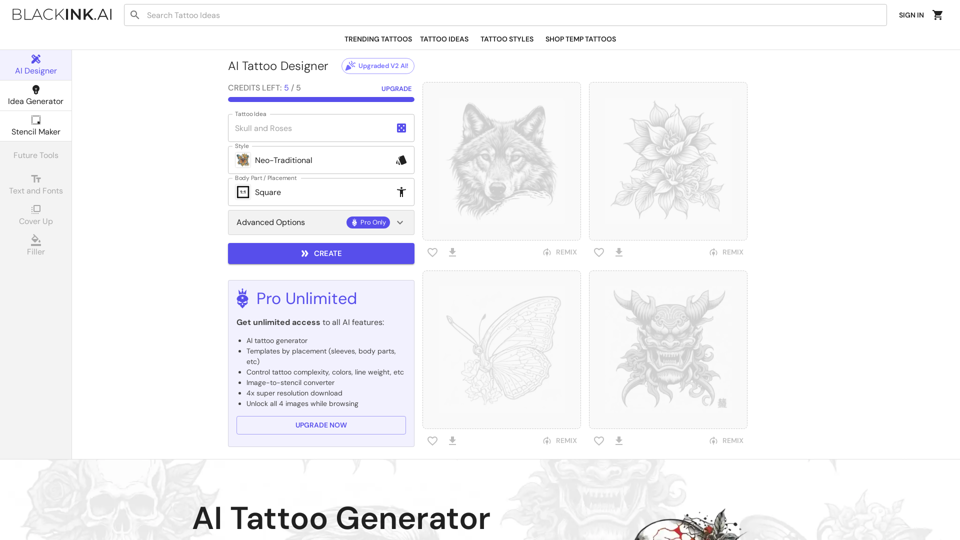
BlackInk AI's tattoo generator helps tattoo lovers design custom, unique tattoos in seconds.
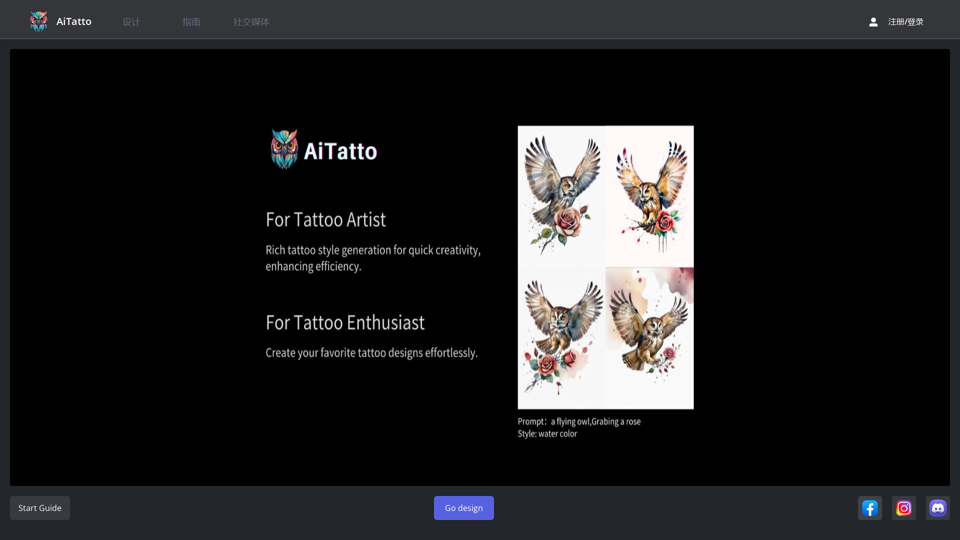
Pioneering AI in Tattoo Design, For Tattoo Artist,Rich tattoo style generation for quick creativity, enhancing efficiency. For Tattoo Enthusiast, create your favorite tattoo designs effortlessly
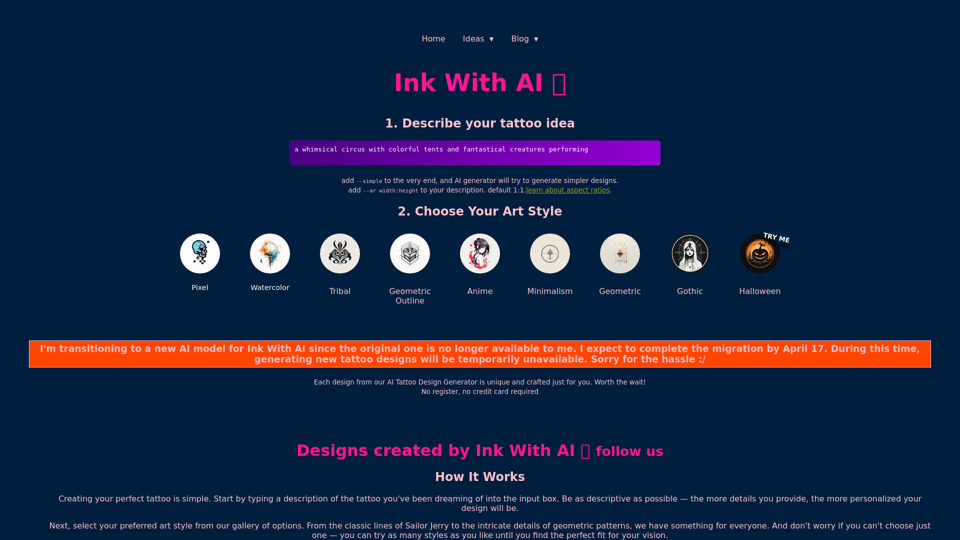
Transform your dream into ink with Ink With AI, where our AI tattoo design generator crafts your personal story into a tattoo as unique as you are. Pokemon Tattoo Designs here.