AI Tab Group
Intelligent Tab Categorization Browser Extension
What is AITabGroup?
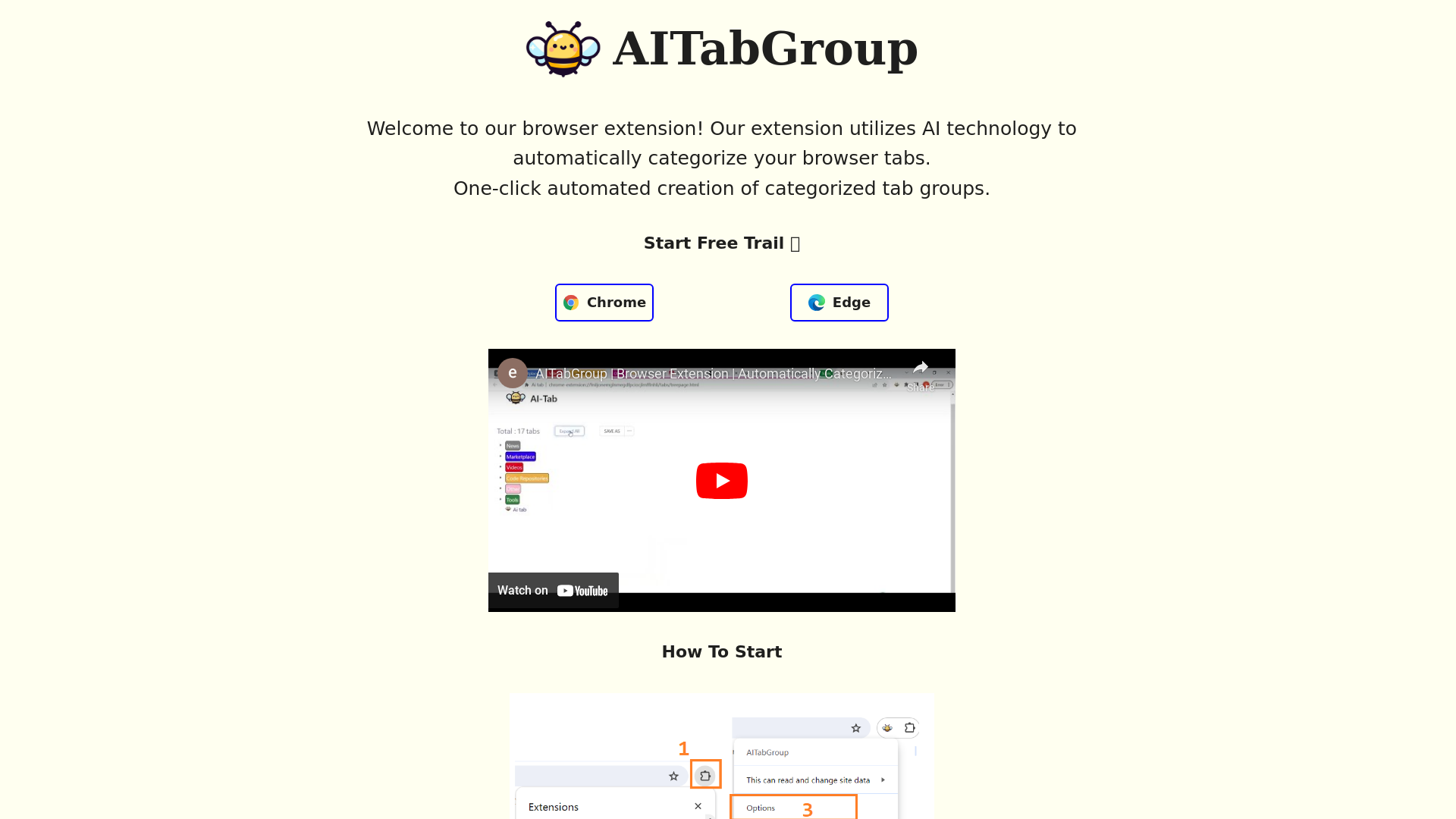
AITabGroup is an innovative browser extension designed to simplify your online experience by automatically categorizing your browser tabs using advanced AI technology. This tool allows users to effortlessly manage their tabs, creating categorized groups with just one click.
What are the main features of AITabGroup?
- Automatic Tab Categorization
- Quickly organizes your browser tabs into coherent groups.
- One-Click Tab Group Creation
- Simplifies the process of managing multiple tabs with a single action.
- Hierarchical Tab Management
- Provides a clear layout to view all your categorized tabs on one page.
- Markdown and Bookmark Saves
- Offers the ability to save categorized tabs in markdown format or as bookmarks for easy access.
- Free Plan Available
- Try out AITabGroup with a free plan for 5 days, allowing you to test premium features without commitment.
How to use AITabGroup?
Using AITabGroup is straightforward:
- Click the AITabGroup extension icon in your browser.
- Locate AITabGroup and click on "Pin" to keep it easily accessible.
- Right-click the extension icon and select "Options."
- In the options interface, enter your OpenAI API key to enable automated categorization.
What are the pricing options for AITabGroup?
- Free Plan
- $0.00
- Includes automatic categorization and a 5-day trial of premium features.
- Monthly Plan
- $1.99/month
- Offers all free features plus hierarchical tabs, markdown saving, bookmark saving, and more.
- Annual Plan
- $17.91/year (discounted from $23.88)
- Provides the same benefits as the monthly plan with savings for annual commitment.
Helpful Tips
- Maximize the Use of the Free Plan
- Make the most of the free plan by testing all features during the 5-day trial period.
- Utilize Hierarchical Tabs
- Organize your workflow by using the hierarchical tab feature to easily switch between categorized tasks.
- Keep Your API Key Secure
- Always ensure that your OpenAI API key is stored safely to prevent unauthorized access.
Frequently Asked Questions
How does AITabGroup ensure my privacy?
AITabGroup prioritizes user privacy and data protection. Please refer to our Privacy Policy for detailed information on how we handle your data.
Is there a limit to the number of tabs I can categorize?
While there is no strict limit, performance may vary based on the browser and system resources when managing a very large number of tabs.
Can I upgrade my plan at any time?
Yes, you can easily upgrade to any of our premium plans at any time, giving you access to additional features as needed.
What if I need support?
For any questions or feedback, feel free to contact us via email or reach out on Twitter at @epolyphony. We are always here to help!
How do I cancel my subscription?
You can cancel your subscription at any time through your account settings without any penalties.
Explore AITabGroup today and enjoy a more organized browsing experience!
AI Tab Group
Intelligent Tab Categorization Browser Extension
 Cloudflare
 HTTP/3
 Vercel
Free AI anime and manga generator. Turn text into anime episodes, manga, comics, webtoons and comic shorts in any art style — no drawing or animation skills needed.
Translate image text across 70+ languages with our advanced AI Image Translator to help you better expand your products globally to various countries
Advertised Here
Reach thousands of visitors daily. Get your spot now!
Tools similar to AI Tab Group
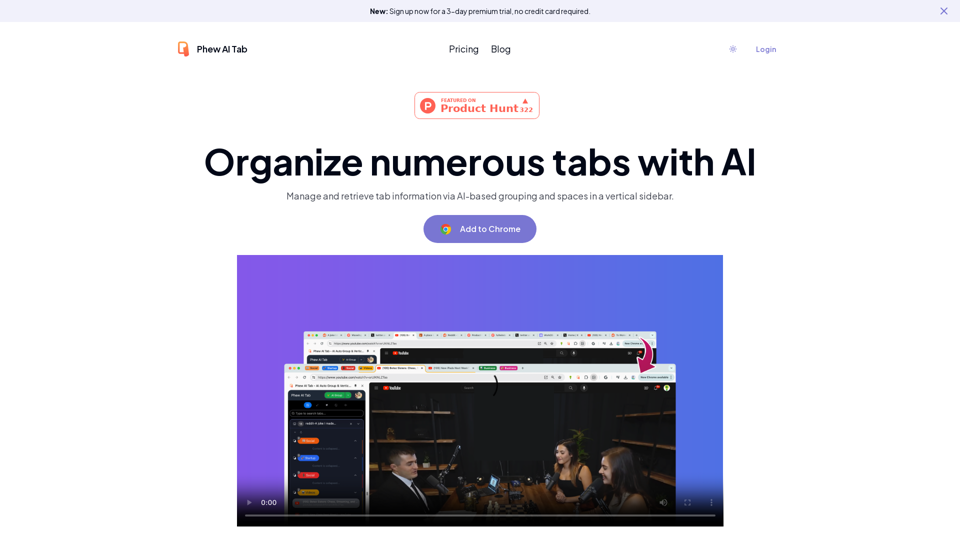
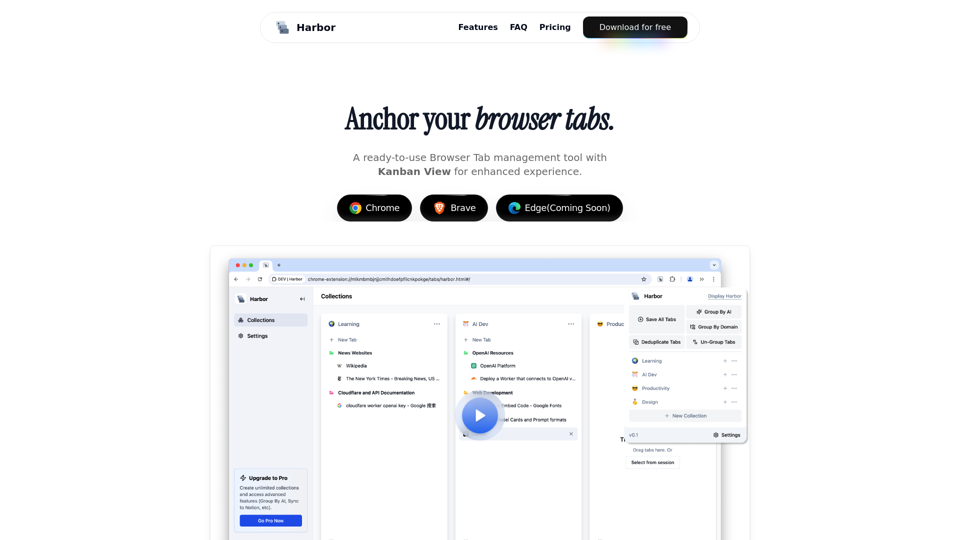
Harbor is a browser extension that helps you organize tabs, navigate seamlessly, and pick up right where you left off.

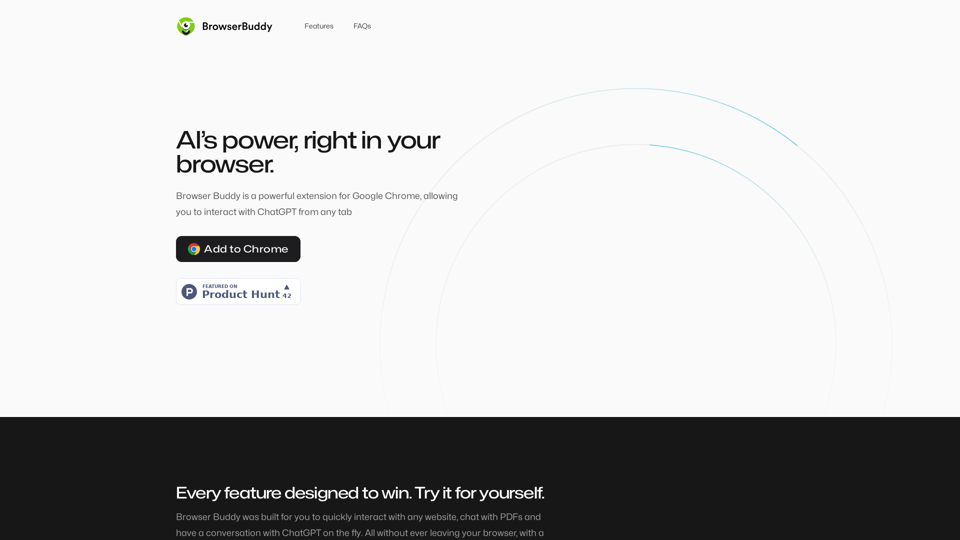
Your AI buddy to have conversation with, and to help you with your daily tasks.
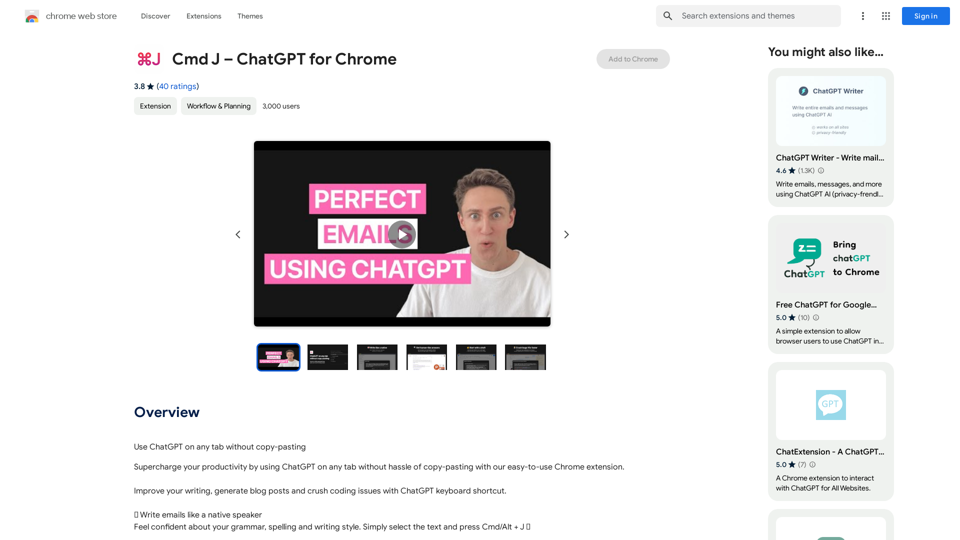
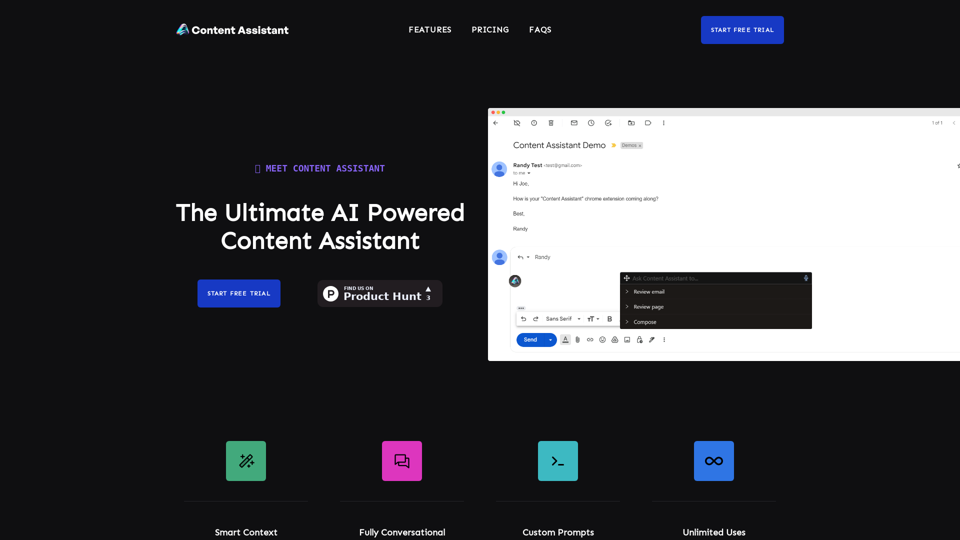
With Content Assistant, simply click on the icon and choose from a range of tailored prompts to meet your specific needs. What's more, you can submit a custom request and receive the very best suggestions, revisions, explanations, or compositions based on the context and prompt you select.
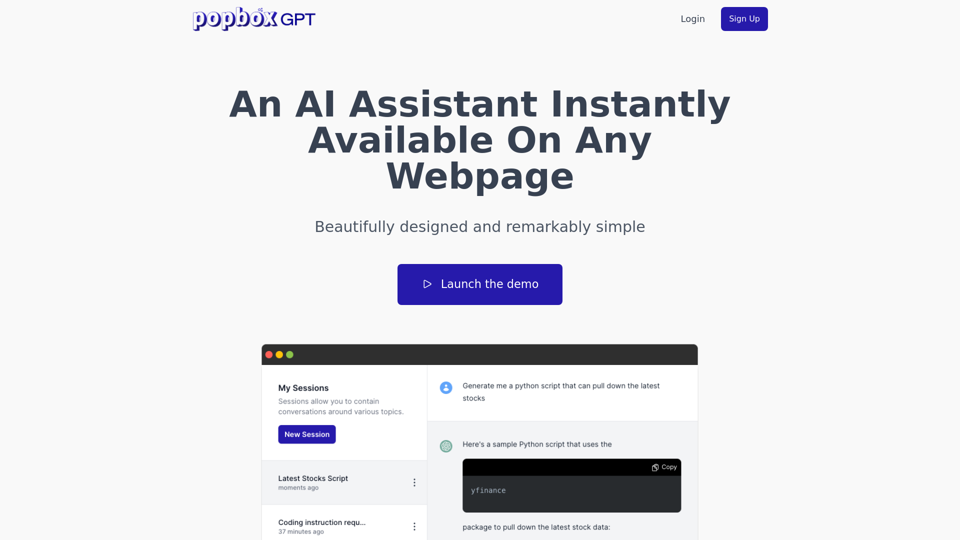
Discover PopboxGPT, the powerful GPT Chrome extension that brings AI-powered assistance right in your browser. Enhance productivity and simplify tasks with this intuitive browser-based AI helper.
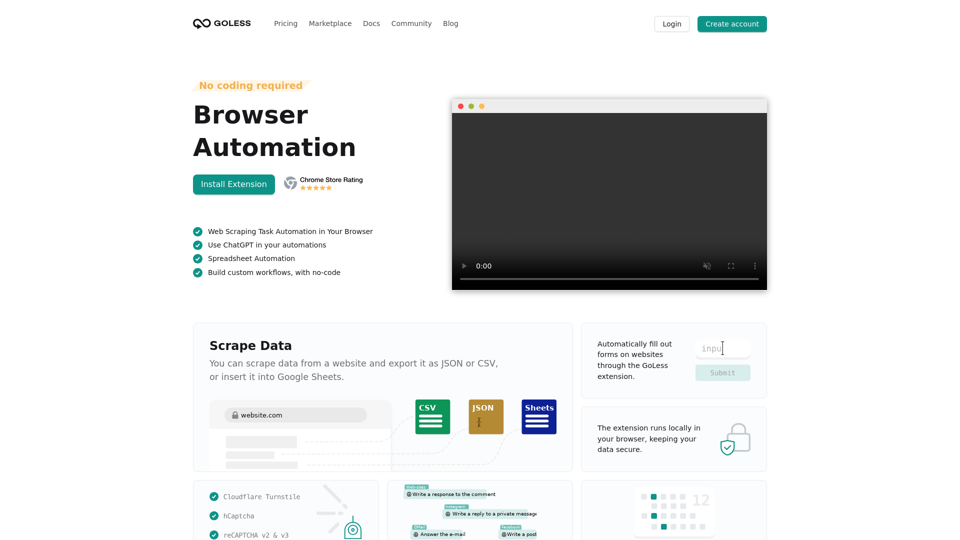
Goless.com - Automate web browser actions with our web automation tools. Simplify your daily tasks with automated workflows and save time. Try it for free!