Free Text to Speech Online
Free Text to Speech Online: AI Voices & TTS Reader. Convert text to lifelike AI voices. Free text to speech to read aloud any text. Listen online now!
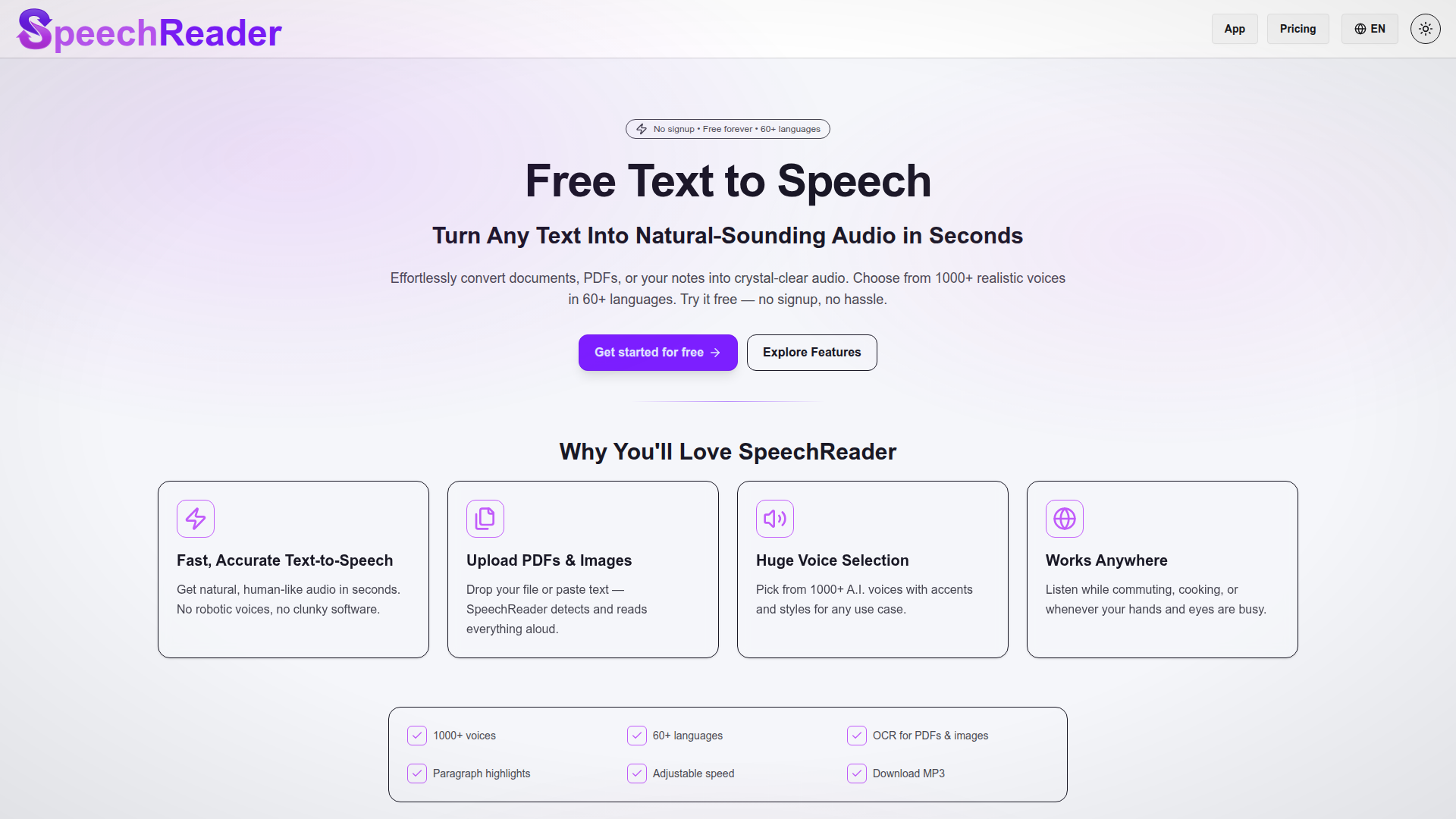
What is SpeechReader?
SpeechReader is an advanced ### text to speech platform that transforms written content into natural-sounding audio effortlessly. By simply pasting your text or uploading documents, PDFs, or images, you can generate crystal-clear audio using cutting-edge AI voices. With over 1000 voices available in 60+ languages, SpeechReader stands out as a premier tool for those needing high-quality audio without the hassle of subscriptions or signups.
Features of SpeechReader
- Fast and Accurate Text-to-Speech
- Experience instantaneous conversion of text to human-like audio without robotic tones.
- PDF and Image Uploads
- You can effortlessly upload PDFs and images to have the text read aloud, enhancing accessibility.
- Extensive Voice Selection
- Choose from a rich variety of over 1000 AI voices that feature diverse accents and styles to suit any project.
- Universal Compatibility
- Listen to your audio while on the go — whether you're commuting, cooking, or engaging in other tasks.
- User-Friendly Tools
- Features like paragraph highlights, adjustable speed, and the ability to download MP3 files make it easy to customize your listening experience.
How to Use SpeechReader
Getting started is incredibly straightforward:
- Input Your Text: Type or paste your text into the SpeechReader interface.
- Select an AI Voice: Browse and choose from our extensive library of AI voices tailored to your needs.
- Listen or Download: Enjoy the generated audio online or download the audio file directly for offline use. There's no signup required to access the basic features.
Price of SpeechReader
SpeechReader offers a robust ### free plan that allows users to utilize its powerful text-to-speech capabilities without any payment or registration requirements. For those seeking unlimited access, ultra-premium voices, or priority support, we provide an affordable premium upgrade option.
Helpful Tips for Using SpeechReader
- Experiment with different voices and accents for varied applications, from educational content to engaging podcasts.
- Take advantage of the accessibility features for visually impaired users, making content more reachable and inclusive.
- Use the text-to-speech technology for content creation, adding voiceovers to videos or producing narrations for e-learning modules.
Frequently Asked Questions
What Is SpeechReader and How Does It Work?
SpeechReader employs sophisticated speech synthesis technology to convert text into speech. Simply paste your text or upload files, and the AI generates lifelike audio that can be listened to online or downloaded for future use.
Why Should You Use SpeechReader for Text to Speech?
SpeechReader excels at providing natural, human-like audio, setting it apart from other free text-to-speech tools that often sound robotic. The platform is designed for quality and accessibility, allowing users to create high-grade audio content at no cost.
How Realistic Are the AI Voices?
The platform features advanced VOICE AI technology that facilitates contextually aware speech, resulting in natural-sounding voices that can be customized to your project’s needs.
Can I Use SpeechReader to Convert Text Into Audio Files?
Absolutely! You can download audio files generated by SpeechReader, making it perfect for offline use in various applications.
Does SpeechReader Support Multiple Languages and Voice Styles?
Yes, SpeechReader is a multilingual platform with a wide array of voice styles. Users can easily select voices in many languages such as Hindi and Spanish, enabling global content creation.
How Do I Start Using SpeechReader for Free?
Starting is simple: input your text or upload a document, select your desired voice, and either listen online or download the generated audio. There's no signup required for the free version.
Is SpeechReader Good for Accessibility?
Yes, the tool is designed to greatly improve accessibility for users with visual impairments or learning disabilities by offering clear verbal renditions of written text.
Can I Use SpeechReader for Content Creation?
Certainly! Content creators can harness SpeechReader’s capabilities to create professional voiceovers for marketing, YouTube videos, and e-learning materials.
What Makes SpeechReader Different From Other Free TTS Tools?
Unlike other free text-to-speech services, SpeechReader offers superior voice quality, an absence of audio watermarks, and a wealth of customizable voice options, making our platform the top choice for all audio projects.
Why is SpeechReader the Best Free Text to Speech Tool?
It stands out as a complete AI voice generator, delivering a seamless experience in turning text into high-quality, natural-sounding speech. Whether for personal enjoyment or professional projects, SpeechReader is your go-to free text-to-speech solution.
Free Text to Speech Online
Free Text to Speech Online: AI Voices & TTS Reader. Convert text to lifelike AI voices. Free text to speech to read aloud any text. Listen online now!
 C3.js
C3.js Vercel
Free AI anime and manga generator. Turn text into anime episodes, manga, comics, webtoons and comic shorts in any art style — no drawing or animation skills needed.
Translate image text across 70+ languages with our advanced AI Image Translator to help you better expand your products globally to various countries
Advertised Here
Reach thousands of visitors daily. Get your spot now!
Tools similar to Free Text to Speech Online
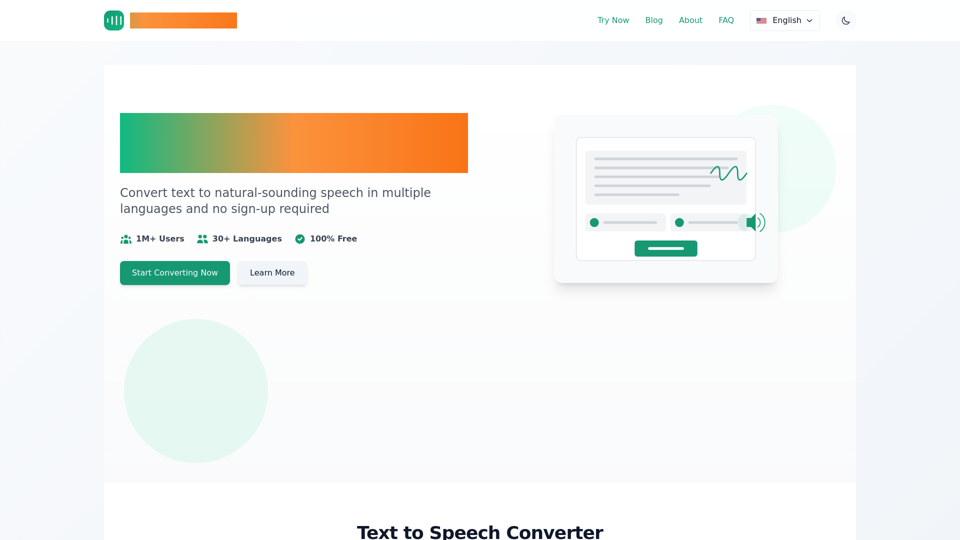
Instantly convert text to speech online for free with tts-free.online. Get natural-sounding AI voices in multiple languages. No sign-up required, MP3 download.
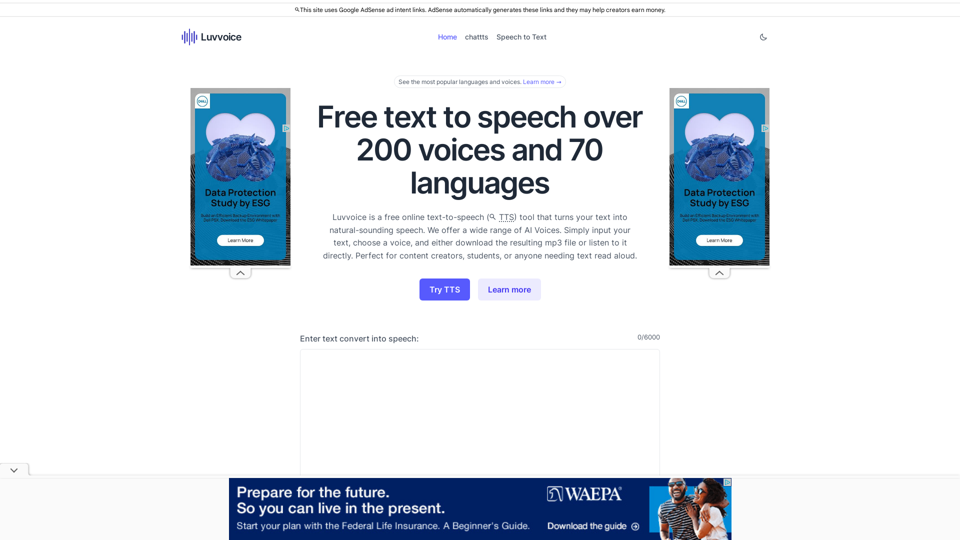
Free text to speech voices over 70 languages and 200 voices,no word limit. Listen online and download files in mp3 format.A free tts tool.
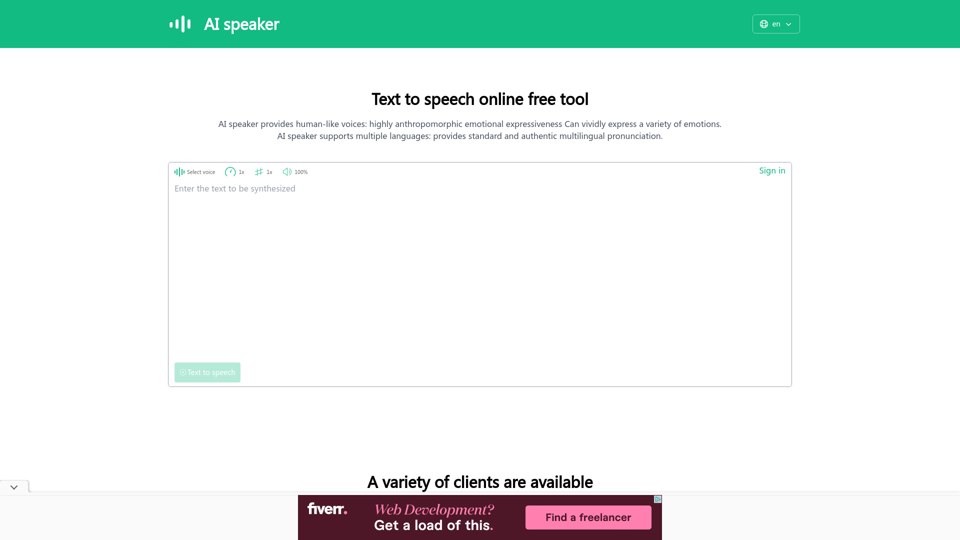
AI speaker is a text to speech online free tool and AI voice generator that converts text to speech, supporting more than 100 languages and more than 600 AI voices. It can be used as a text reader to read aloud or to download audio files in MP3 format.
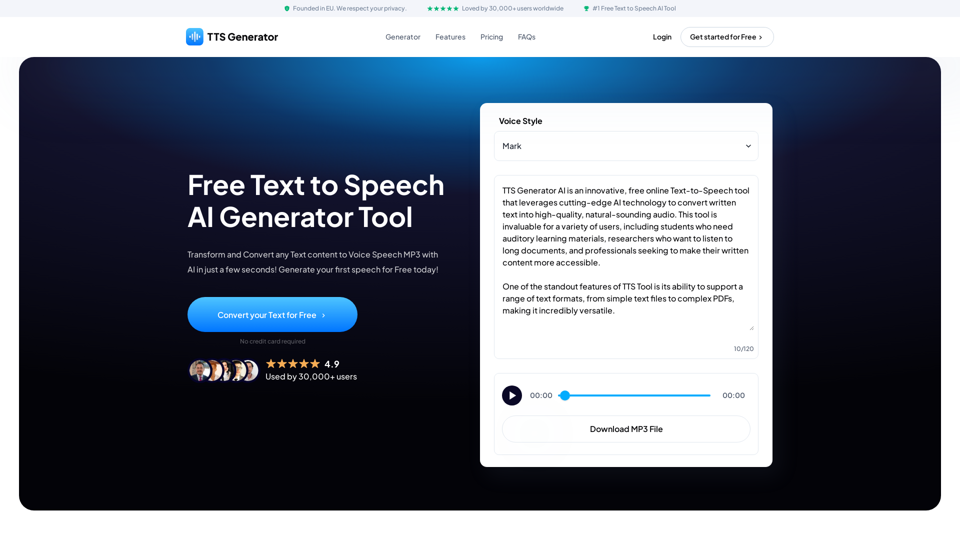
Transform and Convert any Text content to Voice Speech MP3 with AI in just a few seconds! Generate your first speech for Free today!
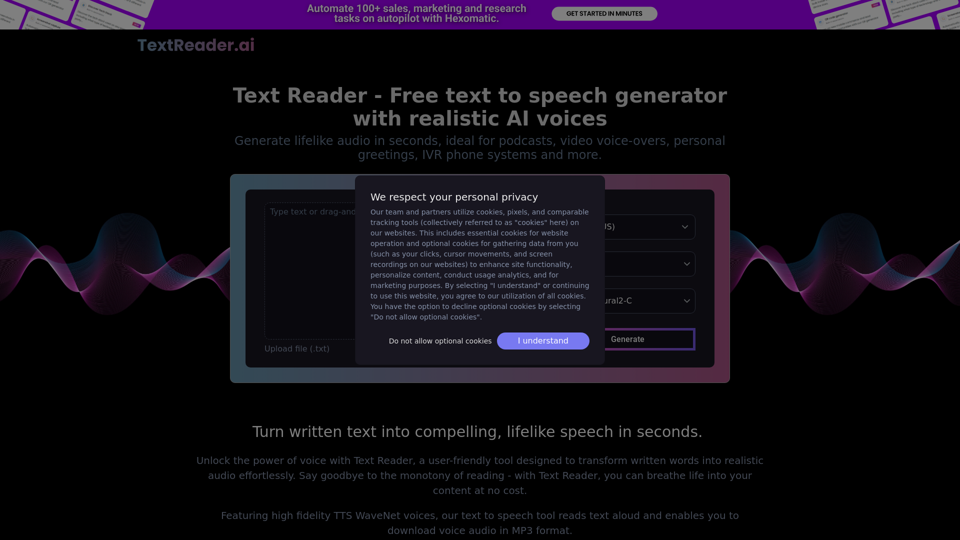
Generate lifelike audio in seconds, ideal for podcasts, video voice-overs, personal greetings, IVR phone systems and more.
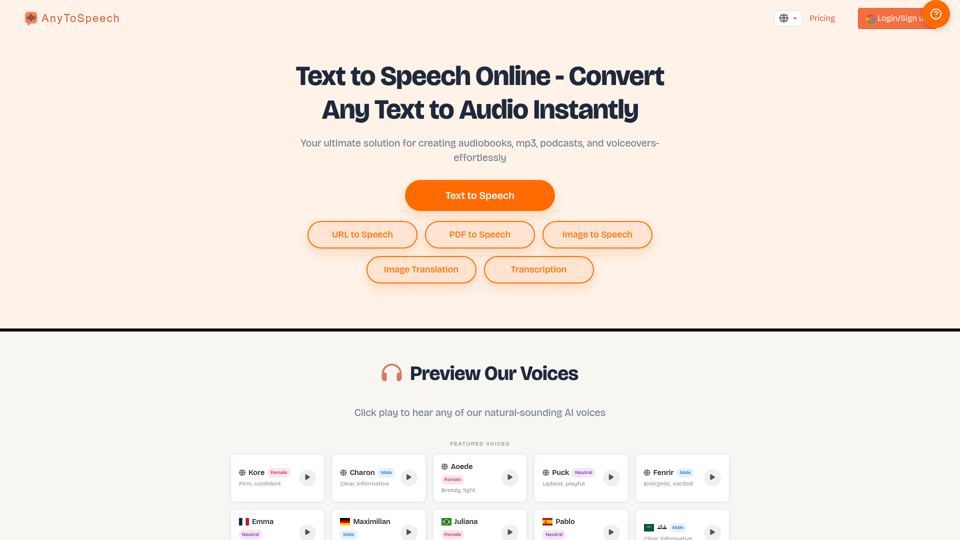
Convert text to audio instantly with natural voices. Listen to PDFs, docs, and more as audio. Try it now for free!, With Testimonial, in minutes, you can collect and display video testimonials and other types of testimonials from your customers with no need for a developer or website hosting., AI Agent Builder
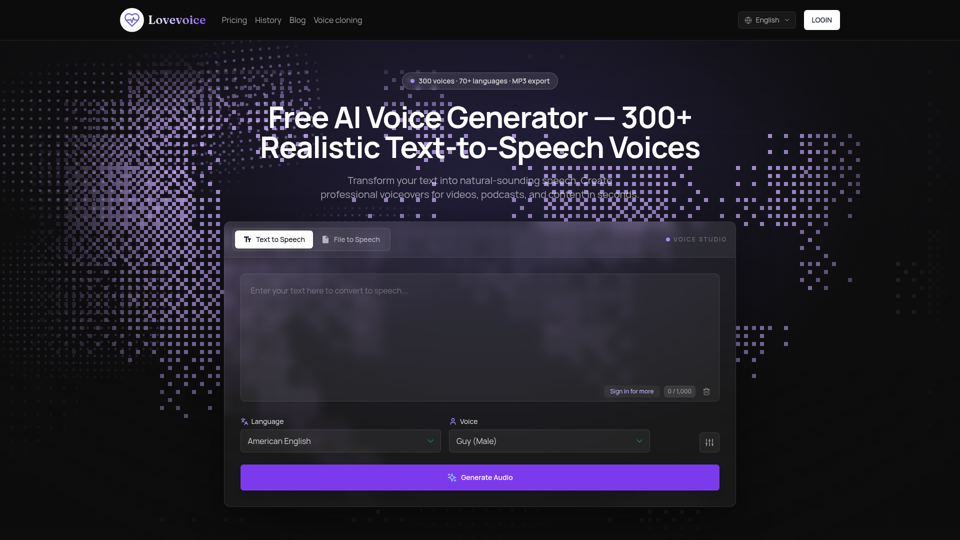
Transform your text into lifelike speech with Lovevoice AI Voice Generator. Choose from nearly 300 AI voices to create natural-sounding audio. Download your generated speech as MP3 files for easy use in videos, podcasts, and more. Perfect for content creators, educators, and businesses. Try it for free today and experience the power of AI-generated voices!
This free text to speech tool will read out loud any text with a natural human-sounding voice. You can select several different voices including male, female, or child.