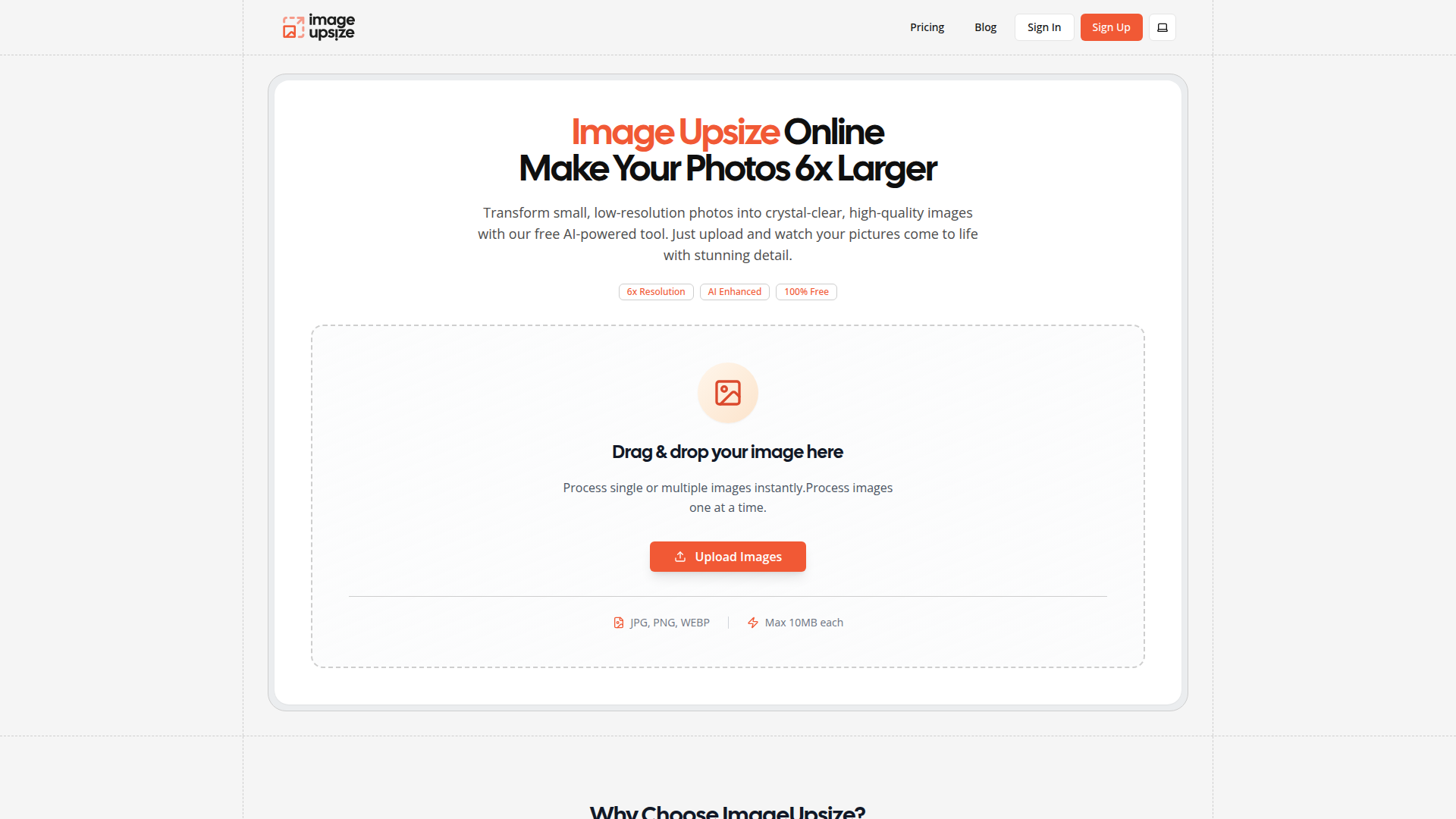
What is Image Upsize?
Image Upsize is an innovative online tool that utilizes advanced AI technology to enhance and enlarge low-resolution images up to 6 times their original size. This process transforms ordinary photos into high-quality, crystal-clear images, making it an ideal solution for anyone looking to improve the visual quality of their pictures quickly and effectively.
Features of Image Upsize
- AI-Powered Enhancement
- Leveraging state-of-the-art Super-Resolution technology, enhancing images is both fast and efficient.
- Custom Scaling Options
- Users can choose from scaling options ranging from 2x to an impressive 6x, allowing for flexibility depending on the desired output.
- Batch Processing
- Upload multiple images simultaneously, with the ability to adjust settings for each photo individually.
- No Cost, No Watermarks
- All enhancements are free, with no hidden fees and results that come watermark-free for unrestricted use.
- Privacy Security
- Uploaded images are automatically deleted within an hour, ensuring user data remains confidential.
How to Use Image Upsize
Enhancing your images with Image Upsize is straightforward. Follow these three simple steps:
- Upload Your Photo: Drag and drop your image. It supports various formats including JPG, PNG, and WEBP, with a maximum size of 10MB per image.
- Select the Scale: Choose your desired magnification level (2x, 4x, or 6x) and initiate the enhancement process by clicking 'Upsize'.
- Download Your Result: Once processing is complete (usually within 10-30 seconds), preview and download your high-resolution image instantly.
Price of Image Upsize
Image Upsize provides its advanced image enhancement service completely free of charge. There are no hidden fees, and users can enlarge images without any watermarks, making it accessible and accommodating for personal and commercial use alike.
Helpful Tips for Using Image Upsize
- Choose the Right Image
- Best results are achieved with clear, high-contrast images. Avoid overly small or blurred images for more significant improvement.
- Experiment with Scaling Options
- Don’t hesitate to try different magnification levels to see which one best suits your particular image.
- Batch Processing for Efficiency
- If you have multiple images, take advantage of the batch processing feature to enhance them all at once and save time.
- Check Image Quality
- After upscaling, take a moment to review your image for any final tweaks or adjustments before use.
Frequently Asked Questions
What is image upsize?
Image upsize refers to increasing the dimensions of a photo using AI technology, effectively maintaining or even enhancing image quality. Our tool allows for up to 6x enlargement.
What image formats are supported?
We support popular formats: JPG, PNG, and WEBP, with each file capped at a size of 10MB.
How long does processing take?
Enhancements typically take between 10 to 30 seconds, depending on image size and selected scaling option.
Is there a limit to how many images I can process?
While our service offers generous daily limits, creating a free account will double your limits and enable batch processing.
Are my images stored on your servers?
Images are temporarily stored for processing and automatically deleted within an hour. We prioritize user privacy and do not share or sell any personal data.
What's the difference between 2x and 6x scaling?
Choosing 2x scaling doubles the photo’s width and height, resulting in four times more pixels, whereas 6x scaling enlarges the image six times, providing substantial improvement in detail and clarity.
Ready to Transform Your Images?
Join our community of users transforming their photos with Image Upsize's AI technology. Get started for free—no account needed—and experience high-quality image enhancement without the hassle!
Image Upsize
Free online image upsize tool. Enlarge photos up to 6x resolution using advanced AI technology. No watermarks, no registration required.
 Vercel
Free AI anime and manga generator. Turn text into anime episodes, manga, comics, webtoons and comic shorts in any art style — no drawing or animation skills needed.
Translate image text across 70+ languages with our advanced AI Image Translator to help you better expand your products globally to various countries
Advertised Here
Reach thousands of visitors daily. Get your spot now!
Tools similar to Image Upsize
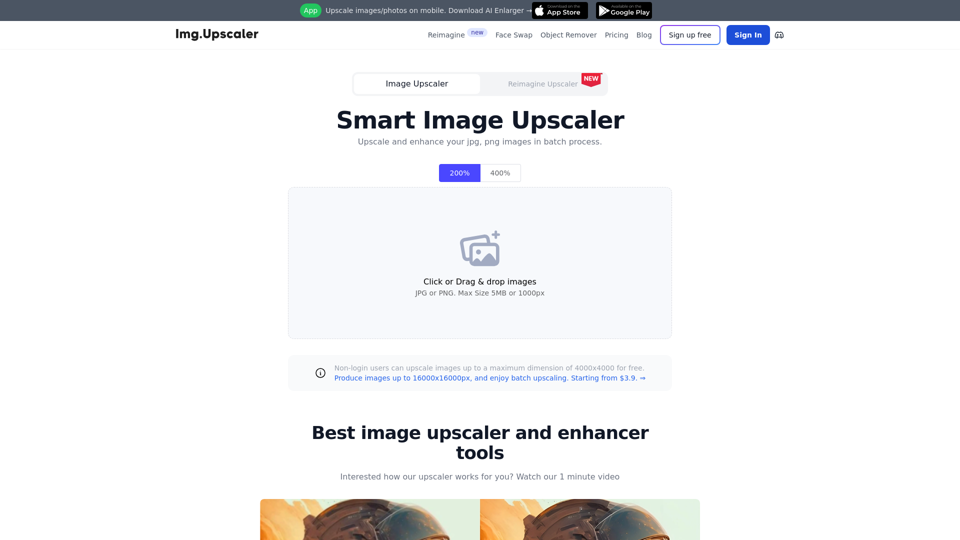
Try our free online image upscaler tool, capable of upscaling images by 400% and up to 16000x16000 resolution. Enlarge your images without compromising quality. Supports JPG, PNG, and JPEG formats.
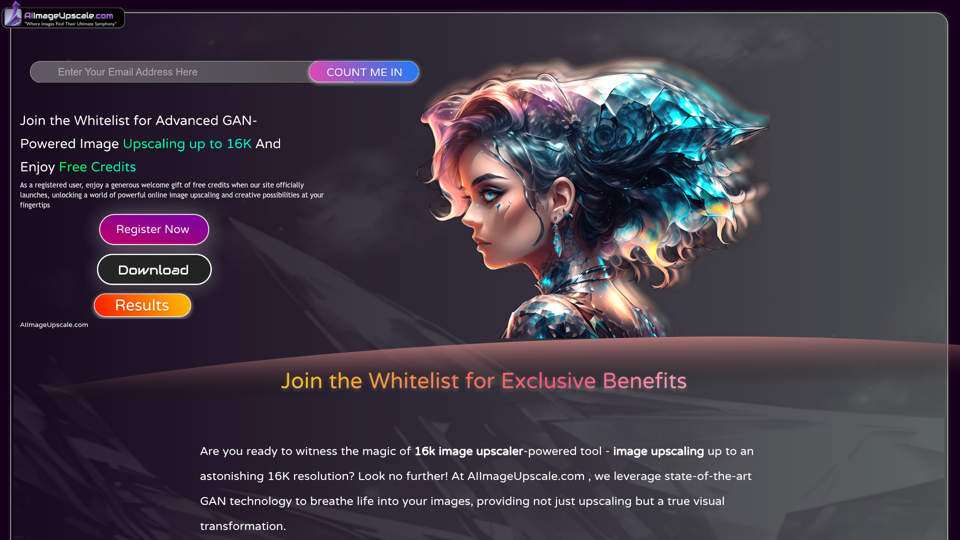
Upscale photos for free with our AI image upscaler, enhancing images by up to 16k and 4k. Increase resolution and enhance image quality effortlessly in seconds.
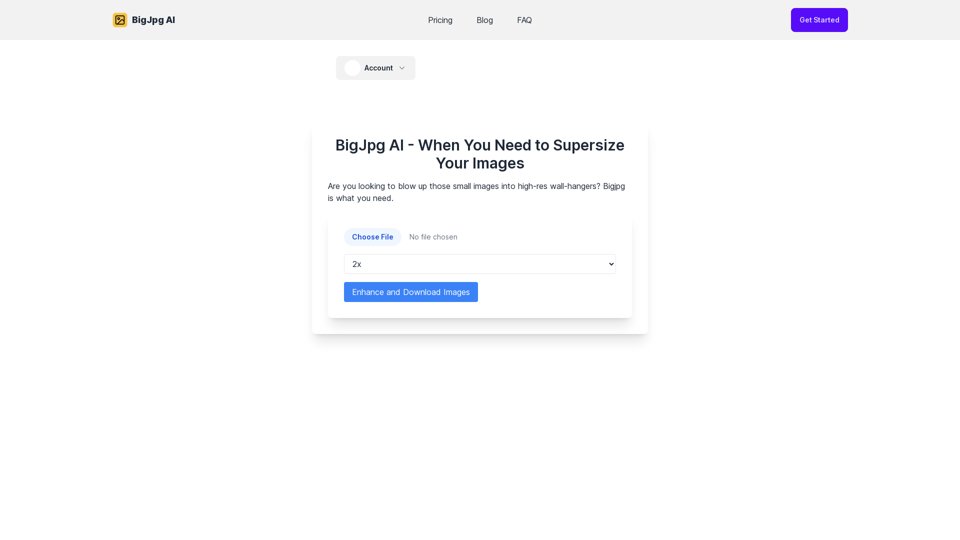
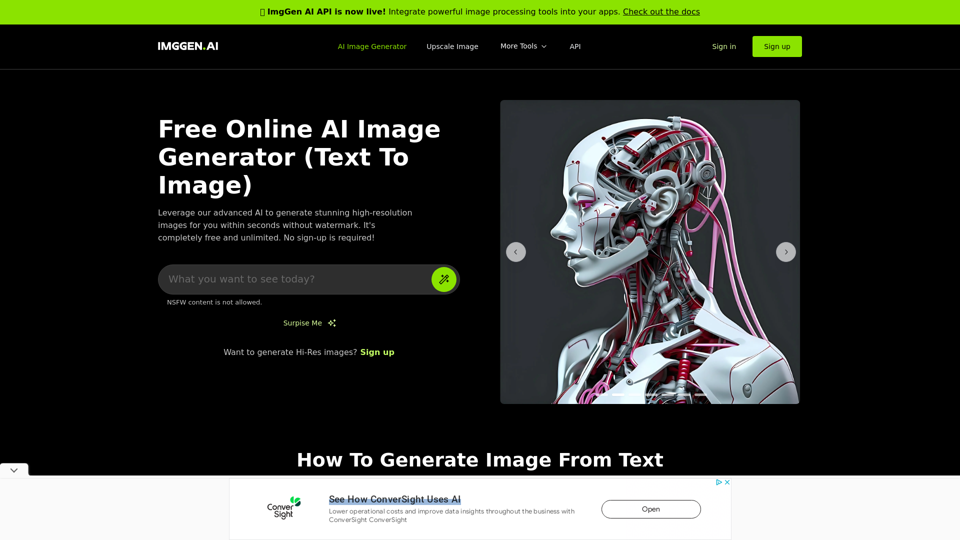
Create stunning images with a text prompt using ImgGen's AI Image Generator (Text to Image) for free with no watermark. No sign up required.
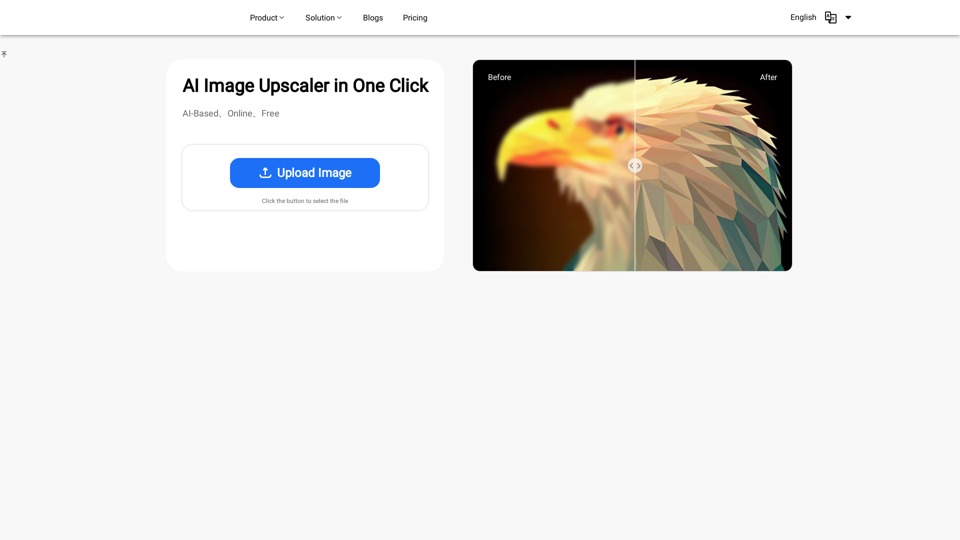
Discover the power of our AI Image Enhancer. Upscale your images to higher resolution for free, online. Perfect for designers, photographers, and artists
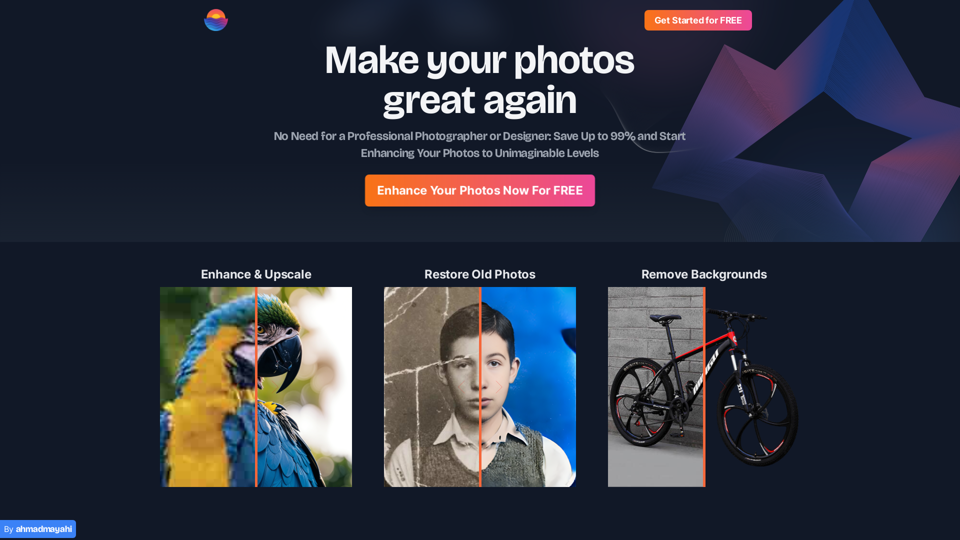
Photo Enhance AI: Transform Your Images with AI Brilliance - Elevate your photos to new heights with our AI-powered enhancement, making your images truly stunning.
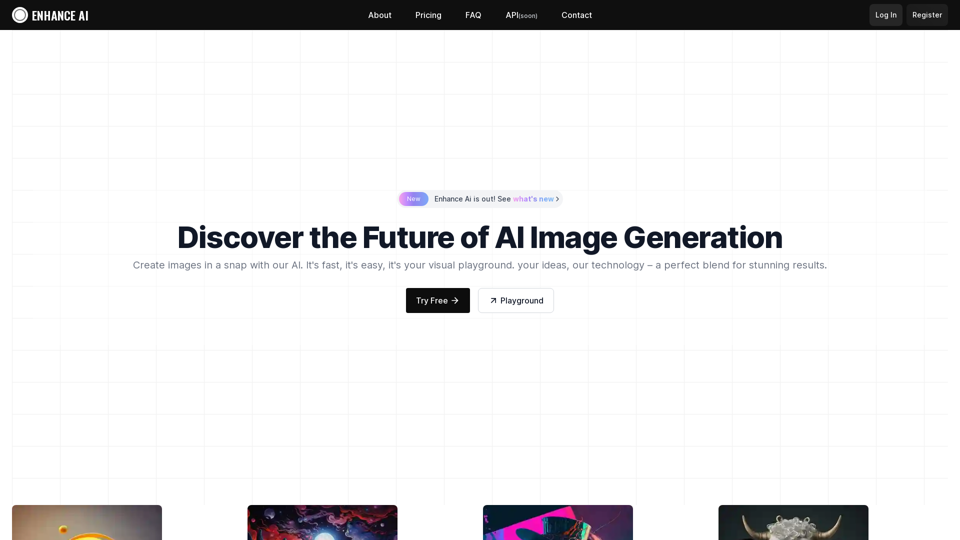
Experience cutting-edge AI image technology with Enhance AI. Photo enhancement, upscaling, deepfake creation, face generation, and background removal - all in one powerful platform.
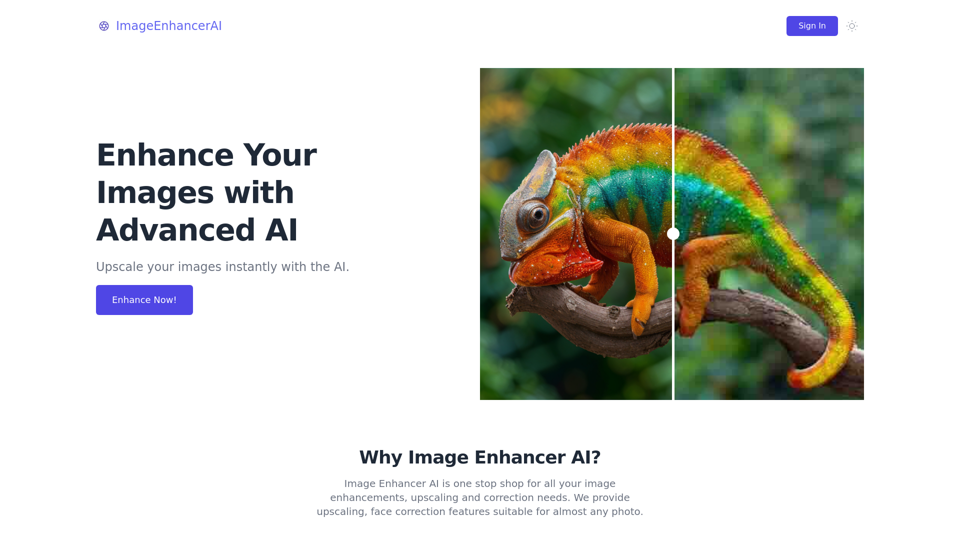
Enhance and upscale your images with Image Enhancer AI. Sharpen blurry photos, increase resolution, and bring your images to life