AI Art Generator + Image Search
Leading AI Art Generator + AI Art Image Search. Generate Beautiful AI Art Instantly, Search AI Art
What is AI Art Generator?
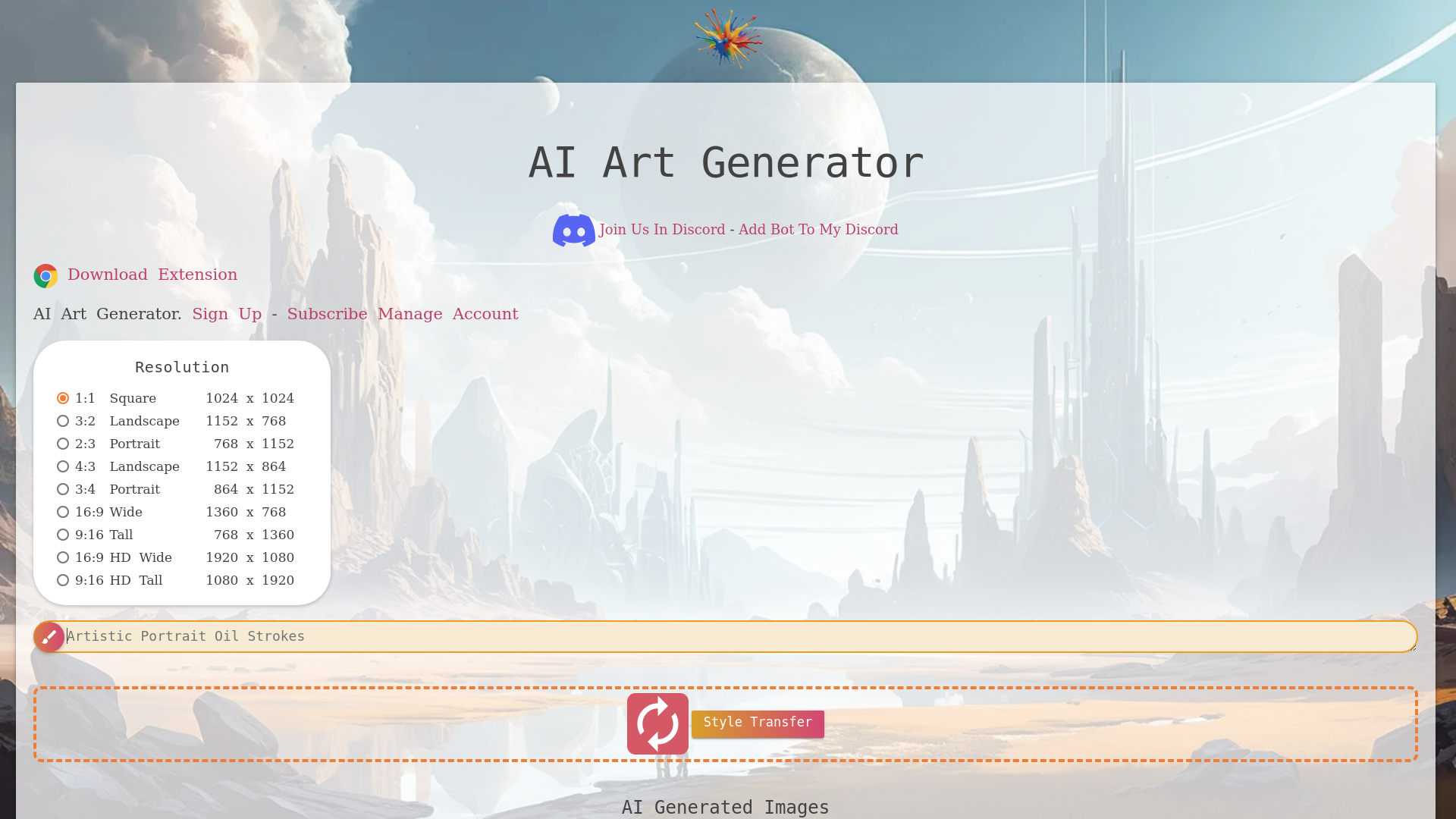
AI Art Generator is a browser-based text-to-image tool that turns written prompts into artwork and also offers an AI art image search for browsing existing generated images. It is aimed at people creating character, fantasy, anime and sci-fi art, and it stands out by combining generation with drag-and-drop style transfer, a separate image editor and downloadable results. The gallery shows example prompts such as a battle-worn female samurai, a cyberpunk ronin or a humanoid snow leopard queen, so new users can start from an existing idea.
Key features
- Text-to-image generation
- Enter a text prompt and the tool produces an image in the style and resolution you choose.
- Seven aspect ratios
- Square 1024 x 1024, landscape 1152 x 768, portrait 768 x 1152, landscape 1152 x 864, portrait 864 x 1152, wide 1360 x 768 and tall 768 x 1360.
- Style transfer
- Drag and drop an image onto the style transfer area to apply a new style to it.
- Built-in image editor
- Every generated image has an "Open in Editor" option that sends it to the separate AI Art Generator image editor.
- Downloadable results
- Generated images carry a download option labelled 2K.
- AI art search and categories
- Browse AI art by category and click through related or similar images.
- Example prompt gallery
- A library of ready-made prompts covering fantasy warriors, anime characters, humanoid animals, cyberpunk and post-apocalyptic subjects.
How to use AI Art Generator
- Open the AI Art Generator website and sign up for an account to start generating.
- Type your idea into the prompt field, describing the subject, setting and style you want.
- Pick a resolution that matches your output, such as 1:1 square 1024 x 1024 or 16:9 wide 1360 x 768.
- If you already have an image, drag and drop it into the style transfer area to restyle it instead of generating from scratch.
- Download the finished image at 2K, or open it in the Editor to make further changes.
Use cases
- Character designers and writers who need portraits for fantasy, anime, cyberpunk or post-apocalyptic characters.
- Tabletop and role-playing players creating artwork for their own characters and campaigns.
- Artists who want to restyle an existing photo or drawing through drag-and-drop style transfer.
- Anyone browsing the AI art gallery or search for reference images and inspiration for a new prompt.
- Users who need a specific image shape, such as a tall 9:16 image for mobile or a wide 16:9 image, rather than a default square.
Pricing
The official website shows a Sign Up option and a Subscribe link, but it does not list any prices, plans or a free tier, so check the official site for current pricing.
FAQ
Is AI Art Generator free to use?
The official website does not list a free plan or any prices. It offers Sign Up and a Subscribe link, so check the official site for the current terms.
What image sizes can AI Art Generator create?
AI Art Generator offers seven resolutions: 1:1 square 1024 x 1024, 3:2 landscape 1152 x 768, 2:3 portrait 768 x 1152, 4:3 landscape 1152 x 864, 3:4 portrait 864 x 1152, 16:9 wide 1360 x 768 and 9:16 tall 768 x 1360.
Can AI Art Generator restyle an image I already have?
Yes. The tool has a style transfer option where you drag and drop an image to have a new style applied to it.
What kinds of images does AI Art Generator produce?
The gallery shows character-focused artwork, including fantasy warriors, anime characters, humanoid animal characters, cyberpunk figures, viking shield-maidens and post-apocalyptic characters.
Does AI Art Generator include an image editor?
Yes. Each generated image can be opened in the AI Art Generator image editor for further editing, and generated images can be downloaded at 2K.
Can I search for existing AI art on AI Art Generator?
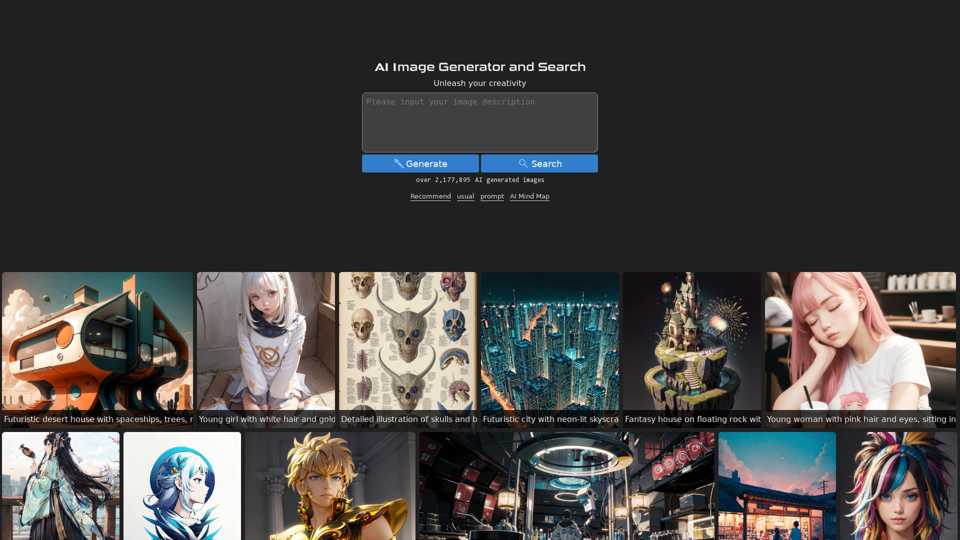
Yes. The tool includes an AI art image search and related art categories, so you can browse and click through generated images as well as generate your own.
AI Art Generator + Image Search
Leading AI Art Generator + AI Art Image Search. Generate Beautiful AI Art Instantly, Search AI Art
 Backbone.js
 Bootstrap
 Cloudflare
 Google AdSense
 HTTP/3
 Stripe
 Twitter typeahead.js
 Underscore.js
 jQuery:3.5.1
Free AI anime and manga generator. Turn text into anime episodes, manga, comics, webtoons and comic shorts in any art style — no drawing or animation skills needed.
Translate image text across 70+ languages with our advanced AI Image Translator to help you better expand your products globally to various countries
Advertised Here
Reach thousands of visitors daily. Get your spot now!
Tools similar to AI Art Generator + Image Search
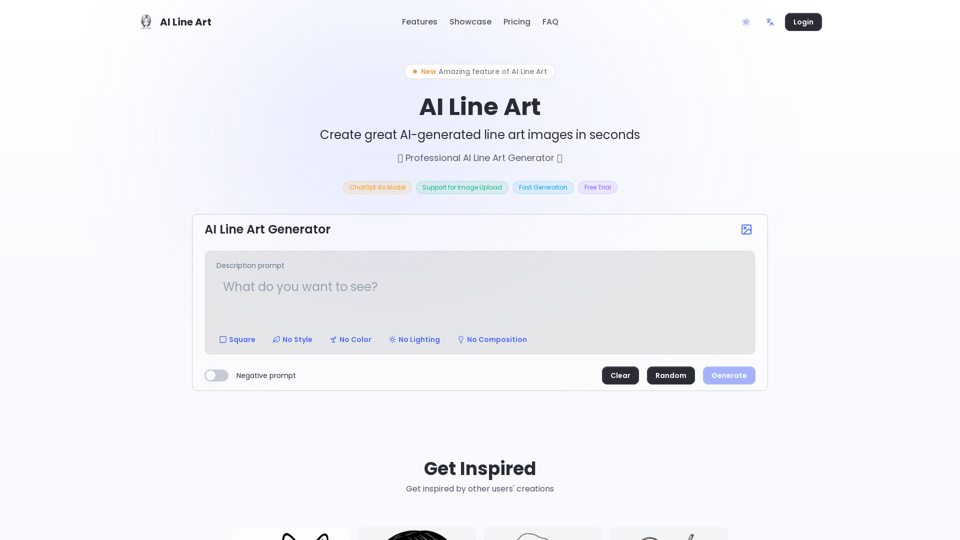
Create professional line art illustrations in seconds with AI Line Art Generator. Multiple styles, image upload support, fast generation. Free trial available.
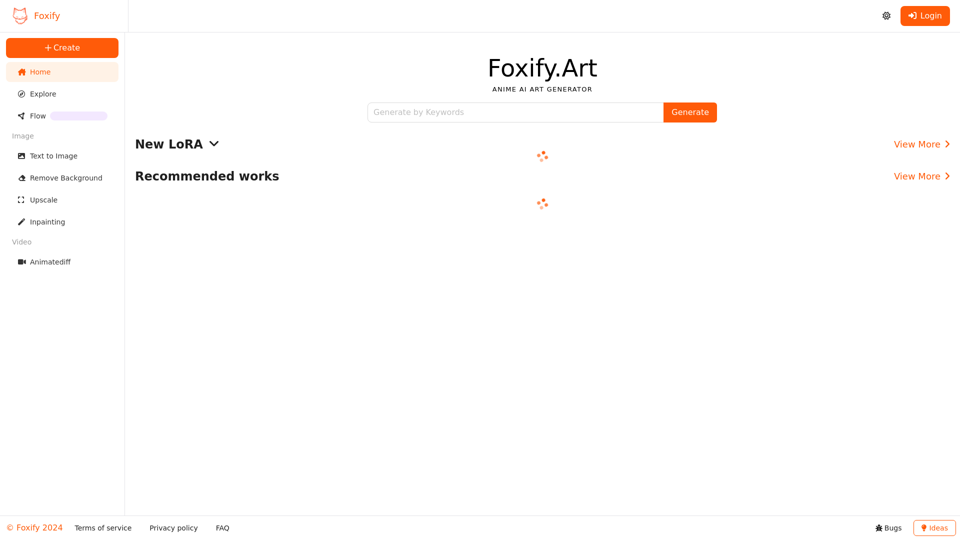
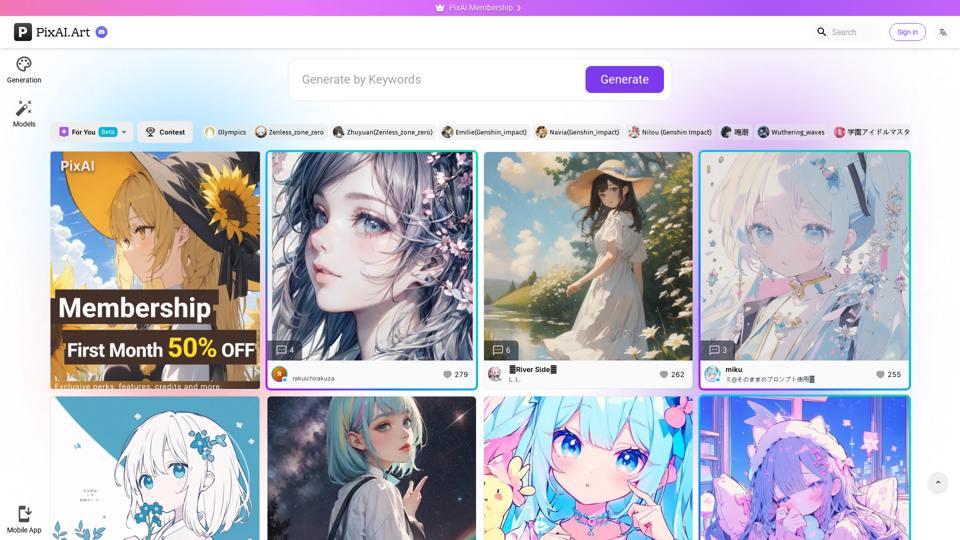
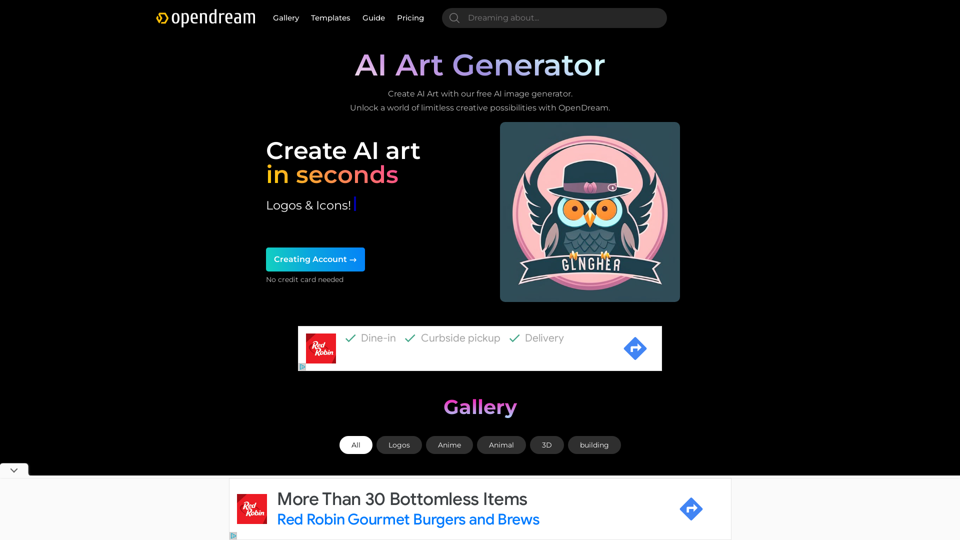
OpenDream - a free AI Art Generator where everyone can become a digital artist. Unleash your creativity and craft AI Art masterpieces within a few seconds with our AI image generator.
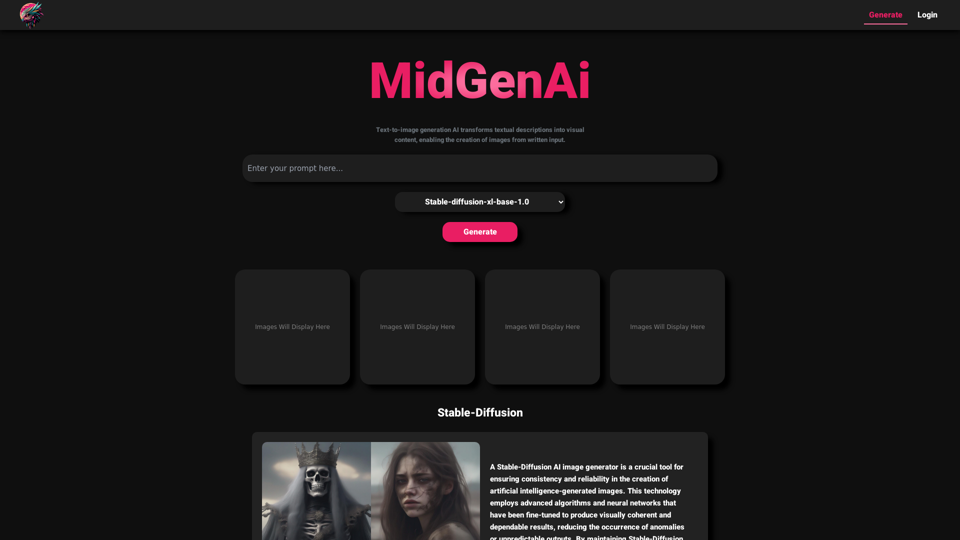
MidGen AI - Text-To-Image Best AI Image Generator 100% Free to use, with best 5 trained Models.
Generate best AI Anime, AI Art or AI Images with our free and easy to use AI Image Generator - No need to do complicated prompts anymore.