April AI
April AI helps users communicate effectively without putting in extra learning hours.
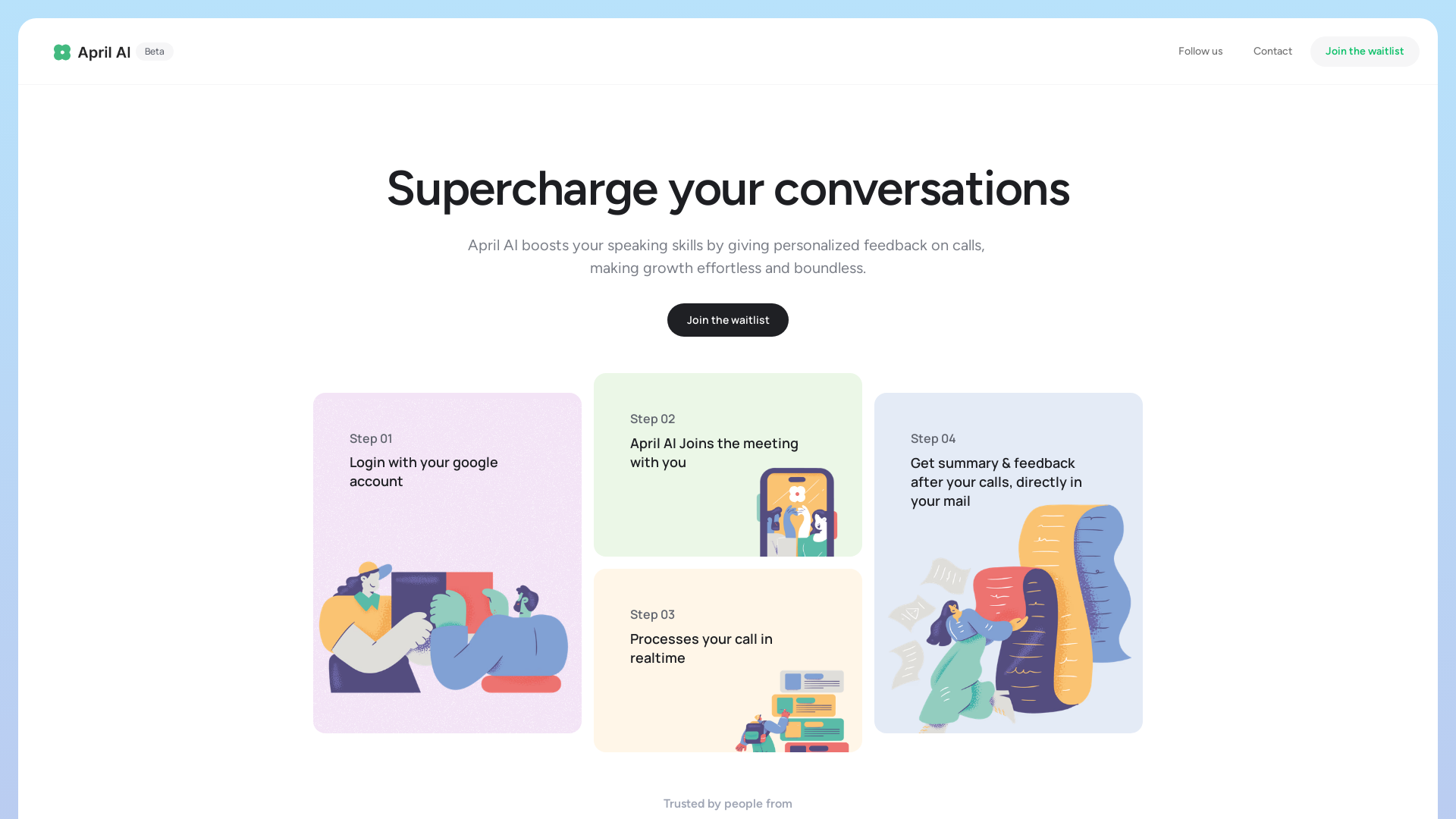
What is April AI?
April AI is an innovative platform designed to enhance your speaking skills by providing personalized feedback during calls and meetings. It seamlessly integrates into your routine, allowing you to improve your communication abilities without dedicating extra time. With April AI, you can expect to supercharge your conversations and become a more effective speaker and leader.
What are the main features of April AI?
- Personalized Feedback
- April AI analyzes your calls in real-time, offering tailored feedback specific to your speaking style and meeting context.
- Real-Life Application
- The feedback is grounded in actual meetings, helping you improve your communication in practical scenarios.
- Seamless Integration
- Designed for busy professionals, April AI fits effortlessly into your existing schedule, eliminating the need for additional time commitment.
- Email Summaries
- After your calls, you receive a detailed summary and feedback directly in your email, making it easy to track your progress.
How to use April AI?
- Login with Your Google Account: Start by logging into April AI with your Google account.
- Join Your Meetings: April AI joins the meeting alongside you, processing your conversation in real-time.
- Receive Feedback: After your calls, you will get a comprehensive summary and feedback delivered right to your email.
- Track Progress and Improve: Use the insights gained to refine your speaking abilities over time.
What is the price of April AI?
April AI offers various subscription options that cater to different user needs. While there may be a free trial or limited access initially, a subscription is recommended for ongoing, in-depth feedback and analytics. Pricing details can typically be found on the April AI website or by contacting their customer service.
Helpful Tips for Maximizing April AI
- Regular Use
- Make it a habit to utilize April AI for all your important meetings to ensure consistent feedback and improvement.
- Review Feedback Promptly
- After each meeting, review the feedback as soon as it arrives in your email to reinforce learning outcomes.
- Set Goals
- Define specific goals for your speaking skills and track your progress over time with the insights provided by April AI.
- Engage with the Community
- Join forums or community discussions surrounding April AI to share experiences and learn from other users.
Frequently Asked Questions
How does April AI work?
April AI analyzes your voice and speech patterns during calls in real-time and provides contextual feedback tailored to your individual style and the nature of the meeting.
How do I get started with April AI?
To get started, simply login with your Google account, and then you can start integrating April AI into your meetings and calls.
Who can I reach out to in case of feedback or queries?
For feedback or queries, users can reach out to the April AI support team through their contact options listed on the website. Additionally, users can connect via social media platforms like Instagram and LinkedIn for updates and community engagement.
April AI
April AI helps users communicate effectively without putting in extra learning hours.
 Nginx
 OpenResty
An AI agent that researches your goal, then makes the real files: PowerPoint decks, Word documents, Excel spreadsheets, PDFs, videos and web pages. Free to start.
Free AI anime and manga generator. Turn text into anime episodes, manga, comics, webtoons and comic shorts in any art style — no drawing or animation skills needed.
Translate image text across 70+ languages with our advanced AI Image Translator to help you better expand your products globally to various countries
Advertised Here
Reach thousands of visitors daily. Get your spot now!
Tools similar to April AI
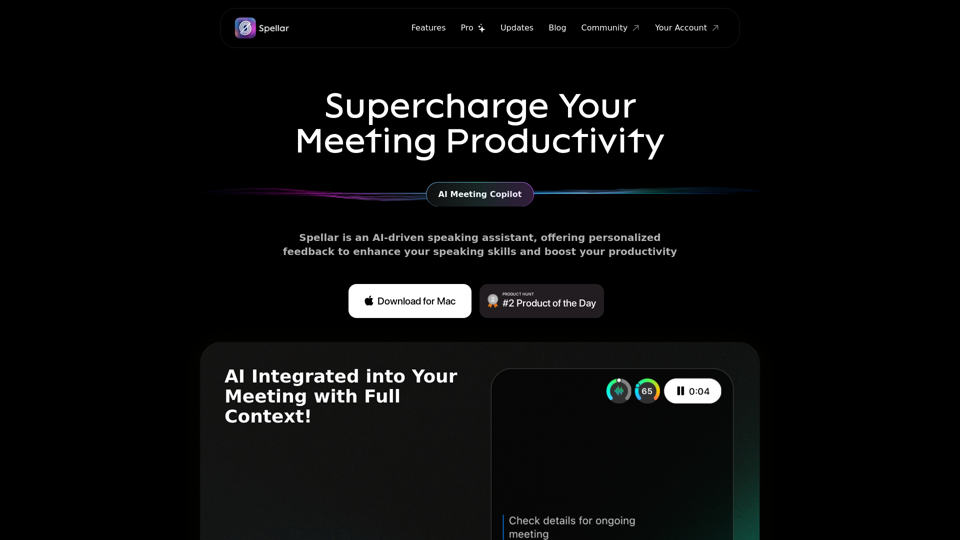
Spellar AI - powered macOS meeting assistant, enhances communication with real-time engagement tips, meeting summaries key points and tasks tracking. Ideal for non-native English speakers in remote work. Spellar records calls with meetings notes automated
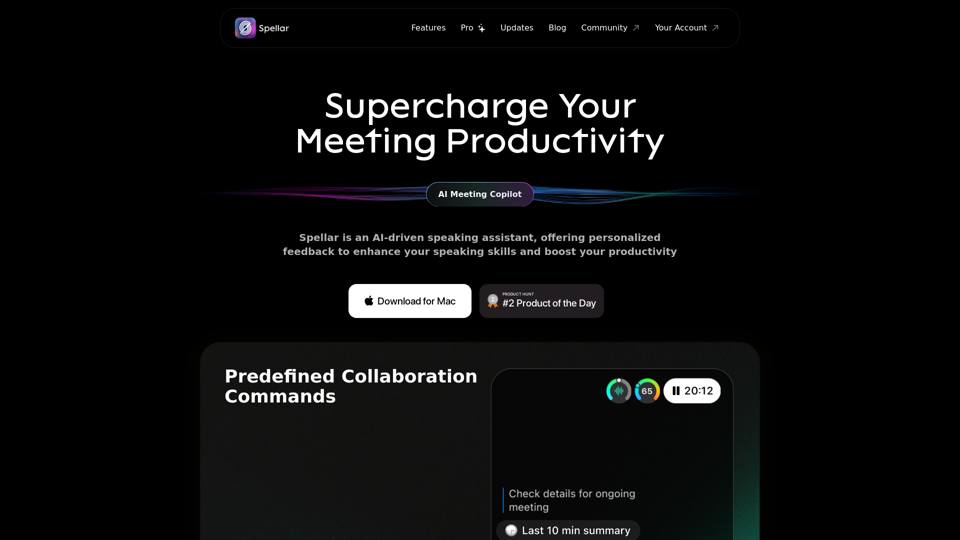
Spellar AI - powered macOS meeting assistant, enhances communication with real-time engagement tips, meeting summaries key points and tasks tracking. Ideal for non-native English speakers in remote work. Spellar records calls with meetings notes automated
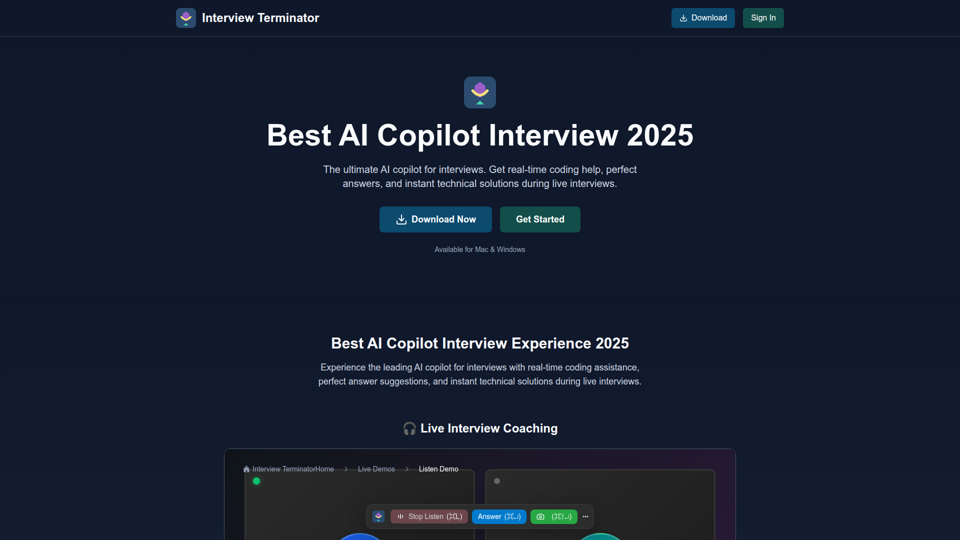
The best AI copilot for interviews in 2025. Get real-time coding help with AI desktop overlay, perfect answers, and instant technical solutions during live interviews. Free AI interview copilot - no signup required., Experience our AI-powered live interview assistance demo. See real-time prompts, smart guidance, and instant answer generation during mock interviews., Try our AI screenshot analysis demo. Upload coding problems and get instant solutions with detailed explanations for technical interview success.
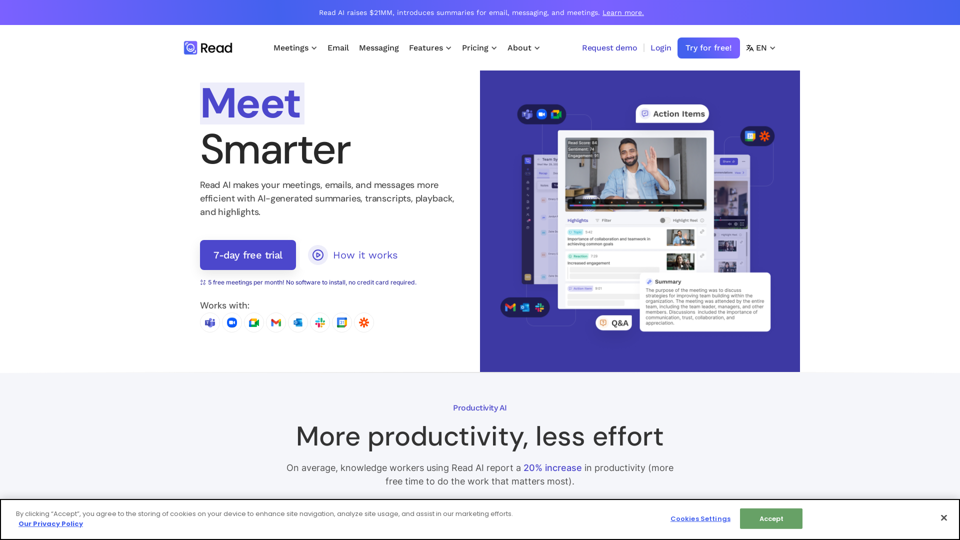
In a hybrid world, Read improves meeting wellness through better scheduling, real-time analytics, summaries, transcription, playback, and automated recommendations. On average, Read identifies 20 meeting hours a month that could be eliminated.
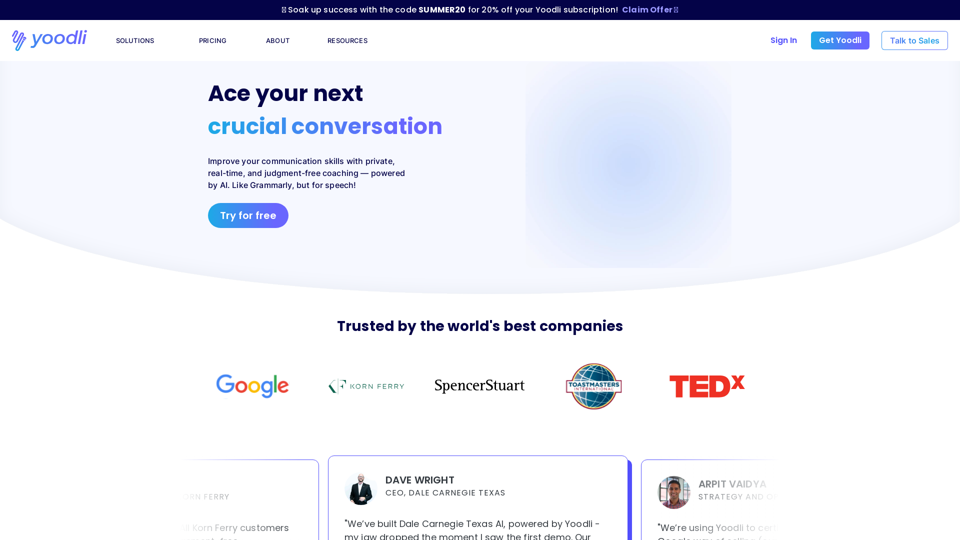

Improve productivity and meeting culture across your whole org using analytics and our AI-powered bot.

Noty.ai is a Workplace AI assistant that creates, tracks and pushes work-related to-dos. Unlock 2 extra hours daily and make communication 100% actionable. Start for free!