ChatWithCloud
CLI to Chat with your AWS Cloud from Terminal using generative AI.
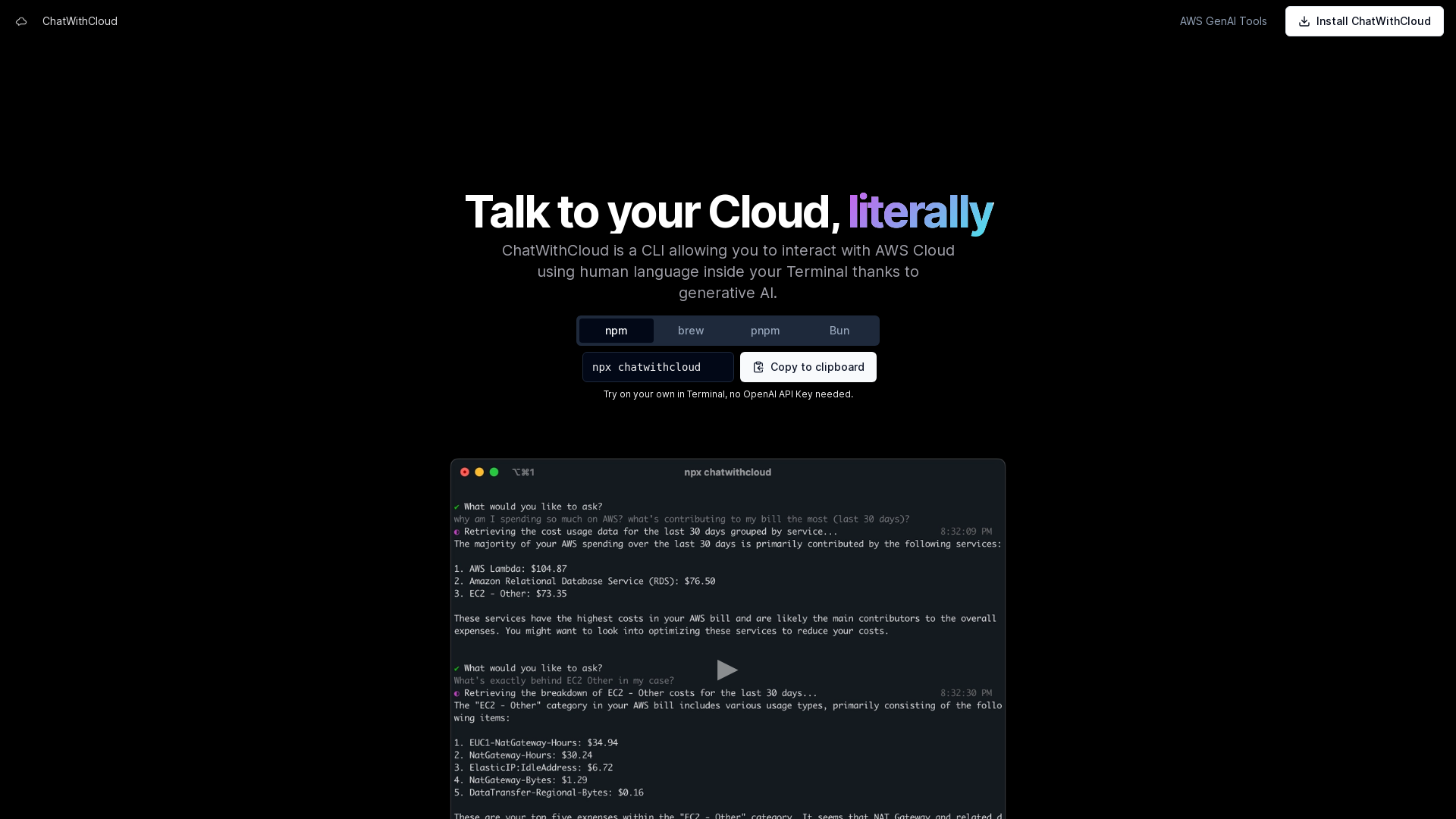
What is ChatWithCloud?
ChatWithCloud is a Command Line Interface (CLI) that allows users to interact with their AWS Cloud environment using natural, human-like language directly within the Terminal. By utilizing state-of-the-art generative AI, ChatWithCloud makes cloud management more intuitive and accessible for AWS users without needing extensive cloud knowledge.
What are the main features of ChatWithCloud?
- Cost Analysis
- Understand your AWS spending and discover optimization strategies.
- Security Analysis
- Identify resources, analyze IAM policies, and enhance your security posture.
- Troubleshooting
- Gain insights into your infrastructure’s issues and learn how to resolve them.
- Automatic Fixes
- ChatWithCloud can suggest and even implement fixes to your infrastructure challenges on your behalf.
How to use ChatWithCloud?
To get started with ChatWithCloud, simply install it on your system using either npm, brew, or pnpm. You don’t need an OpenAI API Key to begin. Users can leverage the CLI to ask questions about their AWS environment and receive immediate feedback.
What are the pricing options for ChatWithCloud?
ChatWithCloud offers two pricing plans:
- Lifetime License
- This one-time payment plan provides a lifetime subscription, allowing unlimited usage without any OpenAI Key. This plan is currently in limited availability, with only 50 licenses up for grabs at a price of $39.
- Managed Subscription
- This monthly subscription plan offers unlimited usage with no OpenAI Key requirement, where all operational costs are covered by ChatWithCloud. The managed subscription is priced at $19 per month and provides access to a smarter model for enhanced responses.
Helpful Tips
- Before using ChatWithCloud, familiarize yourself with basic AWS Cloud concepts to maximize your experience.
- Make use of the free trial option to evaluate the platform before making any purchase, ensuring it meets your needs.
- Take advantage of the cost and security analysis features to gain insights that can lead to significant savings.
Frequently Asked Questions
Can I try ChatWithCloud for free?
Yes, ChatWithCloud provides an option to try the service for free before committing to a purchase.
Is it secure to use?
Yes, security is a priority, and ChatWithCloud employs robust measures to protect your data and interactions.
Do I need prior AWS knowledge to use ChatWithCloud?
No, while some basic AWS knowledge can be beneficial, ChatWithCloud is designed to be user-friendly and accessible even for those with limited experience.
How does ChatWithCloud compare to Amazon Q?
ChatWithCloud utilizes generative AI to create a more conversational and user-friendly experience compared to Amazon Q, focusing on clarity and ease of use in a CLI format.
Can I only read data or also modify it?
With ChatWithCloud, users are capable of both reading data and implementing modifications, making it a versatile tool for AWS management.
ChatWithCloud
CLI to Chat with your AWS Cloud from Terminal using generative AI.
 HTTP/3
 Hostinger
Free AI anime and manga generator. Turn text into anime episodes, manga, comics, webtoons and comic shorts in any art style — no drawing or animation skills needed.
Translate image text across 70+ languages with our advanced AI Image Translator to help you better expand your products globally to various countries
Advertised Here
Reach thousands of visitors daily. Get your spot now!
Tools similar to ChatWithCloud
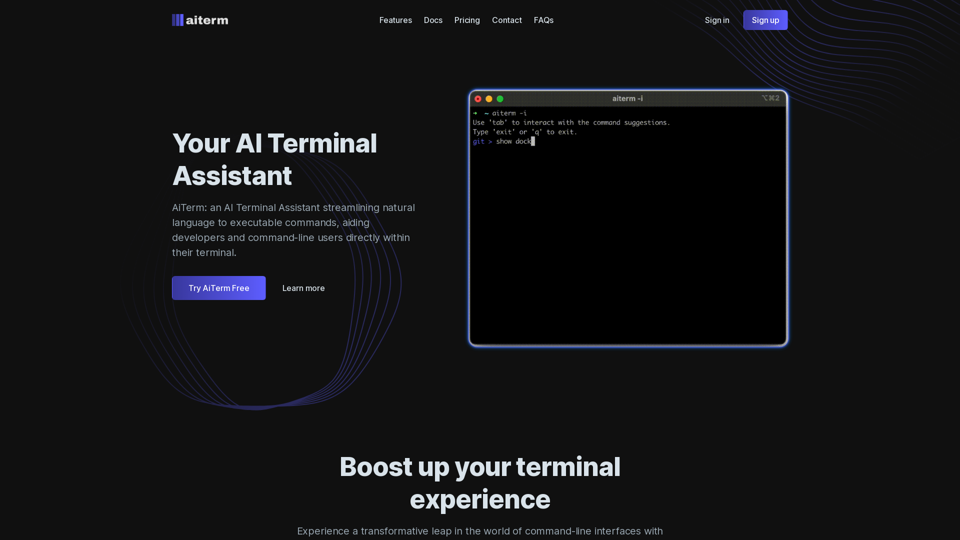
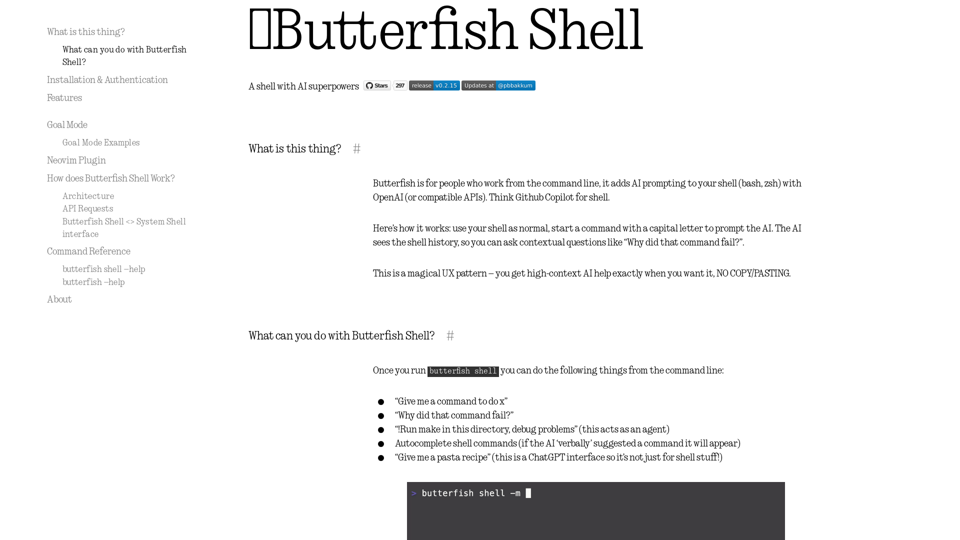
Let's do useful things with LLMs from the command line, with a bent towards software engineering.
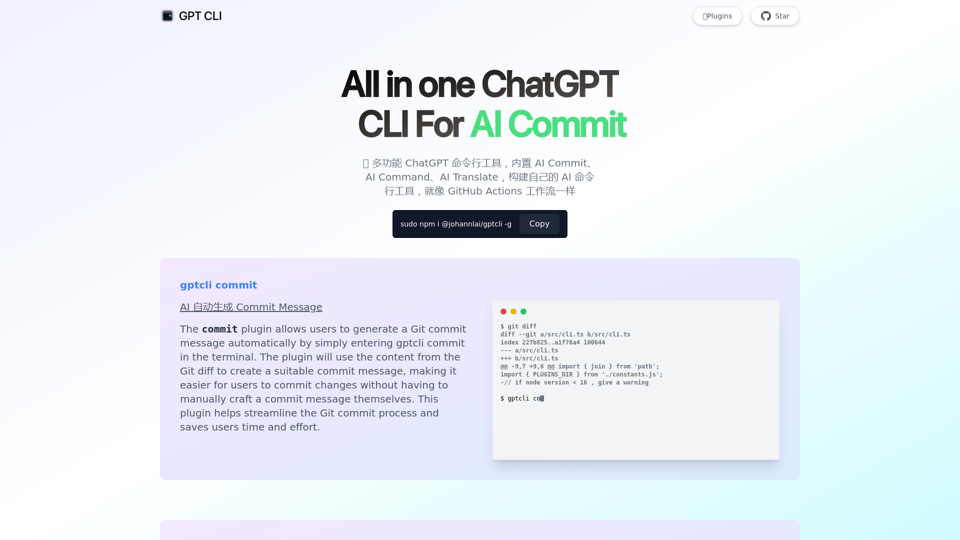
GPT CLI is a command-line interface tool that allows you to create your own ChatGPT CLI tools in seconds. With GPT CLI, you can customize your CLI tools to suit your needs and make your work more efficient. Convert NATURAL LANGUAGE PROCESSING (NLP) to into structured data.
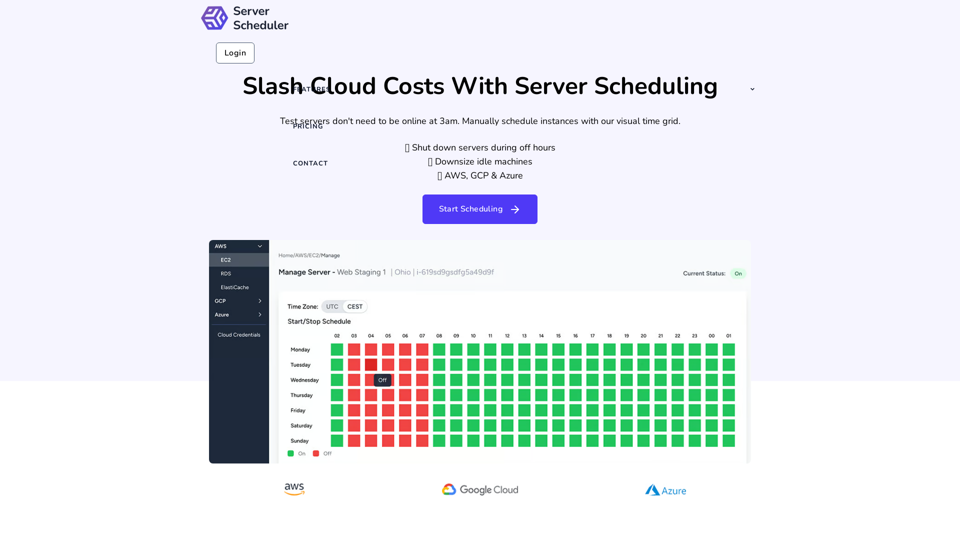
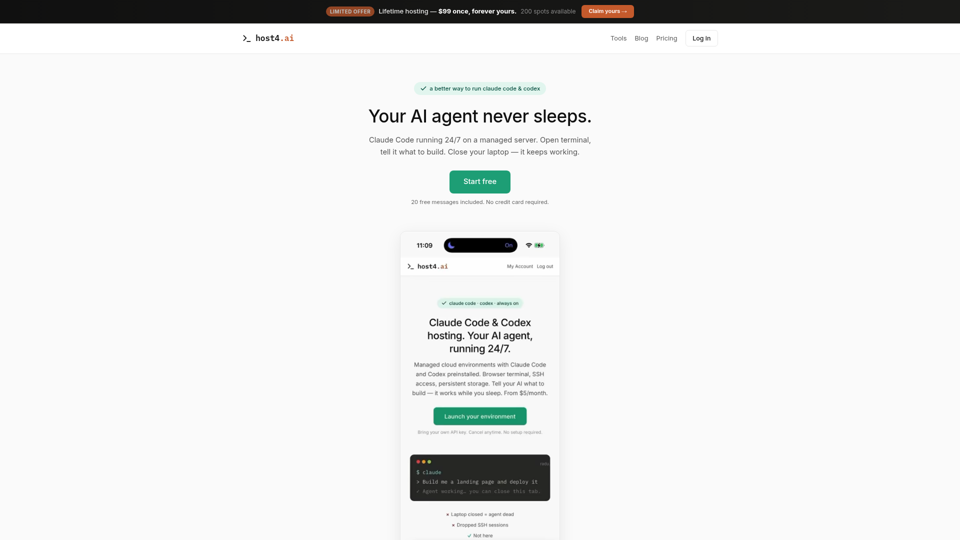
Managed hosting for Claude Code and Codex. Persistent cloud environments, browser terminal, SSH access. Your AI coding agent runs 24/7. Free trial included.
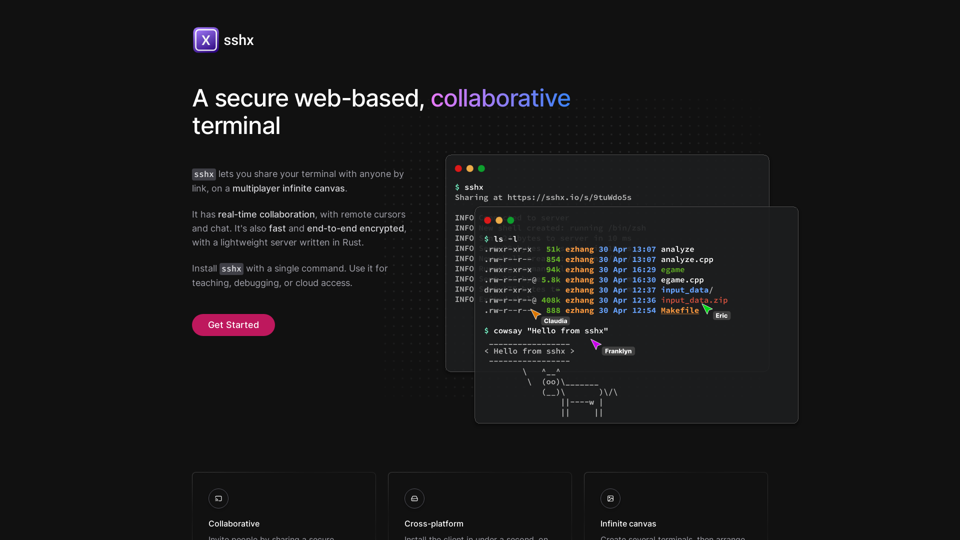
Fast, collaborative live terminals in the browser, with real-time chat, cursors, and activity tracking.
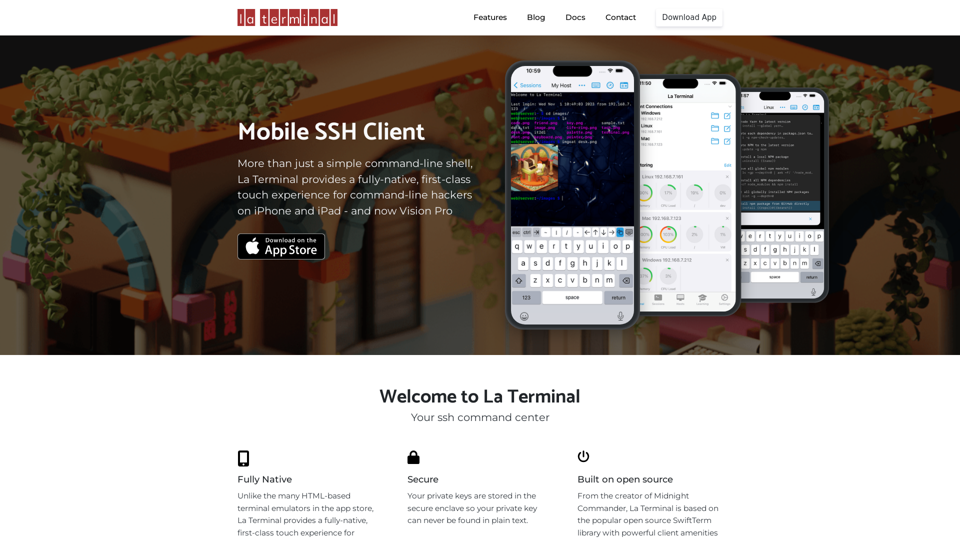
More than just a simple command-line shell, La Terminal provides a fully-native, first-class touch experience for command-line hackers on iPhone and iPad.
Linux commands in natural language. Work in terminal but using plain English!