Glasses Gone
Remove eyeglasses / spectacles with AI - portrait photo retouching for portrait photos, remove glasses from photo online, change eye color online
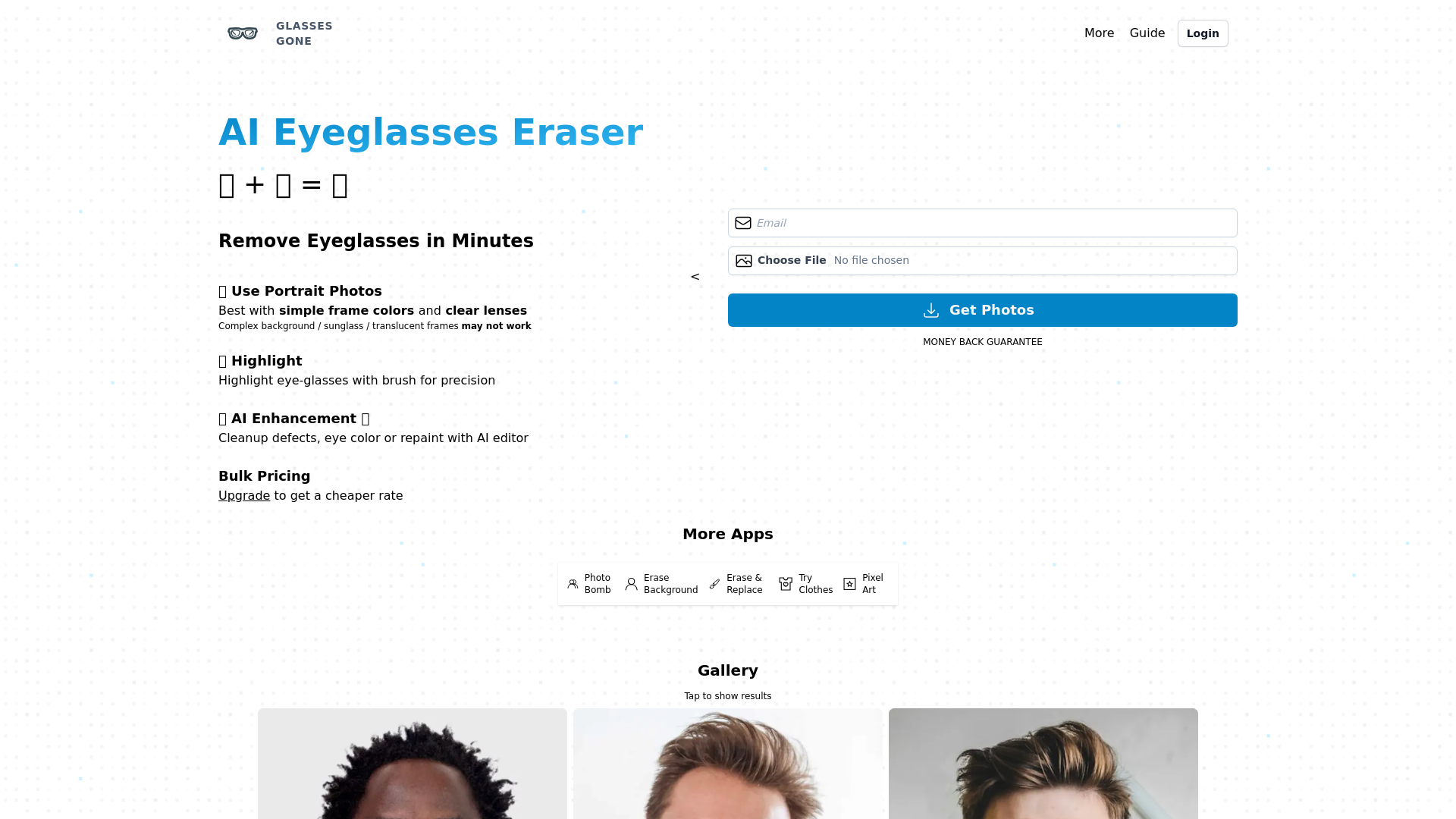
What is Glasses Gone?
Glasses Gone is an innovative AI tool designed to help users effortlessly remove eyeglasses from photos in just minutes. Optimized for portrait images, this tool works best with simple frame colors and clear lenses, offering users a simple and effective way to enhance their images by eliminating glasses painlessly.
What are the main features of Glasses Gone?
- Effortless Eyeglasses Removal
- Remove eyeglasses from your portraits with just a few clicks.
- AI Enhancement
- Cleanup defects, adjust eye color, or repaint images using the AI editor.
- Highlighting Tools
- Use a brush to precisely highlight eyeglasses, ensuring detailed and accurate removal.
- Bulk Pricing Options
- Upgrade your account for access to discounted rates on multiple photo edits.
How to use Glasses Gone?
Using Glasses Gone is simple. Upload your portrait photo, the AI will analyze the image, and within minutes, you’ll see the glasses removed. You can also utilize the AI enhancement tools to adjust other aspects of the photo, such as eye color and image quality. The service provides a user-friendly interface that guides you through each step.
Price
Glasses Gone offers various pricing plans, including bulk options for users looking to edit multiple photos at once. An email subscription allows you to receive information on discounts and promotional offers. Plus, there's a money-back guarantee, ensuring that your satisfaction is prioritized.
Helpful Tips
- Opt for photos with simple frame colors and clear lenses for best results.
- Avoid complex backgrounds or images featuring sunglasses or translucent frames, as these may not work optimally.
- Experiment with the AI enhancement tools for even better image quality post-edit.
Frequently Asked Questions
Can I use Glasses Gone on any type of photo?
While Glasses Gone works best with portrait photos featuring simple frames and clear lenses, it may not perform well on images with complex backgrounds or sunglasses.
Is there a guarantee for the results?
Yes! Glasses Gone offers a money-back guarantee, ensuring that users can feel confident in their purchase.
How does the bulk pricing work?
By upgrading your account, you can access discounted rates for processing multiple photos, making it more cost-effective for frequent users.
Will my photos be secure?
Yes, user privacy is taken seriously, and your uploaded photos are handled with confidentiality.
How can I maximize my results with Glasses Gone?
Ensure to upload high-quality images and utilize the AI enhancement features available to refine and perfect your photos further.
Glasses Gone
Remove eyeglasses / spectacles with AI - portrait photo retouching for portrait photos, remove glasses from photo online, change eye color online
An AI agent that researches your goal, then makes the real files: PowerPoint decks, Word documents, Excel spreadsheets, PDFs, videos and web pages. Free to start.
Free AI anime and manga generator. Turn text into anime episodes, manga, comics, webtoons and comic shorts in any art style — no drawing or animation skills needed.
Translate image text across 70+ languages with our advanced AI Image Translator to help you better expand your products globally to various countries
Advertised Here
Reach thousands of visitors daily. Get your spot now!
Tools similar to Glasses Gone
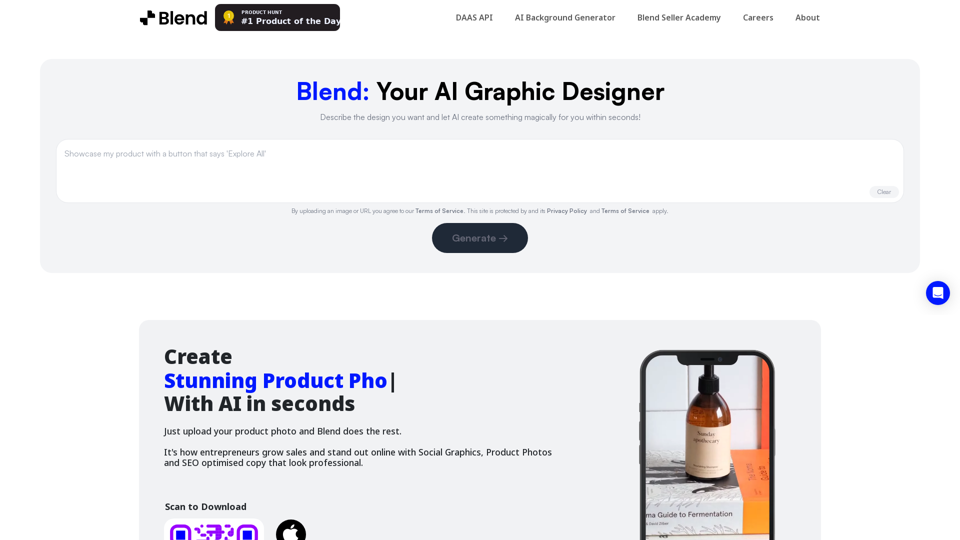
Remove background in high-resolution for free, or change background color of photo, instantly and accurately with Blend's AI background remover.
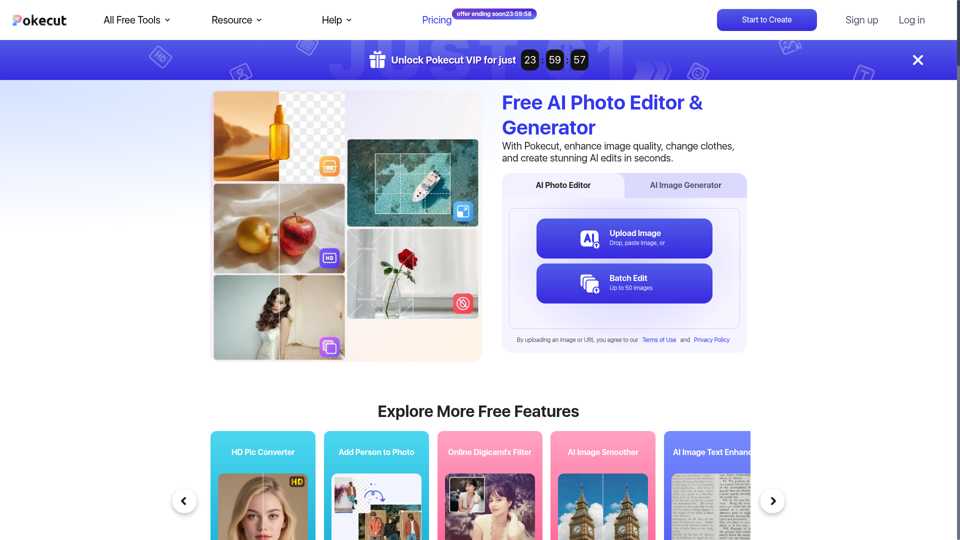
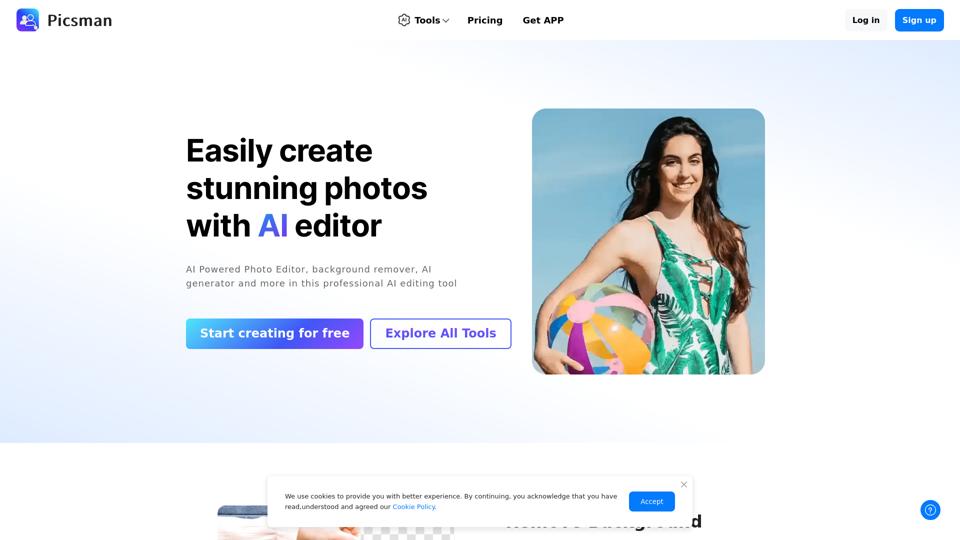
Easily enhance and create product photos with our AI editing tools. Remove background, AI image generator, remove objects, photo enhancer and batch edit.
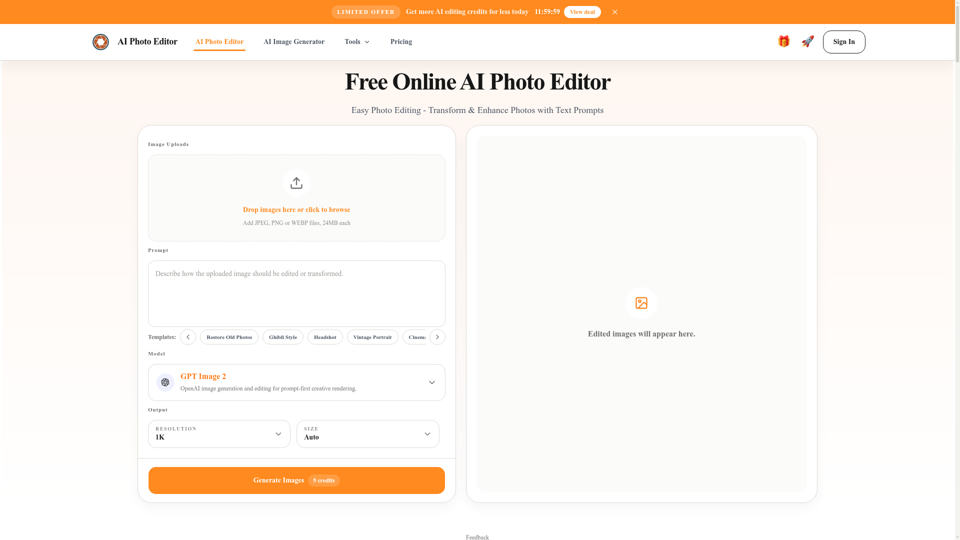
Free AI photo editor online for fast, simple photo edits. Remove, replace, enhance, and restyle images in seconds with an easy AI editor.

Transform your images with FLUX Kontext's AI tools. Remove backgrounds, enhance photos, and apply artistic styles in seconds. Try our free trial today!
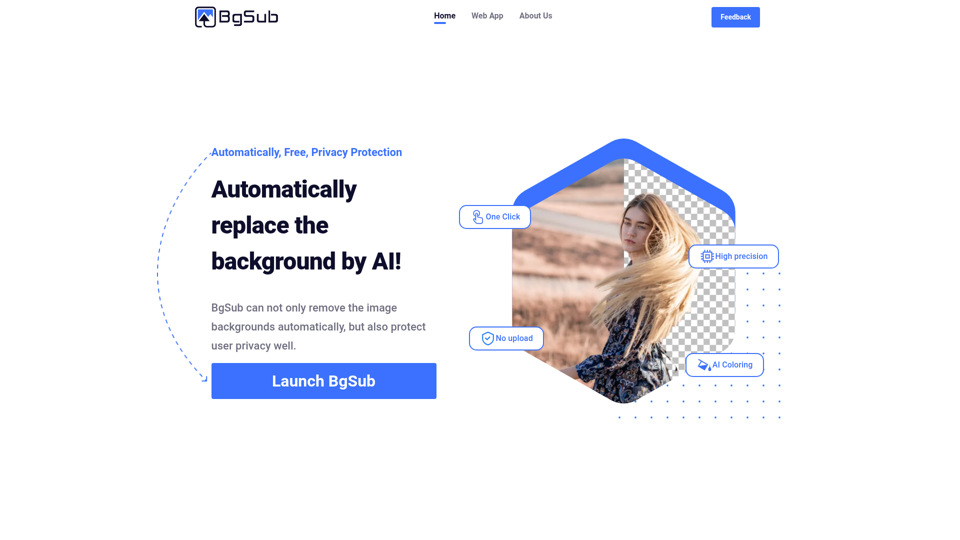
Remove or replace backgrounds from images in just 5 seconds, intelligently adjust colors, all in the browser, no need to upload your images
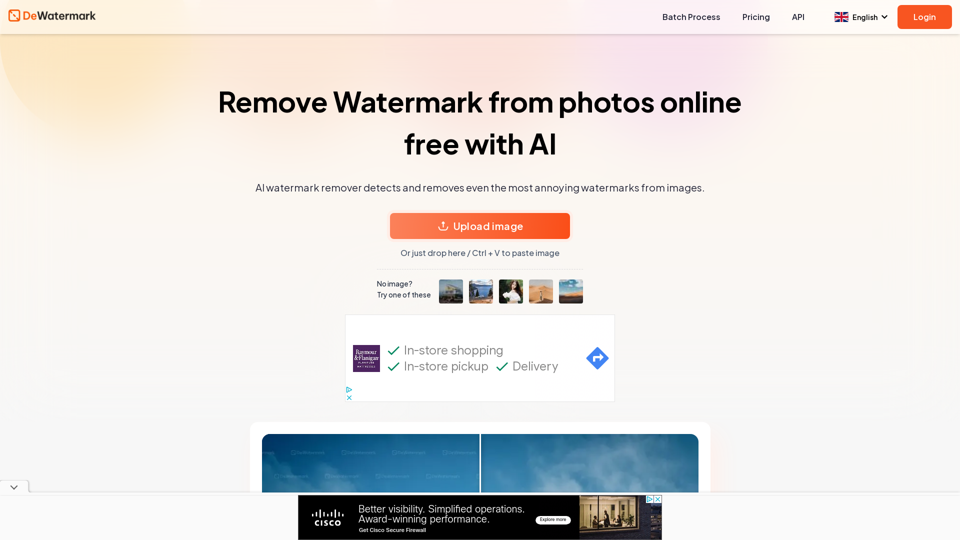
Remove watermark from photos in a flash online with Dewatermark.AI. Watermark remover using AI Technology to clear proof from images completely free.

Your photos deserve to be radiant. Get superior quality finished photos with perfect color rendition, delivered to you in record time. Your photos — simply RADIANT. The way they are meant to be. Try for free Get Radiant Photo 3 reasons for Radiant Photo Smart AI The AI behind Radiant Photo recognizes the content of […]