Inductor
Inductor is a developer tool for evaluating, ensuring, and improving the quality of your LLM applications – both during development and in production.
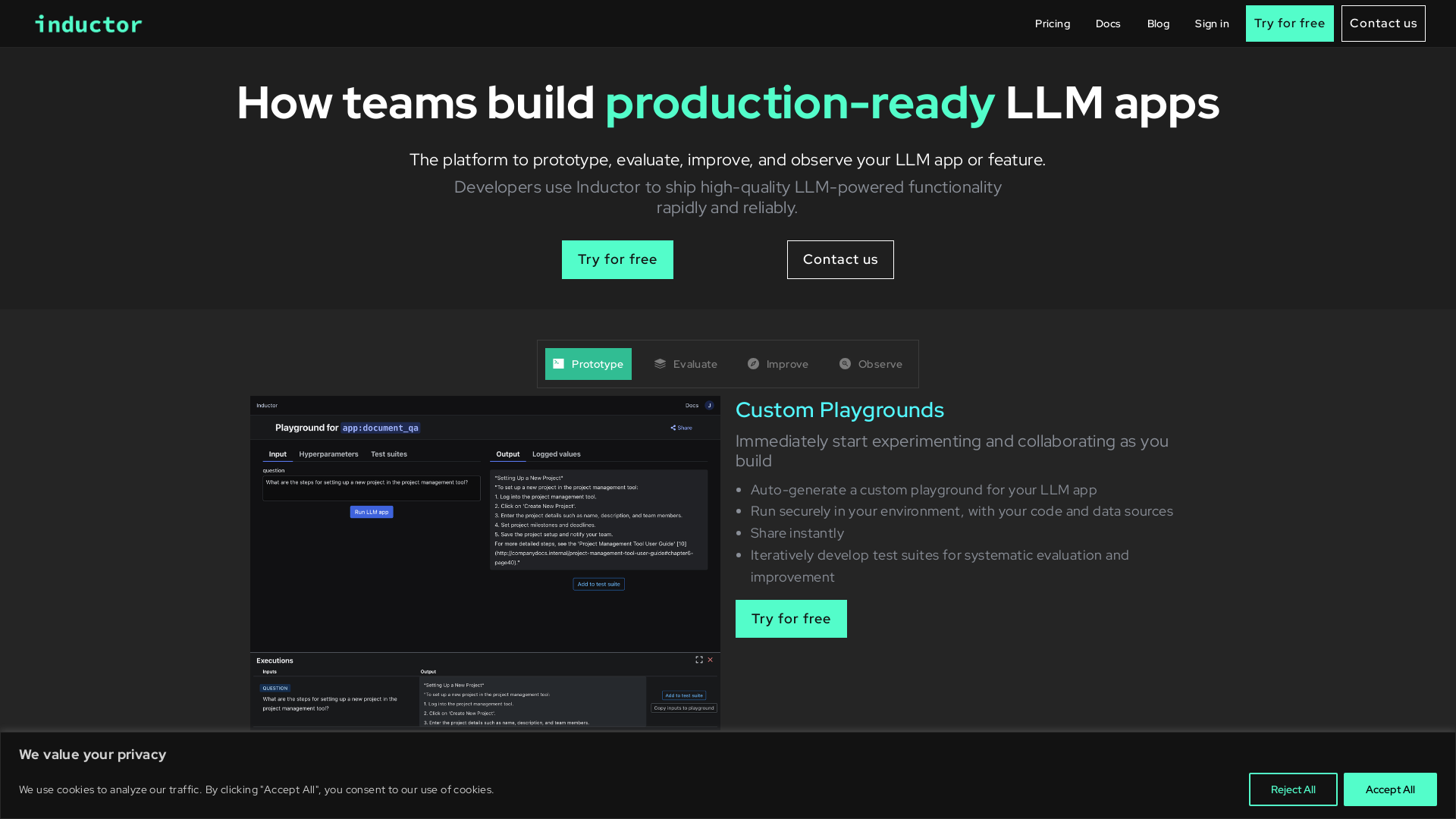
What is Inductor?
Inductor is an innovative platform designed to streamline the development of production-ready LLM (Large Language Model) applications. With its powerful tools and features, Inductor enables developers to prototype, evaluate, improve, and monitor their LLM applications efficiently, ensuring high quality and reliability.
What are the main features of Inductor?
- Custom Playgrounds
- Instantly generate secure, shareable environments to experiment and collaborate while building your LLM app.
- Test Suites
- Create and run comprehensive test suites to systematically evaluate and debug your LLM applications, ensuring quality and performance.
- Experiment Orchestration
- Automate experimentation with hyperparameters, allowing rapid fine-tuning of your LLM app for optimal results.
- Production Observability
- Monitor live traffic, identify issues, and apply continuous evaluation measures to enhance your LLM applications.
How to use Inductor?
Using Inductor is simple. You can start by crafting your LLM application and integrate Inductor with minimal code modifications. Users can set up custom playgrounds and develop test suites right from the get-go. The platform provides automated logging and monitoring capabilities, allowing for seamless observation of app behavior and performance on live traffic.
What is the pricing for Inductor?
Inductor offers a free trial that allows users to explore its features without any initial investment. For more extensive use and added functionalities, various subscription plans tailor to different needs and team sizes. Prospective users can inquire for pricing details or visit the Inductor website for specific plans.
Helpful Tips for Maximizing Your Experience with Inductor
- Experiment Frequently
- Utilize the hyperparameter tuning feature to explore various configurations for your LLM applications.
- Systematic Testing
- Regularly create test suites to catch issues early and ensure the reliability and relevance of your outputs.
- Take Advantage of Monitoring
- Use the production observability tools to gain insights from live traffic, making it easier to iterate and improve the app.
- Collaborate
- Share custom playgrounds and findings with your team to enhance collective learning and innovation.
Frequently Asked Questions
How is my data handled in Inductor?
Inductor takes user privacy seriously. Your data is not shared or sold to third parties. It remains confidential and is only used for the specific purposes outlined in the platform's privacy policy.
Can I integrate Inductor with my existing LLM apps?
Yes! Inductor is designed to seamlessly integrate with various programming environments and existing LLM applications with minimal modifications to your code.
Is Inductor suitable for enterprise-level applications?
Absolutely! Inductor is architected for enterprise readiness, allowing for self-hosted or cloud-hosted deployment options based on your infrastructure needs.
What type of support is available for users?
Inductor offers comprehensive support, including documentation, community forums, and customer service to assist users in making the most of their platform experience.
Inductor
Inductor is a developer tool for evaluating, ensuring, and improving the quality of your LLM applications – both during development and in production.
 Framer Sites
 HTTP/3
 React
ReactFree AI anime and manga generator. Turn text into anime episodes, manga, comics, webtoons and comic shorts in any art style — no drawing or animation skills needed.
Translate image text across 70+ languages with our advanced AI Image Translator to help you better expand your products globally to various countries
Advertised Here
Reach thousands of visitors daily. Get your spot now!
Tools similar to Inductor
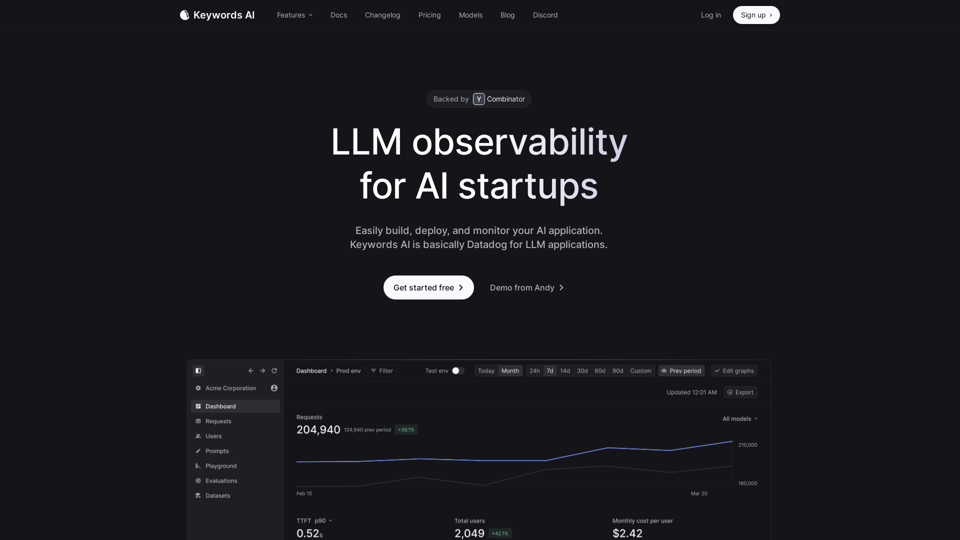
Keywords AI makes it easy for developers to build LLM applications. With 2 lines of code, developers get a complete DevOps platform that speeds up deploying & monitoring AI apps in production.
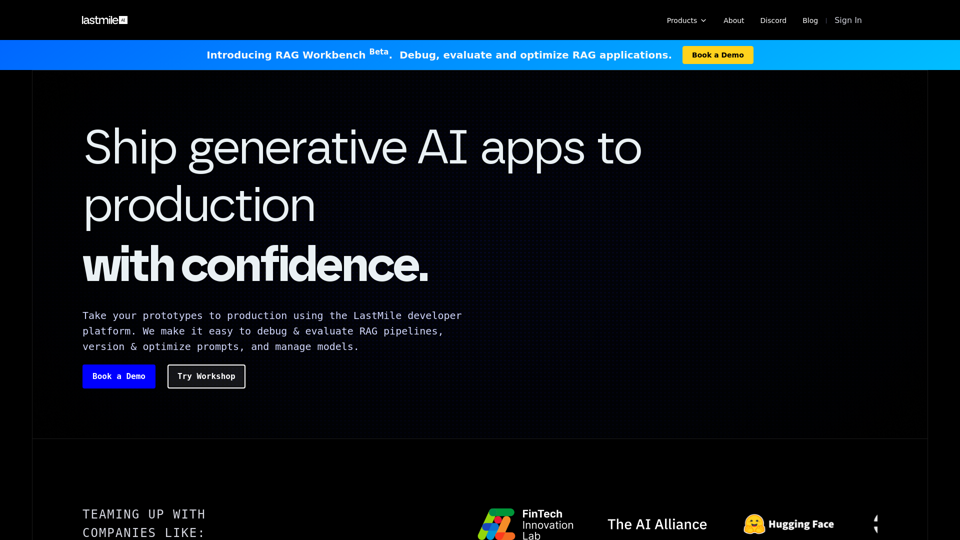
Debug and evaluate RAG pipelines, optimize prompts and manage models. The developer platform for engineers, not just ML practitioners, to productionize generative AI applications.
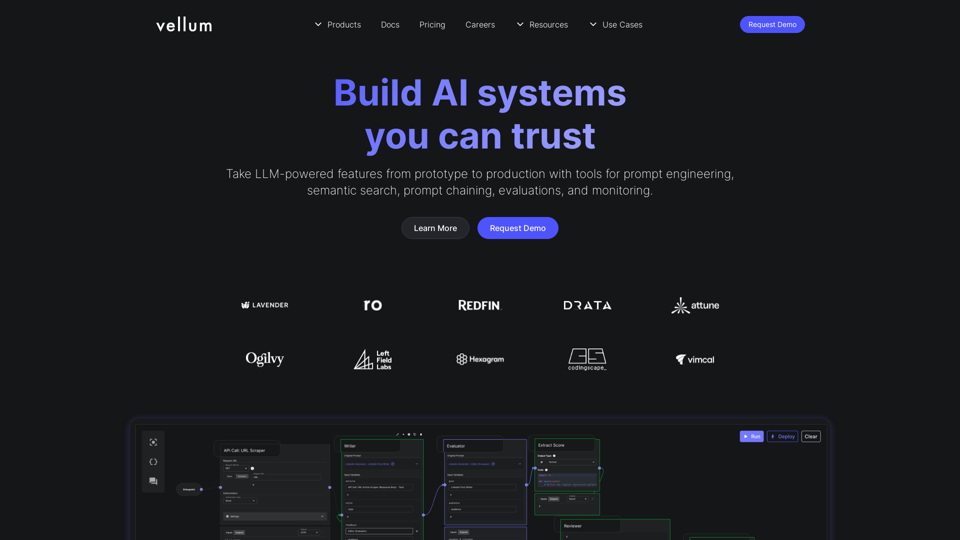
LLMops platform to manage the lifecycle of LLM-powered applications. Choose the right prompts and models, integrate them using RAG and APIs, then deploy and continuously improve in production.
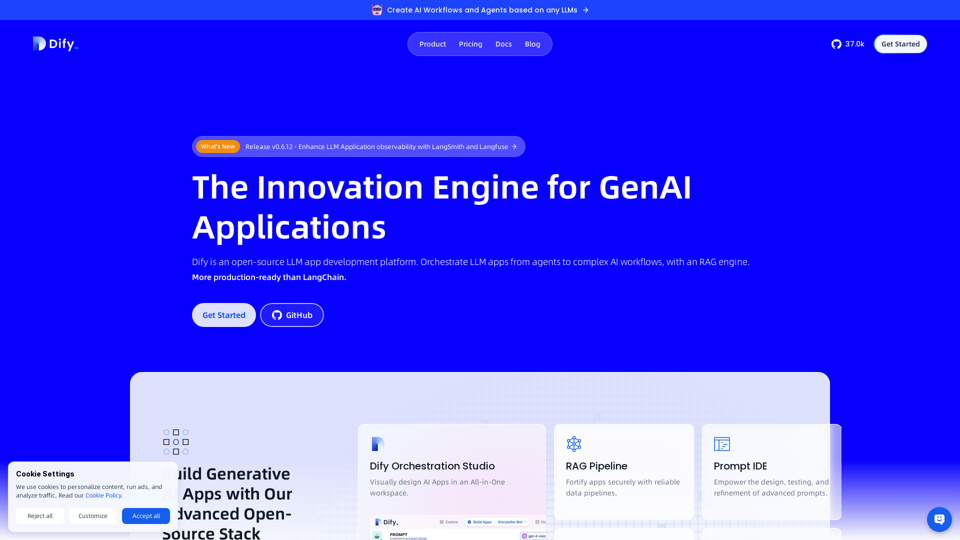
The next-gen development platform - Easily build and operate generative AI applications. Create Assistants API and GPTs based on any LLMs.
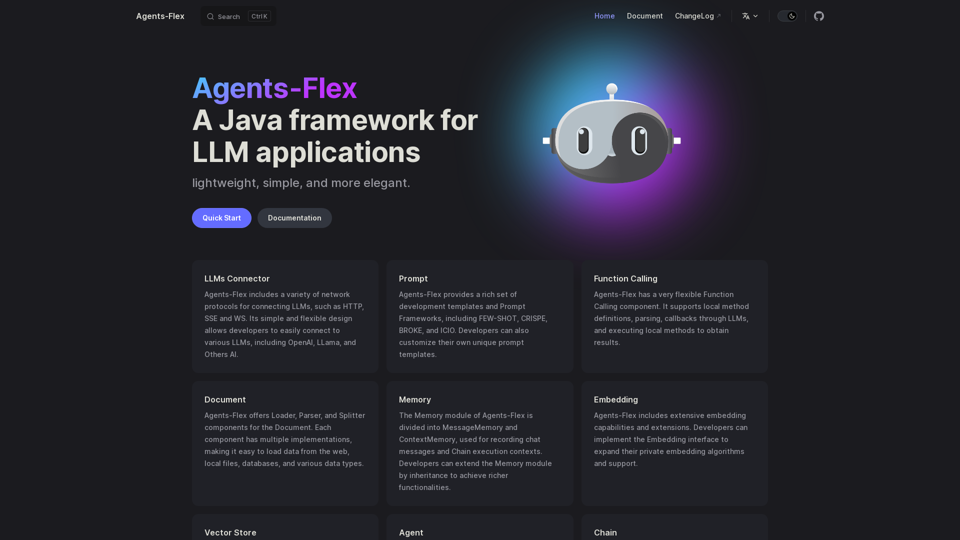
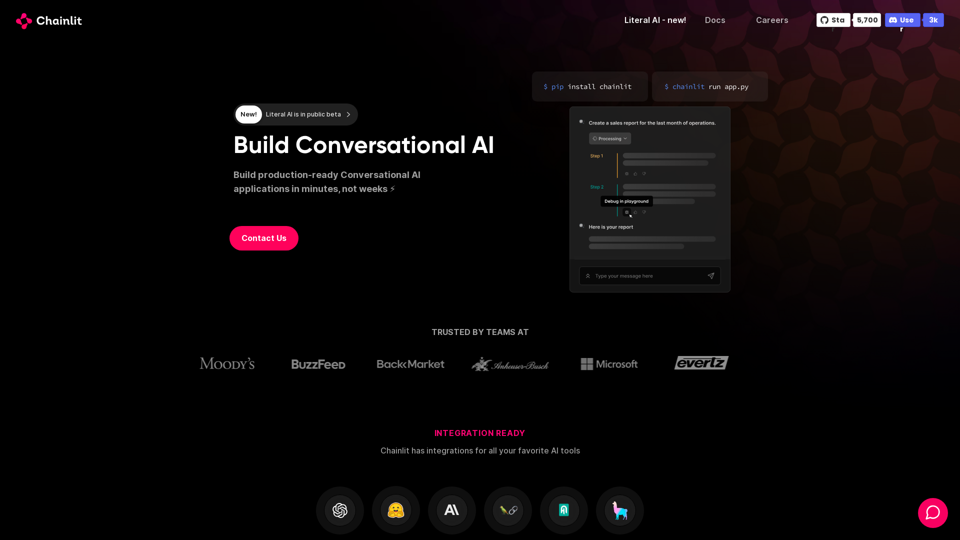
Build reliable conversational AI. Evaluate your AI system. Observability and Analytics platform for LLM apps.
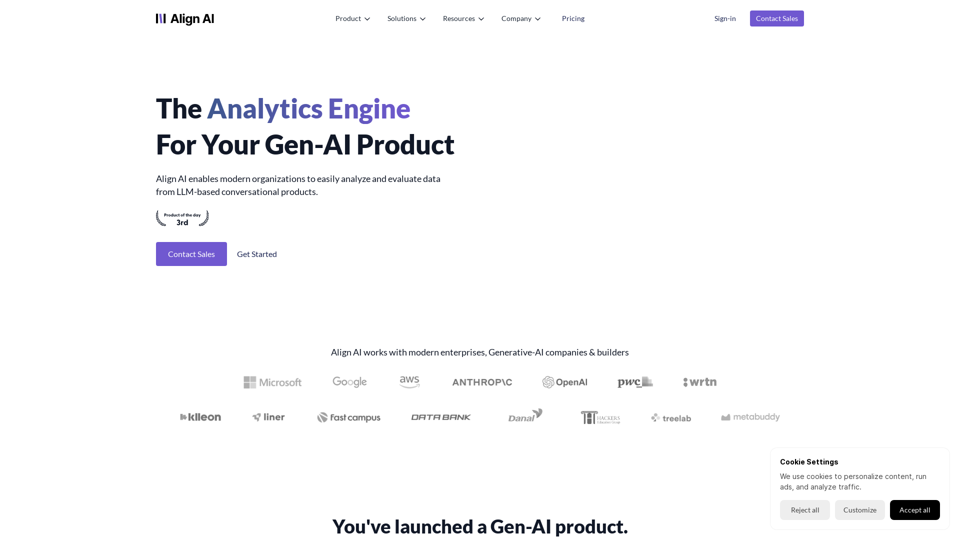
Align AI enables modern organizations to easily analyze and evaluate data from LLM-based conversational products.
Deliver production-ready AI applications. Hassle-free managed safe AI agents and RAG models with Myple.