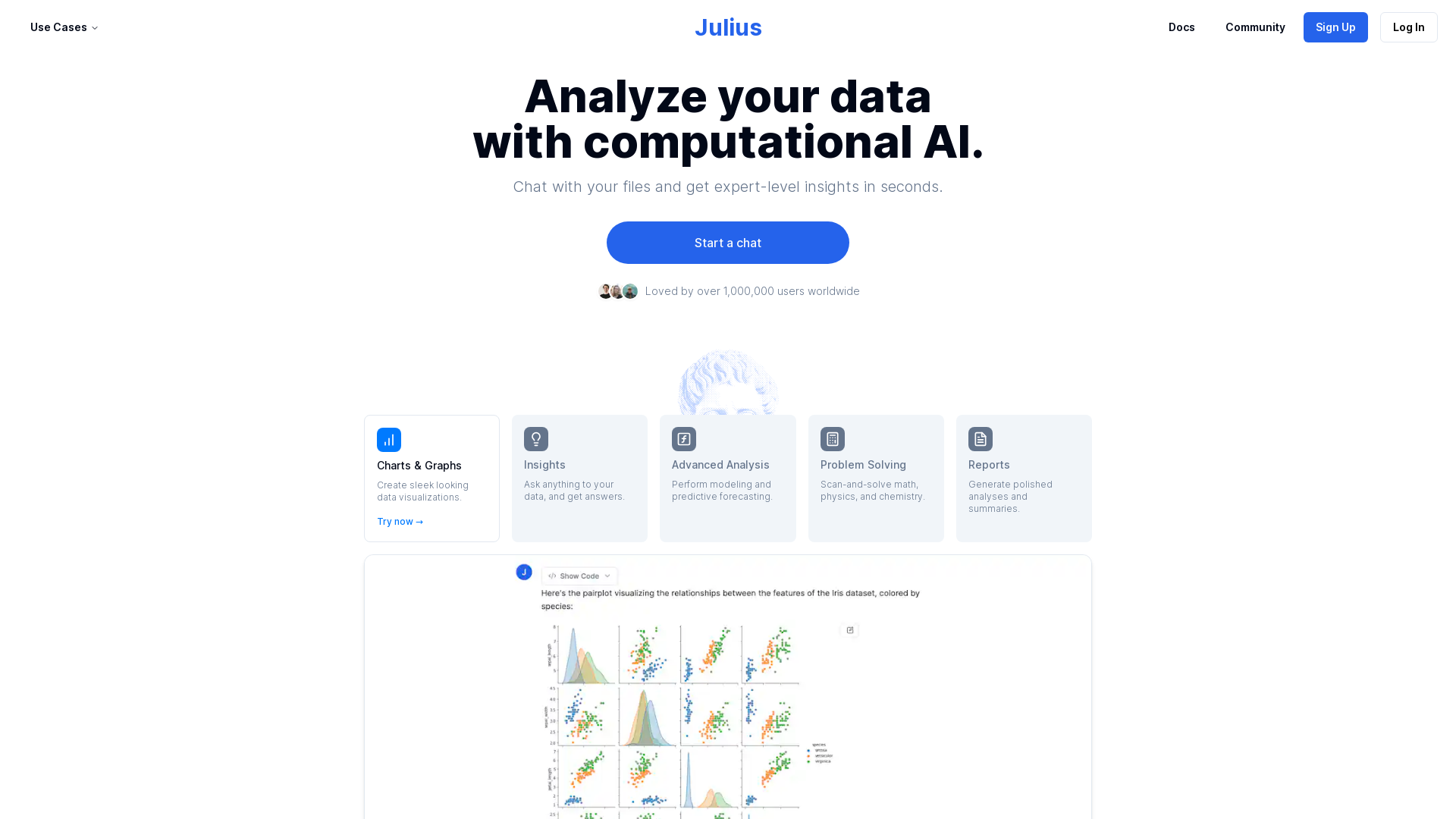
What is Julius AI?
Julius AI is an advanced computational AI platform designed to analyze data seamlessly. It helps users gain expert-level insights quickly through natural language questioning, making data analysis accessible for both novices and experts.
What are the main features of Julius AI?
- Data Analysis
- Users can analyze their data and chat with files to receive quick insights.
- Data Visualizations
- Create sleek, professional-looking charts and graphs effortlessly.
- Advanced Analytics
- Perform complex modeling and predictive forecasting with ease.
- Problem Solving
- Scan and solve problems in math, physics, and chemistry.
- Automated Reporting
- Generate polished analyses and summaries automatically.
- Automated Data Preparation
- Cleaning data is effortless, allowing analysts to focus on insights.
- Dynamic Visuals
- Bring data to life with captivating animations and GIFs.
- Instant Export
- Quickly download analyses into CSV or Excel formats for easy sharing.
How to use Julius AI?
To maximize your use of Julius AI, first link your preferred data source through the Files page or the chat interface. Once your data is linked, you can ask queries or direct the platform to create visualizations, facilitating a smoother data analysis experience.
What is the pricing for Julius AI?
Julius AI offers a free service that allows users to send up to 15 messages a month with its advanced AI model. For those needing more capabilities, an upgrade option is available within the account settings. Additionally, students, professors, and educational members can get a 50% discount on subscriptions.
Helpful Tips for Using Julius AI
- Utilize natural language prompts to interact with your data intelligently.
- Upload multi-tab spreadsheets to analyze them effectively by addressing specific tabs directly in your queries.
- Take advantage of free usage before deciding to subscribe, ensuring the platform meets your needs.
- Keep data privacy in mind; all users only have access to their own data in a secure environment.
Frequently Asked Questions
How do I link a data source?
You can link a data source on the Files page or directly in the Chat interface. For detailed instructions, refer to the Julius Start Guide.
What do I do after linking a data source?
Once linked, you can analyze the data using natural language prompts on the Chat page. Explore the Use Cases section for additional examples.
What data formats are supported?
Julius AI supports various data file formats, including Spreadsheets (.xls, .xlsx), Google Sheets, and Postgres databases, among others.
Can I analyze spreadsheets with multiple tabs?
Yes, after uploading a multi-tab spreadsheet, you can refer to specific tabs in your prompts for analysis.
Is there a student discount available?
Absolutely! Students, professors, and teachers can avail a 50% discount. Just contact [email protected] after signing up for more information on applying the discount.
What is Julius’ data privacy policy?
Julius AI has a strict access-control policy ensuring each user has access only to their data. User data is entirely erased when deleted within the app. Further specifics can be found in their data policies.
Is this service free?
Yes, all users can initially utilize the service with a limit of 15 messages monthly before needing an account upgrade.
Julius AI
Julius is a powerful AI data analyst that helps you analyze and visualize your data. Chat with your data, create graphs, build forecasting models, and more.
 Cloudflare
Free AI anime and manga generator. Turn text into anime episodes, manga, comics, webtoons and comic shorts in any art style — no drawing or animation skills needed.
Translate image text across 70+ languages with our advanced AI Image Translator to help you better expand your products globally to various countries
Advertised Here
Reach thousands of visitors daily. Get your spot now!
Tools similar to Julius AI
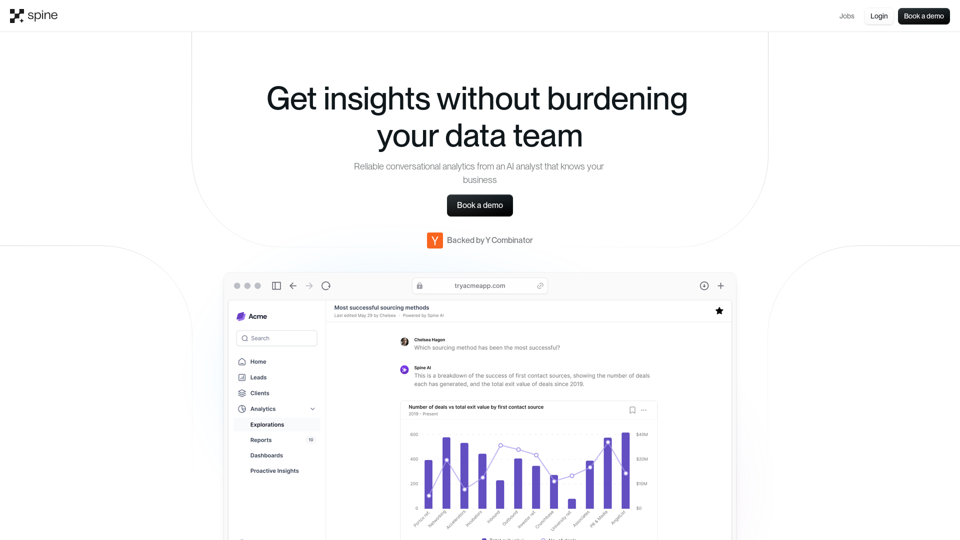
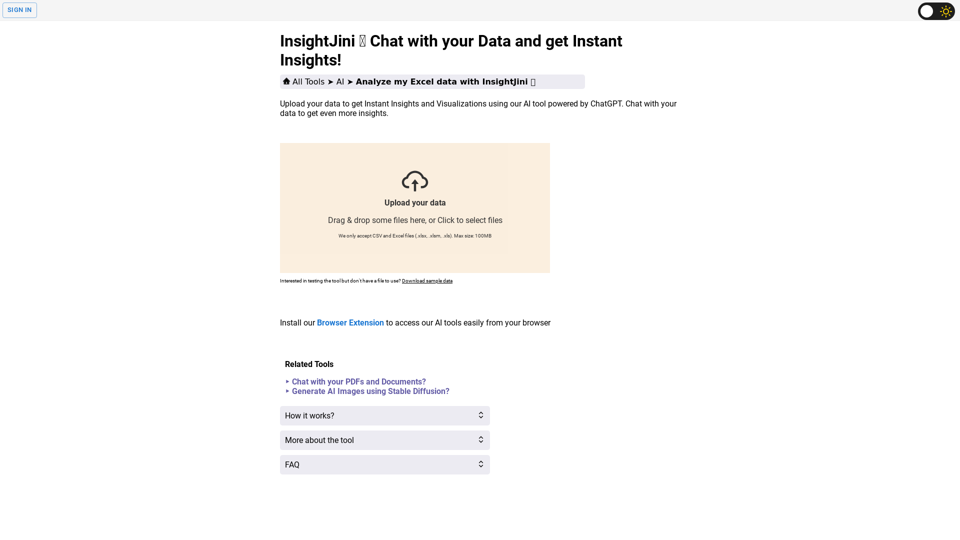
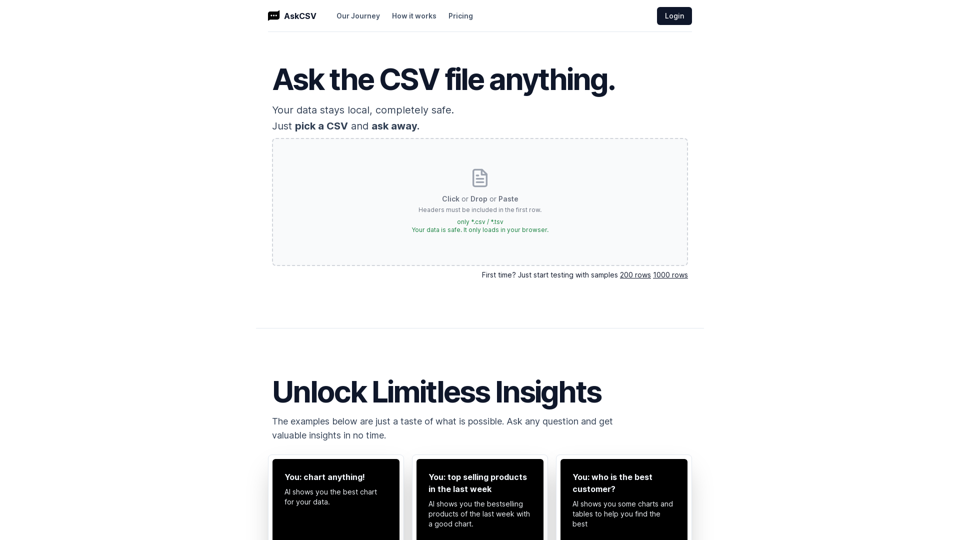
Chat with your data and get Instant Insights using our AI powered tool. Upload your data, get automatic insights and chat with your data to get more.
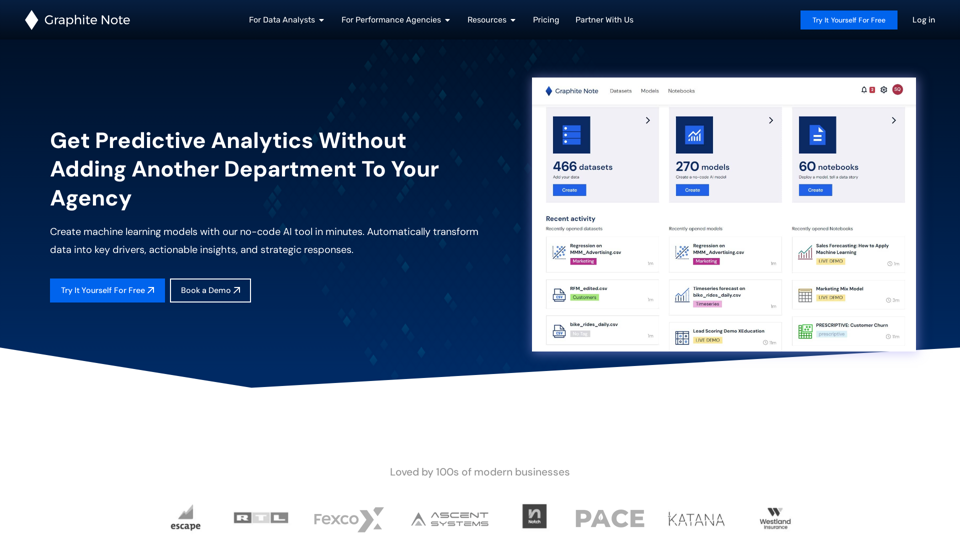
Create machine learning models with our no-code AI tool in minutes. Automatically transform data into key drivers, actionable insights, and strategic responses.
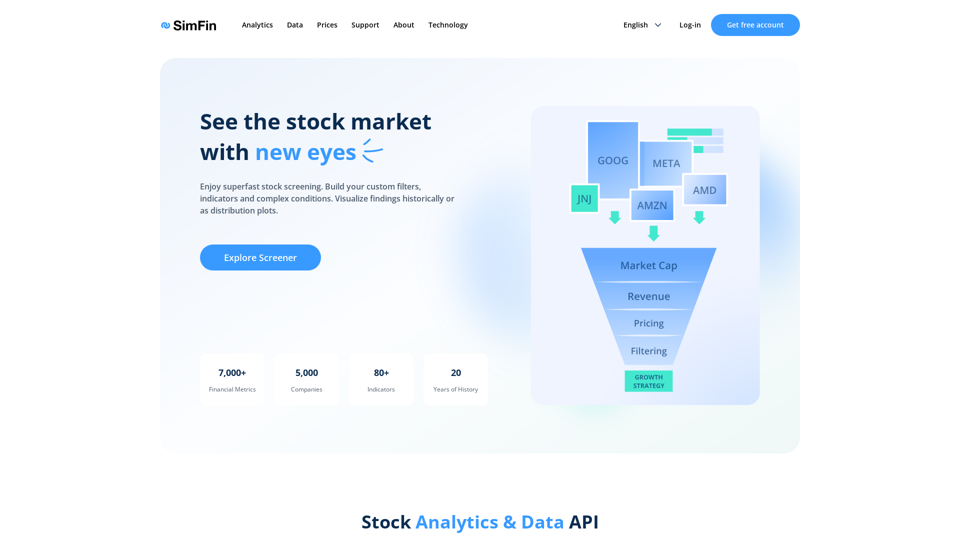
Elevate market analysis with SimFin's advanced tools. Optimize strategies with data from 5,000+ stocks. Join the trusted platform for savvy analysts for free!
Centralize your data, unleash its potential, and gain powerful insights with Dvina. Elevate your analysis with our advanced Geospatial infrastructure and stay ahead with the support of artificial intelligence. Embrace Dvina's guidance and conquer new frontiers, just like Alexander with the wisdom and expertise of Aristotle.
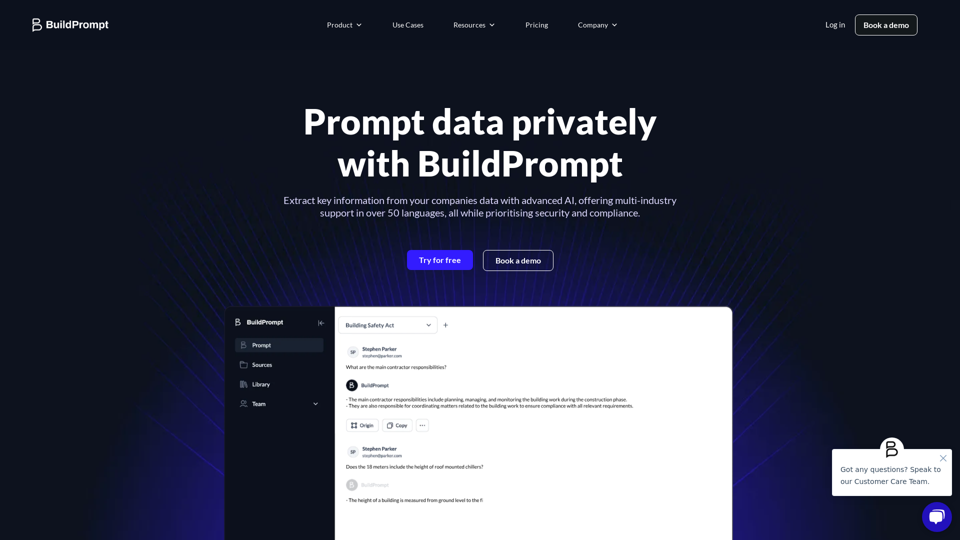
BuildPrompt swiftly analyses docs to comprehend contents & answer questions securely using AI. The AI file explorer helps you gain insights.