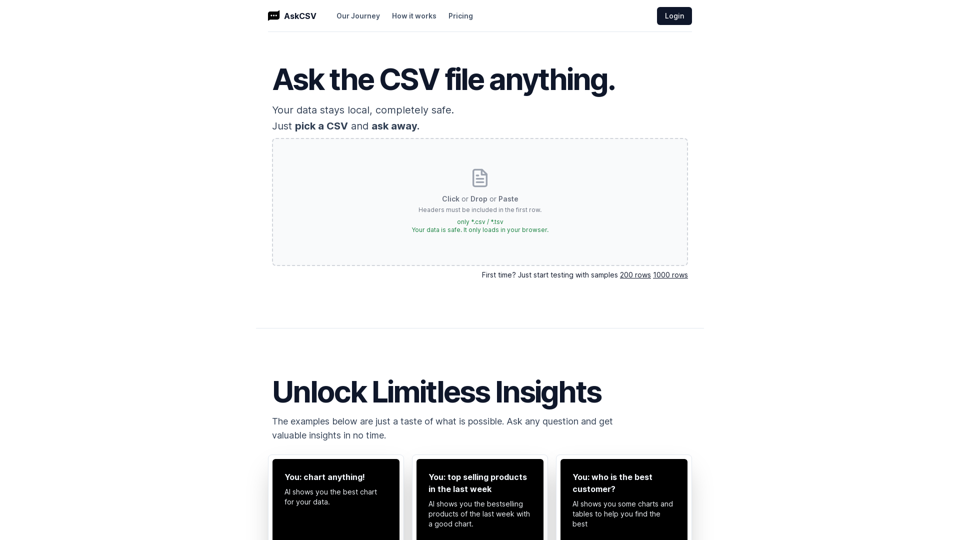
BuildPrompt
BuildPrompt swiftly analyses docs to comprehend contents & answer questions securely using AI. The AI file explorer helps you gain insights.
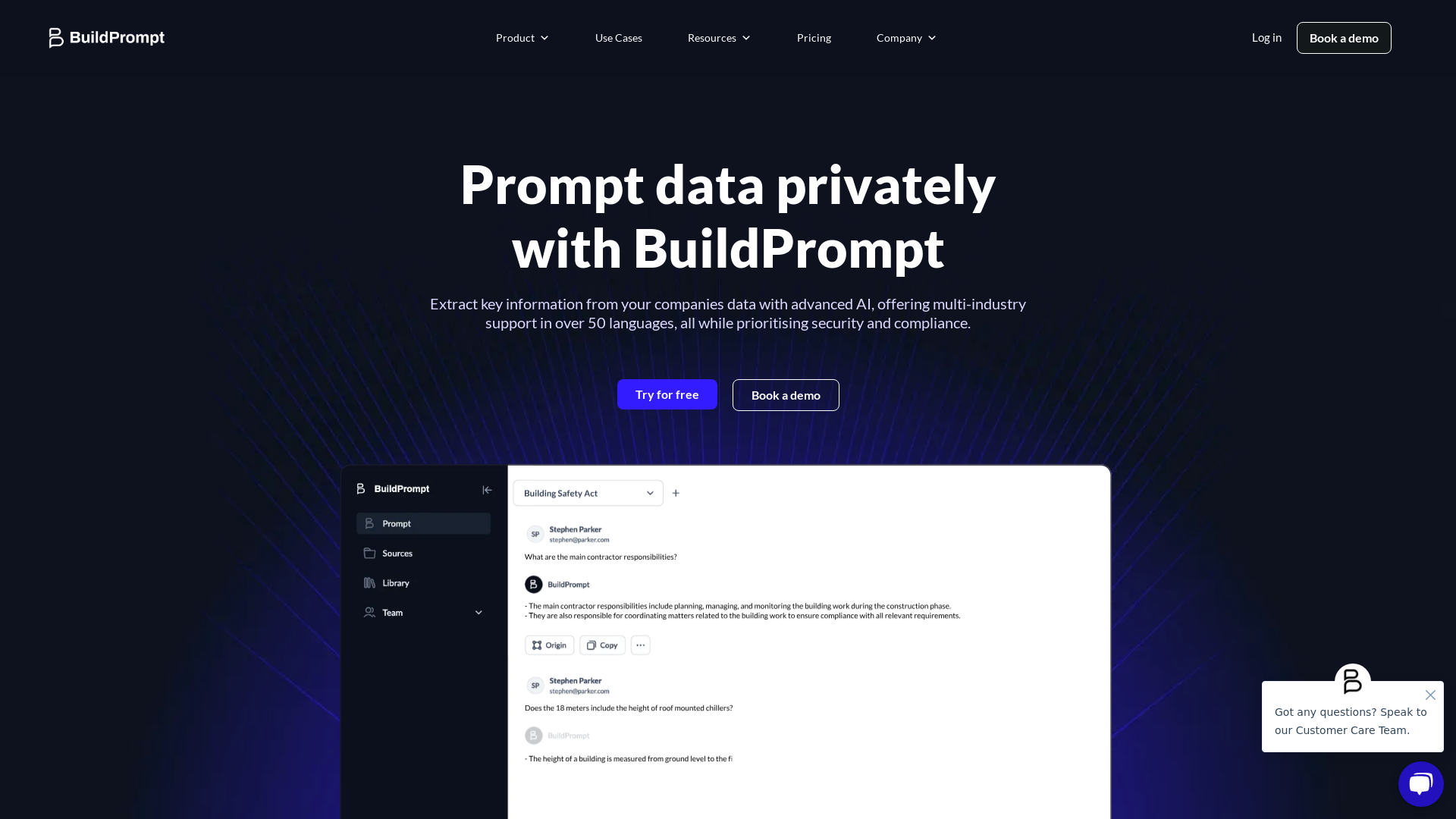
What is BuildPrompt?
BuildPrompt is an advanced AI file explorer and document analysis tool designed for efficient data extraction and analysis across various industries. The platform allows users to engage directly with their company's data, process complex datasets, and query data in over 50 languages while ensuring compliance and robust security.
What are the main features of BuildPrompt?
- Dynamic Data Extraction
- Process complex datasets with advanced techniques for enhanced utilization.
- Intelligent Prompting
- Query any data in any language, receiving concise, accurate answers quickly.
- Multimodal Vision Capabilities
- Utilize advanced OCR, table understanding, and image-to-text for accurate visual and textual analysis.
- Automated Workflows
- Streamline processes by configuring data into functional automated workflows.
- Benchmarking
- Gain insights by comparing your data against best-in-class benchmarks to improve accuracy and quality.
- Database Management
- Query and analyze vast databases to extract semantic insights using natural language and semantic SQL.
How to use BuildPrompt?
To get started with BuildPrompt, users can easily create a free account on the platform. Once registered, they can prompt their documents and data, utilize features like dynamic extraction and automated workflows, and collaborate with their team in real-time. For companies needing tailored solutions, booking a demo with an expert is recommended.
What is the pricing for BuildPrompt?
BuildPrompt offers a free trial allowing users to explore its basic functionality. In addition, detailed pricing plans are available for enterprises that require advanced features and higher usage limits. Interested users are encouraged to contact BuildPrompt to discuss specialized needs.
Helpful Tips for Using BuildPrompt
- Leverage Real-Time Collaboration
- Use the platform’s collaboration tools to work with your team simultaneously for enhanced productivity.
- Explore Open-Source Library
- Make the most of the open-source library by uploading and querying various documents to extract valuable insights.
- Utilize Automation
- Set up automated workflows to minimize repetitive tasks and maximize your data’s efficiency.
- Regular Benchmarking
- Regularly benchmark your data against Class A sources to ensure you maintain high accuracy and quality.
Frequently Asked Questions
Can I extract data from different types of documents using BuildPrompt?
Yes, BuildPrompt supports a wide range of document types, allowing you to extract and analyze data from books, theses, regulations, and more.
How does BuildPrompt ensure data privacy and compliance?
BuildPrompt prioritizes security and compliance, ensuring that all data is handled with the utmost care and user information is kept private.
Is there a limit to how many prompts I can use each day?
While there is no specific limit for prompts during the free trial, users opting for enterprise solutions may enjoy greater flexibility and features tailored to their needs.
Can BuildPrompt handle complex datasets?
Absolutely! BuildPrompt specializes in dynamic data extraction and can efficiently handle complex datasets, providing actionable insights in real time.
How do I get support for using BuildPrompt?
Users can access support through various channels, including the contact page on the BuildPrompt website, where they can book demos or reach out for assistance with specific queries.
BuildPrompt
BuildPrompt swiftly analyses docs to comprehend contents & answer questions securely using AI. The AI file explorer helps you gain insights.
 Elementor:3.35.5
 Google Analytics
 Google Tag Manager
 HTTP/3
 MySQL
MySQL Nginx
Nginx PHP
PHP Site Kit:1.173.0
 WordPress
 Yoast SEO:27.0
Free AI anime and manga generator. Turn text into anime episodes, manga, comics, webtoons and comic shorts in any art style — no drawing or animation skills needed.
Translate image text across 70+ languages with our advanced AI Image Translator to help you better expand your products globally to various countries
Advertised Here
Reach thousands of visitors daily. Get your spot now!
Tools similar to BuildPrompt
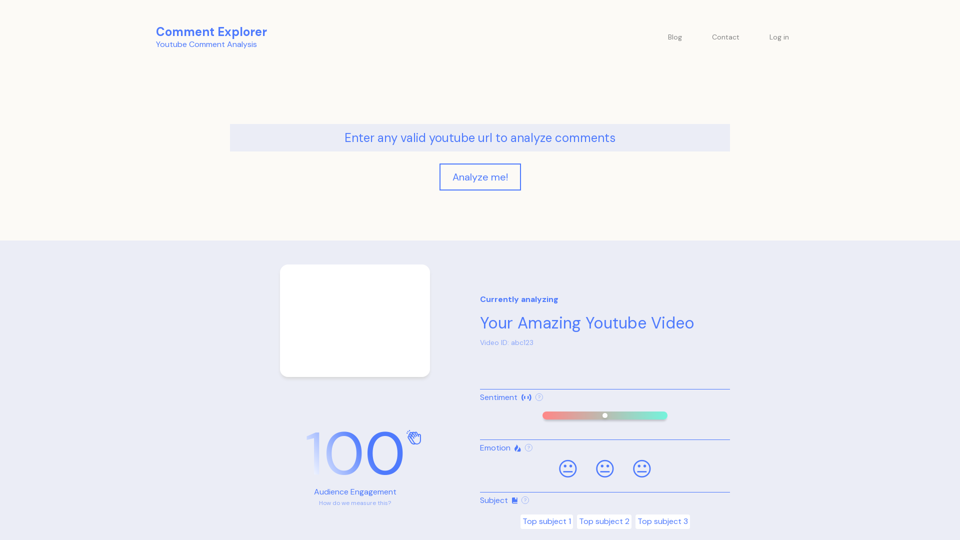
Unlock the Power of YouTube Comment Analysis | Analyze sentiment, emotions, and topics effortlessly with our AI-driven Comment Analyzer. Query your comment section to gain valuable insights!
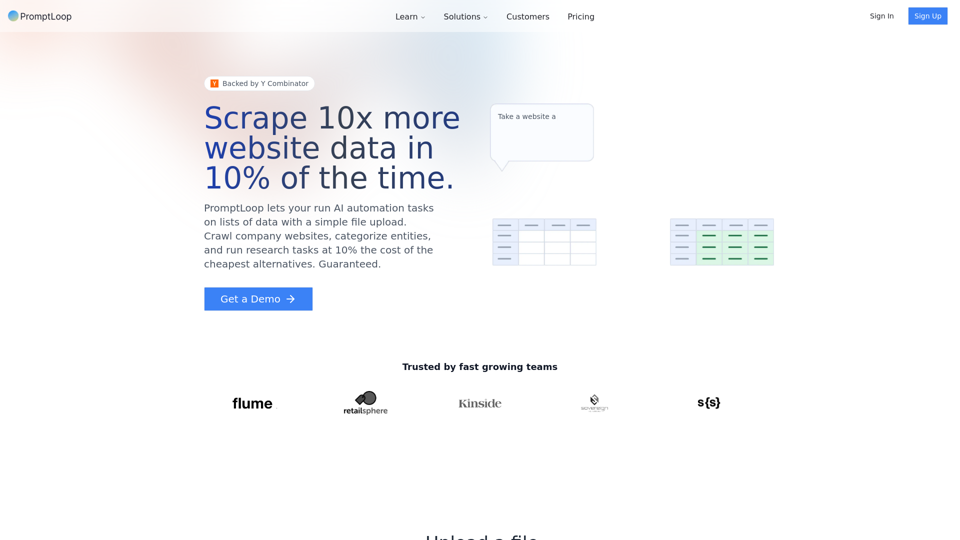
Harness the power of AI and GPT-4 for advanced web scraping, data extraction, and market research for GTM and product teams. PromptLoop offers intelligent scraping tools and APIs for businesses and researchers.
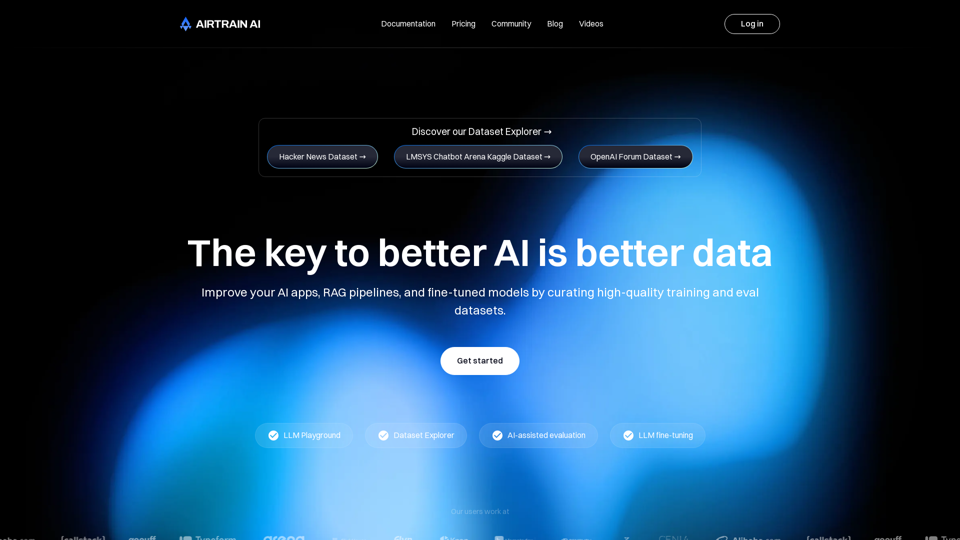
Try the Airtrain Dataset Explorer, LLM Playground, LLM evaluation and fine-tuning tools for your large-scale data workflows. Developed for AI data teams.

One home for everything. A file explorer and workspace for the internet age. All your drives, clouds, notes, screenshots, links, and files automatically gathered into one self-organizing home. Never forget anything again.