What is Kwirk.io?
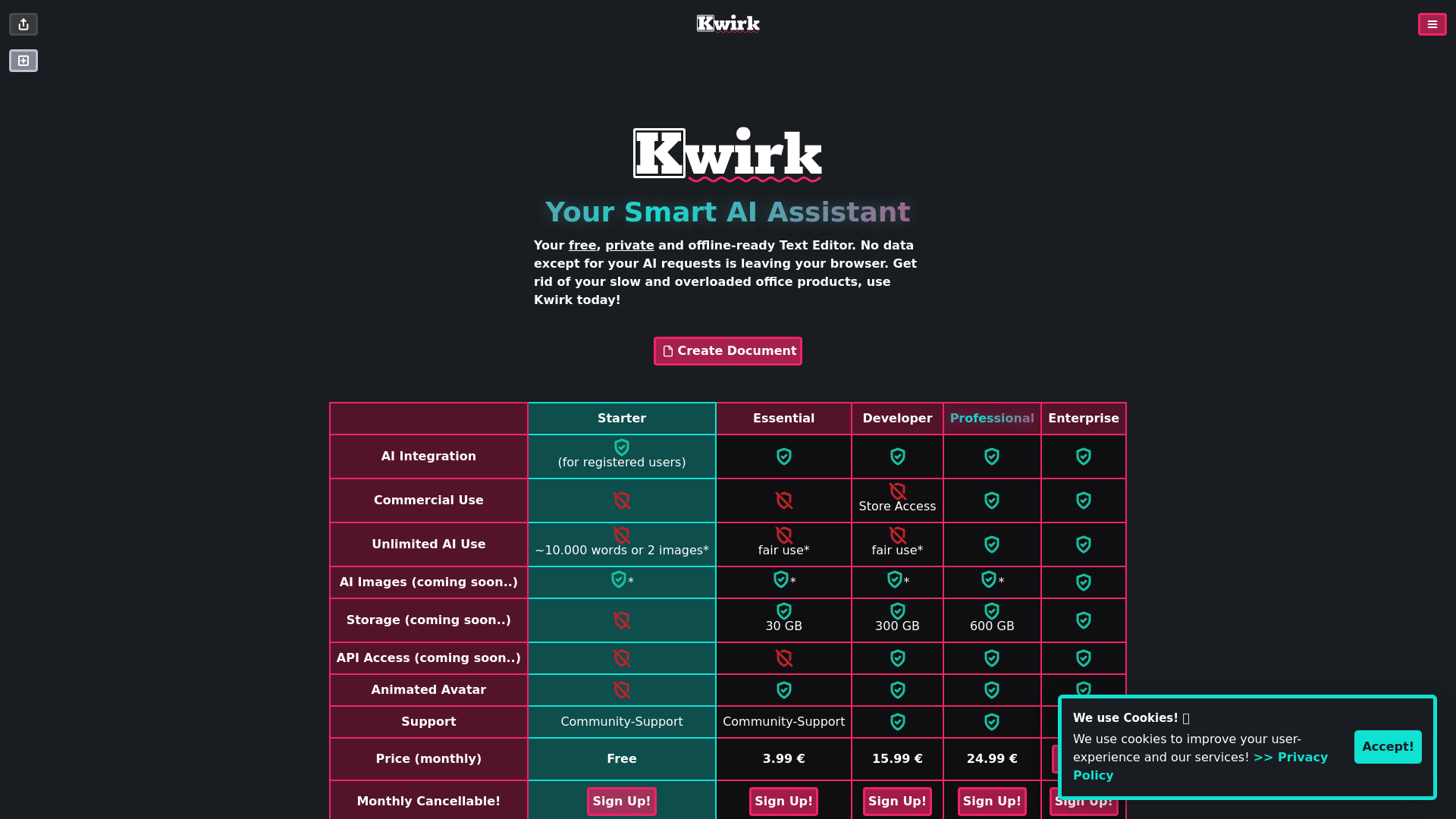
Kwirk.io is your smart AI assistant, providing a free, private, and offline-ready text editor. It ensures that all your data remains secure as no information, other than your AI requests, leaves your browser. Say goodbye to slow and overloaded office products and embrace the efficiency of Kwirk for your document creation needs.
What are the main features of Kwirk.io?
- Privacy-Focused
- Kwirk.io keeps your data safe by ensuring that no personal information is sent beyond your browser.
- Offline Functionality
- Work on your documents without an internet connection, allowing for flexibility in various environments.
- Multiple Plans Available
- Tailored to individual and business needs, plans vary from free to professional tiers.
- Storage Options
- Depending on your plan, enjoy varying amounts of cloud storage from 30 GB to 600 GB.
- Unlimited AI Use
- Create documents with extensive usage limits, accommodating up to 10,000 words or 2 images for free plans.
- AI Images Coming Soon
- Future updates will allow users to generate images as part of their document creation experience.
- API Access (Coming Soon)
- Developers will soon be able to integrate Kwirk's functionalities into their applications.
How to use Kwirk.io?
To get started with Kwirk.io, simply sign up for a free account. From there, you can access the text editor and begin creating documents. Depending on your plan, you can explore varying features and usage limits. Regular updates promise new capabilities like image generation and API access.
What are the pricing options for Kwirk.io?
Kwirk.io offers a range of pricing plans to suit different needs:
- Free Plan
- Provides basic usage with limitations.
- Starter Plan
- €3.99/month, offering enhanced features.
- Essential Plan
- €15.99/month, unlocking more storage and functionality.
- Professional Plan
- €24.99/month, designed for heavier users and enterprises.
All plans are monthly cancellable, providing flexibility for users.
Helpful Tips for Using Kwirk.io
- Leverage Offline Use
- Download the app and use it where internet is limited.
- Maximize Storage
- Choose the right plan according to your storage needs to avoid running out of space.
- Experiment with the Editor
- Try various formatting and creation options to find the most efficient workflow.
- Stay Updated
- Regularly check for new features and improvements to make the most of your Kwirk experience.
Frequently Asked Questions
Will my data be private with Kwirk.io?
Absolutely! Kwirk.io prioritizes user privacy by keeping all AI requests and data within your browser.
Is Kwirk.io available on mobile?
Yes, Kwirk.io is accessible on both iOS and Android platforms, allowing you to work on the go.
Are there any limitations on the free plan?
The free plan does have limitations, including usage restrictions and less storage compared to paid plans, but it still allows you to create documents efficiently.
When will new features, like AI images and API access, be available?
These features are coming soon, and updates will be provided to registered users via email.
Can I upgrade or downgrade my subscription?
Yes, you can easily upgrade or downgrade your subscription based on your needs, keeping your usage in check.
Kwirk.io
Kwirk.io is a startup that provides AI-powered writing and working tools. Our platform utilizes advanced artificial intelligence technology to help you streamline your workflow and increase productivity by automating routine tasks.
 Cloudflare
 HTTP/3
 Next.js
 Node.js
 React
React Webpack
Free AI anime and manga generator. Turn text into anime episodes, manga, comics, webtoons and comic shorts in any art style — no drawing or animation skills needed.
Translate image text across 70+ languages with our advanced AI Image Translator to help you better expand your products globally to various countries
Advertised Here
Reach thousands of visitors daily. Get your spot now!
Tools similar to Kwirk.io
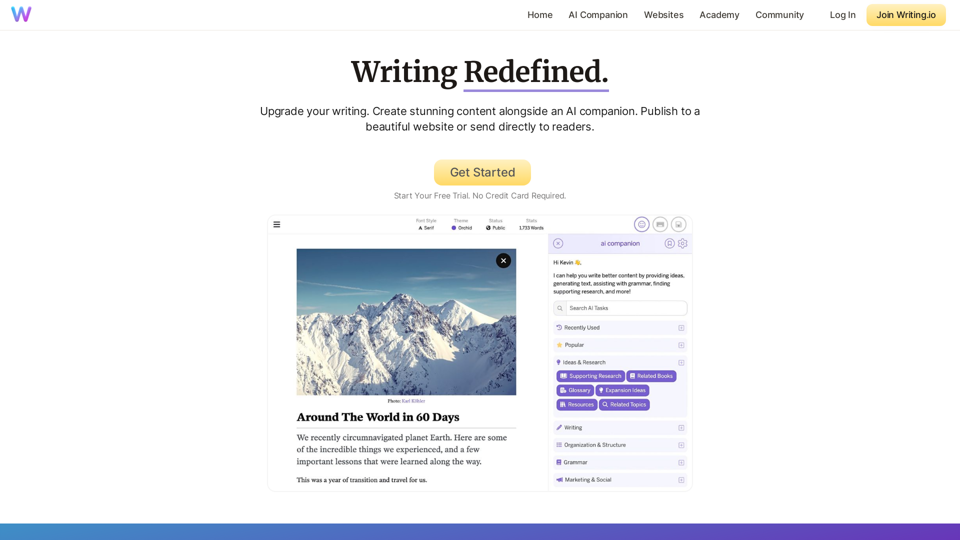
Write and publish beautiful content with Writing.io. Build a website that learns as you grow.
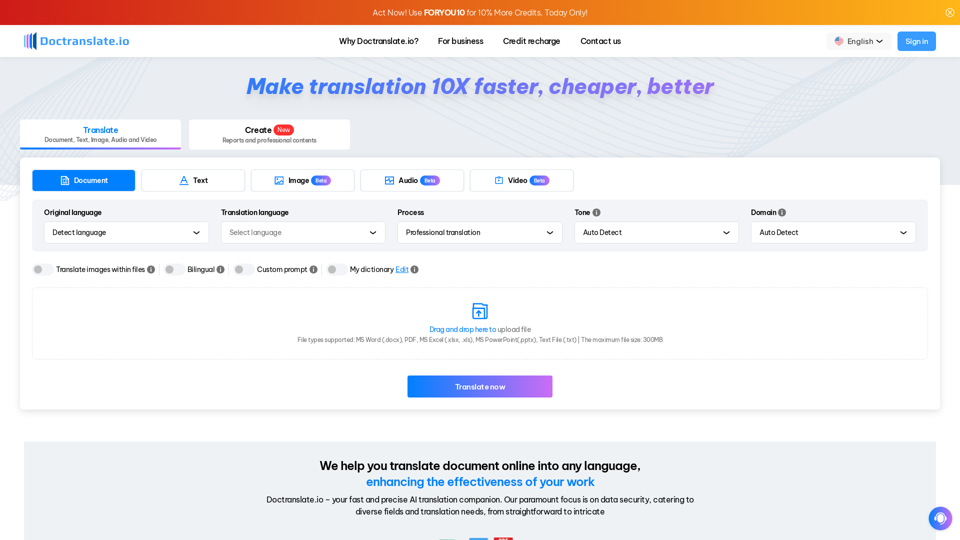
DocTranslate.io offers fast, accurate, and cost-effective document translation for over 85 languages, supporting various file types and maintaining original layouts. Its AI-powered tool is perfect for professionals, significantly reducing manual translation efforts and costs
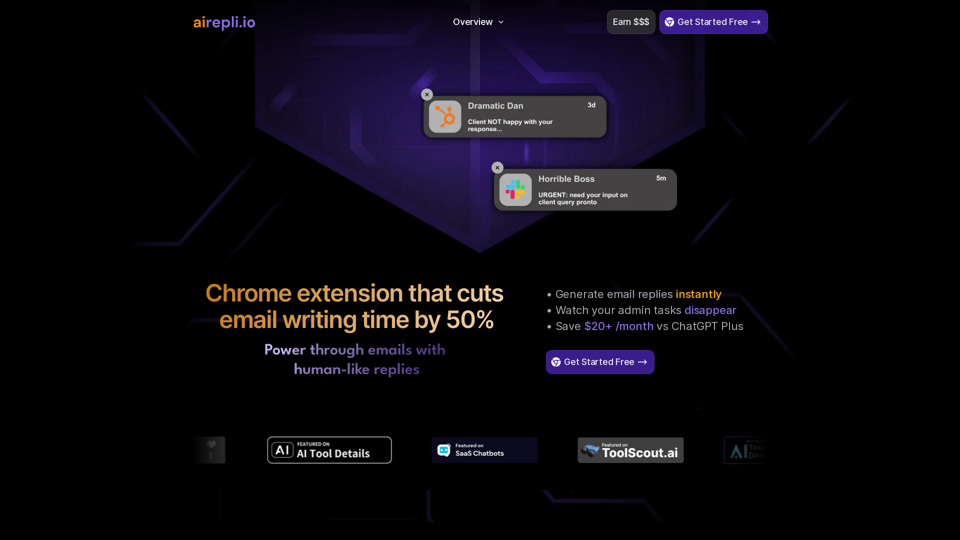
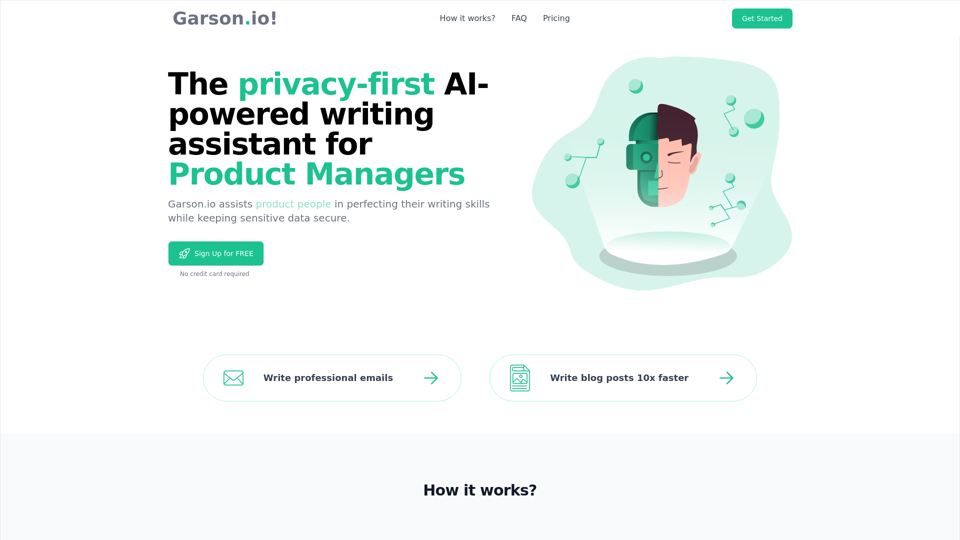
AI Email Generator that cuts email writing time by 50% | Highlight any text & generate instant email replies | AI Chrome Extension Powered by GPT-4o
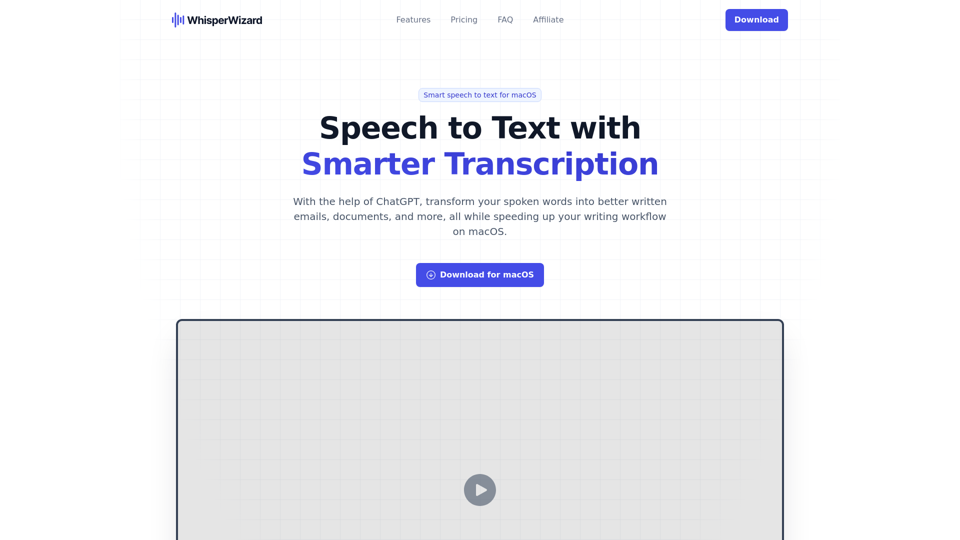
With the help of ChatGPT, transform your spoken words into better written emails, documents, and more, all while speeding up your writing workflow on macOS.
AI Poem Generator uses sophisticated language technology to create original and unique poems based on your given themes and styles.