Magpai
Do more, with less. Easily build custom AI workflows, with zero technical knowledge.
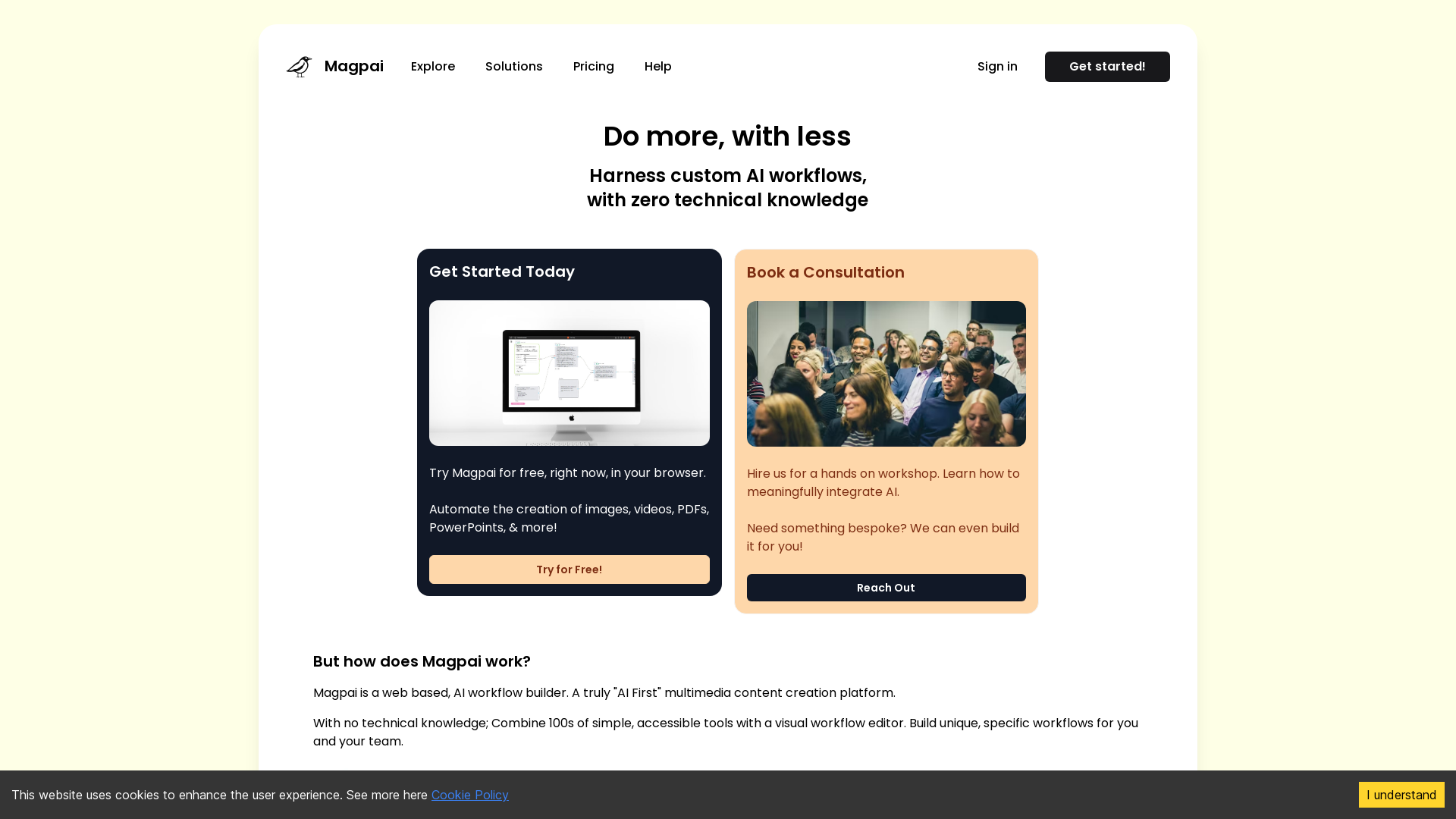
What is Magpai?
Magpai is a web-based AI workflow builder designed to streamline and automate multimedia content creation without the need for any technical knowledge. It allows users to create customized workflows for generating images, videos, PDFs, PowerPoints, and more, all from a user-friendly interface. With its AI-first approach, Magpai makes it easy for anyone to harness the power of artificial intelligence in their daily tasks.
What are the main features of Magpai?
- No Technical Knowledge Required
- Users can easily construct workflows without any coding skills.
- Visual Workflow Editor
- Combine hundreds of accessible tools to create unique workflows tailored to your team's needs.
- Adaptable Workflows
- Workflows can evolve as your team and business requirements change.
- Cross-Platform Integration
- Run workflows from forms, chat apps, spreadsheets, and integrate with popular platforms like Canva, Figma, GSuite, Office, Dropbox, and Google Drive.
- Flexible Accessibility
- Execute workflows online or via API, making it suitable for remote teams.
How to use Magpai?
To get started, simply sign up and try Magpai for free in your browser. Use the visual workflow editor to combine different tools and create customized workflows. Once your process is built, you can run it anywhere—online, on mobile, or through integrations with your favorite applications.
What is the pricing for Magpai?
Magpai offers flexible subscription plans suitable for various needs. By consolidating multiple niche AI providers into one platform, users can enjoy the convenience of a single monthly fee for a wide range of services, making it both cost-effective and efficient.
Helpful Tips
- Consultation Available
- Book a free consultation call to learn more about effectively integrating Magpai into your workflow.
- Community Support
- Join the Magpai Discord community to connect with other users and share tips and tricks.
- Educational Resources
- Watch tutorial videos on YouTube to get a comprehensive understanding of how to use Magpai effectively.
Frequently Asked Questions
How can Magpai help my team?
Magpai can streamline your team's workflow, enabling you to automate tasks that would take much longer if done manually. This allows your team to focus on high-priority projects.
Can I integrate Magpai with other applications?
Yes! Magpai supports integrations with Canva, Figma, GSuite, Office, Dropbox, Google Drive, and many other applications. You can run your workflows seamlessly from various platforms.
What if I need a custom solution?
Magpai offers bespoke services. If you have unique needs or require a personalized solution, reach out, and the team will assist you in building what you need.
Is Magpai suitable for small businesses?
Absolutely! Magpai is designed for businesses of all sizes, providing scalable solutions that can grow with your team's demands.
Magpai
Do more, with less. Easily build custom AI workflows, with zero technical knowledge.
 Google AdSense
 Linkedin Ads
 Next.js
 Node.js
 React
React Vercel
 Webpack
Free AI anime and manga generator. Turn text into anime episodes, manga, comics, webtoons and comic shorts in any art style — no drawing or animation skills needed.
Translate image text across 70+ languages with our advanced AI Image Translator to help you better expand your products globally to various countries
Advertised Here
Reach thousands of visitors daily. Get your spot now!
Tools similar to Magpai
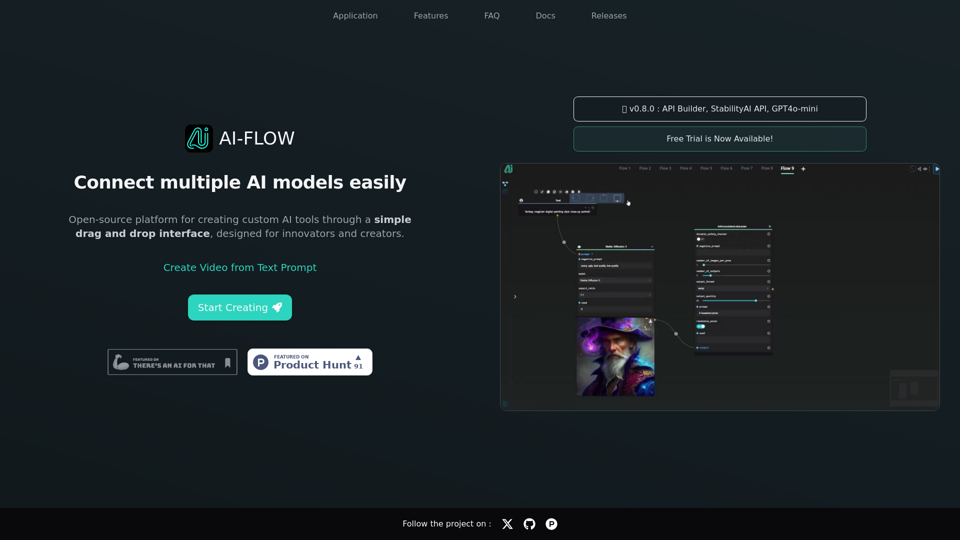
Connect multiple AI models easily. Open source, user-friendly UI application to create interactive networks with different AI models.
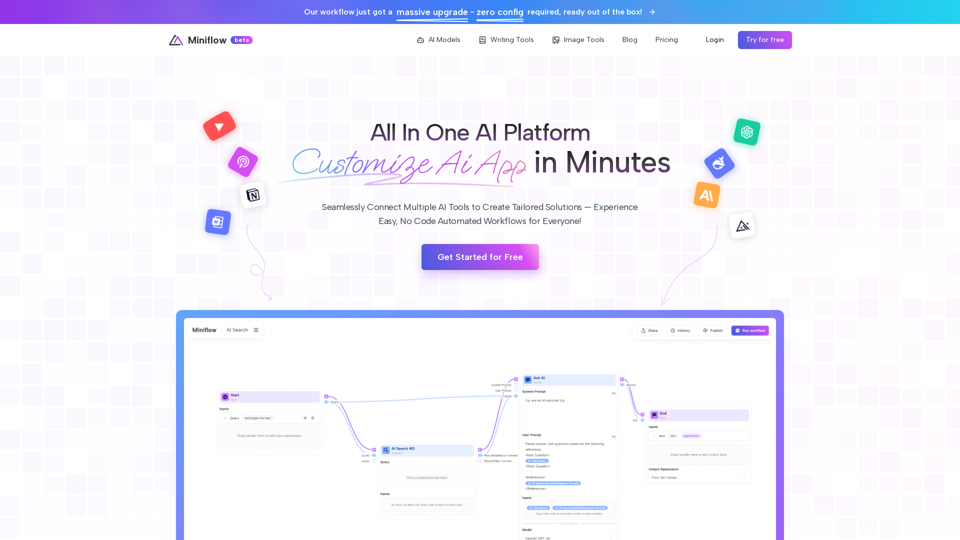
Seamlessly Connect Multiple AI Tools to Create Tailored Solutions—Experience Easy, No Code Automated Workflows for Everyone!
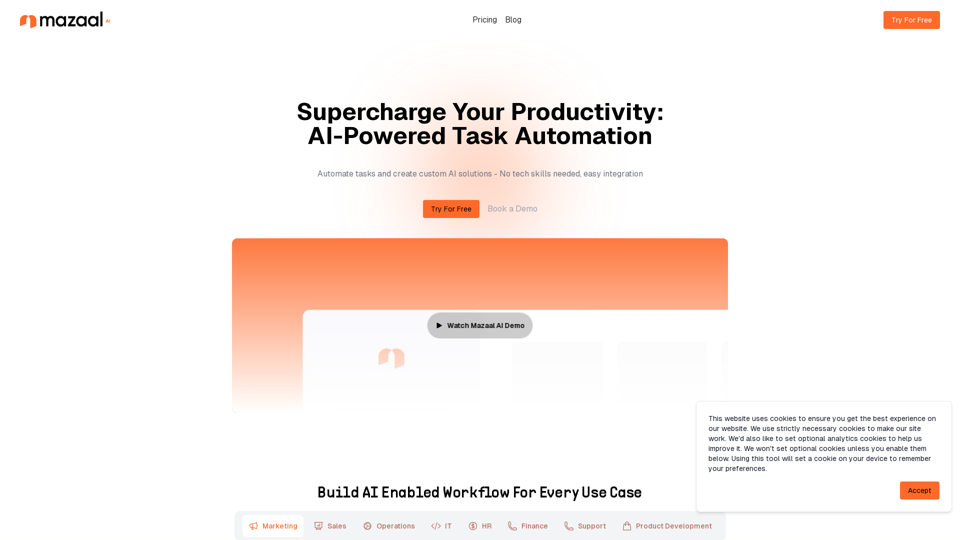
Experience the transformative power of AI with Mazaal. Our no-code platform offers a simple, affordable way to leverage AI for your business.
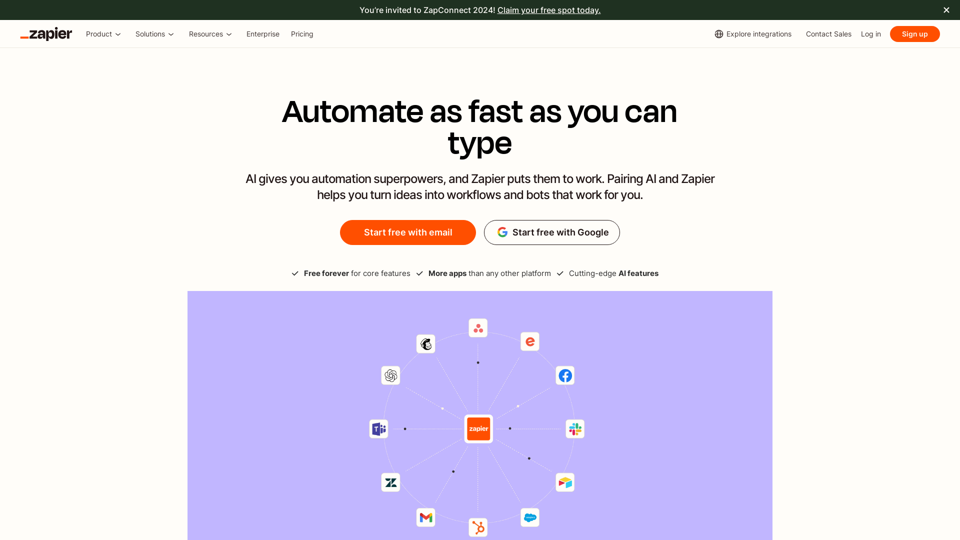
Workflow automation software for everyone. Zapier automates your work across 7,000+ app integrations, so you can focus on what matters.
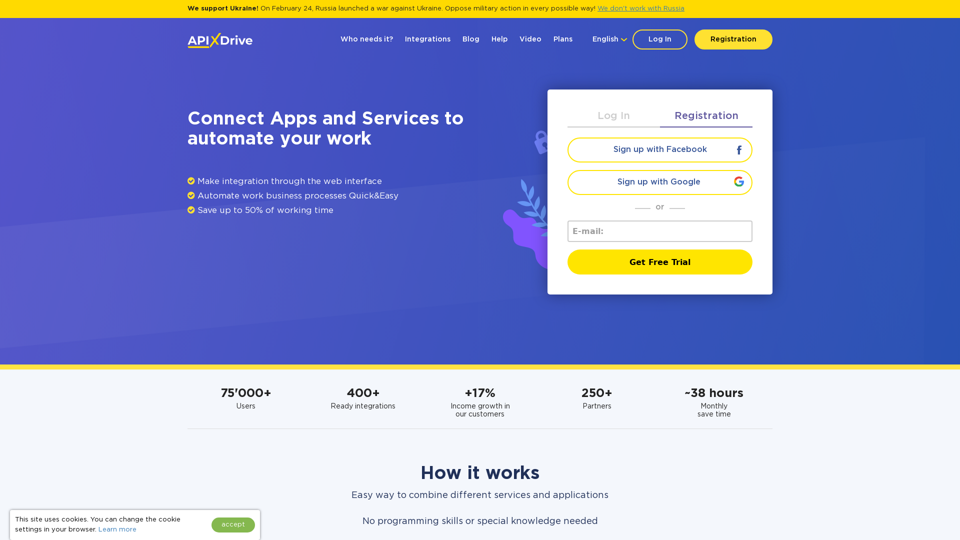
✓ Integrate Online Services and Automate routine tasks without programmers and special knowledge! ✓ 400+ ready integrations available! ✓ Save up to 50% of working time after connecting ApiX-Drive!
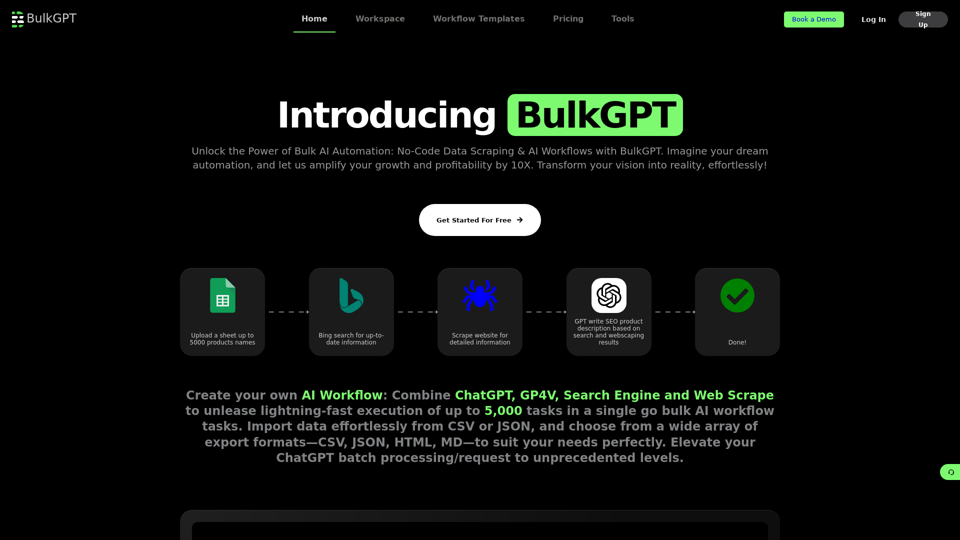
DIY no code bulk AI workflow creation tool that combines the power of internet to process ChatGPT request in batches at blazing fast speed.
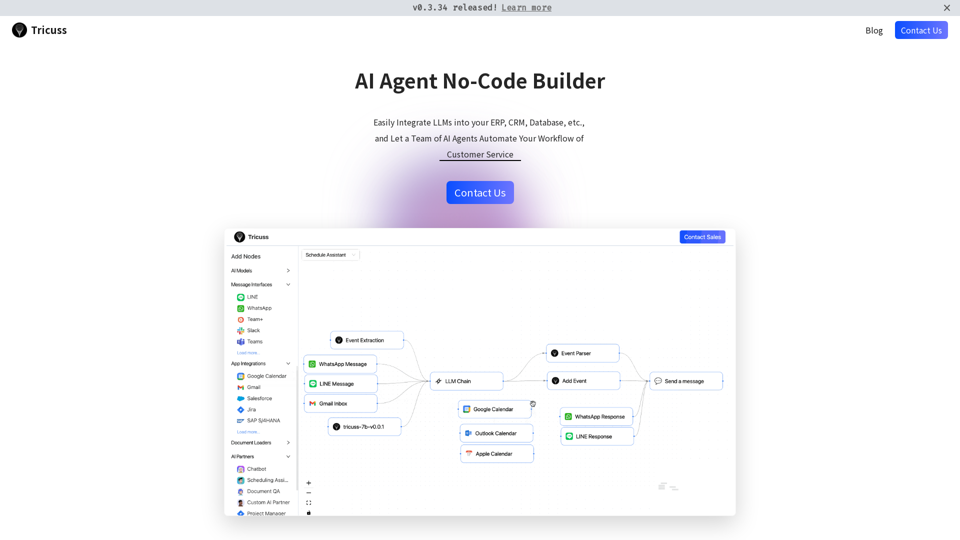
The no-code platform to build and host AI-powered business automations.