Image to Text Converter
Convert images to text instantly with our free AI-powered image to text converter. Extract text from PDFs, scans, and handwritten notes accurately.
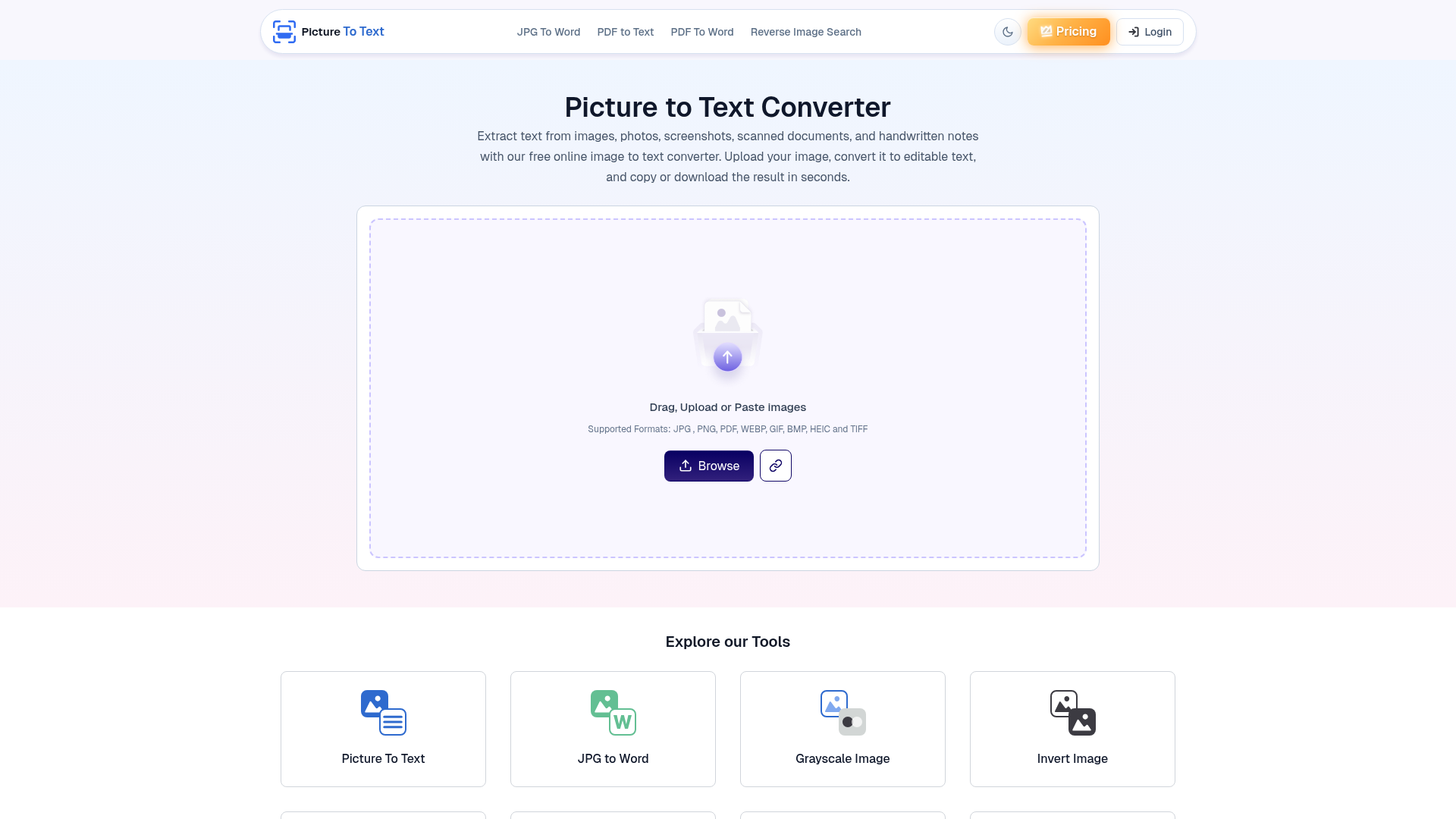
What is Image to Text Converter – Extract Text from Images Online Free?
Image to Text Converter – Extract Text from Images Online Free is an online OCR tool that extracts editable text from images, photos, screenshots, scanned documents, PDF images, and handwritten notes. It is built for students, educators, professionals, researchers, writers, designers, and travelers who need to digitize text without typing it manually. The tool supports more than 20 languages, multiple image formats, and batch processing, and it runs in a browser without software installation.
Key features
- AI-based text extraction
- Uses OCR for printed text and ICR for handwriting, and can read low-resolution images, old books, blurry photos, and poorly handwritten notes.
- Multiple image formats
- Supports JPG, PNG, PDF, WEBP, GIF, BMP, HEIC, TIFF, JPEG, JFIF, and HEIF, among other formats.
- Multi-lingual support
- Recognizes text in more than 20 languages, including English, German, French, Korean, Danish, Thai, Vietnamese, Turkish, Japanese, Spanish, Russian, Dutch, Italian, Portuguese, Indonesian, Chinese, Georgian, Finnish, Czech, Swedish, Arabic, Polish, and Romanian.
- Batch image processing
- Free users can upload up to 3 images at once, while premium users can process up to 50 images per submission; the site's FAQ also mentions up to 10 images at once for free.
- Copy or download text
- Extracted text can be copied to the clipboard or downloaded as a TXT file.
- Data security and privacy
- The site states that it never stores uploaded images or extracted text and that data is deleted automatically after the converted text is delivered.
- Fast processing and simple interface
- Conversion starts with a single click, batch jobs can finish within seconds, and the workflow is upload, convert, then copy or download.
How to use Image to Text Converter – Extract Text from Images Online Free
- Upload, paste, or drag and drop the image into the input box; the site also offers Browse and Camera options.
- Click the Convert button to start the OCR process.
- The tool extracts editable text from the image.
- Copy the extracted text to the clipboard or download it as a TXT file.
Use cases
- Digitizing office documents
- Convert scanned reports, invoices, contracts, and memos into editable digital text for storage, sharing, and management.
- Extracting text from screenshots
- Turn screenshots into editable text in a few clicks instead of retyping the content.
- Streamlining data entry
- Automate data entry by extracting text from printed papers and making it ready to copy and paste.
- Translating signboards and menus
- Read text from signboards, menus, and other signage in foreign languages and translate it into a local language.
- Legal and academic workflows
- Law firms can convert contracts, court filings, affidavits, and case files into searchable text, while researchers can digitize scanned papers, books, and handwritten notes.
Pricing
The official website lists a free version and paid premium plans. The free version is described as allowing unlimited image-to-text conversions without registration, with free-user limits of up to 3 files per submission, JPG, JPEG, and PNG file types only, and a 5 MB maximum file size. One FAQ answer on the site says free users can extract text from up to 10 images at once.
Premium plans are listed as:
- $2.99 / weekly — labeled Most Popular.
- $4.99 / monthly
- $24.99 / yearly — labeled Best Value.
Premium features listed on the site include 50 images per submission, file size up to 10 MB, 3X faster conversion, all file types, and no ads and captcha.
FAQ
Is Image to Text Converter free to use?
The site lists a free version with unlimited image-to-text conversions and no registration, plus premium plans at $2.99 per week, $4.99 per month, or $24.99 per year. Free users are shown limits of up to 3 files per submission, JPG/JPEG/PNG only, and a 5 MB maximum file size.
What image and document formats does Image to Text Converter support?
Image to Text Converter supports JPG, PNG, PDF, WEBP, GIF, BMP, HEIC, TIFF, JPEG, JFIF, and HEIF, among others. Free users are limited to JPG, JPEG, and PNG according to the site's upload validation.
Does Image to Text Converter support handwritten text?
Yes. It uses ICR in addition to OCR to recognize handwritten text, and the site says it can read poorly handwritten notes, old books, blurry photos, and low-resolution images.
Which languages does Image to Text Converter recognize?
Image to Text Converter recognizes text in more than 20 languages, including English, German, French, Korean, Danish, Thai, Vietnamese, Turkish, Japanese, Spanish, Russian, Dutch, Italian, Portuguese, Indonesian, Chinese, Georgian, Finnish, Czech, Swedish, Arabic, Polish, and Romanian.
Can Image to Text Converter process multiple images at once?
Yes. It offers batch processing, with a free-user limit of up to 3 images per submission and a FAQ mention of up to 10 images at once for free, while premium users can process up to 50 images.
How does Image to Text Converter handle image privacy?
The site states that Image to Text Converter never stores uploaded images or extracted text, and that data is deleted automatically once the converted text is delivered. It directs users to its Privacy Policy for more details.
Image to Text Converter
Convert images to text instantly with our free AI-powered image to text converter. Extract text from PDFs, scans, and handwritten notes accurately.
 Cloudflare
 Google Analytics
 Google Tag Manager
 HTTP/3
 Laravel
 PHP
 cdnjs
 jQuery:3.7.1
Free AI anime and manga generator. Turn text into anime episodes, manga, comics, webtoons and comic shorts in any art style — no drawing or animation skills needed.
Translate image text across 70+ languages with our advanced AI Image Translator to help you better expand your products globally to various countries
Advertised Here
Reach thousands of visitors daily. Get your spot now!
Tools similar to Image to Text Converter
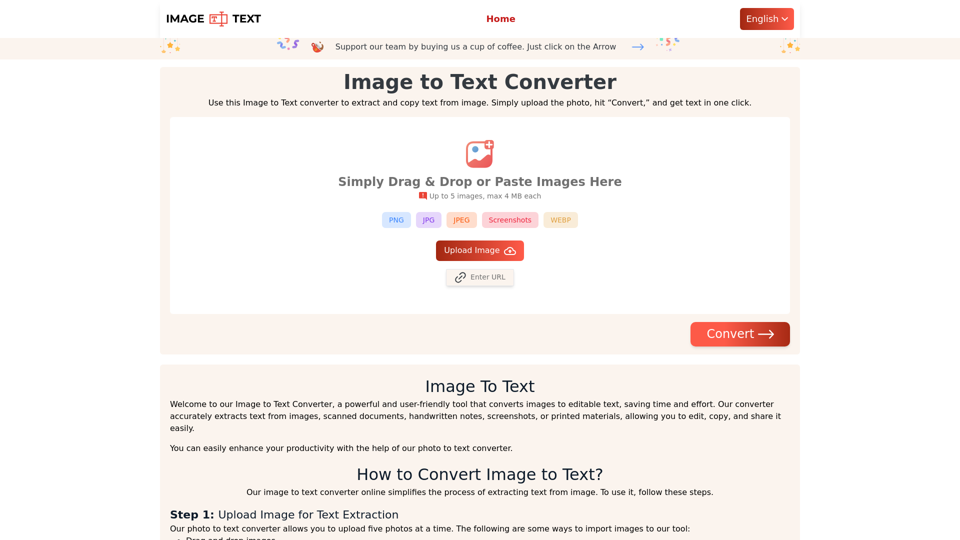
Use our Image to Text converter to quickly extract text from images. Our online tool accurately converts pictures to editable text. Try it now for free!
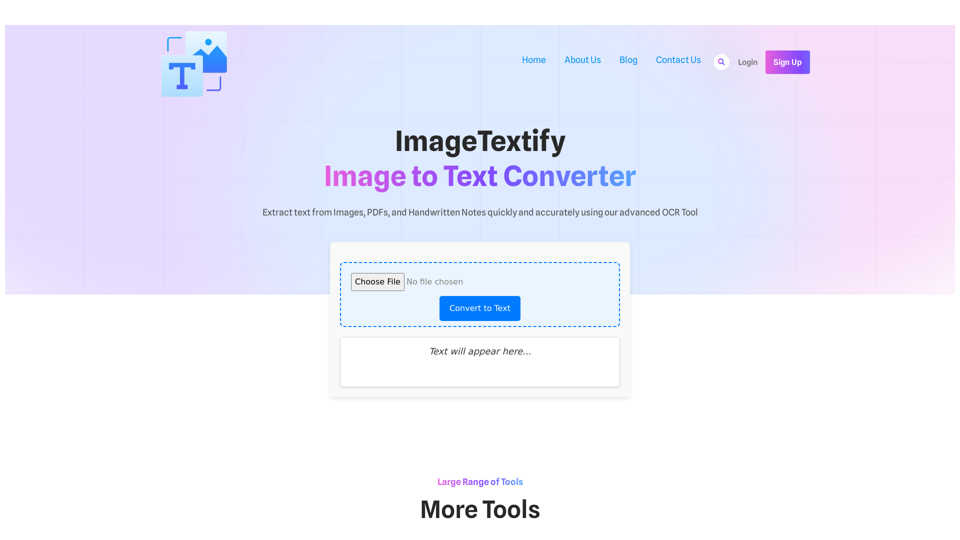
ImageTextify Image to Text Converter Extract text from Images, PDFs, and Handwritten Notes quickly and accurately using our advanced OCR Tool Convert to Text Text will appear here… Large Range of Tools More Tools JPG to Word PDF to Word Text to Word Word to Text PDF to Text JPG to PDF Text to PDF […]
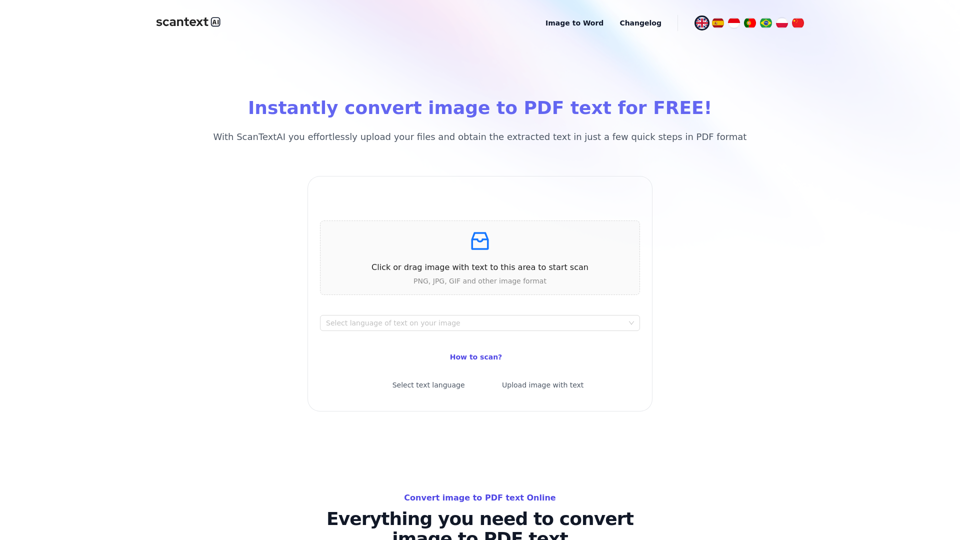
Scantextai.com convert any images, photos, screenshots, scanned documents to text. Extract text accurately from an image and save it in PDF, Word format.
OLOCR provides a free and unlimited online image OCR and PDF OCR service, featuring batch processing and support for multiple languages. Easily upload your images or PDFs for seamless text extraction.
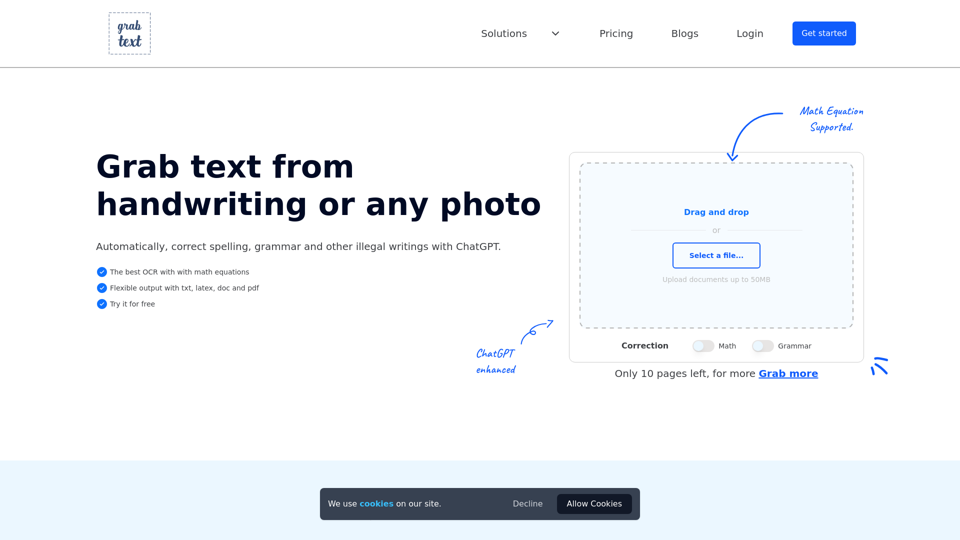
Unlock the power of technology with free online OCR and AI image to text. Convert handwriting to text, including LaTeX equations. Enhance it with ChatGPT.
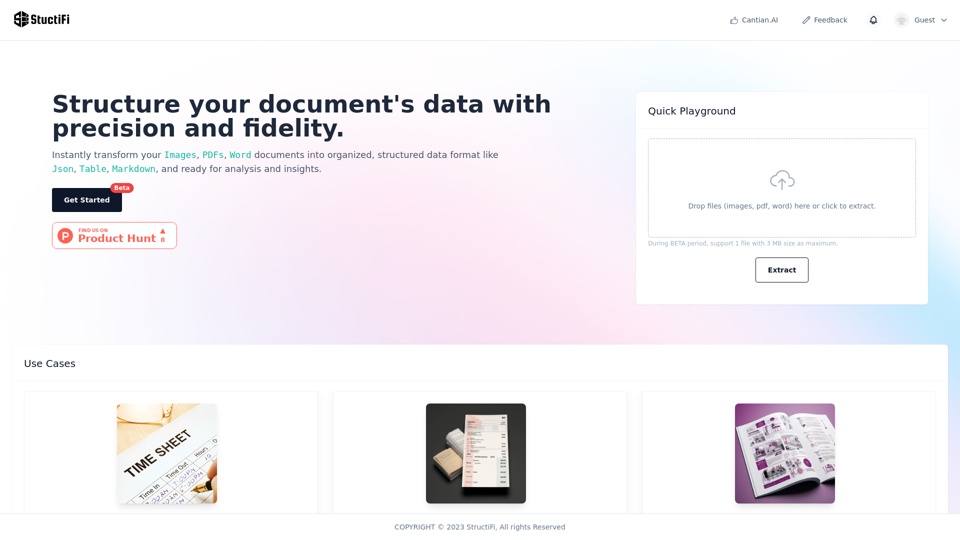
An AI smart tool extracts valuable structured data from any file. It excels in OCR, effortlessly translating visual information from PDFs and images into actionable data. Perfect for your data extraction needs. Free OCR, Image to Text, Image to Excetl, Online Tool, Data Extraction, File to Data, AI Conversion, OCR, PDF Extract, Image Extract, StructiFi, Sales lead, contacts, exam paper, catalogs.
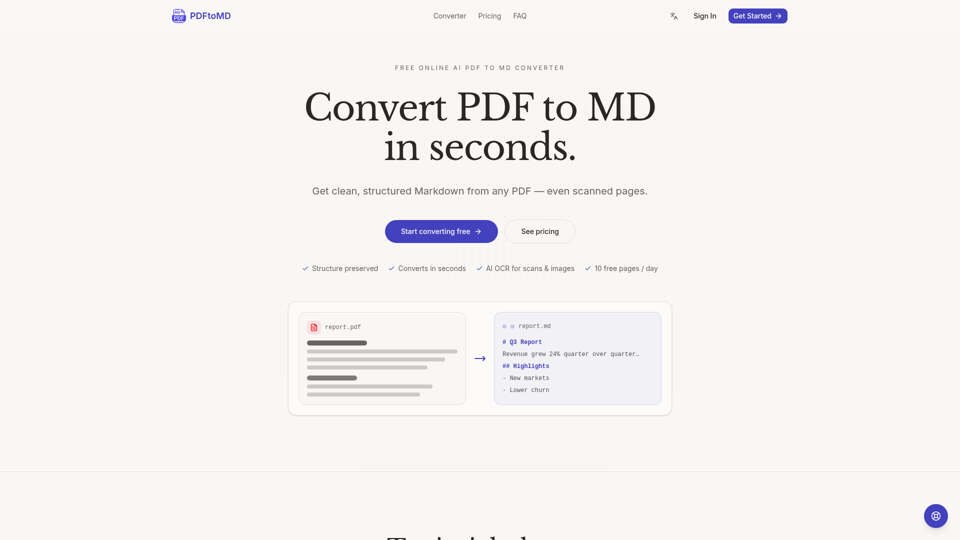
Convert PDF to MD online for free. AI OCR turns any PDF — even scans — into clean, structured Markdown in seconds. 3 free pages a day with no sign-up, or 10 a day with a free account.
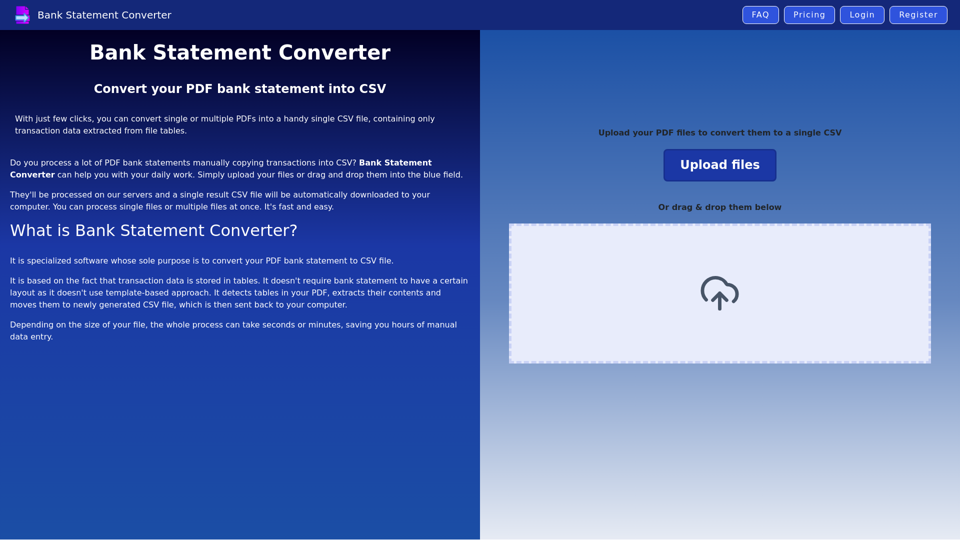
Best PDF converter for bank statements - convert PDF statements to CSV file online