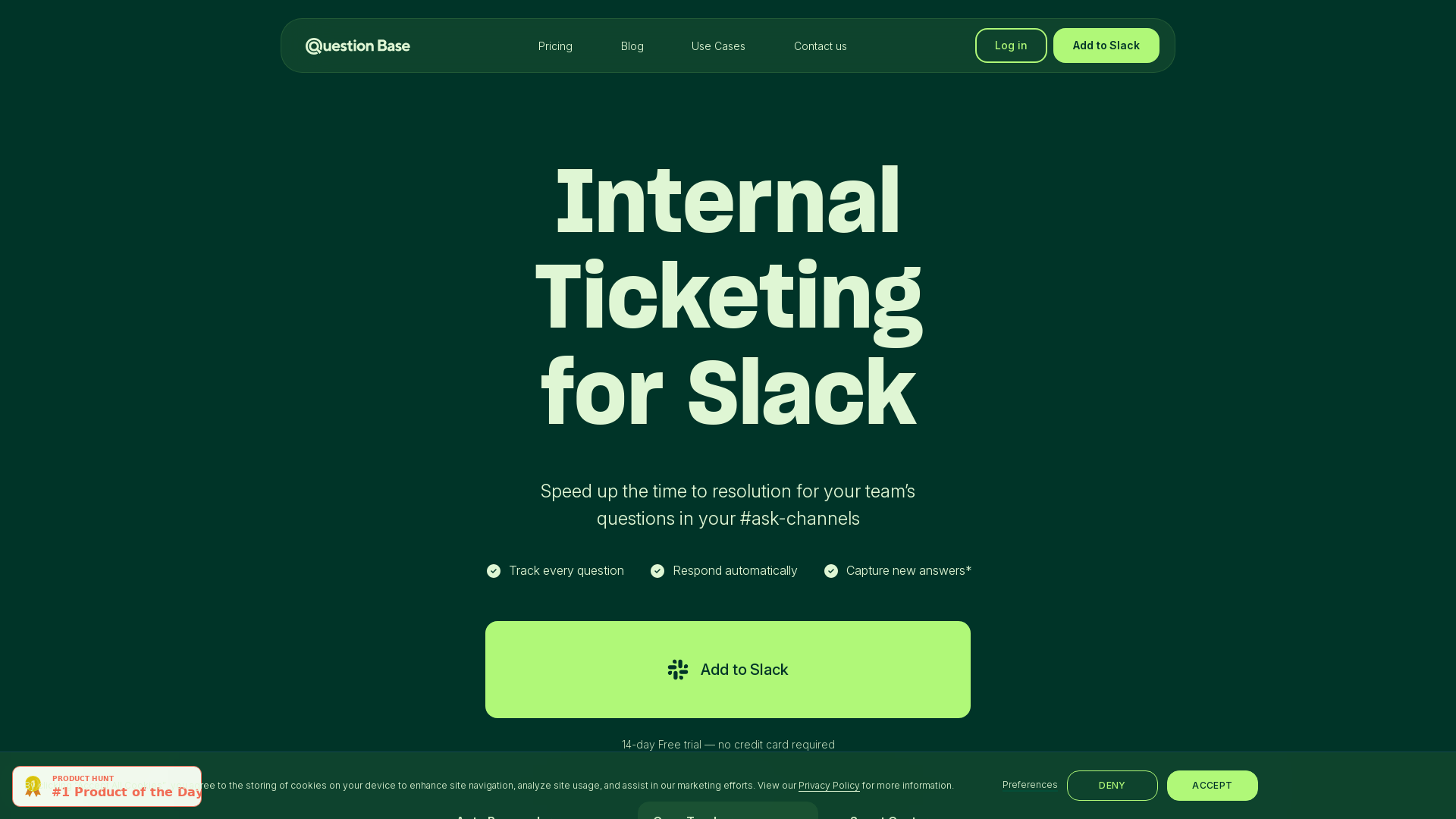
Internal Ticketing System in Slack
Question Base helps customer-facing teams close more deals and support tickets by accessing instant verified answers to their questions in Slack. Powered by AI.
What is Question Base?
Question Base is an internal ticketing system seamlessly integrated within Slack, designed to streamline communication and enhance the efficiency of addressing questions in your team’s channels. By automating the process of responding to repetitive inquiries, it ensures that team members can focus on more complex tasks while maintaining quick access to essential information.
What are the main features of Question Base?
- Auto Responder
- Automatically replies to commonly asked questions, saving time for both users and administrators.
- Case Tracker
- Monitors and tracks every question posed in your Slack channels, ensuring no inquiry is lost or overlooked.
- Smart Capture
- Captures new answers in real-time, enabling ongoing learning and refinement of responses as discussions evolve.
- Integration with SLAs
- Assists in adhering to Service Level Agreements by ensuring prompt responses to questions.
- User-Friendly Analytics
- Offers insights into frequently asked questions and response times, empowering teams to optimize their communication strategies.
How to use Question Base?
To utilize Question Base, simply add it to your Slack workspace. Once integrated, you can start managing questions in your channels. The system will automatically respond to repetitive questions, while the Case Tracker ensures every inquiry is tracked and addressed. A 14-day free trial is available with no credit card required, enabling teams to explore its benefits risk-free.
What is the pricing structure for Question Base?
Question Base offers a straightforward pricing model that allows users to start with a 14-day free trial to experience all features. After the trial period, you can choose from various subscription plans based on the size and needs of your team. Exact pricing details are available on the website.
Helpful Tips for Maximizing Question Base’s Effectiveness
- Train your team
- Ensure your team members are familiar with how Question Base works to maximize usage and effectiveness.
- Monitor frequently asked questions
- Use the analytics provided to identify which questions are being asked most often and update answers as needed.
- Encourage feedback
- Regularly encourage your team to provide feedback on the responses given by Question Base to ensure accuracy and relevance.
- Refine auto-responses
- Periodically review and refine the auto-responder's answers for clarity and correctness.
Frequently Asked Questions
Can Question Base make mistakes in responding?
Yes, as Question Base uses Large Language Models (LLMs) to generate draft answers, it may occasionally produce inaccuracies. It's recommended to double-check responses before saving.
How does Question Base protect user data?
Question Base is SOC2 Type I compliant, meaning it adheres to strict standards to protect user information and ensure its security.
Is there a mobile app for Question Base?
Currently, Question Base operates through Slack, and while there is no dedicated mobile app, users can access Slack on mobile to engage with Question Base directly.
Can teams customize the auto-responder?
Absolutely! Teams can tailor the responses served by the auto-responder to better fit their organization's specific needs and frequent inquiries.
What happens after the 14-day free trial?
Once the free trial ends, you have the option to choose a subscription plan that best suits your team's requirements based on usage and size.
Internal Ticketing System in Slack
Question Base helps customer-facing teams close more deals and support tickets by accessing instant verified answers to their questions in Slack. Powered by AI.
 Framer Sites
 Google Analytics
 HTTP/3
 Linkedin Ads
 React
React YouTube
Free AI anime and manga generator. Turn text into anime episodes, manga, comics, webtoons and comic shorts in any art style — no drawing or animation skills needed.
Translate image text across 70+ languages with our advanced AI Image Translator to help you better expand your products globally to various countries
Advertised Here
Reach thousands of visitors daily. Get your spot now!
Tools similar to Internal Ticketing System in Slack
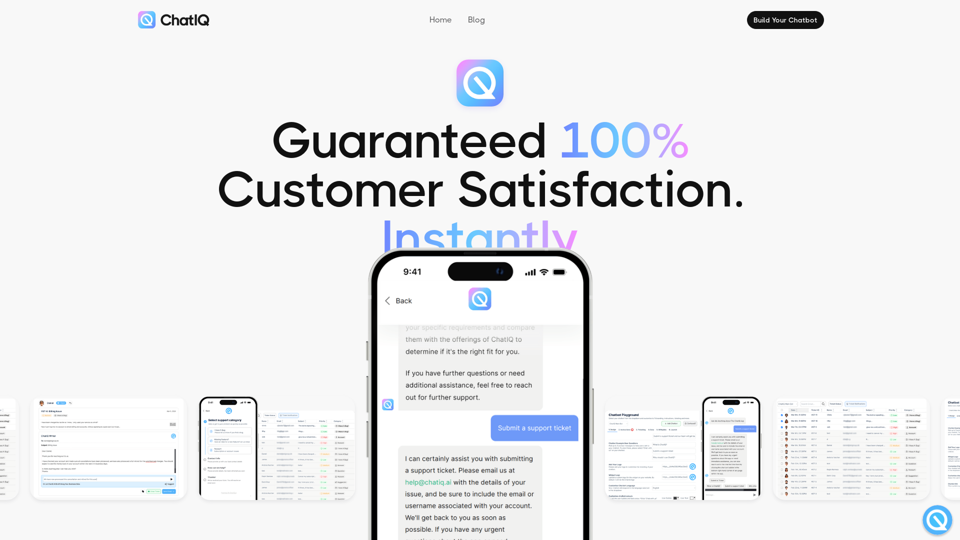
ChatIQ AI. It's ChatGPT & AI knowledge base system for your business, Automated Customer Support Ticketing
ChatIQ AI, cha gpt for your business, an ai knowledge base for your business, Knowledgebase system, Guaranteed 100% Customer Satisfaction Instantly. Build a fully integrated AI support ticketing system for your business
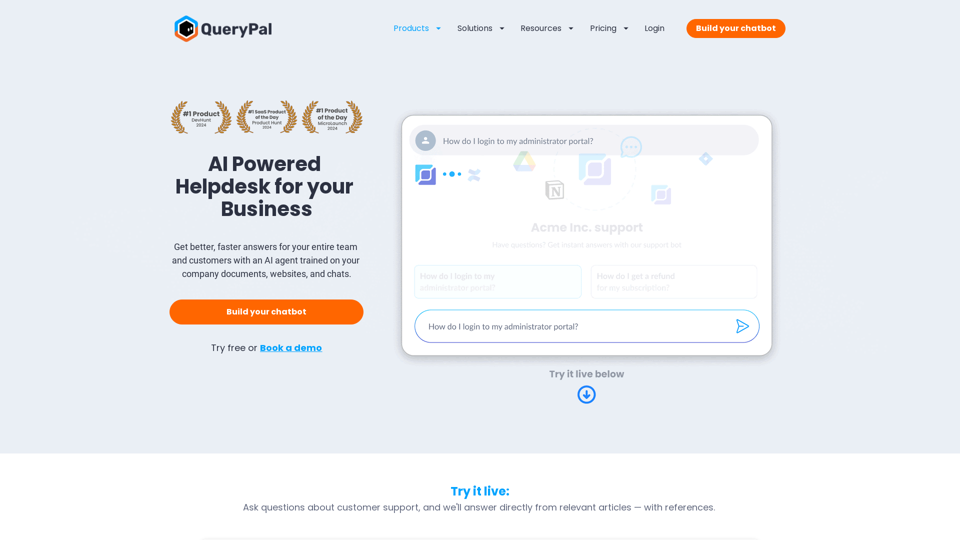
Seamlessly search through company docs, generate automated reports, and enhance communication - all within Slack or Teams!
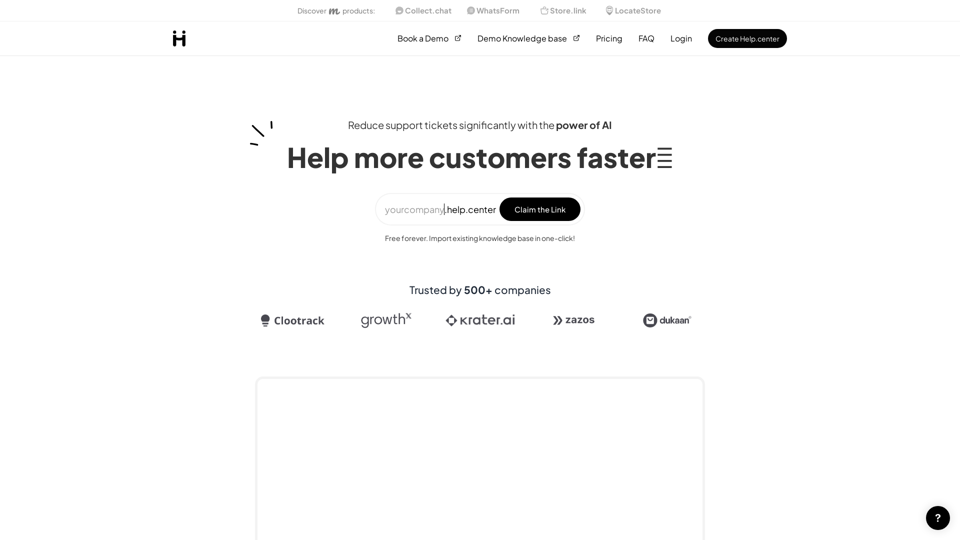
Help.center is a full-fledged customer support knowledge base solution powered with chatGPT to help customers get instant answers. You can have yourcompany.help.center website where customers can use AI search and also deploy an AI chat widget to your website to support customers in a conversational way. Deliver instant answers to customer questions using AI and boost customer satisfaction. Add an AI chatbot to your website and create a self-service doumentation portal.
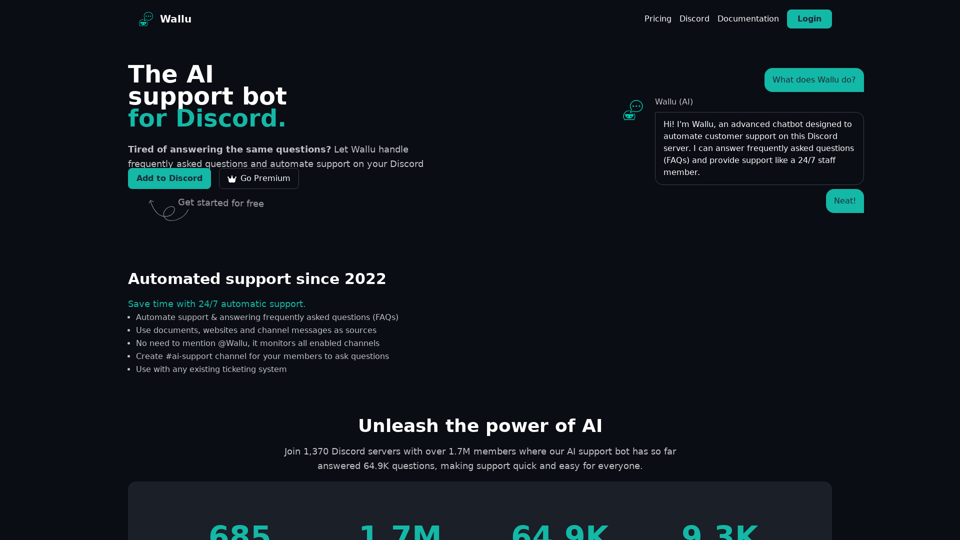
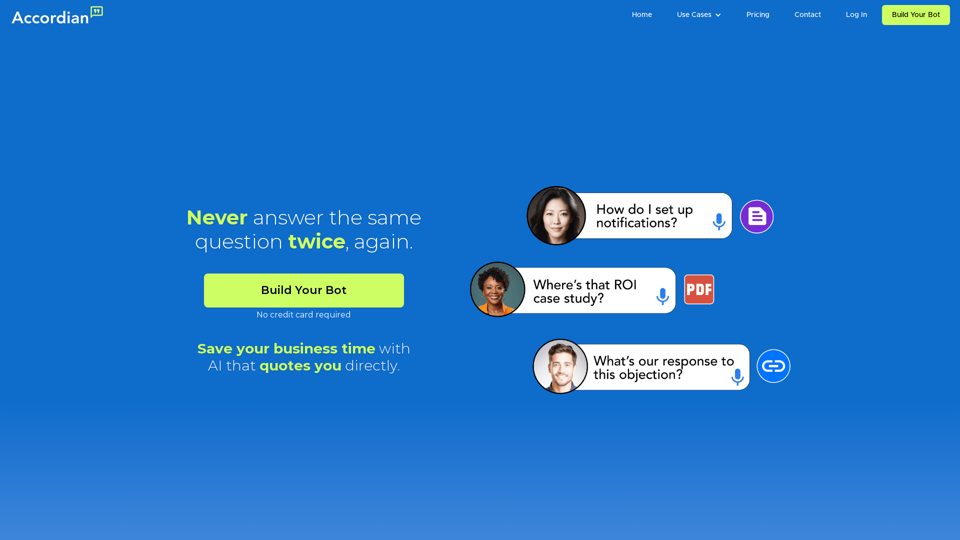
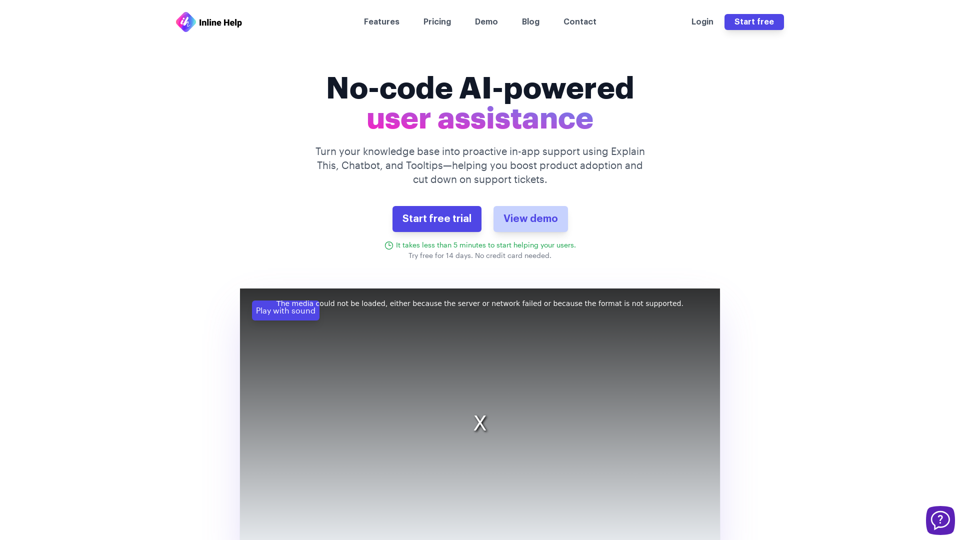
Revolutionize customer support with Inline Help's AI-enabled knowledge base. Streamline issue resolution and enhance user experience effortlessly.
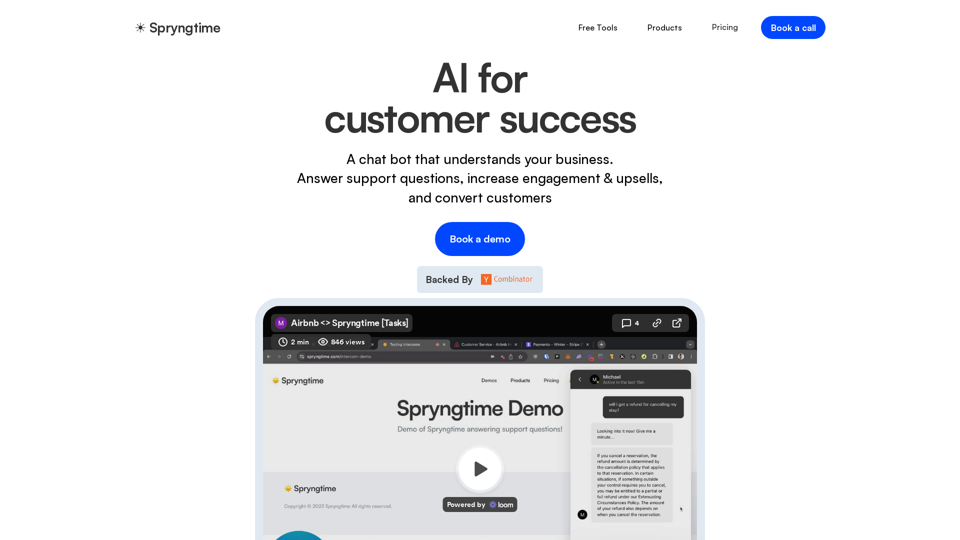
ChatGPT for customer support. Automate your support tickets and respond with a bot in your tone & voice!