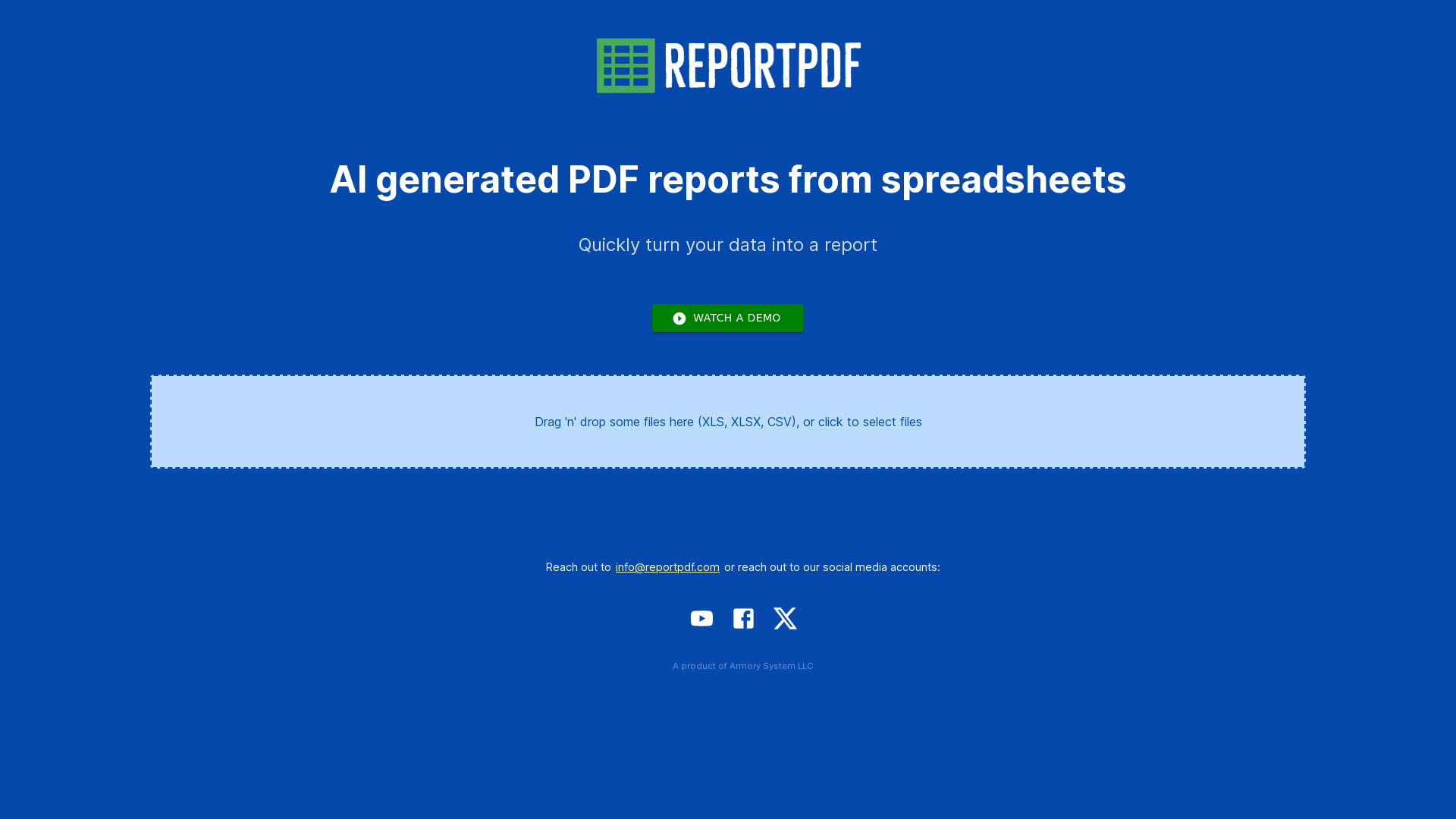
What is ReportPDF?
ReportPDF is an innovative tool designed to help users generate AI-driven PDF reports seamlessly from their spreadsheets. Transforming raw data into professional and comprehensive reports has never been easier. This platform caters to various needs, ensuring that users can present their data in a polished format that’s ready for sharing or presentation.
What are the main features of ReportPDF?
- Automated Report Generation
- Instantly convert your spreadsheets into well-structured PDF reports with just a few clicks.
- AI Integration
- Utilize advanced AI technology to enhance the quality and relevance of the reports created from your data.
- User-Friendly Interface
- The intuitive design allows users of all skill levels to navigate and create reports effortlessly.
- Customizable Templates
- Choose from a variety of customizable templates to maintain consistency and professionalism in your reports.
- Quick Turnaround
- Generate reports quickly, allowing for faster decision-making and communication.
How to use ReportPDF?
To use ReportPDF, simply upload your spreadsheet, select the desired report template, and let the AI generate your PDF report. The process is streamlined to minimize the time and effort needed to produce high-quality documentation. Users can also preview their reports before downloading them to ensure accuracy and satisfaction.
What is the price for ReportPDF?
ReportPDF offers different pricing plans to accommodate various user needs, including a free trial option to explore the features. For detailed pricing information, check the official website or contact customer support directly.
Helpful Tips
- Optimize Your Spreadsheets
- Ensure your spreadsheets are organized and formatted correctly for the best results when generating reports.
- Use Custom Templates
- Take advantage of the customizable templates to match your brand’s style and deliver consistent messaging.
- Preview Reports
- Always preview your reports before finalizing them to catch any discrepancies or formatting issues.
- Contact Support
- If you have questions or need assistance, don’t hesitate to reach out to the support team through email or social media.
Frequently Asked Questions
Can I generate reports from any spreadsheet format?
Yes, ReportPDF supports various spreadsheet formats, allowing for versatility in report generation.
Is there a limit on the number of reports I can generate?
The free trial may have limitations, but paid plans typically allow for unlimited report generation. Check specific plan details for more information.
How long does it take to generate a PDF report?
The report generation process is typically quick, with most reports ready within minutes, depending on the size and complexity of the data.
Can I edit my reports after they are generated?
While ReportPDF provides a powerful generation tool, edits should be made in the original spreadsheet and then re-uploaded for the best results in the report.
Is my data secure while using ReportPDF?
Absolutely! ReportPDF prioritizes user data security and confidentiality, ensuring that your information is never used outside of report generation.
For more information or to start generating your reports today, visit ReportPDF.com or contact us at [email protected].
ReportPDF
Generate PDF reports from spreadsheets
 Amazon ELB
 Amazon Web Services
Free AI anime and manga generator. Turn text into anime episodes, manga, comics, webtoons and comic shorts in any art style — no drawing or animation skills needed.
Translate image text across 70+ languages with our advanced AI Image Translator to help you better expand your products globally to various countries
Advertised Here
Reach thousands of visitors daily. Get your spot now!
Tools similar to ReportPDF
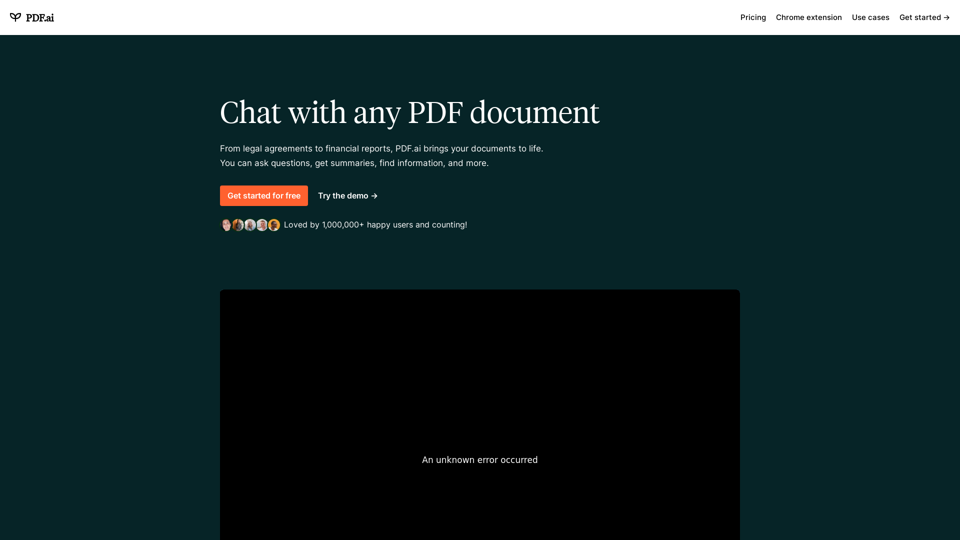
We built the ultimate ChatPDF app that allows you to chat with any PDF: ask questions, get summaries, find anything you need!
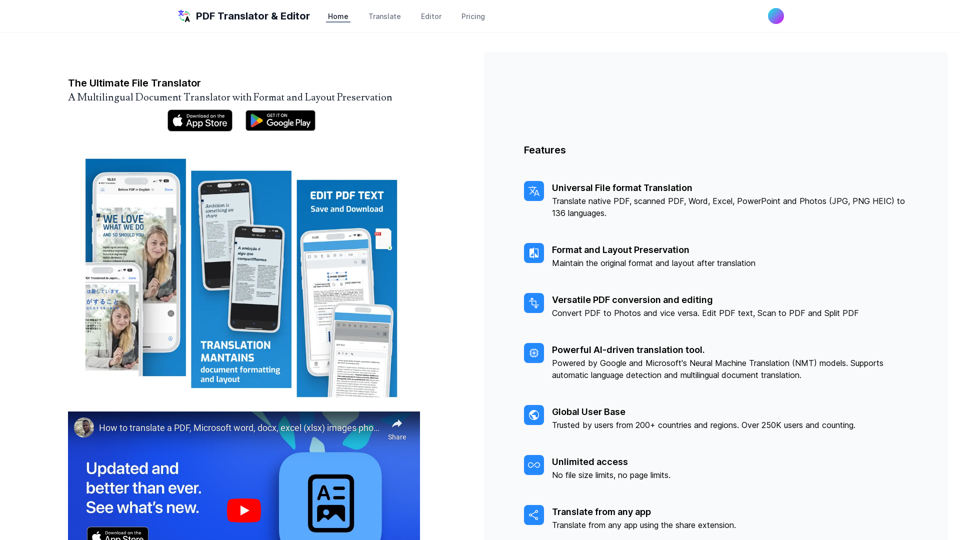
Translate your PDF, pptx, photos, excel and Word documents with AI
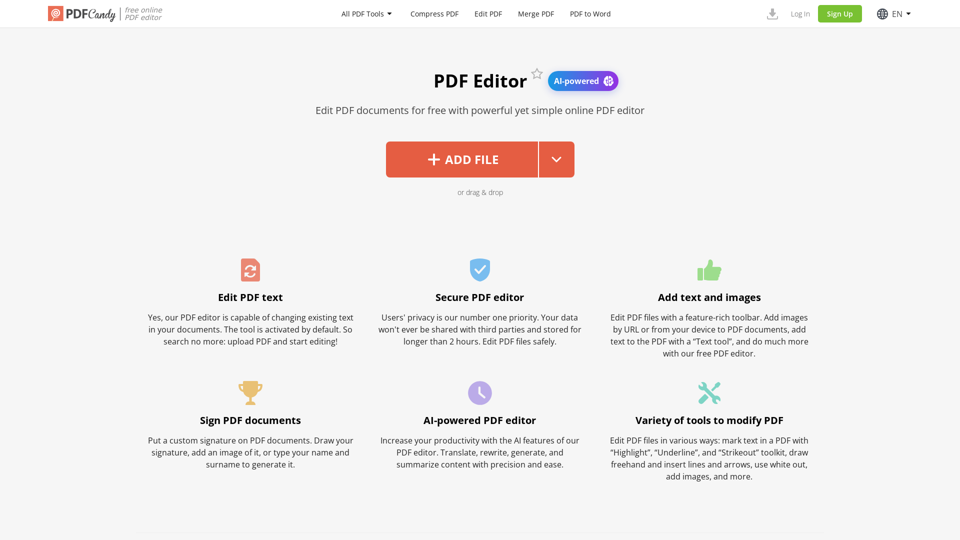
Learn how to edit a PDF using our service fast and free of charge. Our PDF editor allows to add text and images to PDF, highlight and annotate, sign PDF and much more.
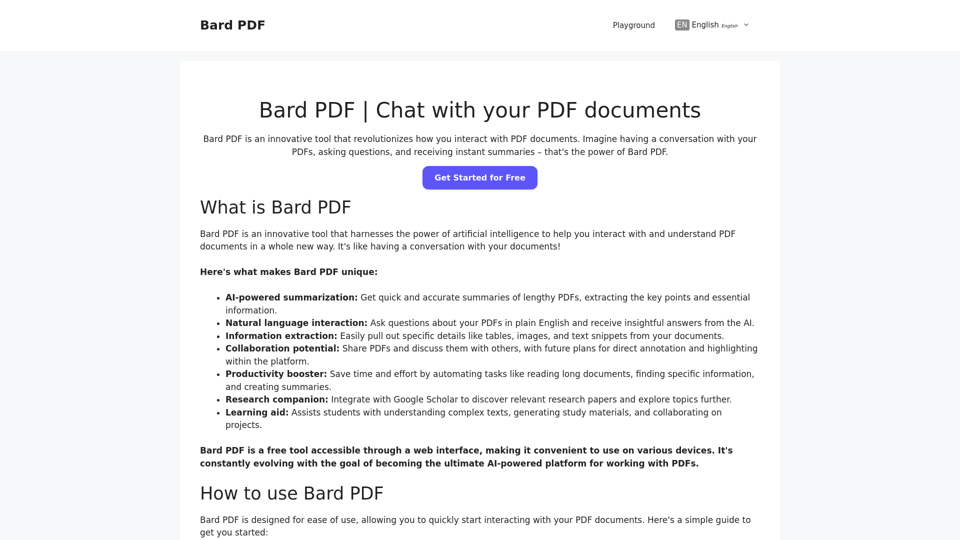
Bard PDF is a FREE interactive platform that focuses on providing powerful features for handling and collaborating on PDF files.
Tablize turns your data into dashboards and more, enabling smarter work to happen
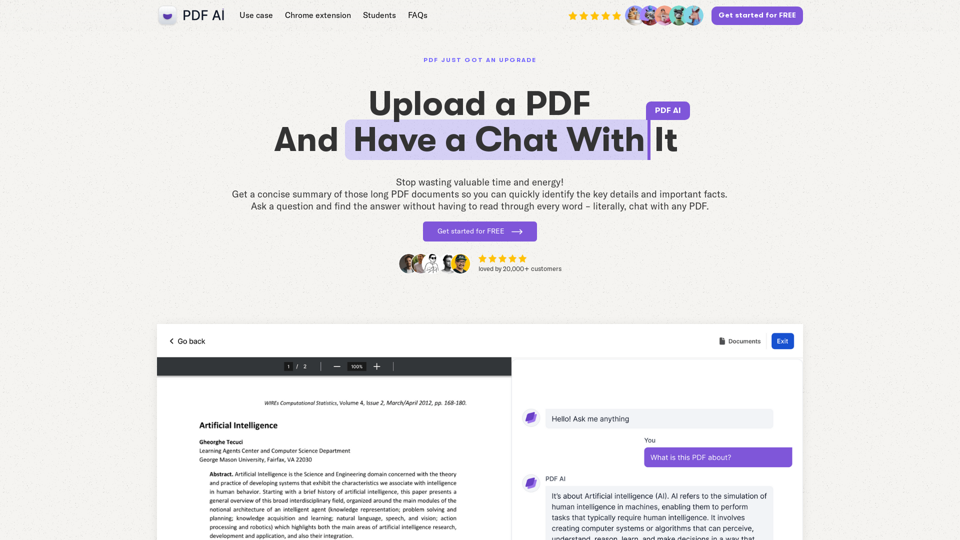
Chat with any PDF today for instant answers, summaries, and more - the complex made simple. From legal documents to academic studies, download our PDF AI today.
TalkingPDF.io is a free tool that allows you to chat with any PDF. ask questions, get summaries, find anything you need!
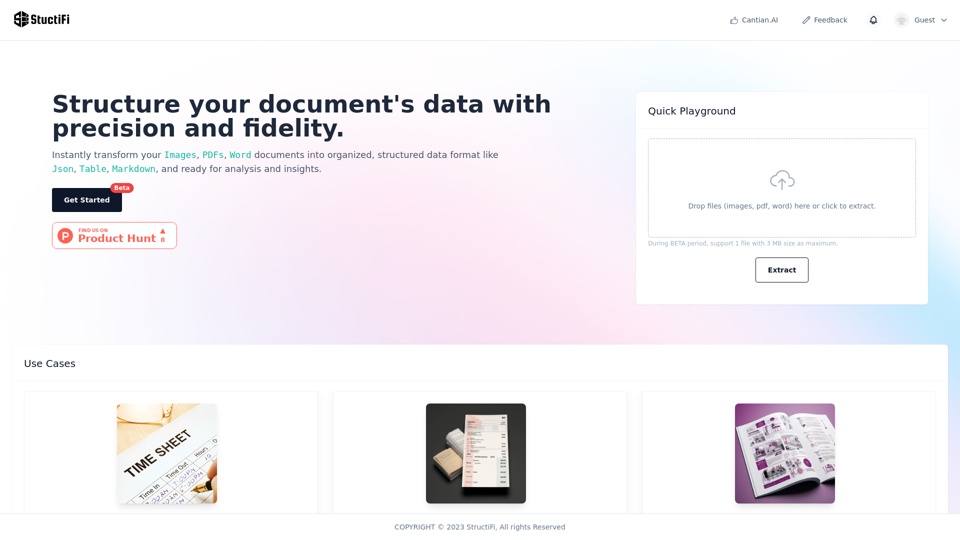
An AI smart tool extracts valuable structured data from any file. It excels in OCR, effortlessly translating visual information from PDFs and images into actionable data. Perfect for your data extraction needs. Free OCR, Image to Text, Image to Excetl, Online Tool, Data Extraction, File to Data, AI Conversion, OCR, PDF Extract, Image Extract, StructiFi, Sales lead, contacts, exam paper, catalogs.