Spellar AI
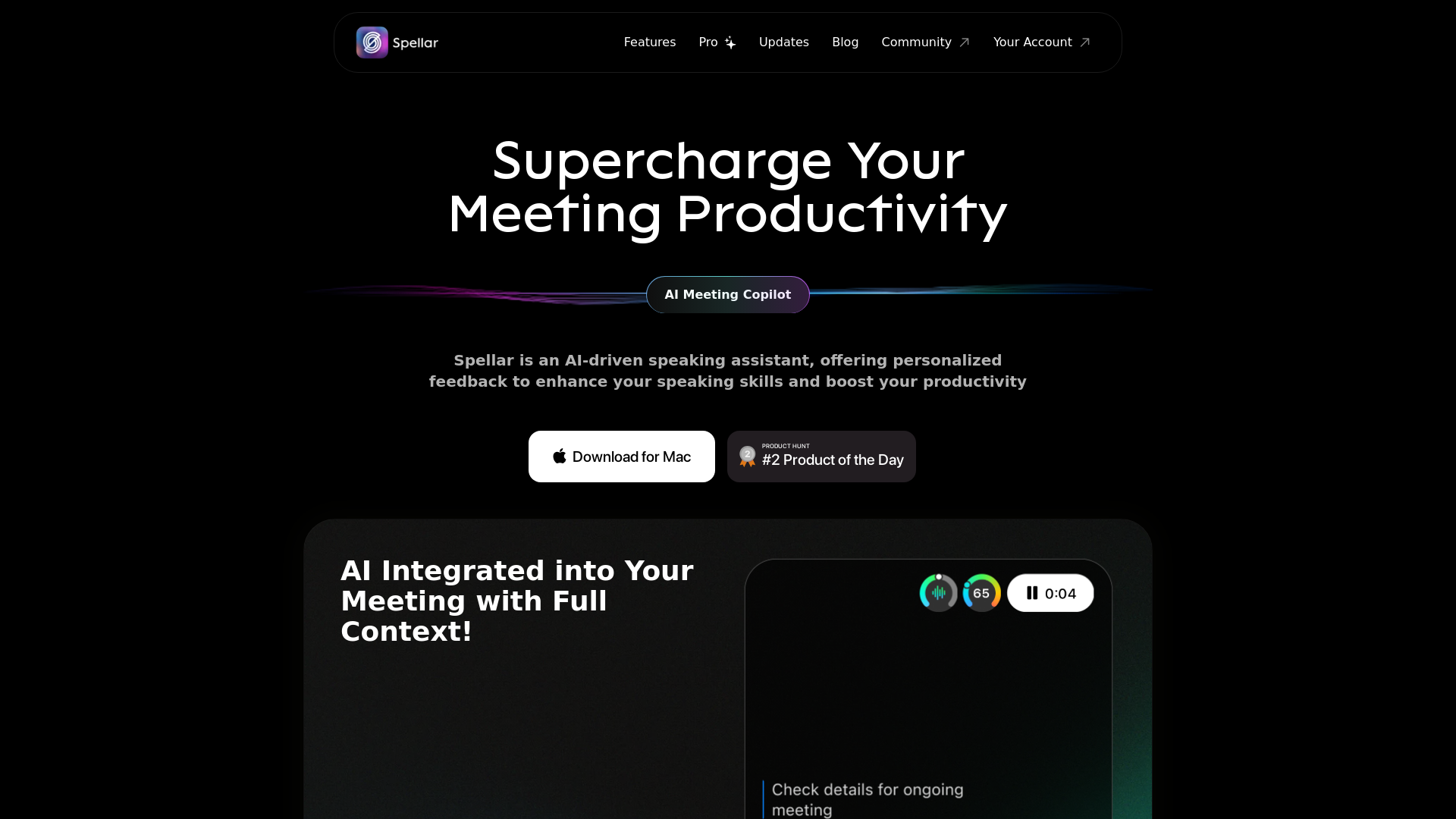
Spellar AI - powered macOS meeting assistant, enhances communication with real-time engagement tips, meeting summaries key points and tasks tracking. Ideal for non-native English speakers in remote work. Spellar records calls with meetings notes automated
What is Spellar AI?
Spellar AI is an advanced AI-driven meeting copilot designed to enhance your speaking skills and increase productivity during meetings. This smart personal assistant offers real-time feedback and insights to help you articulate your thoughts clearly and effectively. With seamless integration into your daily routine, Spellar AI provides a user-friendly experience, whether in professional settings or personal practice.
What are the main features of Spellar AI?
- AI Meeting Copilot
- Get personalized insights into your speech, helping you identify areas for improvement.
- Seamless Integration
- Effortlessly embed Spellar AI into important meetings or personal exercises without bots interfering.
- Privacy-Centric
- Your information is safeguarded and entirely under your control, allowing you to meet with peace of mind.
- Automated Meeting Summaries
- Receive neatly organized meeting notes, highlighting action items and key points for easy follow-up.
- Personalized English Improvement
- Gain tailored recommendations to enhance your pronunciation and vocabulary.
- Never Miss a Meeting
- Easily join upcoming meetings through the Spellar menu bar or widget.
How to use Spellar AI?
To utilize Spellar AI, download the application for Mac and integrate it into your calendar. Begin by participating in meetings where Spellar will assist you with real-time feedback on your speech, summarize meeting notes, and offer suggestions for improving your vocabulary and pronunciation. It’s particularly useful for those wanting to practice speaking in a controlled and informative setting.
What is the price of Spellar AI?
While specific pricing details were not provided, Spellar AI exists within a range of plans tailored to suit different user needs. Check their official website for subscription options and their respective benefits to find the perfect choice for you.
Helpful Tips for Using Spellar AI
- Practice Regularly
- Engage with Spellar AI frequently to maximize your learning curve.
- Use Feedback Constructively
- Evaluate the feedback provided on your speech and focus on areas that require improvement.
- Participate in Diverse Meetings
- Join meetings of varying topics and formats to gain a broader range of feedback.
- Explore Vocabulary Features
- Take full advantage of the personalized vocabulary recommendations to enhance your communication abilities.
- Address Pronunciation Issues
- Utilize the pronunciation mistake exercises to correct any issues and strengthen your speaking skills.
Frequently Asked Questions
Can Spellar AI work for meetings in other languages?
Yes, Spellar AI is capable of working in multiple languages, offering multi-lingual summaries and insights which make it a versatile assistant in diverse linguistic environments.
How does Spellar AI ensure my privacy?
Spellar AI is committed to user privacy, ensuring that your information is protected and remains under your control. None of your data is shared or used for training purposes.
How can I join a meeting using Spellar AI?
You can effortlessly join an upcoming meeting using the Spellar menu bar or widget, designed to simplify the process of participation.
Is there a trial period for Spellar AI?
Currently, there is no specified information regarding a trial period. For the latest updates or promotional offers, visiting Spellar's official website is recommended.
What kind of insights can I expect from Spellar AI?
Spellar AI provides a variety of insights, including meeting summaries, action items, personalized feedback on presentation skills, pronunciation improvement suggestions, and contextual information about meeting participants to enhance your understanding.
Spellar AI
Spellar AI - powered macOS meeting assistant, enhances communication with real-time engagement tips, meeting summaries key points and tasks tracking. Ideal for non-native English speakers in remote work. Spellar records calls with meetings notes automated
 Vercel
Free AI anime and manga generator. Turn text into anime episodes, manga, comics, webtoons and comic shorts in any art style — no drawing or animation skills needed.
Translate image text across 70+ languages with our advanced AI Image Translator to help you better expand your products globally to various countries
Advertised Here
Reach thousands of visitors daily. Get your spot now!
Tools similar to Spellar AI
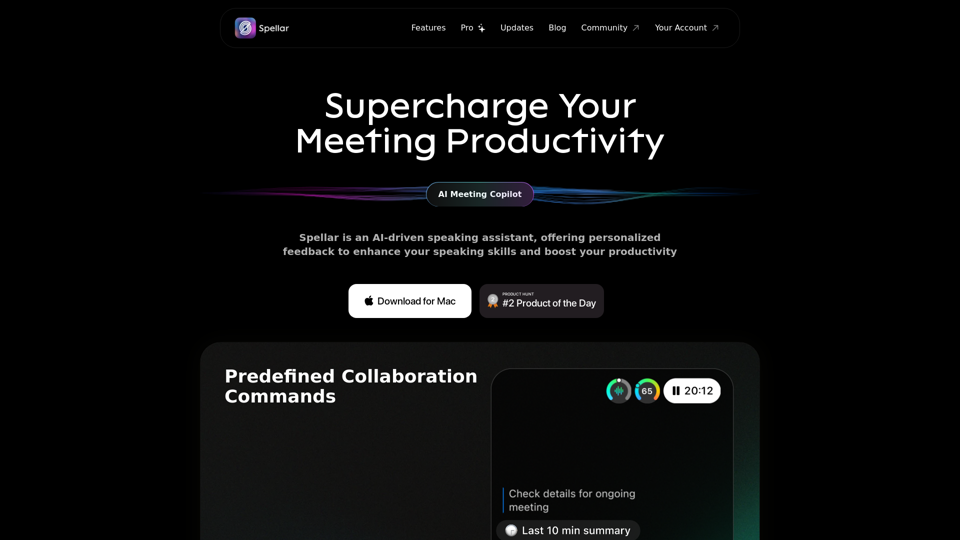
Spellar AI - powered macOS meeting assistant, enhances communication with real-time engagement tips, meeting summaries key points and tasks tracking. Ideal for non-native English speakers in remote work. Spellar records calls with meetings notes automated
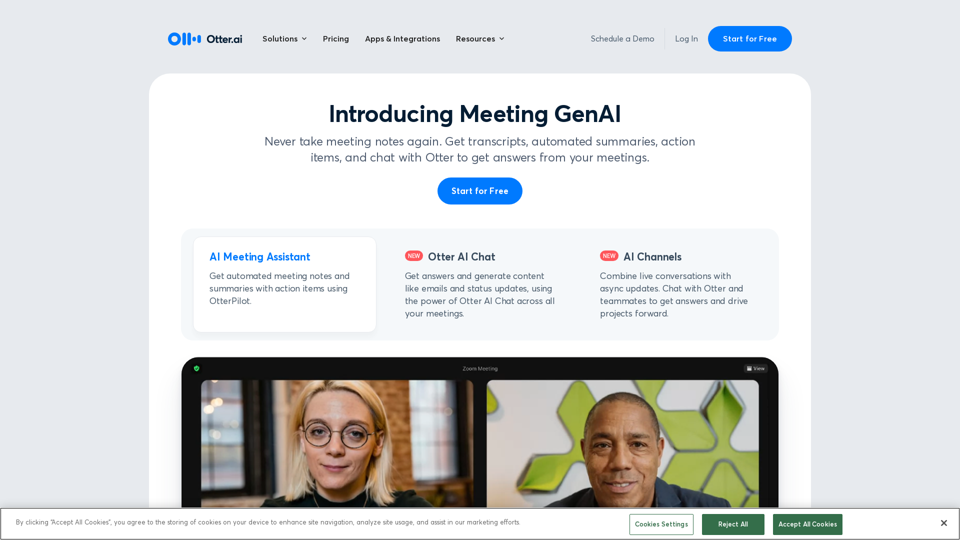
Otter.ai uses an AI Meeting Assistant to transcribe meetings in real time, record audio, capture slides, extract action items, and generate an AI meeting summary.
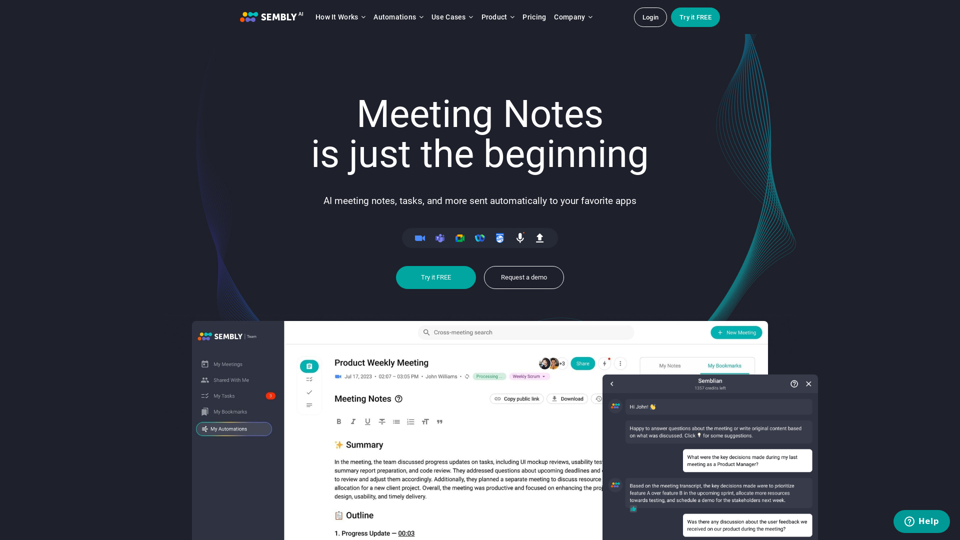
Sembly records, transcribes and generates smart meeting summaries with meeting minutes. Works with Zoom, Google Meet, Microsoft Teams and Cisco Webex. Sembly the smartest AI team assistant!
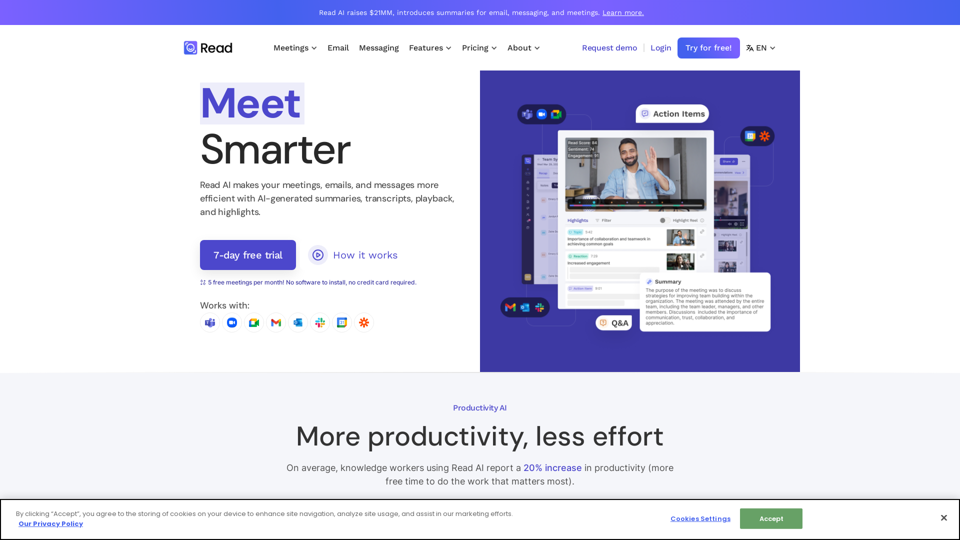
In a hybrid world, Read improves meeting wellness through better scheduling, real-time analytics, summaries, transcription, playback, and automated recommendations. On average, Read identifies 20 meeting hours a month that could be eliminated.
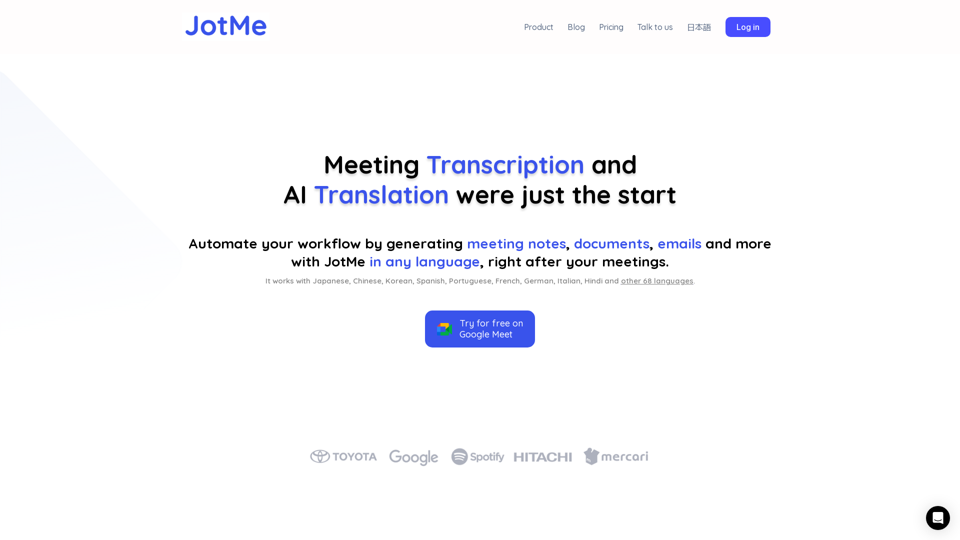
JotMe transcribes & translates your meetings, and generates meeting notes, documents, emails, task tickets, and more, all based on the context that matters to you.
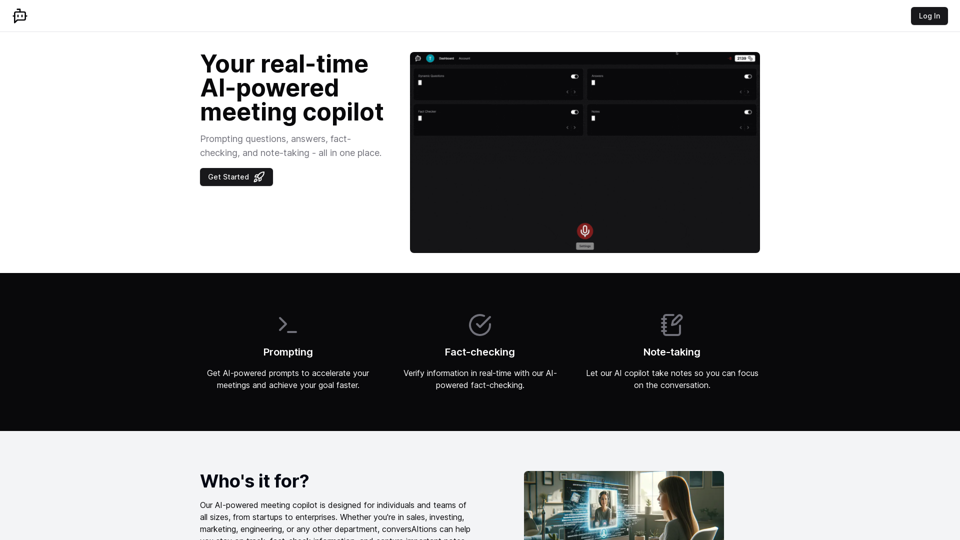
Experience real-time AI support with ConversAItions. Our platform uses advanced models like GPT-4 to enrich and assist in your daily conversations. Perfect for personal and professional interactions. Register to be among the first to experience the future of communication!
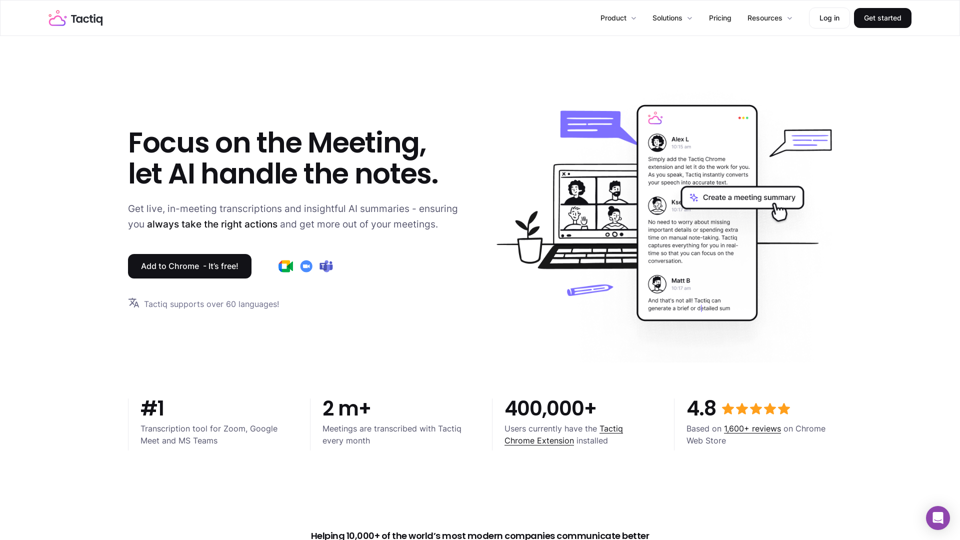
Get more from your meetings with Tactiq.io AI meeting assistant. From live transcription to AI summaries, action items and custom AI prompts just for you.