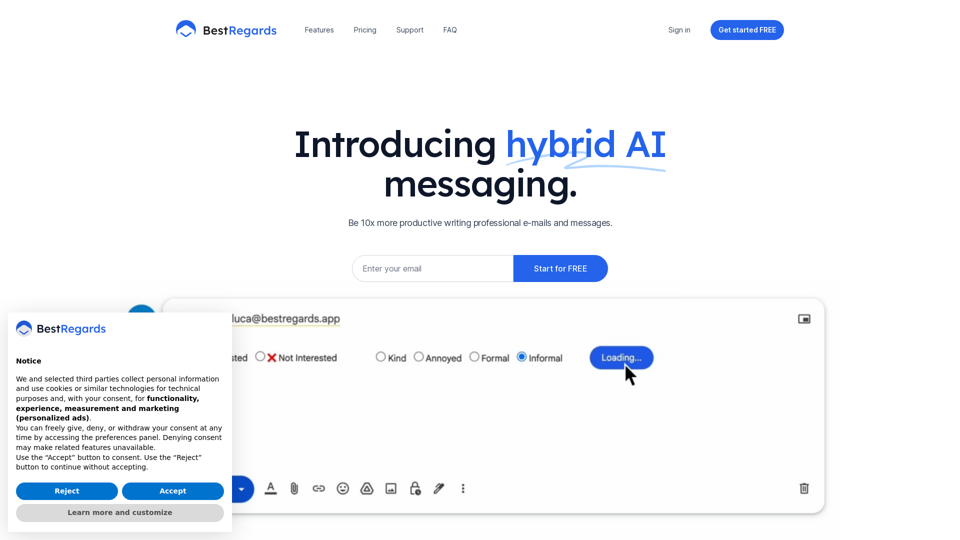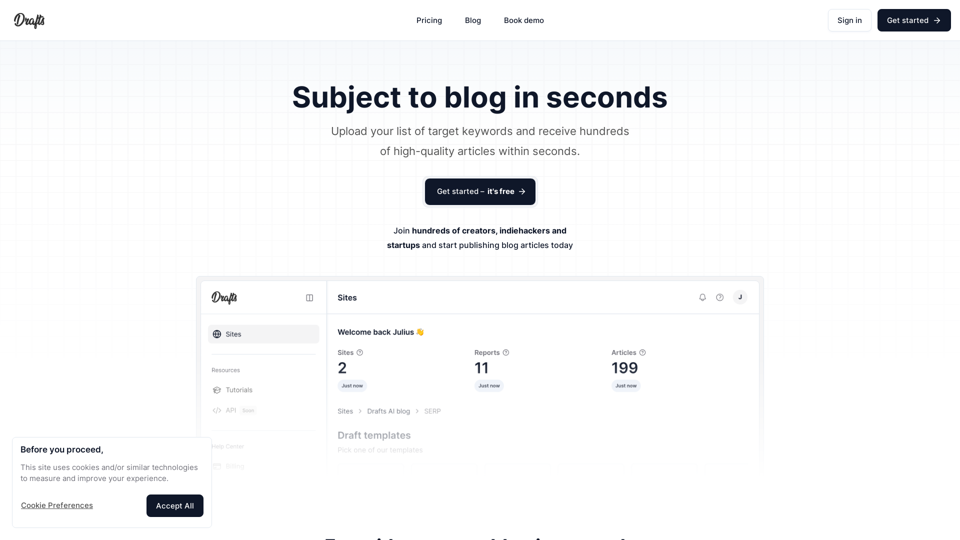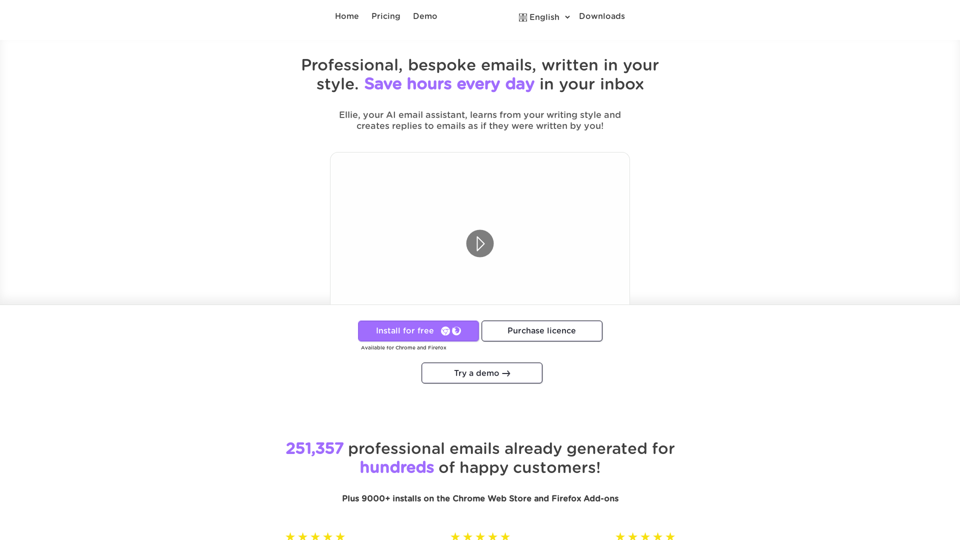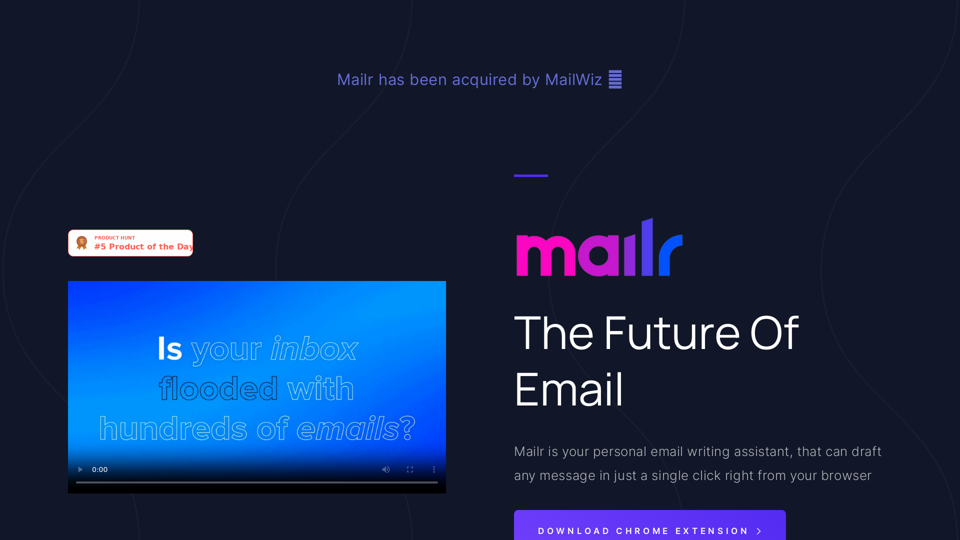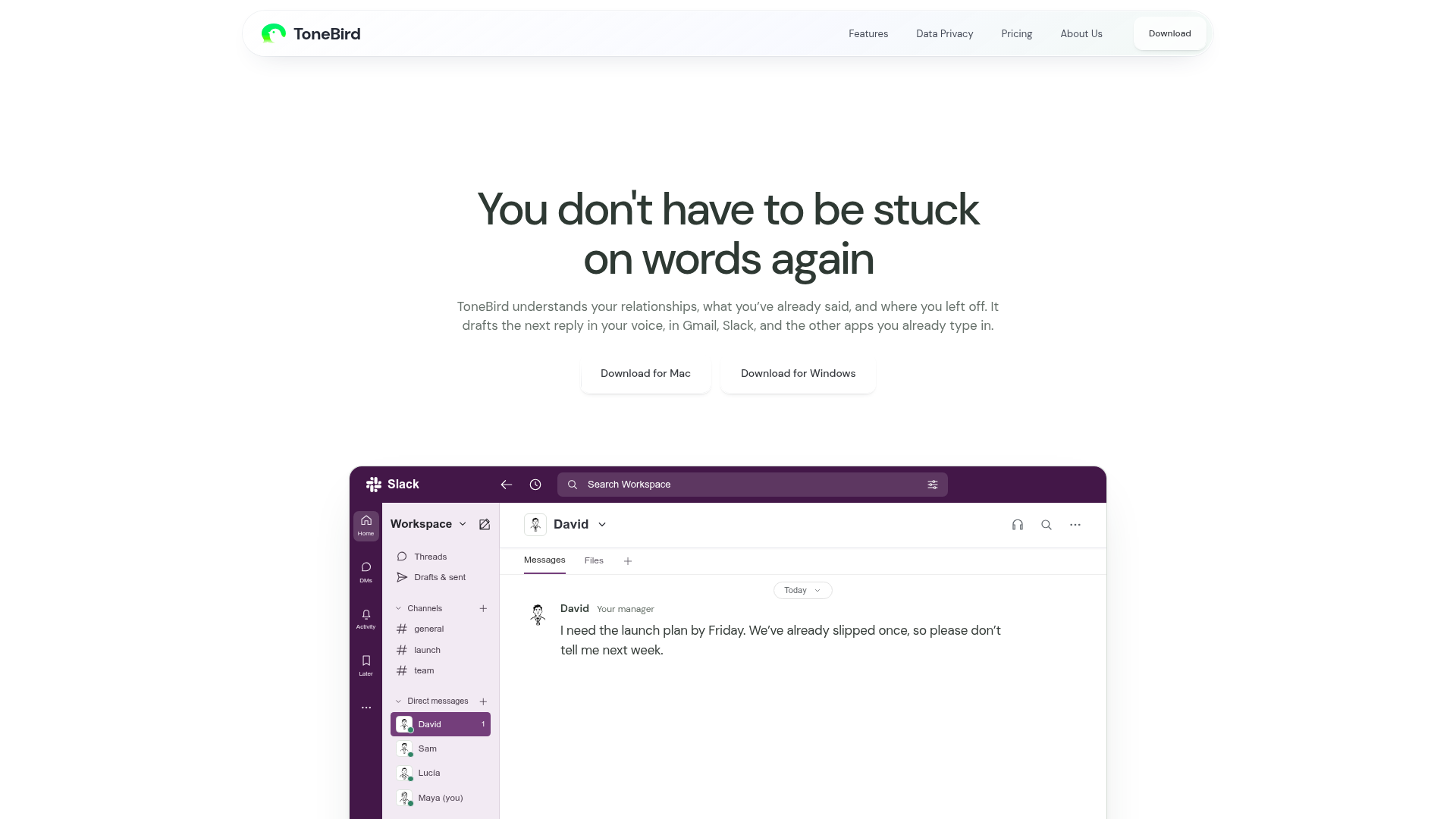
What is Tonebird?
Tonebird is a powerful AI co-pilot application designed to help you write better and faster replies directly within the communication apps you already use, such as Gmail, Slack, WhatsApp, and many more. It understands your unique relationships, remembers past conversations, and retrieves relevant context to draft replies that sound authentically like you. By working in the background of your existing workflow, it eliminates the friction of switching between apps or crafting lengthy prompts, allowing you to maintain genuine, efficient, and context-aware conversations.
Key Features
- Contextual Understanding
- Tonebird's core strength is its ability to remember who you're talking to. It uses past conversations, recalled facts (like agreed prices or previous promises), and even connected files to draft replies that are relevant and personalized.
- Multi-Platform Integration
- It works seamlessly across a vast array of popular platforms, including Gmail, Slack, WhatsApp, iMessage, Discord, WeChat, X (formerly Twitter), LinkedIn, Instagram, Lark, and more, bringing AI assistance right into your existing reply boxes.
- Tone & Style Adaptation
- The AI doesn't just generate generic text. It learns and adapts to your writing preferences, allowing you to adjust drafts to be more precise, warmer, or add humor. You can save personal style guides and facts to keep your voice intact across all communications.
- From Reply to Action
- Tonebird extends beyond drafting text. It can help schedule meetings directly from your chats (integrating with Apple Calendar or Google Calendar) and creates a smart follow-up list that tracks promised tasks, unanswered questions, and dates that need confirmation.
- Multilingual Support
- Communicate effortlessly in multiple languages. Tonebird can draft and understand replies in English, Español, 中文 (Chinese), and 日本語 (Japanese), breaking down language barriers in professional and personal conversations.
How to Use Tonebird
Using Tonebird is a simple three-step process designed to fit naturally into your workflow:
- Open a Reply: In any supported app (like Slack or Gmail), open a message you want to reply to. Click the Tonebird orb or press
Optiontwice on Mac /Ctrltwice on Windows to activate it. - Pick a Draft: Tonebird will analyze the conversation and context, then present you with several draft reply options. Use the arrow keys or click to cycle through the suggestions and choose the one that fits best.
- Edit and Send: You can further "Tweak" the selected draft for tone or precision. Once satisfied, click "Insert" to place the text into your app's reply box. Finally, review and send the message using the app's own send button, maintaining full control over every communication.
Pricing Plans
Tonebird offers a tiered pricing model to suit different needs, from individual users to large teams:
- Free Plan
- Start for free with 15 AI-powered uses per day and support for up to 30 contacts.
- Standard Plan ($9.90/month)
- Ideal for regular users, offering 100 uses per day and support for 100 contacts.
- Pro Plan ($39.90/month)
- Designed for power users and professionals, providing 1,000 uses per day and support for 1,000 contacts.
- Enterprise Plan (Custom Pricing)
- Tailored solutions for teams and organizations with custom daily usage limits, contact capacity, and dedicated support. Annual billing is available for the Standard and Pro plans, offering about a 20% discount.
Helpful Tips for Maximizing Tonebird
- Build Your Context Library
- Actively use the "About Me" and "Add a Fact" features to save key details about projects, preferences, and commitments. The more Tonebird knows, the more accurate and helpful its drafts will be.
- Leverage the Follow-up List
- Regularly check the built-in Tasks list to stay on top of promises and deadlines. This turns your conversations into a manageable action plan.
- Use Tweak Features Liberally
- Don't just accept the first draft. Use the "More Precise," "Warmer," and other tweak options to finely calibrate the tone for each specific recipient and situation.
- Connect Your Calendar
- Enable calendar integration to transform casual time agreements in chats into scheduled events with a single click, streamlining your meeting planning.
Frequently Asked Questions (FAQ)
How does Tonebird protect my privacy and data?
Your privacy is a priority. Your personal tone profile, saved facts, and usage data are stored locally on your device. You can export or delete this information anytime from the Settings. While conversation context is sent to an AI model provider to generate drafts, Tonebird offers transparency about its data handling practices. You can review detailed information in their Privacy policy.
Does Tonebird automatically send messages for me?
No, it does not. Tonebird is a drafting assistant. The "Insert" function places the suggested text into your app's reply field. You must manually review and use your app's own send button to dispatch the message, ensuring you retain complete control over all communications.
Can I use Tonebird on both Mac and Windows?
Yes. Native desktop applications are available for both macOS and Windows operating systems. You can download the appropriate version from the official Tonebird download page.
What if the AI draft doesn't sound quite like me?
Tonebird is designed to learn and adapt. Use the "Tweak" and "Style" settings to correct drafts. The system learns from these corrections over time. You can also define your general writing style (directness, formality, warmth) and save specific phrases you commonly use to train the AI to better mimic your voice.
Is there a limit to how many apps it works with?
Tonebird supports a wide and growing list of applications with readable text fields. This includes major platforms like Gmail, Slack, WhatsApp, and many social/media apps. Support for a specific field within an app depends on its technical accessibility. The tool is constantly updated to expand compatibility.
Your Socially Fluent AI Reply Assistant
Draft replies in your email and chat apps with ToneBird. Use past conversations and connected documents, choose a suggestion, then edit and send.
 Vercel
Free AI anime and manga generator. Turn text into anime episodes, manga, comics, webtoons and comic shorts in any art style — no drawing or animation skills needed.
Translate image text across 70+ languages with our advanced AI Image Translator to help you better expand your products globally to various countries
Advertised Here
Reach thousands of visitors daily. Get your spot now!
Tools similar to Your Socially Fluent AI Reply Assistant
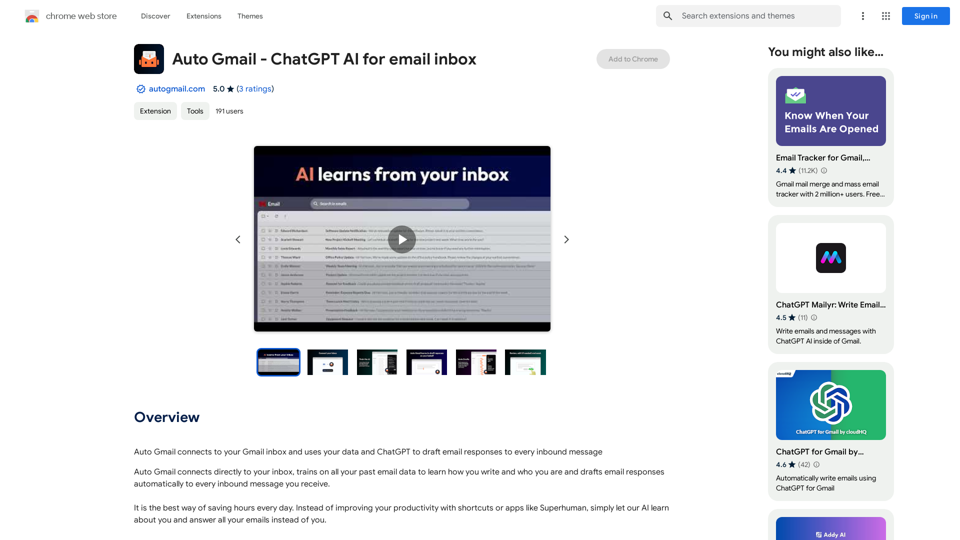
Auto Gmail connects to your Gmail inbox and uses your data and ChatGPT to draft email responses to every inbound message
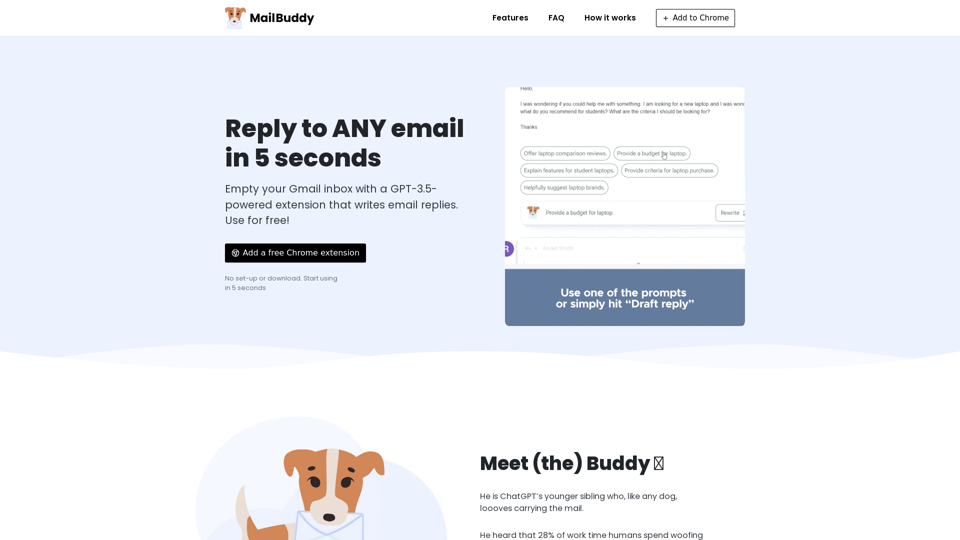
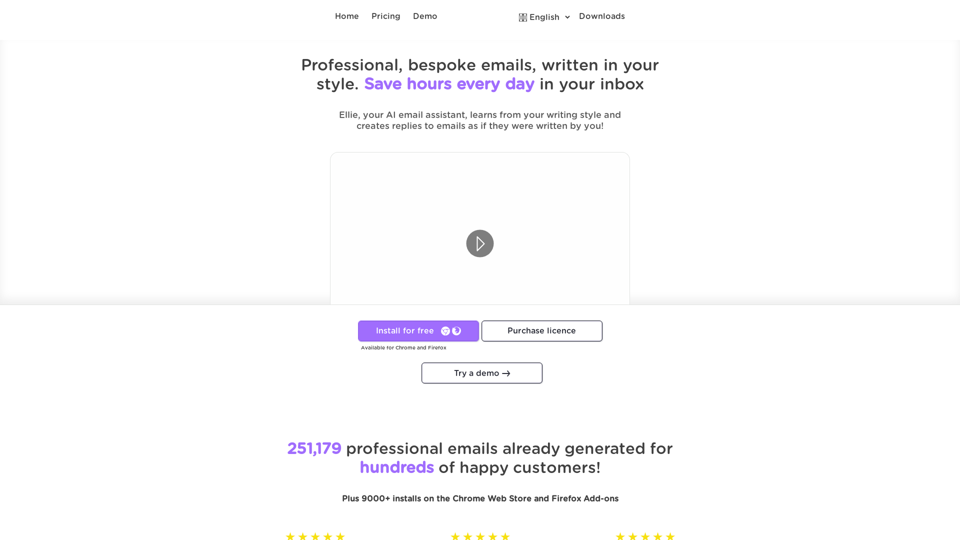
Ellie - Your AI Email Assistant, learns from your writing style and replies to emails as if they were written by you.
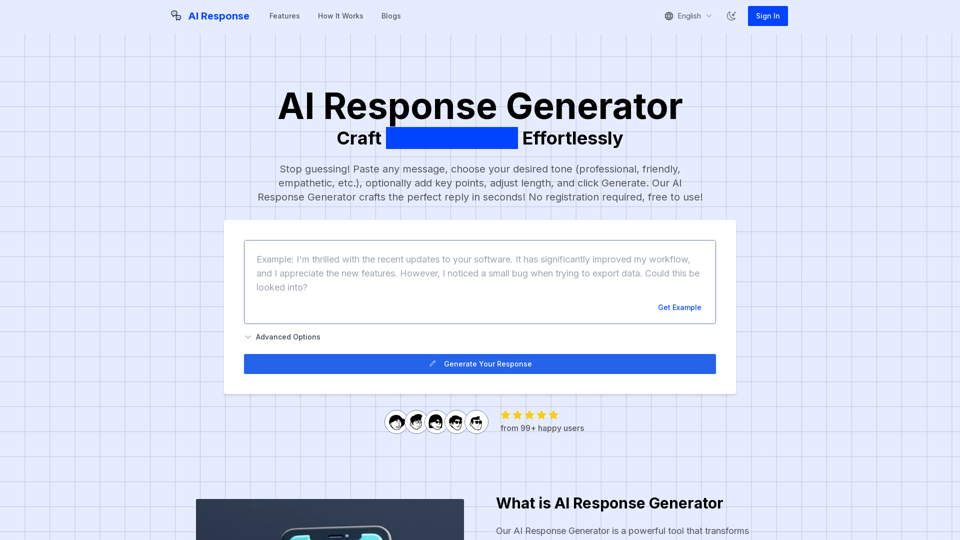
Generate perfect replies with our AI Response Generator. No registration required, free to use. Choose tone, add key points, and get ideal responses in seconds.