
What is MailBuddy?
MailBuddy is a revolutionary AI email assistant powered by GPT-3.5, designed to help users streamline their email responses. With this free Chrome extension, you can reply to any email within 5 seconds, effectively decluttering your Gmail inbox while enhancing your communication efficiency. Whether you receive inquiries, follow-ups, or corporate emails, MailBuddy crafts thoughtful replies based on the context of previous messages. It acts almost like ChatGPT's younger sibling, taking on the routine writing work, so you don't have to.
Main Features of MailBuddy
- Fast and Efficient Replies
- Instantly respond to any email within 5 seconds.
- Customizable Responses
- Direct MailBuddy to create replies that are polite, formal, funny, or succinct based on your directions.
- Seamless Integration
- Work directly within your Gmail interface – no additional windows or logins required.
- Human-like Understanding
- MailBuddy recognizes specific details, sentiments, and formatting needs, allowing for personalized responses.
- No Setup Required
- The extension is ready to use right after installation, with no additional training necessary.
- Completely Free
- MailBuddy operates without the need for your personal data or account permissions; just add the extension and start using it.
How to Use MailBuddy?
To get started with MailBuddy:
- Visit the extension page and click "Add extension."
- Confirm your selection in the pop-up window to install the extension.
- Open your Gmail and load the email you wish to reply to.
- Hit the "reply" button and look for the MailBuddy panel in the top right corner of the reply box.
- Click the generation icon or specify your desired details in the input field.
- Your response will be generated quickly, allowing you to review before hitting send.
Price
MailBuddy is entirely free to use, offering its email assistance capabilities without imposing any charges or hidden fees. There's no need for logins or personal data sharing, making it hassle-free for users.
Helpful Tips for Using MailBuddy
- Be Specific
- When directing MailBuddy, provide details about the tone and content you prefer to receive.
- Review Generated Replies
- Although MailBuddy creates human-like responses, always take a moment to review the replies before sending.
- Continuous Use
- Leverage the tool daily to save substantial time, especially if you handle numerous emails regularly.
Frequently Asked Questions
How does MailBuddy handle email replies?
MailBuddy analyzes the context of incoming emails and crafts responses based on your instructions, allowing for a quick and efficient replying process.
Is MailBuddy free to use?
Yes, MailBuddy is completely free, with no charges or hidden fees.
Can it be used on browsers other than Chrome?
Currently, MailBuddy is only available as a Chrome extension, but there are plans to expand to other browsers soon.
What type of emails can I use MailBuddy for?
MailBuddy is designed specifically for replying to emails. It does not support composing new emails at this time.
Does MailBuddy collect user data?
No, MailBuddy only accesses the email text that is activated within the extension. Your data is kept private and secure.
Can I control the tone and style of the responses?
Absolutely! You can instruct MailBuddy to create replies in a variety of styles – formal, casual, humorous, etc., to suit your preferences.
For questions or additional support, feel free to reach out to our team at [email protected].
MailBuddy
Empty your inbox with a GPT-3.5-powered extension that writes email replies. It's free!
 YouTube
Free AI anime and manga generator. Turn text into anime episodes, manga, comics, webtoons and comic shorts in any art style — no drawing or animation skills needed.
Translate image text across 70+ languages with our advanced AI Image Translator to help you better expand your products globally to various countries
Advertised Here
Reach thousands of visitors daily. Get your spot now!
Tools similar to MailBuddy
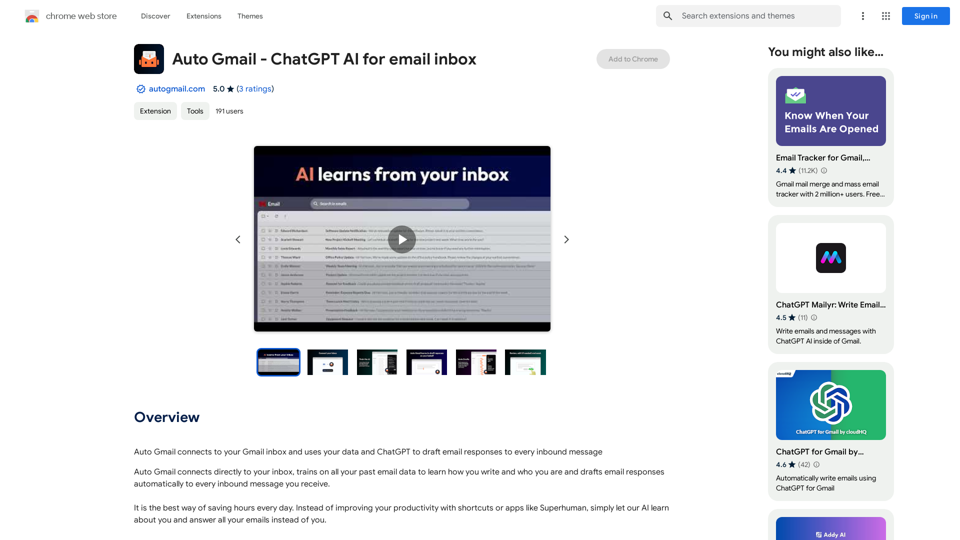
Auto Gmail connects to your Gmail inbox and uses your data and ChatGPT to draft email responses to every inbound message

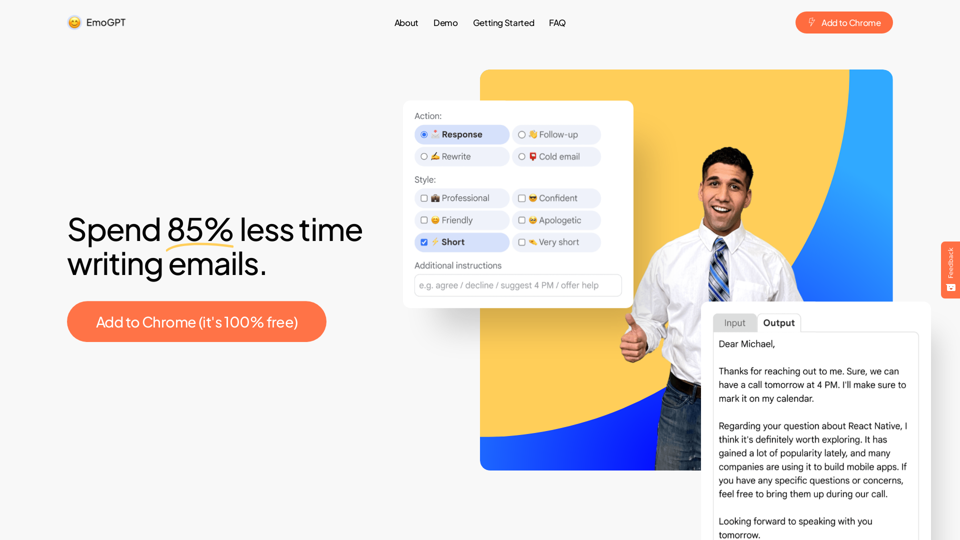
AI Email Generator that cuts email writing time by 50% | Highlight any text & generate instant email replies | AI Chrome Extension Powered by GPT-4o




Ellie - Your AI Email Assistant, learns from your writing style and replies to emails as if they were written by you.