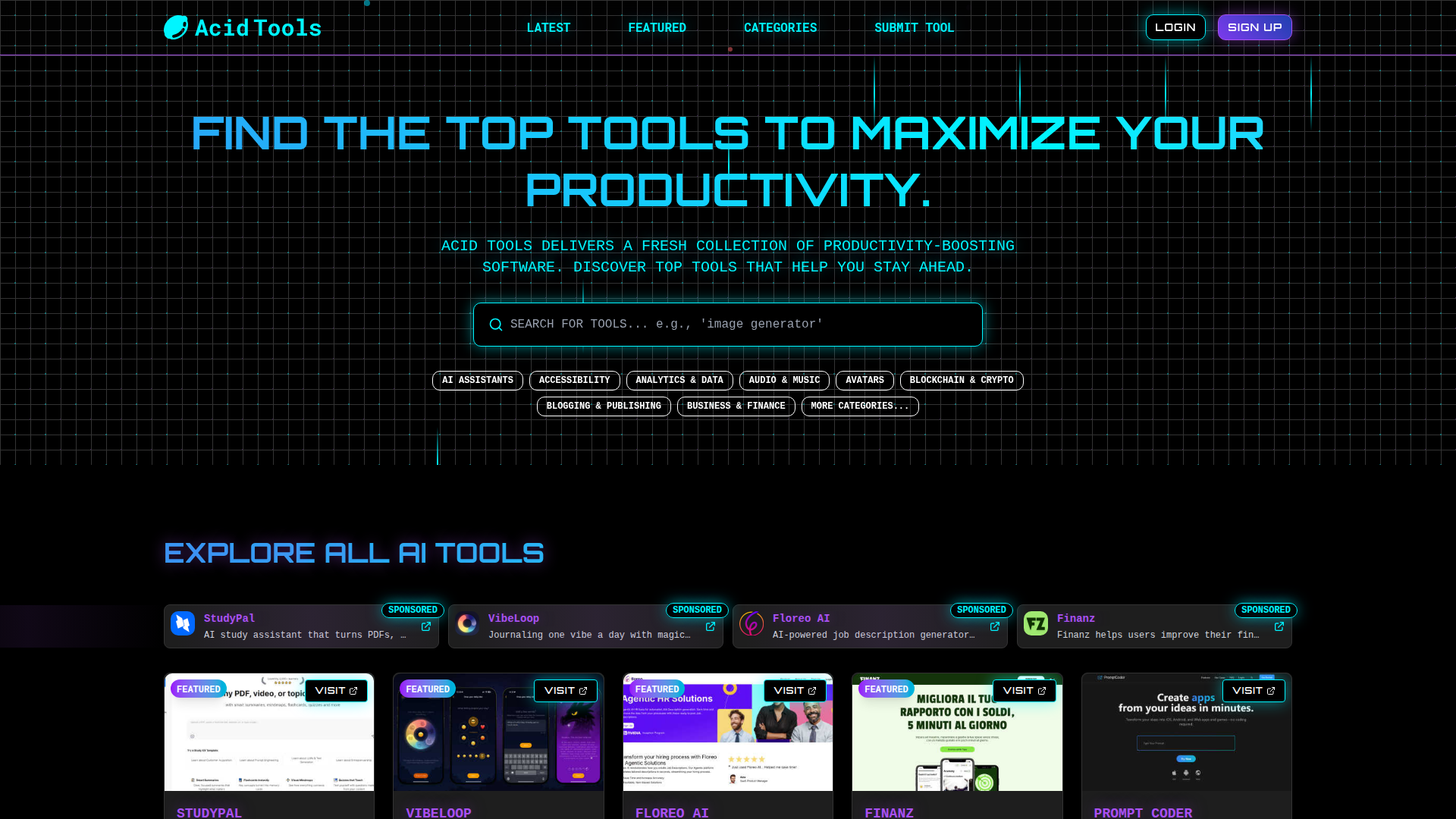
What is Acid Tools?
Acid Tools is an AI tools directory for automation-heavy work, AI writing, visual creation, and productivity workflows. It organizes tools into categories such as Automation, AI Assistants, Content Creation, Design Tools, Video, and Business Intelligence, and each listing links out to the tool's own website. Every listing also carries a pricing label such as Free, Freemium, Paid, or Free Trial, so visitors can see the pricing model before they click through.
Key features
- Category browsing
- Tools are grouped into categories including AI Assistants, APIs, Analytics & Data, Audio & Music, Automation, Blockchain & Crypto, Blogging & Publishing, Boilerplates & Templates, Business & Finance, Business Intelligence, Career & Jobs, Chatbots, Chrome Extensions, Communities, and Content Creation.
- Featured tools section
- A featured area highlights tools such as Build Mode for Mac, Vynzo, Labrynth AI, Motiofy, Speechyou, ProspectHalo, LetsLaunch, Pixo, Optilise, and Presentation Intelligence.
- Latest tools feed
- A "Latest AI Tools" listing shows recent additions, including pixelartcolorbynumber, JevModel, AI Face Swap Video, Tapetide, FreeCreate, Rumpelstiltskin AI Video Generator, Panzoe, TryH3, subtitle.im, LinkedNav, invoala, Verla AI, AIPetGen, Parlune, FalcoScan, PromptMafia, Voxelle, CleanSmart, BillionVerify, and screenRIG.
- Pricing labels on every listing
- Each entry is tagged Free, Freemium, Paid, or Free Trial.
- Best-of category pages
- Pages such as "Best AI Tool for Productivity & Management", "Best AI Tool for AI Assistants", and "Best AI Tool for Marketing" group tools by area of work.
- Direct links to each tool
- Every listing includes a Visit link that goes to the tool's own website.
How to use Acid Tools
- Open acidtools.com and look through the category list in the navigation, which covers areas from Automation and AI Assistants to Video and Design Tools.
- Select a category, or use the "View all" and "Explore" links to see the full set of tools.
- Check the Featured AI Tools and Latest AI Tools sections for highlighted and recently added entries.
- Read the pricing label on each listing — Free, Freemium, Paid, or Free Trial — to narrow down options.
- Click the Visit link on a listing to open that tool's own website.
Use cases
- Founders and small teams looking for automation-heavy tools to add to their workflows.
- Marketers and sales teams searching for outreach and lead-generation tools such as LinkedNav, Leads Reddit, and CleanSmart.
- Designers and content creators looking for image, video, and presentation tools such as Vynzo, Pixo, FreeCreate, and Presentation Intelligence.
- Developers and technical teams looking for APIs and dev tools such as JevModel and BillionVerify.
- Anyone comparing free, freemium, paid, and free-trial options before committing to a tool.
Pricing
The Acid Tools website does not list pricing for using the directory itself; check the official site for details. Each tool listing is tagged with a pricing model label such as Free, Freemium, Paid, or Free Trial.
FAQ
What categories of AI tools does Acid Tools cover?
Acid Tools covers categories including AI Assistants, APIs, Analytics & Data, Audio & Music, Automation, Blockchain & Crypto, Blogging & Publishing, Boilerplates & Templates, Business & Finance, Business Intelligence, Career & Jobs, Chatbots, Chrome Extensions, Communities, and Content Creation, with a "View all" link for the full list.
Does Acid Tools show pricing information for the tools it lists?
Yes. Every listing carries a pricing label such as Free, Freemium, Paid, or Free Trial, so the pricing model is visible before visiting the tool's site.
What kinds of tools appear in the Acid Tools featured section?
The featured section includes Build Mode for Mac, Vynzo, Labrynth AI, Motiofy, Speechyou, ProspectHalo, LetsLaunch, Pixo, Optilise, and Presentation Intelligence.
Can Acid Tools help with automation-heavy work?
Yes. Automation is one of the directory's categories, and Acid Tools describes itself as a directory for automation-heavy work alongside AI writing, visual creation, and productivity workflows.
Does Acid Tools include video and image generation tools?
Yes. It has Video, Image Generation, and Image & Photo categories, with listings such as Pixo, Vynzo, FreeCreate, AI Face Swap Video, and TryH3.
Find the top tools to maximize your productivity.
Acid Tools delivers a fresh collection of productivity-boosting software. Discover top tools that help you stay ahead.
 Cloudflare
 HTTP/3
Free AI anime and manga generator. Turn text into anime episodes, manga, comics, webtoons and comic shorts in any art style — no drawing or animation skills needed.
Translate image text across 70+ languages with our advanced AI Image Translator to help you better expand your products globally to various countries
Advertised Here
Reach thousands of visitors daily. Get your spot now!
Tools similar to Find the top tools to maximize your productivity.
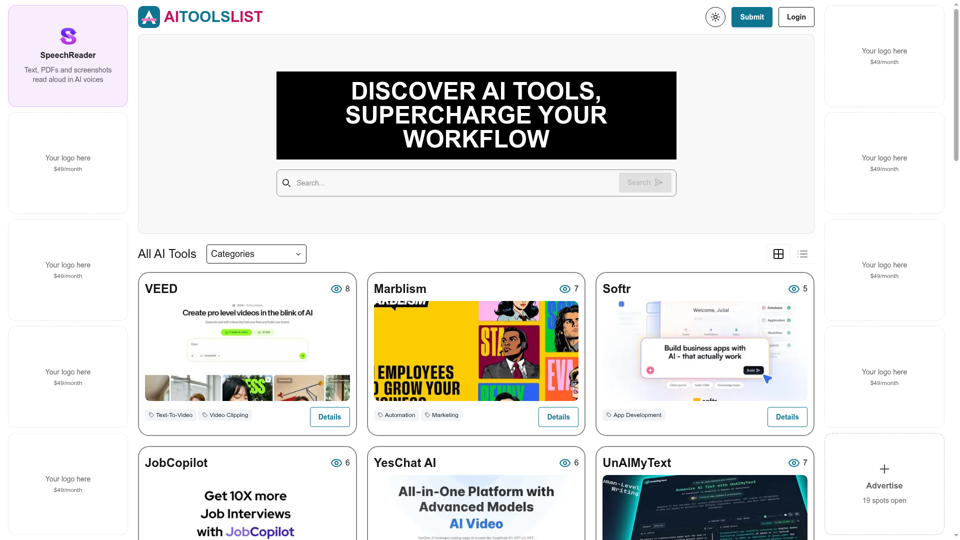
Browse 90+ AI tools across 25 categories — image generation, coding, writing, automation and more. Pricing, ratings and alternatives for every tool.
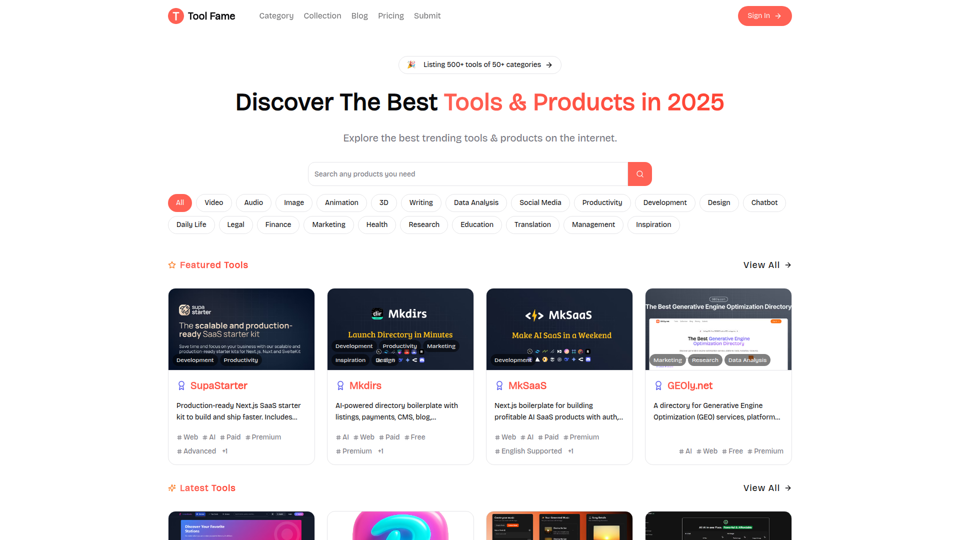
Discover the best trending tools & products on the internet, updated daily

Looking for the best AI tools? Visit our free site for the best AI tools and software with a curated tools to make your work more productive.

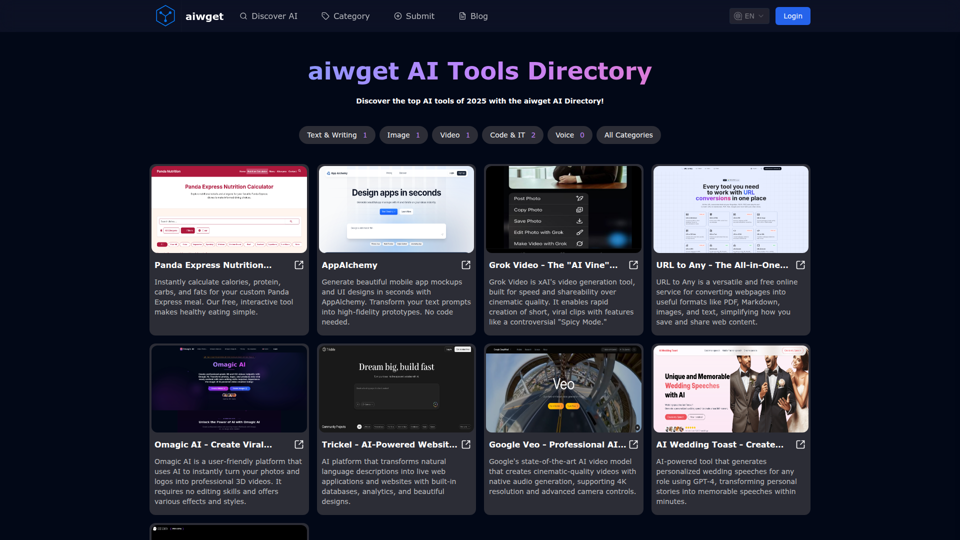
Stay tuned for the top AI tools of 2025 with the aiwget Directory! Discover the latest update for AI tools, news and more

Explore our comprehensive AI Tools Directory. Find, compare, and choose the best AI tools for your needs. Stay updated with the latest in artificial intelligence technology.


Dirs.cc is a directory of best tools, products and web sites. We help you discover the best tools, products and web sites. We also help you launch your own products and web sites.