Viral Video AI
Create short AI videos for TikTok, Reels and Shorts with Viral Video AI. Start with an idea, photo, or video reference, then preview and download your creation.
What is Viral Video AI?
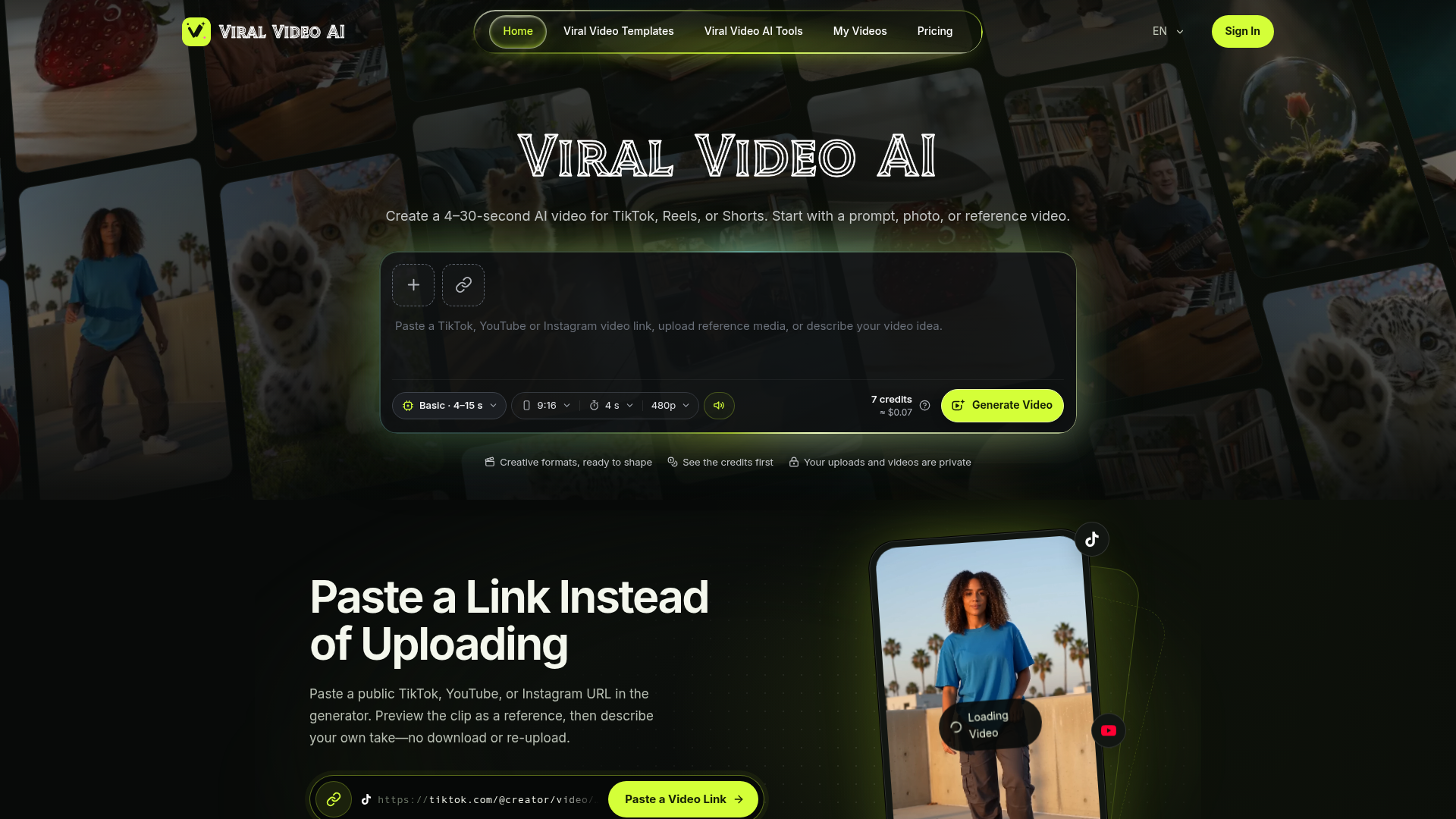
Viral Video AI is a generator for short vertical videos made for TikTok, Reels and Shorts. You start with a text prompt, a photo or a reference video, choose a model and duration, then preview and download the result. It is built for short-form creators who need 4–30-second clips in a 9:16 frame, with native audio and a visible credit cost before each generation.
Key features
- Prompt, photo or reference video input
- Start a generation from a written idea, uploaded images, or a reference video link.
- Short-form durations
- Videos run from 4 to 30 seconds, with the Basic model covering 4–15 seconds and longer videos automatically switching to Pro.
- Vertical 9:16 aspect ratio
- The generator is set up for the vertical format used by TikTok, Reels and Shorts.
- 480p and 720p output
- Resolution can be set to 480p or 720p depending on the generation.
- Native audio
- Generated videos include native audio rather than requiring a separate sound pass.
- Multiple image uploads
- Up to 9 images with Basic or Standard, or 30 with Pro, plus one reference video.
- Credit cost shown upfront
- The credit price of a generation is displayed before you generate, for example 7 credits (approximately $0.07).
- Private uploads and videos
- Uploaded media and generated videos are kept private.
How to use Viral Video AI
- Open viralvideoai.ai and choose whether to start from uploaded media or a video link.
- Add your images (JPEG, PNG or WebP, up to 10 MiB each) or a reference video (MP4 or MOV, up to 20 MiB, 2–30 seconds).
- Select the generation model, aspect ratio, duration and resolution in the generator panel.
- Check the credit cost shown for that configuration, then select Generate Video.
- Preview the result and download the video for posting.
Use cases
- Short-form creators producing vertical clips for TikTok, Reels or Shorts.
- Social media managers who need quick 4–15-second promotional videos.
- Small brands turning product photos into short vertical video posts.
- Creators working from an existing video reference who want a new clip in a similar style.
- Anyone making pet, dance or character-style trend videos in a 9:16 frame.
Pricing
The website does not list subscription plans or their prices. It shows a credit cost before each generation — for example, a 4-second Basic video at 480p is listed as 7 credits, approximately $0.07. Check the official site for current credit packages and pricing.
FAQ
Is Viral Video AI free to use?
The website does not list a free plan or free trial. Generations are priced in credits, and the credit cost is shown before you generate a video.
How long can a video made with Viral Video AI be?
Videos can run from 4 to 30 seconds. The Basic model covers 4–15 seconds, and any video longer than 15 seconds automatically selects the Pro model.
What files can I upload to Viral Video AI?
Images can be JPEG, PNG or WebP up to 10 MiB each, and a reference video can be MP4 or MOV up to 20 MiB and between 2 and 30 seconds long. Basic and Standard allow up to 9 images, while Pro allows up to 30, plus one reference video.
Does Viral Video AI add audio to the videos?
Yes. Native audio is listed as part of the generation, alongside 480p or 720p resolution and the 9:16 aspect ratio.
What aspect ratio does Viral Video AI generate?
The generator uses a 9:16 vertical aspect ratio, the format used for TikTok, Reels and Shorts.
Are my uploads private on Viral Video AI?
Yes. The site states that your uploads and videos are private.
Viral Video AI
Create short AI videos for TikTok, Reels and Shorts with Viral Video AI. Start with an idea, photo, or video reference, then preview and download your creation.
 Cloudflare
 Google Analytics
An AI agent that researches your goal, then makes the real files: PowerPoint decks, Word documents, Excel spreadsheets, PDFs, videos and web pages. Free to start.
Free AI anime and manga generator. Turn text into anime episodes, manga, comics, webtoons and comic shorts in any art style — no drawing or animation skills needed.
Translate image text across 70+ languages with our advanced AI Image Translator to help you better expand your products globally to various countries
Advertised Here
Reach thousands of visitors daily. Get your spot now!
Tools similar to Viral Video AI
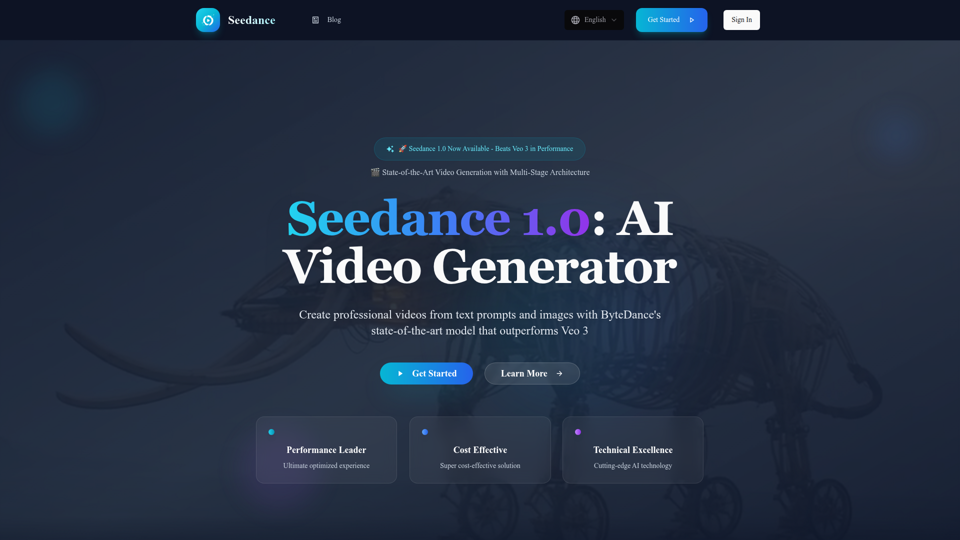
Experience Seedance 1.0, ByteDance's groundbreaking AI video generation model that outperforms Veo 3 and Kling 2.1. Create professional videos from text prompts and images with multi-stage architecture, superior quality, and exceptional cost efficiency at $0.48 per 5 seconds.

AskVideo.ai is a free tool that allows you to chat with any Youtube video. It's a great way to learn from Youtube videos.

SoraFlows is an open-source WebUi platform for users to easily create Advanced Video with OpenAI's Sora model.
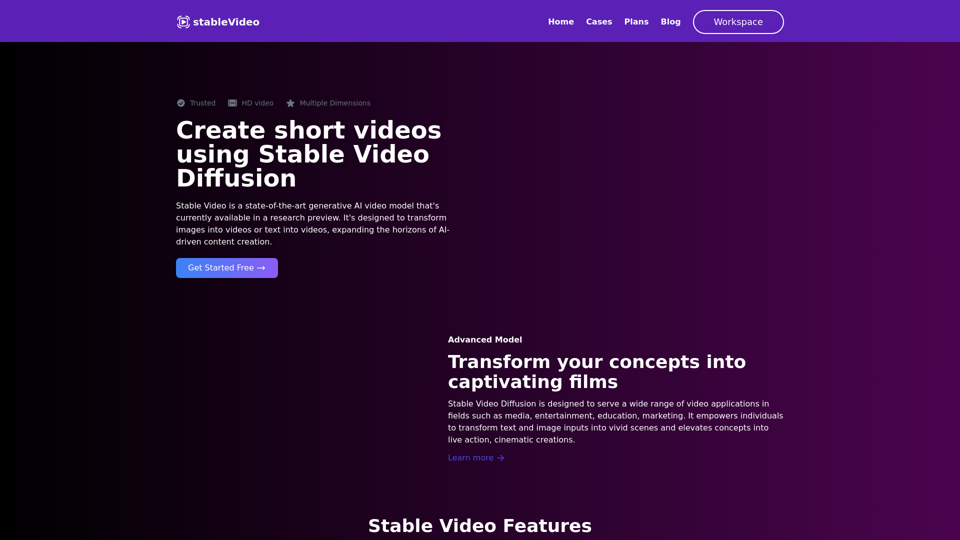
Generate short videos from an initial image or text using Stable Video Diffusion, a latent video diffusion model.

Autodraft Ai helps you craft compelling animations with unparalleled style and consistent character portrayal.
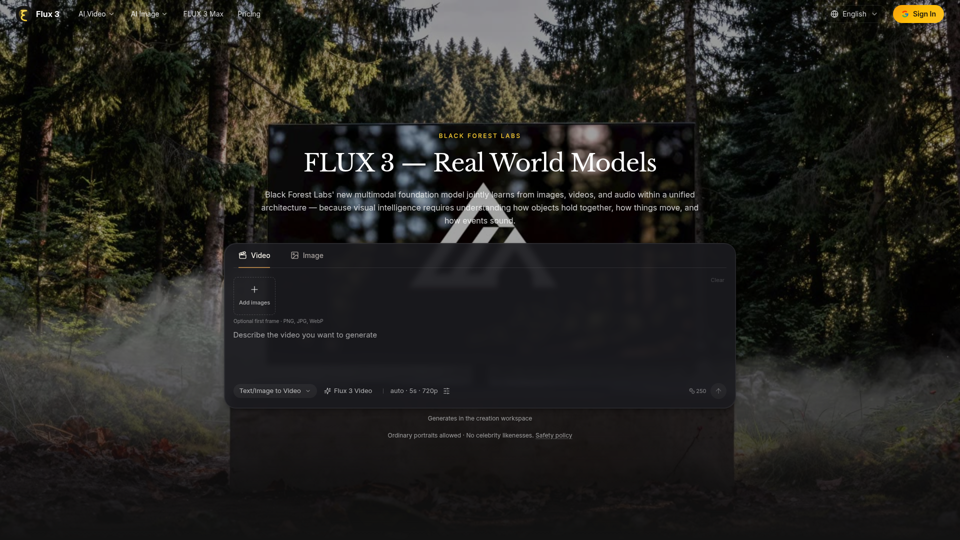
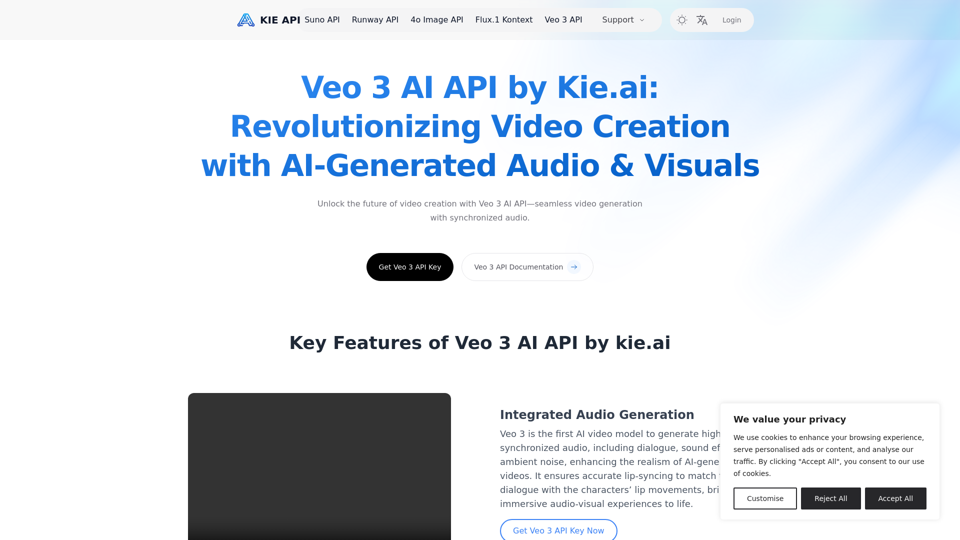
Explore the Veo 3 AI API by kie.ai, an advanced video generation tool that creates high-quality videos with synchronized audio and realistic scenes. Perfect for filmmakers, marketers, and content creators.
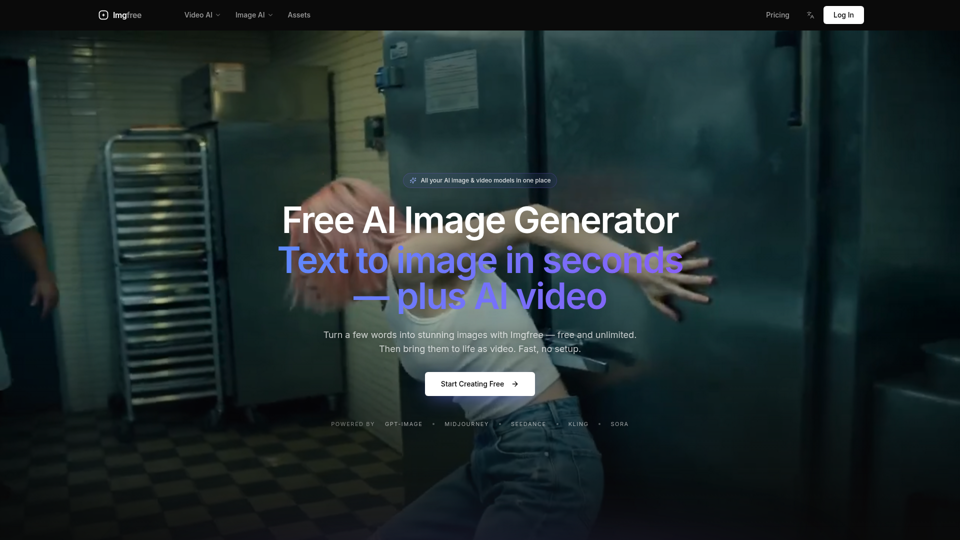
Turn text into images for free — Imgfree 1.0 is free and unlimited, no credits. Also use GPT-Image, Midjourney, Nano Banana and Flux, plus AI video, all in one place.