talat
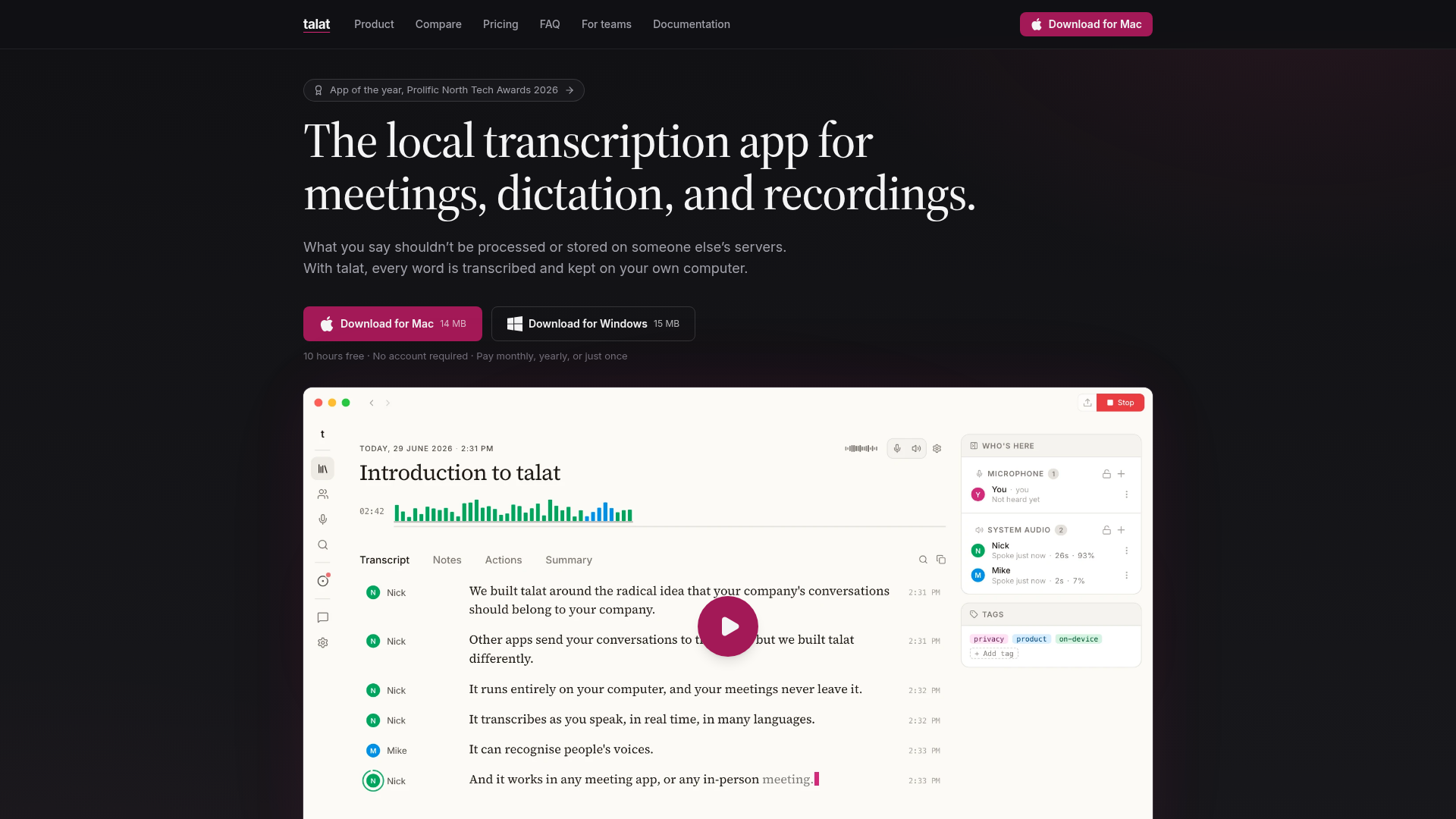
talat is the local transcription app for meetings, dictation, and recordings: an AI note-taker that captures both sides of every conversation and transcribes in real time, entirely on your own computer. Nothing you say is ever uploaded.
What is talat?
talat is a local transcription app for meetings, dictation and existing recordings. It captures both sides of a conversation, transcribes in real time and writes summaries and action points, all on the user's own computer, so nothing spoken is uploaded. It is built for people who want the quality of a cloud AI note-taker without sending private audio to someone else's servers.
Key features
- Dual-stream meeting capture
- talat records both sides of a call and produces a live transcript as the conversation happens.
- On-device processing
- transcription runs directly on the computer with hardware acceleration where available, and recordings, transcripts and notes sit in a local database that never leaves the machine.
- Speaker identification
- talat knows who said what and learns voices over time, with voice prints kept on the device.
- Calendar and call detection
- it reads Apple, Google and Outlook calendars to be ready on time, and auto-starts when it detects Zoom, Teams or Meet. Outlook support is experimental.
- AI notes
- summaries, action points and chapters are generated by a built-in Qwen3.5-4B model, or by a cloud LLM such as Claude, OpenAI or Ollama using the user's own API key.
- Dictation into any app
- a global hotkey toggles or holds to talk, the same on-device speech models do the work, and the text is pasted into the focused app. An optional LLM pass fixes punctuation and filler while keeping the original words.
- Import and export
- audio and video files (WAV, MP3, M4A, MP4, FLAC, OGG, AAC) can be imported into the same pipeline, and results export to Markdown, Obsidian, PDF or a webhook, or reach other tools through MCP.
How to use talat
- Download talat for Mac (14 MB) or Windows (15 MB) and install it. It requires macOS 15+ on Apple Silicon or Windows 10+.
- Start using it straight away: the first 10 hours of recording are free and no account is required.
- For meetings, connect a calendar or let talat detect a Zoom, Teams or Meet call and start recording itself; the transcript appears live and speakers are identified as they talk.
- For dictation, press the global hotkey and speak into whatever app is open; talat pastes the text in when you finish.
- For recordings you already have, drag the audio or video file in, hit Import, and let talat run transcription, speaker detection and notes on it.
- Review the summary, actions and chapters afterwards, then export to Markdown, Obsidian, PDF or a webhook.
Use cases
- Remote and hybrid teams that hold regular Zoom, Teams, Meet or FaceTime calls and need notes without a bot joining the meeting.
- People handling sensitive conversations, such as lawyers, clinicians, journalists or researchers, who cannot send audio to a third-party server.
- Writers, developers and anyone who prefers speaking to typing and wants dictation that works inside any application.
- Users with a backlog of audio or video recordings that need transcripts, speaker labels and summaries.
- Mac users who want meeting notes on iPhone and Apple Watch as well, since talat also ships an iPhone and Apple Watch app.
Pricing
talat can be tried free: 10 hours of recording time with every feature, no account and no card details. After the allowance is used, existing meetings can still be searched, exported and summarised, but new recordings cannot be started.
Paid options as listed on the site:
- Monthly: from $9/mo.
- Yearly: $7.42 per month, billed $89 yearly, a 17% saving.
- Lifetime license: $189 once.
- Teams: $89 per seat per year, from 3 seats, with seats reassignable as the team changes.
The site states a 30-day money-back guarantee, that the plan can be cancelled any time, and that all data is kept if a subscription stops. Enterprise options include MDM deployment and custom builds.
FAQ
Is talat free to try?
Yes. talat includes 10 hours of free recording time with every feature, and no account or credit card is needed. Once the allowance runs out, existing meetings can still be searched, exported and summarised, but new recordings cannot be started.
Does talat upload my audio anywhere?
No. Transcription runs on the user's own computer and recordings, transcripts and notes are stored in a local database that never leaves the machine. Cloud LLMs can be used for summaries, but only if the user chooses a provider and supplies their own API key.
Which platforms does talat run on?
talat runs on macOS 15+ on Apple Silicon and on Windows 10+. There is also an iPhone and Apple Watch app available on the App Store.
Can talat record Zoom, Teams and Meet calls automatically?
Yes. talat detects Zoom, Teams and Meet calls and starts recording itself, and it also works with any other conferencing app. Calendar integration with Apple, Google and Outlook lets it be ready on time, though Outlook support is described as experimental.
Does talat work offline?
Yes. Because transcription and the default summaries run on-device, talat works without an internet connection, unlike cloud-based note-takers such as Granola and Otter.ai.
How is talat different from Granola or Otter.ai?
talat processes audio on-device and never sends it to a server, requires no account, and does not train models on meetings. It also recognises people across meetings with voice prints that stay on the device, and it can dictate into any app, which the comparison on the site lists as unavailable in Granola, Otter.ai and Plaud.
talat
talat is the local transcription app for meetings, dictation, and recordings: an AI note-taker that captures both sides of every conversation and transcribes in real time, entirely on your own computer. Nothing you say is ever uploaded.
 Cloudflare
 HTTP/3
An AI agent that researches your goal, then makes the real files: PowerPoint decks, Word documents, Excel spreadsheets, PDFs, videos and web pages. Free to start.
Free AI anime and manga generator. Turn text into anime episodes, manga, comics, webtoons and comic shorts in any art style — no drawing or animation skills needed.
Translate image text across 70+ languages with our advanced AI Image Translator to help you better expand your products globally to various countries
Advertised Here
Reach thousands of visitors daily. Get your spot now!
Tools similar to talat
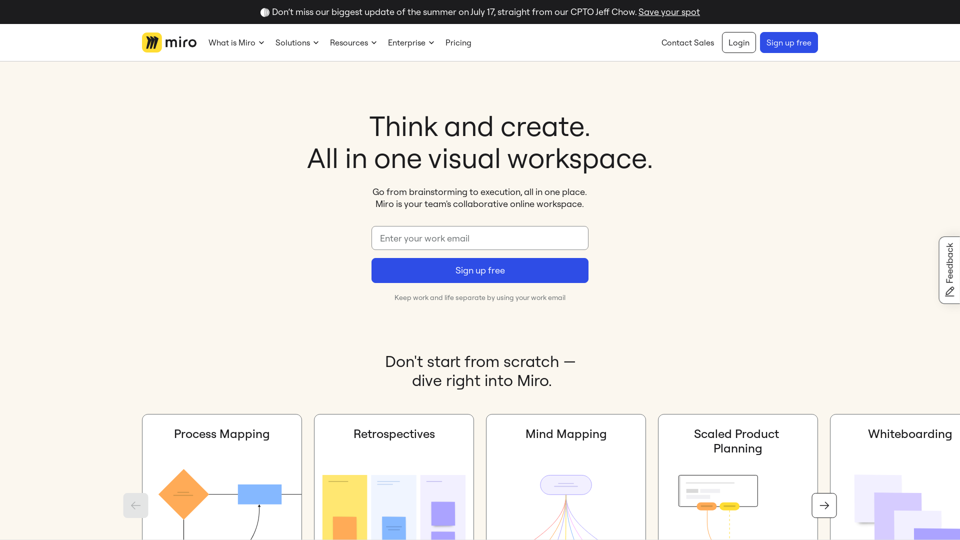
Miro is a visual workspace for innovation where teams manage projects, design products, and build the future together. Join 70M+ users from around the world.
Transform your business with Sintra AI Helpers. Experience the next era of work efficiency with intelligent solutions that are smarter than a thousand experts. Discover how AI Helpers can streamline your workflow and boost productivity.
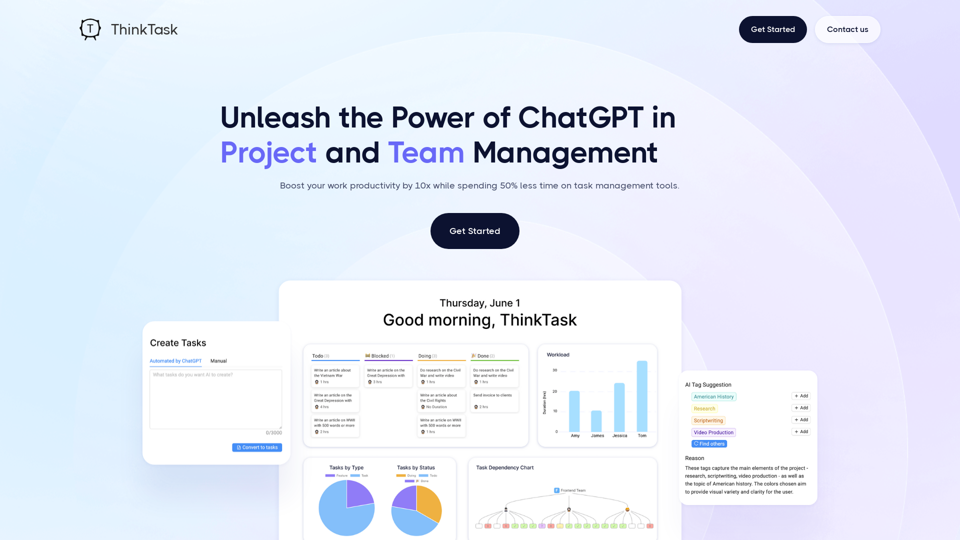
Think Task automates performance reporting, provides answers through ChatGPT's analysis of historical data, and tracks AI usage to evaluate its impact on workflows.
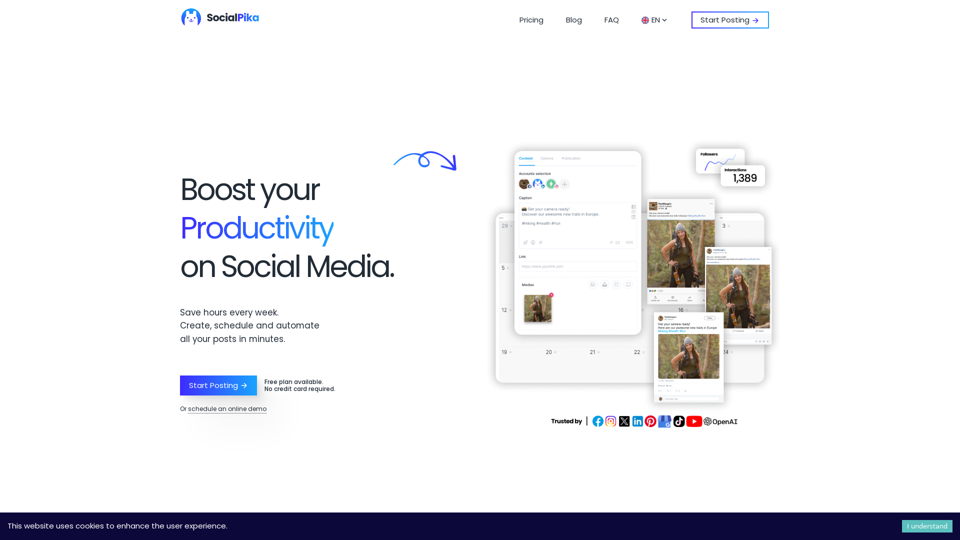
Increase your Social Media presence with SocialPika. Plan, Automate and Manage your posts across all your social networks while saving time for your core business.
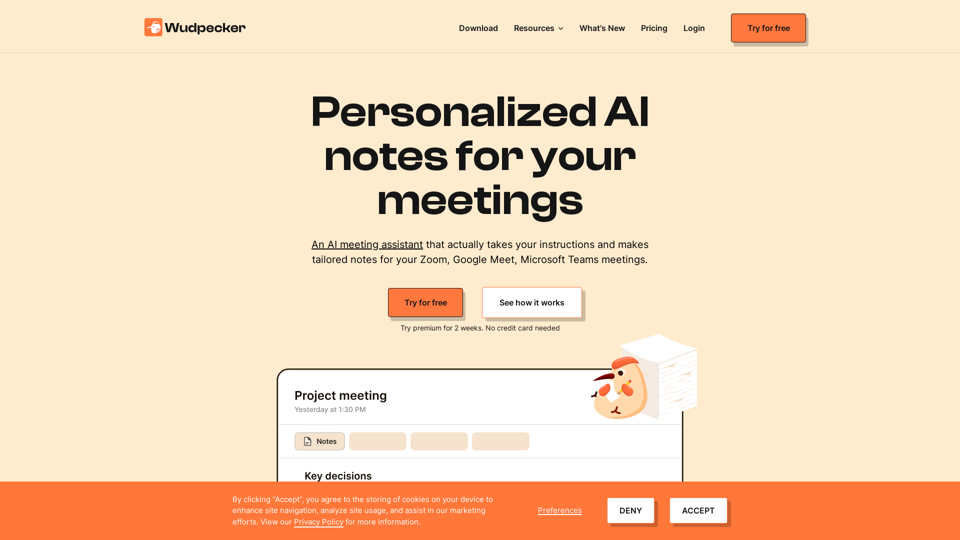
Start the meeting prepared. End the meeting with perfect notes. Share it to every stakeholder. All in a seamless experience with Wudpecker.
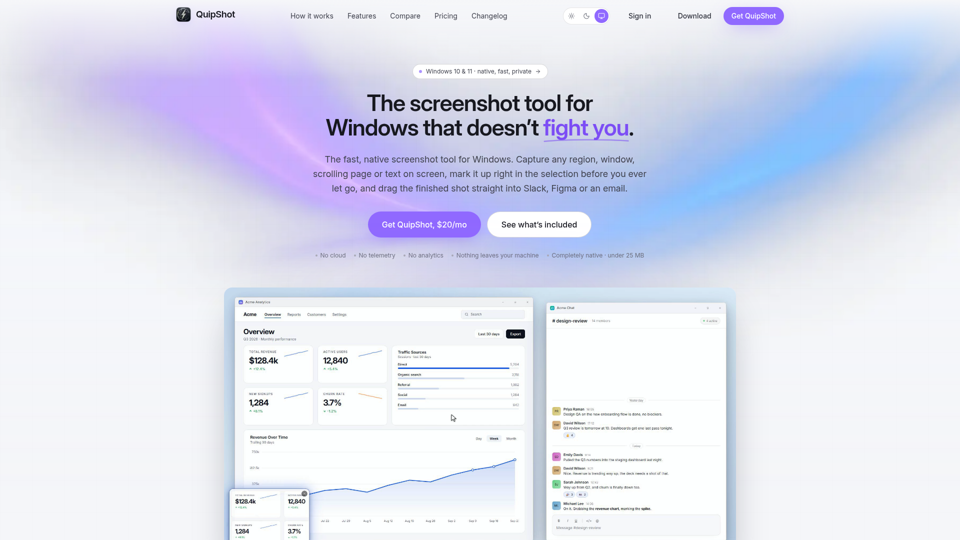
Fast, native screenshot tool for Windows 10 and 11. Capture any region, window, scrolling page or on-screen text, mark it up in place, and drag it anywhere.

Unlock the Team's Power through Gamified Praise & Recognition. Boost Individual and Team Performance with Proven Success.