FluxGravity
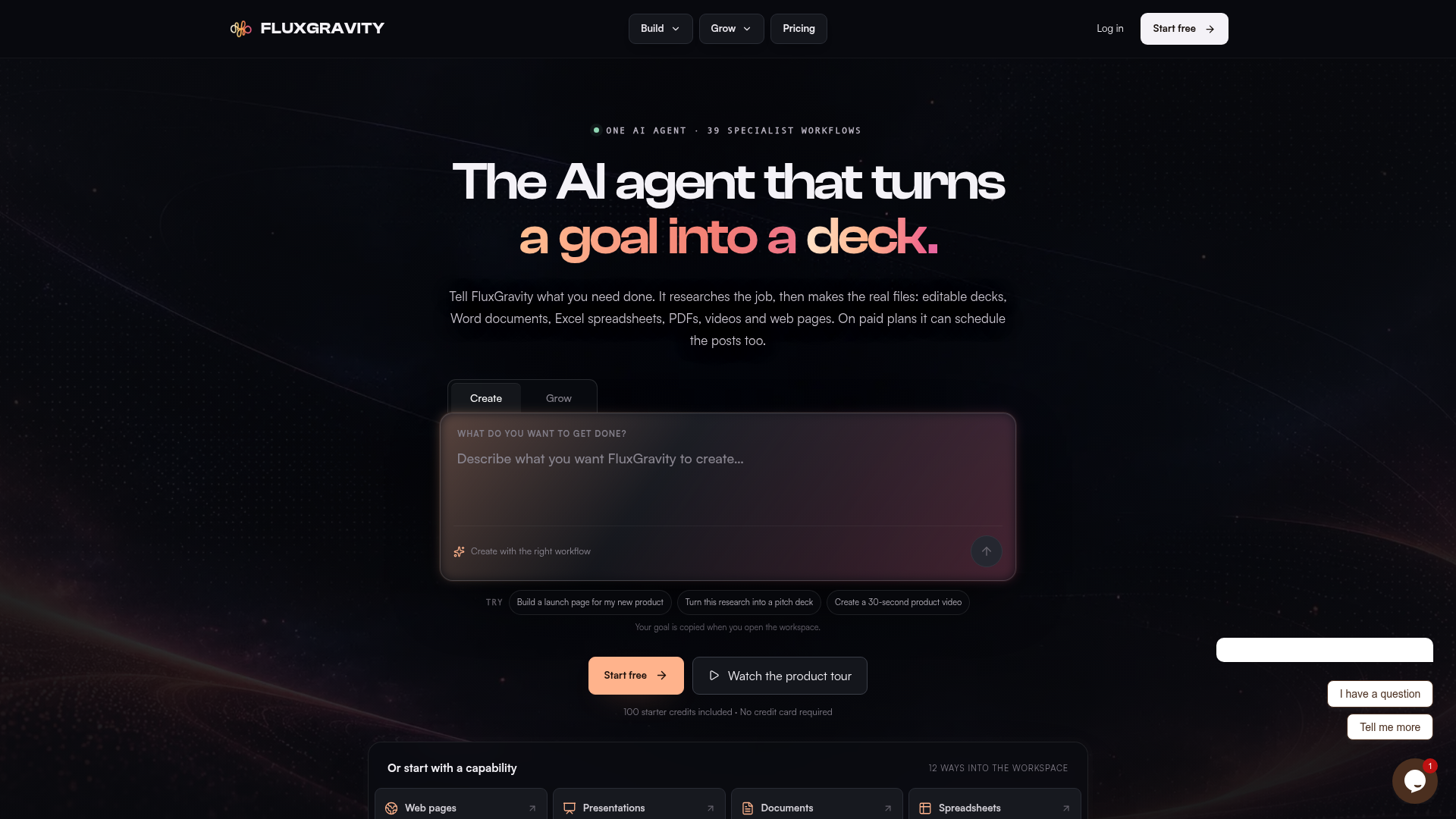
An AI agent that researches your goal, then makes the real files: PowerPoint decks, Word documents, Excel spreadsheets, PDFs, videos and web pages. Free to start.
What is FluxGravity?
FluxGravity is an AI agent that takes a goal you describe in a chat workspace, researches it, and then produces the actual files: editable PowerPoint decks, Word documents, Excel spreadsheets, PDFs, videos and web pages. It is built for founders, marketers, creators, consultants and agencies who need one brief to turn into several kinds of work. What sets it apart is that it carries a job from research through to finished, editable deliverables in one conversation, and on paid plans it can also schedule the resulting social posts.
Key features
- One chat workspace
- You describe the job and FluxGravity searches the web, reads your files and connected apps, then builds the deliverable in a general creation mode or with a specialist skill.
- Real, editable files
- Outputs include Word and PDF documents, editable PowerPoint decks, Excel spreadsheets, MP4 videos and a website you can download, rather than text to copy and paste.
- 39 specialist skills
- Each skill is a purpose-built workflow with a defined structure and output, covering areas such as presentations, documents, spreadsheets, web design, video, motion and research.
- Deep Research
- Builds a cited brief from several sources, and the same context feeds the file you ask for next.
- Connected apps
- FluxGravity can use permitted context from your files, inbox, calendar, team chat and project tools, with account permissions scoped and approval before most writes. Connected apps require a paid plan.
- Social Studio
- Drafts, schedules, publishes and inspects posts across ten supported networks, and can run Instagram comment automations. Social publishing requires a paid plan.
- Stated limits
- FluxGravity says where a skill has a limit — contracts are not legal advice and stock snapshots are not live quotes.
How to use FluxGravity
- Start free at the FluxGravity signup page. The free tier includes 100 starter credits and no credit card is required.
- Describe what you want done in the chat workspace, or open the command menu and pick one of the 39 specialist skills.
- Optionally attach files, add a website, or connect an app such as Gmail, Google Calendar, Notion, Slack, Drive, Outlook, GitHub, Sheets or Linear so the agent can use that context. Connected apps need a paid plan.
- Let the agent research the job and produce the deliverable, then review and edit the file it returns beside the conversation.
- On a paid plan, take the campaign into Social Studio to customize copy and media per account, place posts on the calendar and schedule them.
Use cases
- Founders launching a product
- market research, a pitch deck, a launch page and campaign drafts from one brief.
- Consultants preparing for a client meeting
- a sourced report, a comparison of options and a recommendation deck.
- Marketers running campaigns
- website copy, ad variants, social posts and storyboards that all work from the same brief.
- Creators building a content workflow
- topic research, a video script, title options and thumbnail direction.
- Analysts explaining numbers
- cleaning a spreadsheet, finding trends and turning the analysis into charts and slides.
- Agencies and teams
- producing several kinds of client work in one workspace instead of moving context between separate tools.
Pricing
FluxGravity is free to start, with 100 starter credits included and no credit card required. Paid plans are:
- Spark
- $5 per month, 650 credits every month.
- Pro
- $20 per month, 2,800 credits.
- Ultra
- $50 per month, 7,000 credits.
Connected apps and social publishing require a paid plan. Output limits vary by plan: 4K image output is available on Pro and Ultra, Ultra supports up to 120 slides and a 600-second whiteboard story, the highest plan video cap is a 30-second 4K AI video, websites can have up to 200 pages and documents up to 30 pages.
FAQ
Is FluxGravity free to try?
Yes. FluxGravity includes 100 starter credits on the free tier and does not require a credit card to begin. Connected apps, social publishing and most specialist skills need a paid plan.
What kinds of files can FluxGravity create?
FluxGravity produces editable PowerPoint decks, Word documents, Excel spreadsheets, PDFs, images, MP4 videos and web pages delivered as responsive HTML you can review and export. It also creates social posts and captions.
Does FluxGravity connect to apps like Gmail, Slack or Notion?
Yes, on a paid plan. FluxGravity can link services including Gmail, Outlook, Google Calendar, Drive, Sheets, Notion, Slack, GitHub and Linear so it can use permitted context from your files, inbox, calendar, team chat and project tools. Availability depends on the service and permissions.
Which social networks can FluxGravity publish to?
FluxGravity publishes across ten supported networks, including Instagram, Facebook, YouTube, TikTok, X, LinkedIn, Pinterest, Threads, Bluesky and Google Business. Formats and available actions vary by network and account.
How many credits do FluxGravity's paid plans include?
Spark costs $5 per month and includes 650 credits, Pro costs $20 per month with 2,800 credits, and Ultra costs $50 per month with 7,000 credits.
Does FluxGravity provide legal or financial advice?
No. FluxGravity states that its Contracts skill produces editable agreements with review flags but is not legal advice, and its Stocks skill returns sourced stock and index snapshots that are not live quotes.
FluxGravity
An AI agent that researches your goal, then makes the real files: PowerPoint decks, Word documents, Excel spreadsheets, PDFs, videos and web pages. Free to start.
 Cloudflare
 HTTP/3
 Vercel
An AI agent that researches your goal, then makes the real files: PowerPoint decks, Word documents, Excel spreadsheets, PDFs, videos and web pages. Free to start.
Free AI anime and manga generator. Turn text into anime episodes, manga, comics, webtoons and comic shorts in any art style — no drawing or animation skills needed.
Translate image text across 70+ languages with our advanced AI Image Translator to help you better expand your products globally to various countries
Advertised Here
Reach thousands of visitors daily. Get your spot now!
Tools similar to FluxGravity

Seance AI uses GPT-4 to connect people with the spirits of their departed loved ones. Experience a more personal and meaningful conversation with the departed.
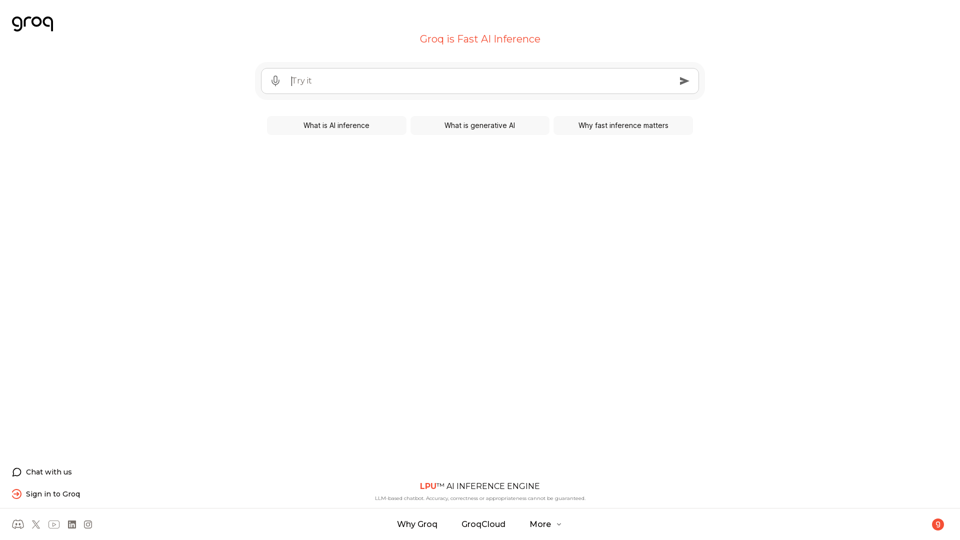
The LPU™ Inference Engine by Groq is a hardware and software platform that delivers exceptional compute speed, quality, and energy efficiency. Groq provides cloud and on-prem solutions at scale for AI applications. Headquartered in Silicon Valley and founded in 2016. The LPU and related systems are designed, fabricated, and assembled in North America.
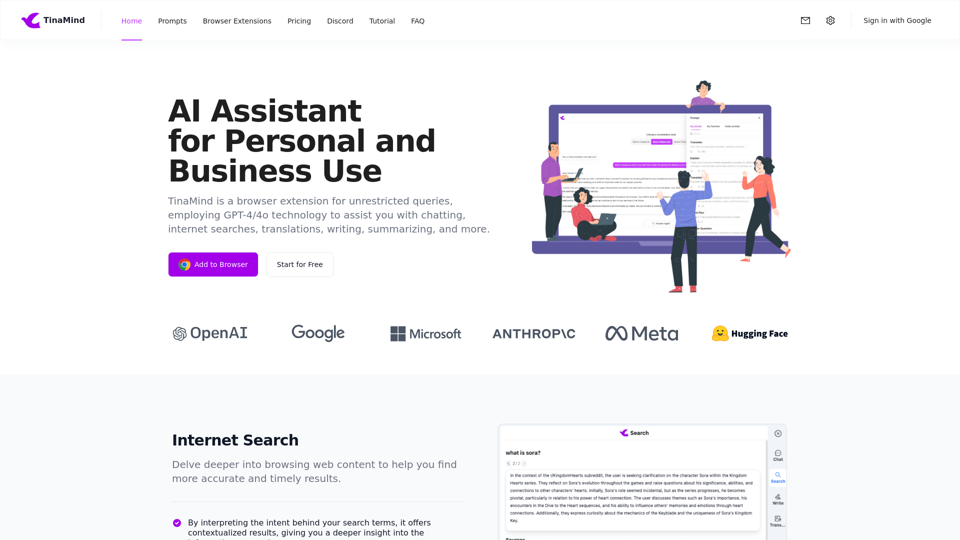
TinaMind is a browser extension for unrestricted queries, employing GPT-4/4o technology to assist you with chatting, internet searches, translations, writing, summarizing, and more.


Create a custom ChatGPT for Your Website, WhatsApp Number and Telegram Bot. Trained it with your content. No coding is required.
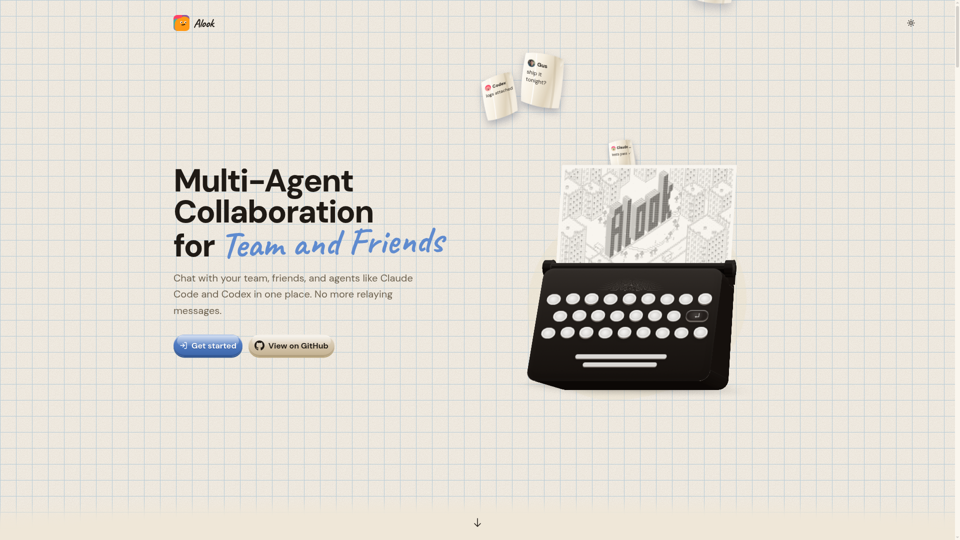
Bring Claude Code and Codex agents into shared chats with Alook. Coordinate multi-agent workflows, share context, and review work with your team., Bring the agents you already use into shared rooms where people can talk and work with them, while they keep running on your own machine.
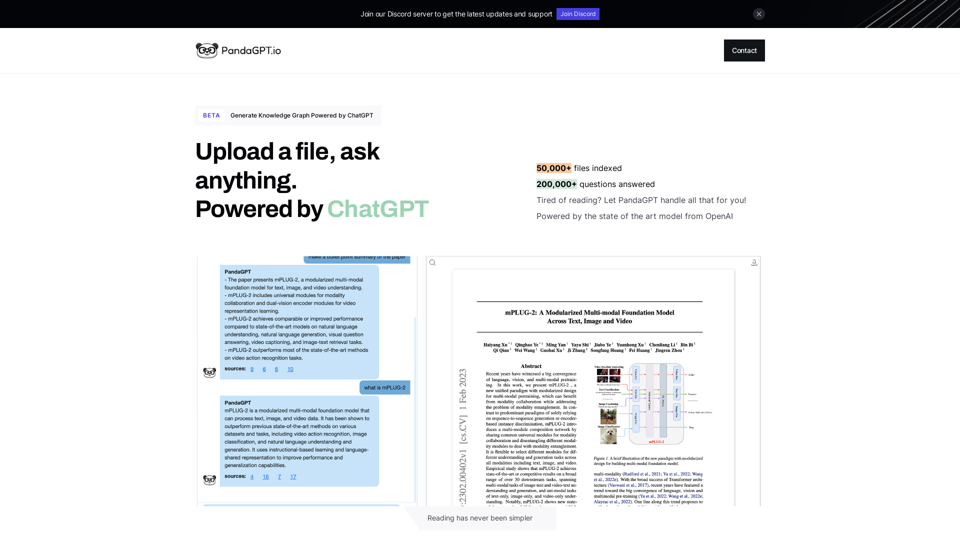
PandaGPT is the easiest way to read files, powered by chatGPT
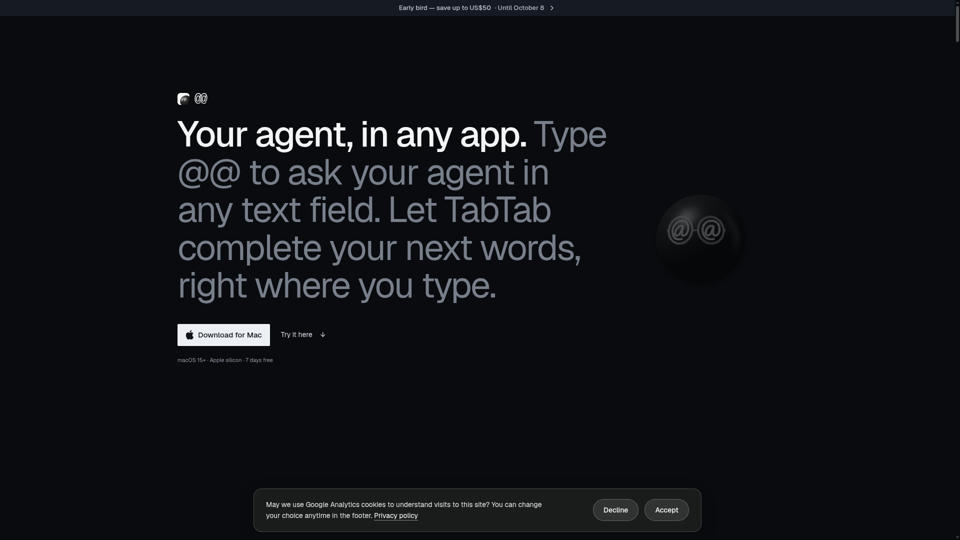
Type @@ in any Mac text field to ask your AI agent — with your screen, clipboard, and Finder selection as context — and get the answer back at your cursor. Supports Claude Code, Codex, and other agents. Plus TabTab autocomplete in every app.