AI
Connect multiple AI models easily. Open source, user-friendly UI application to create interactive networks with different AI models.
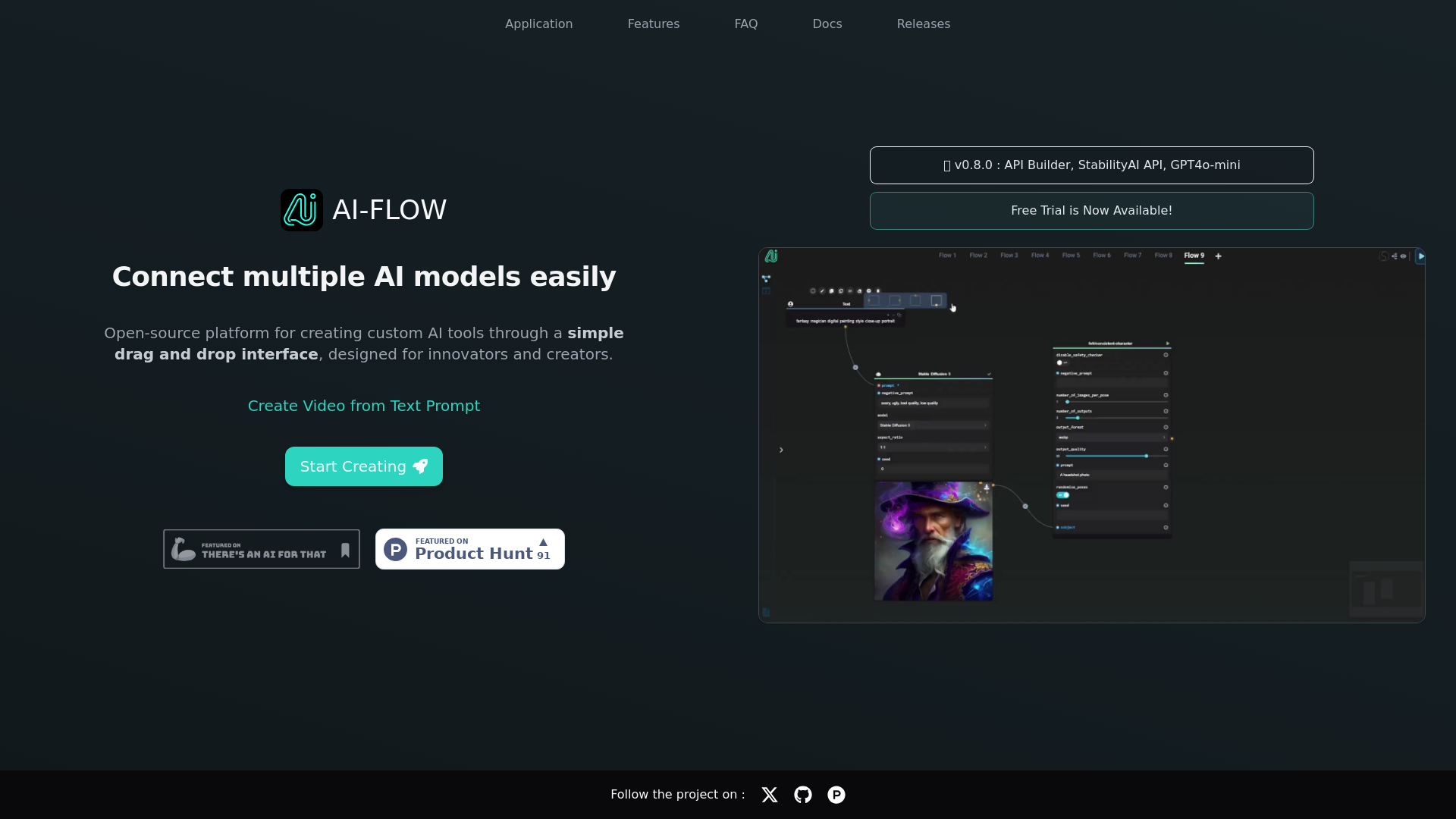
What is AI-Flow?
AI-Flow is an open-source platform designed for connecting multiple AI models effortlessly. It features a user-friendly drag-and-drop interface that empowers innovators and creators to build custom AI tools tailored to their needs. With a plethora of integrations available, AI-Flow aims to streamline the workflow of individuals and businesses looking to harness the power of artificial intelligence.
What are the main features of AI-Flow?
- Integrate Multiple AI Models Seamlessly
- Easily connect AI models like GPT-4o, Claude, and Stable Diffusion 3 for innovative outcomes, allowing for enhanced functionalities and creativity.
- Drag-and-Drop Interface for Quick Tool Development
- Save time by using the intuitive interface to create AI tools in just minutes, without requiring any coding skills!
- Customizable AI Solutions
- Tailor AI-driven solutions to fit specific operational requirements, such as automating story creation, generating batches of images, or summarizing web content.
- API Integration
- Build and customize APIs for AI workflows, allowing seamless automation of inputs and outputs via API requests or webhooks.
- Free Trial and Flexible Pricing
- Enjoy a free trial to explore the platform and choose from various pricing options that fit your needs.
How to use AI-Flow?
Getting started with AI-Flow is simple and straightforward. Here’s how:
- Try the Cloud Version:
- The cloud version offers automatic updates and new features, making it easy for users to stay current with the latest offerings.
- Local Installation:
- Alternatively, download the executables for Windows or use Docker-compose to set it up locally on your machine.
- API Key Integration:
- If you prefer using your API keys (such as from OpenAI or Replicate), integrate them seamlessly into the Cloud Version, allowing no extra costs for additional functionalities.
What are the pricing options for AI-Flow?
AI-Flow can be accessed for free when self-hosted with your own API keys. If you choose to use the Cloud Version, flexible pricing models are available with options for API key integration, ensuring cost-effective usage depending on your needs. You can start with a free trial, allowing you to evaluate the platform without any financial commitment.
Helpful Tips for Using AI-Flow
- Maximize Your Creativity
- Utilize different AI models available within the platform to experiment and find unique solutions for your projects.
- Leverage Community Resources
- Join the AI-Flow community for support, tips, and best practices shared by other users.
- Regular Backups
- If storing data locally, make sure to save your flow data as a JSON file for future retrieval.
Frequently Asked Questions
How do I get started with AI-Flow?
To begin, try the Cloud Version for automatic updates or download the executables from the AI-Flow GitHub repository to run it locally.
What advantages does the Cloud Version of AI-Flow offer?
The Cloud Version features automatic updates, exclusive functionalities like the API Builder, and flexible pricing for API key integration.
Is an OpenAI API key required for AI-Flow?
Yes, an OpenAI API key is necessary for local running of AI-Flow, but OpenAI does offer free credits for new accounts.
Can AI-Flow generate images?
Absolutely! AI-Flow supports image generation through several models, including DALL-E 3 and Stable Diffusion 3, which enhances its versatility.
Can I use AI-Flow without coding?
Yes, AI-Flow's drag-and-drop interface is designed for users with no coding experience, making AI tool creation accessible to everyone.
Explore AI-Flow today and unlock the potential of integrating multiple AI models for your projects!
AI
Connect multiple AI models easily. Open source, user-friendly UI application to create interactive networks with different AI models.
 Amazon CloudFront
 Amazon S3
 Amazon Web Services
 Cloudflare Browser Insights
 Google Analytics
Free AI anime and manga generator. Turn text into anime episodes, manga, comics, webtoons and comic shorts in any art style — no drawing or animation skills needed.
Translate image text across 70+ languages with our advanced AI Image Translator to help you better expand your products globally to various countries
Advertised Here
Reach thousands of visitors daily. Get your spot now!
Tools similar to AI
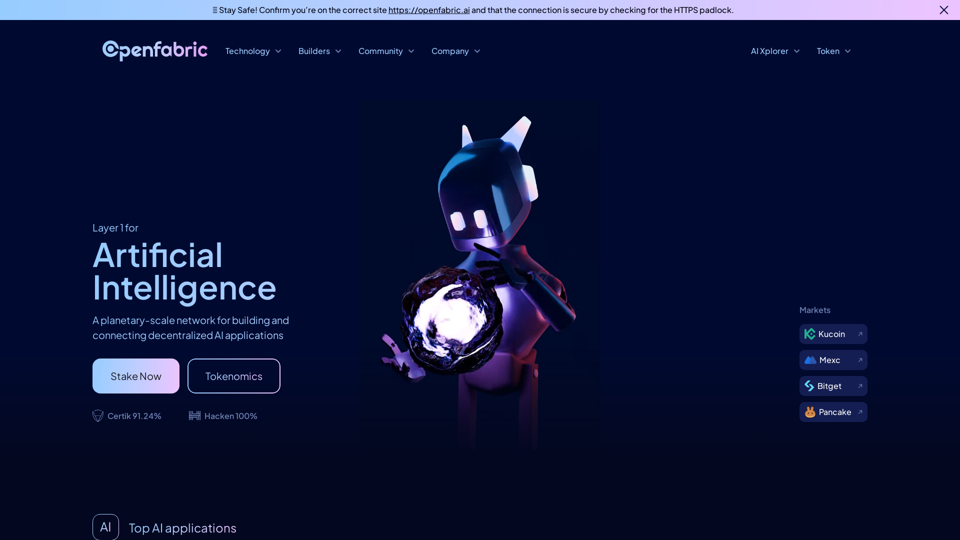
A planetary-scale network for building and connecting decentralized AI applications
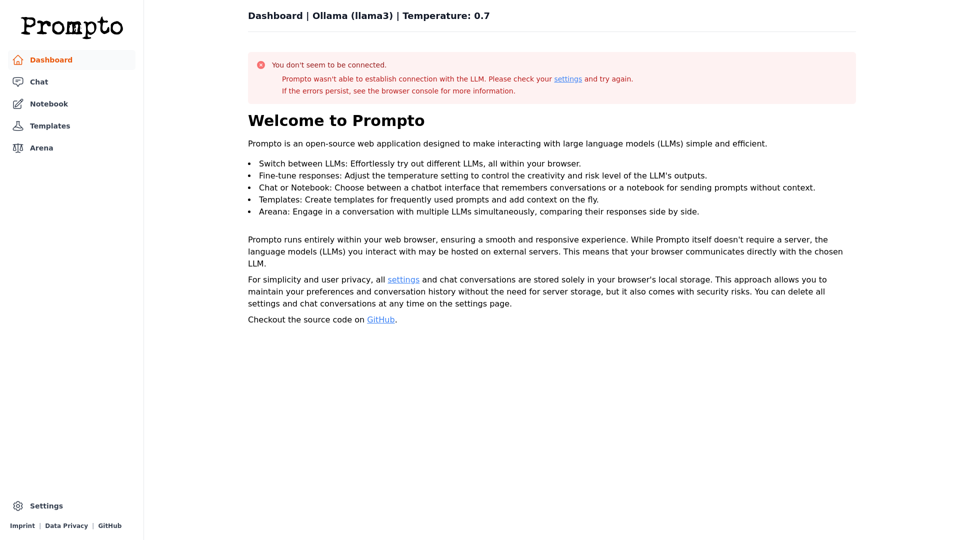
Prompto is an open-source web application designed to make interacting with LLMs simple and efficient.
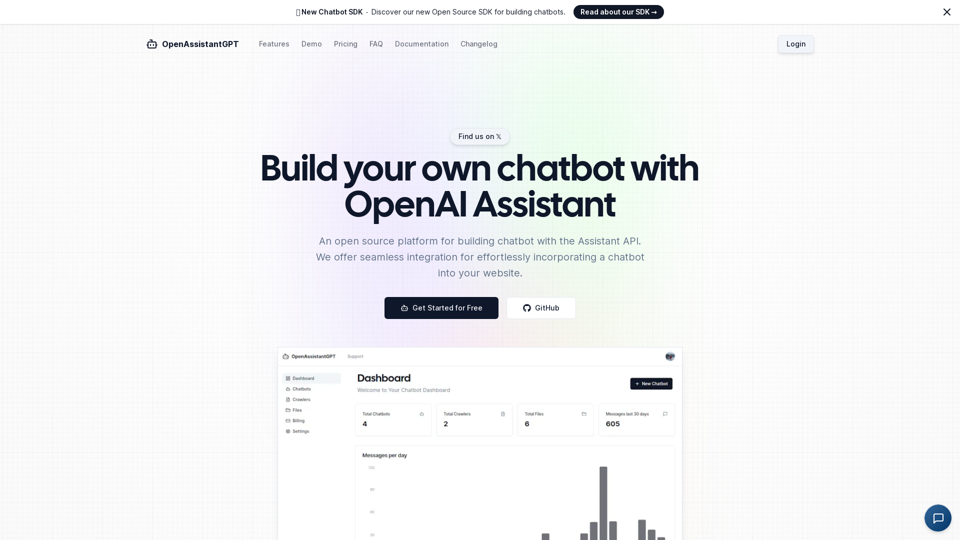
OpenAssistantGPT is the open-source platform for building chatbot using the OpenAI Assistant API. We offer seamless integration for effortlessly incorporating a chatbot into your website.
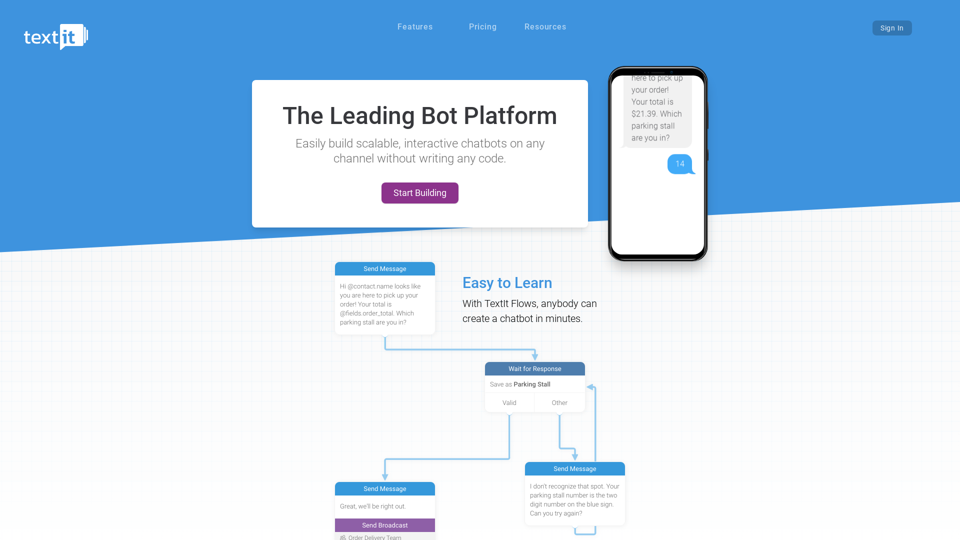
Visually build multichannel messaging bots and launch them anywhere in the world.
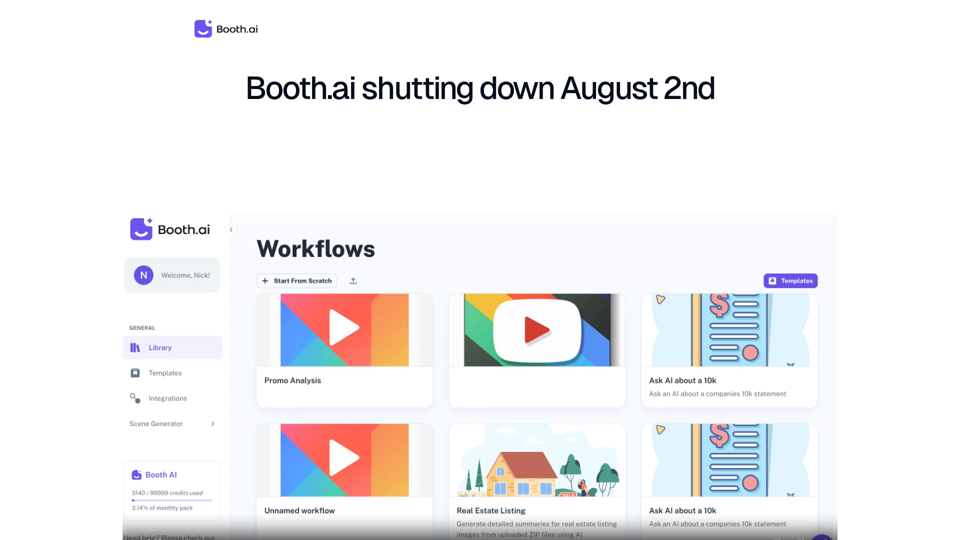
Booth AI - Build your AI Solution in minutes. The No-Code AI Workflow builder for Enterprise
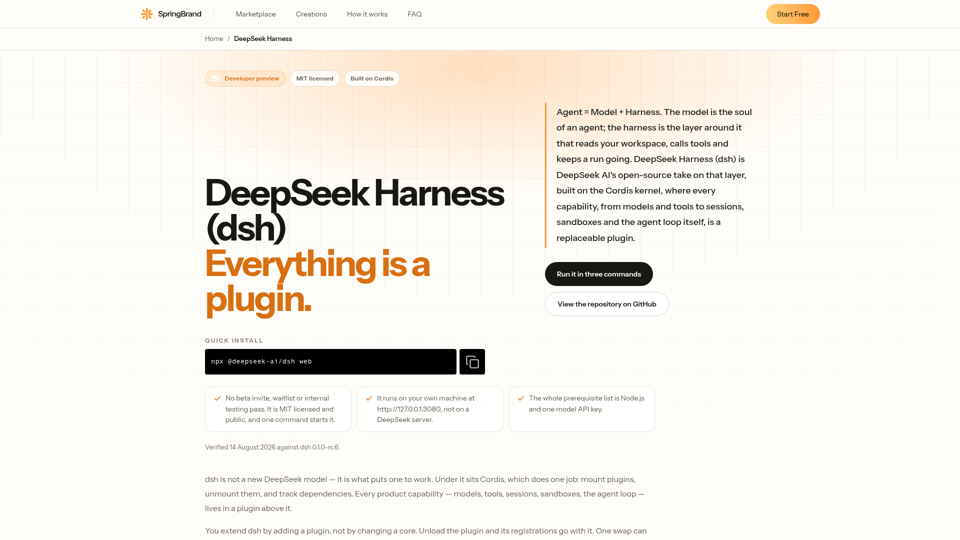
DeepSeek Harness (dsh) is DeepSeek AI's open-source agent harness. Agent = Model + Harness, and every capability inside it is a swappable plugin.

Gooey.AI showcases the best of private & open source AI with one billing account and discoverable workflows.
Introducing Gemma, a family of open-source, lightweight language models. Discover quickstart guides, benchmarks, train and deploy on Google Cloud, and join the community to advance AI research.