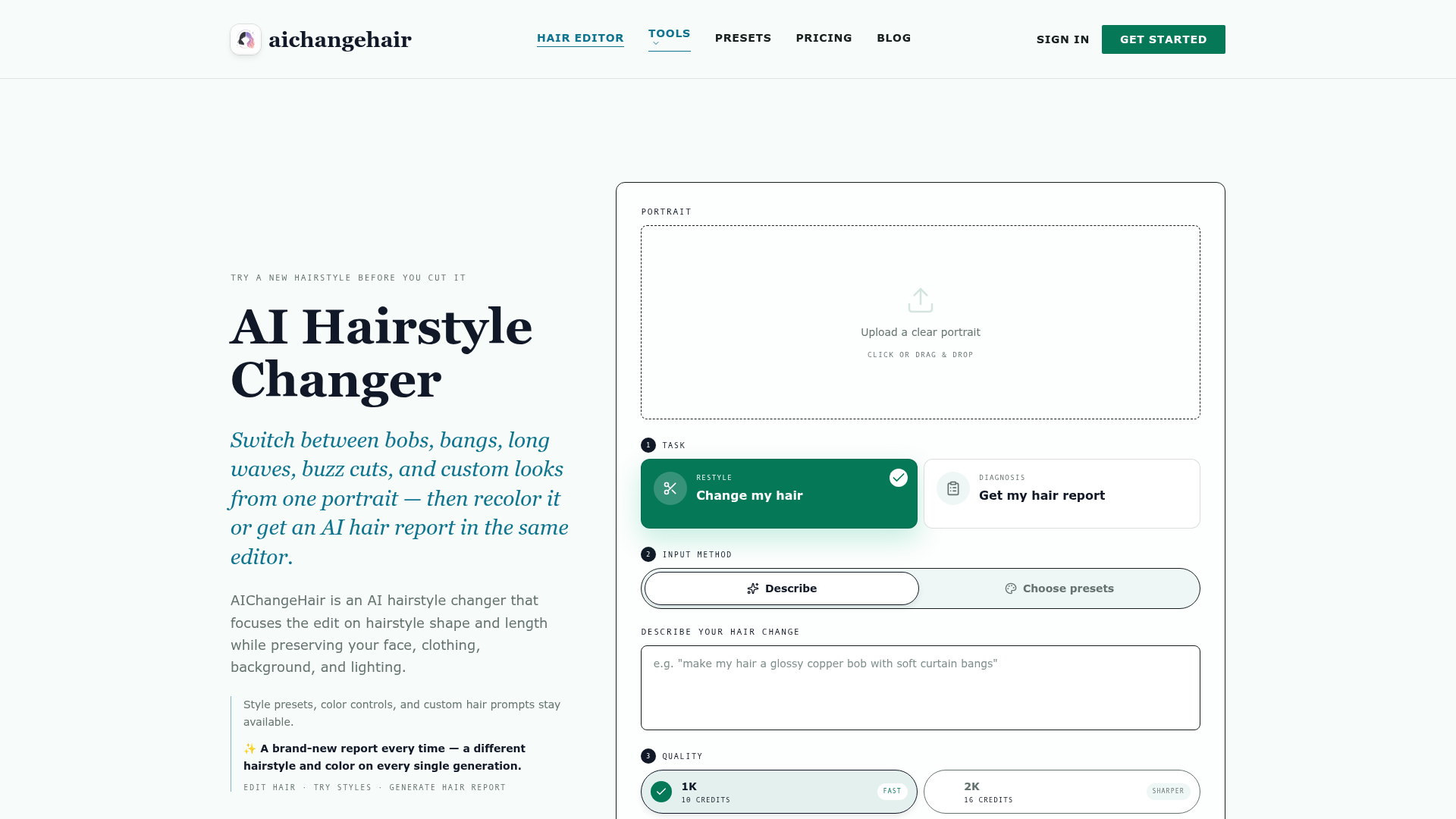
What is AIChangeHair?
AIChangeHair is a specialized online AI hairstyle changer that uses artificial intelligence to let you virtually try on new haircuts, colors, and styles from a single selfie. It focuses edits solely on hair—altering its shape, length, texture, and color—while meticulously preserving your original face, clothing, pose, background, and lighting. It also offers a unique AI Hair Report for personalized, face-shape-aware hairstyle and color consultations. It functions as a free AI hairstyle changer online, allowing users to experiment before committing to a real haircut.
What are the Main Features of AIChangeHair?
AIChangeHair offers a comprehensive suite of features for virtual hair experimentation:
- AI Hairstyle Changer Online
- Upload a portrait to instantly preview different haircuts, from bobs and pixie cuts to buzz cuts and long waves.
- Multiple Input Methods
- Custom Text Prompts: Describe any desired hair change in your own words (e.g., "glossy copper bob with soft curtain bangs").
- 180+ Preset Hairstyles: Browse and select from a curated library of 180+ hairstyle references for women, men, and children.
- Color Controls: Keep the original color, choose from preset shades (blonde, copper, pink, etc.), or specify a custom HEX color.
- AI Hair Report: Generate a unique visual consultation that analyzes your face shape and recommends a flattering hairstyle and color with reasoning.
- High-Quality Output
- Generate hair edits in 1K, 2K, or 4K resolution for sharper, more detailed results.
- Mobile-Friendly
- The AI hairstyle changer online works seamlessly in mobile browsers like Safari and Chrome, with no app download required.
- Privacy-Focused
- Uploaded photos are encrypted and used only for generating your result, never for training public AI models.
How to Use the AI Hairstyle Changer Online?
Using AIChangeHair is a simple three-step process:
- Upload a Clear Portrait: Start by uploading a clear, well-lit photo where your hair is visible. Front-facing or three-quarter angles yield the best results.
- Choose Your Edit Method: Select how you want to change your hair:
- Use the "Describe" tab to type a custom hair prompt.
- Use the "Presets" tab to browse and select from 180+ hairstyle references.
- Select "Get my hair report" for an AI-generated style consultation.
- Combine a chosen hairstyle with a new hair color.
- Generate and Download: Click generate. Your new look will be ready in about 1-2 minutes. You can then download the image, share it, or start a new edit.
What is the Pricing for AIChangeHair?
AIChangeHair offers a free tier and flexible paid plans:
- Starter (Free Forever)
- 20 free credits on signup + 10 free credits daily upon login.
- Access to all features: custom prompts, 180+ presets, color controls, and AI Hair Reports.
- A standard 1K edit costs 10 credits.
- Monthly Plan ($14.99/month)
- 800 credits per month for regular users.
- Access to all resolutions (1K, 2K, 4K) and all editing features.
- Yearly Plan ($6.99/month, billed $83.88 annually)
- Best value, offering 14,400 credits upfront—50% more than 12 monthly plans.
- Includes all features at the lowest cost per credit.
- One-Time Credit Packs
- Purchase credits without a subscription (e.g., 300 credits for $9.90). Credits never expire.
Helpful Tips for Using AIChangeHair
- Use High-Quality Photos
- For the most accurate and natural-looking previews, upload clear, well-lit portraits with good visibility of your current hair.
- Be Specific in Prompts
- When describing a look, include details like texture (glossy, textured), length (chin-length, long layers), and style (curtain bangs, messy bun) for better results.
- Experiment with the AI Hair Report
- If you're unsure what style suits you, start with the AI Hair Report for personalized, data-driven suggestions.
- Utilize Daily Free Credits
- Log in daily to claim your 10 free credits, allowing you to try a new look every day at no cost.
- Combine Style and Color
- Don't forget you can select a new hairstyle preset and change its color in the same edit for a complete transformation.
Frequently Asked Questions (FAQs)
How does the AI hairstyle changer work?
The AI analyzes your uploaded portrait, interprets your chosen style/color instructions, and builds a focused AI prompt. It then regenerates only the hair area while keeping all other elements of your photo—face, clothing, background—perfectly intact.
Is the AI hairstyle changer free to use online?
Yes, AIChangeHair is a free AI hairstyle changer online. You get 20 starting credits and 10 free daily credits upon login, allowing you to perform at least one free hair edit every day without any payment.
Is my data and photo safe?
Absolutely. Your uploaded photos are encrypted and used solely to generate your requested hair preview. They are never used to train public AI models. You have full control and can delete your photos and generated images from your gallery at any time.
Can I use it on my phone?
Yes, the AI hairstyle changer online is fully optimized for mobile browsers (iOS Safari, Android Chrome). There is no app to install; you can upload photos directly from your camera roll and edit on the go.
Can I change both hairstyle and hair color?
Yes, that's a core feature. You can change just the style, just the color, or both simultaneously. The editor gives you independent control over these two aspects of your hair.
What kind of photos work best?
Clear, front-facing or three-quarter angle portraits with good lighting and visible hair work best. Avoid photos with hats, heavy shadows on the face/hair, or where the hair is cropped out of the frame.
How long does an edit take?
Most standard-quality (1K) edits are completed within 1 to 2 minutes. Higher-resolution (2K, 4K) generations may take slightly longer.
Can I share or use the generated images commercially?
You are free to share your hair previews on social media, use them for salon consultations, or in personal creative projects, provided you own the rights to the original uploaded photo.
AI Hairstyle Changer
Free AI hairstyle changer: upload a portrait and preview bobs, bangs, waves, pixie cuts, and buzz cuts while keeping your face, clothing, and lighting natural.
 Cloudflare
 HTTP/3
 Next.js
 Node.js
 React
React Webpack
Free AI anime and manga generator. Turn text into anime episodes, manga, comics, webtoons and comic shorts in any art style — no drawing or animation skills needed.
Translate image text across 70+ languages with our advanced AI Image Translator to help you better expand your products globally to various countries
Advertised Here
Reach thousands of visitors daily. Get your spot now!
Tools similar to AI Hairstyle Changer
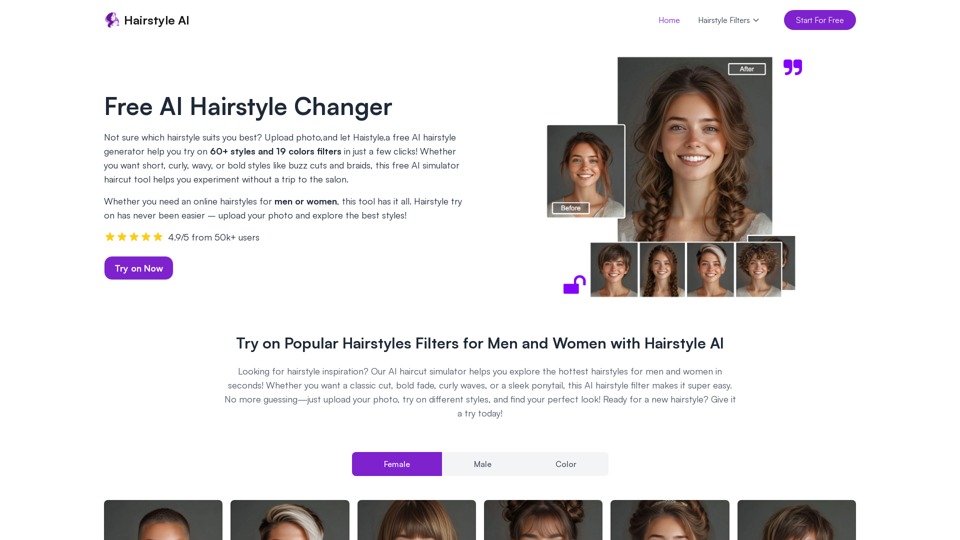
Free AI Hairstyle Changer, discover your perfect look! Choose from over 60+ hairstyles, including bob, wavy curls, buzz cut, slicked back, braids, and more
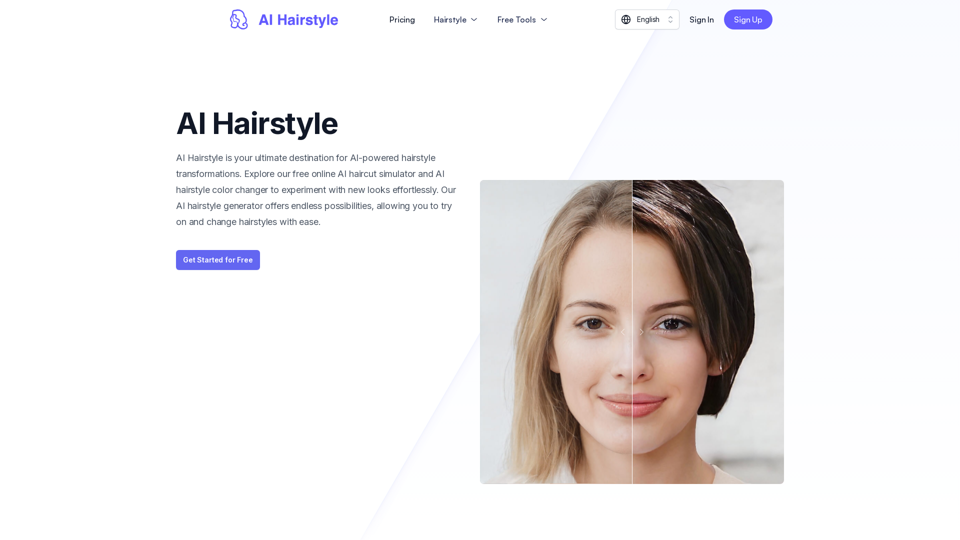
AI Hairstyle offers AI-powered hairstyle generation and color changes, providing instant previews of personalized looks.
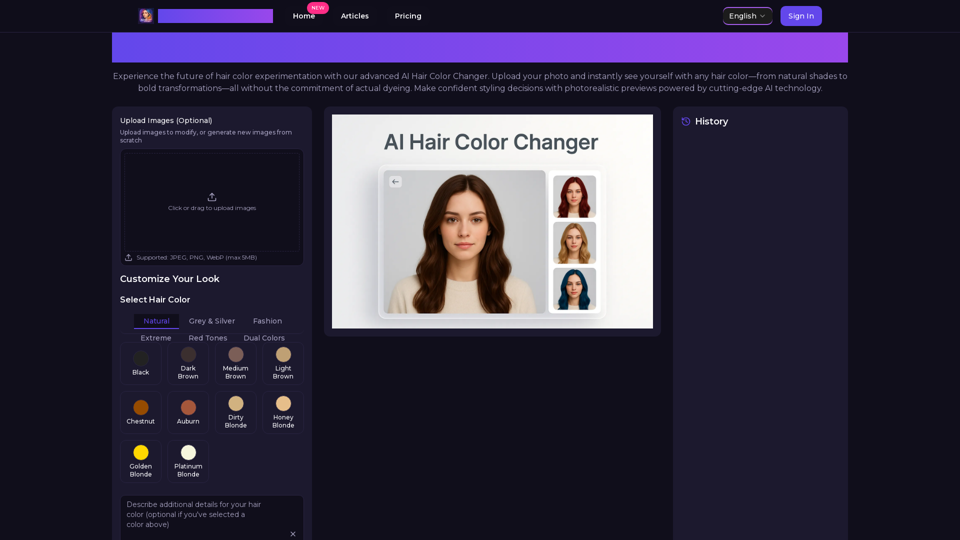
Transform your look with AI Hair Color Changer by AiHairColorChanger. Try 150+ realistic hair colors virtually before dyeing. No commitment, instant results!
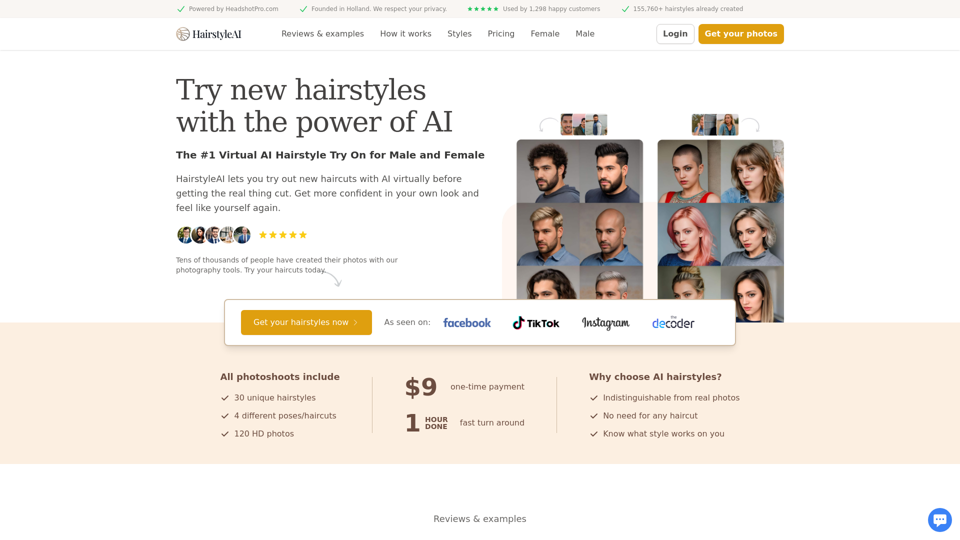
Use our powerful AI technology to virtually generate different hairstyles and see which one suits you best. Works for male and female haircuts.
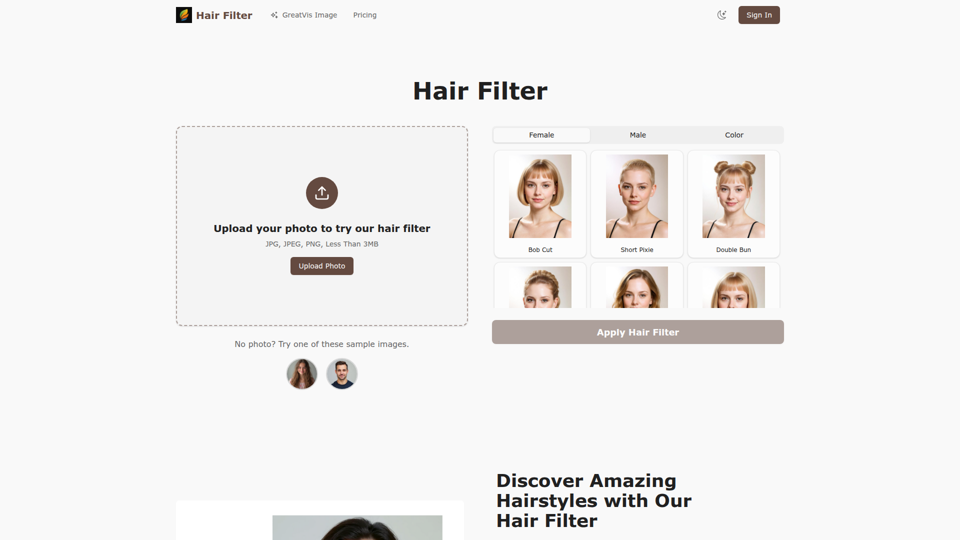
Transform your look with our advanced hair filter technology. Try dozens of AI hairstyle options and hair colors instantly.
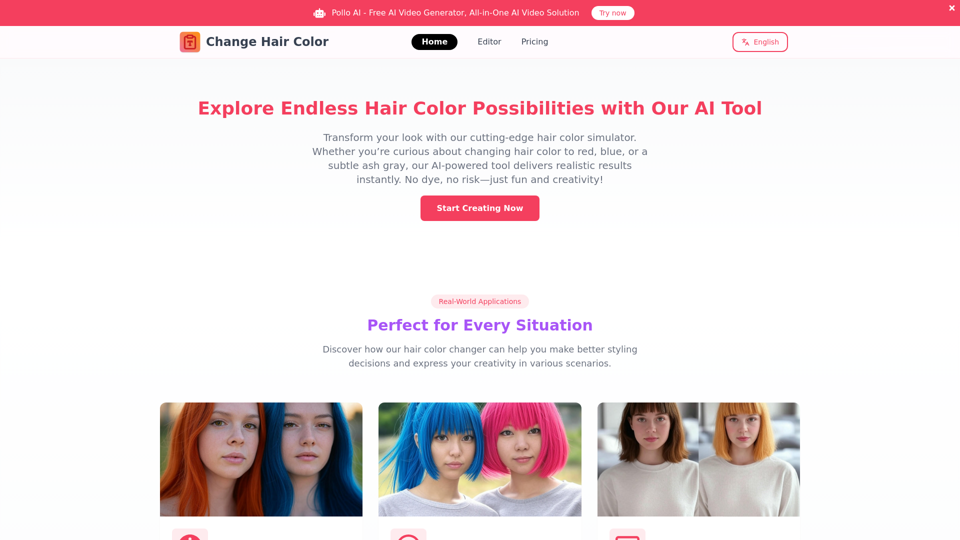
Want to change your hair color without the commitment? Try our free online hair color changer! Upload a photo or use your camera to experiment with natural shades like blonde, brown, or bold colors like pink and purple. Discover your perfect look in seconds!
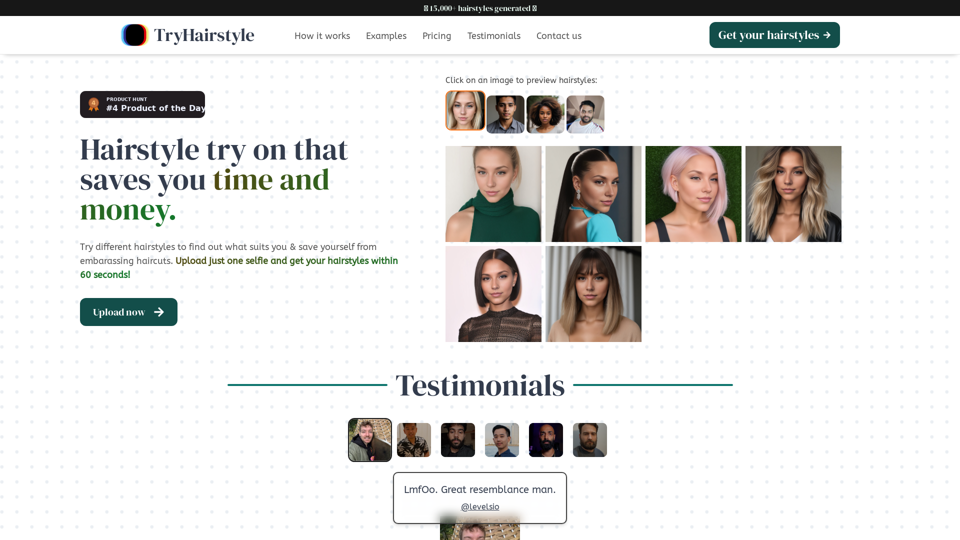
Do your hairstyle try on today - Upload a single selfie and craft 30 distinct and stylish looks personalized just for you. Start your virtual makeover journey with a simple click.
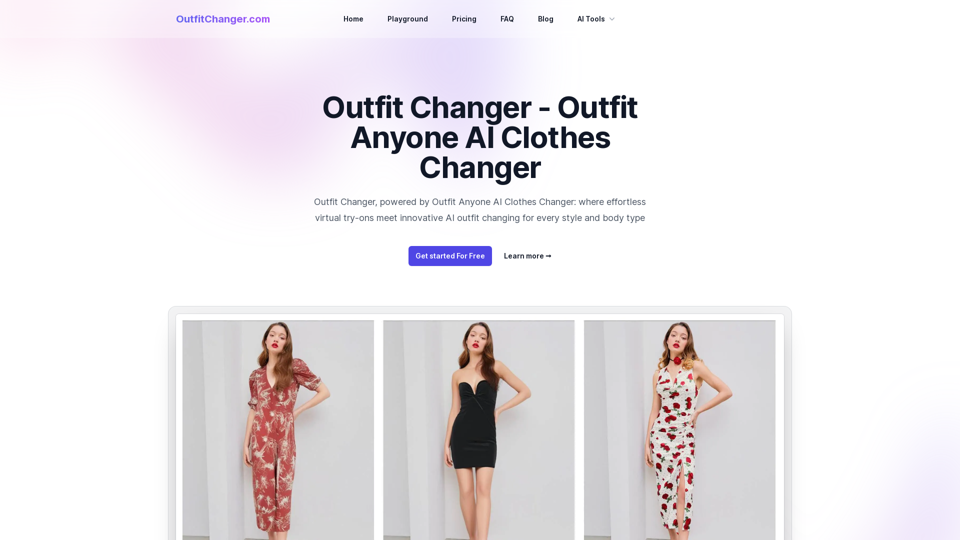
Outfit Changer, powered by Outfit Anyone AI Clothes Changer: where effortless virtual try-ons meet innovative AI outfit changing for every style and body type