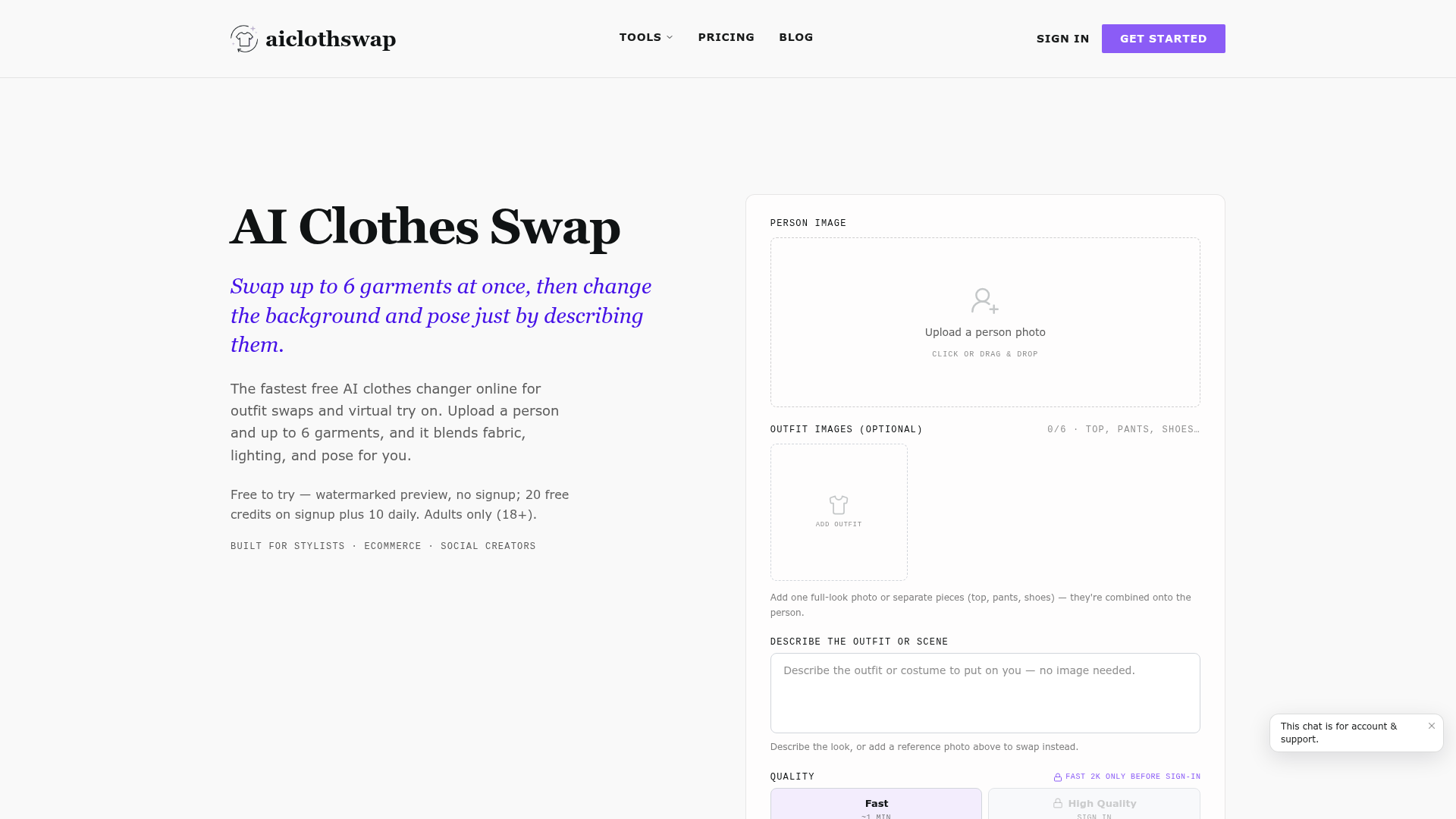
What is AI Clothes Swap?
AI Clothes Swap is an advanced AI-driven online platform and virtual fitting room that allows users to digitally change outfits on any person in a photo. It functions as an intelligent AI clothes changer, enabling users to swap up to six garments simultaneously—such as tops, bottoms, shoes, and accessories—in a single, cohesive outfit transformation. Beyond just swapping clothes, this AI outfit generator also lets users alter the background and the model's pose simply by describing the desired scene in text. Designed as the fastest free AI clothes changer online, it is built for professionals and creators in e-commerce, fashion styling, and social media content, offering a powerful tool for virtual try on, outfit visualization, and creative photo editing without the need for complex software or physical samples.
What Are the Key Features of AI Clothes Swap?
AI Clothes Swap stands out with a suite of powerful, user-centric features designed for realistic and versatile digital outfit creation.
1. Multi-Garment Outfit Swaps in One Go
Unlike basic tools that change one item at a time, this platform allows a complete head-to-toe transformation. You can upload separate pieces for a top, pants, shoes, hat, and bag, and the AI will intelligently combine them onto the person in one natural-looking result, maintaining consistent lighting, skin texture, and body proportions.
2. Dynamic Background and Pose Control
The platform goes beyond clothing. Using the optional text instructions box, you can change the entire scene. Describe a new background like "a clean studio backdrop" or "a minimalist beige wall," and even direct the model's pose with prompts like "hands in pockets" or "glancing over the shoulder." The AI restyles the outfit, scene, and pose together in one generation.
3. AI-Powered Precision for Natural Results
The technology uses intelligent body and garment detection to automatically identify contours and clothing edges. This ensures precise, balanced swaps where the new outfit fits the wearer's natural proportions realistically, with accurate fabric draping, folds, and lighting preserved from the original photo.
4. Text-to-Outfit Generation
You don't always need a garment photo. You can skip uploading clothes and simply describe the look you want—such as "a beach vacation outfit" or "a black-tie gala gown." The AI acts as a scene generator, creating the entire outfit on your uploaded photo based on your textual description of the occasion or style.
5. Curated Presets for Professional Results
The platform offers specialized presets like "Perfect Text" for seamlessly blending graphics into clothing, "Editorial Draping" for transforming flat-lay photos into angled on-model shots, and "Complex Textures" for accurately rendering intricate patterns and stitching.
6. Generous Free Tier and Flexible Pricing
Users can start for free with a watermarked preview and receive 20 free credits upon signup plus 10 daily credits. Flexible subscription plans and one-time credit packs cater to different usage levels, from casual users to power users needing unlimited generations.
How to Use AI Clothes Swap?
Using the AI clothes changer online is a straightforward three-step process designed for speed and ease.
Step 1: Upload Your Photo
Begin by uploading a clear, well-lit portrait photo of the person. The platform works best with images where the person faces the camera and the current outfit is visible from the shoulders down. You can drag and drop or click to upload the file directly into the virtual try on studio.
Step 2: Configure the Swap
Add the new outfit by either uploading up to six garment images (like separate tops, pants, or shoes) or by describing the desired look in the text box. You can also add instructions to change the background or pose. Then, select your desired output quality and resolution before starting the AI swap.
Step 3: Generate and Download Click "Generate." Within about a minute, you'll see a preview of the AI clothes swap. You can fine-tune the result, regenerate if needed, and then download the final image. The free tier provides a watermarked preview, while signing in unlocks high-quality, watermark-free downloads.
What is the Pricing for AI Clothes Swap?
AI Clothes Swap offers a tiered pricing model that scales from free access to professional unlimited plans.
- Starter (Free Forever)
- Includes 20 credits on signup plus 10 daily credits for signing in. Generations are fast but watermarked. Perfect for trying the AI outfit generator.
- Monthly Plan
- Priced at $19.99 per month, offering 1,500 credits monthly (approximately 150 swaps), high-quality up to 4K resolution, no watermark, and a commercial use license.
- Yearly Plan (Best Value)
- Offered at $7.49 per month (billed annually as $89.90 for the first year). Provides 20,000 credits upfront—more than 12 monthly plans—along with all premium features and priority queue access.
- Studio Unlimited (For Power Users)
- At $34.99 per month, this plan offers unlimited Fast & HQ 1K generations. HQ 2K/4K renders are capped at 4,000 credits per month. Includes commercial license and no watermark.
- One-Time Credit Packs
- For pay-as-you-go users, credits never expire.
- 800 Credits: $19.99 (≈ 80 swaps)
- 2,000 Credits: $44.99 (≈ 200 swaps)
- 4,000 Credits: $89.99 (≈ 400 swaps)
Helpful Tips for the Best AI Clothes Swap Results
To achieve the most realistic and professional virtual try on results, follow these expert tips:
- Use High-Quality Source Photos
- Start with a clear, well-lit photo where the person faces the camera directly. Avoid heavy shadows, motion blur, or extremely busy backgrounds that can confuse the AI's body detection.
- Opt for Simple Garment Images
- When uploading clothing, use flat-lay photos or images on a plain background (like ghost mannequin shots). This helps the AI clothes changer accurately read design details, seams, and fabric weight for a more natural drape.
- Leverage Text Descriptions Creatively
- Don't limit yourself to swapping existing garments. Use the text box to describe entire scenes or specific occasions. This turns the tool into a powerful AI outfit generator for conceptual styling.
- Experiment with Layering
- The AI handles layers well. Try adding jackets over shirts or accessories like scarves to build complex, realistic outfits.
- Iterate and Refine
- Treat your first result as a draft. If a detail like fabric texture or fit seems off, use the regeneration feature with slight adjustments to your description or uploaded garment.
Frequently Asked Questions About AI Clothes Swap
How does the AI clothes changer work?
The AI analyzes the uploaded person photo and any garment images. It detects body contours and clothing regions, then seamlessly fits the new outfit onto the person while preserving the original lighting, pose, and skin texture, creating a photorealistic composite.
Is the AI clothes changer free to use?
Yes, there is a free forever tier. It provides watermarked previews and a daily allowance of credits (20 on signup + 10 daily), making it easy to test the virtual try on features.
Is my data safe when I upload photos?
User privacy is a priority. Uploaded photos are processed securely and are not used for training AI models. You maintain ownership of your original images and the generated results.
Can I use the AI clothes changer on my phone?
Yes, the platform is a web-based application optimized for mobile browsers, allowing you to perform AI clothes swaps and virtual try ons directly from your smartphone.
How realistic are the results?
Results are highly realistic when using good-quality source images. The AI specializes in blending fabric, lighting, and shadows naturally, making the swapped outfit look like it was originally worn in the photo.
What kind of photos work best?
Clear, front-facing portraits with good lighting and visible clothing from the shoulders down yield the best results. Photos with simple backgrounds and distinct body contours help the AI perform more accurate swaps.
How long does a swap take?
Generations typically take about one minute for the "Fast" quality setting. Higher quality settings may take slightly longer.
Can I share or sell the results?
Yes, with a paid subscription (Monthly, Yearly, or Studio Unlimited), you receive a commercial use license, allowing you to share, publish, or even sell the generated images for business purposes like e-commerce or social media content.
AI Clothes Swap
Free AI clothes swap & AI clothes changer online. Upload a person photo and an outfit to swap garments instantly. Sign up free for 10 credits.
 Cloudflare
 HTTP/3
 Next.js
 Node.js
 React
React Webpack
Free AI anime and manga generator. Turn text into anime episodes, manga, comics, webtoons and comic shorts in any art style — no drawing or animation skills needed.
Translate image text across 70+ languages with our advanced AI Image Translator to help you better expand your products globally to various countries
Advertised Here
Reach thousands of visitors daily. Get your spot now!
Tools similar to AI Clothes Swap
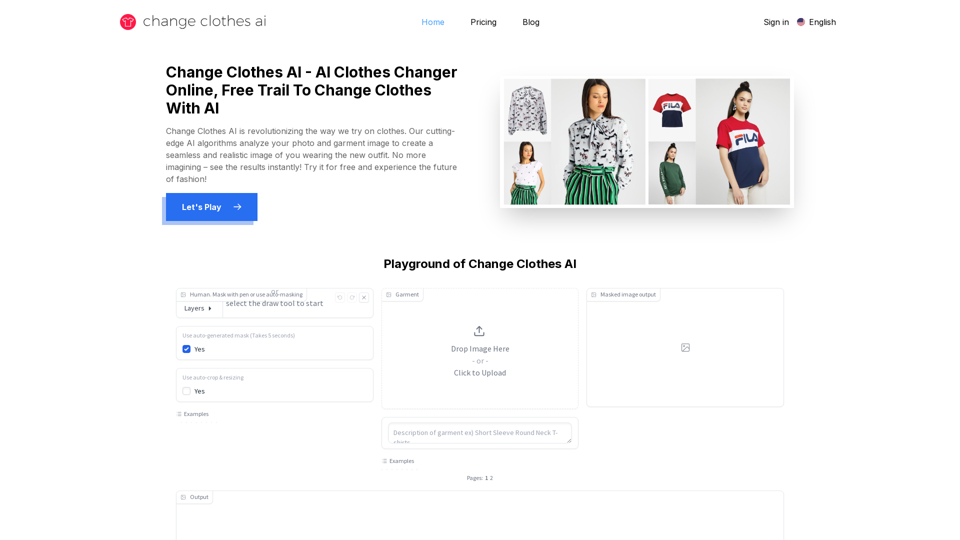
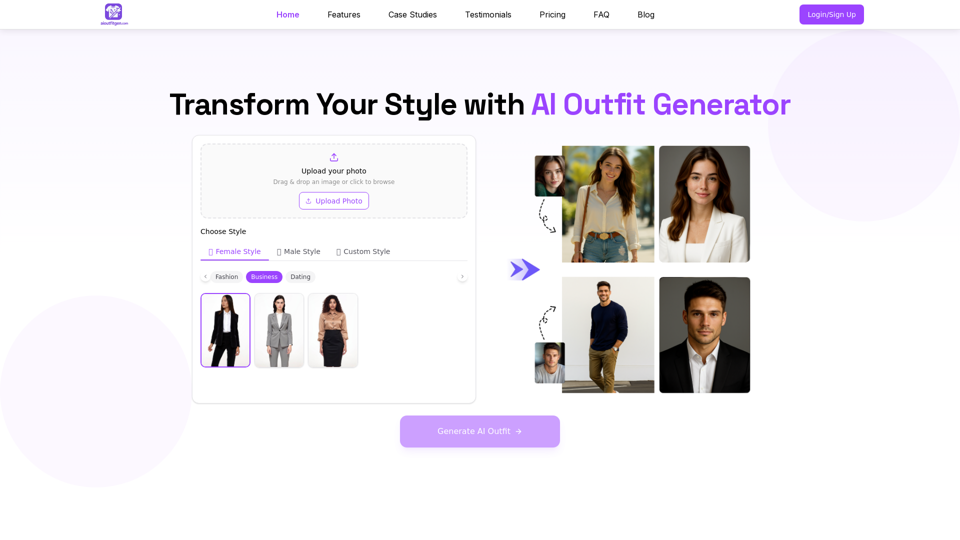
Change Clothes AI is an online outfit changer powered by AI technology. Easily swap clothes in your photos by uploading a portrait and garment image. Our AI algorithm generates a new image in seconds, letting you experiment with different looks and find the perfect outfit.
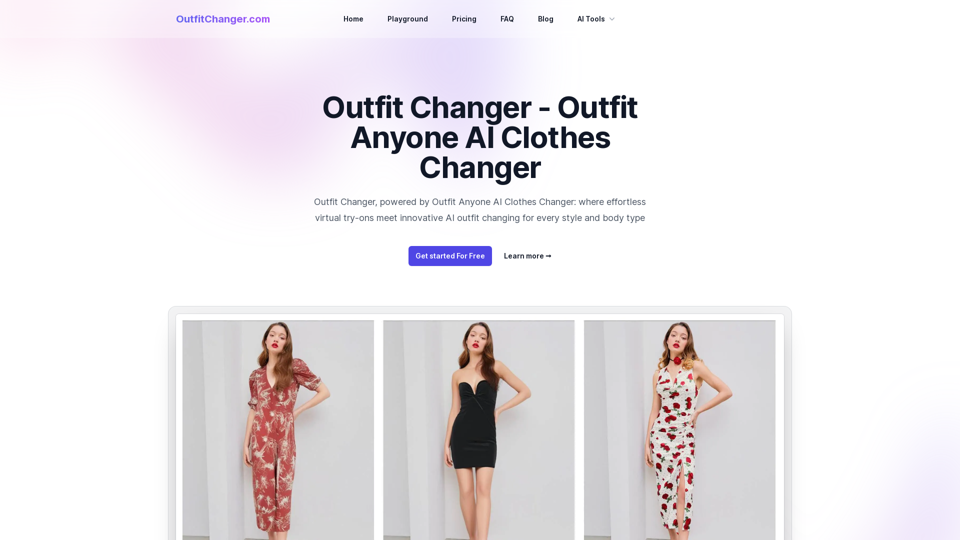
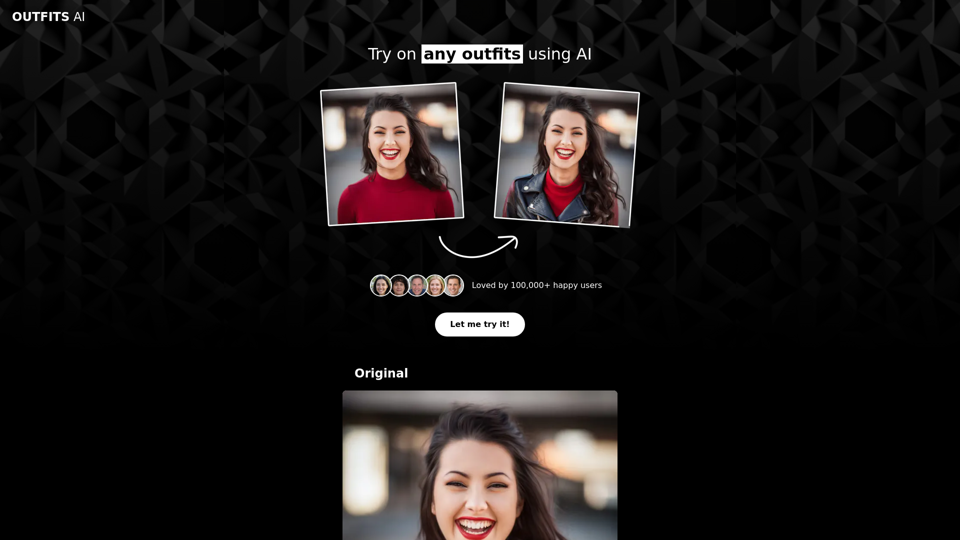
Outfit Changer, powered by Outfit Anyone AI Clothes Changer: where effortless virtual try-ons meet innovative AI outfit changing for every style and body type
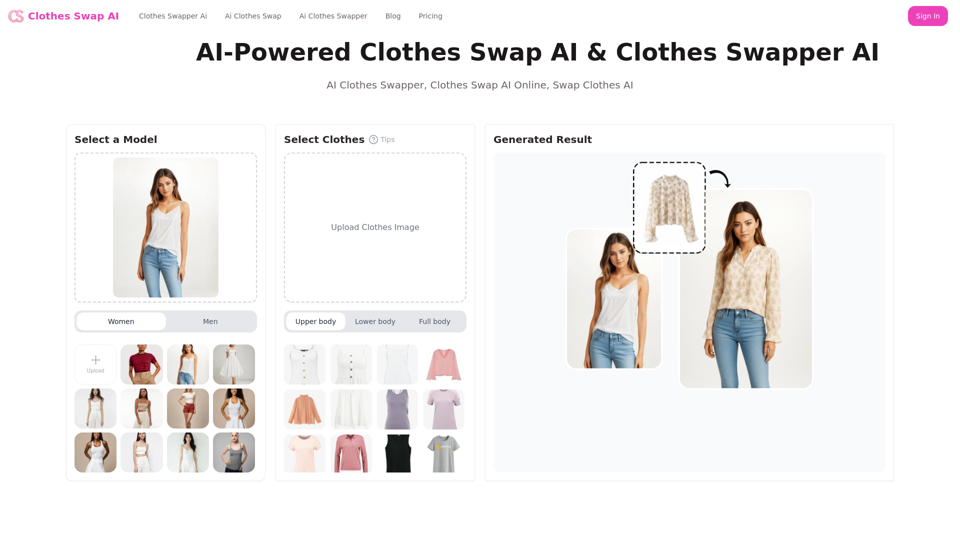
Virtually swap outfits in your photos with endless possibilities using AI clothes swap! Dive into the world of digital fashion with the best AI clothes swap technology—where every outfit change is just a click away!
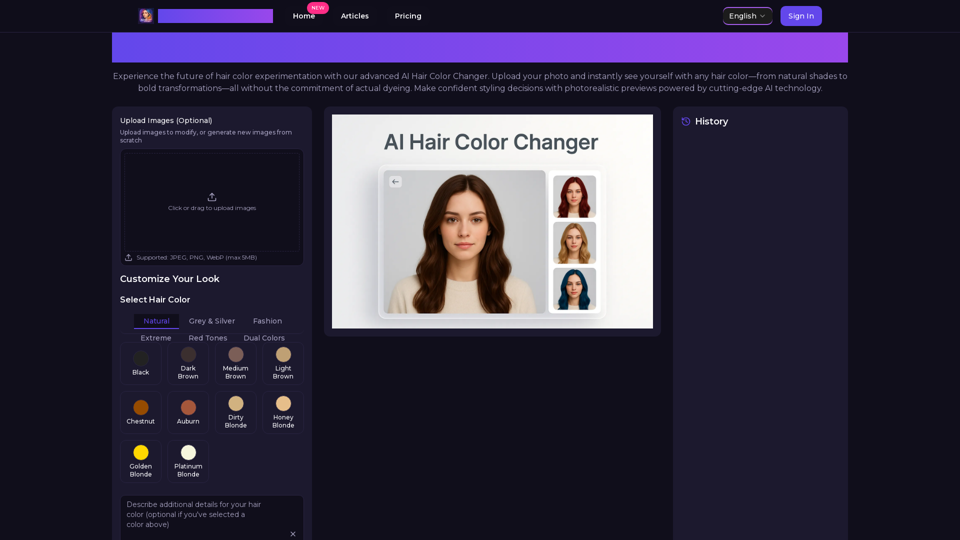
Transform your look with AI Hair Color Changer by AiHairColorChanger. Try 150+ realistic hair colors virtually before dyeing. No commitment, instant results!
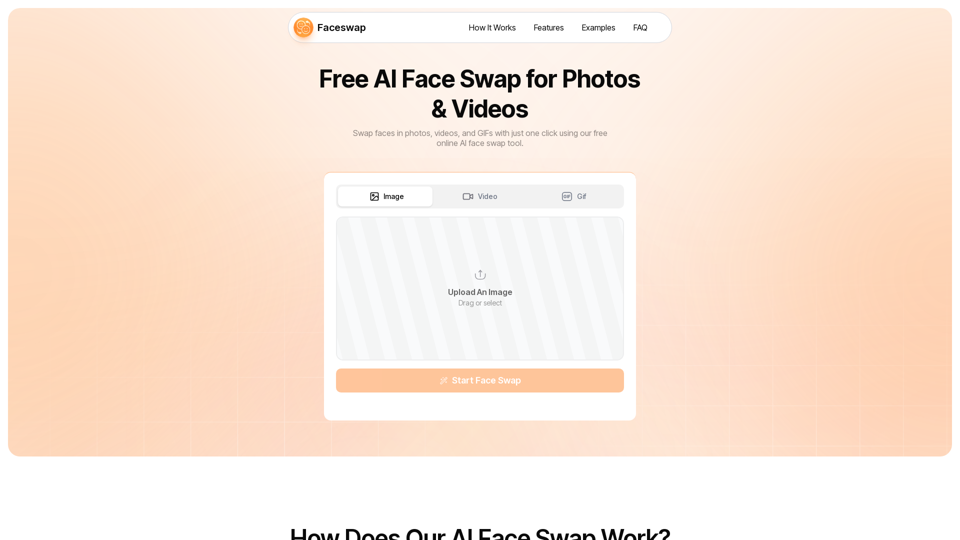
Swap faces in images, videos, and GIFs with AI Face Swap Online tool. 100% free, no watermark, no login needed.
Want to change your hair color without the commitment? Try our free online hair color changer! Upload a photo or use your camera to experiment with natural shades like blonde, brown, or bold colors like pink and purple. Discover your perfect look in seconds!