Generate SQL Queries with AI in Seconds
AI Query helps you generate complex SQL queries in seconds. Use simple English prompts to generate SQL queries. AI Query uses state of the art OpenAI GPT & Google PaLM 2 AI models to give you the best results.
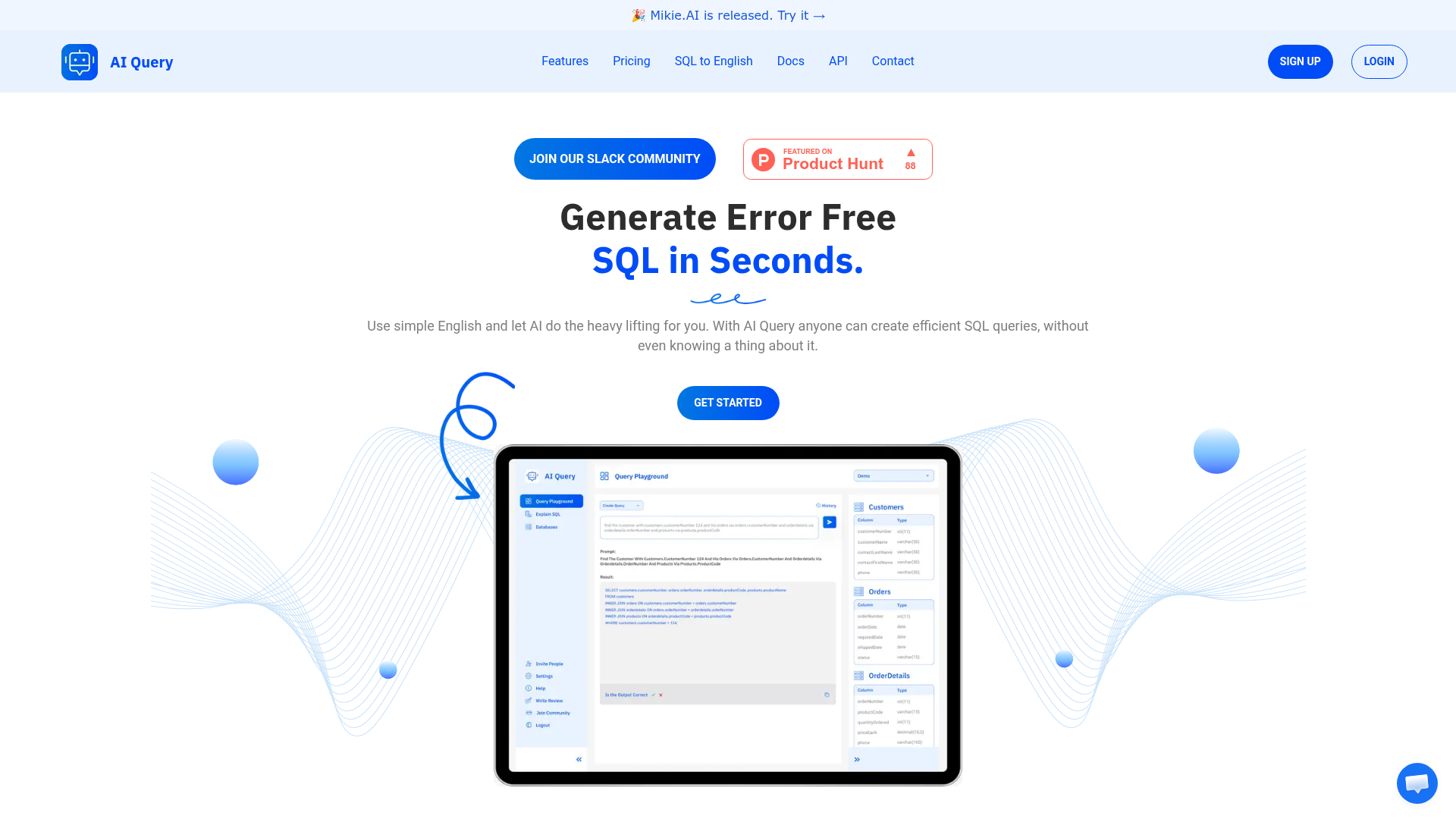
What is AI Query?
AI Query is an advanced, AI-powered platform designed to help users generate accurate, error-free SQL queries in seconds using simple English prompts. It's a powerful tool that leverages artificial intelligence to bridge the gap between natural language and complex database languages. Anyone—from complete beginners without any SQL knowledge to experienced developers looking to save time—can use it to create efficient SQL for various database engines.
What is the main feature of AI Query?
AI Query's key features are centered on simplifying database interactions through AI:
- Natural Language to SQL Conversion
- Its core feature transforms plain English descriptions into ready-to-use, syntactically correct SQL queries, eliminating the need to memorize SQL syntax.
- Broad Database Engine Support
- It supports and generates queries for a wide range of popular databases, including PostgreSQL, MySQL, MariaDB, Microsoft SQL Server, Google BigQuery, Snowflake, Oracle, and Supabase, with plans to add more like MongoDB.
- SQL Explanation (SQL to English)
- The platform can also work in reverse, acting as an SQL translator to explain complex, pre-written SQL code in simple, understandable English.
- Schema Management
- Users can easily define and manage their database table schemas through an intuitive dashboard interface, providing the necessary context for the AI to generate accurate queries.
- Query History & Management
- It offers unlimited saving, sharing, and access to SQL query history, allowing for easy reuse and collaboration.
How to use AI Query?
- Define Your Schema: Start by using the dashboard to define your database tables, columns, and relationships. This provides context for the AI.
- Generate a Query: Navigate to the query generator, type your request in simple English (e.g., "Show me all customers from London who made a purchase last month"), and let AI Query instantly produce the corresponding SQL code.
- Explain a Query: Alternatively, paste existing SQL code into the SQL Explanation tool to get a plain English breakdown of what the query does.
- Save and Share: You can save your generated queries to your history for future use and share them with teammates directly from the platform.
How does AI Query pricing work?
AI Query offers simple, subscription-based pricing with a focus on unlimited access:
- Pro Plan - Monthly
- $10 per month.
- Pro Plan - Yearly
- $100 per year (equivalent to $8.33/month, offering 2 months free compared to monthly billing).
Both Pro plans include:
- Unlimited SQL query generation and explanations.
- Unlimited database schemas.
- Unlimited saving, sharing, and history of SQL queries.
- The ability to cancel anytime.
The ### Yearly plan offers additional benefits like faster AI response speed and priority access to new features and support.
Helpful Tips for Using AI Query
- Be Specific in Prompts
- For the most accurate SQL, be clear and specific in your English prompts. Include details like table names, column filters, and sorting preferences.
- Keep Your Schema Updated
- Ensure your defined database schema in the dashboard is current. Accurate schema information is crucial for the AI to generate correct JOIN statements and WHERE clauses.
- Use the Explanation Feature for Learning
- If you're learning SQL, use the tool to generate queries and then immediately use the "Explain SQL" feature to understand the logic and syntax behind the generated code.
- Leverage Query History
- Save complex or frequently used queries in your history. This creates a personal library of solutions and can significantly speed up repetitive tasks.
Frequently Asked Questions
Do I need to know SQL to use AI Query?
No, that's the primary advantage. You only need to describe the data you want in plain English. AI Query handles the complex SQL syntax.
Which databases does AI Query support?
It currently supports generating queries for PostgreSQL, MySQL, MariaDB, SQL Server, Google BigQuery, Snowflake, Oracle, and Supabase. Support for MongoDB, Amazon RDS, Azure DB, and others is planned for future updates.
Can AI Query explain existing SQL code?
Yes. The "SQL to English Translator" or "Explain SQL" feature is designed specifically for this. You can paste any SQL, and the AI will break down its purpose, logic, and components in simple language.
Is my database schema and data secure?
AI Query is designed as a client-side tool for query generation. You define your schema manually in the dashboard; the platform does not require or ask for direct access to your live production databases, keeping your data secure.
What happens if the generated SQL has an error?
While AI Query aims for high accuracy, you should always test new queries in a safe environment first. The platform provides a robust foundation, but verification against your specific database is a recommended best practice.
When would I need the Pro subscription?
The Pro plan is ideal if you require unlimited query generation, need to manage multiple database schemas, want to save and share queries extensively, or require priority support and faster response times offered by the yearly plan.
Generate SQL Queries with AI in Seconds
AI Query helps you generate complex SQL queries in seconds. Use simple English prompts to generate SQL queries. AI Query uses state of the art OpenAI GPT & Google PaLM 2 AI models to give you the best results.
 Vercel
Free AI anime and manga generator. Turn text into anime episodes, manga, comics, webtoons and comic shorts in any art style — no drawing or animation skills needed.
Translate image text across 70+ languages with our advanced AI Image Translator to help you better expand your products globally to various countries
Advertised Here
Reach thousands of visitors daily. Get your spot now!
Tools similar to Generate SQL Queries with AI in Seconds
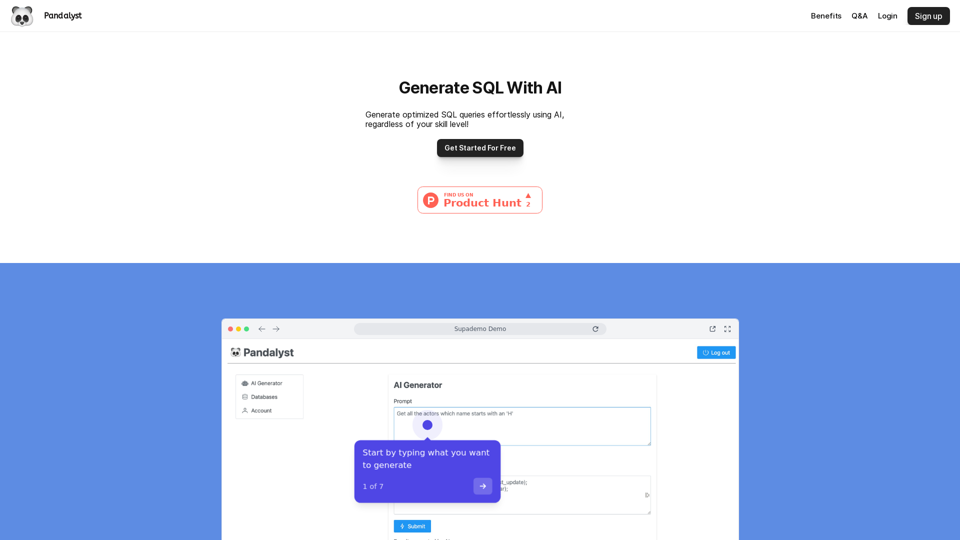
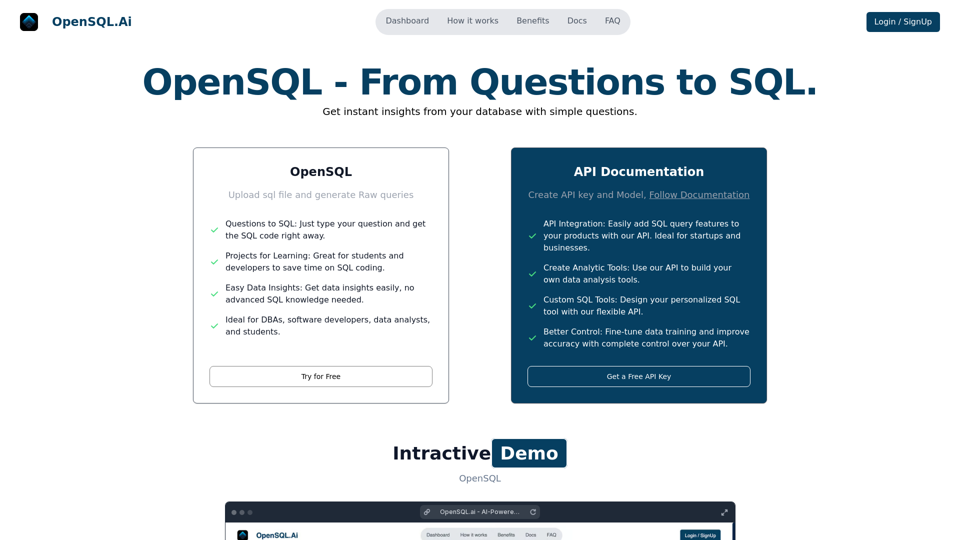
OpenSQL.ai is a revolutionary AI-powered tool that simplifies SQL query generation. Interact with your databases conversationally and let AI transform your questions into efficient SQL queries in real-time. Ideal for developers, data analysts, and students seeking to enhance database interaction and streamline SQL tasks.
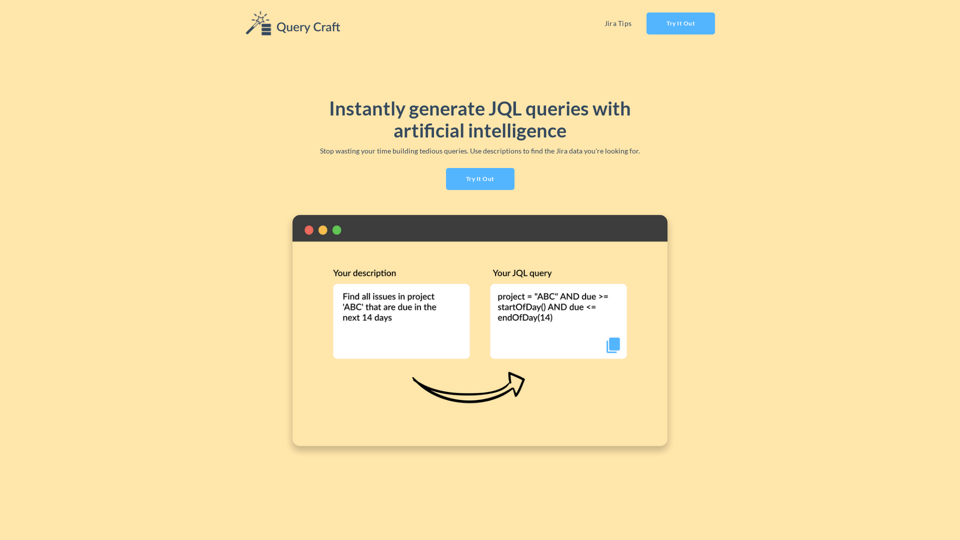
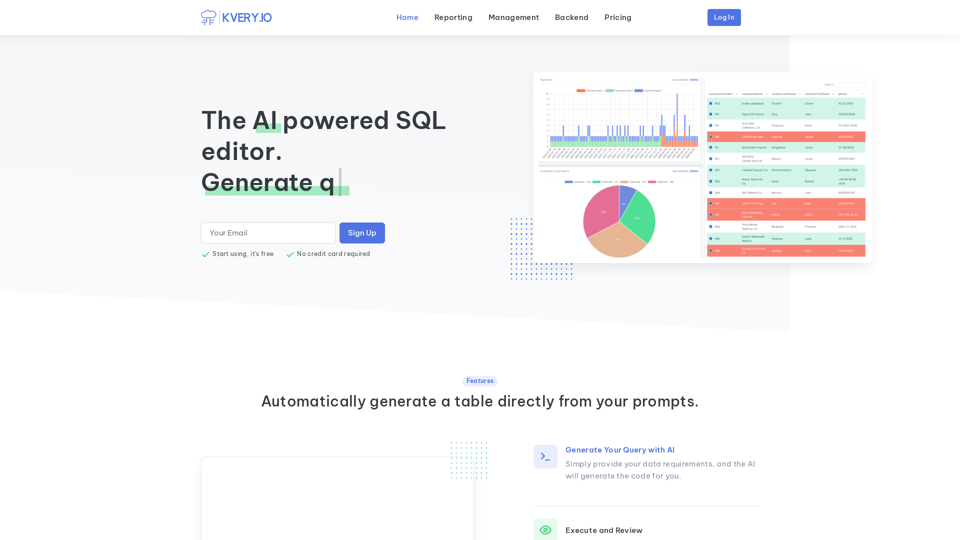
Transform your database management experience with an admin interface built in a few clicks. Simplify API-driven database control and effortlessly generate BI reports. Accelerate software development with APIs and admin interfaces developed 10 times faster. Easily schedule SQL jobs for seamless automation.
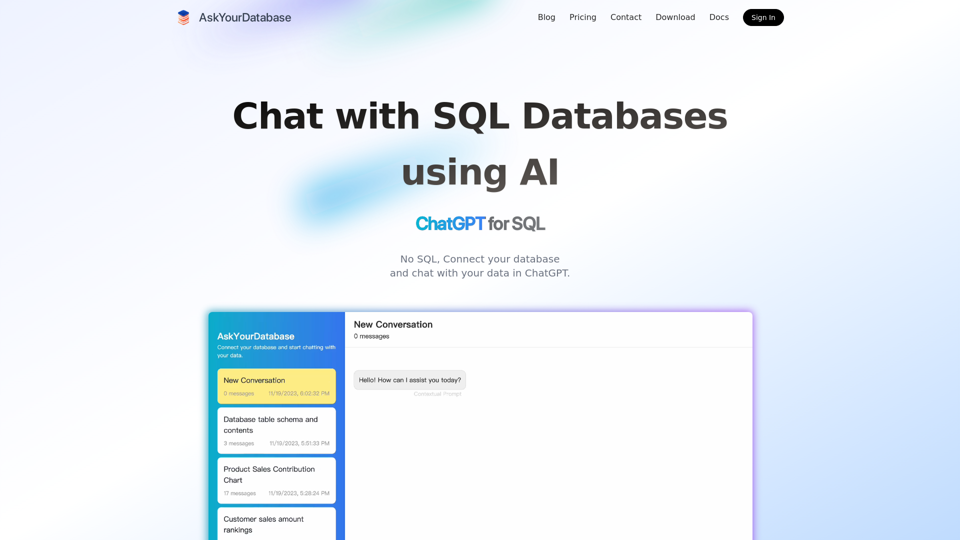
This AI SQL chatbot generates SQL code using AI, like ChatGPT for SQL Databases. Connect and chat with database in ChatGPT.
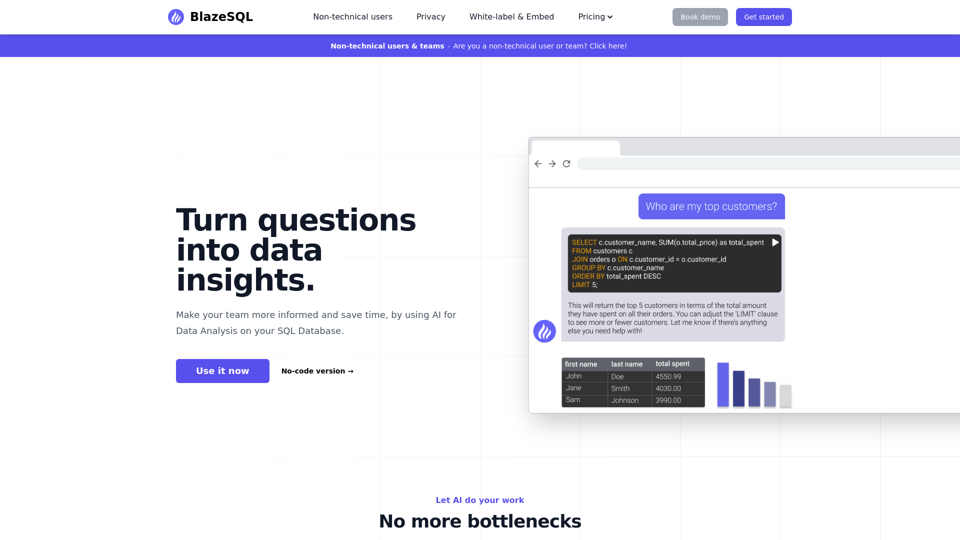
This AI Data Analytics chatbot generates SQL queries with AI, like ChatGPT for your SQL Database. Connect it to your SQL database for cutting edge AI Data Analysis, and let it work for you.
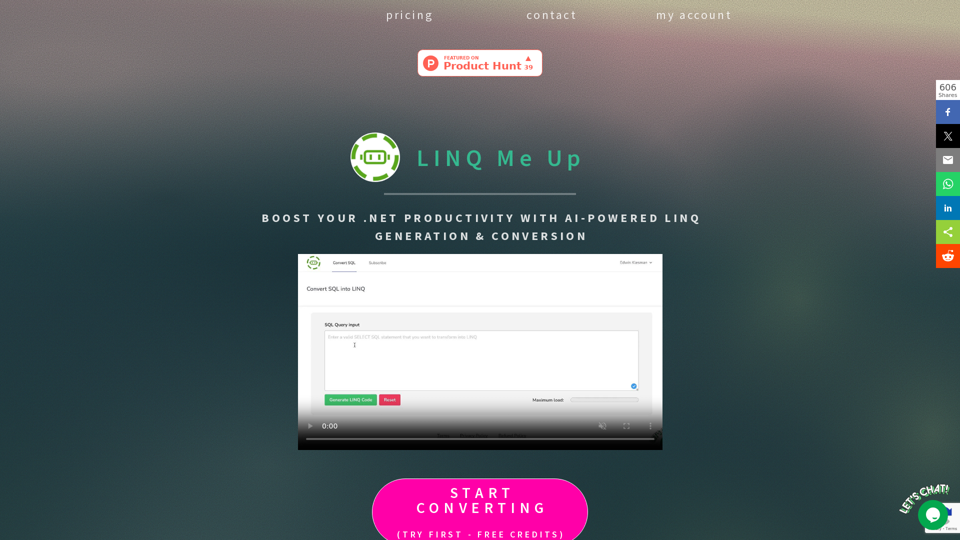
LINQ Me Up helps you save time by converting SQL into LINQ or LINQ into SQL and generating LINQ from your dataset input. Supports C# and Visual Basic code and Method and Query syntax.
AI-powered formula generation, SQL query generation, vba script generation and regex generation combined into one tool.