AutoCoder
Build websites, web apps, dashboards, and internal tools by chatting with AI. AutoCoder helps you go from idea to production-ready product faster.
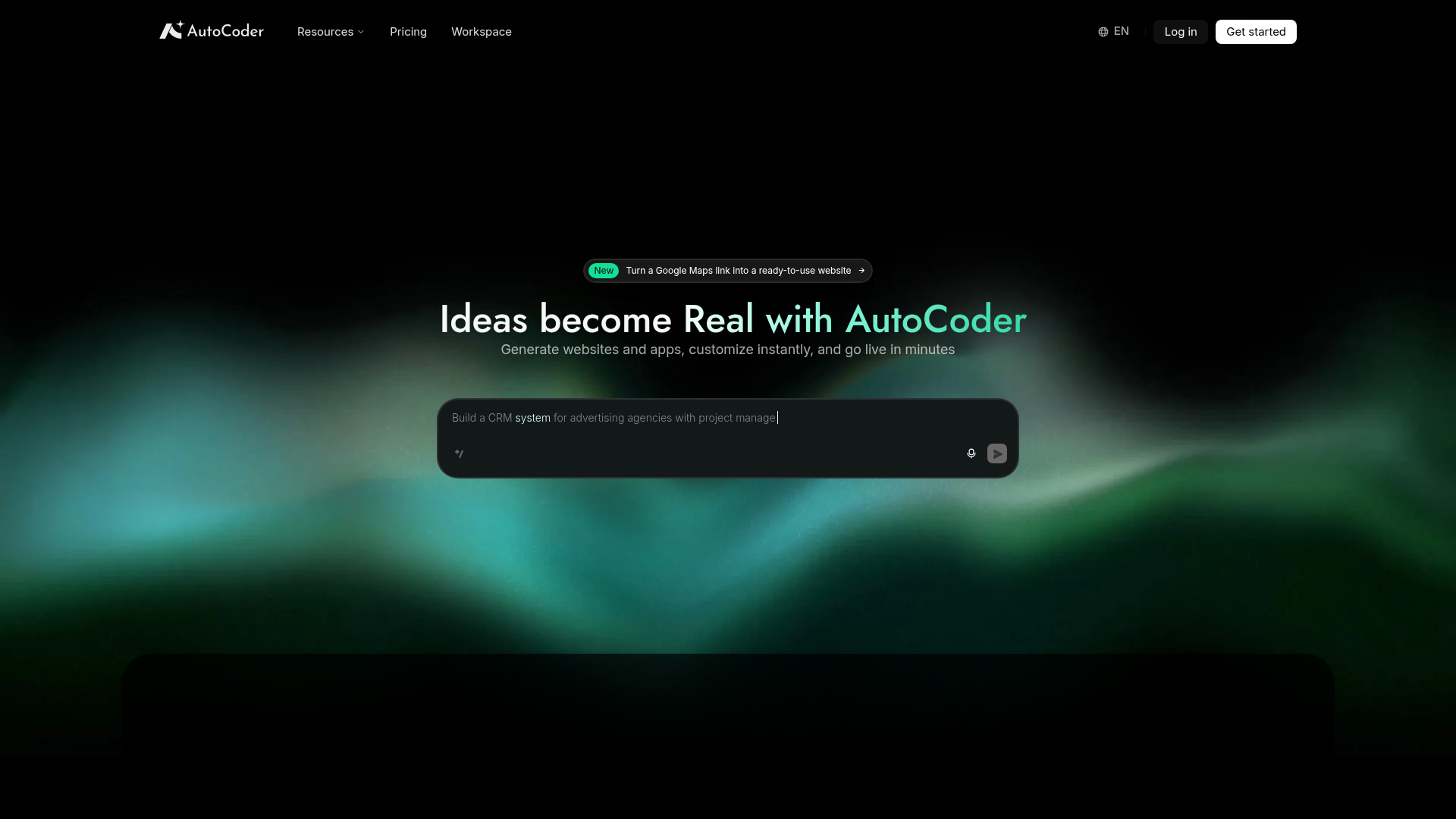
What is AutoCoder?
AutoCoder is an advanced AI-powered development platform that transforms ideas into functional websites and applications in minutes. It empowers users, from entrepreneurs to developers, to generate code, customize layouts, and deploy projects live rapidly without deep technical expertise. By leveraging cutting-edge AI, AutoCoder simplifies the entire development workflow, turning concepts like CRMs, landing pages, and web apps into reality with unprecedented speed.
Key Features of AutoCoder
- AI-Driven Code Generation
- Instantly generate clean, production-ready code for websites and applications from simple text descriptions or prompts.
- Extensive Template Library
- Access a wide range of pre-built templates for various use cases (e.g., business sites, CRMs, portfolios) to kickstart any project.
- Real-Time Customization & Live Editing
- Modify generated projects on the fly within a visual workspace. See changes instantly and customize every element without touching the code directly.
- Google Maps Integration
- Uniquely turn a Google Maps link into a fully-functional website, perfect for businesses showcasing locations.
- One-Click Deployment
- Go from idea to live, public website or app in minutes with seamless hosting and deployment options.
- Workspace Collaboration
- Organize and manage multiple projects efficiently within a dedicated workspace environment.
How to Use AutoCoder
- Describe Your Idea: Start by typing a description of the website or app you want to build (e.g., "a CRM for advertising agencies").
- Choose a Starting Point: Select from a blank canvas or browse the ### Templates or tools like the ### Google Maps Generator for inspiration.
- Generate & Customize: Let AutoCoder's AI create the initial codebase. Then, use the intuitive editor to tweak designs, add content, and adjust functionality in real-time.
- Go Live: Once satisfied, use the platform's deployment tools to publish your project live on the web in just a few clicks.
AutoCoder Pricing
AutoCoder offers a tiered pricing model to suit different needs, from individuals experimenting with ideas to teams building professional products. Plans typically include:
- Free Tier
- Offers limited access to core features, ideal for testing basic website generation.
- Pro/Team Plans
- Unlock higher usage limits, premium templates, advanced customization, faster deployment, and team collaboration features. Visit the official ### Pricing page for detailed, up-to-date plan structures and costs.
Helpful Tips for Maximizing AutoCoder
- Leverage Templates
- Don't start from scratch. Use the ### Templates library to find a close match to your vision and customize it, saving significant time.
- Be Specific in Prompts
- When describing your idea to the AI, provide clear, detailed prompts (e.g., "a 3-page portfolio site with a dark theme, project gallery, and contact form") for more accurate and tailored results.
- Utilize Specialized Tools
- Explore features like the ### Google Maps Generator for location-based sites—they automate complex integrations effortlessly.
- Iterate Quickly
- Use the real-time editor to experiment with different layouts, colors, and content. The fast feedback loop helps perfect your project.
- Explore the Blog & Docs
- Check the ### Blog for tutorials and the ### Docs for in-depth guides on advanced features and best practices.
Frequently Asked Questions (FAQ)
Do I need to know how to code to use AutoCoder?
No, AutoCoder is designed for both non-coders and professional developers. The AI handles code generation, and the visual editor allows for point-and-click customization.
What kind of projects can I build with AutoCoder?
You can build a wide variety of projects, including business websites, landing pages, customer relationship management (CRM) systems, internal tools, web applications, and portfolios.
Can I use my own domain with AutoCoder?
Yes, higher-tier plans typically support custom domain connections, allowing you to host your generated site at your own professional web address.
Is the code generated by AutoCoder mine to keep?
Yes, you own the code and the final project you create. You can download it, modify it externally, and host it wherever you choose.
How does the Google Maps to Website feature work?
Simply paste a public Google Maps link (e.g., for your business location). AutoCoder's AI then extracts key details (name, address, photos, reviews) and generates a clean, functional website page showcasing that location.
AutoCoder
Build websites, web apps, dashboards, and internal tools by chatting with AI. AutoCoder helps you go from idea to production-ready product faster.
 Amazon CloudFront
 Amazon Web Services
Free AI anime and manga generator. Turn text into anime episodes, manga, comics, webtoons and comic shorts in any art style — no drawing or animation skills needed.
Translate image text across 70+ languages with our advanced AI Image Translator to help you better expand your products globally to various countries
Advertised Here
Reach thousands of visitors daily. Get your spot now!
Tools similar to AutoCoder
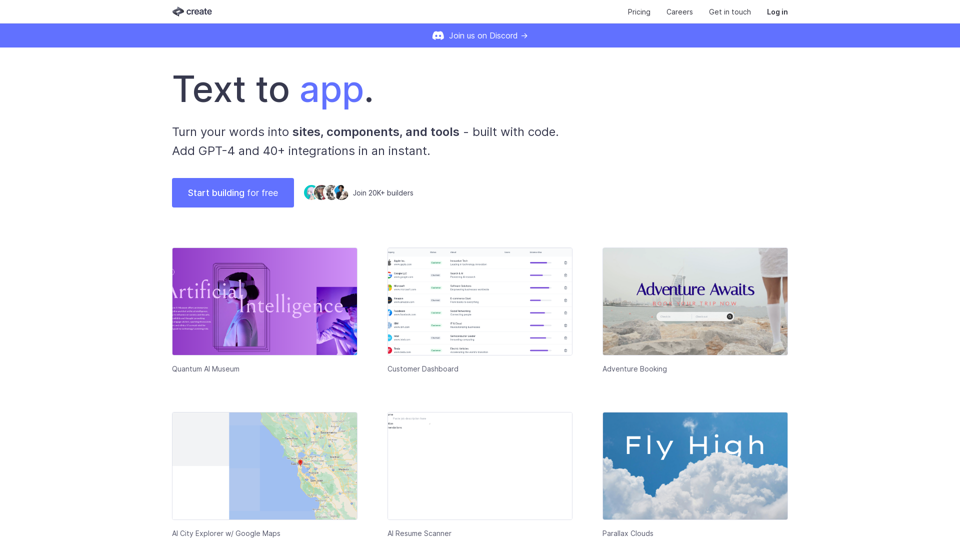
Create lets you code using plain text and images. Use it to build components, sites, designs, prototypes, products, tools and more.
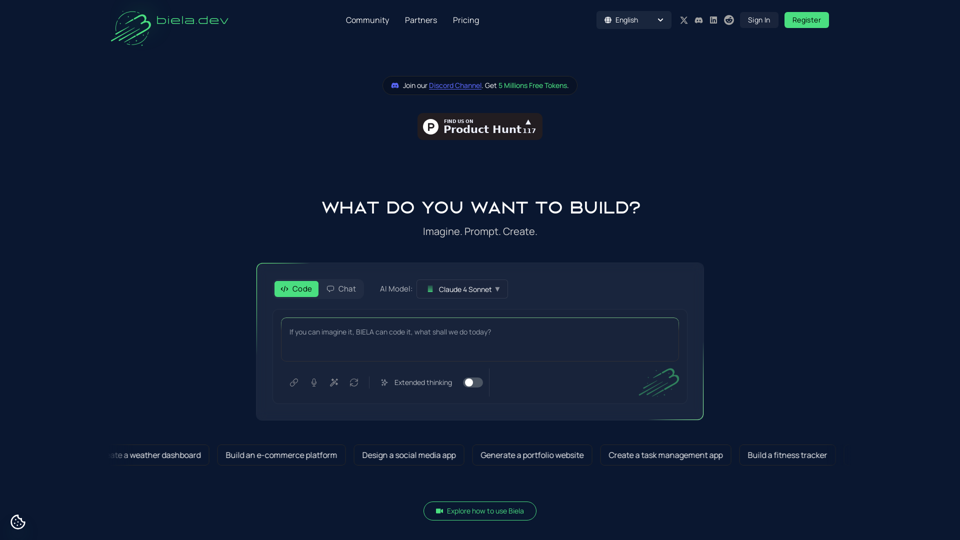
Transform your ideas into live websites or apps with biela.dev. Use AI-driven prompts to build custom digital products effortlessly
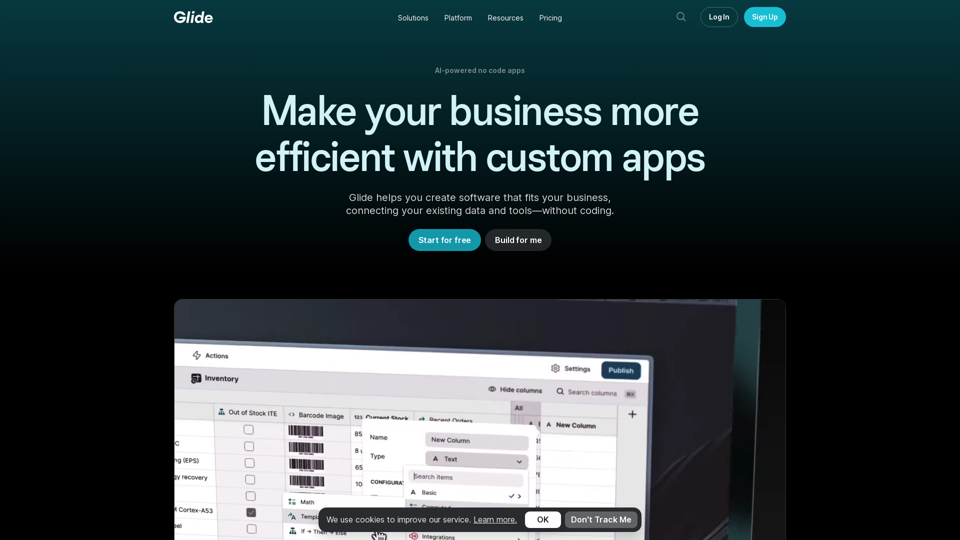
Glide makes it easy to build and deploy powerful custom apps powered by AI with no code. Create your first app by trying Glide for free.
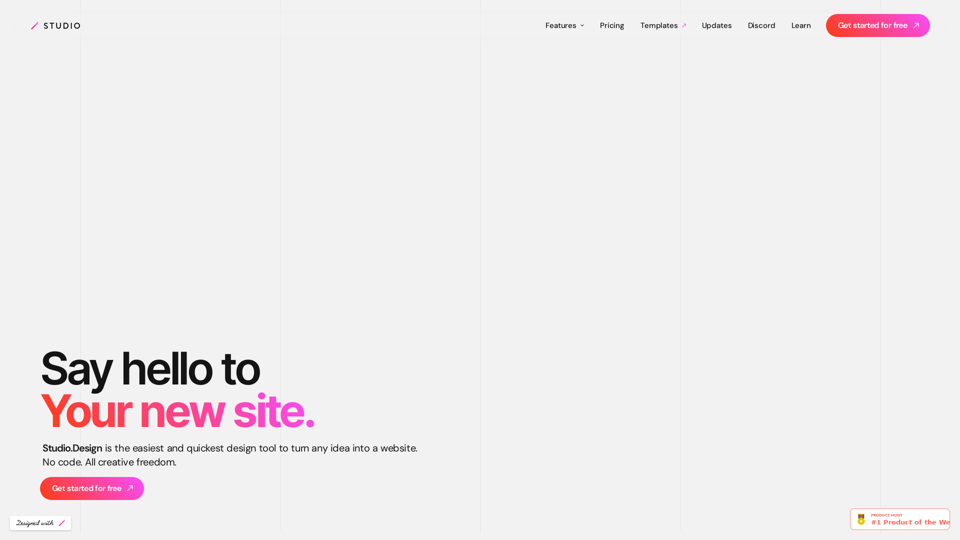
The easiest and quickest way to build your beautiful portfolio website, landing page or anything. No code. All creative freedom.
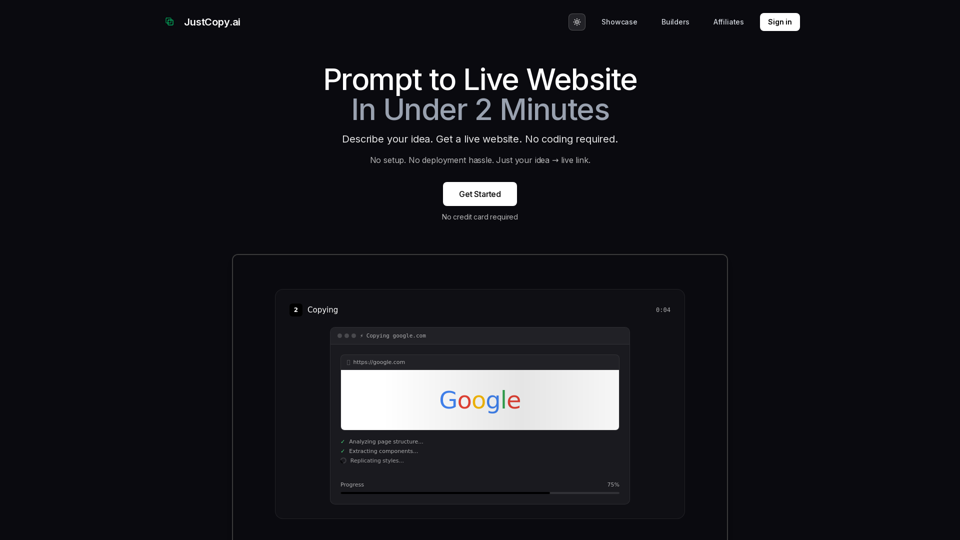
Prompt to live website in under 2 minutes. No setup, no deployment hassle. Describe your idea → get a live link instantly. The fastest AI website builder with zero infrastructure needed.
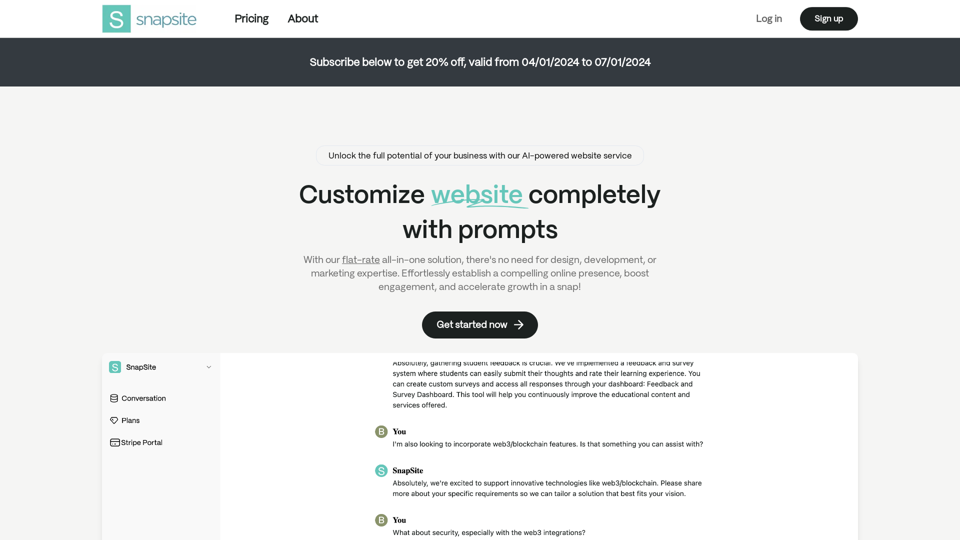
SnapSite innovates web development with AI, enabling you to create a custom, fully-functional website instantly. No coding or design skills required. Start building your online presence effortlessly with SnapSite.
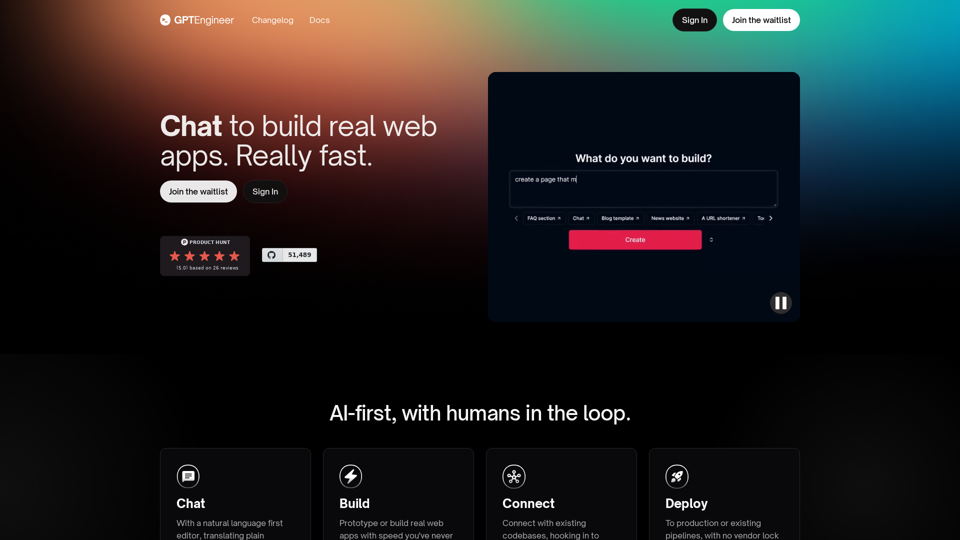
Build a web app in 1 minute with gptengineer.app - rapid prototyping using natural language. Deploy, Host, Version control, open-core.
No-Code Agency That Builds AI-Based Products in Two Months. Build efficient operations and drive revenue with artificial intelligent tailored to your needs.