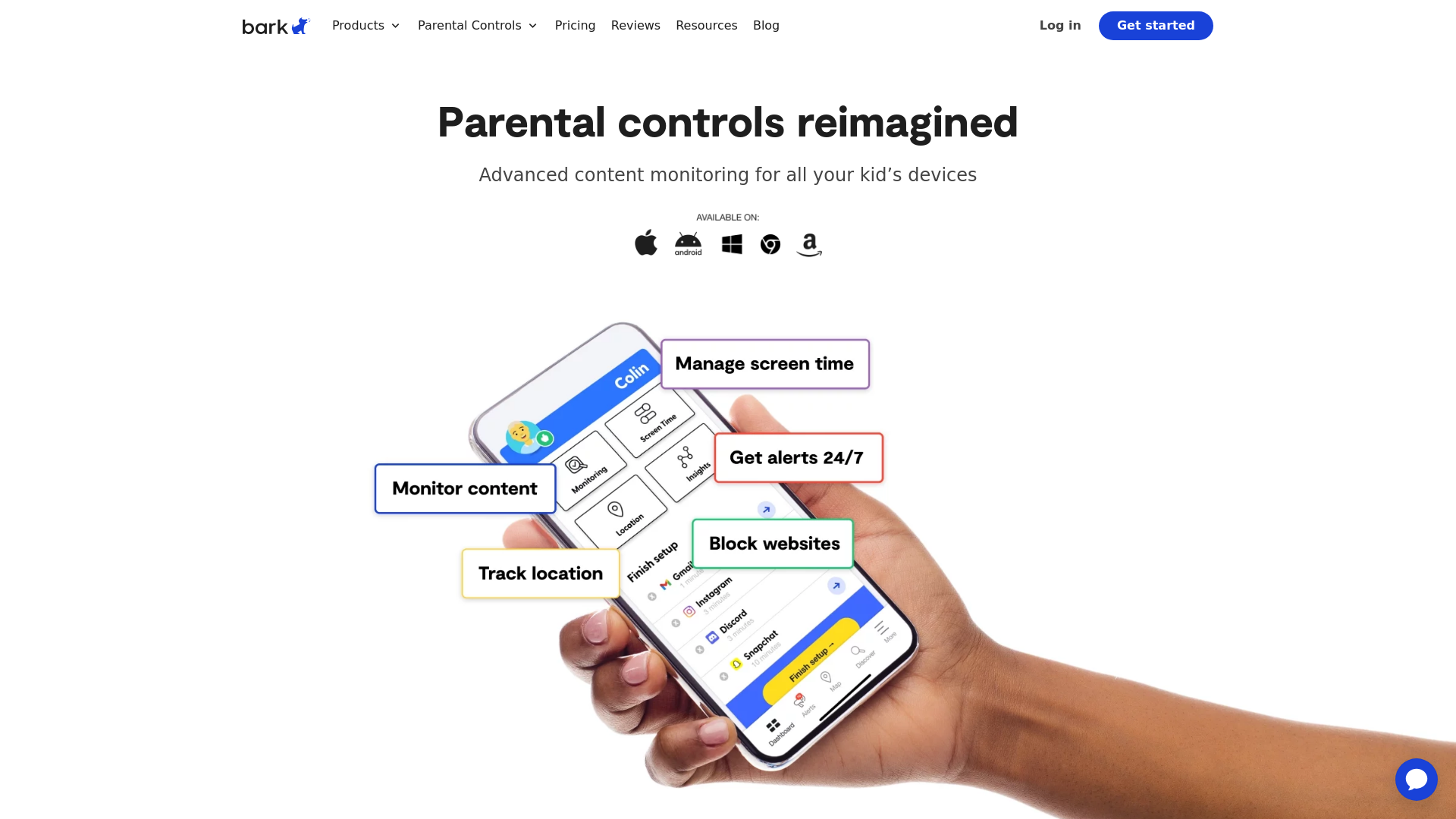
What is Bark?
Bark is a comprehensive parental control solution designed to help families monitor their children's online activities and ensure their safety across various devices. With advanced features, Bark scans communication channels, including text messages, social media platforms, and emails, providing parents with crucial insights into their child's digital life.
What are the main features of Bark?
- Advanced Monitoring
- Bark monitors texts, social media, web browsing, and emails to detect potential risks such as cyberbullying, self-harm, and inappropriate content.
- Screen Time Management
- Parents can set screen time limits and create schedules for app usage, promoting healthy device habits.
- Content Filtering
- Bark allows parents to block specific apps and websites, ensuring that children access appropriate content only.
- Location Tracking
- With live GPS and location alerts, parents can keep tabs on their child's whereabouts, easing safety concerns.
- Personalized Insights
- Bark provides tailored reports and recommendations based on your child's online behavior, helping to facilitate important conversations about digital safety.
How to use Bark?
To use Bark, simply choose a plan that suits your family's needs—Bark Premium or Bark Jr. After signing up, download the Bark app to your child’s devices or buy the Bark Phone, which comes with built-in monitoring features. Parents can customize settings, manage screen time, and receive real-time alerts about concerning activities. The platform also provides a 7-day free trial to experience its full capabilities before committing to a subscription.
Pricing
Bark offers two pricing plans:
- Bark Premium
- $14/month or $99/year
- Bark Jr
- More affordable plan, ideal for younger children.
A single subscription covers every child and device in the family, allowing for unlimited accounts and devices.
Helpful Tips to Maximize Bark's Effectiveness
- Open Communication
- Use Bark as a tool for discussions rather than surveillance; let your child know that the goal is to keep them safe.
- Set Boundaries
- Establish clear screen time limits and guidelines for appropriate content usage.
- Regularly Review Insights
- Check the personalized reports regularly to stay informed about your child's online interactions and activities.
- Adjust Settings
- Take the time to explore all features and customize settings according to your child's needs and maturity level.
Frequently Asked Questions
How much does the Bark app cost?
Bark offers two plans, Premium at $14/month or $99/year, and Jr, with a single subscription covering every child and device in your family. Both options come with a 7-day free trial.
Can I monitor multiple children with one subscription?
Yes! One subscription covers all children and devices in your family, with no limits on the number of accounts.
Is my child’s privacy respected with Bark?
Bark is committed to respecting children’s privacy while ensuring their safety. It provides alerts for concerning content without invading personal privacy.
What types of issues does Bark monitor?
Bark monitors for threats like cyberbullying, self-harm, inappropriate content, and other risky behaviors, providing alerts as necessary.
By utilizing Bark, parents can take a proactive approach in safeguarding their children's digital experiences, fostering a safer and more open online environment.
Bark
Learn how Bark can help you protect your kids online and in real life with monitoring, screen time controls, and more.
 Ada
Ada Apache HTTP Server
 Cloudflare
 MySQL
MySQL PHP
PHP Typeform
 WordPress
 Yoast SEO Premium:26.8
 cdnjs
cdnjs jQuery CDN
 jsDelivr
Free AI anime and manga generator. Turn text into anime episodes, manga, comics, webtoons and comic shorts in any art style — no drawing or animation skills needed.
Translate image text across 70+ languages with our advanced AI Image Translator to help you better expand your products globally to various countries
Advertised Here
Reach thousands of visitors daily. Get your spot now!
Tools similar to Bark
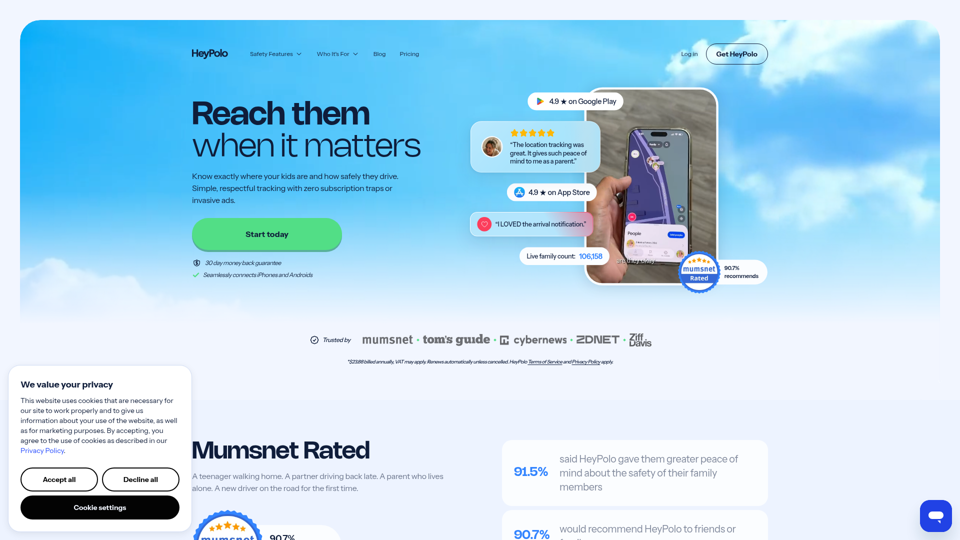
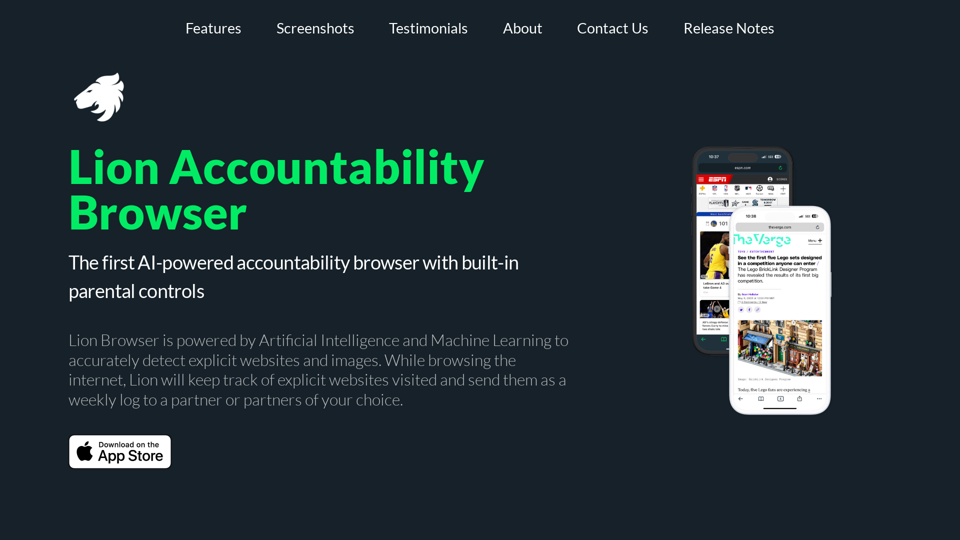
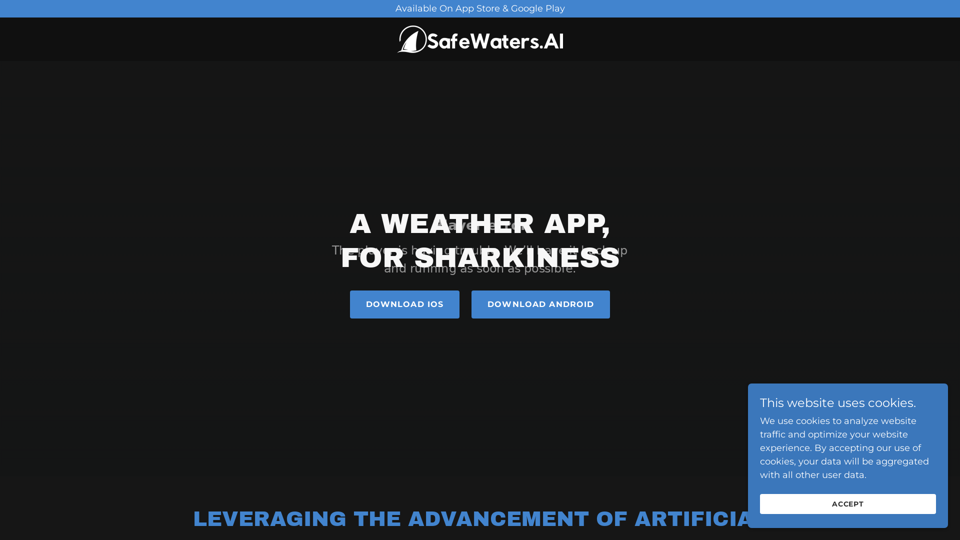
Like A Weather App, For Sharkiness. Live On App Store & Google Play. 7 Day Shark Activity Forecasts Worldwide.
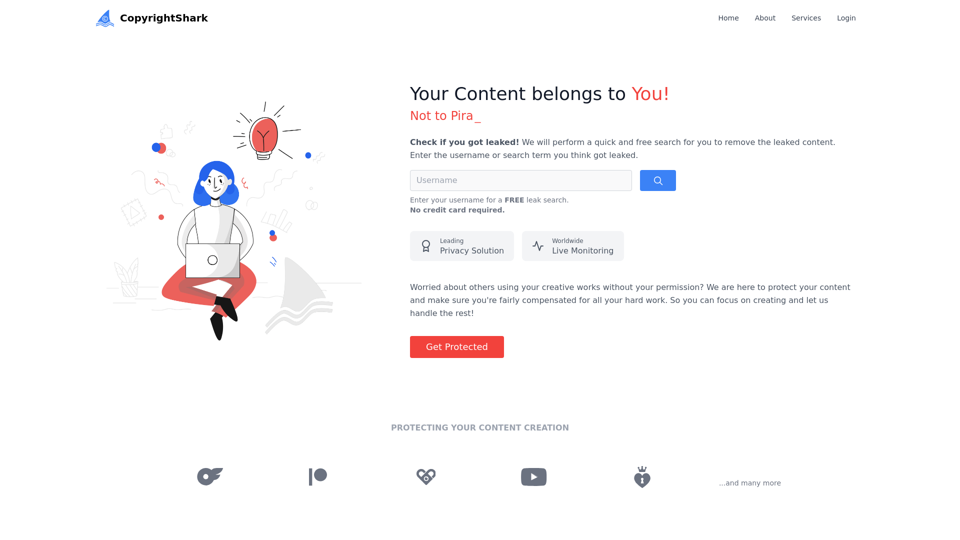
Secure intellectual property against piracy with fast takedowns. Our copyright removal service protects content creators' work on various platforms, including OnlyFans.
Find out what your future children might look like. Upload two parent images and generate your child's image in 30 seconds