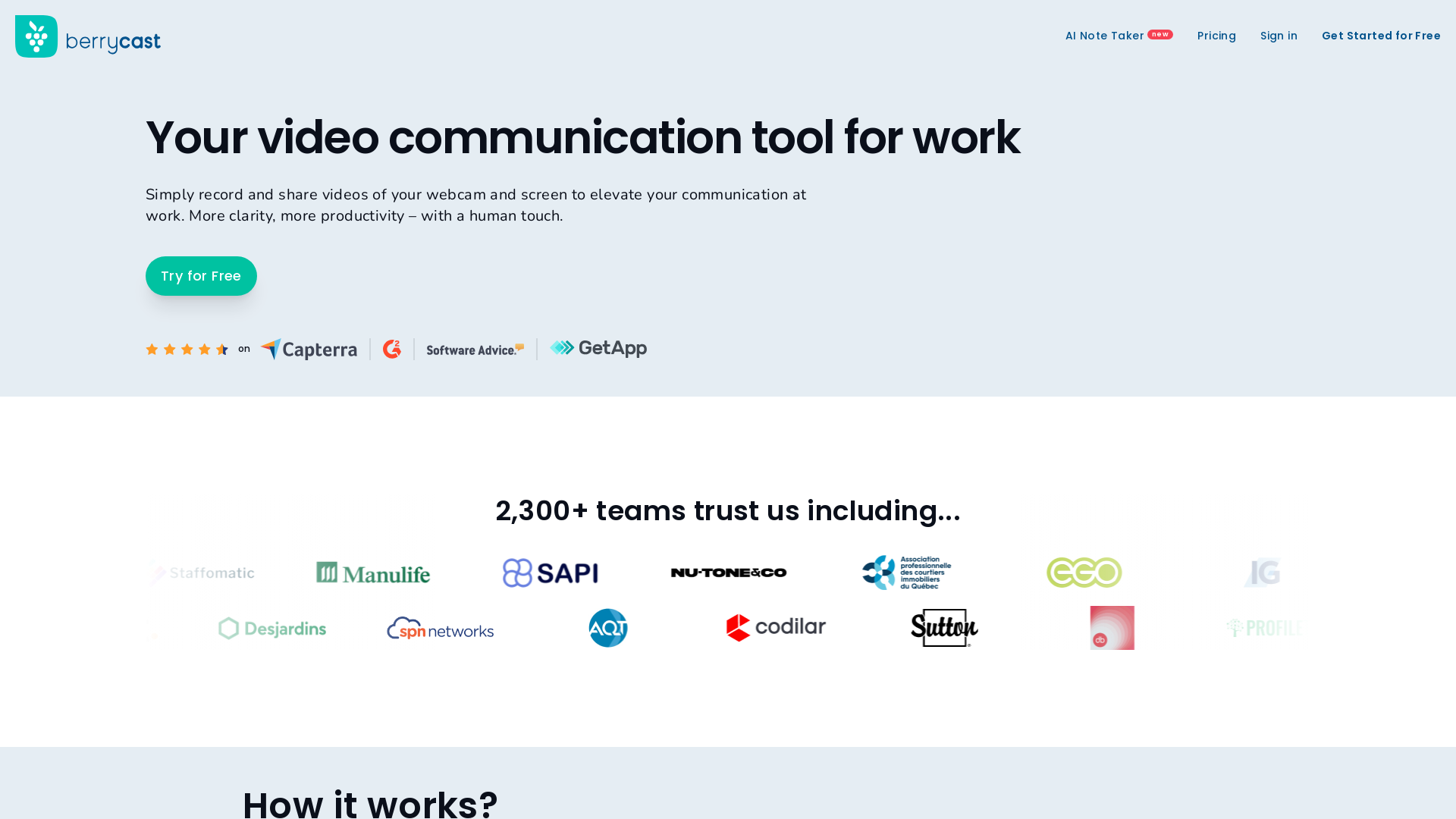
What is Berrycast?
Berrycast is a powerful screen recording and video messaging platform designed specifically for professionals, including mortgage brokers. This innovative tool allows users to record and share videos of their screen and webcam, enhancing communication at work. By transforming complex information into clear visual messages, Berrycast helps increase clarity and productivity, ultimately improving client interactions.
What are the main features of Berrycast?
- User-Friendly Screen Recording
- Simply click on "Record," talk through your screen using a webcam bubble, and share the generated link for instant access.
- Enhanced Communication
- Berrycast enables users to transfer complex mortgage communications into easily understandable visuals, providing greater context for clients.
- Immediate Feedback
- Users can send screencasts to colleagues and clients to facilitate quick decision-making and optimize the mortgage application process.
- Seamless Integration
- Berrycast easily integrates with other work tools, allowing users to embed video communications into their existing workflows, ensuring uninterrupted productivity.
- Data Security
- Berrycast prioritizes data security and is GDPR compliant, assuring users of the safety of their information.
How to use Berrycast?
Using Berrycast is straightforward:
- Launch the Screen Recorder: Start by clicking on the "Record" button.
- Record Your Message: Use your webcam bubble to add a personal touch while explaining your screen content.
- Share the Link: Once recorded, just share the link with your intended audience.
Pricing
Berrycast offers a free trial for new users, allowing you to explore its features without commitment. For more extensive use and additional features, detailed pricing options are available to fit various professional needs.
Helpful Tips
- Use Video for Clarity
- When explaining complex mortgage processes, use screen recordings to make detailed points clearer to clients.
- Keep Videos Short
- Aim for concise videos to maintain viewer engagement and ensure the communication is digestible.
- Request Feedback
- Encourage clients and colleagues to provide feedback on the video communications to facilitate improvements.
Frequently Asked Questions
Can Berrycast help in the mortgage industry?
Yes, Berrycast is specifically designed to enhance communication in the mortgage sector by simplifying the way complex information is shared.
Is there a free trial available?
Absolutely! Berrycast offers a free trial for users to explore its capabilities before deciding on a subscription.
How secure is my data with Berrycast?
Berrycast is committed to data security and is GDPR compliant, ensuring that your information remains protected.
What platforms can I integrate with Berrycast?
Berrycast seamlessly integrates with a variety of work tools, enhancing collaboration by embedding video messaging into your daily applications.
Can I get feedback on my screencasts?
Yes, Berrycast allows for easy sharing of screencasts, and recipients can provide immediate feedback, improving the communication process.
Berrycast
Effortlessly guide and support your clients to make the best mortgage decisions with our screen recording and video messaging platform.
Free AI anime and manga generator. Turn text into anime episodes, manga, comics, webtoons and comic shorts in any art style — no drawing or animation skills needed.
Translate image text across 70+ languages with our advanced AI Image Translator to help you better expand your products globally to various countries
Advertised Here
Reach thousands of visitors daily. Get your spot now!
Tools similar to Berrycast
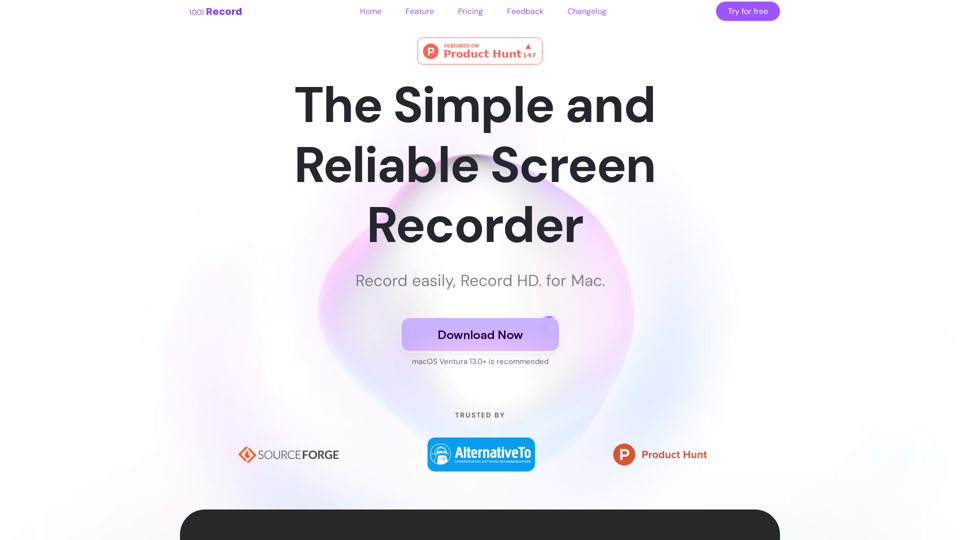
1001 Record is the best screen recording app for Mac with a built-in annotation tool and more. Built by 1001 TVs. Free to record with audio now.
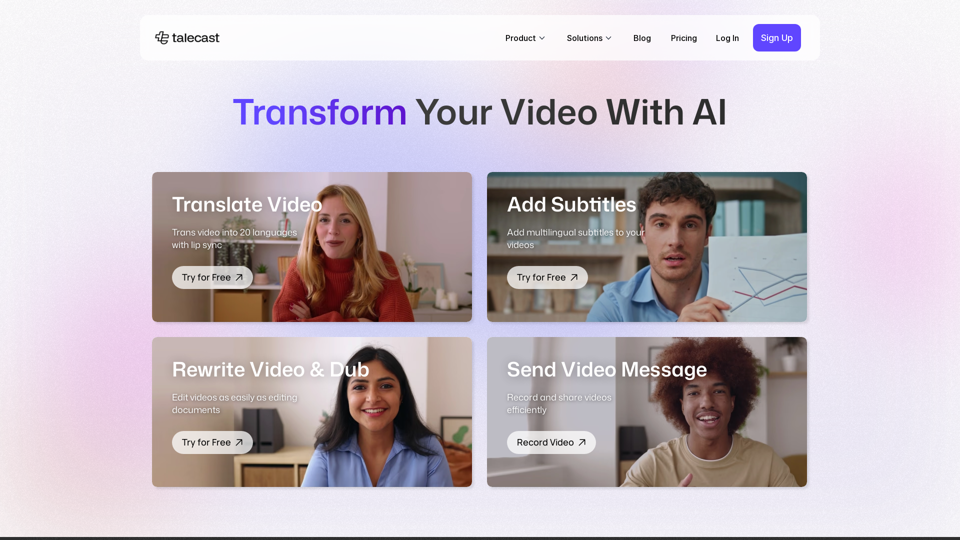
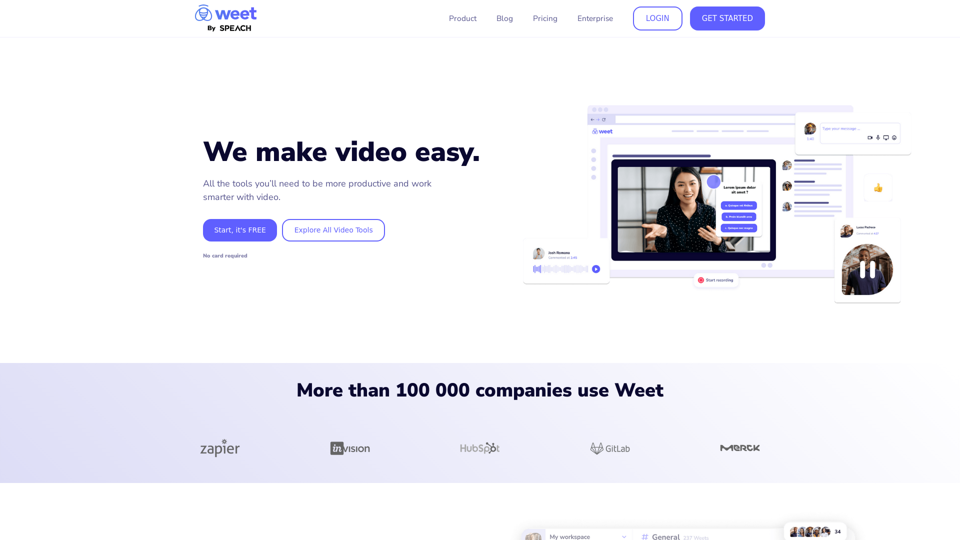
Use Weet to instantly record, create and edit interactive training videos. Build your organization’s knowledge videos library for clients & employees!
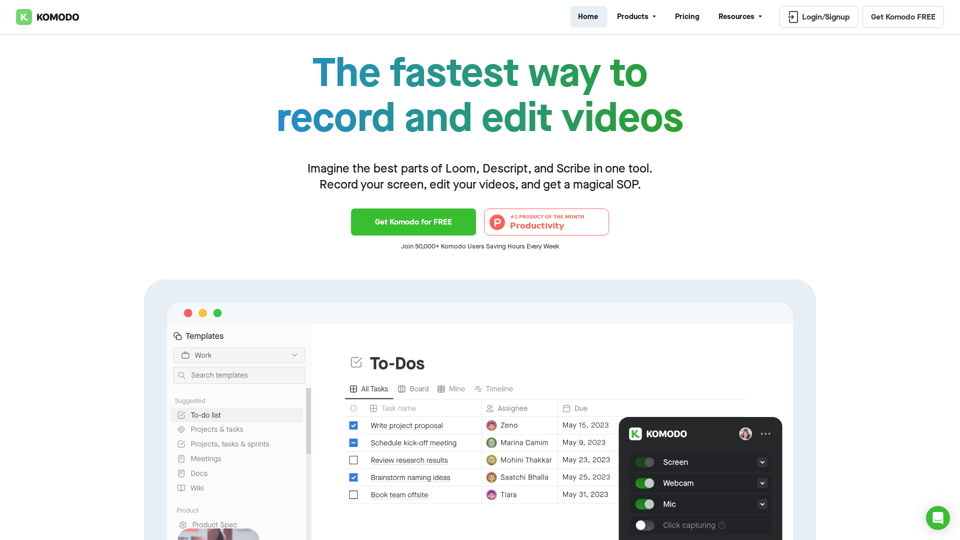
Komodo is a screencasting solution that helps you collaborate faster and share your ideas with people without the need to type lots of text, and scheduling online meetings.
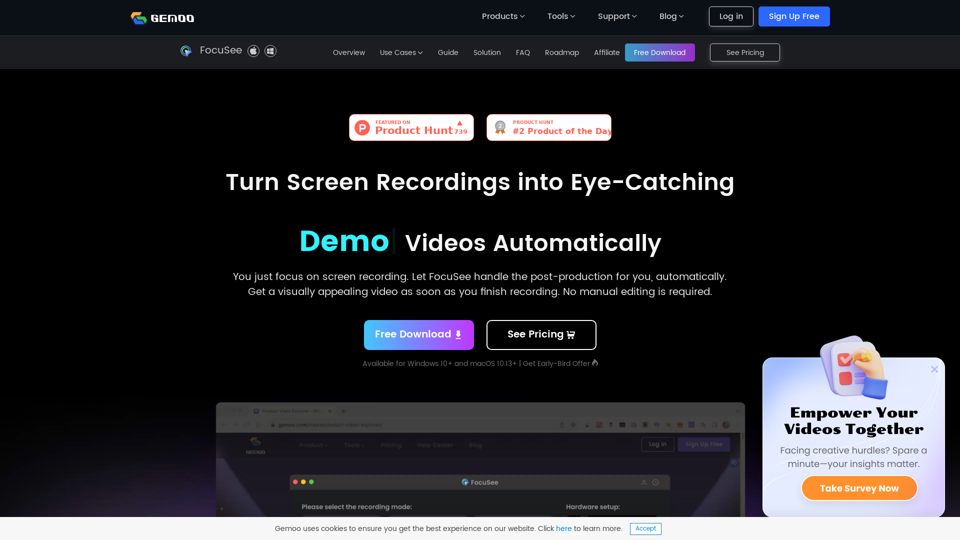
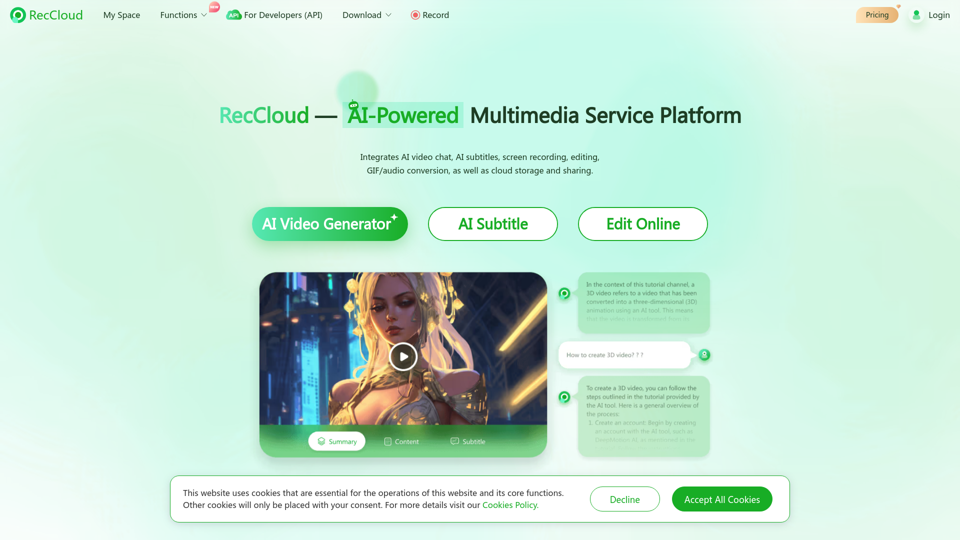
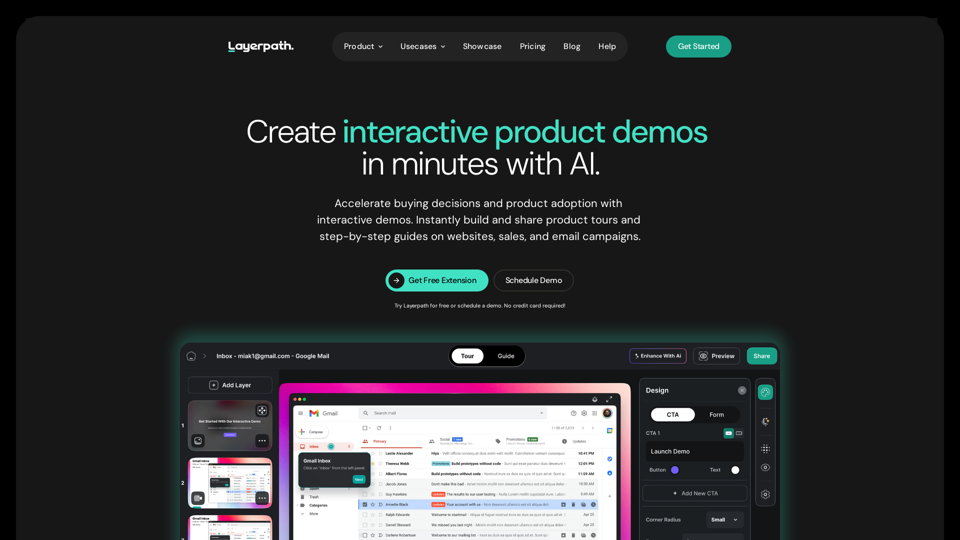
Layerpath is the fastest way to create interactive demos. Capture and convert your screen recordings into product tours, step-by-step guides, and videos. Organize and measure users' engagement with Playlists, Lead Forms, and Analytics features.