Remove or replace image background without upload image
Remove or replace backgrounds from images in just 5 seconds, intelligently adjust colors, all in the browser, no need to upload your images
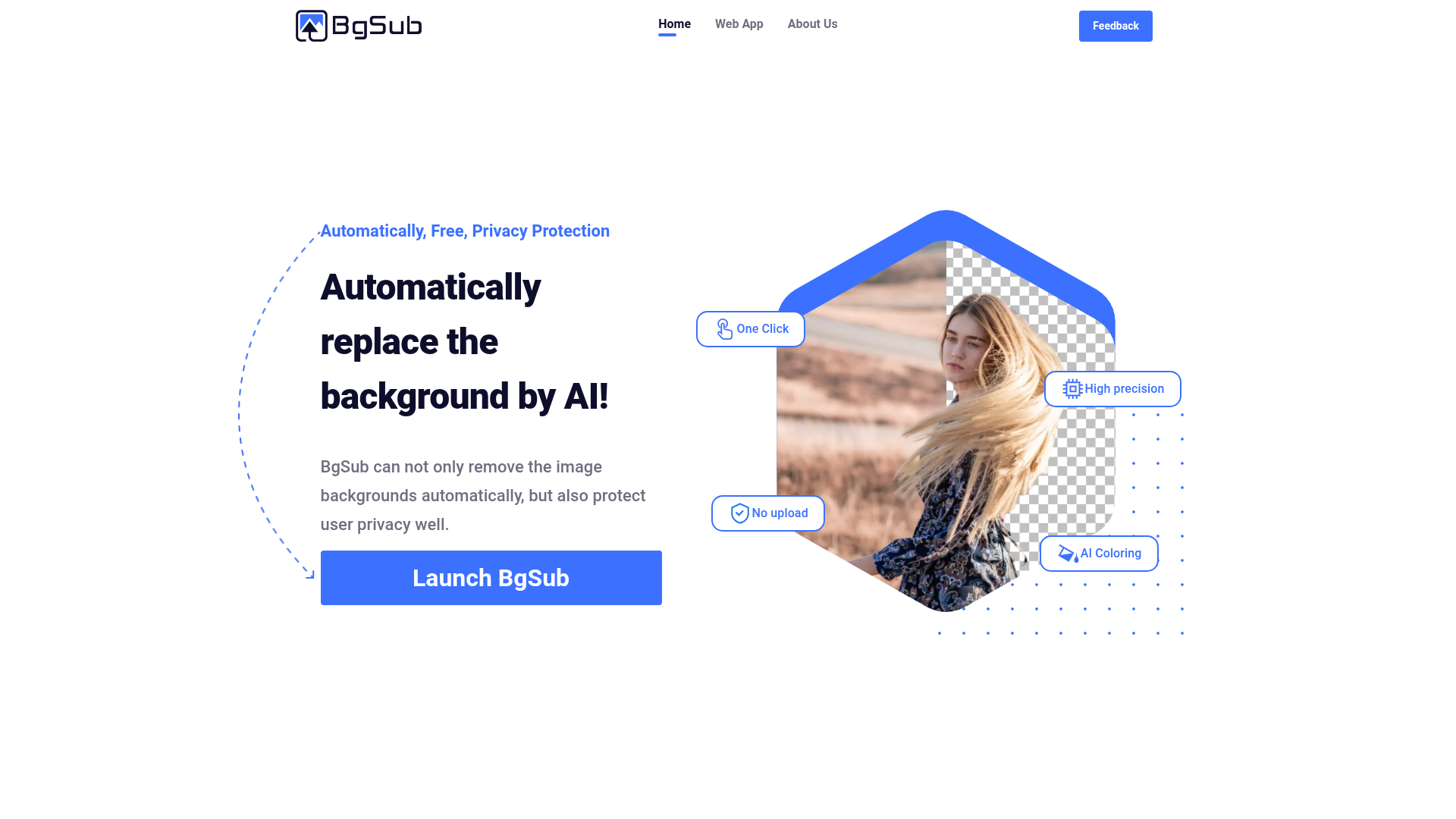
What is BgSub?
BgSub is an AI-powered online tool and platform designed to automatically remove, replace, and edit image backgrounds. It utilizes advanced artificial intelligence to process images locally in your browser, ensuring high precision and privacy protection by not requiring uploads to external servers. It is particularly useful for individuals and professionals like designers, photographers, e-commerce sellers, and marketers who need quick, high-quality background edits for photos, product images, and creative projects.
Features of BgSub
BgSub offers a comprehensive suite of AI-driven features for image background editing, making it a versatile tool for various creative and professional needs.
- One-Click Background Removal
- Instantly and accurately remove backgrounds from images with a single click, supporting complex subjects like hair, fur, and transparent objects.
- No Upload Required & Privacy Protection
- All image processing occurs locally on your device using WebAssembly and AI models. Your images are never uploaded to external servers, ensuring complete privacy and data security.
- High-Precision AI Segmentation
- The core AI technology delivers exceptional edge detection and subject isolation, maintaining fine details for professional-grade results.
- AI Coloring & Automatic Color Adjustment
- Intelligently recolor subjects or adjust colors within an image with one click, helping subjects blend perfectly with new backgrounds.
- Replace Background with Ease
- Replace removed backgrounds with solid colors, gradients, custom images, or transparent backgrounds to create the perfect setting.
- Free Adjustment Tools
- After editing, freely adjust the size, position, and orientation (including mirroring) of your subject within the new background.
- Artistic Effects
- Apply various filters and artistic effects to the final composition to achieve unique visual styles effortlessly.
How to Use BgSub?
Using BgSub is designed to be intuitive and fast, requiring no technical expertise.
- Launch the Tool: Visit the BgSub website and launch the web application.
- Load Your Image: Drag and drop your image file into the browser interface or select it from your device. Processing begins immediately in your browser.
- Let AI Work: The AI will automatically detect and remove the background. You can review the result instantly.
- Edit and Enhance: Use the toolbar to replace the background with a color, gradient, or new image. Utilize the AI coloring tool for automatic color matching and the adjustment tools for fine-tuning.
- Download Your Result: Once satisfied, download your final image in your preferred format (e.g., PNG with transparency).
Price of BgSub
BgSub operates on a freemium model, offering robust functionality for free with optional premium upgrades.
- Free Tier
- Users can access core background removal and basic editing features for free, which is often sufficient for personal or light professional use.
- Subscription Plans (Pro)
- For high-volume users, professionals, or businesses needing advanced features, higher resolution exports, batch processing, or API access, BgSub offers affordable subscription plans. These plans provide extended limits, priority processing, and commercial usage rights.
Helpful Tips for Using BgSub
- For Best Results
- Use high-quality, well-lit images with clear contrast between the subject and the original background.
- Complex Edges
- For subjects with fine details like hair, use the "Refine Edge" tool (if available in advanced modes) for a perfect cutout.
- Batch Processing
- If you have multiple images (e.g., for an e-commerce catalog), consider using the batch processing feature available in Pro plans to save significant time.
- Creative Backgrounds
- Experiment with different background images and the AI coloring tool to create cohesive and visually striking compositions.
- Transparent PNGs
- Always download your cut-out subjects as PNG files to preserve the transparent background for use in other design software.
Frequently Asked Questions (FAQ)
Is BgSub free and commercially available?
Yes, BgSub offers a free tier for basic use. For commercial use, higher volume, or advanced features, affordable subscription plans are available that grant commercial licenses.
What is the maximum resolution for processed images?
The free version supports high resolutions suitable for web and social media. Pro subscriptions typically support much higher resolutions, ideal for professional photography and print materials. Specific limits are detailed on the pricing page.
How does BgSub protect my privacy?
BgSub protects privacy by performing all AI processing locally in your web browser. Your images are never uploaded to our servers; they stay entirely on your computer. We do not collect, store, or use your image data for any training purposes.
How can I use the API or batch processing?
API access and batch processing capabilities are features of the professional or enterprise subscription plans. You can find integration documentation and details on how to set up batch workflows by contacting support or checking the "For Developers" section on the website.
What image formats are supported?
BgSub supports common image formats including JPG, PNG, and WebP for both input and output.
Can I edit the image after the background is removed?
Absolutely. After removal, you can use the built-in tools to replace the background, adjust colors, resize and reposition the subject, and apply artistic effects—all within the BgSub editor.
Remove or replace image background without upload image
Remove or replace backgrounds from images in just 5 seconds, intelligently adjust colors, all in the browser, no need to upload your images
 Cloudflare
 HTTP/3
 Vue.js
Free AI anime and manga generator. Turn text into anime episodes, manga, comics, webtoons and comic shorts in any art style — no drawing or animation skills needed.
Translate image text across 70+ languages with our advanced AI Image Translator to help you better expand your products globally to various countries
Advertised Here
Reach thousands of visitors daily. Get your spot now!
Tools similar to Remove or replace image background without upload image
Remove backgrounds from your images for free! Our AI bg remover tool makes it easy to create stunning, transparent images in seconds. Enjoy 100% free background removal no hidden fees, no hassle. Remove bg ai
Remove background, cleanup pictures, upscaling, Stable diffusion and more…
Remove the background from your photos and images automatically. For more fine grained control, you can manually improve and correct the result.
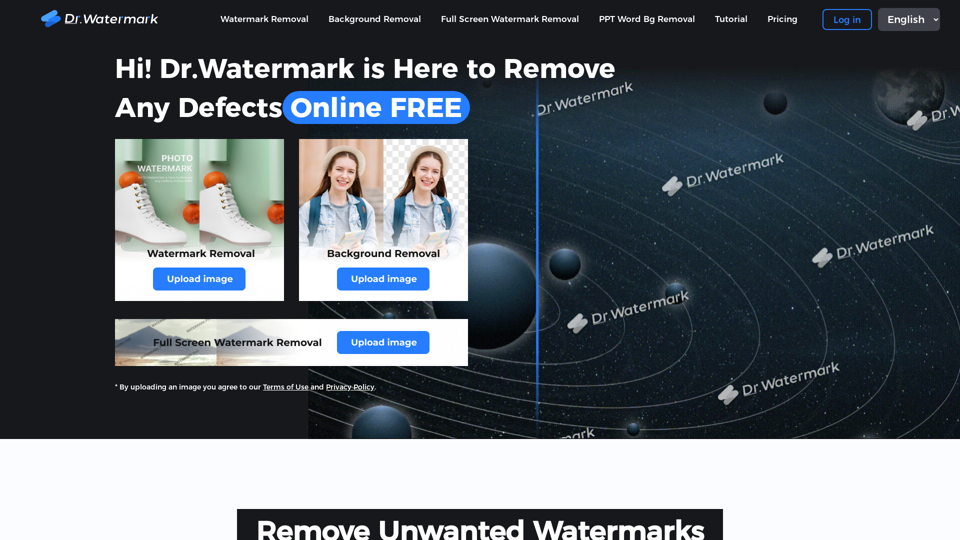
Hi! Dr. Watermark is a free online tool to remove watermarks and intelligently remove backgrounds from images, including text, logos, people, objects or any defects. No prior editing skills required. Remove watermark and background in 5 seconds at high resolution.
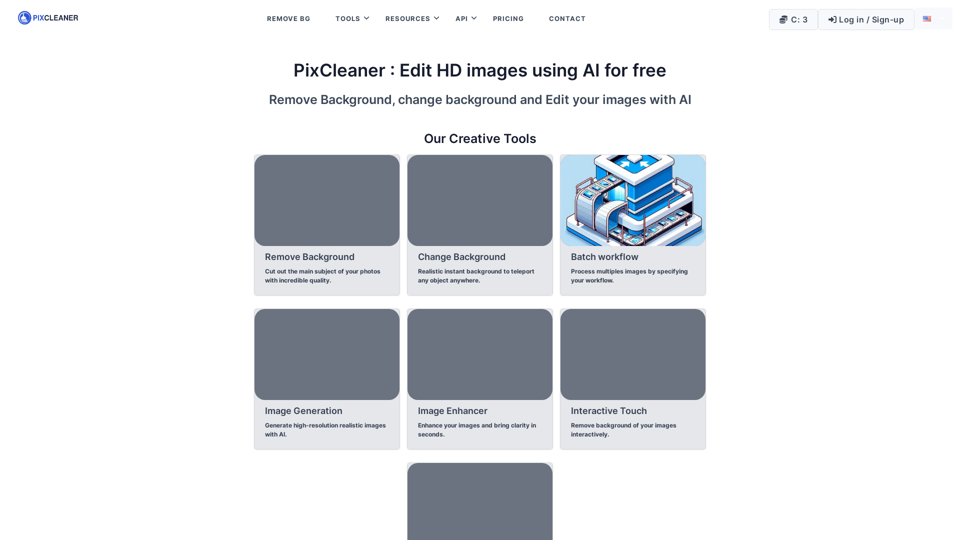
Discover the power of our free, AI-powered HD image editing suite. Remove, change, and customize backgrounds with ease, or generate stunning HD images. . Start transforming your images using AI for free and achieve professional, eye-catching quality!, supported format webp, png, jpg
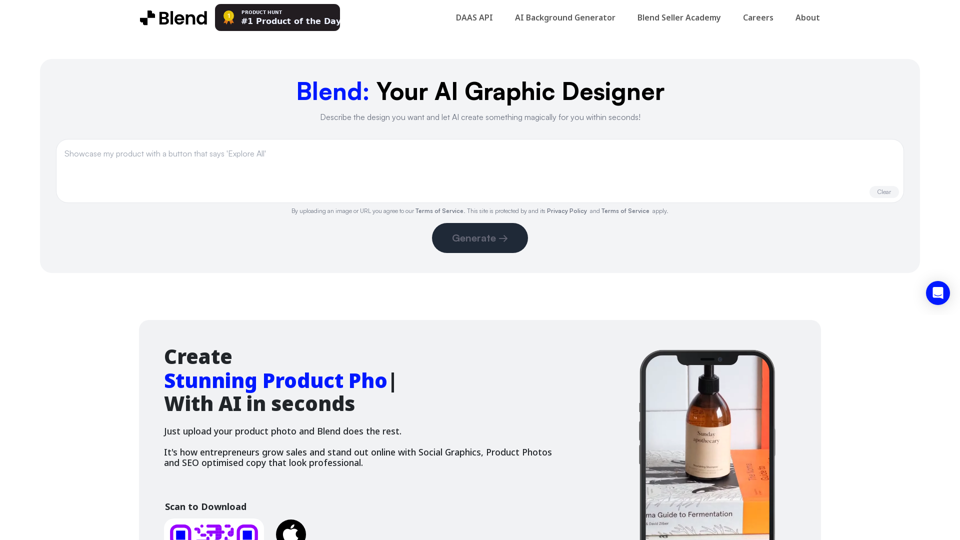
Remove background in high-resolution for free, or change background color of photo, instantly and accurately with Blend's AI background remover.
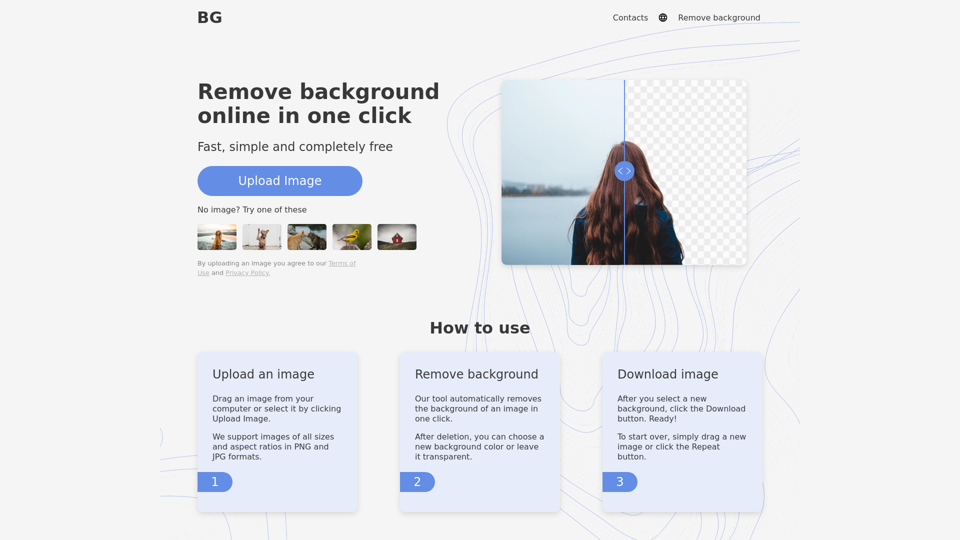
Remove background from image for free in 5 sec! Change background and Download images just for one click. Background Remover Online tool.
Easily enhance and create product photos with our AI editing tools. Remove background, AI image generator, remove objects, photo enhancer and batch edit.