Blainy
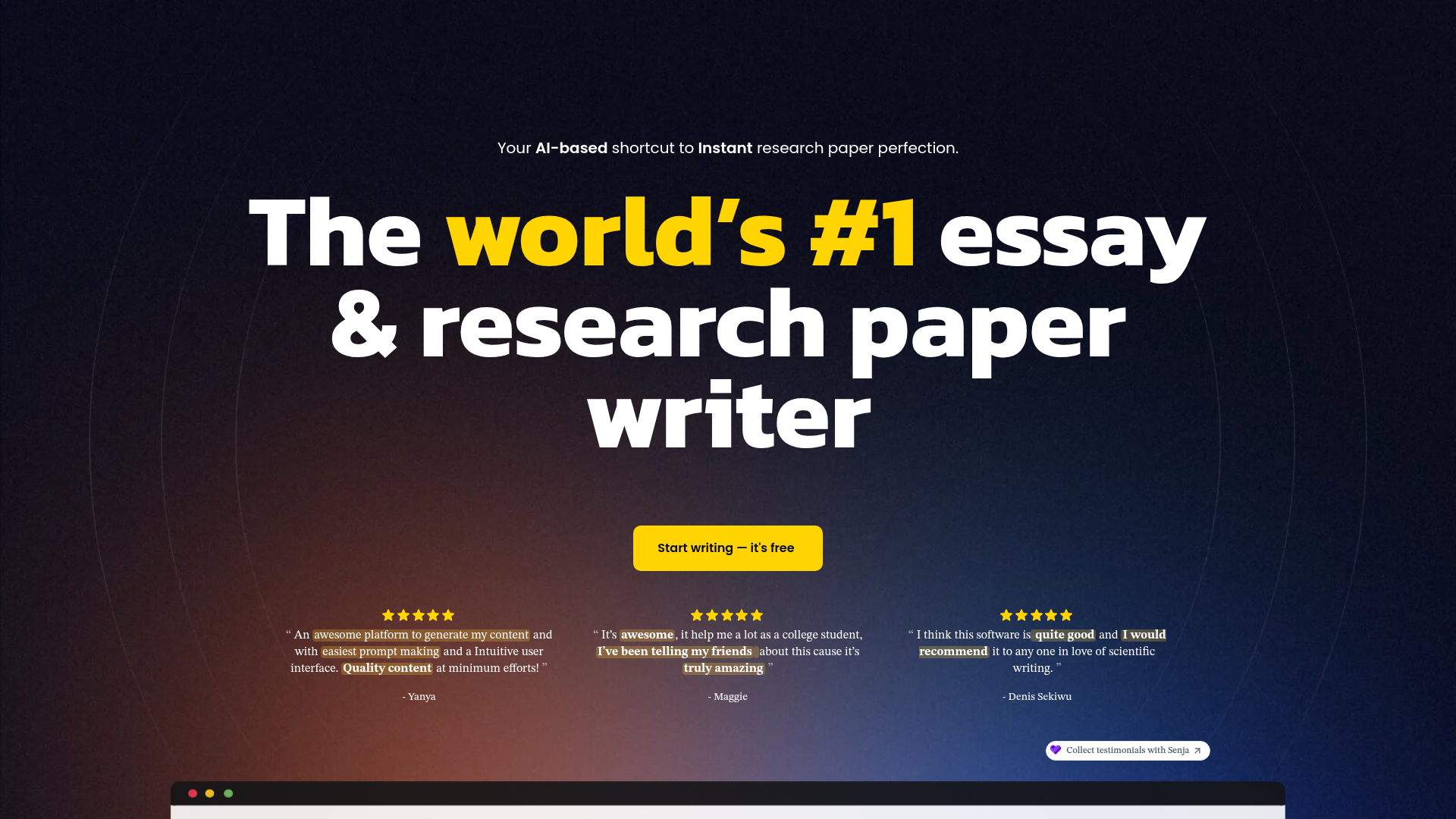
Your AI-based shortcut to Instant research paper perfection. The world’s #1 essay & research paper writer Start writing — it's free Blainy is the go-to research assistant for academic research and writing. Write better, faster, and with confidence Blainy offers instant research support, helping you create high-quality papers effortlessly. Learn More About This Feature Search
What is Blainy?
Blainy is an AI-powered research paper and essay writing assistant designed specifically for academic purposes. It serves as a comprehensive co-pilot, leveraging artificial intelligence to help students, researchers, and academics generate high-quality content, conduct instant research, and manage citations efficiently. The platform aims to simplify the complex process of academic writing, transforming it into a faster, more confident, and more streamlined experience.
What are the Main Features of Blainy?
Blainy distinguishes itself with a suite of powerful, academically-focused tools:
- AI Autocomplete
- This feature acts like an intelligent writing assistant, predicting and suggesting the next words, phrases, or even entire sentences as you type. It helps overcome writer's block and significantly accelerates the drafting process.
- Chat to Your PDFs
- Blainy allows you to upload PDF documents (such as research papers or articles) and interact with them conversationally. You can ask the AI questions about the content, summarize sections, or extract key points, making literature review and source analysis incredibly efficient.
- Paraphrase & Rewrite
- This tool helps users reword existing text while preserving the original meaning. It's invaluable for avoiding plagiarism, improving clarity, and refining arguments or explanations in your own writing.
- In-text Citations
- Blainy automates one of the most tedious aspects of academic writing. It can generate properly formatted in-text citations in a wide range of styles, including APA, MLA, IEEE, and Harvard, directly within your document.
- Instant Research Assistance
- The platform provides on-demand research support, helping you find information, develop arguments, and structure your papers based on vast databases of academic knowledge.
- Research Library & Outlining
- Premium users gain access to tools for organizing sources and building detailed, structured outlines for their papers, providing a solid foundation for any writing project.
How to Use Blainy?
Getting started with Blainy is straightforward:
- Visit the Blainy website and register for a free account.
- Upon logging into the dashboard, you can start a new document.
- Begin writing, and utilize features like ### AI Autocomplete by simply typing—the AI will offer suggestions.
- To use ### Chat to Your PDFs, upload a PDF file through the designated interface and start asking questions about its content.
- Highlight any text you've written or pasted to access the ### Paraphrase & Rewrite tool from the context menu.
- When you need to cite a source, use the citation tool to search for research papers or input source details, and Blainy will insert the correctly formatted citation into your text.
- Free users have a daily limit of 200 AI-generated words. For unlimited access and advanced features, you can subscribe to the Unlimited plan.
How Much Does Blainy Cost?
Blainy offers a simple, tiered pricing model:
- Free Plan
- Priced at $0.00 per month. It's ideal for students starting out and includes:
- 200 AI-generated words per day.
- Instant Research Assistance.
- Lightning-Fast Writing tools.
- Basic In-text Citations.
- Basic Paraphrasing.
- Limited AI Autocomplete and citation styles.
- Unlimited Plan
- Priced at $12 per month (billed annually) or $20 per month (billed monthly). This plan is designed for serious students and seasoned researchers and includes:
- Unlimited AI-generated words.
- Advanced Paraphrasing capabilities.
- Full, unrestricted AI Autocomplete.
- Support for multiple citation styles (APA, MLA, IEEE, Harvard, etc.).
- Full access to Outlining tools.
- A personal Research Library for source management.
- Priority Customer Support.
Helpful Tips for Using Blainy
- Start with an Outline
- Use the outlining feature (available in the Unlimited plan) to structure your paper before you begin writing. This gives the AI Autocomplete better context and leads to more relevant suggestions.
- Use PDF Chat for Deep Analysis
- Don't just skim articles. Upload key papers and use the chat function to interrogate them. Ask "What is the main hypothesis?" or "Summarize the methodology section" to quickly extract crucial information.
- Leverage Paraphrasing for Clarity
- Use the rewrite tool not just to avoid plagiarism, but to improve sentence flow and academic tone. If a sentence feels clunky, let Blainy offer alternative phrasings.
- Batch Your Citation Work
- When you've gathered all your sources, use the citation tool in one go to format all your references consistently, saving you time during the final editing phase.
- Monitor Your Free Word Count
- If you're on the Free plan, plan your writing sessions around the 200-word daily limit for AI assistance. Use it for the most challenging sections of your work.
Frequently Asked Questions
Can I generate images using Blainy?
No, Blainy is specifically optimized for text-based academic writing, research, and citation management. It does not currently include AI image generation features like DALL-E. Its core strength lies in understanding and generating written academic content.
Is Blainy free to use?
Yes, Blainy offers a robust Free plan that allows users to experience core features like AI-assisted writing, basic paraphrasing, and limited citations with a daily allowance of 200 AI words. This is perfect for trying out the platform and handling smaller writing tasks.
How does Blainy ensure my work is plagiarism-free?
While Blainy's Paraphrase & Rewrite tool is designed to help you express ideas in your own words, the ultimate responsibility for ensuring academic integrity lies with the user. It is always recommended to run your final work through a dedicated plagiarism checker and to properly cite all sources used, which Blainy helps you do efficiently.
Will my information or documents be used for AI training?
Blainy prioritizes user privacy. According to their policy, your data and uploaded documents are not used to train their AI models. You maintain ownership of your content.
Who is Blainy best suited for?
Blainy is an ideal tool for university students (undergraduate and postgraduate), PhD researchers, academics writing journal articles, and anyone involved in formal research paper or essay writing. It's particularly helpful for those who want to write faster, improve the quality of their arguments, and manage references without hassle.
What if I need more than the free 200 AI words per day?
If you find yourself consistently exceeding the 200-word daily limit, especially when working on theses, dissertations, or multiple papers, upgrading to the ### Unlimited plan is recommended. It provides unrestricted access to all AI words and advanced features, offering the best value for heavy users.
Blainy
Your AI-based shortcut to Instant research paper perfection. The world’s #1 essay & research paper writer Start writing — it's free Blainy is the go-to research assistant for academic research and writing. Write better, faster, and with confidence Blainy offers instant research support, helping you create high-quality papers effortlessly. Learn More About This Feature Search
 All in One SEO Pack:4.8.7All in One SEO:4.8.7
 Bootstrap
 CloudflareCloudflare Browser Insights
 Elementor:3.35.9
 Google Analytics
 HTTP/3
 Magnific Popup:1.1.0
 MySQL
MySQL OWL Carousel
 PHP:8.0.30
 Popper
 Redux Framework:4.4.18
 Senja
Senja Slider Revolution:6.6.16
 Underscore.js:1.13.7WOW:1.1.3
 WPForms:1.8.9.6
 WordPress:6.8imagesLoaded:5.0.0
 jQueryparallax.js:1.0.0
Free AI anime and manga generator. Turn text into anime episodes, manga, comics, webtoons and comic shorts in any art style — no drawing or animation skills needed.
Translate image text across 70+ languages with our advanced AI Image Translator to help you better expand your products globally to various countries
Advertised Here
Reach thousands of visitors daily. Get your spot now!
Tools similar to Blainy
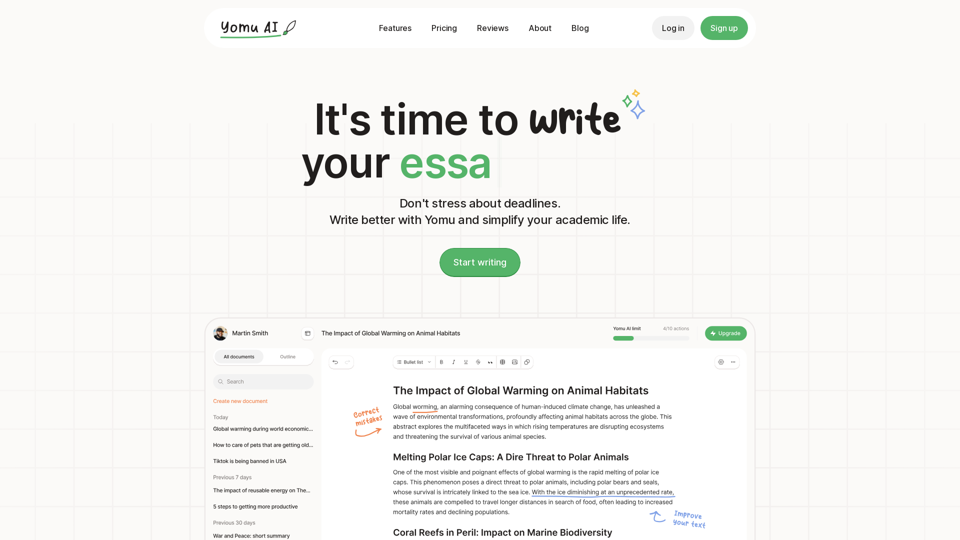
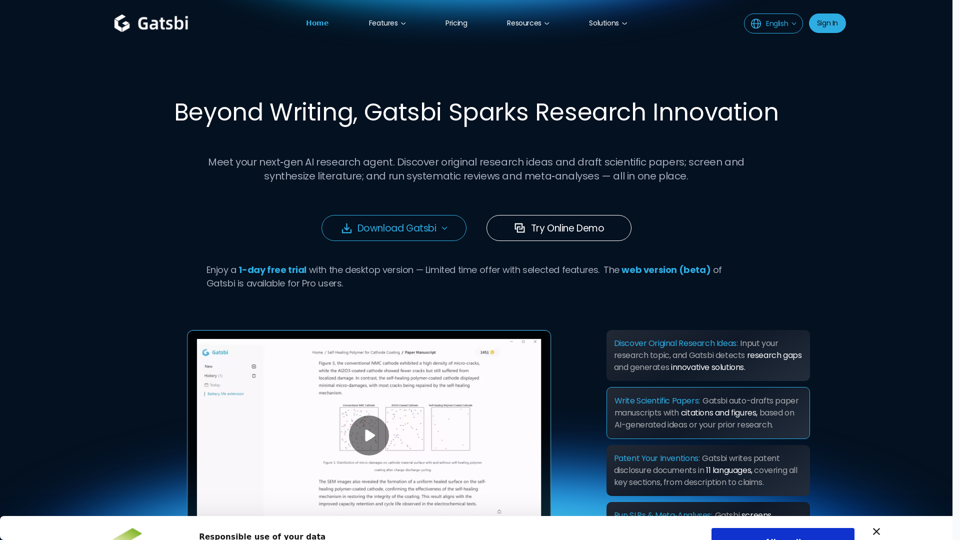
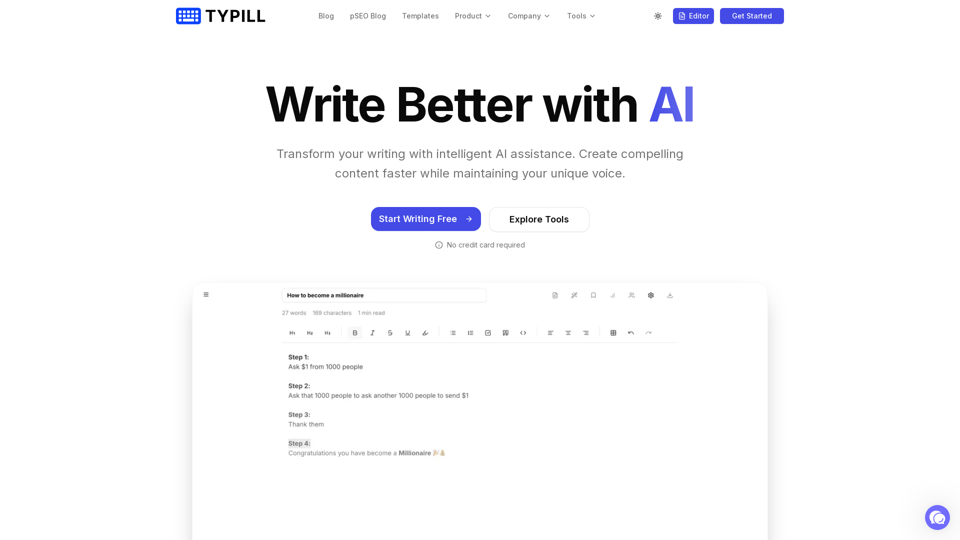
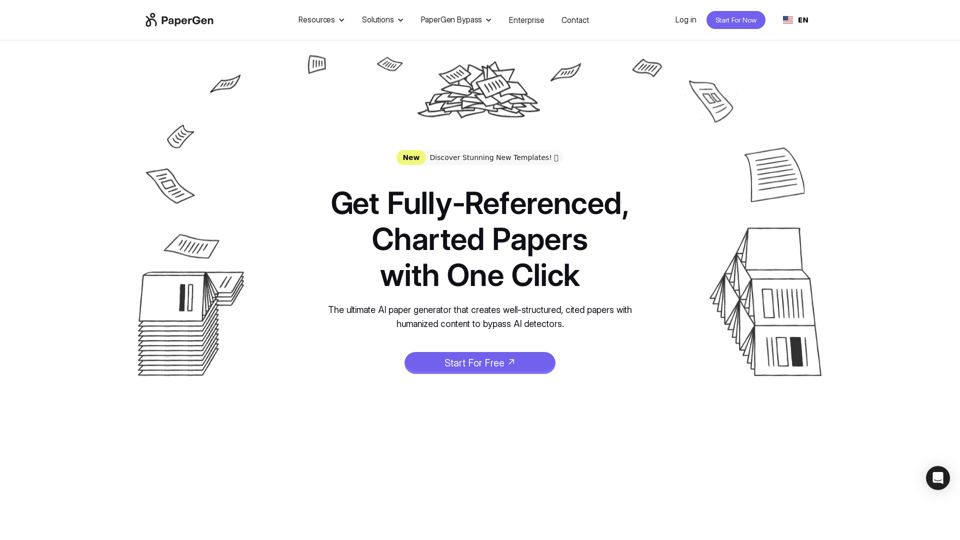
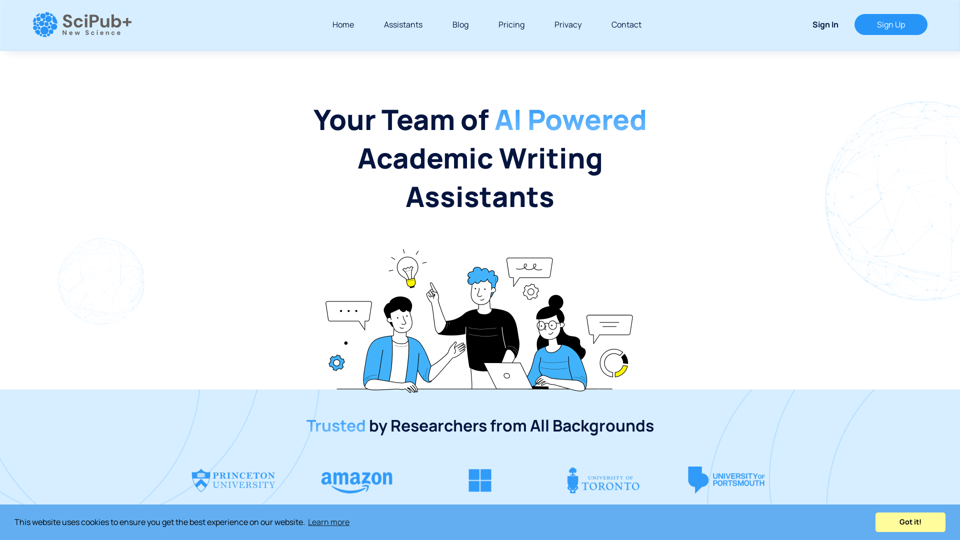
Textero AI Writer: Your ultimate copilot for flawless writing. Our AI-driven platform offers intelligent writing assistance, grammar correction, and style refinement for polished results.