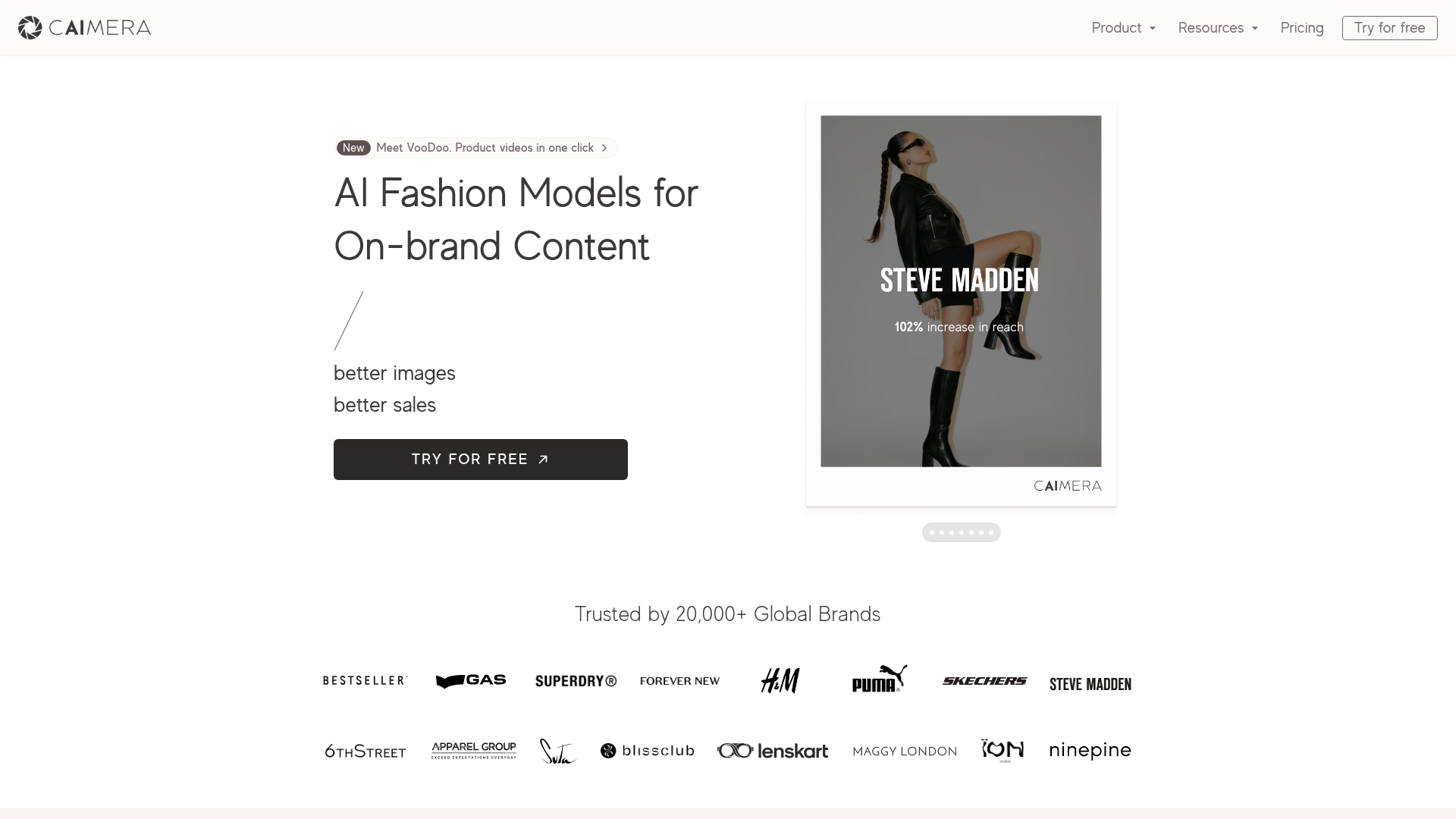
What is Caimera AI?
Caimera AI is an advanced, AI-powered platform specifically engineered for the fashion and e-commerce industries. It empowers brands, marketers, and creators to generate high-quality, on-brand visual content—such as AI fashion models, product images, and marketing videos—with unprecedented speed and cost-efficiency. By leveraging cutting-edge artificial intelligence, Caimera transforms flat-lay photos into full model catalog shots, converts sketches into photorealistic images, and creates engaging product videos, all while maintaining brand consistency and aesthetic.
What are the key features of Caimera AI?
Caimera AI boasts a comprehensive suite of features designed to revolutionize visual content creation:
- AI Fashion Model Generation
- Choose from a diverse, ever-growing library of AI-generated human models (like Sage, Shia, Maxi, Zeni) across various ages, sizes, and ethnicities to showcase products without hiring photographers or models.
- Flat-lay to Bulk Catalog Conversion
- Instantly transform simple product photos (flat-lays) into professional model-worn catalog images for entire collections, saving thousands in photoshoot costs.
- Sketch to Image
- Convert fashion sketches and design concepts into high-fidelity, production-ready product images in minutes, slashing design iteration time.
- VooDoo Video Agent
- Generate short-form, engaging product marketing videos from images with a single click, perfect for social media and ads.
- On-Brand Creative Direction
- Utilize pre-built templates and style controls to ensure all generated visuals align perfectly with your brand's identity, boosting conversion rates.
- Advanced Editing Suite
- Perform unlimited edits, background changes, model swaps, recoloring, and image padding directly within the platform with credits that roll over.
- High-Resolution Output
- Generate images suitable for billboards and print with >4K upscaling capabilities.
- Enterprise-Grade Collaboration
- Tools for team feedback, seamless integration with DAMs and e-commerce platforms (Shopify), and custom bulk workflow automation.
How to use Caimera AI?
Using Caimera AI is designed to be intuitive and requires no prior design or technical expertise:
- Sign Up: Create a free account on their platform. No credit card is required to start.
- Choose Your Tool: Navigate to the specific tool you need, such as "Flat-lay to Catalog," "AI Fashion Models," or "Sketch to Image."
- Upload & Input: Upload your base image (product photo, flat-lay, or sketch) and select your desired parameters—choose an AI model, set a scene, apply a brand template, or input a creative direction.
- Generate & Edit: Click to generate your AI content. The platform produces results in seconds. You can then use the built-in editor to make unlimited adjustments, swaps, or edits until the image is perfect.
- Download & Deploy: Download your high-resolution images or videos in standard formats (JPG, PNG) and use them directly in your e-commerce store, marketing campaigns, or social media channels.
What is the pricing for Caimera AI?
Caimera AI operates on a flexible credit-based subscription model. They offer a free tier to try basic features, with paid plans scaling based on the volume of image generations and access to advanced tools like video generation and high-resolution exports. Enterprise plans include custom pricing with personalized onboarding, dedicated support, custom AI model training, and full-service solutions for large-volume needs. Detailed pricing is available on their website.
Helpful tips for using Caimera AI
- Start with a Free Account
- Explore the core features with the free tier to understand the workflow and quality before committing.
- Leverage Templates
- Use the pre-built creative templates to jumpstart projects and maintain a consistent brand look effortlessly.
- Batch Process for Efficiency
- For e-commerce brands with large inventories, use the bulk workflow features to automate the generation of catalog images for hundreds of products simultaneously.
- Utilize the Team Collaboration Features
- If you have a marketing or design team, use the in-platform feedback and annotation tools to streamline reviews and approvals.
- Experiment with Different AI Models
- Test your products on various AI models from the library to see which demographics and styles best resonate with your target audience.
- Integrate Your Stack
- Connect Caimera with your existing Digital Asset Management (DAM) system or e-commerce platform (like Shopify) for a seamless content pipeline from creation to publication.
Frequently Asked Questions about Caimera AI
Do I need design skills to use Caimera?
No, Caimera is built to be user-friendly. The intuitive interface and template-driven design allow anyone to create professional visuals without technical or design expertise.
How quickly are images generated?
Images are typically generated within seconds, allowing for rapid iteration and high-volume production.
Who owns the rights to the images I generate?
You retain full commercial ownership and rights to all images generated using your account on Caimera AI.
Can I create a custom AI model exclusive to my brand?
Yes, Caimera offers enterprise solutions that include training custom, exclusive AI models tailored to your brand's specific aesthetic and requirements.
Does Caimera integrate with other tools we use?
Yes, it offers seamless integrations with popular e-commerce platforms like Shopify, WooCommerce, and various Digital Asset Management (DAM) systems.
Is there team collaboration functionality?
Absolutely. Multiple team members can collaborate within the platform, leave direct feedback on images, and manage projects together.
What kind of customer support is available?
Caimera provides best-in-class customer support, including live human support, personalized training for enterprise clients, and extensive online resources in their Help Center.
What is the image quality and format?
Caimera supports high-resolution outputs suitable for all digital and print uses, including billboards, with downloads available in standard formats like JPG and PNG.
Caimera
Create stunning product photos, videos, and social content with AI. From photoshoot to post — Caimera helps e-commerce brands create more content, faster.
 Framer Sites
 Google Analytics
 HTTP/3
 React
React YouTube
Free AI anime and manga generator. Turn text into anime episodes, manga, comics, webtoons and comic shorts in any art style — no drawing or animation skills needed.
Translate image text across 70+ languages with our advanced AI Image Translator to help you better expand your products globally to various countries
Advertised Here
Reach thousands of visitors daily. Get your spot now!
Tools similar to Caimera
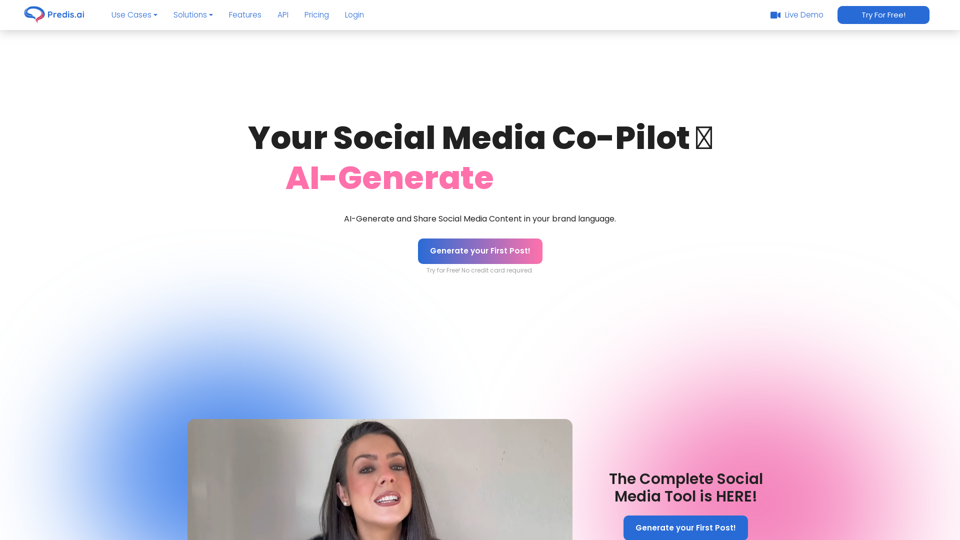
Predis is an AI marketing tool for social media helping businesses make captivating Video and Image content and get AI-powered content analysis.
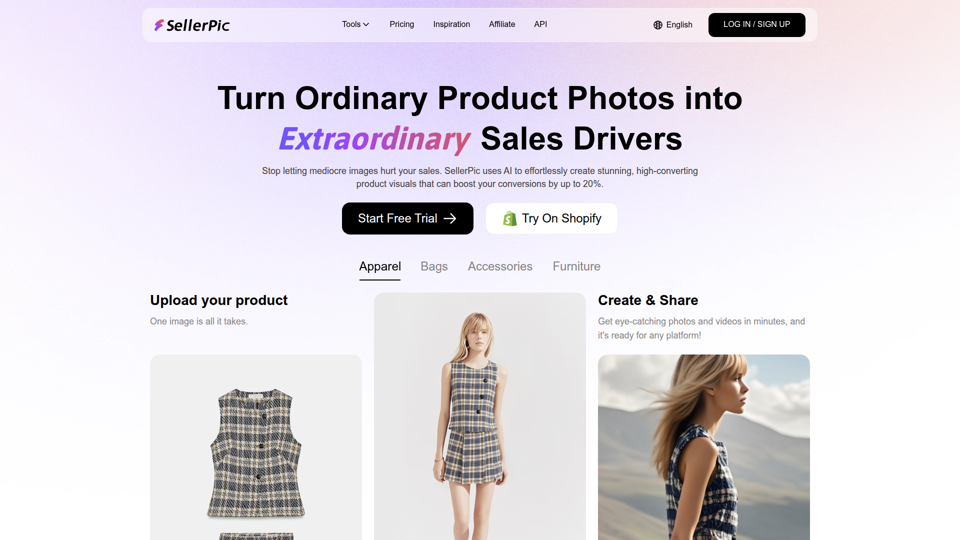
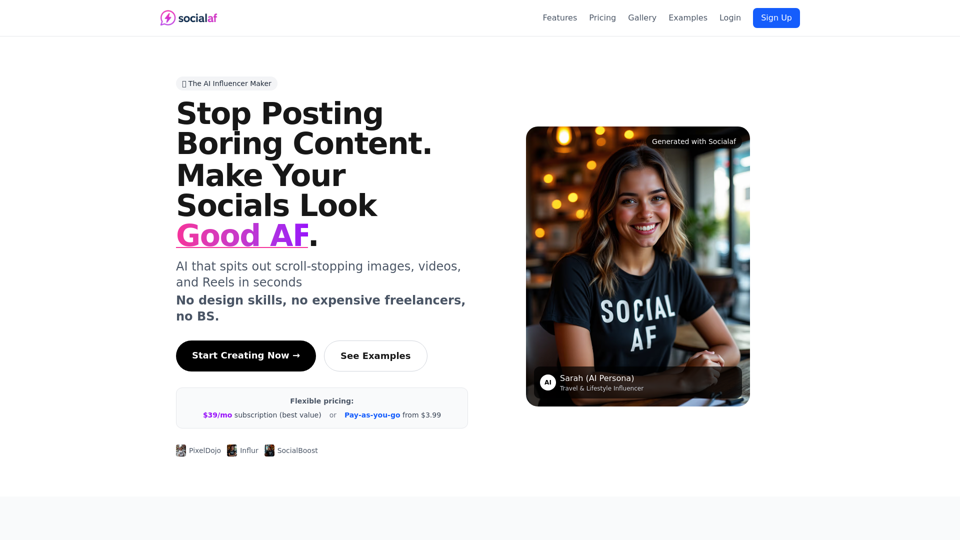
Create scroll-stopping Instagram posts, TikTok loops and ads in 2 seconds. Generate, edit, upscale & animate images with AI. Subscribe for $39/mo or pay-as-you-go from $3.99.
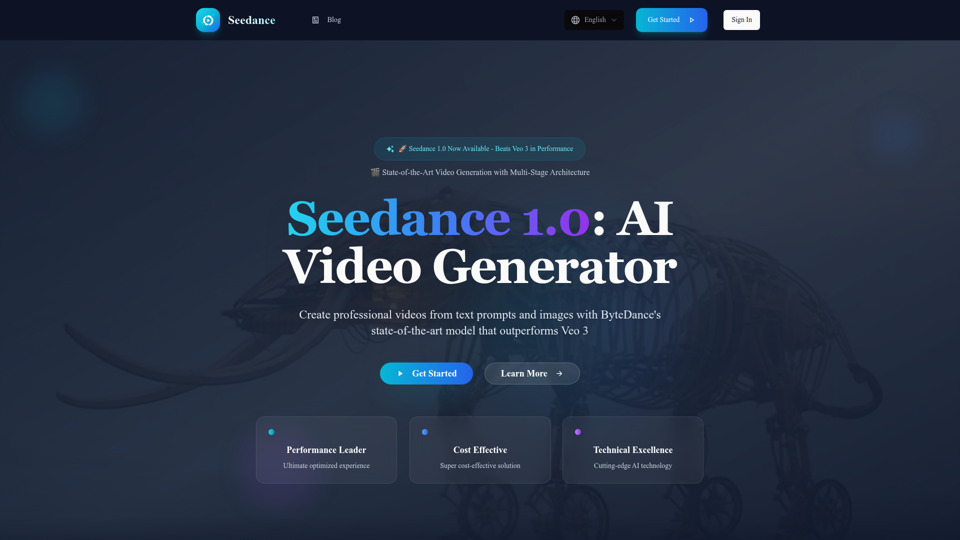
Experience Seedance 1.0, ByteDance's groundbreaking AI video generation model that outperforms Veo 3 and Kling 2.1. Create professional videos from text prompts and images with multi-stage architecture, superior quality, and exceptional cost efficiency at $0.48 per 5 seconds.
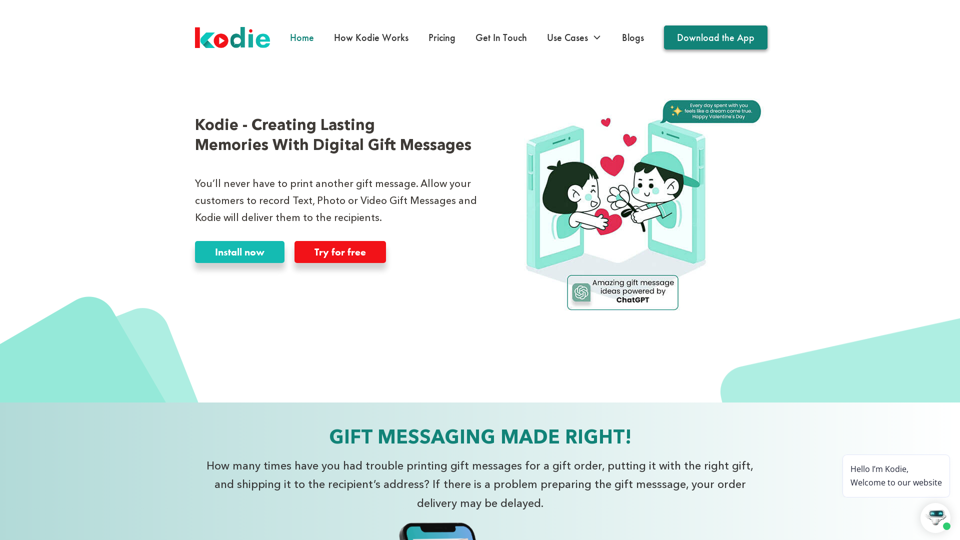
With Kodie, send automated text, photo and video gift messages to the intended recipient's. Re-engage customers with customizable brand pages.