Chatworm
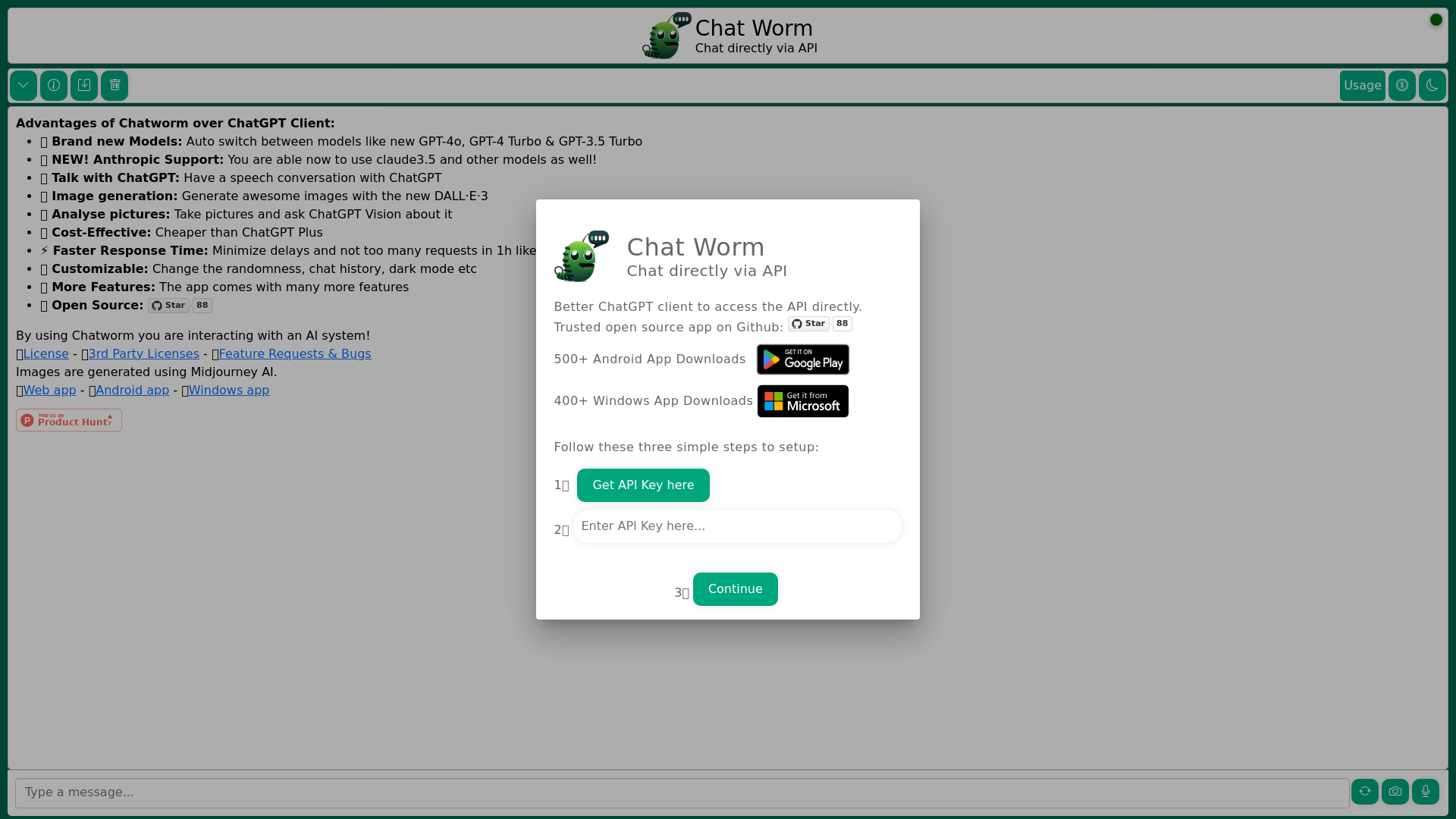
Chatworm is a cost-effective solution to ChatGPT for those who need an AI assistant for chatting. Access ChatGPT API directly and get faster responses from the AI assistant. Customize your chat experience by changing the model of the AI assistant.
What is Chatworm?
Chatworm is an innovative AI-driven chat platform that allows users to interact with various advanced AI models directly via API. It provides a comprehensive interface for utilizing different models, including GPT-4o, GPT-3.5 Turbo, and DALL·E·3 for image generation, making conversations both engaging and efficient.
What are the main features of Chatworm?
- Model Switching
- Automatically toggles between several models including the latest GPT-4o, GPT-4 Turbo, and GPT-3.5 Turbo to optimize performance.
- Anthropic Support
- Users can access the Claude 3.5 model for enhanced conversations and outputs.
- Voice Interactions
- Engage in speech conversations through the platform, making your interaction more natural.
- Image Generation
- Utilize DALL·E·3 to create stunning images directly from text prompts.
- Picture Analysis
- Upload images and ask questions about them using the ChatGPT Vision capabilities.
- Cost-Effectiveness
- Priced lower than ChatGPT Plus with superior functionalities, ensuring great value.
- Responsive Performance
- Enjoy quicker response times with reduced request limitations.
- Customization Options
- Users can personalize their experience by adjusting settings like randomness and themes.
- Open Source
- Chatworm is an open-source platform that fosters community engagement and transparency.
How to use Chatworm?
Using Chatworm is straightforward:
- Get Your API Key: Start by obtaining your API Key from the Chatworm platform.
- Choose Your Model: Select the desired model for your chat or creative needs, such as GPT-4o or DALL·E·3.
- Interact: Begin your conversation or creative project by sending prompts or queries directly through the interface.
What is the pricing structure for Chatworm?
Chatworm offers a cost-effective solution that is cheaper than ChatGPT Plus. Specific pricing details can be found on the platform; users can explore affordable subscription options based on their usage needs.
Helpful Tips for Using Chatworm
- Experiment with Different Models
- Try various models to see which one best suits your conversation style or project needs.
- Use Voice Features
- Don’t hesitate to utilize the speech conversation feature for a more interactive experience.
- Customize Your Settings
- Take advantage of customization features to enhance your user experience and make it uniquely yours.
- Engage with Community
- Since Chatworm is open-source, consider contributing to feedback or feature requests for continual improvement.
Frequently Asked Questions
Can I generate images using Chatworm?
Yes, Chatworm enables users to generate visually compelling images using the DALL·E·3 model. You can use text prompts to create images that suit your needs.
How many AI models are supported on Chatworm?
Chatworm supports several models, including GPT-4o, GPT-4 Turbo, GPT-3.5 Turbo, and Claude 3.5, ensuring you have plenty of options for various applications.
Is there a limit to how many times I can use the models?
While the platform allows extensive usage, it's essential to check for any daily usage limits associated with specific models to optimize your experience.
Will my data be secure when using Chatworm?
Chatworm prioritizes user privacy and data security. User data is protected, and the platform offers options for deleting accounts and data as needed.
When might I need to subscribe to Chatworm’s paid features?
If you find the free features limiting for your needs, or if you utilize the services heavily, exploring a subscription can provide increased access and benefits tailored to your usage.
Chatworm
Chatworm is a cost-effective solution to ChatGPT for those who need an AI assistant for chatting. Access ChatGPT API directly and get faster responses from the AI assistant. Customize your chat experience by changing the model of the AI assistant.
 Fastly
 GitHub Pages
 Varnish
Free AI anime and manga generator. Turn text into anime episodes, manga, comics, webtoons and comic shorts in any art style — no drawing or animation skills needed.
Translate image text across 70+ languages with our advanced AI Image Translator to help you better expand your products globally to various countries
Advertised Here
Reach thousands of visitors daily. Get your spot now!
Tools similar to Chatworm
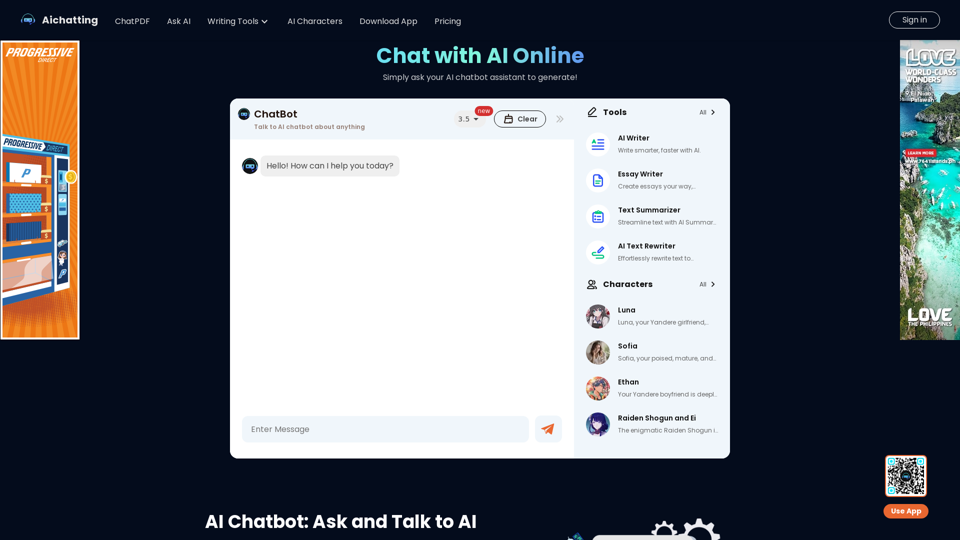
AI Chatting is a free online platform powered by GPT-3.5 and GPT-4o, offering chat with AI bots, text generation, and image interactions. Start your AI experience now!
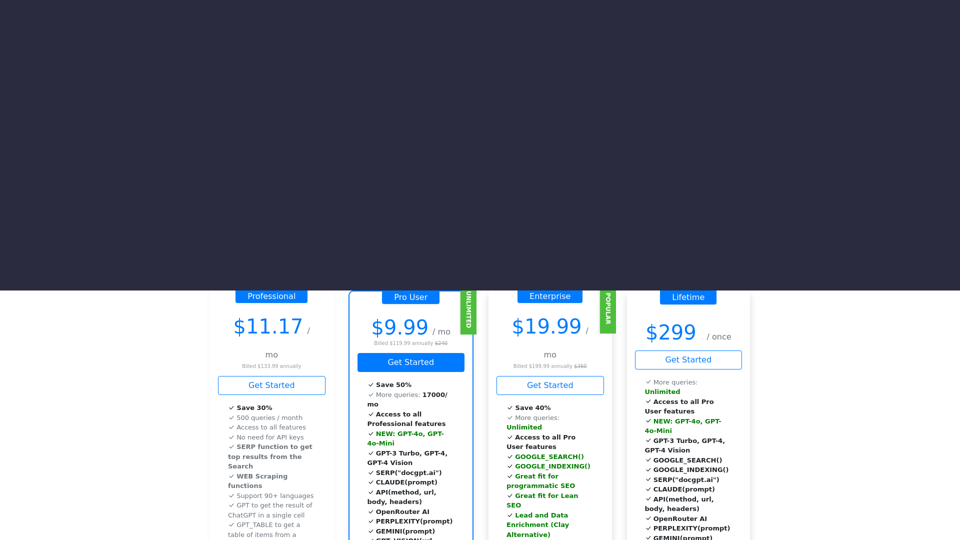
Leverage the GPT (GPT-4o-Mini, GPT-4o, GPT-4 Turbo, GPT-4 Turbo), Claude, Mistral, and Gemini AI models within Google Sheets to seamlessly incorporate the power of GPT-4o, GPT-3 Turbo, GPT-4, Claude, and Gemini directly into your spreadsheets. Enjoy a seamless experience straight out of the box, without the hassle of dealing with API keys. Setup is simple and hassle-free.
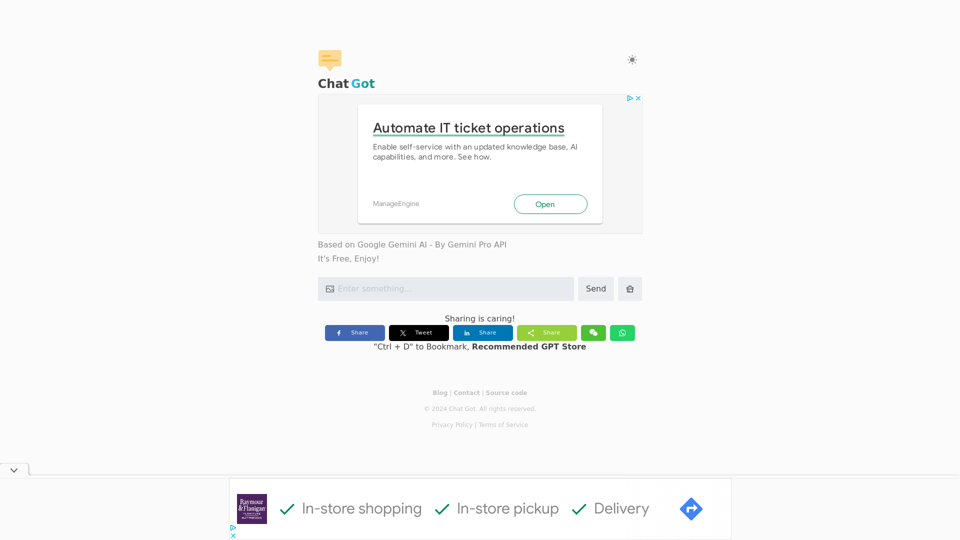
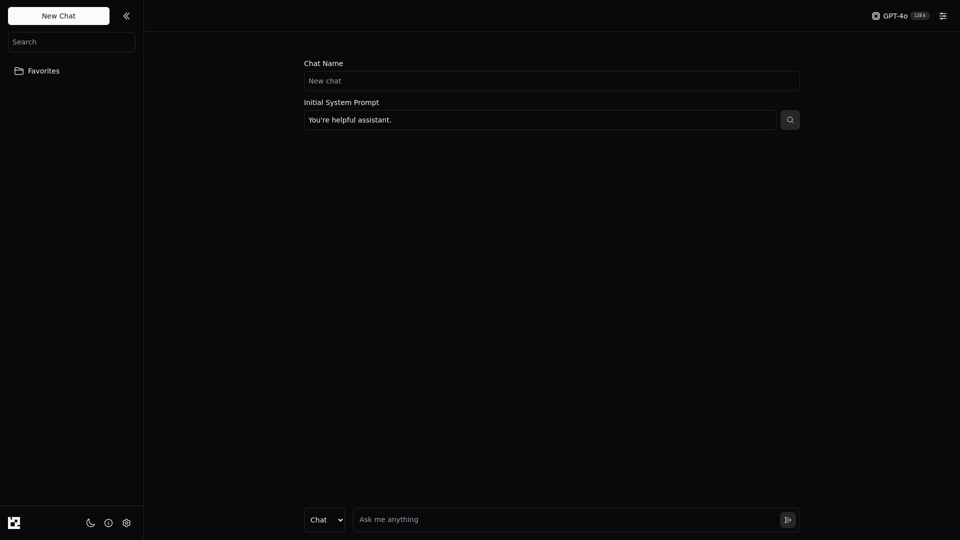
Discover seamless AI chat with Lavione. Our user-friendly platform empowers you to harness your API key for a tailored chat experience. Easy, adaptable, and designed with your communication needs in mind.
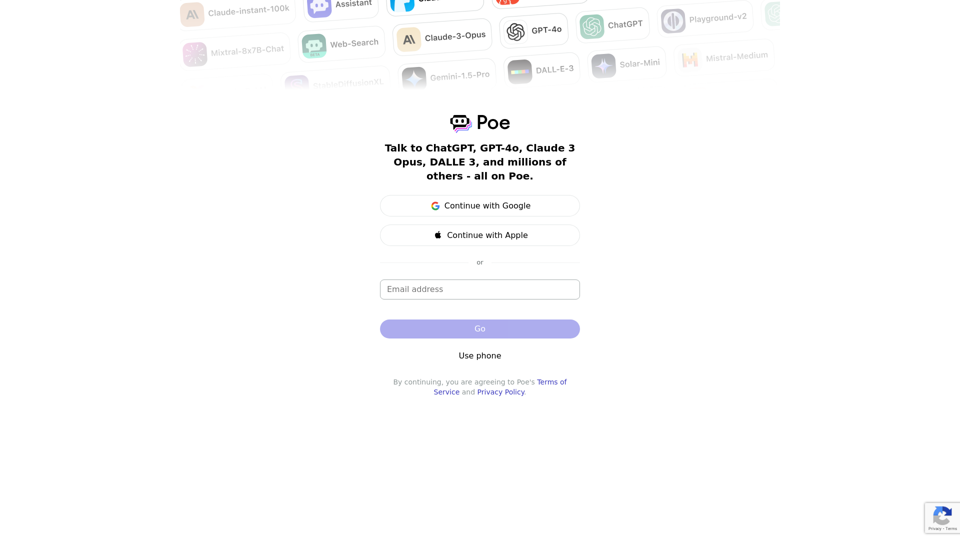
Poe lets you ask questions, get instant answers, and have back-and-forth conversations with AI. Gives access to GPT-4, gpt-3.5-turbo, Claude from Anthropic, and a variety of other bots.
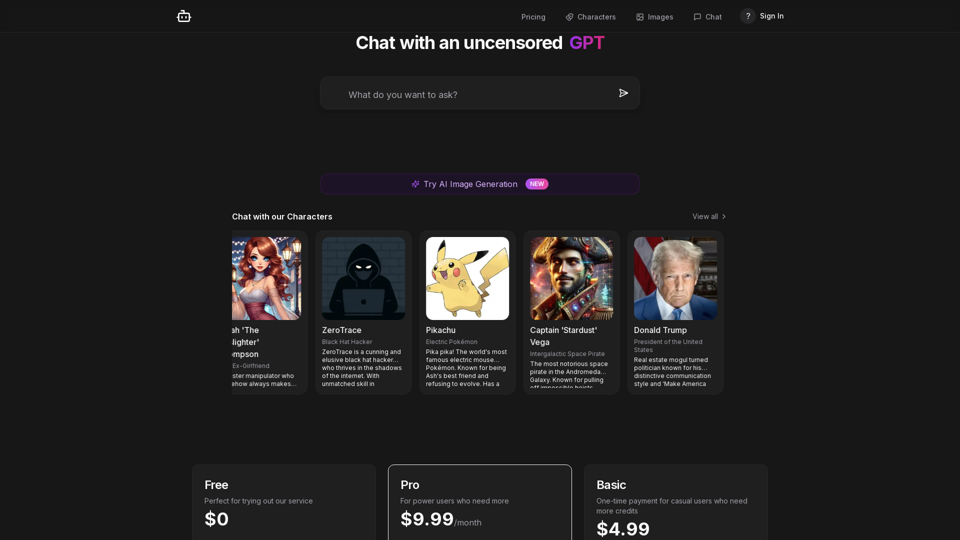
Experience unrestricted AI conversations with our advanced chat platform. Get comprehensive answers, creative solutions, and deep insights through natural dialogue with our enhanced GPT model.
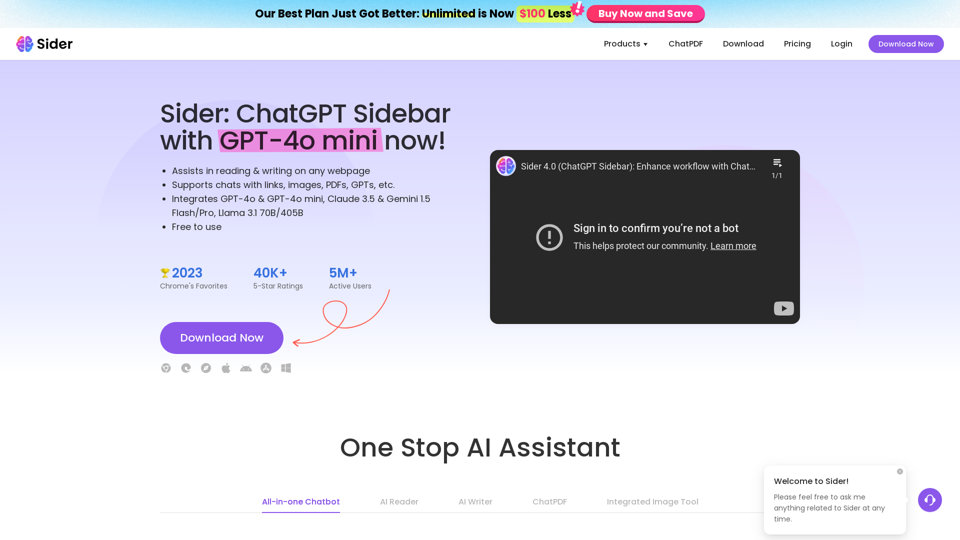
Sider, the most advanced AI assistant, helps you to chat, write, read, translate, explain, test to image with AI, including GPT-4o & GPT-4o mini, Gemini and Claude, on any webpage.
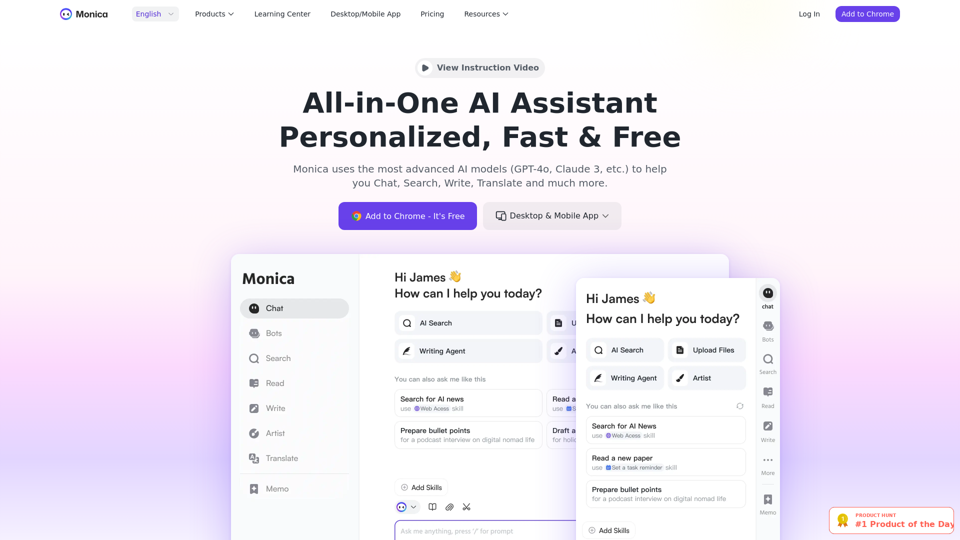
Monica integrates top AI models (GPT-4, Claude 3, Gemini) for one-click chat, search, writing, coding and more. Try it on Chrome, Edge, or our APP.