Chord Progression Generator
Create amazing chord progressions with ease using our AI-powered chord generator. Spend more time creating and less time struggling with chords
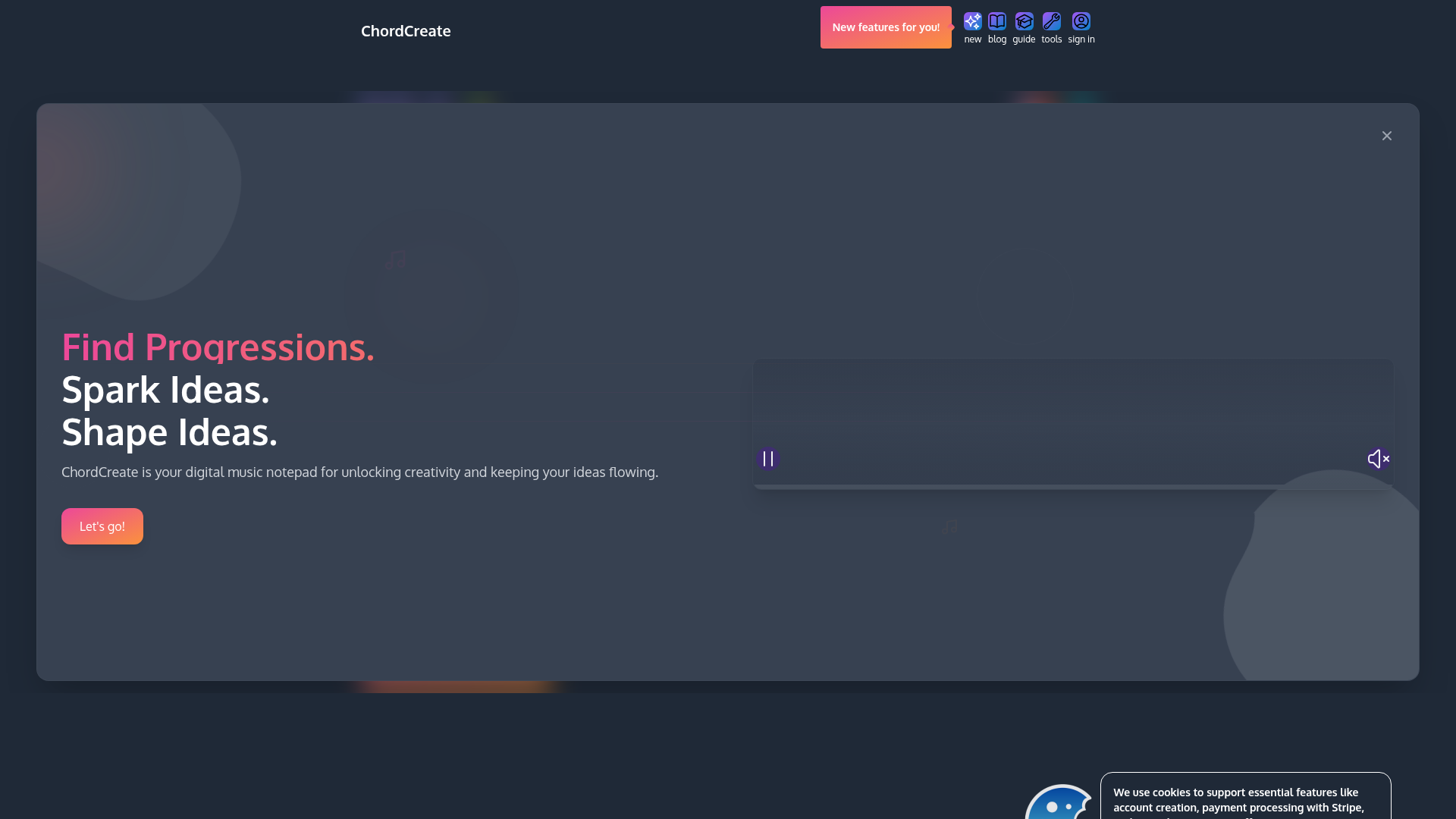
What is ChordCreate?
ChordCreate is an intuitive, web-based digital audio workstation and music composition tool specifically designed for musicians, producers, and songwriters of all skill levels. It functions as a creative playground to discover, build, and experiment with chord progressions. Built to eliminate creative blocks, the platform allows you to find musical inspiration, spark new ideas, and shape those ideas into full sequences with ease. Whether you're crafting a dreamy melodic house track, a catchy pop anthem, or exploring complex jazz harmonies, ChordCreate provides the virtual instruments and flexible grid to translate your musical thoughts instantly.
What are the Main Features of ChordCreate?
ChordCreate is packed with features that streamline the music creation process, making it a comprehensive tool for modern music production.
- Intuitive Chord Grid
- The core of the platform is a dynamic, piano-roll style grid where you can place and arrange chords visually across multiple bars (up to 21+), allowing for detailed progression building and song structuring.
- AI-Powered Prompt Suggestions
- Overcome writer's block with intelligent prompt suggestions. You can input a style and mood (e.g., "dreamy melodic house" or "upbeat pop in G major") to generate starting points for your chord progressions.
- Vast Sound Library
- Access a range of high-quality virtual instruments directly in your browser, starting with a beautifully sampled Kawai Grand Piano. Each chord you place is played back with realistic sound.
- Comprehensive Music Controls
- Fine-tune your creations with professional controls for tempo (BPM), time signature (e.g., 4/4), volume, and a built-in metronome to keep your timing tight.
- Flexible Playback & Looping
- Play, stop, and loop specific sections of your progression to focus on refining particular parts of your track, from a single bar to the entire composition.
- Chord Humanization
- Add character and a natural, "human" feel to your progressions with the humanize function, introducing subtle timing and velocity variations.
- Effortless Export
- Quickly export your chord progressions as MIDI files, sheet music, or audio stems for seamless import into major Digital Audio Workstations (DAWs) like Ableton Live, Logic Pro, or FL Studio to continue production.
How to Use ChordCreate?
Using ChordCreate is a straightforward process designed to get you creating music within minutes.
- Start a New Project: Navigate to the ChordCreate website and click "Let's go!" to access the main workspace. The interface will present you with a blank chord grid.
- Set Your Foundation: On the left-side controls, set your desired tempo (BPM), time signature, and choose your instrument (initially the Kawai Grand Piano).
- Build Your Progression: Click on the grid to place chords. You can click on a specific bar and beat (e.g., Bar 1, Beat 1) and select a chord from the piano roll or use the virtual keyboard to audition and place chords. Alternatively, use the "Generate" button with a text prompt for AI-assisted ideas.
- Arrange and Experiment: Drag and drop chords to rearrange them, copy/paste sections, and extend your progression across multiple bars. Use the loop function to repeatedly listen to a section as you tweak it.
- Refine Your Sound: Apply the "Humanise" function to make the playback less robotic. Adjust the overall mix volume and ensure your timing is solid with the visual metronome.
- Export and Share: Once satisfied, use the "Export" feature to download your chord progression as a MIDI file. This file can be opened in any DAW to assign new instruments, add drums, melodies, and complete your production.
Can I Use ChordCreate for Free?
Yes. ChordCreate offers a robust free tier that allows users to access the core chord grid, basic instruments like the Kawai Grand Piano, fundamental playback controls, and a limited number of AI prompt generations. This is perfect for casual use, learning, and sketching ideas. For power users who require unlimited AI generations, advanced export options (like stems or sheet music), a wider library of premium instruments, and extended project lengths, ChordCreate offers affordable subscription plans. Details on specific pricing tiers are available on their website.
Helpful Tips for Maximizing ChordCreate
- Leverage AI Prompts
- Be specific in your AI prompts. Instead of "a happy chord progression," try "an uplifting chord progression in C major for a synth-pop chorus with a 4-chord loop."
- Use the Loop Function
- Isolate the section you're working on (e.g., your 4-bar verse) and loop it. This helps in making subtle adjustments to chord voicings or rhythm.
- Experiment with Tension
- Don't just use basic major and minor triads. The tool allows for 7th chords, suspended chords, and more. Try substituting a standard chord with its 7th or diminished version (as suggested in the pop example) to add depth and character.
- Export Early and Often
- Even if your idea is simple, export it as MIDI to your DAW. Sometimes, hearing the chords with a different instrument (like a pad or synth) can instantly reveal its full potential.
- Combine with DAW
- Think of ChordCreate as your ultimate sketching tool. Use it to rapidly prototype song sections, then export the MIDI to your main DAW for sound design, mixing, and arranging.
Frequently Asked Questions (FAQs)
How many chords can I add to a progression?
You can create extensive progressions using the grid system, which supports over 21 bars with 4 beats each, allowing for dozens of chords in a single project.
Can I change the instrument sound?
In the free version, the primary instrument is the Kawai Grand Piano. Subscription plans unlock a broader library of instrument sounds, such as electric pianos, strings, and synthesizers.
Does ChordCreate require any software download?
No, ChordCreate is a fully web-based application that runs directly in your modern browser (like Chrome, Firefox, or Safari), requiring no download or installation.
Are my projects saved automatically?
It is recommended to regularly export your work as MIDI files to save your progress locally. Account-based cloud saving may be a feature offered with subscription plans.
Can I collaborate with others on a project?
Currently, ChordCreate is focused on individual creation and sketching. To collaborate, you would export the MIDI file and share it with your collaborator to import into their own DAW or ChordCreate session.
Is the AI generation truly unlimited on paid plans?
Paid subscriptions typically offer a significantly higher or unlimited number of AI prompt generations per month compared to the free tier, allowing for uninterrupted creative exploration.
Chord Progression Generator
Create amazing chord progressions with ease using our AI-powered chord generator. Spend more time creating and less time struggling with chords
 Firebase
 HTTP/3
 Next.js
 Node.js
 React
React Webpack
Free AI anime and manga generator. Turn text into anime episodes, manga, comics, webtoons and comic shorts in any art style — no drawing or animation skills needed.
Translate image text across 70+ languages with our advanced AI Image Translator to help you better expand your products globally to various countries
Advertised Here
Reach thousands of visitors daily. Get your spot now!
Tools similar to Chord Progression Generator
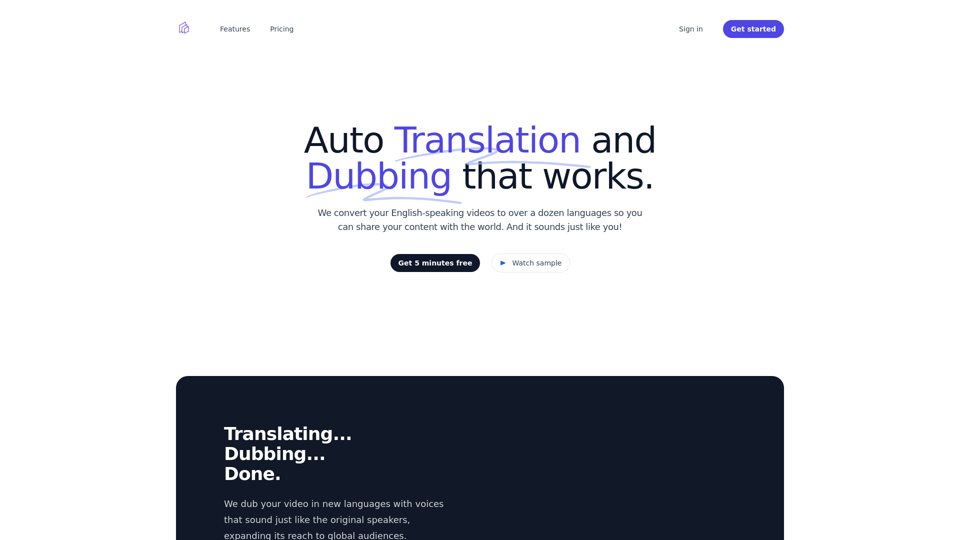
Expand your reach with our video translation and dubbing service. Over a dozen languages available. Start with 5 minutes free!
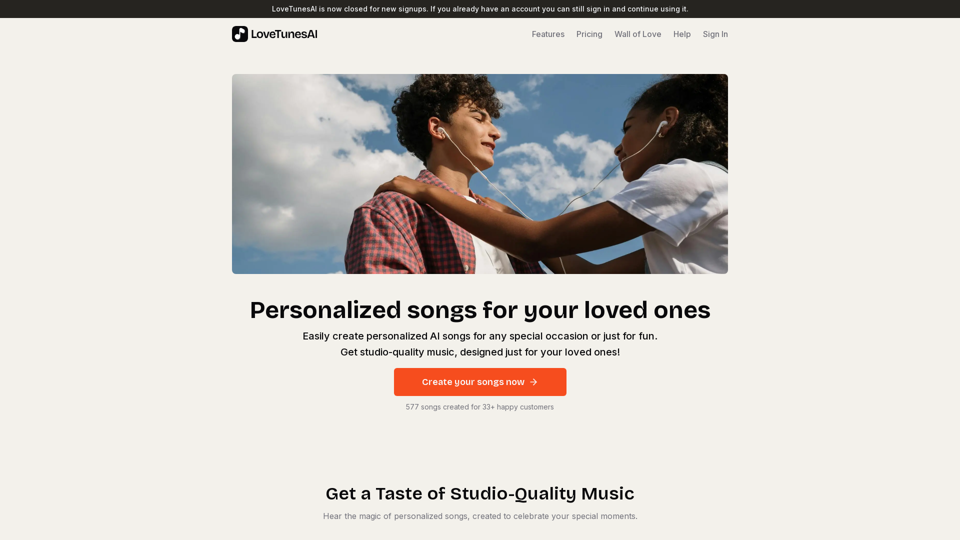
Easily create personalized AI songs for any special occasion or just for fun. Get studio-quality music, designed just for your loved ones!
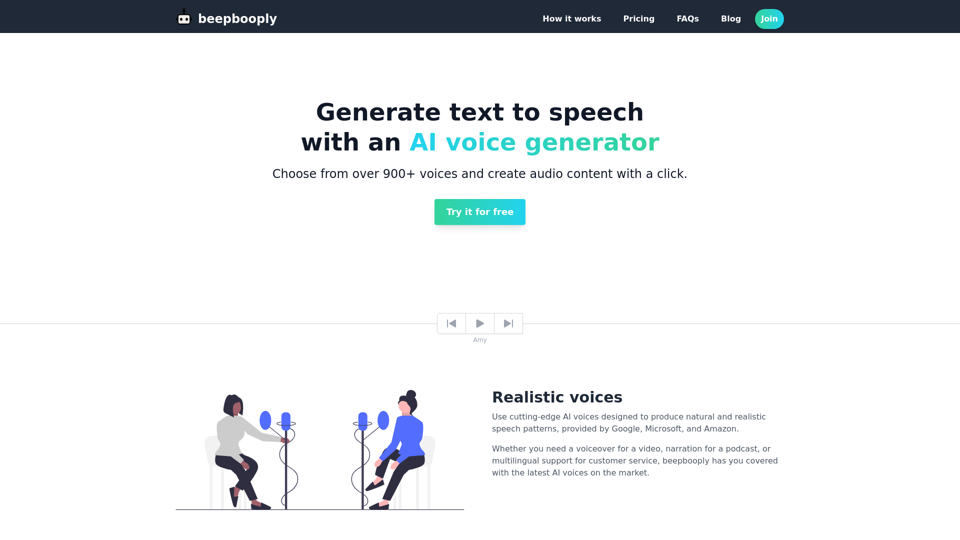
Convert text to speech in over 900+ voices across 80+ languages. Generate and download realistic and natural sounding audio content with a click.
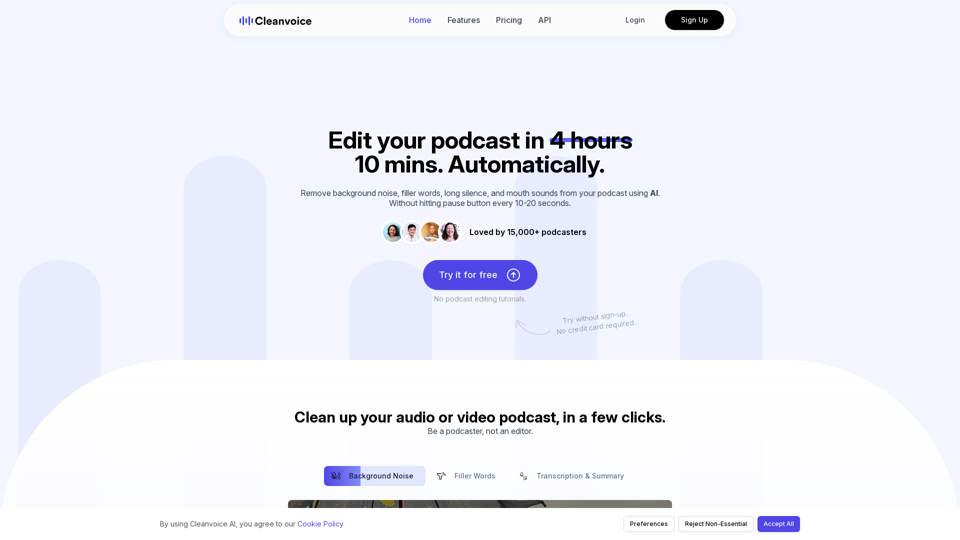
Remove background noise, fillers, mouth sounds, silence & more from your podcast with Cleanvoice AI. Get studio-quality sound without hours of editing.
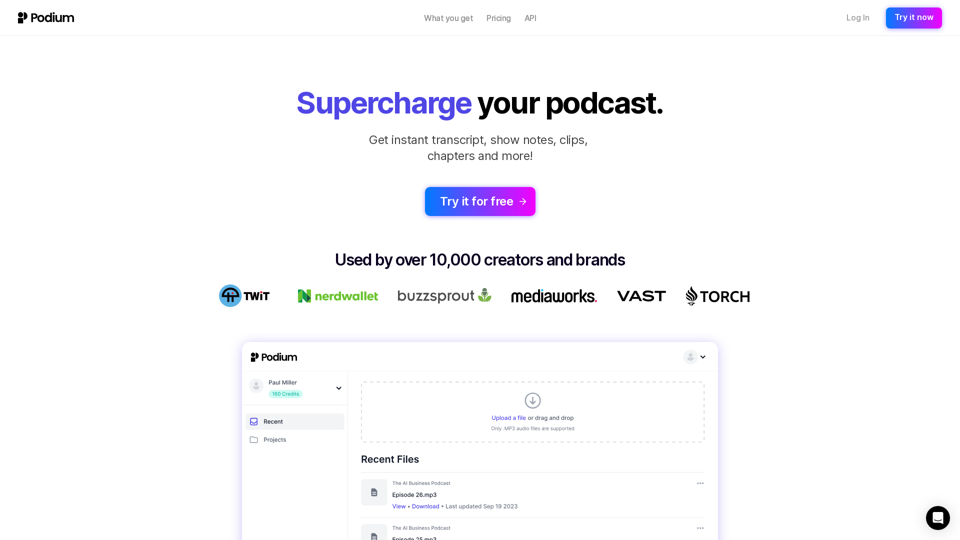
Streamline your podcast production with AI-powered tools for time-saving, high-quality content creation.
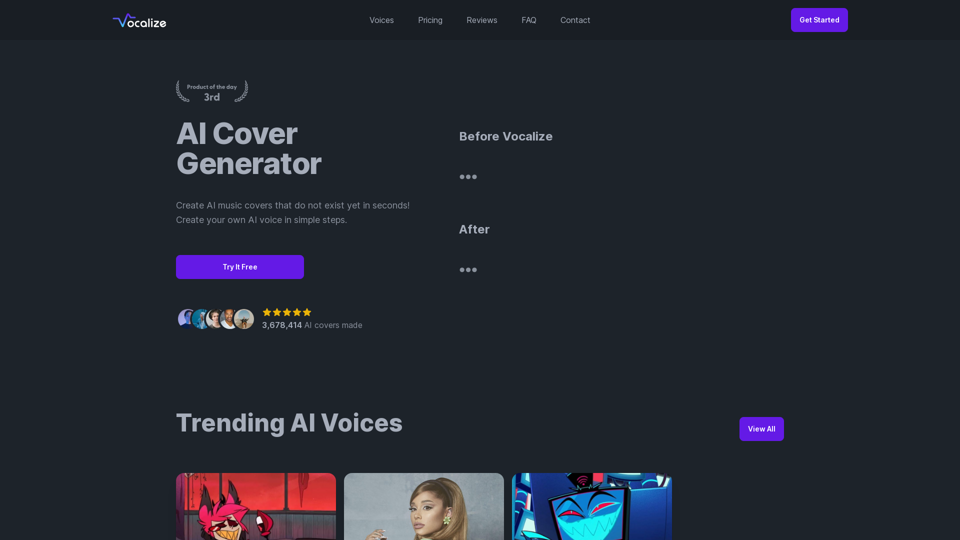
Choose from your favorite AI voices and create an AI music covers or Text-To-Speech with it. Choose from thousands of trending AI voices from our community library.
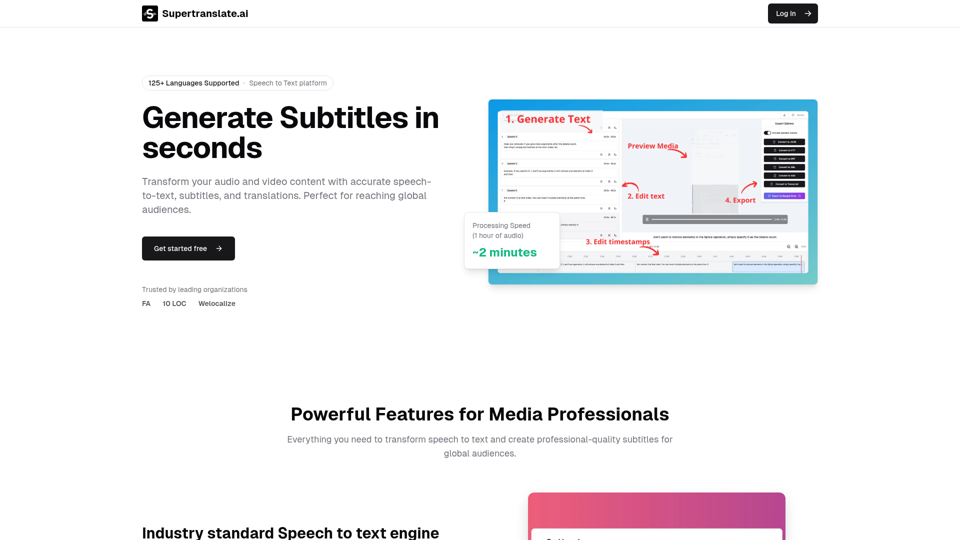
Databass AI is an AI audio company for music production. Databass AI offers state of the art audio tools accessible in the browser. With many new advanced audio manipulation features for music production on the horizon.