What is Clip Panda?
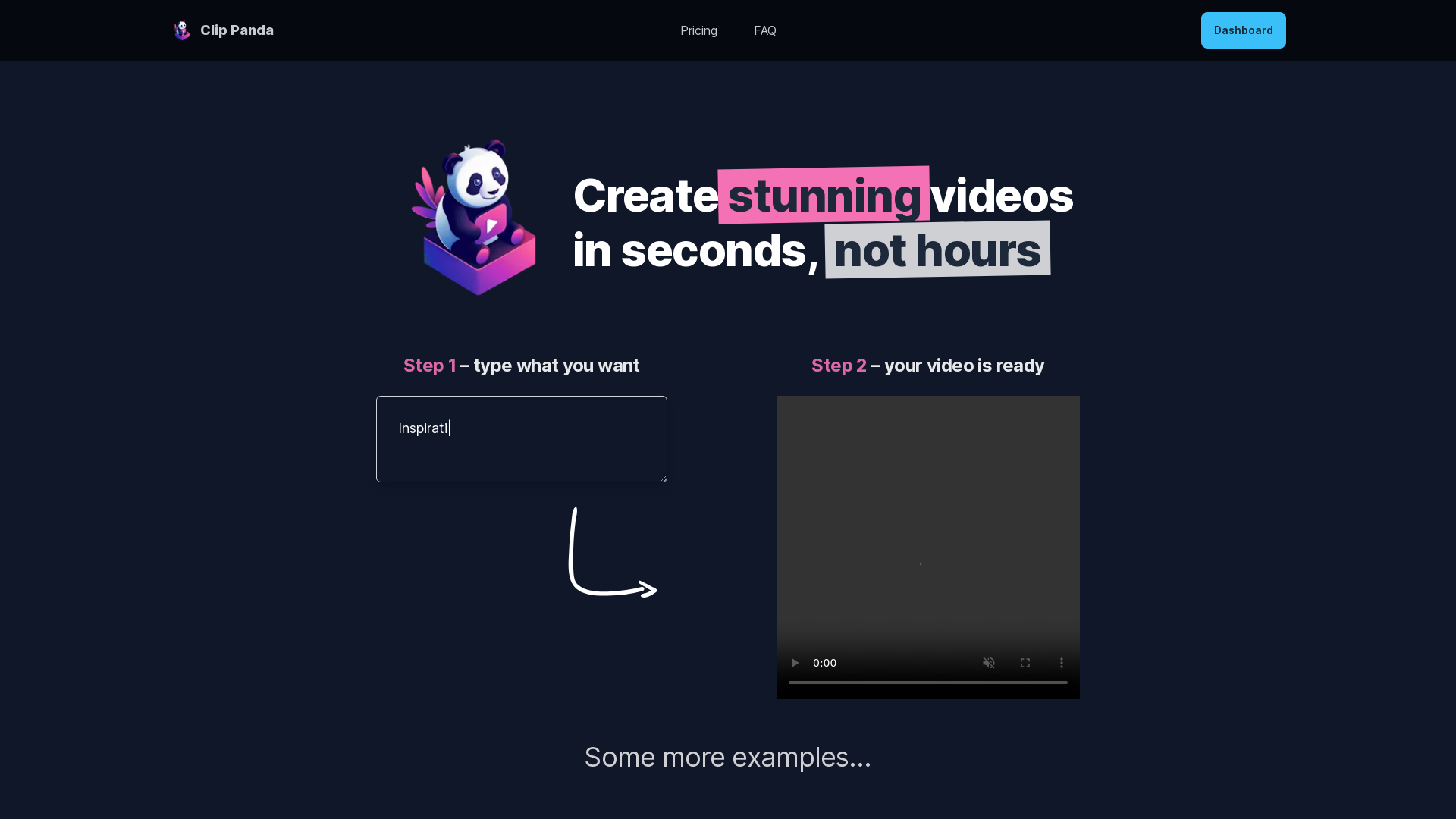
Clip Panda is an AI-driven video generation platform designed to help users create stunning videos in seconds, rather than spending hours on traditional editing processes. With a straightforward interface, users input their desired prompts, and Clip Panda's AI generates videos incorporating stock footage, music, and voiceovers.
What are the main features of Clip Panda?
- Instant Video Generation
- Create engaging videos with just a few clicks.
- User-Friendly Interface
- Simply type in what you want, and the AI takes care of the rest.
- Free Video Generation Credits
- Enjoy generating 5 videos for free to get started.
- Affordable Pricing Options
- Access various plans for generating multiple videos at a cost-effective rate.
- High-Quality Outputs
- Utilizes GPT-4 along with text-to-voice technology to produce quality audio narrations.
How to use Clip Panda?
Using Clip Panda is simple:
- Step 1: Type in your video idea or prompt.
- Step 2: Watch as Clip Panda generates your video in seconds.
- Explore Additional Features: Experiment with different prompts to see how the AI translates various concepts into video form.
Pricing
Clip Panda's pricing structure includes:
- 5 Credits
- Free – Create 5 videos for free.
- 10 Credits
- $1 USD – Generate 10 videos.
- 100 Credits
- $10 USD – Generate 100 videos.
Each plan provides one-time payment options, making it hassle-free to access the service.
Helpful Tips
- Be Creative with Prompts
- The more specific and imaginative your input, the better the video output will be.
- Use Inspiration Examples
- Refer to the example prompts provided by Clip Panda to guide your own creative input.
- Maximize Free Credits
- Take advantage of your free 5 videos to test various video concepts and styles before purchasing additional credits.
Frequently Asked Questions
How does it work exactly?
- Clip Panda utilizes AI technology to generate videos based on user input. It curates stock video footage and music while employing GPT-4 for voice narration.
Who made this?
- Clip Panda was developed by Thomas, an ML engineer and indie hacker passionate about creating tools that assist users.
What if I encounter technical issues?
- If you experience any technical issues, reach out to Thomas via Twitter for immediate assistance.
Can I create videos for various themes?
- Absolutely! Clip Panda supports a wide range of topics and styles, from motivational sports videos to poetic narratives.
Will my information be kept private?
- Yes, user privacy is a priority. Personal information is handled securely and not shared with third parties.
Clip Panda
Create videos in seconds, not hours
Free AI anime and manga generator. Turn text into anime episodes, manga, comics, webtoons and comic shorts in any art style — no drawing or animation skills needed.
Translate image text across 70+ languages with our advanced AI Image Translator to help you better expand your products globally to various countries
Advertised Here
Reach thousands of visitors daily. Get your spot now!
Tools similar to Clip Panda
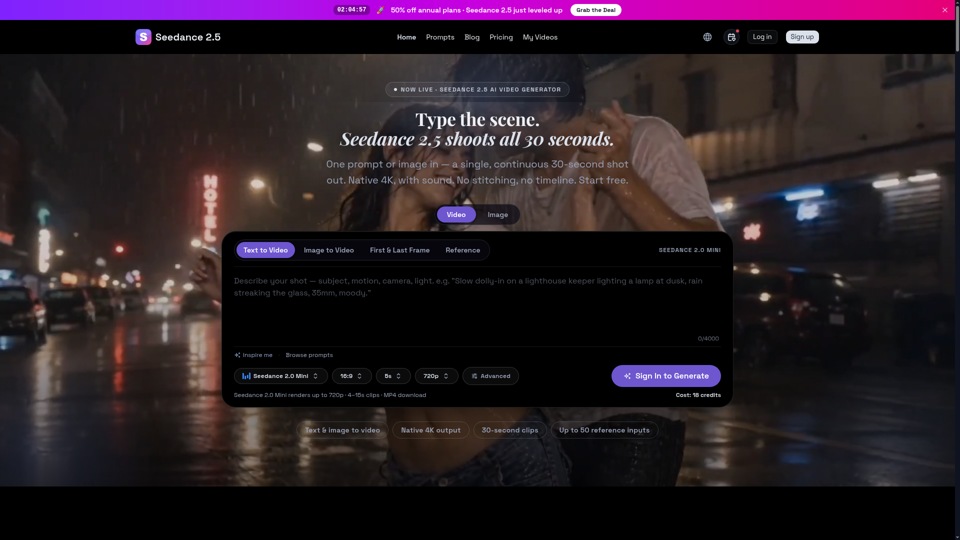
Seedance 2.5 is ByteDance’s next-gen AI video generator — turn one prompt into a single 30-second clip at native 4K, with up to 50 reference inputs. Start free.

Create cinematic AI videos with Omni Video from text prompts or reference images. Use text-to-video and image-to-video workflows for social clips, ads, education, product stories, and visual ideas.
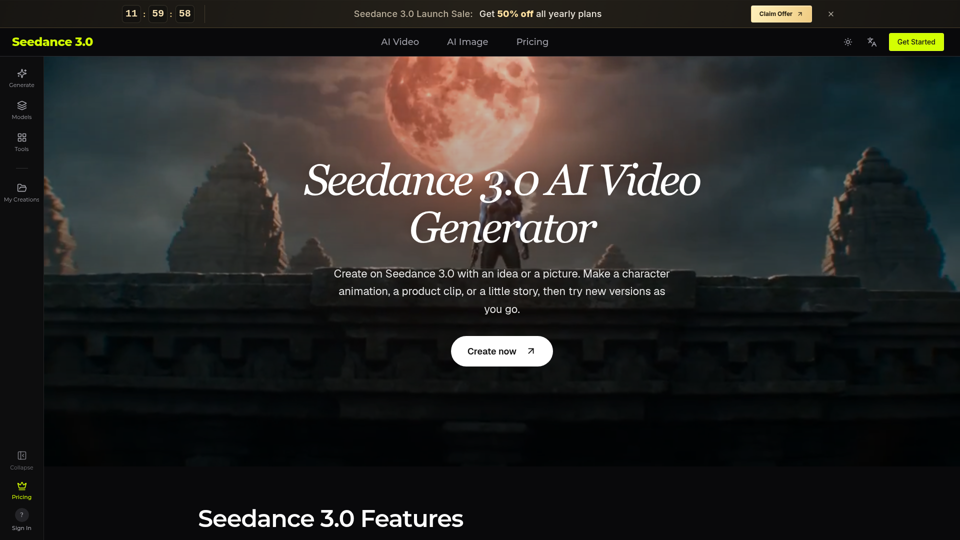
Try Seedance 3.0 free online. Turn text, images, video clips, and audio into videos with sound. Keep faces the same and edit any part without starting over.
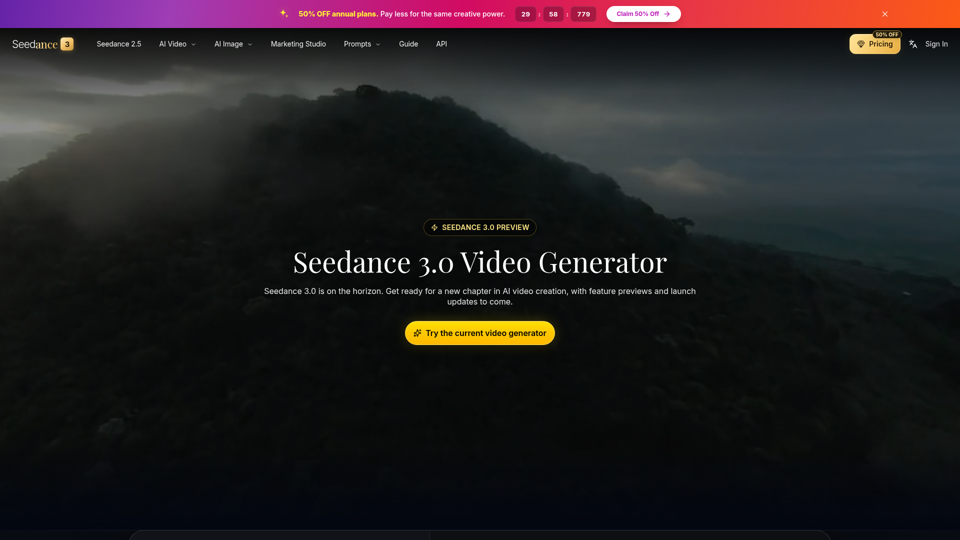
Seedance 3.0 is the ultimate AI video generation platform. Create stunning videos with Seedance 3.0's text-to-video, image-to-video, and AI video effects tools.
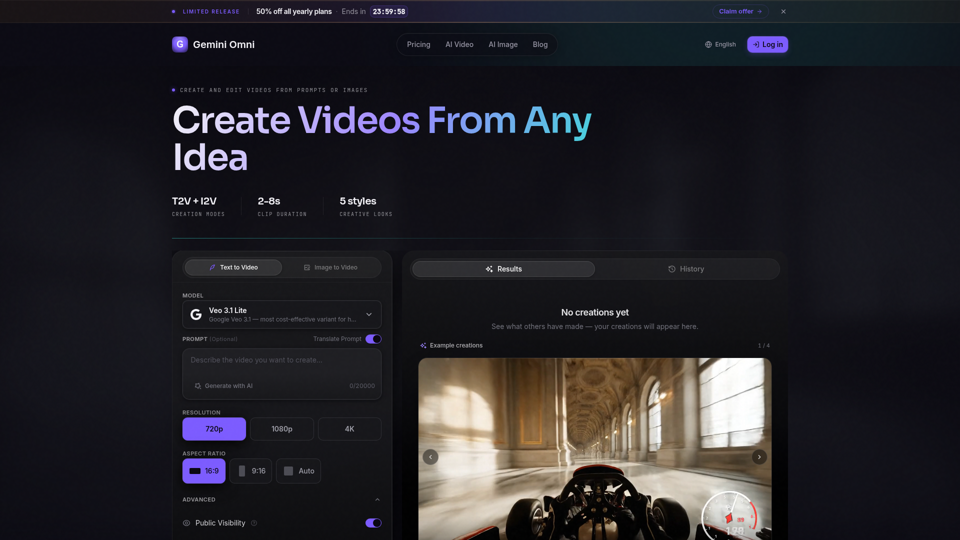
Create AI videos with Gemini Omni from text prompts, images, and reference frames. Generate short clips for social content, ads, product stories, explainers, and visual concepts.
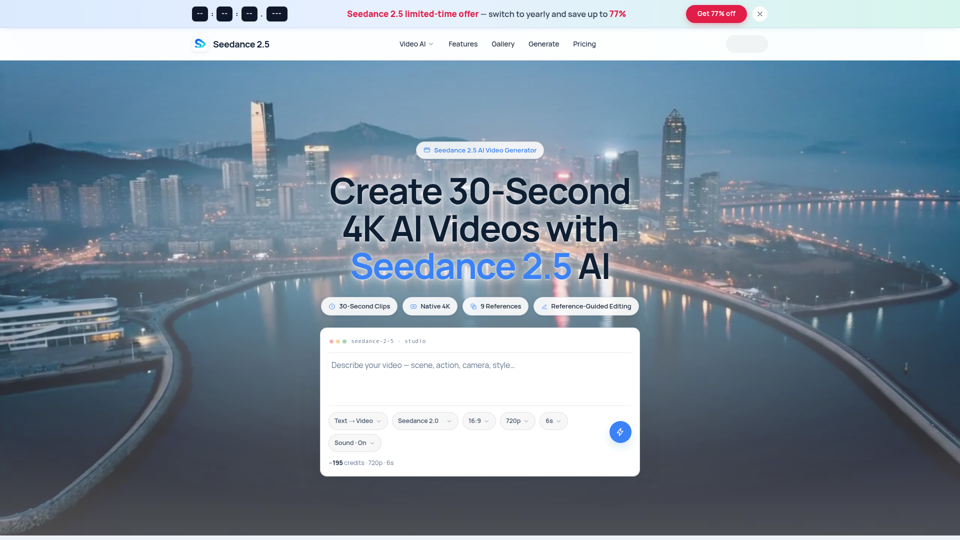
Seedance 2.5 AI turns any text prompt or photo into cinematic, watermark-free 4K video — text-to-video, image-to-video and reference-guided generation.