Continue
Amplified developers, automated development · Customize and optimize each component of your AI dev system · Accelerate your development with Continue · Fit
What is Continue?
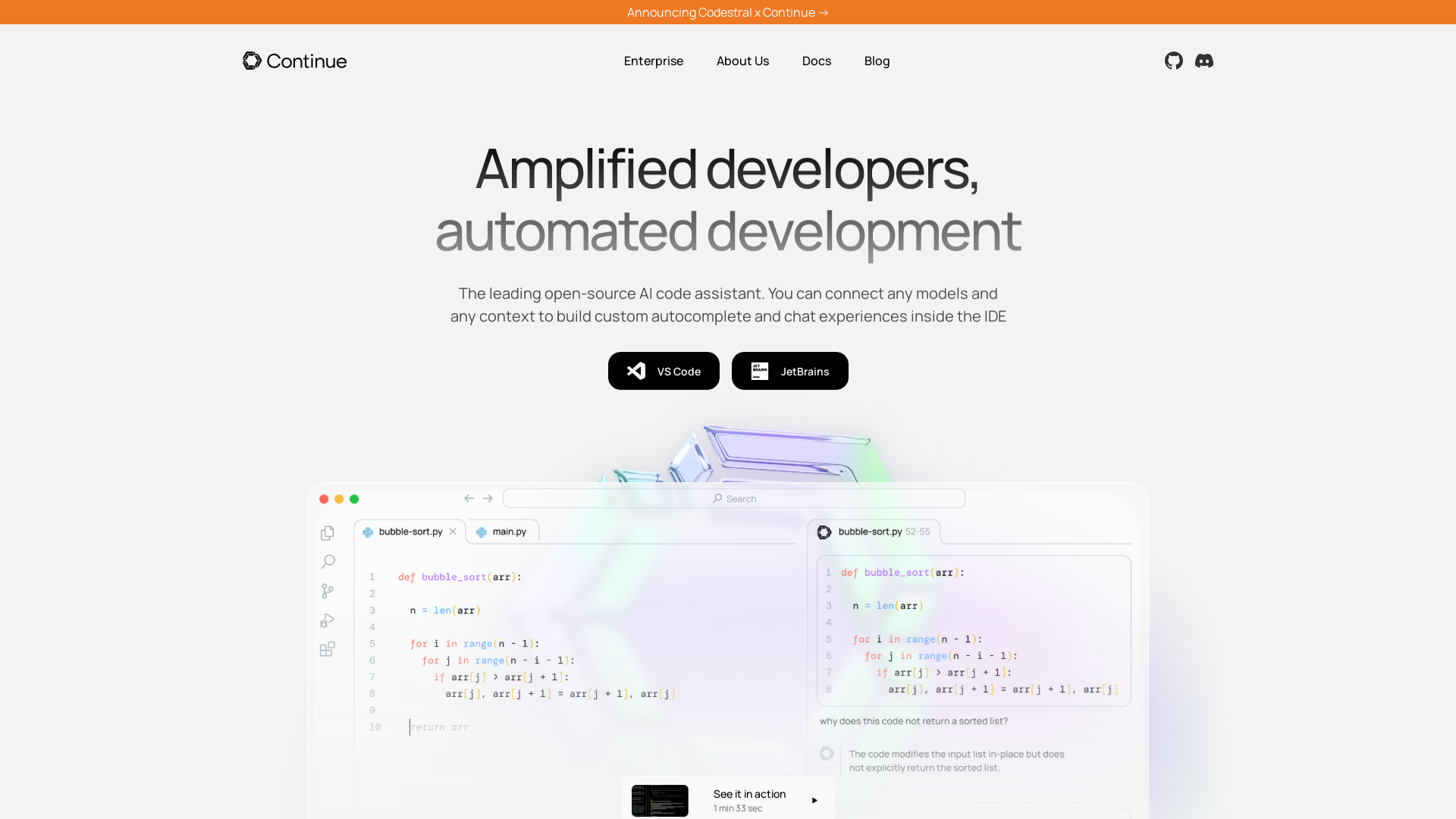
Continue is the leading open-source AI code assistant designed to amplify developer productivity and streamline the software development process. It enables developers to connect various AI models and contexts to create custom autocomplete and chat experiences within their integrated development environments (IDEs).
Main Features of Continue
- Custom Autocomplete
- Continue uses advanced AI capabilities to autocomplete single lines or entire sections of code across multiple programming languages as you type.
- Contextual Chat
- Developers can attach code or context to interactively ask questions about functions, files, and the entire codebase, enhancing the clarity and efficiency of coding.
- Highlight and Instruct
- Users can highlight code sections and utilize a keyboard shortcut to generate rewrites or explanations from natural language instructions.
- Flexible Integration
- Continue supports a wide range of AI models and can integrate seamlessly with tools like Ollama, OpenAI, Anthropic, and others to fit any development environment.
How to Use Continue
To get started with Continue, developers can install the extension in their preferred IDE (such as VS Code or JetBrains). From there, they can customize their AI code assistant based on their specific development needs, leveraging features like autocomplete and contextual reference chats.
Pricing for Continue
Continue is open-source, meaning that developers can utilize it without any cost. Organizations seeking to roll out Continue across their engineering teams may inquire about tailored subscription models that provide additional features, support, and enhancements for enterprise usage.
Helpful Tips
- Customize Autocomplete
- Spend time tuning the autocomplete settings to better match your coding style and preferences.
- Use Chat Functions
- Regularly make use of the chat function to gain insights about your code, which can help in debugging and writing documentation.
- Community Engagement
- Join the Continue community on Discord to share experiences and gather ideas on maximizing use of the tool.
Frequently Asked Questions
Can Continue work with any programming language?
Yes, Continue supports multiple programming languages, providing a flexible and comprehensive coding experience.
How do I install Continue?
You can download Continue by visiting the official website and installing the extension for your IDE of choice.
What types of AI models does Continue support?
Continue is compatible with models from providers like Ollama, OpenAI, Anthropic, and others, enabling versatile setups tailored to individual or team needs.
Is there a subscription cost for Continue?
While Continue itself is open-source, organizations may look into subscription options for enhanced support and features that facilitate team collaboration and improvement.
How does Continue enhance team productivity?
By rolling out Continue across teams, organizations empower developers to utilize AI-driven coding assistance, allowing them to focus more on innovation and less on repetitive tasks, thereby boosting overall productivity.
Continue
Amplified developers, automated development · Customize and optimize each component of your AI dev system · Accelerate your development with Continue · Fit
 Amazon S3
 Amazon Web Services
 Next.js
 Node.js
 React
React Sanity
 Vercel
 Webpack
Free AI anime and manga generator. Turn text into anime episodes, manga, comics, webtoons and comic shorts in any art style — no drawing or animation skills needed.
Translate image text across 70+ languages with our advanced AI Image Translator to help you better expand your products globally to various countries
Advertised Here
Reach thousands of visitors daily. Get your spot now!
Tools similar to Continue
Combining cutting edge developer tools & AI Agents to enable autonomous software development - SuperAGI
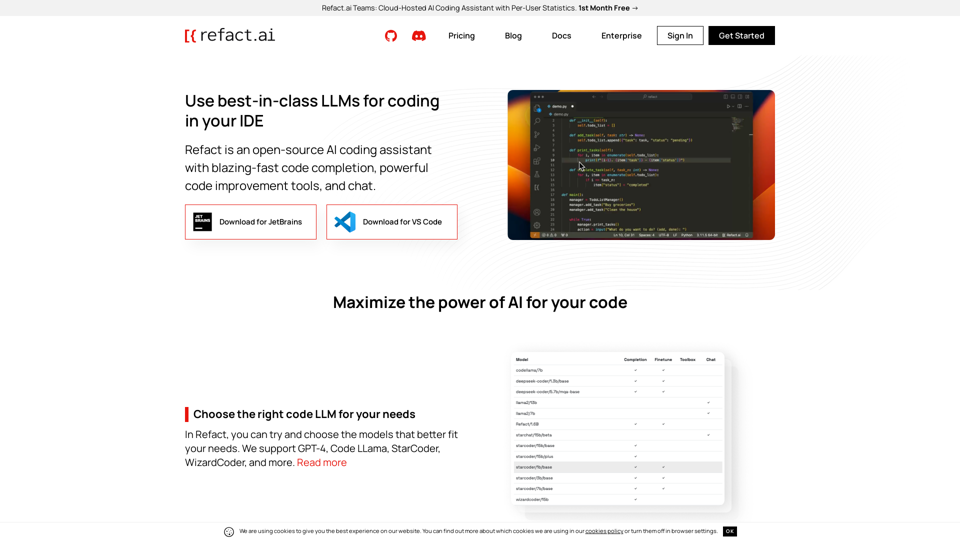
Boost your productivity by employing AI to pair program with you or make more fun out of your work by delegating boring tasks to the AI.
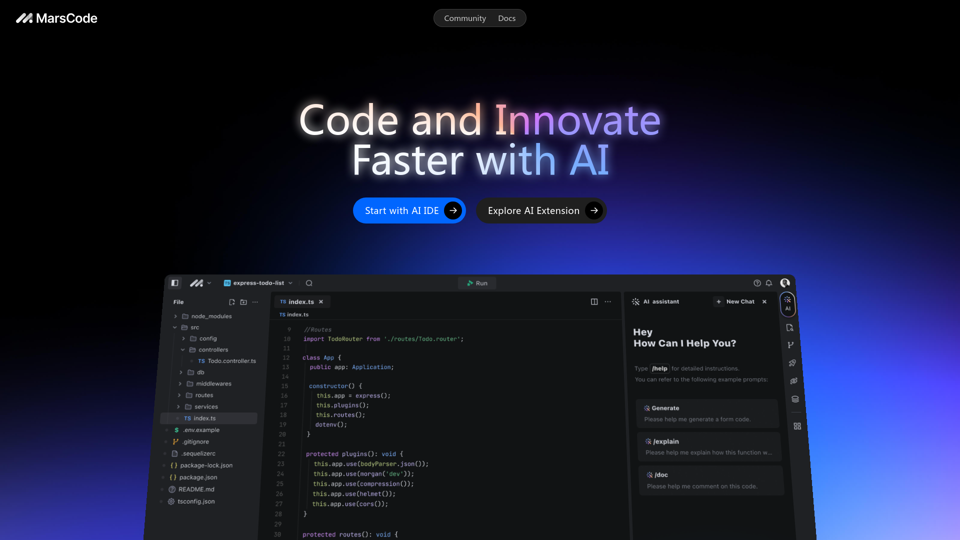
MarsCode provides an IDE with a built-in AI Assistant and extensions that support over 100 languages and mainstream IDEs.
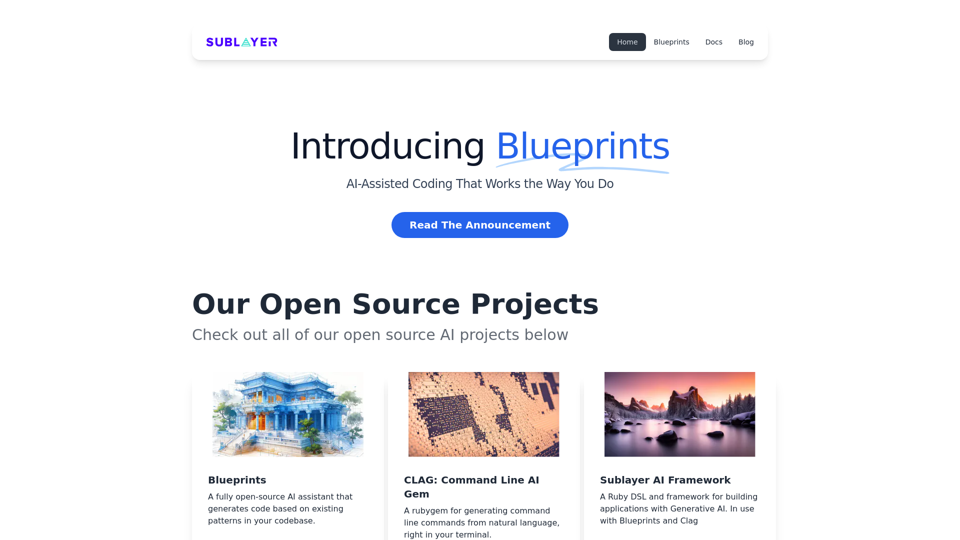
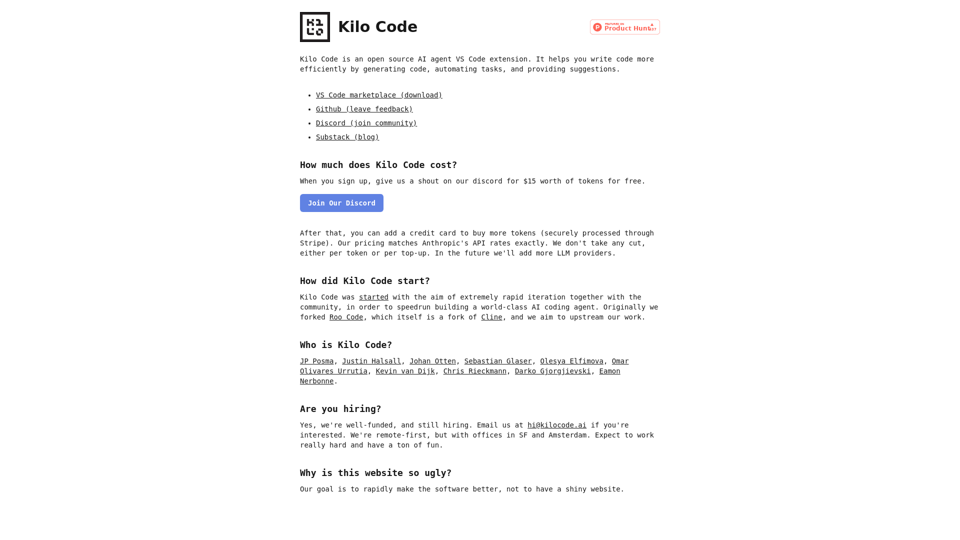
Write code more efficiently by generating code, automating tasks, and providing suggestions
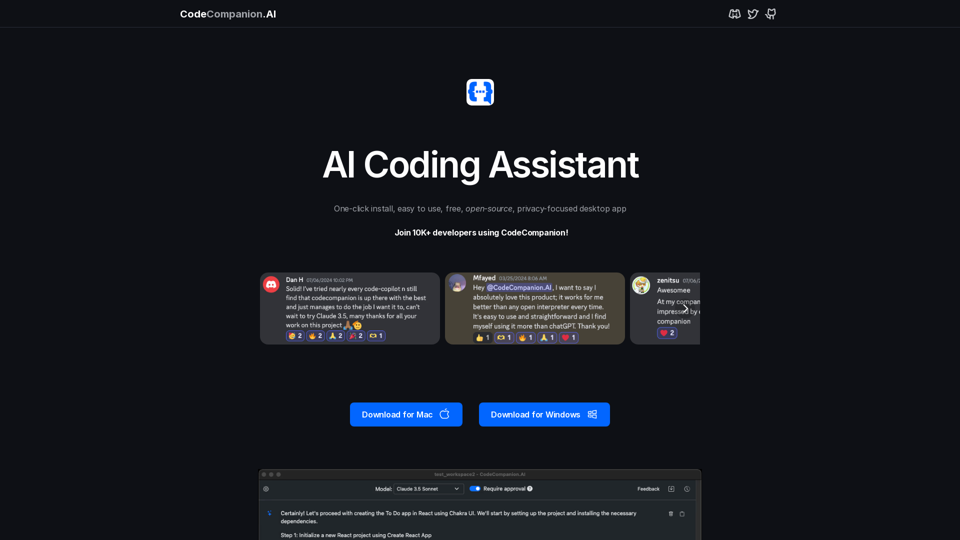
Meet CodeCompanion.AI – your personal coding assistant, available anytime, right on your desktop. Prototype faster, code smarter, enhance learning and scale your productivity with the power of AI.