Craft
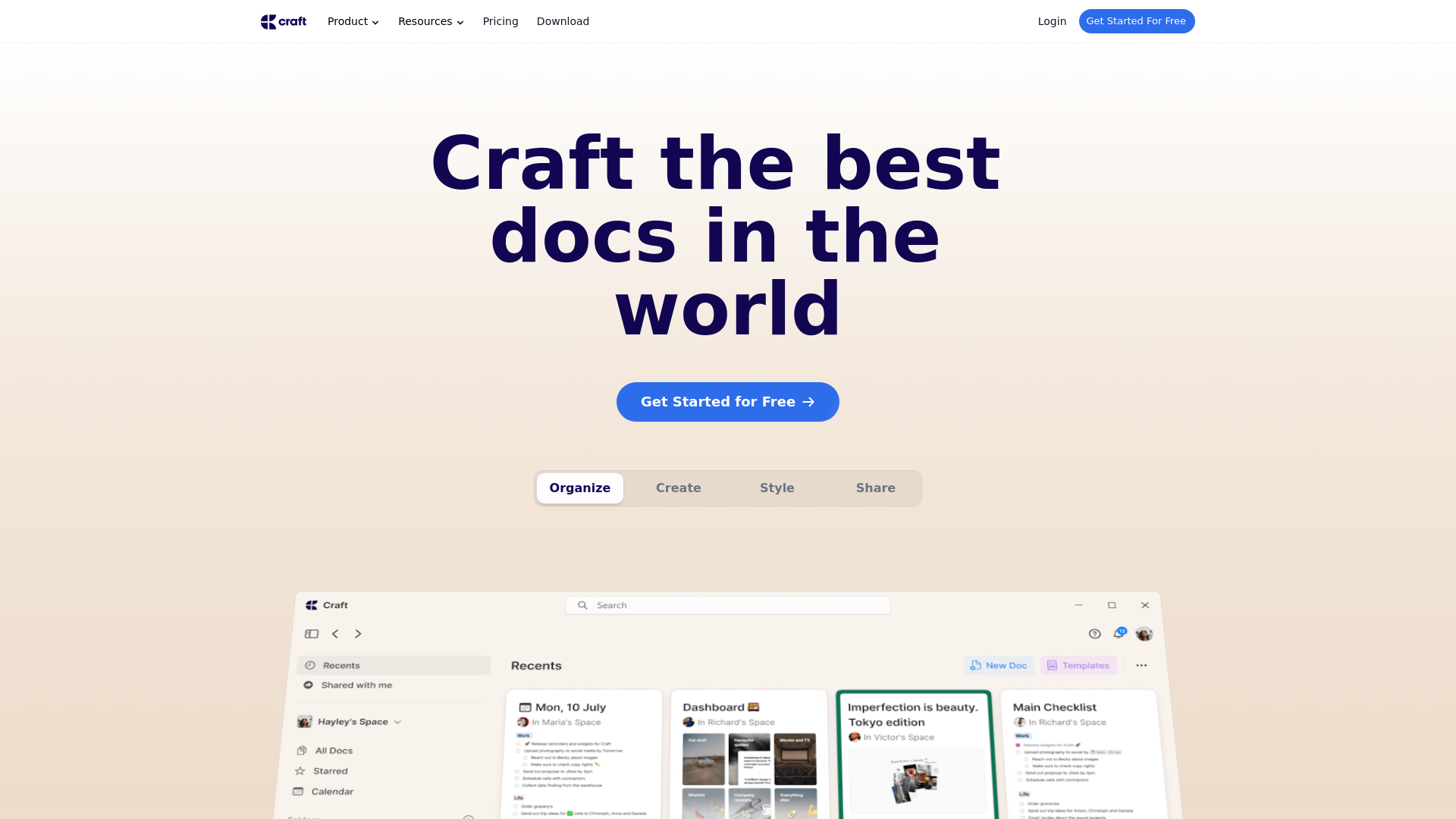
Create documents, which will make an impact. Try Craft for free both for personal and business/teams use cases.
What is Craft?
Craft is a comprehensive productivity app designed to help users create, organize, and share high-quality documents across various devices. It enables users to capture and store thoughts in one place, whether they are at their desks, on the go, or even offline. With features tailored for note-taking, document organization, and multimedia management, Craft transforms your digital workspace into an effective system for managing tasks and information.
Main Features of Craft
- Organizational Tools
- Craft offers folders and spaces, allowing users to categorize notes by context easily.
- Task Management
- Users can set reminders and receive alerts for important tasks to ensure nothing falls through the cracks.
- AI-Powered Summarization and Translation
- Leveraging GPT-4o, Craft helps with summarization and translation through intuitive slash commands.
- Visual Collaboration
- Features like whiteboards enable users to brainstorm and convey ideas visually, either solo or collaboratively.
- Multi-language Support
- Localized for nine languages including English, Chinese, and French, Craft caters to a global audience.
How to Use Craft
Getting started with Craft is straightforward. Simply download the app to your device of choice, from iPhone to Windows. Begin by creating your first document, organizing notes into folders, and setting reminders for your tasks. Take advantage of AI features to enhance your productivity and streamline your document creation process.
Pricing
Craft offers a free version for users to get started, with premium features available through a subscription model. This subscription unlocks advanced functionalities and additional storage to accommodate extensive document management.
Helpful Tips
- Utilize Local and Cloud Sync
- Make sure to leverage Craft's syncing capabilities across devices for continuous access to your documents.
- Explore Slash Commands
- Familiarize yourself with slash commands to streamline your workflow and enhance efficiency.
- Regularly Back Up Your Work
- Use Craft’s export features to back up your documents in various formats, ensuring your data remains secure.
Frequently Asked Questions
Can I use Craft offline?
Yes, Craft features an offline mode, allowing you to create and edit documents when there is no internet connection.
What formats can I export documents in?
Craft supports exporting documents in multiple formats, including Markdown files, PDFs, MS Word, and more for seamless sharing.
How does Craft ensure my data privacy?
Craft is committed to user privacy, stating that it does not own or access user data. Your notes remain private, and you can delete your account at any time, ensuring complete control over your information.
Is there a mobile version of Craft?
Absolutely! Craft is available on multiple devices, including iPhone, iPad, Mac, and Windows, providing a native user experience on every platform.
What if I face issues or have questions about using Craft?
Craft offers comprehensive support resources, including a getting started guide and customer service, to address any issues or questions that may arise during your experience.
Craft
Create documents, which will make an impact. Try Craft for free both for personal and business/teams use cases.
 Webpack
 Cloudflare
 Next.js
 Node.js
 React
ReactFree AI anime and manga generator. Turn text into anime episodes, manga, comics, webtoons and comic shorts in any art style — no drawing or animation skills needed.
Translate image text across 70+ languages with our advanced AI Image Translator to help you better expand your products globally to various countries
Advertised Here
Reach thousands of visitors daily. Get your spot now!
Tools similar to Craft
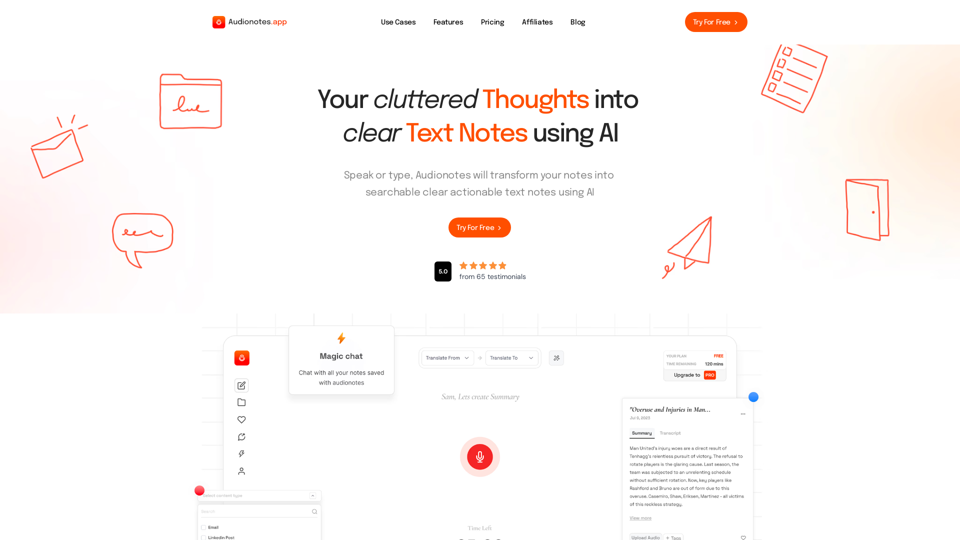
#1 AI-Based Note-Taking App. Summarize and Create Content & Chat with your unstructured voice and text notes using AI.
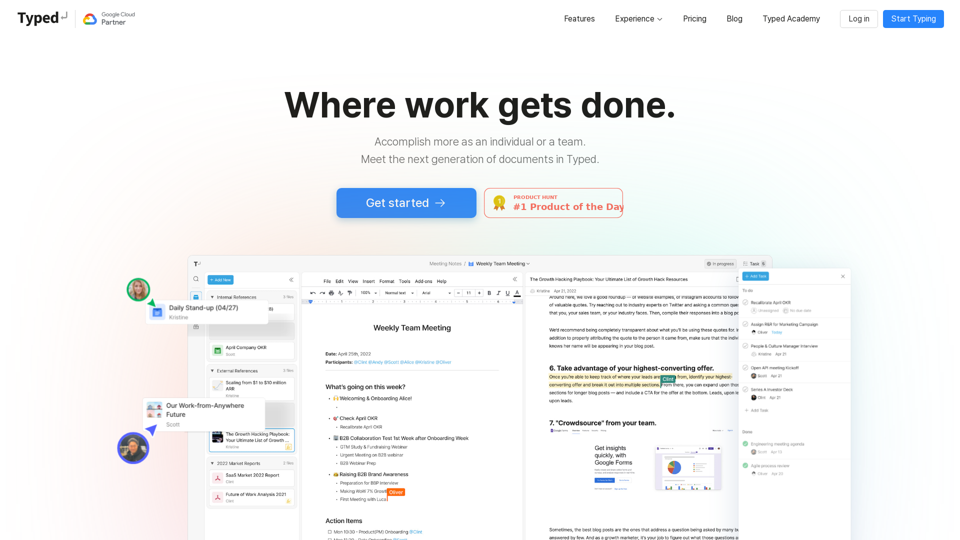
Trusted by Google, Typed is a collaborative document tool that optimizes teamwork by connecting your team’s scattered docs and workflows.
Transform your note-taking with Moosy, a free AI-powered notebook for effortless organization and smart knowledge management.
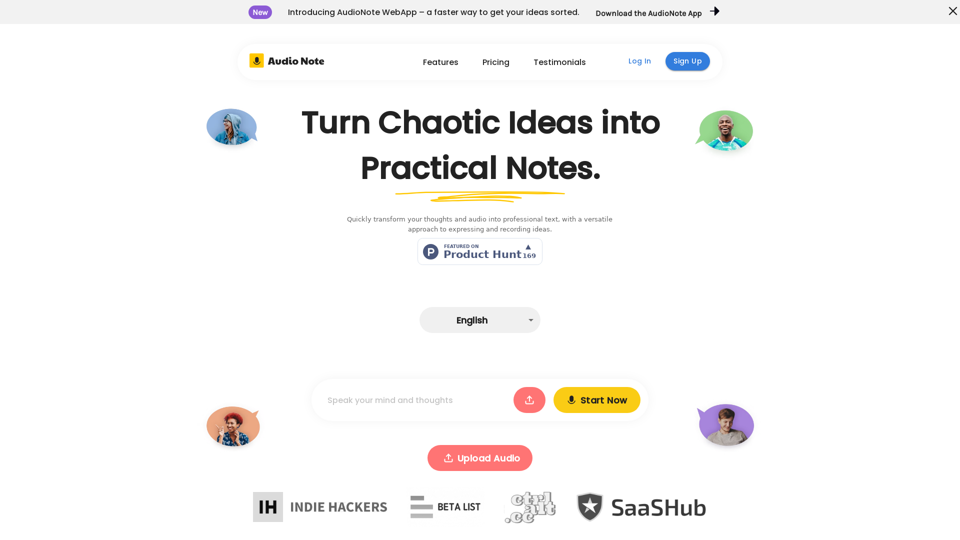
Speak and Write Like a Pro with Audio Note. Audio Note is the ultimate note taking app that lets you record your voice and turn it into text. But that's not all. Audio Note also uses AI to rewrite your text in various formats, such as todo list, tweet, LinkedIn post, email and more. Whether you need to organize your tasks, share your ideas, network with others or communicate effectively, Audio Note can help you do it with ease and style. Try Audio Note today and see the difference for yourself.
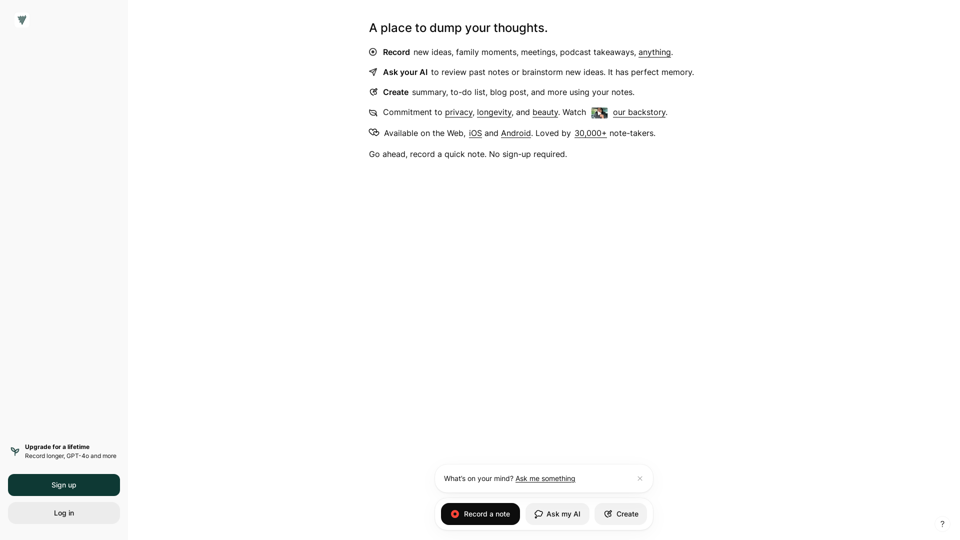
Voicenotes is an intelligent note-taking app. Record your thoughts freely, get them transcribed using state-of-the-art AI, and ask about every word you spoke.
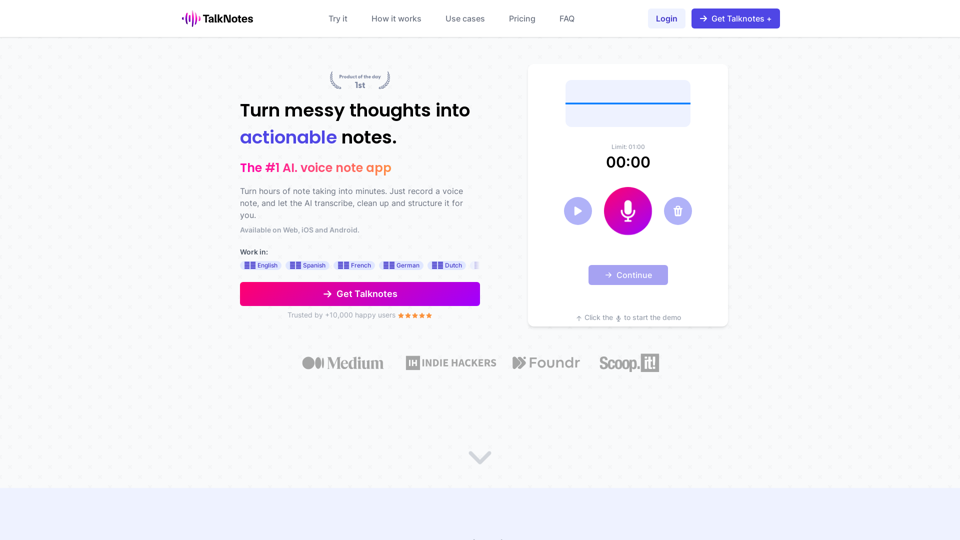
Turn hours of note taking into seconds. Record voice notes, and let the AI transcribe & structure them into actionable text. Create task lists, transcripts, blog posts, and more! Works in 50+ languages.
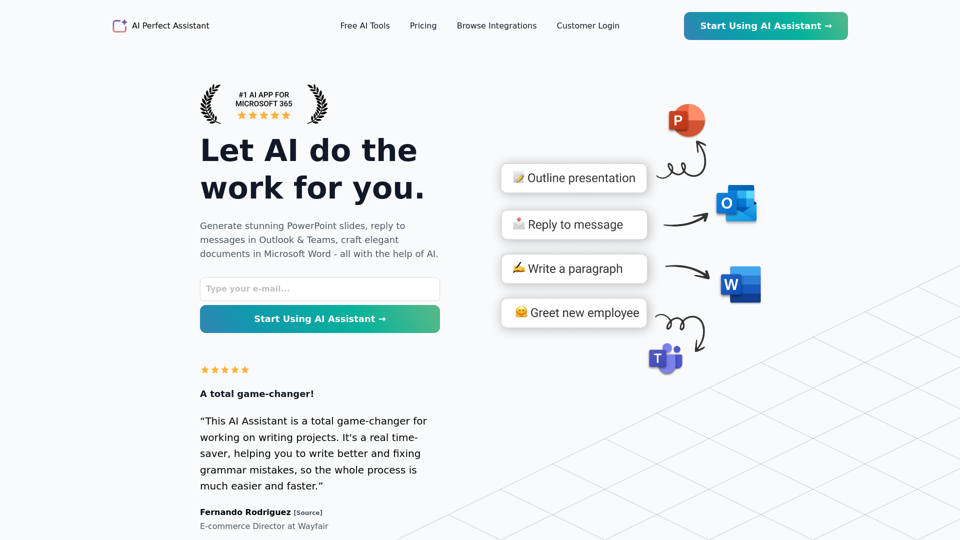
Generate stunning PowerPoint slides, reply to messages in Outlook & Teams, craft elegant documents in Microsoft Word - all with the help of AI.
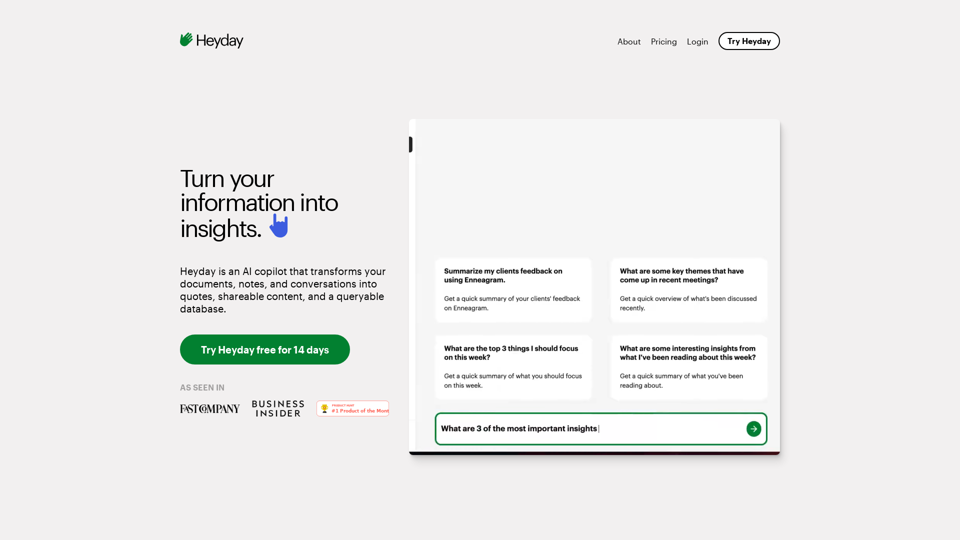
Heyday is an AI copilot that transforms your documents, notes, and conversations into quotes, shareable content, and a queryable database.