Dictanote
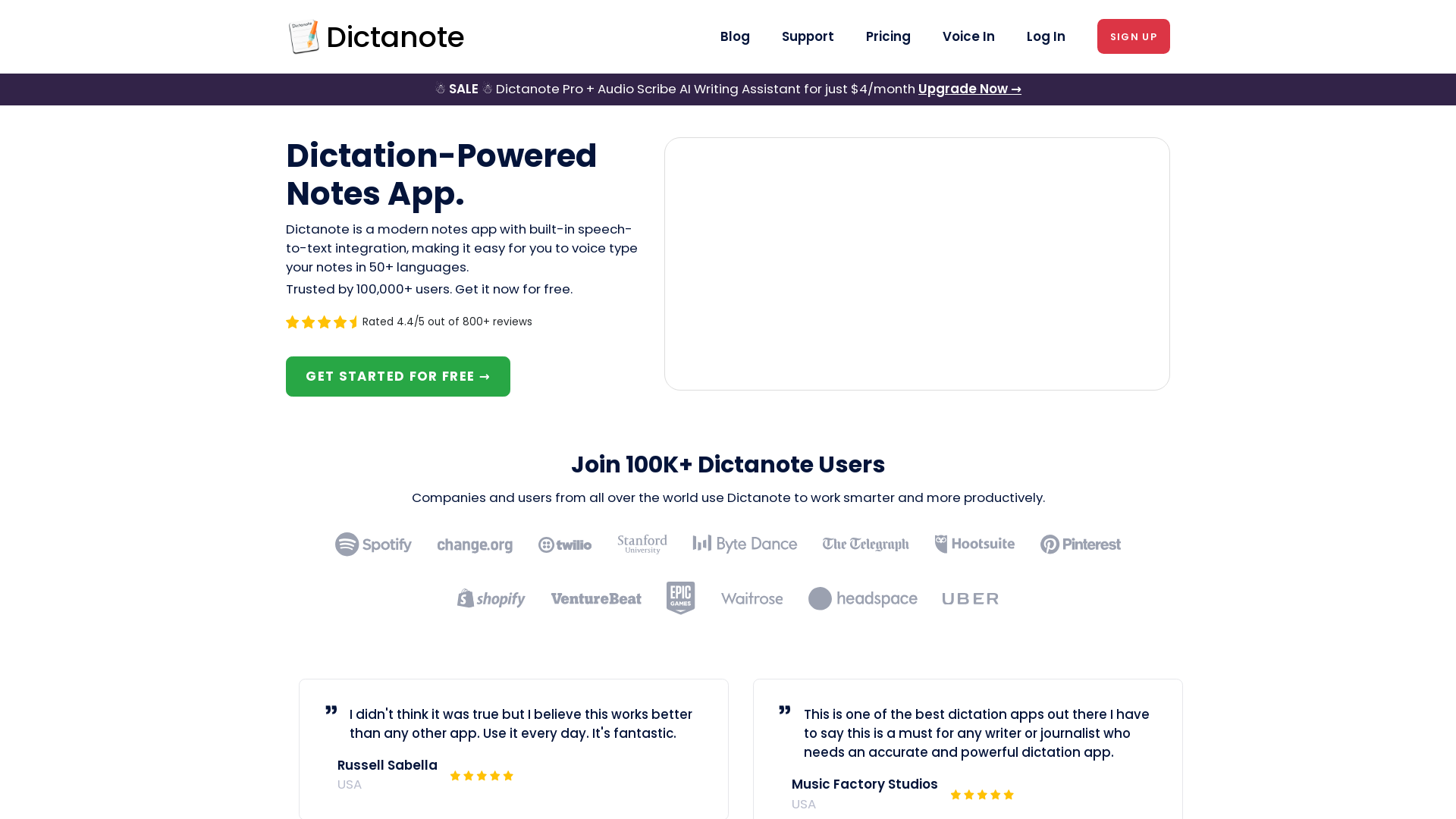
Switch effortlessly between using the keyboard and your voice to type out notes. Work smarter and more productively with fast, accurate dictation and transcription.
What is Dictanote?
Dictanote is a powerful dictation-powered notes app that leverages advanced speech-to-text technology, allowing users to voice type their notes seamlessly in over 50 languages. With a user base of over 100,000 individuals, Dictanote is designed to enhance productivity and streamline note-taking, enabling effortless documentation of ideas and conversations.
What are the main features of Dictanote?
- Voice Typing
- Dictanote features an accurate real-time speech-to-text transcriber, which operates with over 90% accuracy, surpassing many offline systems like Dragon Naturally Speaking.
- Multi-Lingual Support
- The app supports speech recognition in more than 50 languages and 80 dialects, catering to a diverse audience.
- Voice Commands
- Users can use voice commands to add punctuation, handle technical terms, and make corrections easily.
- Keyboard Shortcuts
- Keyboard shortcuts enable users to start or stop dictation and switch languages effortlessly.
- Audio Scribe
- An AI writing assistant that converts voice notes into clear, summarized text automatically, enhancing the clarity of your notes.
How to use Dictanote?
To start using Dictanote, simply sign up for free. The app is compatible across various platforms, including desktop (Windows, Linux, and Mac), and mobile (Android and iPhone). Users can dictate notes, utilize the Audio Scribe feature for summarizing audio notes, and will enjoy automatic cloud syncing to access notes on any device.
What is the pricing for Dictanote?
Dictanote offers a free plan for users, while Pro subscribers can access advanced features and enhanced capabilities for just $4/month. This affordable option provides unlimited dictation and the ability to transcribe pre-recorded audio files, among other benefits.
Helpful Tips
- Explore voice commands to improve your dictation efficiency and save time on editing.
- Make sure to have a functioning microphone for optimal voice recognition.
- Utilize Audio Scribe to convert messy thoughts into well-structured notes easily.
- Take advantage of the cloud-sync feature to access your notes wherever you are.
Frequently Asked Questions
What are the system requirements to use Dictanote?
Dictanote can be used on desktop (Windows/Linux/Mac) via Google Chrome or Microsoft Edge and on mobile (Android) also through Google Chrome. For iPhone, it requires Safari 12 and above, though without voice dictation support. An inbuilt or external microphone is necessary for dictation.
Are Dictanote and Voice In different products?
Yes, Dictanote serves as a note-taking app with speech-to-text integration, while Voice In is a Chrome extension that enables speech-to-text input on any website in Chrome.
Can I convert audio files to text?
Absolutely! For that purpose, users can explore the Dictanote Transcribe feature, which allows conversion of recorded audio files into text.
How does Dictanote keep my data safe?
Dictanote prioritizes user privacy, securely storing notes with encryption and not processing or storing any audio data on their servers.
How do I manage my subscription?
Subscriptions can easily be managed within the Account Settings. Users can cancel their subscriptions at any time, with access retained until the end of the subscription period.
Can I use Dictanote offline?
Yes, Dictanote provides offline support for note access and editing, though dictation requires a stable internet connection.
Try Dictanote Now
Join the growing community of users who are improving their productivity today by signing up for Dictanote for free.
Dictanote
Switch effortlessly between using the keyboard and your voice to type out notes. Work smarter and more productively with fast, accurate dictation and transcription.
 Bootstrap:4.3.1
 Cloudflare
 Google Sign-in
 HTTP/3
 YouTube
 cdnjs
cdnjs jQuery:3.7.1
Free AI anime and manga generator. Turn text into anime episodes, manga, comics, webtoons and comic shorts in any art style — no drawing or animation skills needed.
Translate image text across 70+ languages with our advanced AI Image Translator to help you better expand your products globally to various countries
Advertised Here
Reach thousands of visitors daily. Get your spot now!
Tools similar to Dictanote
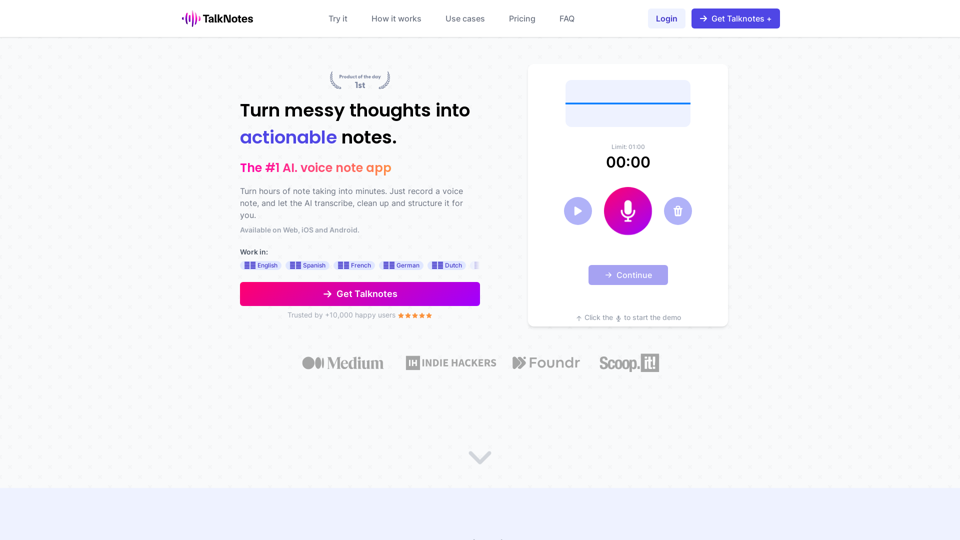
Turn hours of note taking into seconds. Record voice notes, and let the AI transcribe & structure them into actionable text. Create task lists, transcripts, blog posts, and more! Works in 50+ languages.
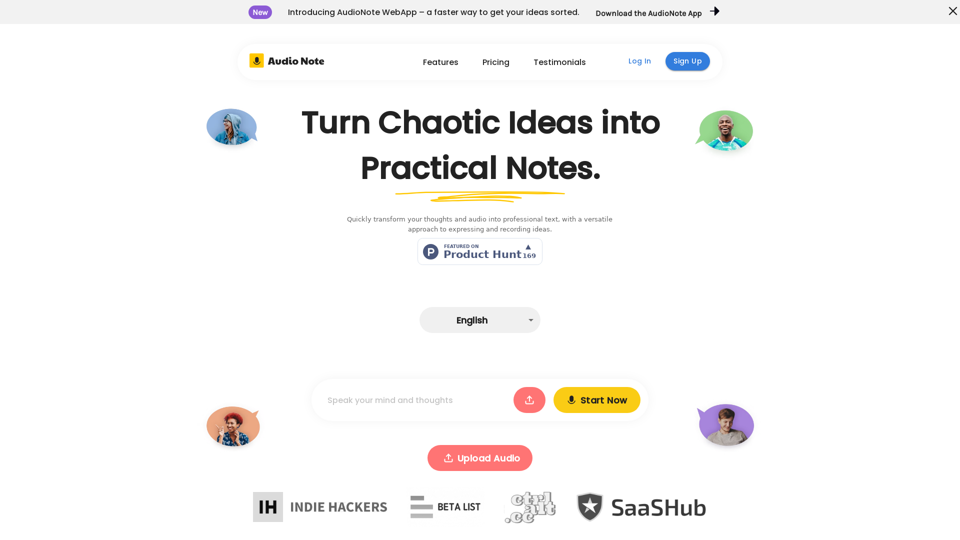
Speak and Write Like a Pro with Audio Note. Audio Note is the ultimate note taking app that lets you record your voice and turn it into text. But that's not all. Audio Note also uses AI to rewrite your text in various formats, such as todo list, tweet, LinkedIn post, email and more. Whether you need to organize your tasks, share your ideas, network with others or communicate effectively, Audio Note can help you do it with ease and style. Try Audio Note today and see the difference for yourself.
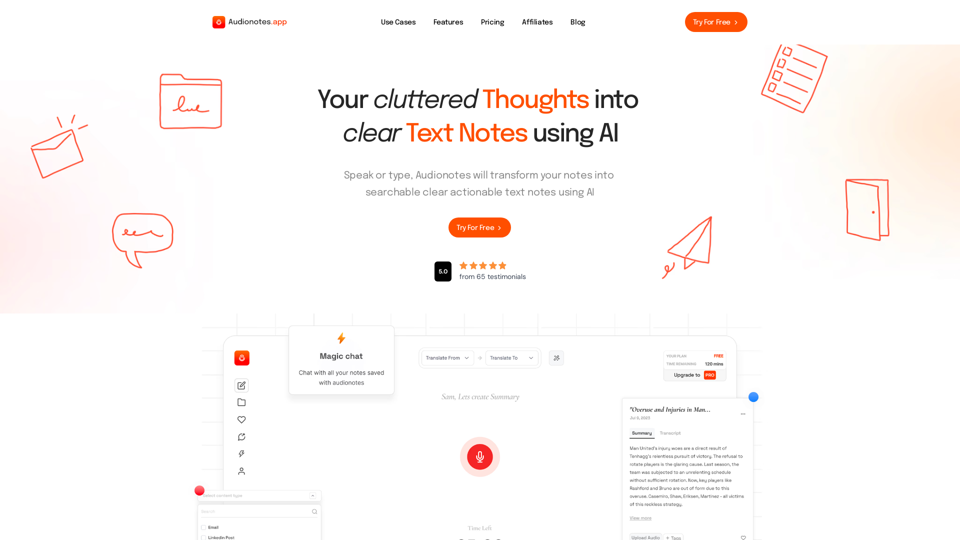
#1 AI-Based Note-Taking App. Summarize and Create Content & Chat with your unstructured voice and text notes using AI.
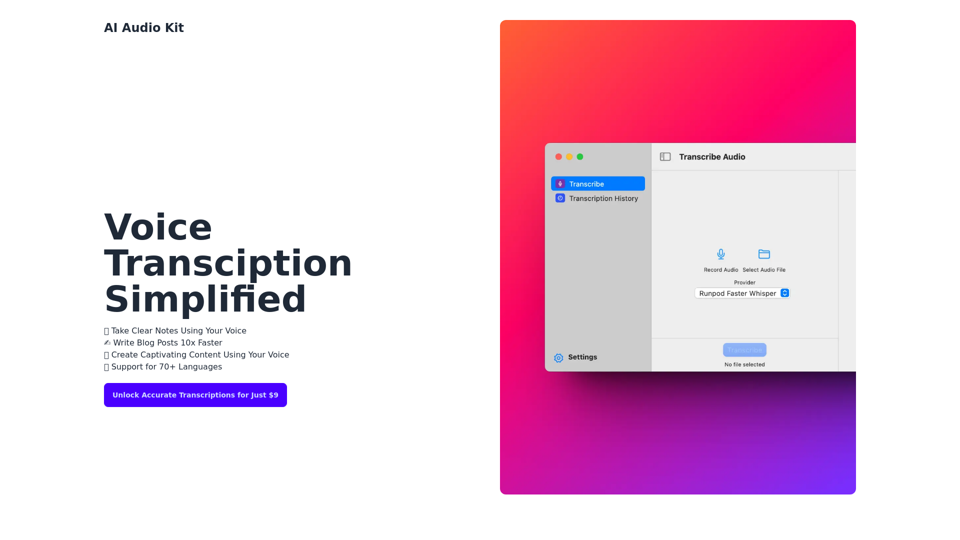
AI Audio Kit helps you to transcribe Audio using OpenAI's Official Whisper API right from macOS!
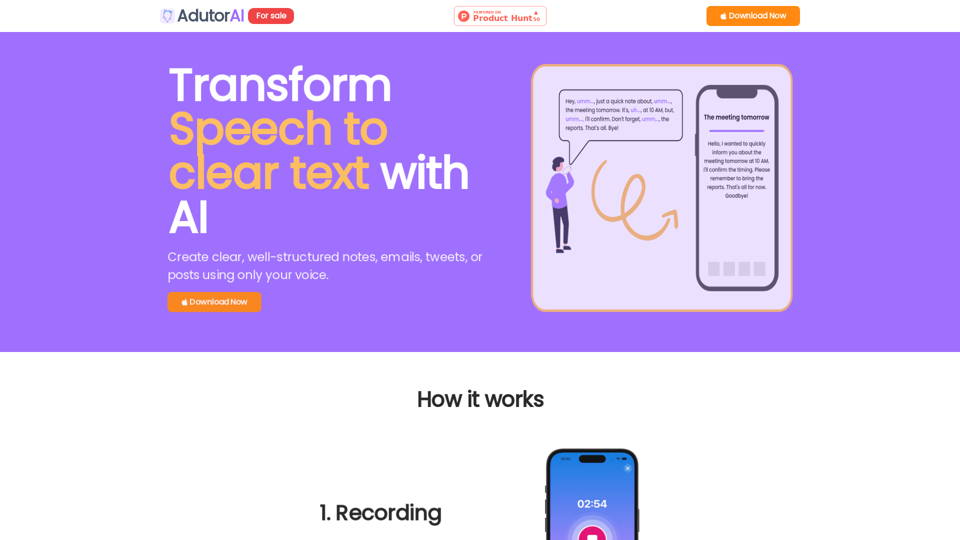
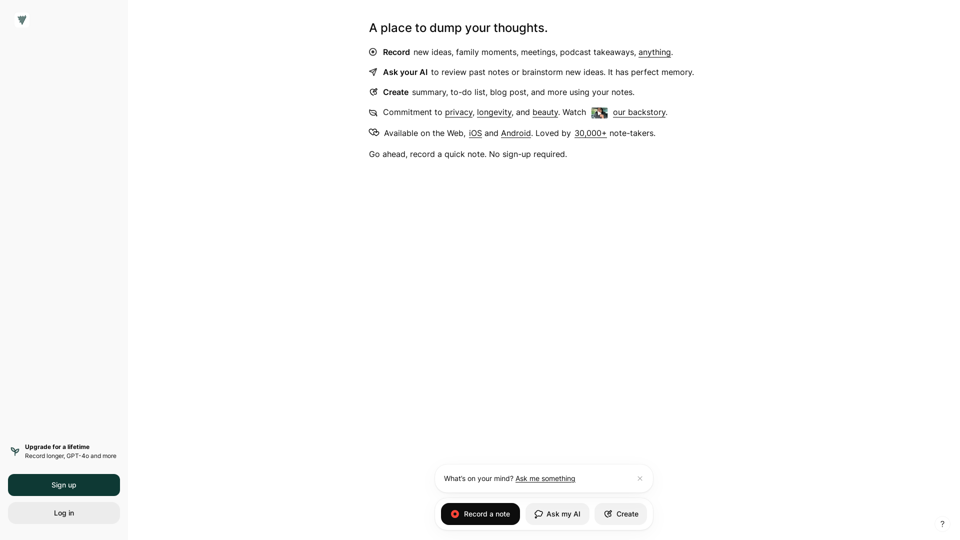
Voicenotes is an intelligent note-taking app. Record your thoughts freely, get them transcribed using state-of-the-art AI, and ask about every word you spoke.
Transform your note-taking with Moosy, a free AI-powered notebook for effortless organization and smart knowledge management.
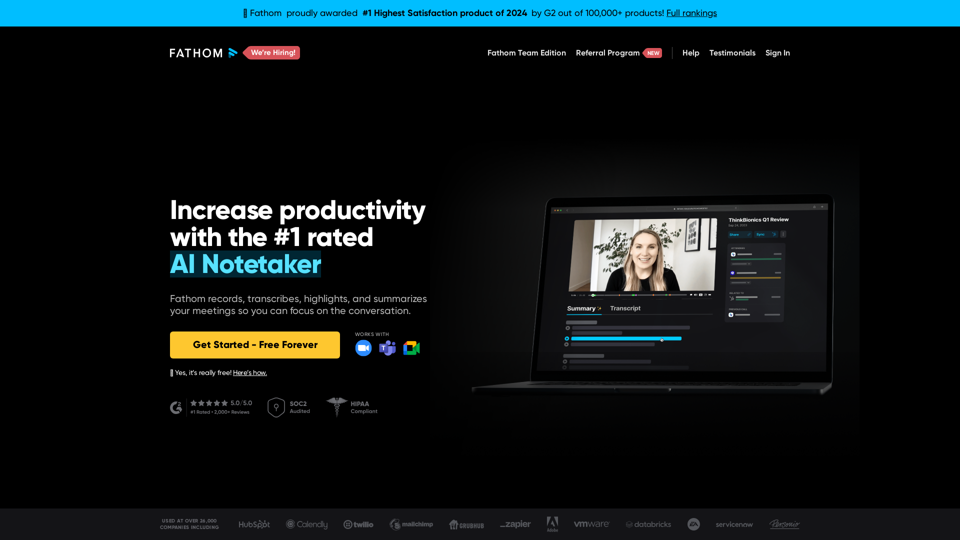
Instantly summarizes your meetings so you can focus on the conversation instead of taking notes.