What is Drawtoon.app?
Drawtoon.app is a dynamic, browser-based platform designed specifically for creating, publishing, and sharing webcomics and manga. It provides a complete suite of digital drawing and comic creation tools without the need for any software installation or complex setup. By offering powerful features like panels, layers, speech bubbles, and a vast library of assets, it empowers artists and storytellers of all skill levels to bring their ideas to life and connect with a community of readers. It serves as an all-in-one creative studio for producing serialized comics, graphic novels, or single-panel cartoons.
Main Features of Drawtoon.app
- Zero-Setup Web-Based Studio
- Access a full-featured manga and comic creation toolset directly from your web browser. There's no need to download or install expensive software; you can start drawing instantly from any device.
- Comprehensive Creation Toolkit
- The platform includes specialized tools for comic creation, such as customizable panel layouts, vector-based drawing tools, layer management, text and speech bubble editors, and a rich asset library including tones, backgrounds, and character parts.
- Integrated Publishing & Community Hub
- Drawtoon.app isn't just a drawing tool; it's a publishing platform. Users can serialize their comics, publish episodes, gain followers, and interact with readers through comments and ratings directly on the site.
- Discover & Showcase Popular Content
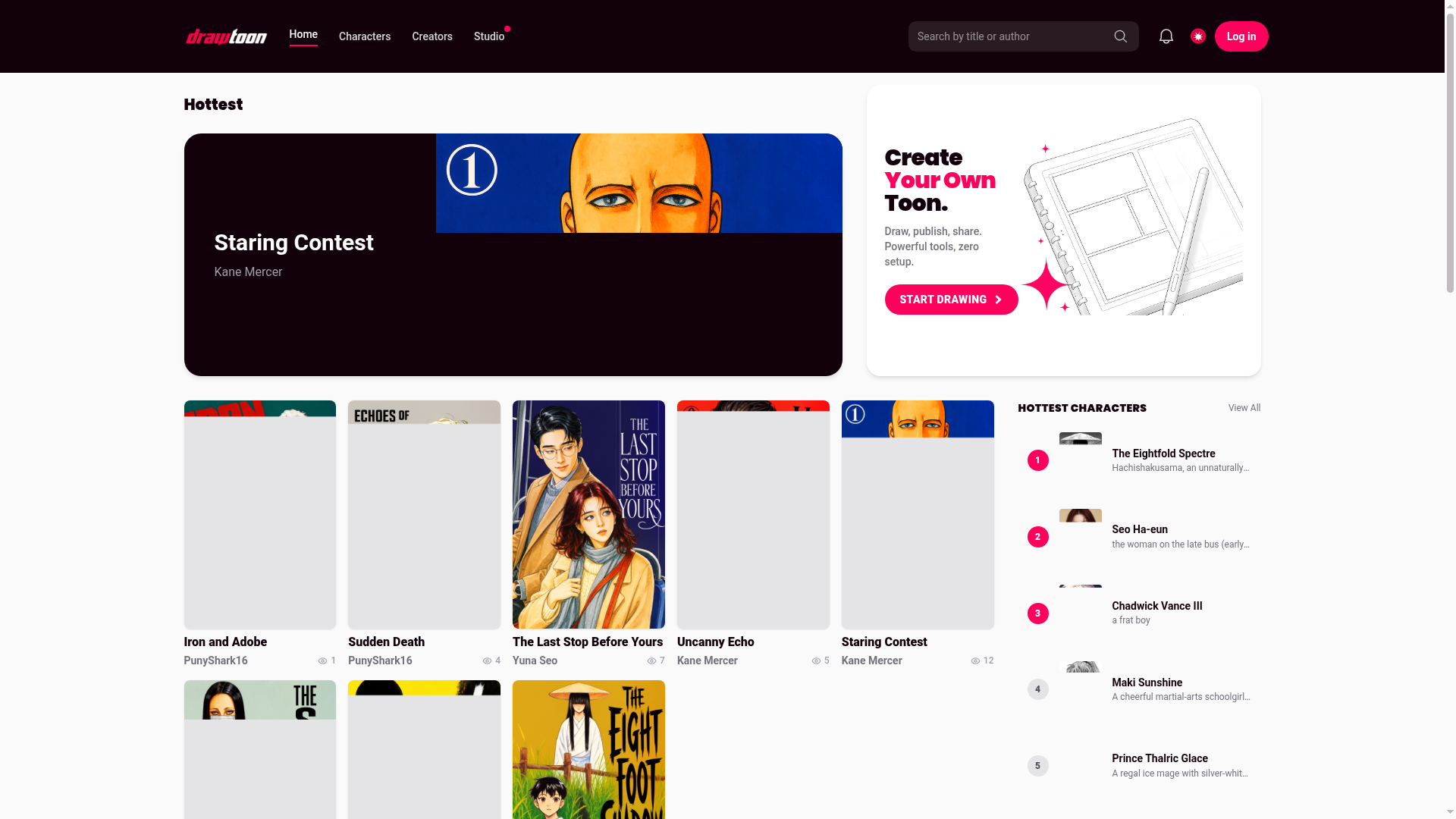
- The platform features "Hottest" and "Top Ranking" sections (like the one showcased in the provided content), allowing creators to gain visibility and readers to easily discover trending and highly-rated comics such as "Staring Contest" by Kane Mercer or "The Last Stop Before Yours" by Yuna Seo.
How to Use Drawtoon.app?
- Start Creating: Click the "Start drawing" or "Create Your Own Toon" button on the homepage to enter the web-based editor.
- Utilize the Tools: Use the provided tool palette to sketch, ink, and color your artwork. Arrange your story using the panel tools, add dialogue with speech bubbles, and enhance scenes with assets from the library.
- Publish Your Work: Once your comic page or episode is complete, use the publishing workflow to upload it to your personal series page. You can set titles, descriptions, and tags.
- Share and Engage: Share the unique link to your published toon on social media or within the Drawtoon community. Interact with readers through the platform's built-in comment system to build your audience.
Price and Subscription Model
Drawtoon.app offers a freemium model. Core creation and publishing features are available for free, allowing anyone to start drawing and sharing their comics. For advanced creators seeking more powerful capabilities, such as higher-resolution exports, access to a premium asset library, advanced layer options, or ad-free browsing and reading, the platform offers affordable subscription plans. Specific pricing tiers (e.g., Pro or Premium memberships) provide extended storage, exclusive tools, and enhanced visibility features.
Helpful Tips for Using Drawtoon.app
- Plan Your Series
- Before diving in, outline your story and character designs. Consistency in art and story helps retain readers.
- Leverage the Asset Library
- Save time by using pre-made backgrounds, screentones, and effects from the library to speed up your production process.
- Engage with the Community
- Regularly update your series, respond to comments, and read other popular toons to understand what resonates with the audience.
- Promote Your Link
- Use the unique, shareable link for each of your published episodes to promote your work outside the platform on social media, forums, or personal blogs.
- Study Top-Ranking Toons
- Analyze popular comics like "Staring Contest" or "Uncanny Echo" featured on the leaderboards to learn about successful art styles, pacing, and storytelling techniques.
Frequently Asked Questions (FAQ)
Is Drawtoon.app completely free to use?
Yes, you can start creating and publishing comics for free with a robust set of basic tools. Advanced features and an enhanced experience are available through optional subscription plans.
Do I need to know how to draw to use it?
While drawing skill enhances your work, the platform's tools and asset library can help beginners create compelling comics. It's designed for all levels, from hobbyists to professional artists.
Can I collaborate with others on a comic?
Currently, comics are typically created by individual accounts. For collaboration, creators often coordinate outside the platform and upload the final work from a single account.
Who owns the copyright to the comics I create?
You retain full copyright and ownership of all original content you create and publish on Drawtoon.app. The platform provides the tools and space for publication.
How do I get my comic featured in the "Hottest" or "Top Ranking" sections?
These sections are typically driven by community engagement metrics such as view counts, reader ratings, comments, and new episode frequency. Consistently publishing high-quality content and actively promoting your work to gain readers can increase your chances of being featured.
Can I export my comic to print or other platforms?
Yes, Drawtoon.app allows you to export your completed pages in standard image formats. For professional print quality or to publish on other webcomic sites, you may need a subscription plan that supports higher-resolution exports.
What happens if I decide to delete my account?
You should be able to delete your account, which would typically remove your published comics and personal data from the platform. It's advisable to download and back up your work locally before taking this step.
drawtoon
drawtoon is a free AI manga and manhwa studio. Create your own comics with AI, publish them, and read original manga and webtoons from creators around the world.
 Next.js
 Node.js
 React
React Vercel
 Webpack
Free AI anime and manga generator. Turn text into anime episodes, manga, comics, webtoons and comic shorts in any art style — no drawing or animation skills needed.
Translate image text across 70+ languages with our advanced AI Image Translator to help you better expand your products globally to various countries
Advertised Here
Reach thousands of visitors daily. Get your spot now!
Tools similar to drawtoon
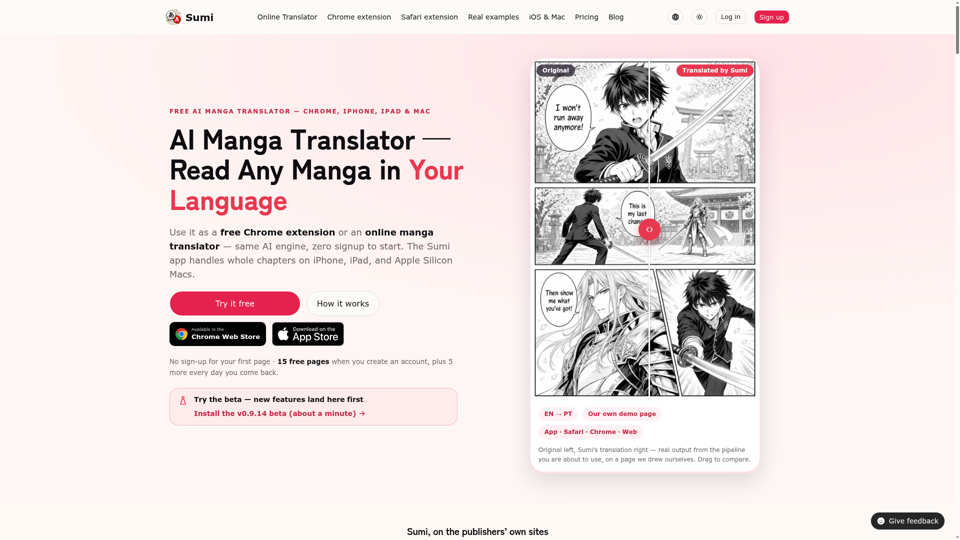
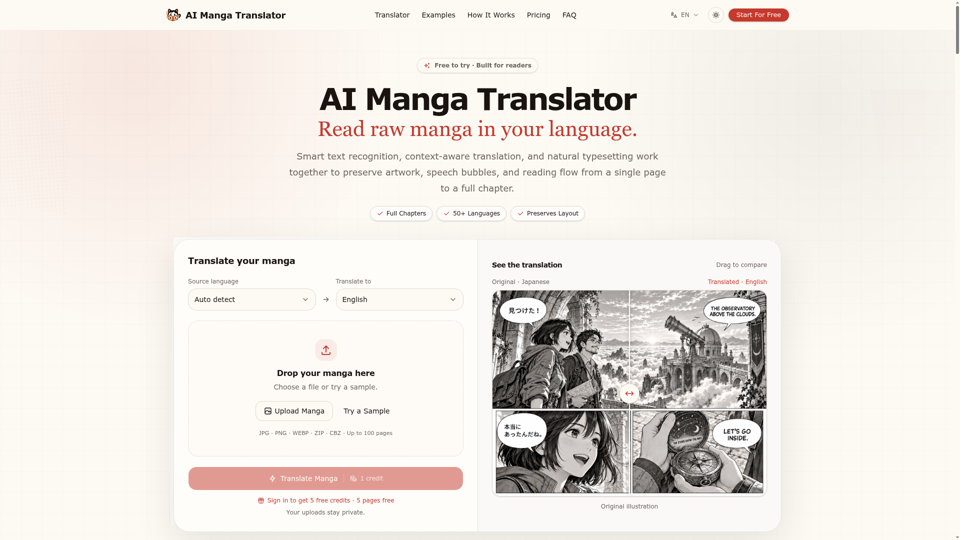
Translate manga online with AI, from one page to a full chapter. Supports 50+ languages, including Japanese, Korean and Chinese, while preserving artwork, speech bubbles and layout.
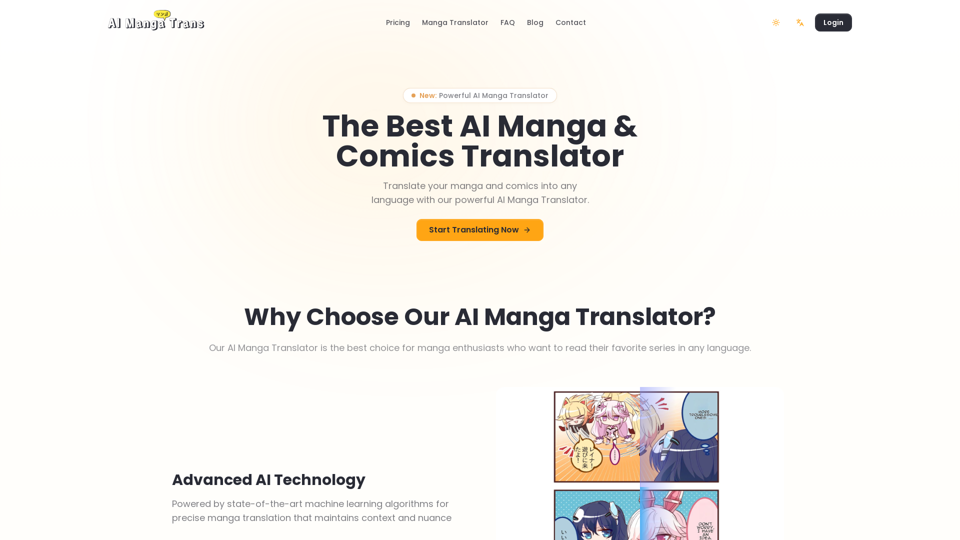
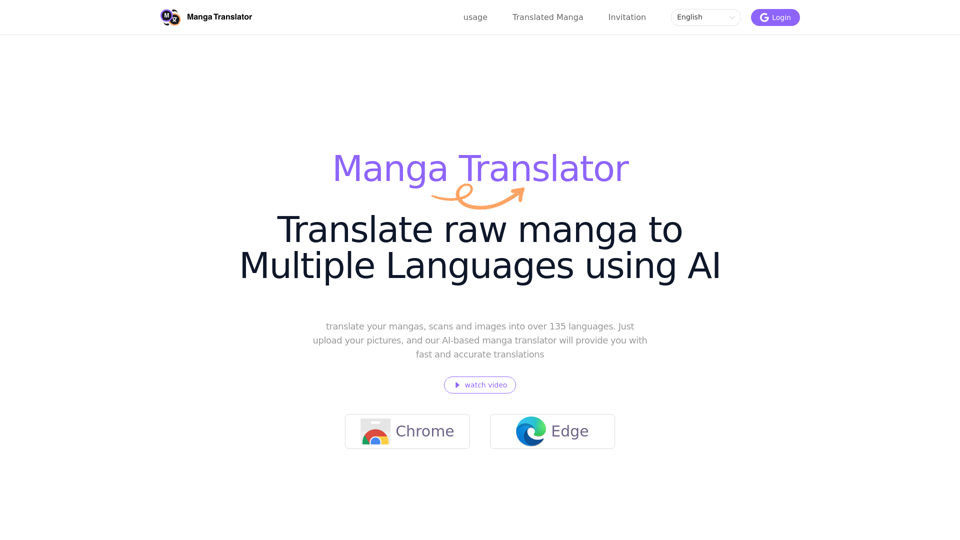
The best Manga Translator extension! Scan manga/comic/manhua/manhwa translator online,suport 135 languages manga translate use chatgpt,MangaMTL's Perfect Replacement!
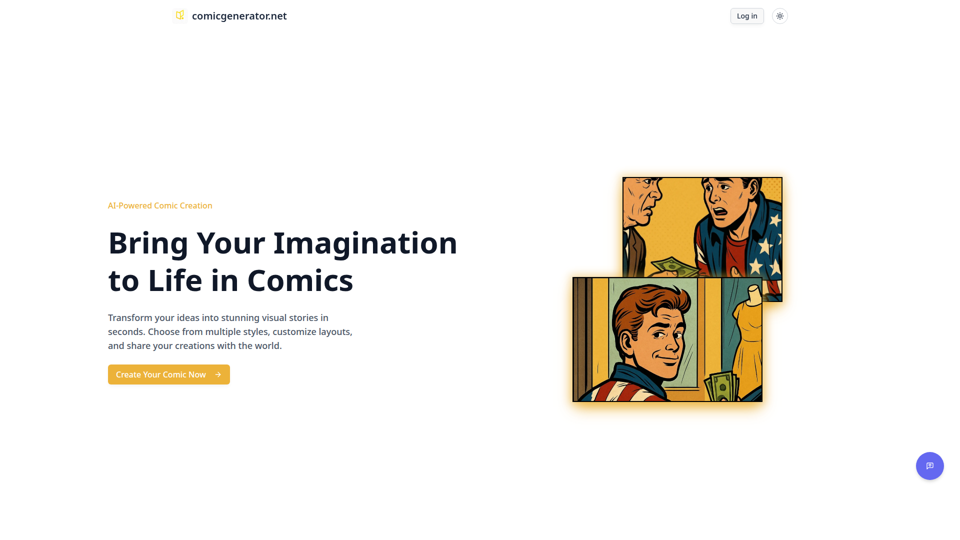
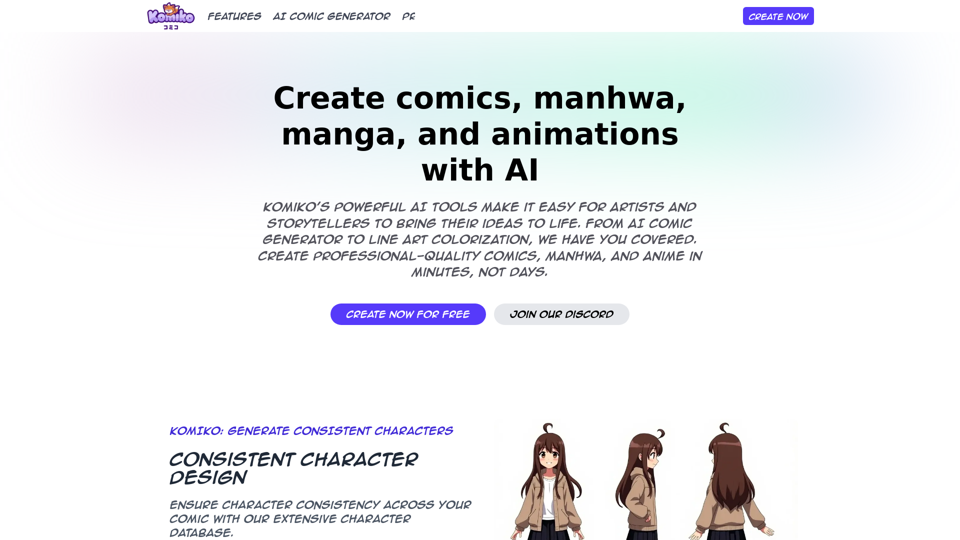
Unleash your stories with the ultimate AI comic generator. Instantly create stunning comic strips from text, no drawing skills required. Try our free comic maker today!
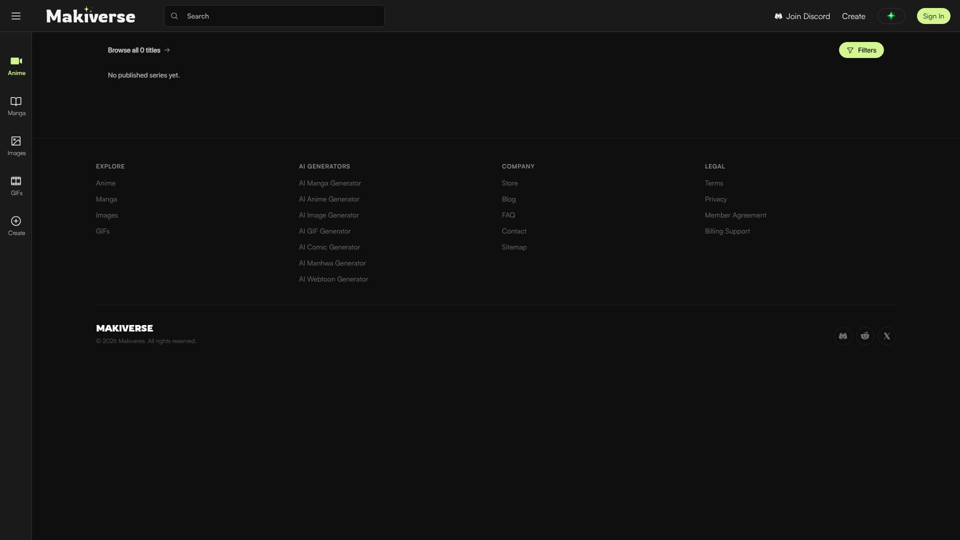
Free AI anime and manga generator. Turn text into anime episodes, manga, comics, webtoons and comic shorts in any art style — no drawing or animation skills needed.