2027 New Year AI Video Generator
Turn one photo into Hello 2027, Goodbye 2026→Hello 2027, and Happy New Year 2027 AI clips for TikTok & Reels. Pick a template—no prompts—credits shown upfront.
What is 2027 New Year AI Video Generator?
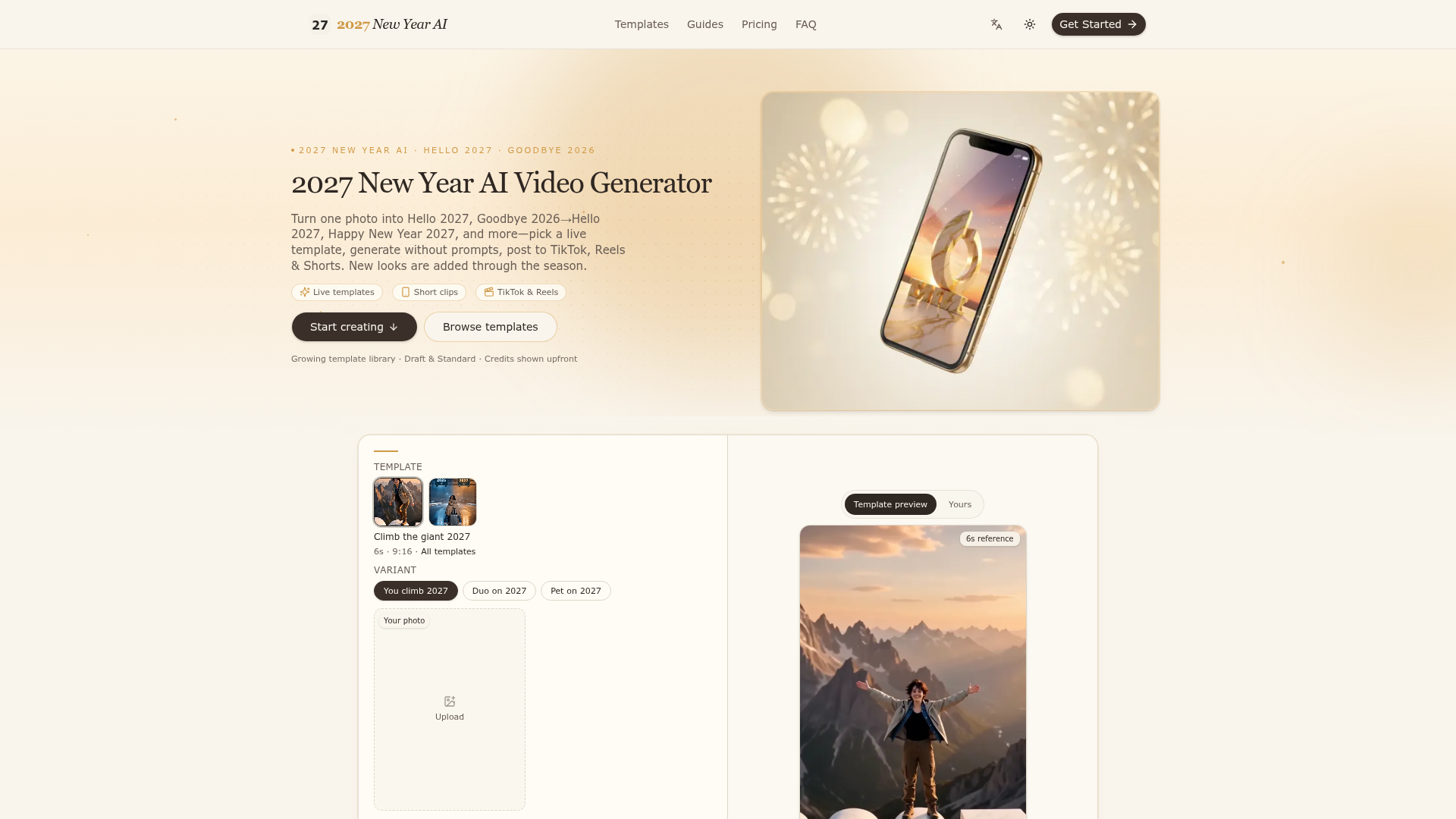
2027 New Year AI Video Generator turns a photo into short New Year clips such as Hello 2027, Goodbye 2026→Hello 2027 and Happy New Year 2027. It is made for people who want a TikTok, Reels or Shorts post without writing prompts or working on an editing timeline: pick a live template, upload the required photo and download an MP4. Credits are shown on the Generate button before you spend, and new templates are added through the season.
Key features
- Live template library
- fixed-motion looks including Hello 2027, Goodbye 2026→Hello 2027, Happy New Year 2027 and Climb the giant 2027, with new formats added through the season.
- No prompts needed
- you choose a template and upload photos instead of writing prompts or editing on a timeline.
- Credits shown upfront
- the Generate button displays the cost of the run before you spend, and credits scale with template length and Draft or Standard quality.
- Short clips
- the reference baseline is a 6-second Standard clip, and length and aspect ratio depend on the template you pick.
- Draft and Standard quality
- two quality settings are available, and the credit cost changes with the one you choose.
- MP4 download and posting
- save the MP4 and share it on TikTok, Reels or Shorts with tags such as #HappyNewYear2027, #hello2027, #goodbye2026 or #welcome2027.
- Generation model
- clips are created from your photos using fixed templates and Alibaba Wan 3.0.
How to use 2027 New Year AI Video Generator
- Pick a template: choose any live look in the studio, or browse the full Templates page for the current formats.
- Upload and generate: add the required photo or photos for that template. The credit cost appears on the button before you spend.
- Download and post: save the finished MP4 and share it on TikTok, Reels or Shorts.
Use cases
- People who want a New Year greeting clip for TikTok, Reels or Shorts from a photo they already have.
- Creators posting Hello 2027, Welcome 2027 or Happy New Year 2027 content with the matching hashtags.
- Anyone who wants a Goodbye 2026 → Hello 2027 transition clip for a year-in-review post.
- Users who would rather pick a ready-made look than write prompts or edit on a timeline.
- People who buy a larger credit pack to reshoot or try several templates before choosing one to post.
Pricing
Credit packs are pay-as-you-go, with no subscription. Credits are valid for 365 days, and the Generate button always shows the cost of the current run.
- Single Clip
- — $9.99 for 113 credits, about 1× Standard at the 6-second baseline. Works on all live templates.
- Triple Post
- — $24.99 for 339 credits, about 3× Standard at the 6-second baseline. Works on all live templates.
- Creator Bundle
- — $39.99 (listed at $49.95) for 565 credits, about 5× Standard at the 6-second baseline. Works on all live templates.
FAQ
Is 2027 New Year AI Video Generator free?
The site sells credit packs on a pay-as-you-go basis and does not list a free plan or a free trial. The lowest listed pack is Single Clip at $9.99 for 113 credits.
Do I need to write a prompt to use 2027 New Year AI Video Generator?
No. The tool runs on fixed templates, so you pick a look and upload your photo instead of writing a prompt or working on an editing timeline.
Which AI model does 2027 New Year AI Video Generator use?
The site states that clips are created from your photos using fixed templates and Alibaba Wan 3.0. It also notes that 2027 New Year AI is an independent service and is not affiliated with Alibaba or TikTok.
What is the difference between Draft and Standard in 2027 New Year AI Video Generator?
Credits scale with template length and with Draft or Standard quality, and the Generate button shows the cost of the run before you spend. The site does not list further differences between the two settings.
How many photos does 2027 New Year AI Video Generator need?
The tool is built around turning a photo into a clip, and the upload step asks for the required photo or photos for the template you choose. The exact number depends on the template.
Where can I post videos made with 2027 New Year AI Video Generator?
You download the MP4 and share it on TikTok, Reels or Shorts. The site suggests tags such as #HappyNewYear2027, #hello2027, #goodbye2026 and #welcome2027.
How long are 2027 New Year AI Video Generator credits valid?
Credits are valid for 365 days. Pricing is pay-as-you-go with no subscription.
2027 New Year AI Video Generator
Turn one photo into Hello 2027, Goodbye 2026→Hello 2027, and Happy New Year 2027 AI clips for TikTok & Reels. Pick a template—no prompts—credits shown upfront.
 Google Analytics
 Next.js
 Node.js
 React
 Vercel
 Webpack
Free AI anime and manga generator. Turn text into anime episodes, manga, comics, webtoons and comic shorts in any art style — no drawing or animation skills needed.
Translate image text across 70+ languages with our advanced AI Image Translator to help you better expand your products globally to various countries
Advertised Here
Reach thousands of visitors daily. Get your spot now!
Tools similar to 2027 New Year AI Video Generator
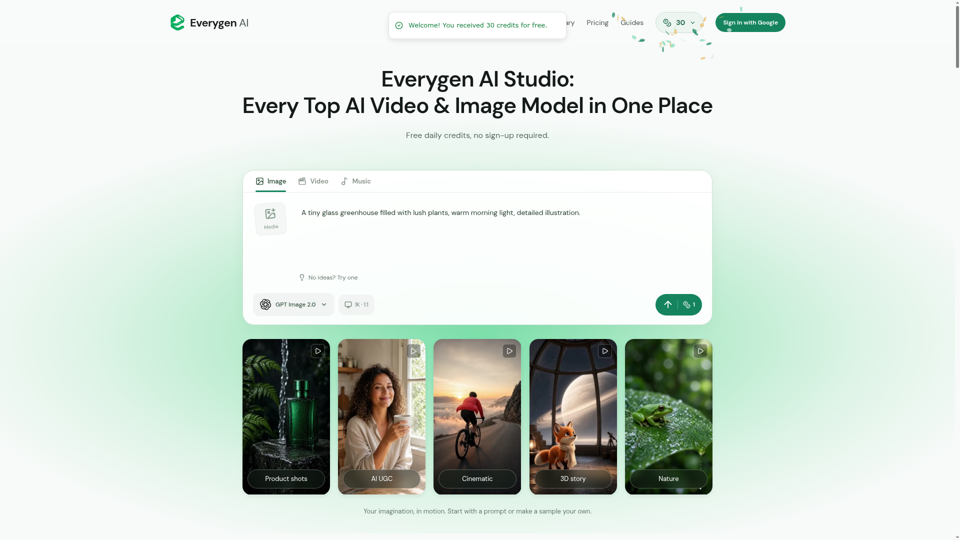
Create AI videos, images, music, UGC scenes and product shots. Get free daily credits for images, videos and music. Explore Everygen AI models, Viewmax and MCP resources.

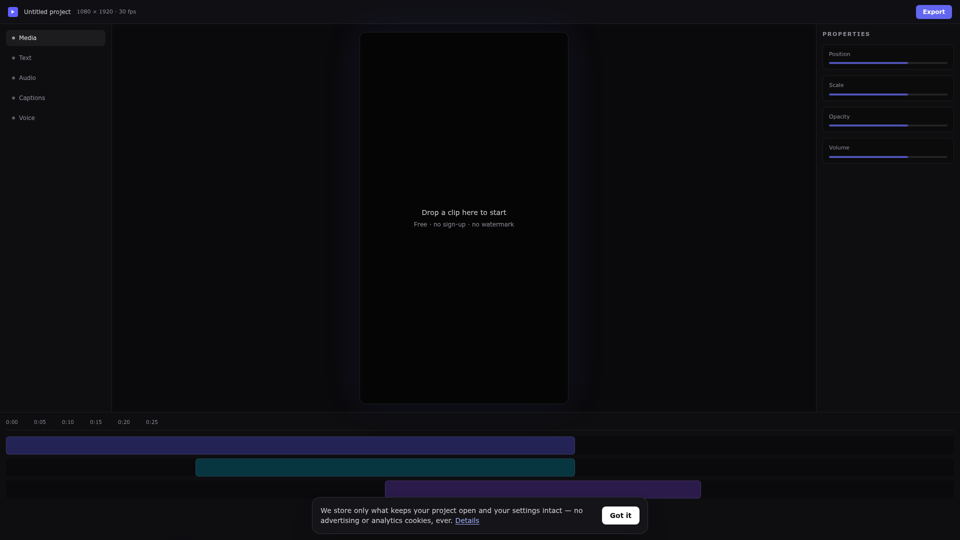
Edit videos online free in your browser. A real multi-track online video editor with auto captions, AI voiceover and background removal — no download, no sign up, no watermark.
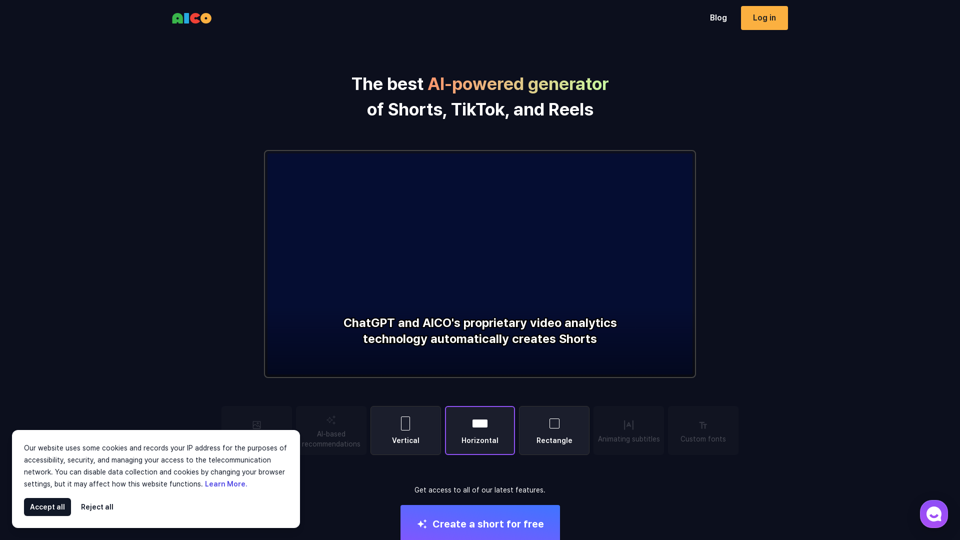
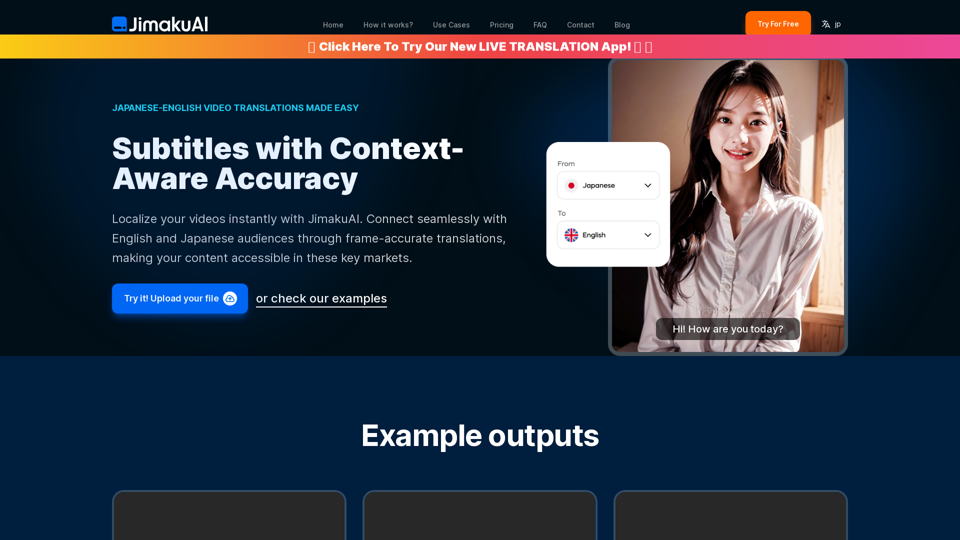
Experience seamless English to Japanese and Japanese to English subtitle translations with JimakuAI. Perfect for businesses, educators, and content creators looking to reach a wider audience. Break language barriers with frame-accurate, context-aware translations. Try our Free Beta today!